Connect iPhone and your computer with a cable
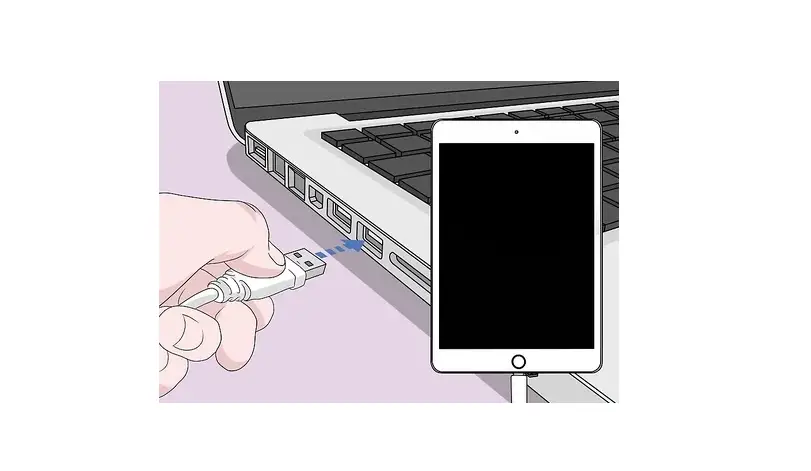
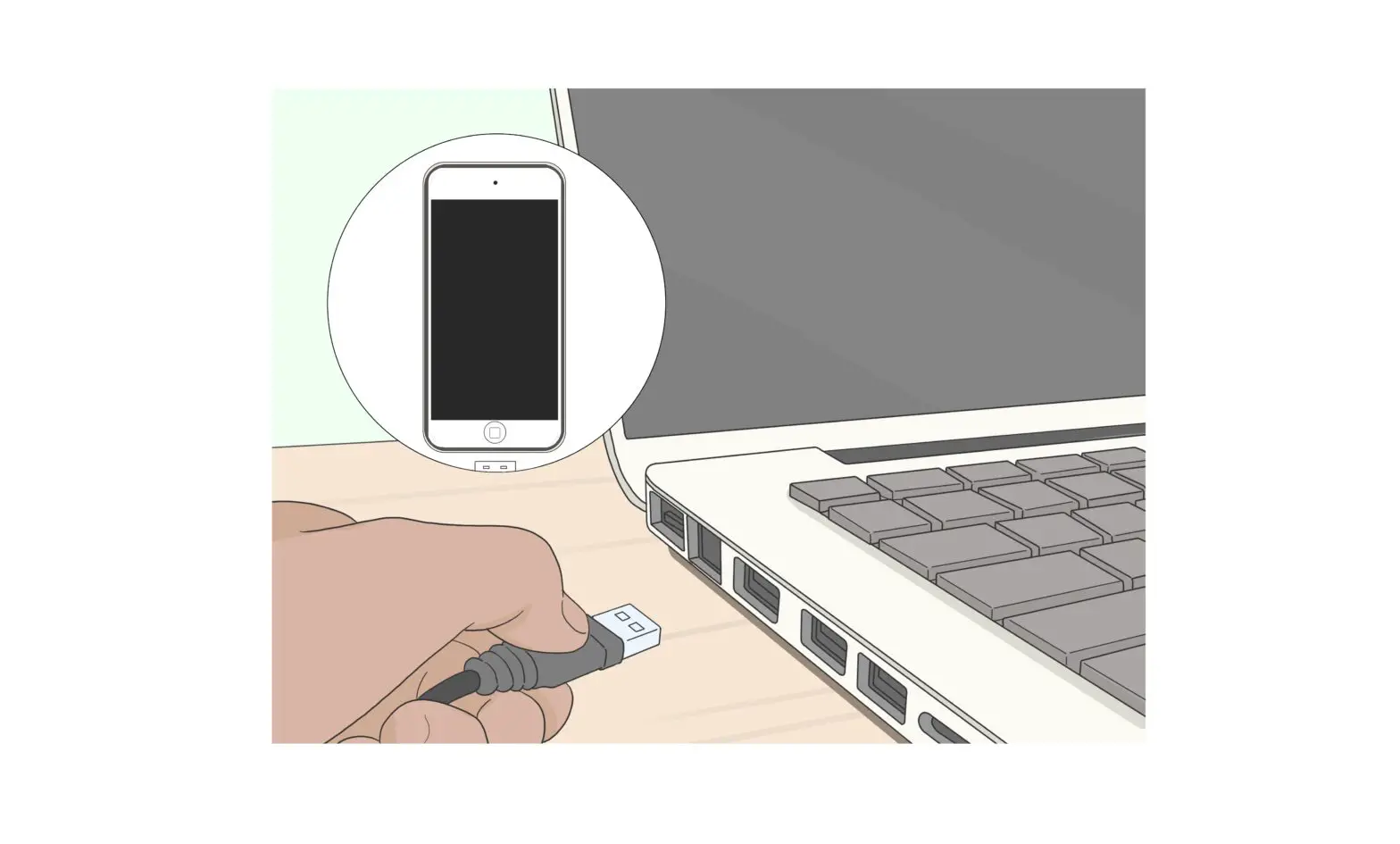
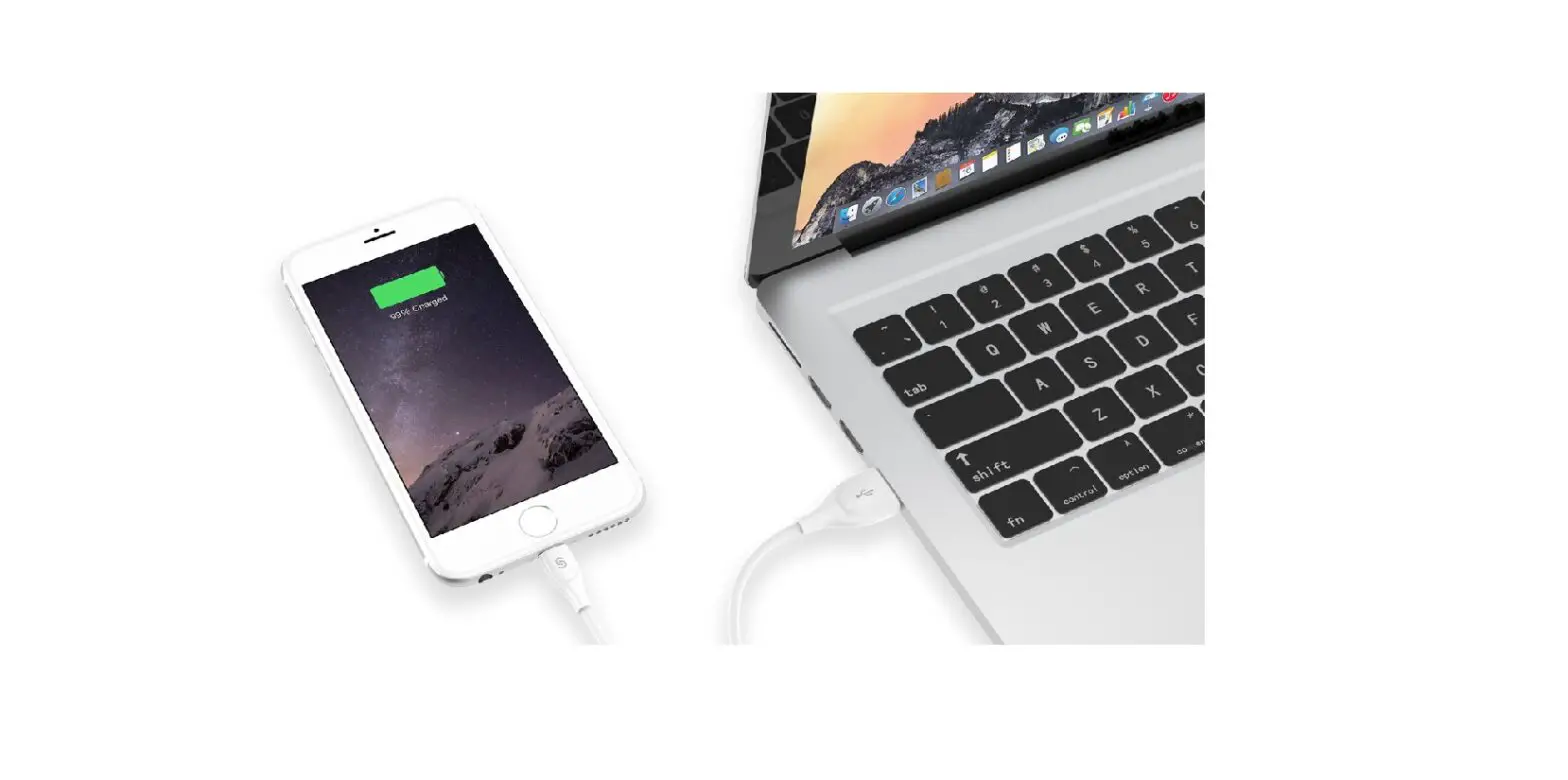
Using a USB cable or adapter, you can directly connect iPhone and a Mac or Windows PC.
- Make sure you have one of the following:
- Mac with a USB port and OS X 10.9 or later
- PC with a USB port and Windows 7 or later
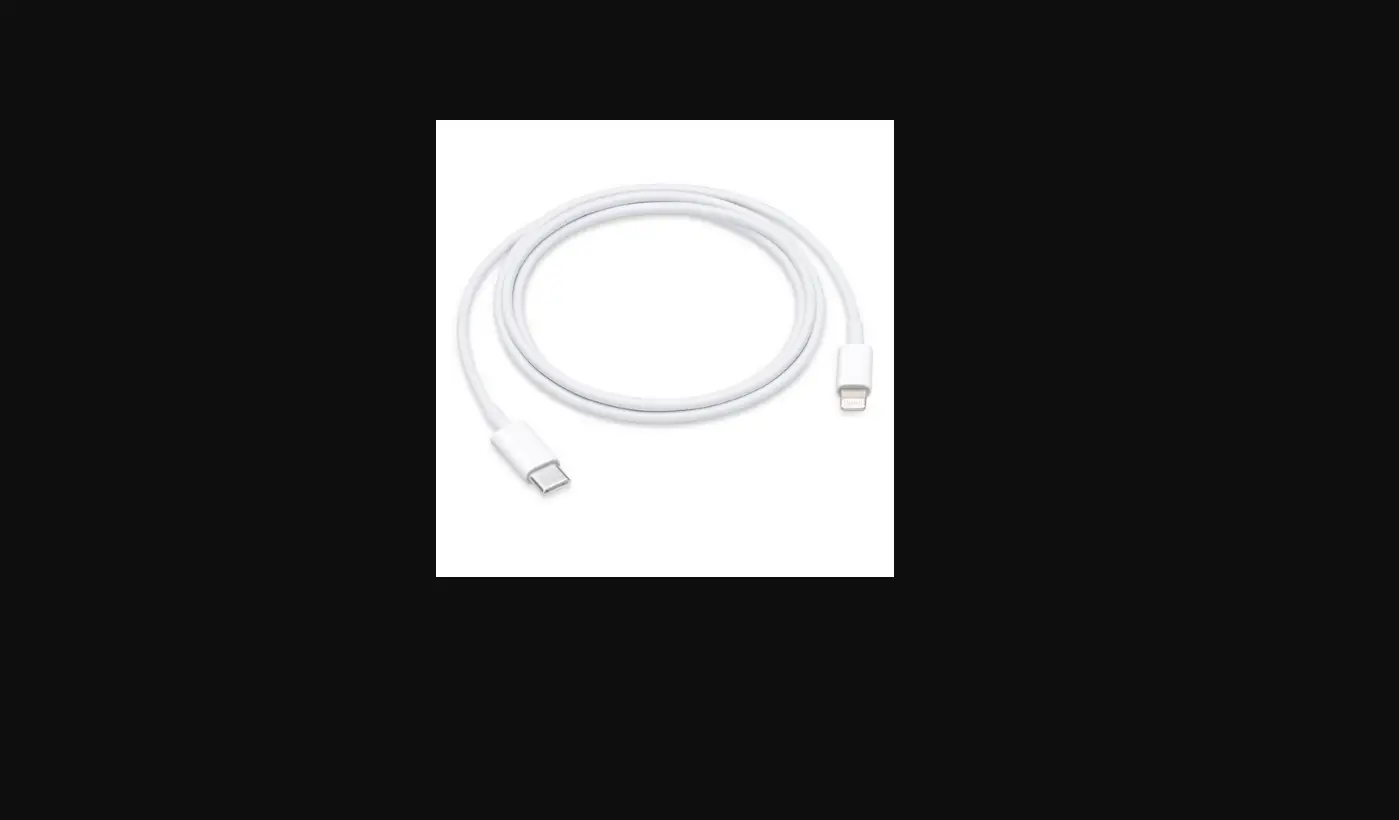
- Connect iPhone to your computer using the charging cable for your iPhone. If the cable isn’t compatible with the port on your computer, do one of the following:
- If your iPhone came with a Lightning to USB Cable and your computer has a USB-C port, connect the USB end of the cable to a USB-C to USB Adapter (sold separately), or use a USB-C to Lightning Cable (sold separately).
- If your iPhone came with a USB-C to Lightning Cable and your computer has a USB port, use a Lightning to USB Cable (sold separately).
- Do any of the following:
- Set up iPhone for the first time.
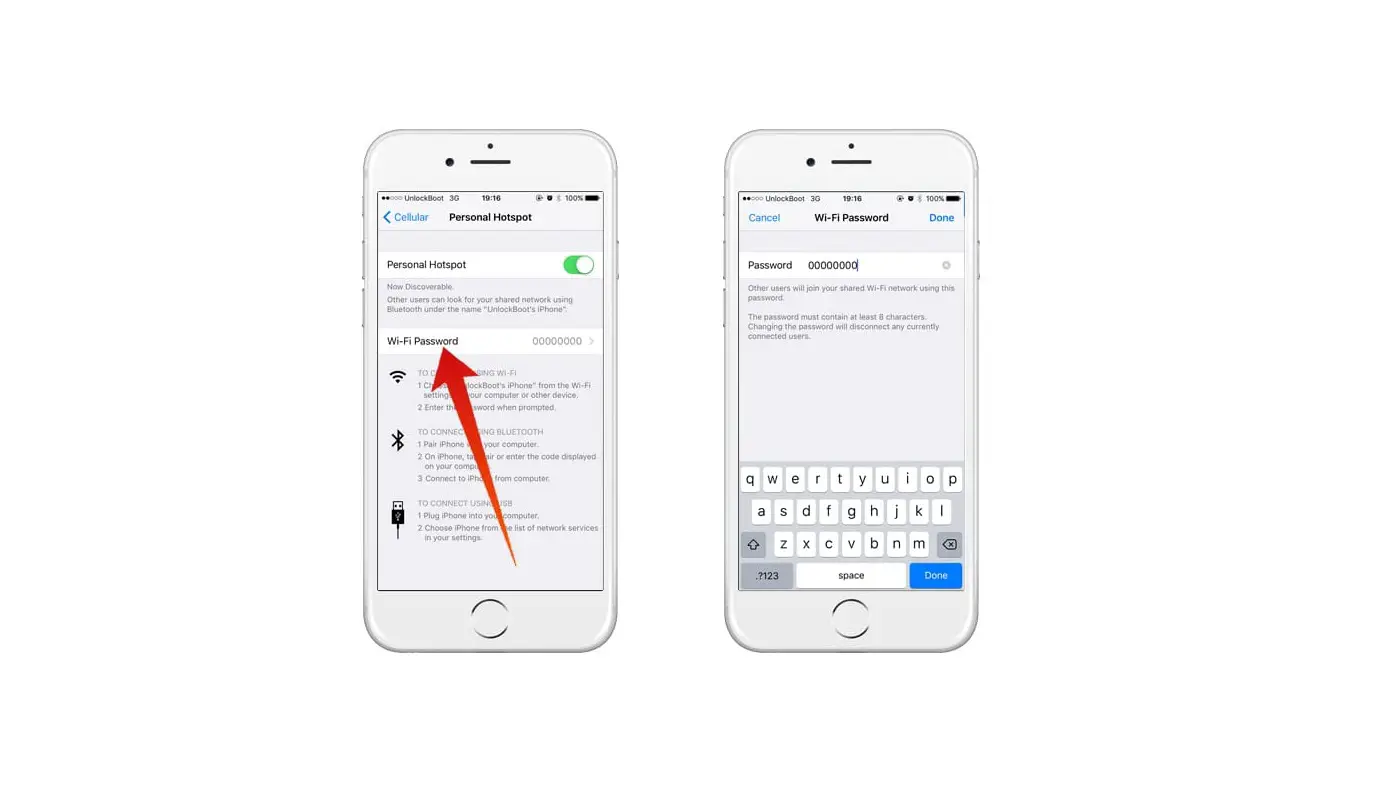
- Share your iPhone internet connection with your computer.
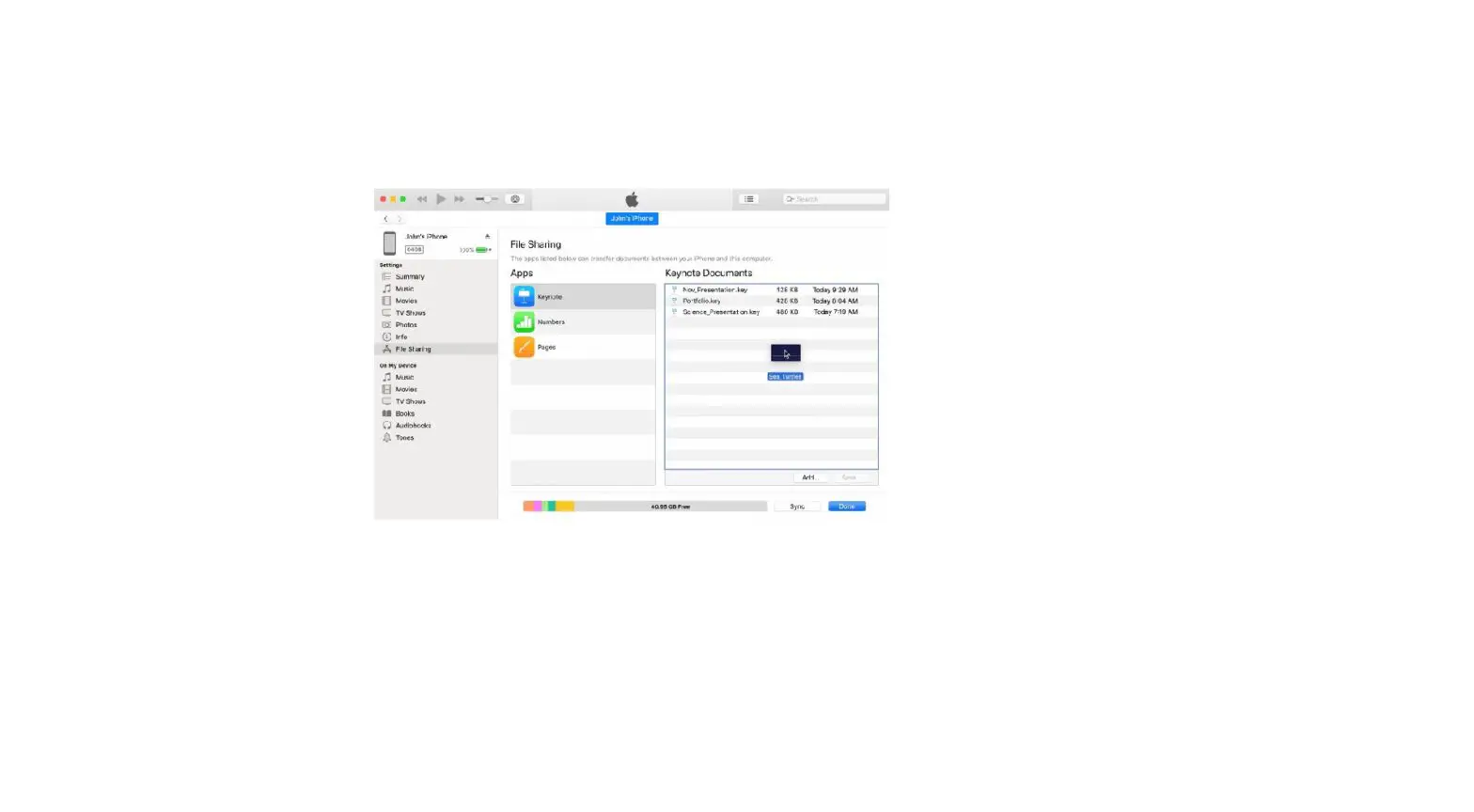
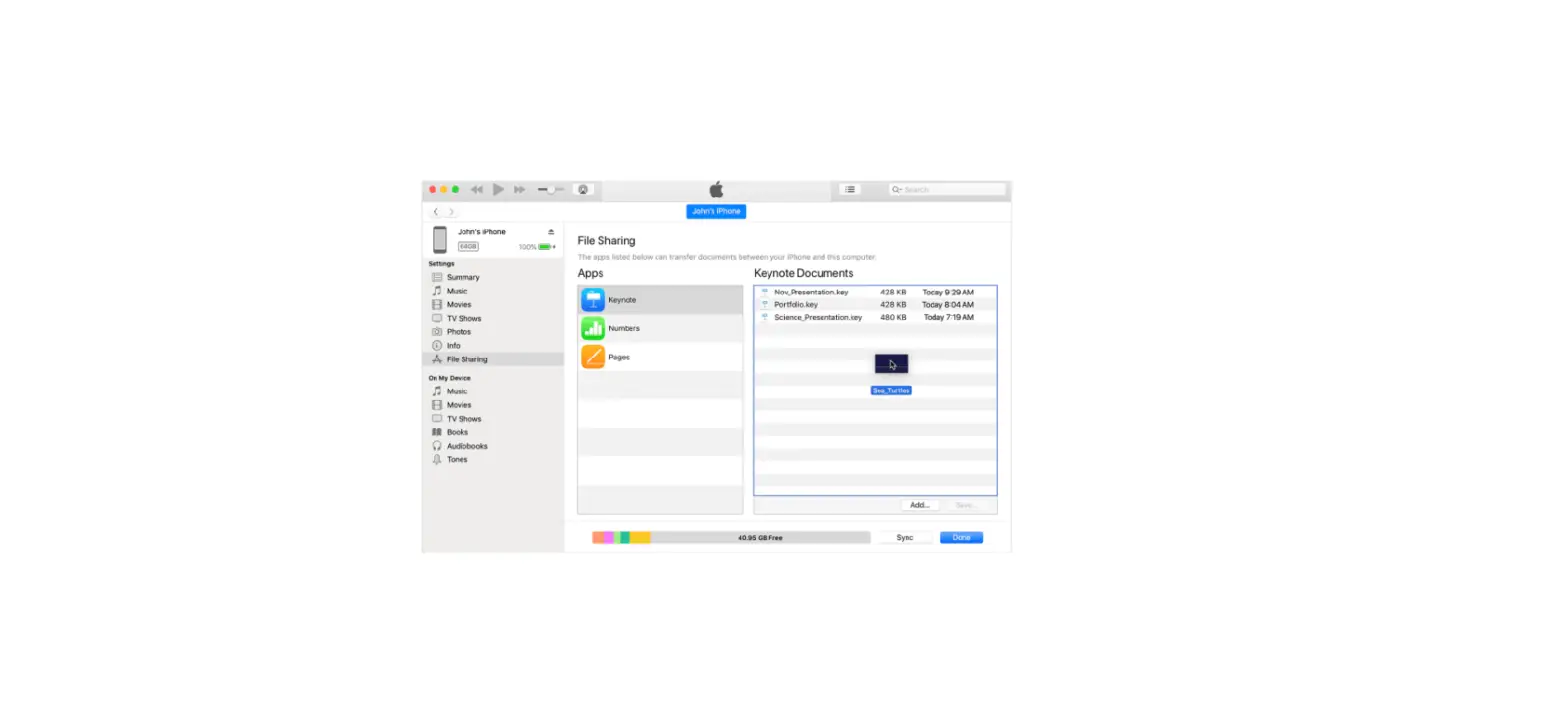
- Transfer files between your iPhone and computer.
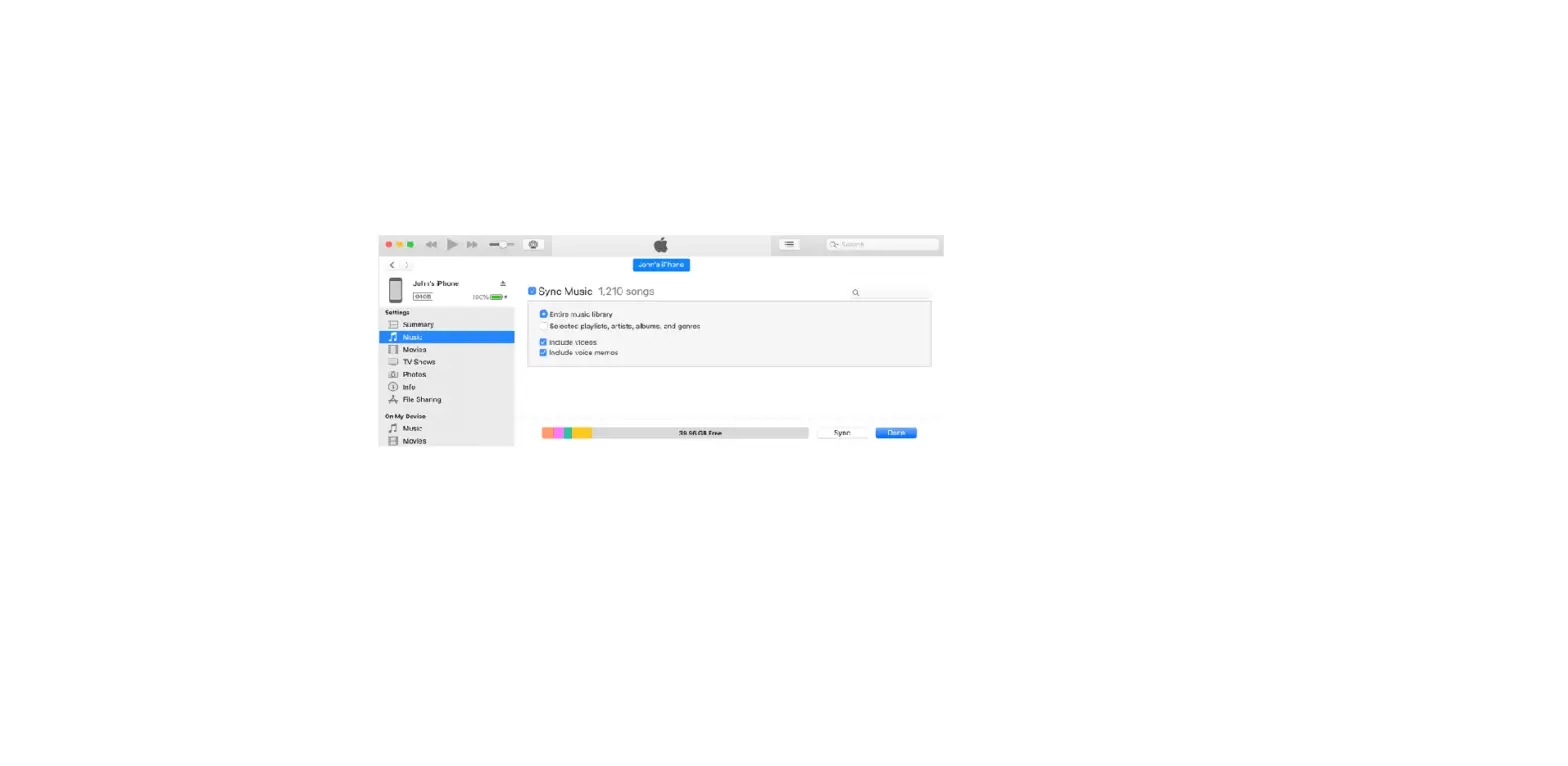
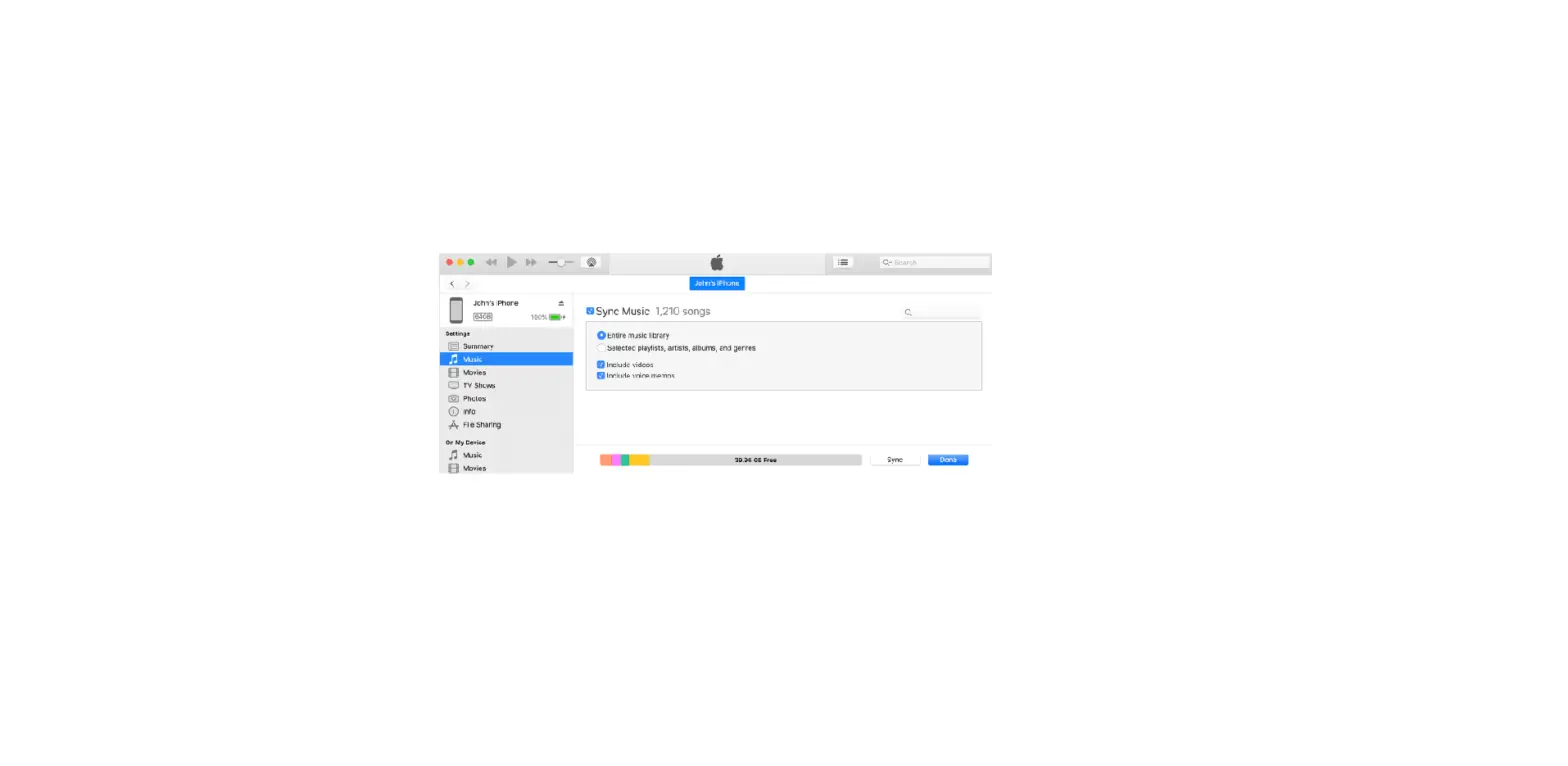
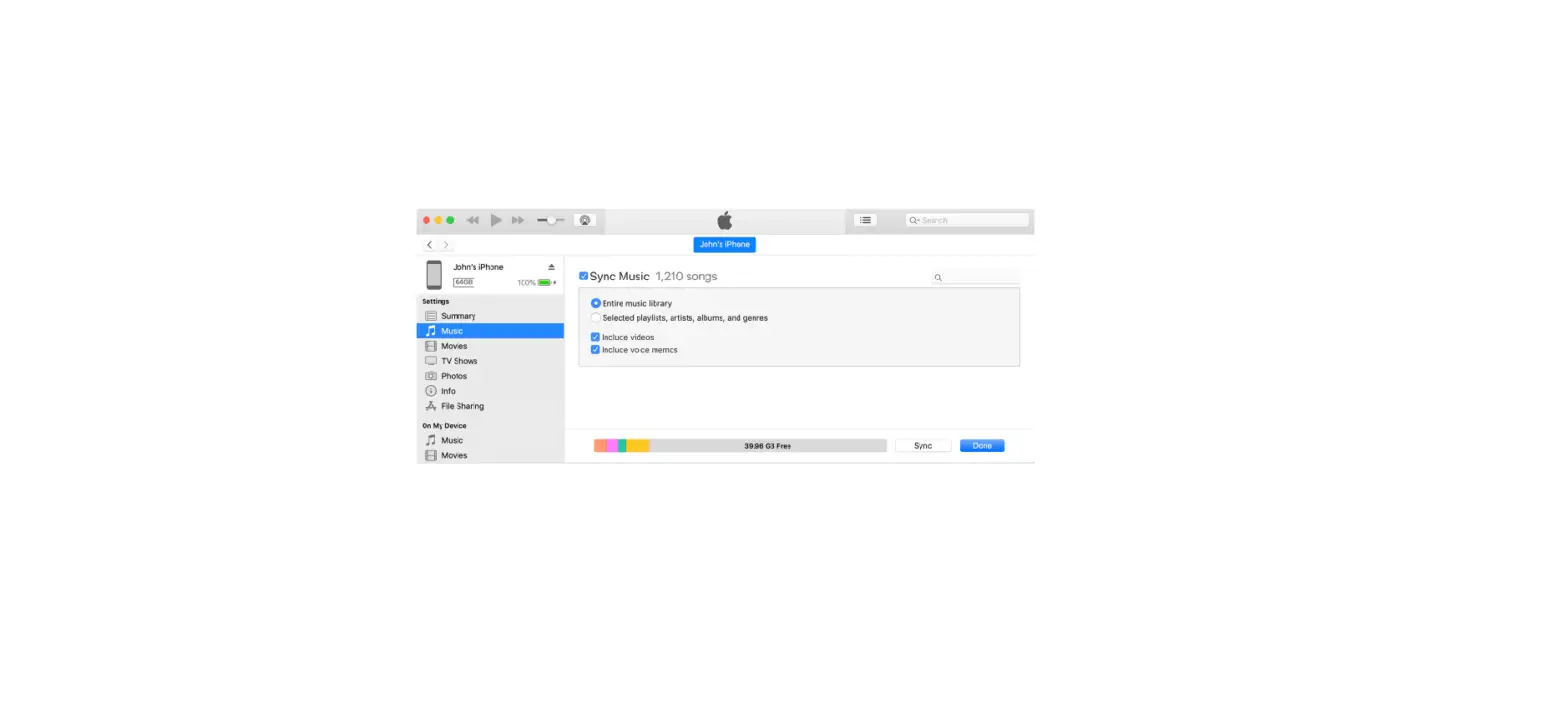
- Sync content between your iPhone and computer.
The iPhone battery charges when iPhone is connected to your computer and your computer is connected to power.