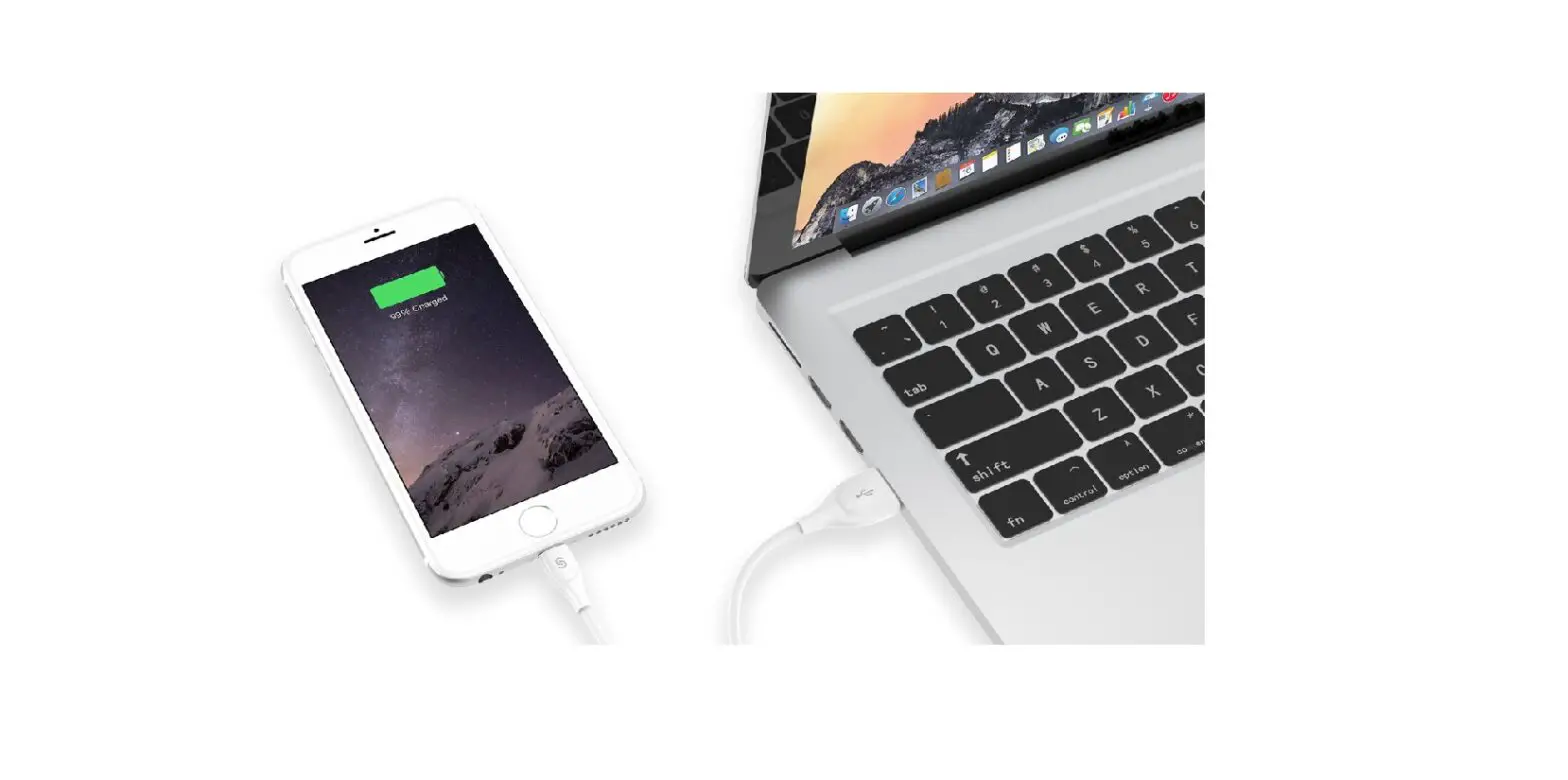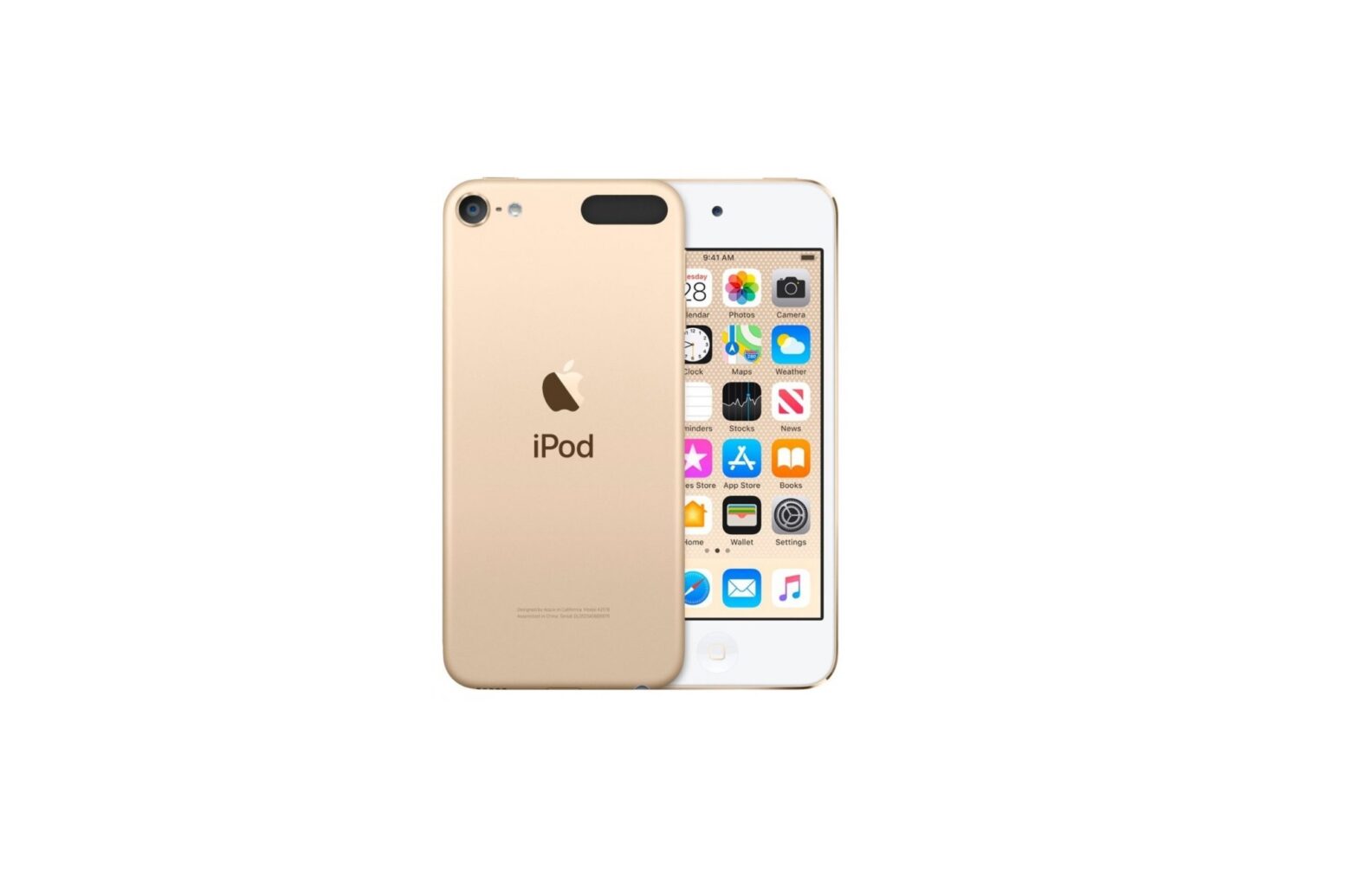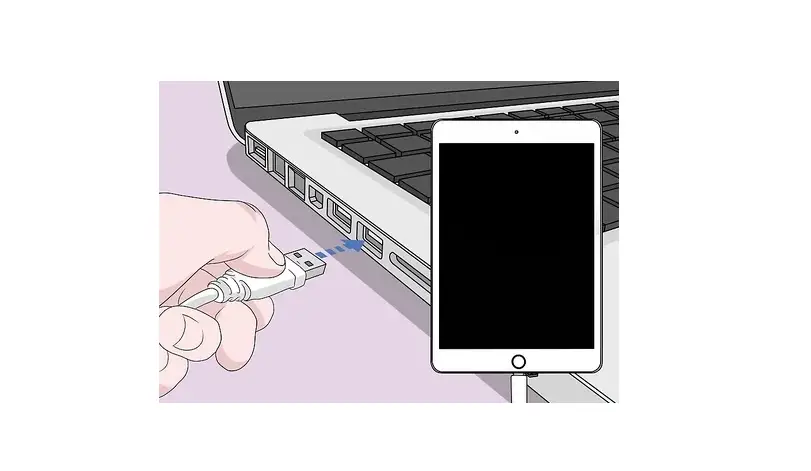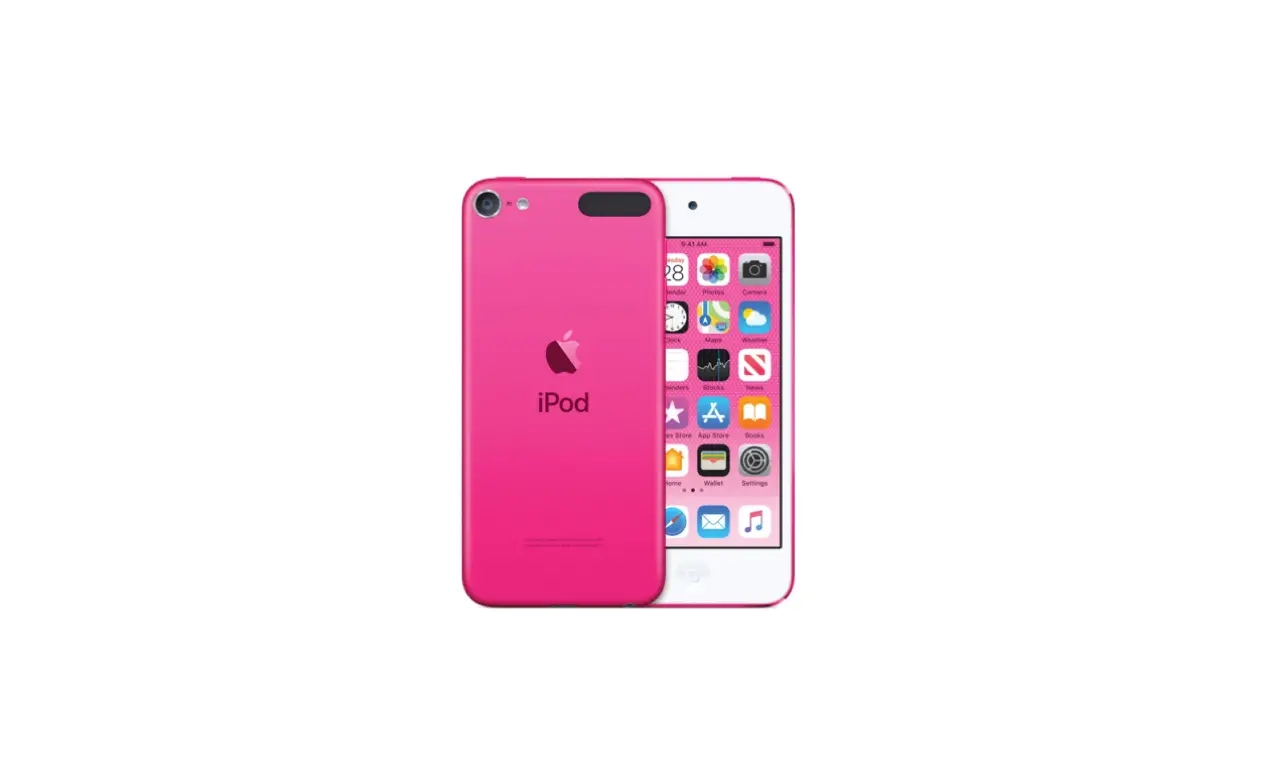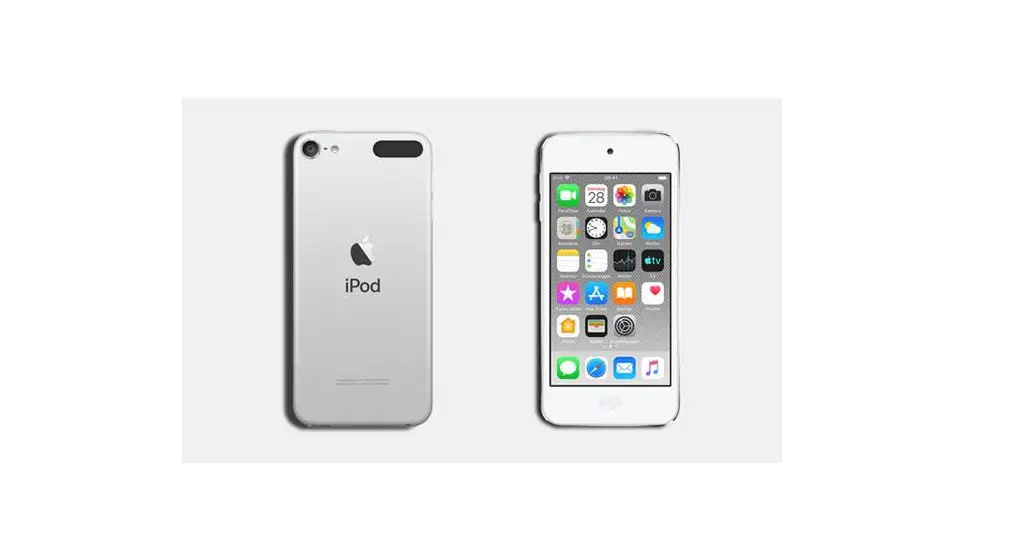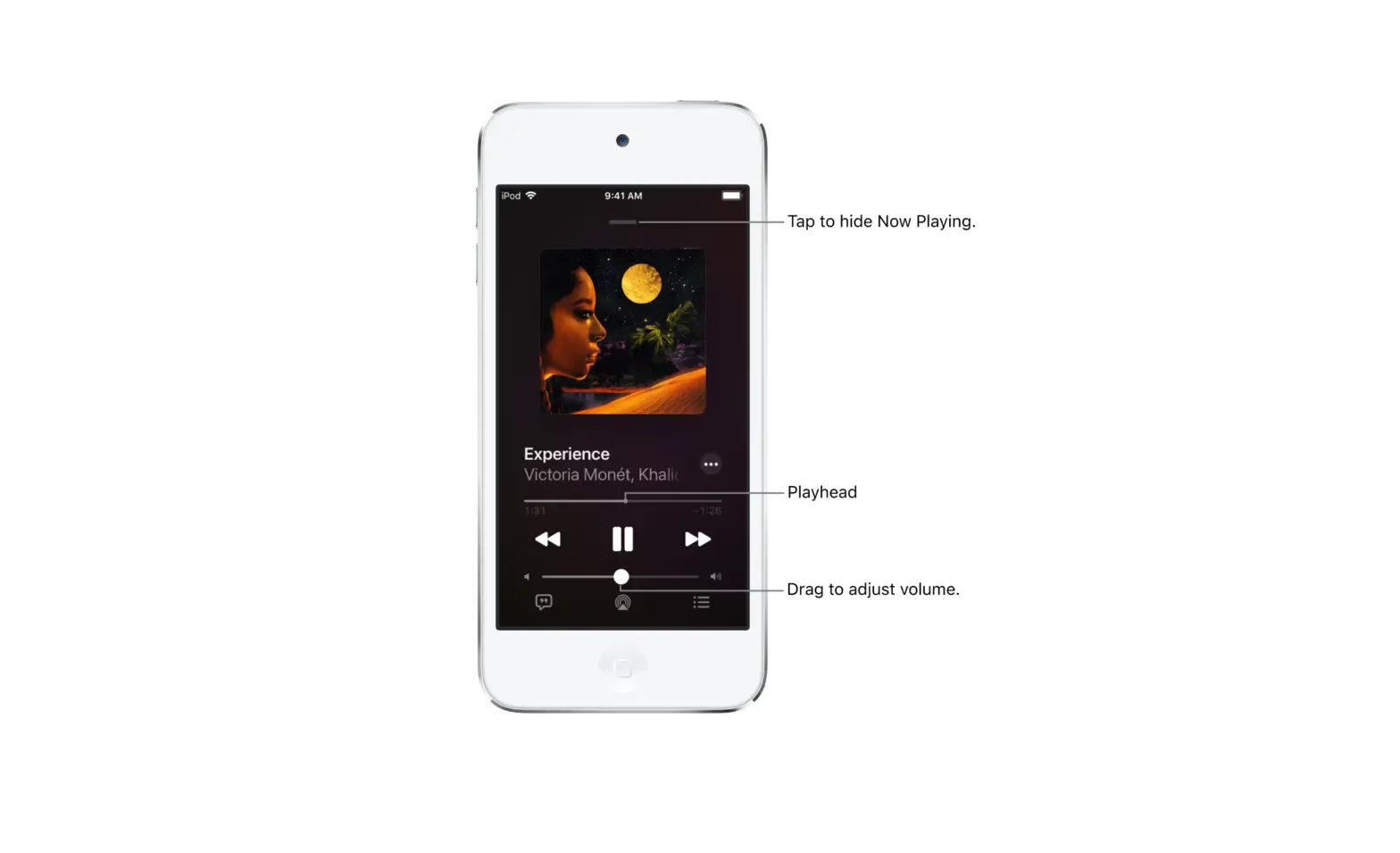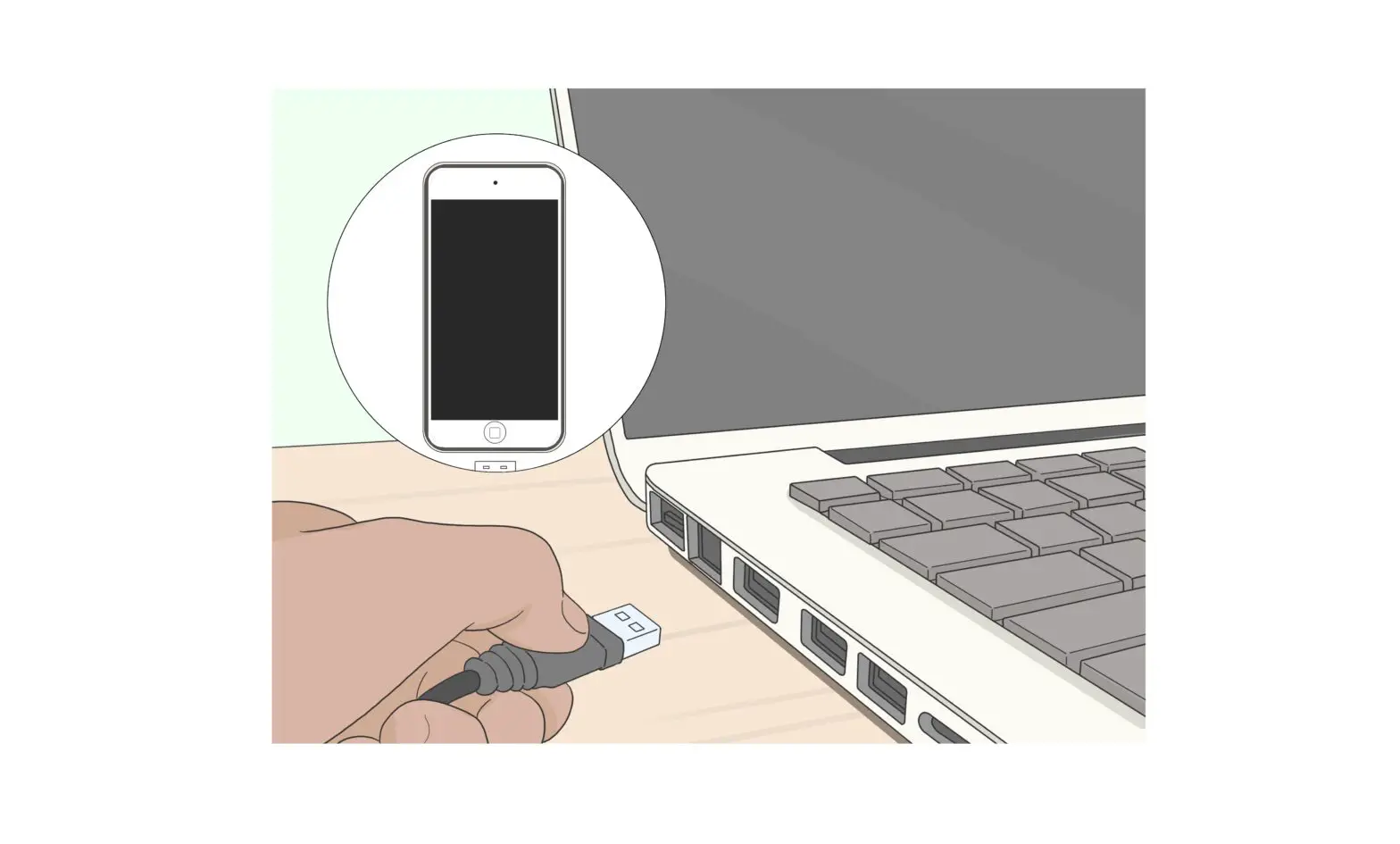
Using a USB cable or adapter, you can directly connect iPod touch and a Mac or Windows PC.
- Make sure you have one of the following:
- Connect iPod touch to your computer using the included Lightning to USB Cable. If your computer has a USB-C port, use a USB-C to USB Adapter or a USB-C to Lightning Cable (each sold separately).
- Do any of the following:
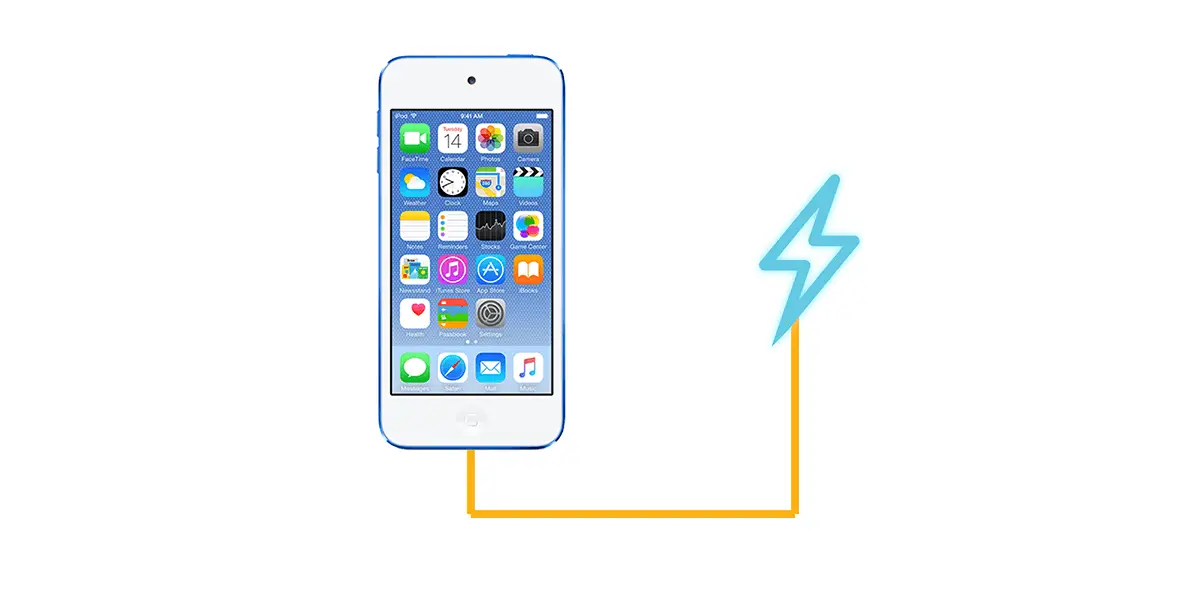
The iPod touch battery charges when iPod touch is connected to your computer and your computer is connected to power.