
Apple iPhone XR – Setup internet
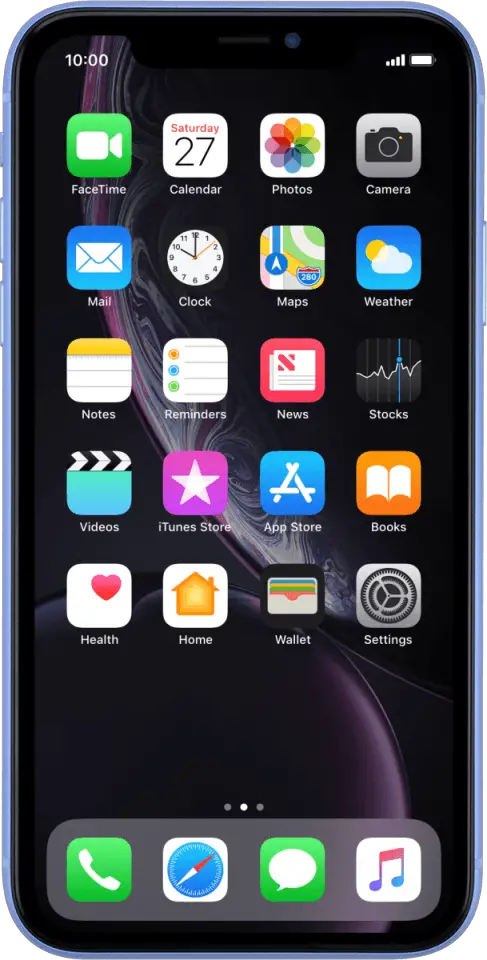
INSTRUCTIONS
- Before you start
This guide will show you how to set up the Internet on your iPhone either by resetting your phone to default Internet settings or by setting up the network manually.
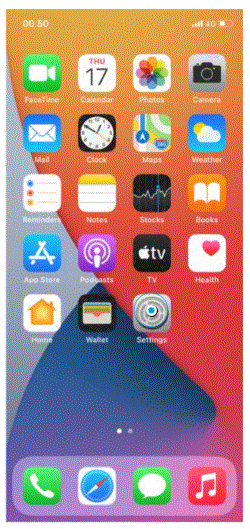
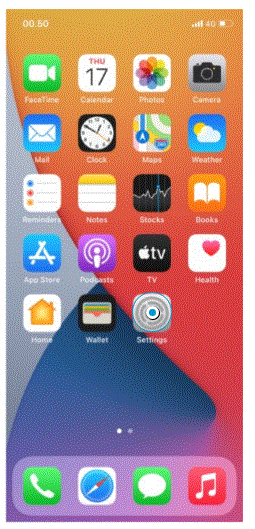
- Select Settings

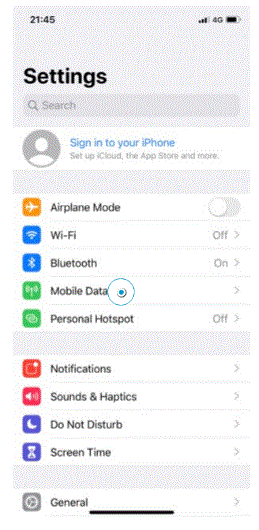
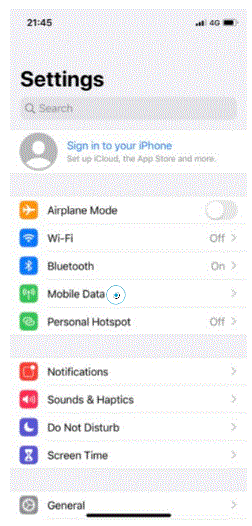
- Select Mobile Data

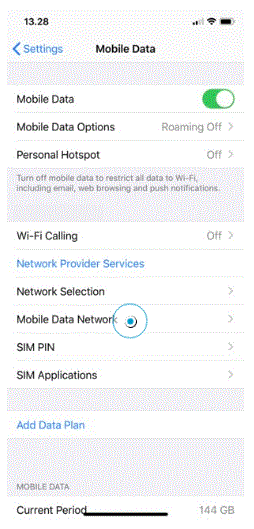
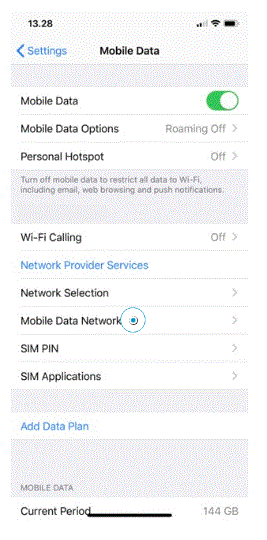
- Select Mobile Data Network
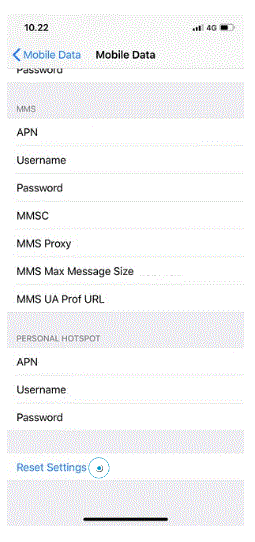
- Scroll to and select Reset Settings

- Select Reset
Your phone will reset to default Internet and MMS settings.
Network problems should be solved at this point. Remember to turn off your Wi-Fi before testing.
Please continue the guide if you still cannot go online.
- Select Settings

- Select Mobile Data
- Select Mobile Data Network

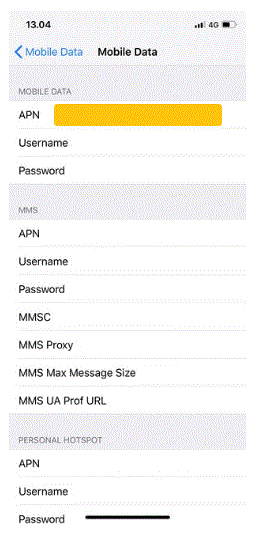
- Enter Internet information

- Your phone has now been set up to the Internet
Device Guides is offered to MNOs and MVNOs by Mobilethink & Tweakker