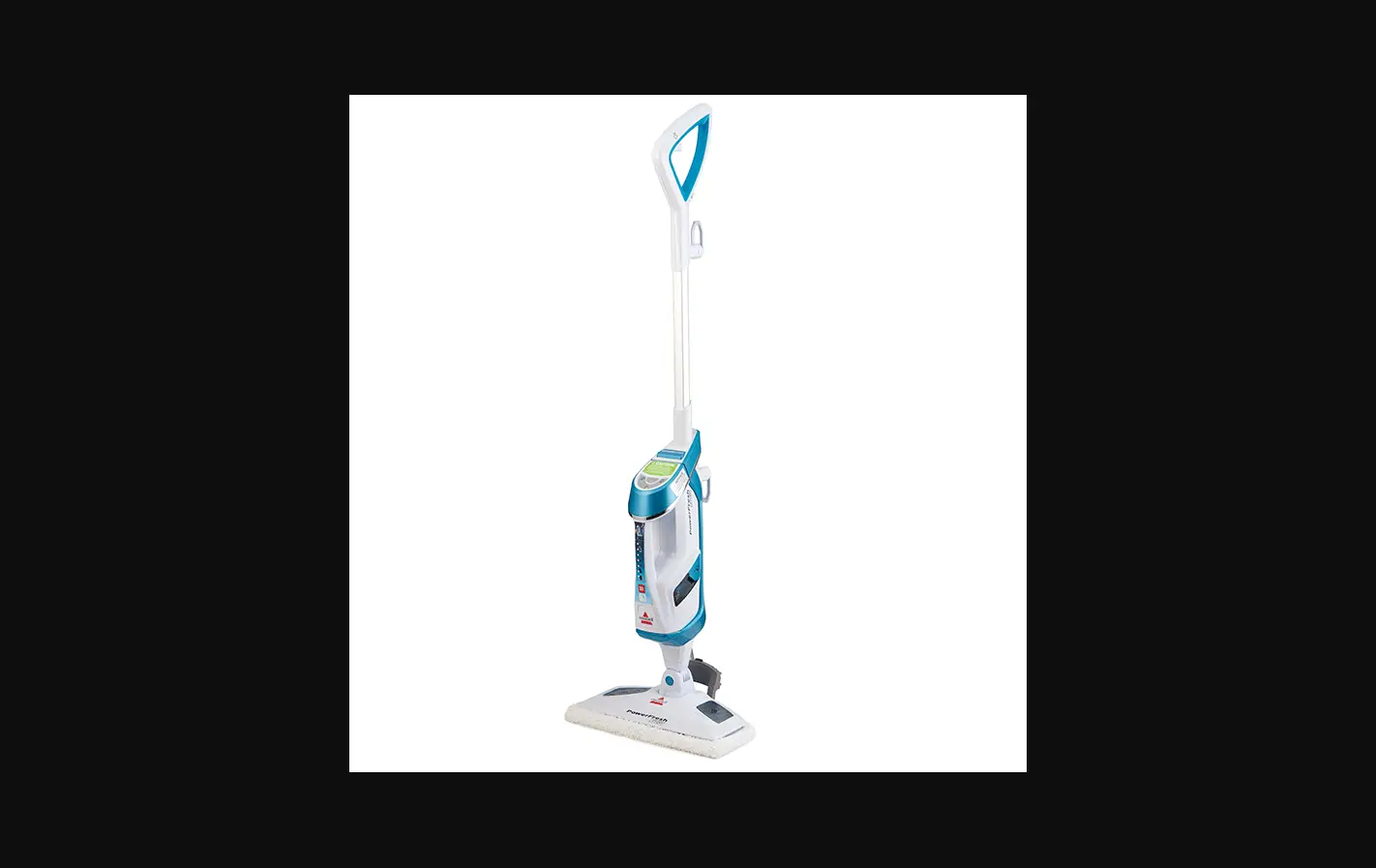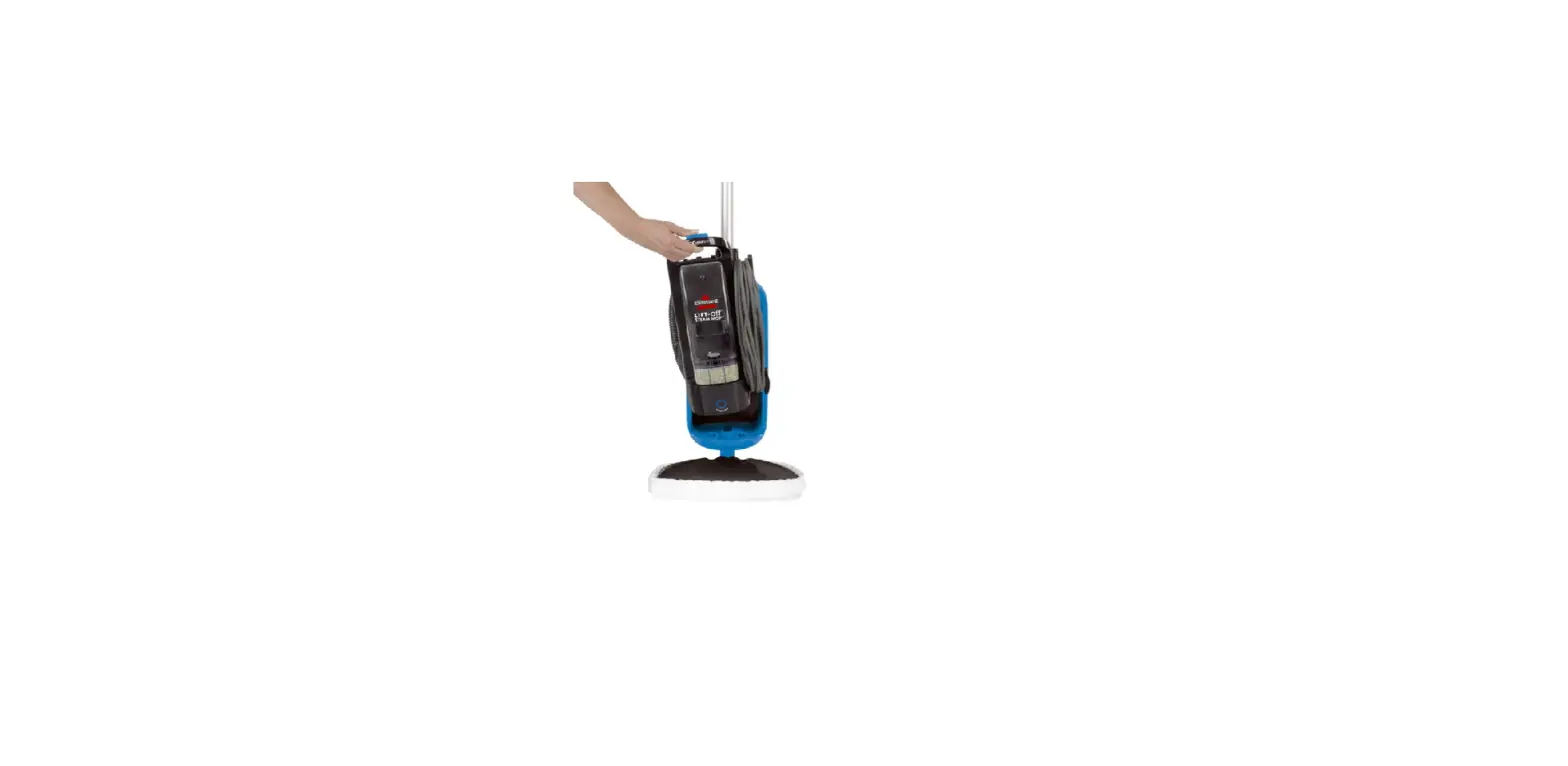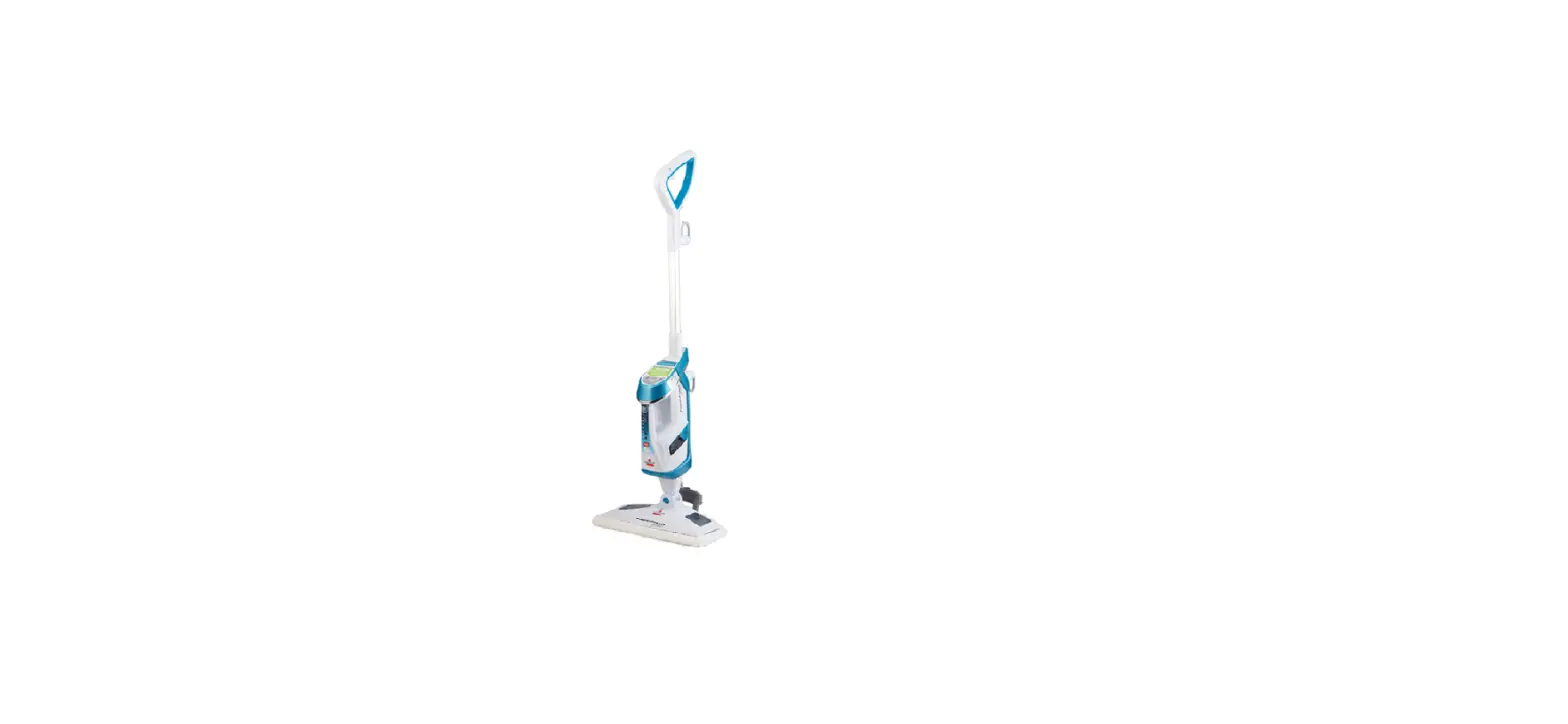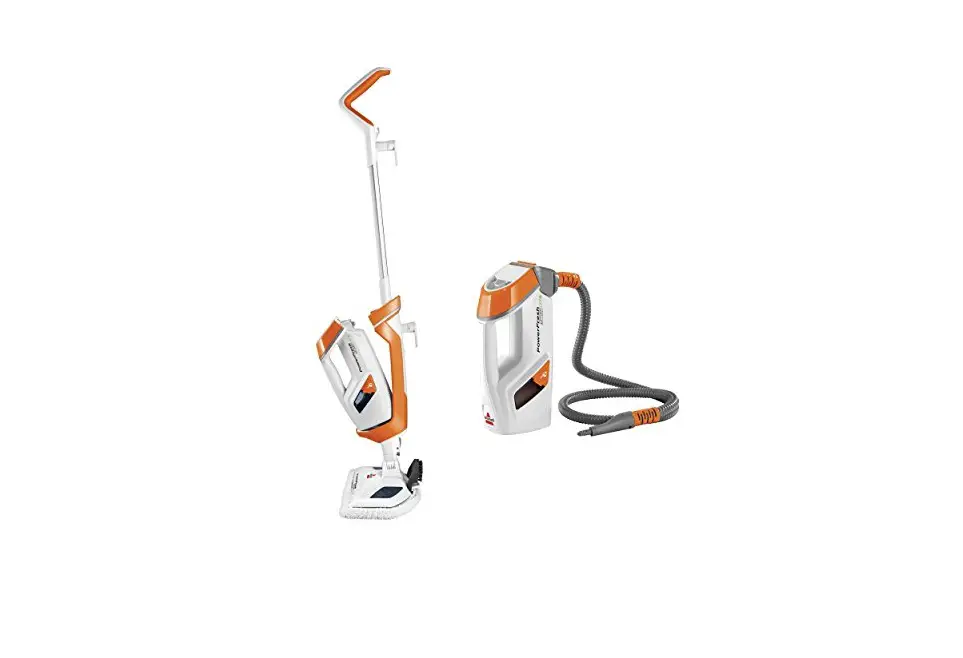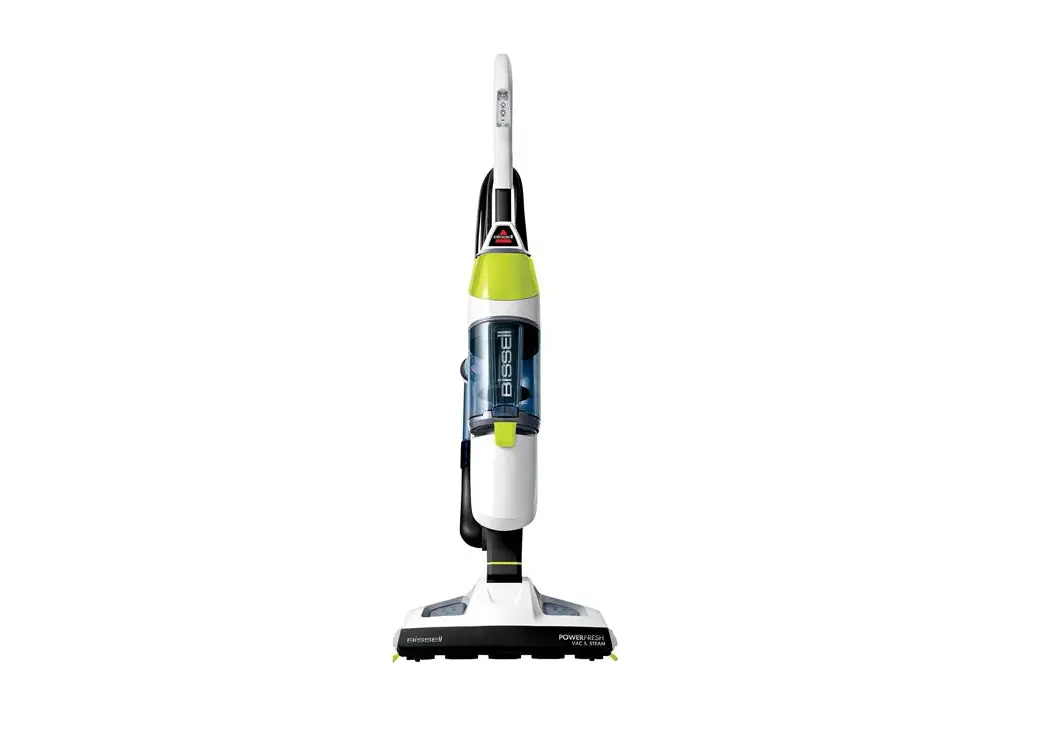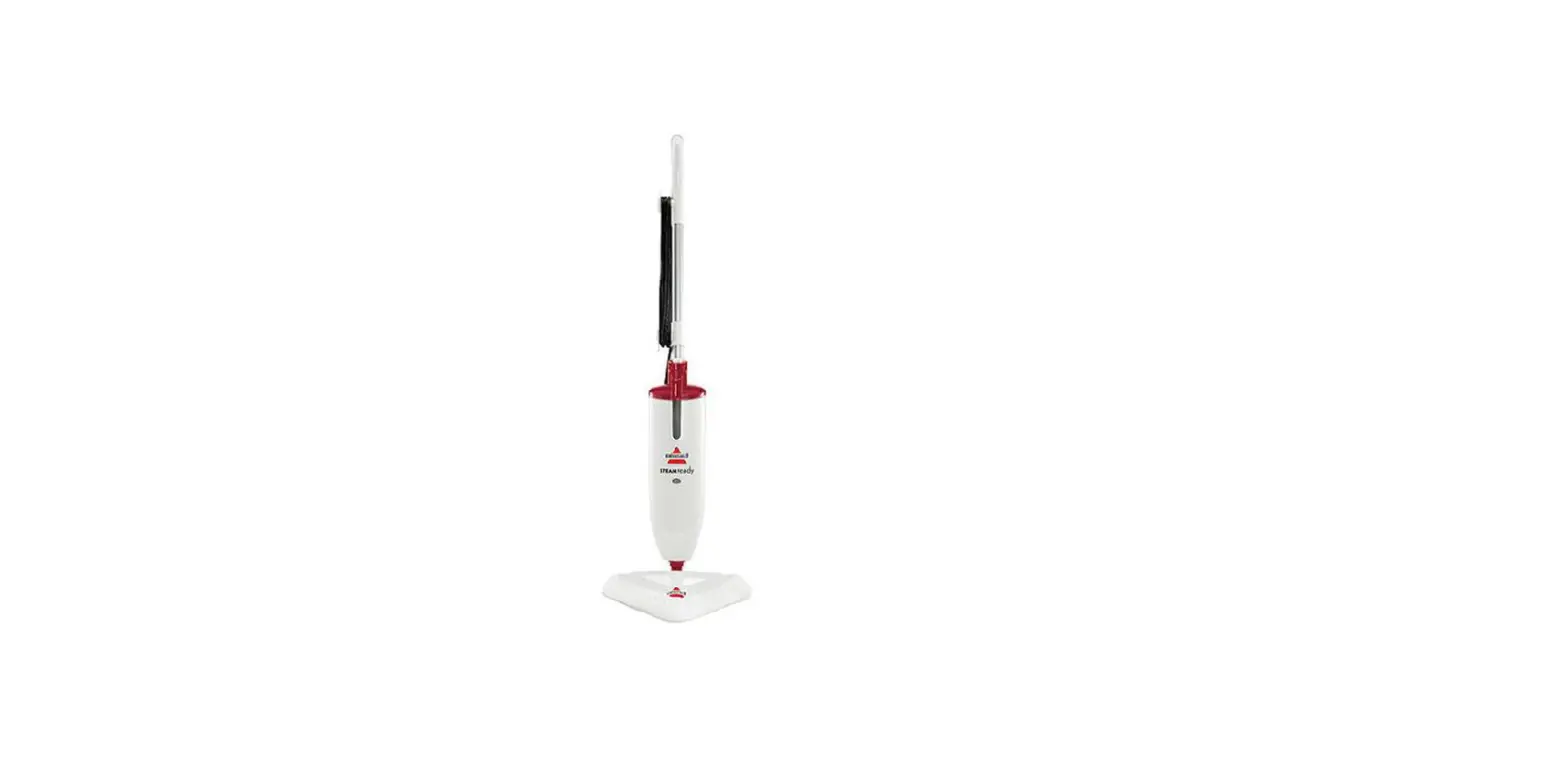
- Plug in machine
- After about 20 seconds, the light will illuminate green when the steam mop is ready to use
- Check trigger for tension
- If there is no tension; unplug machine and reassemble handle
- The loop of the handle should be facing towards the back of the machine on the power cord side
- The handle should be locked and screwed in tightly
- If there is tension; proceed to the next step
- Make sure the foot is properly installed
- Remove the foot and re-install it and screw tightly with the screw
- Check the water tank
- Remove the tank
- Check to see if there are any cracks or leaks on the tank itself
- Make sure you have water in the tank to see if it is dripping
- If there are cracks, replace the tank
- Check the cap and insert to ensure is not cracked
- If there are cracks, replace the cap and insert
- Check the black rubber “gasket” on the end of the insert
- If missing, ripped, or torn, replace the tank
- Check that the x-valve is working properly
- With an end of a pencil or pen, push up on the valve (it is set in deep in the insert) over the sink to ensure that the water releases out of the tank
- If there is an issue with the cap, replace the cap assembly
- With an end of a pencil or pen, push up on the valve (it is set in deep in the insert) over the sink to ensure that the water releases out of the tank
- Check to see if the water tank is seated properly in the machine with no gaps
- It will “click” into place once it is seated properly
- Plug in machine and check to see if the Ready Light is on
- The indicator light will illuminate red when the steam mop is plugged in
- After about 20 seconds, the light will illuminate green when the steam mop is ready to use
- If the light did not change to green or illuminate red
- Make sure power cord is plugged into a functioning outlet
- If ready light will not come on, please Contact Us
- If the light changed from red to green and is properly lit
- Press and hold the trigger, it may take up to 2 minutes to steam
- Check for steam with the tank off the machine by pouring a small amount of cold water into the hole where the tank connects to the machine
- Then press and hold the trigger for up to 2 minutes
- If there is no steam when pouring cold water into water tank hole on the machine, remove the mop-head and check for steam at the spray tip by taking off the foot of the machine and aiming the spray end in the sink or tub
- Do not put any body parts near the end of the machine when checking for steam
- If there is no steam with the mop-head removed,
- unplug the machine and let it sit for at least 5 min to cool
- Clean the spray tip with paper clip
- If still no steam, Contact Us
- If there is steam with the mop-head removed,
- Clean spray tips with a toothpick or paperclip
- Pour white vinegar through the top of the Mop Head to clear the clog
- Clear the vinegar out of the machine by running warm water through it
- DO NOT RUN VINEGAR THROUGH THE MACHINE
- Reattach the mop head to the machine and attempt to spray into the sink or tub to check for steam pointing away from body parts
- If still no steam, Contact Us
- If there is no steam with the mop-head removed,
- If the light did not change to green or illuminate red