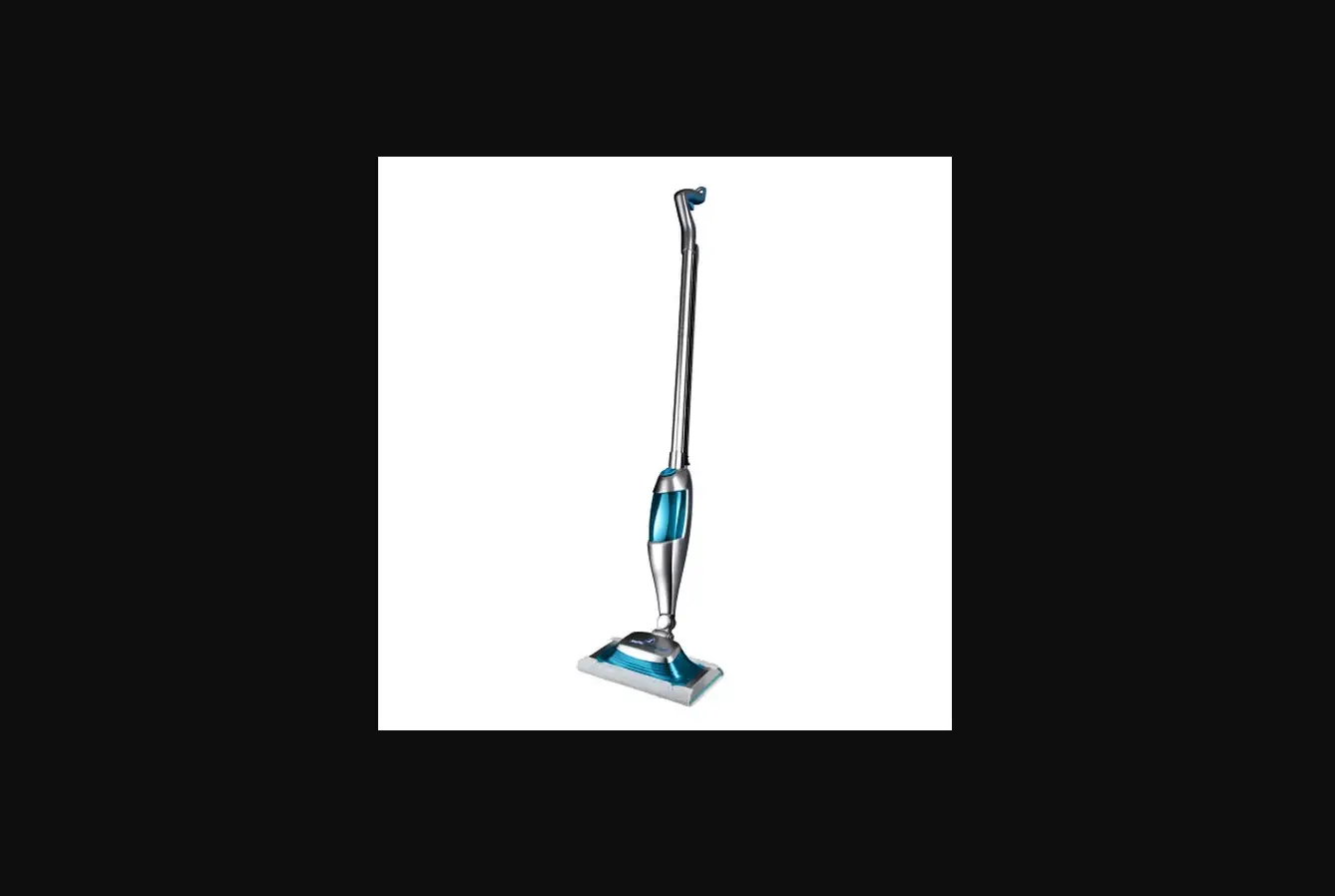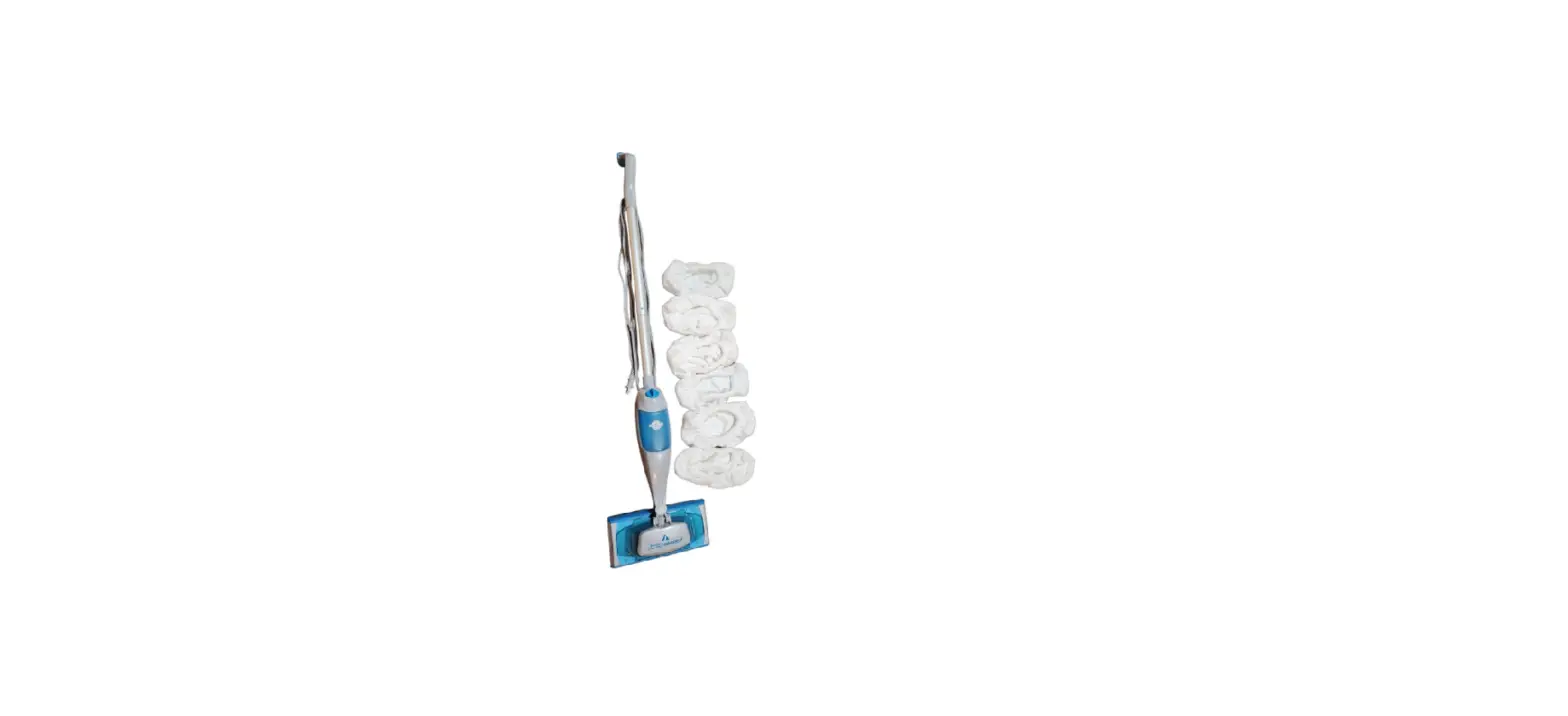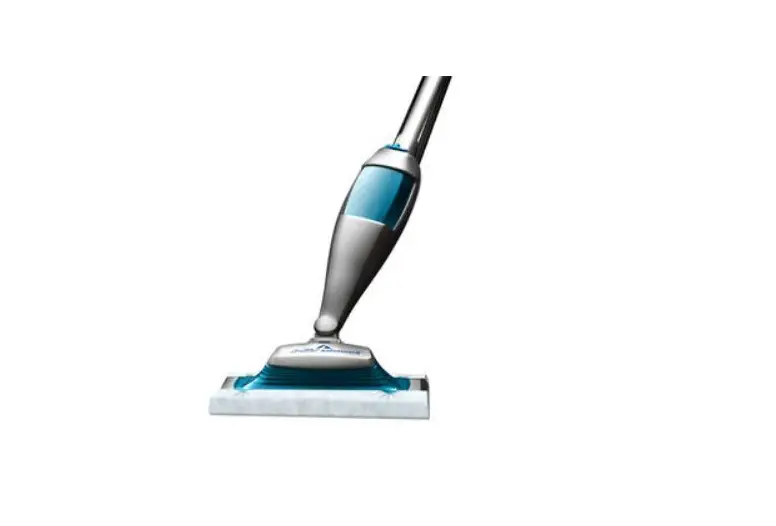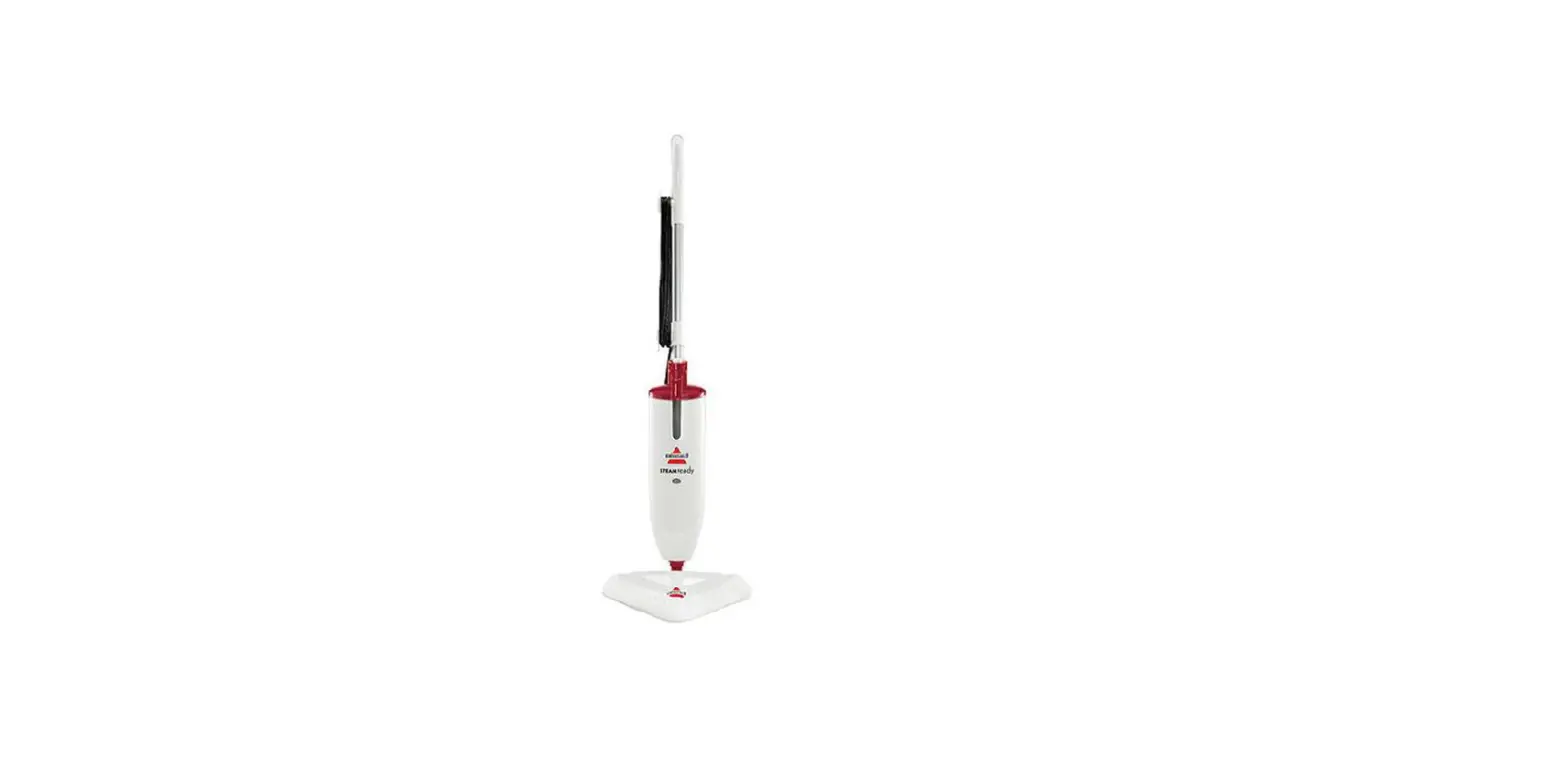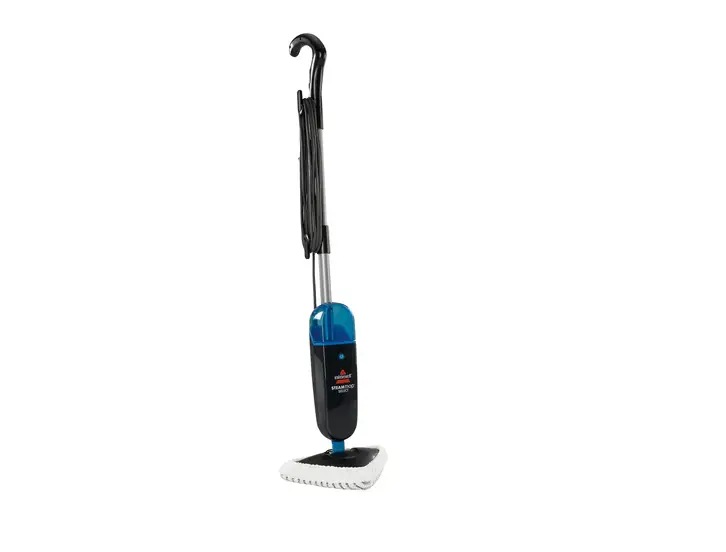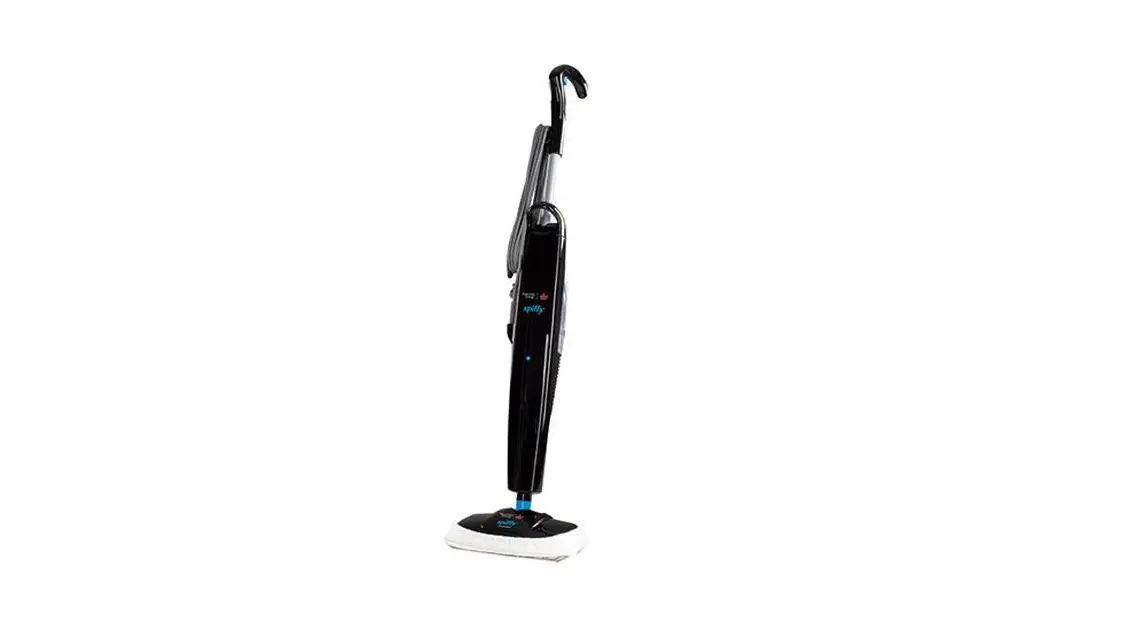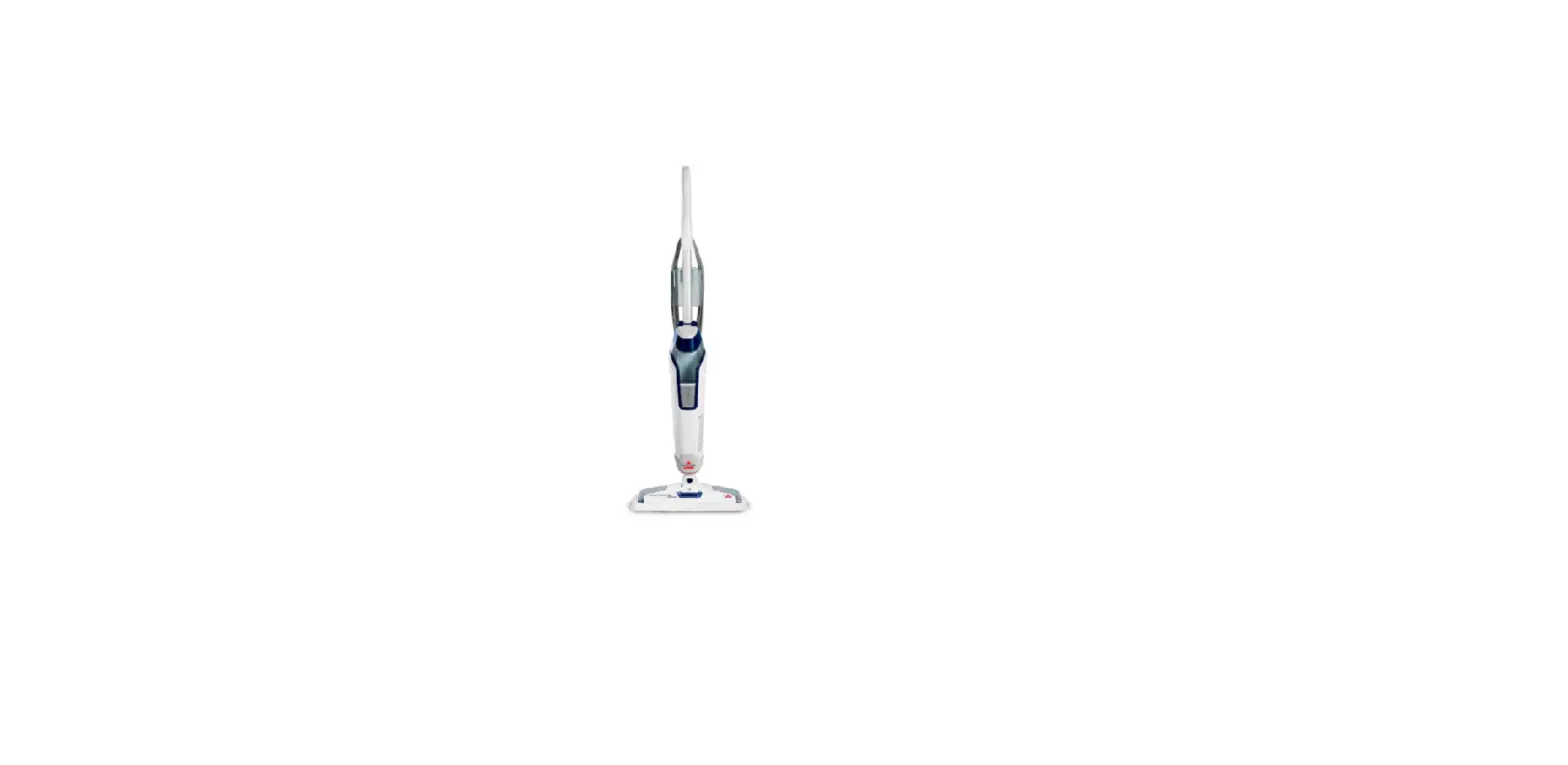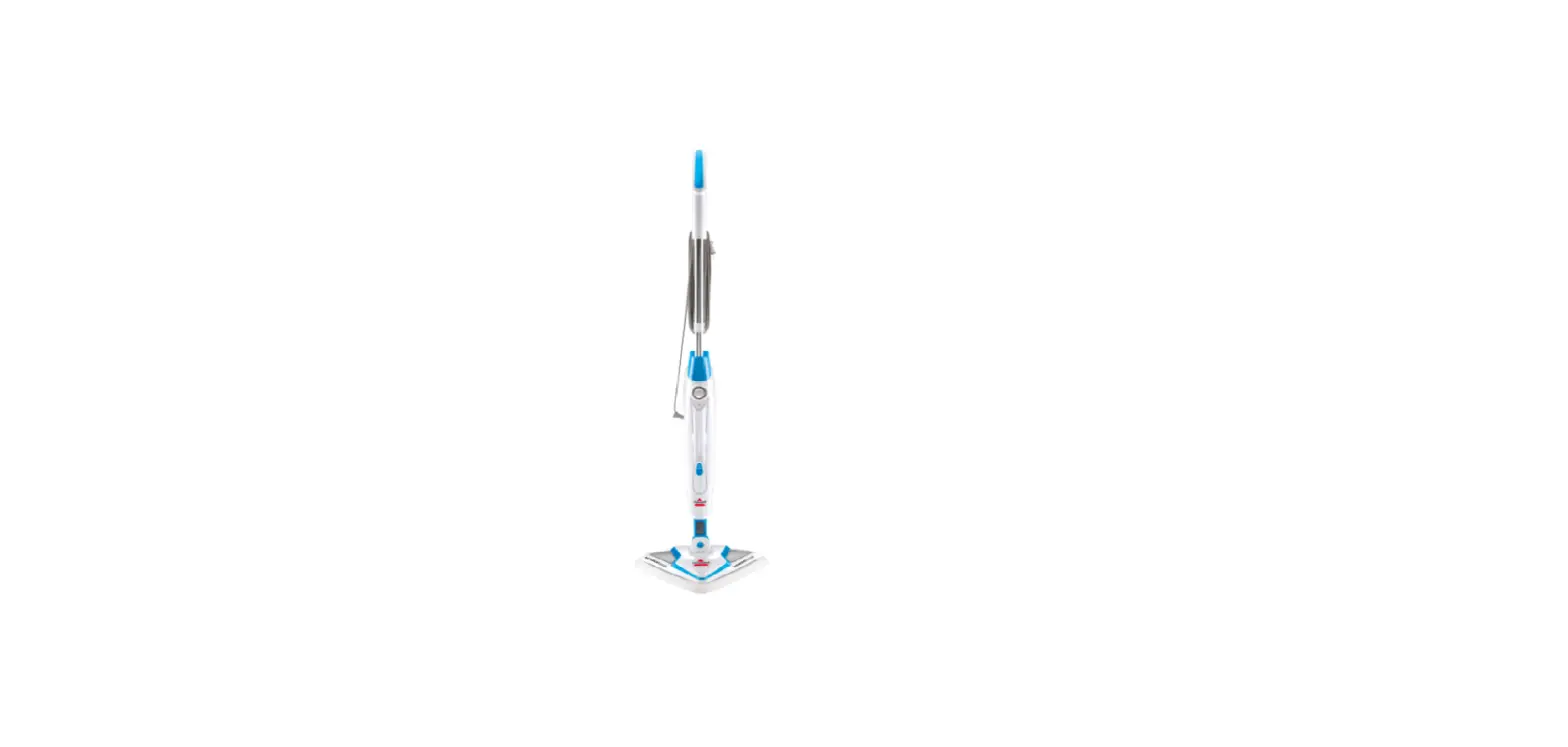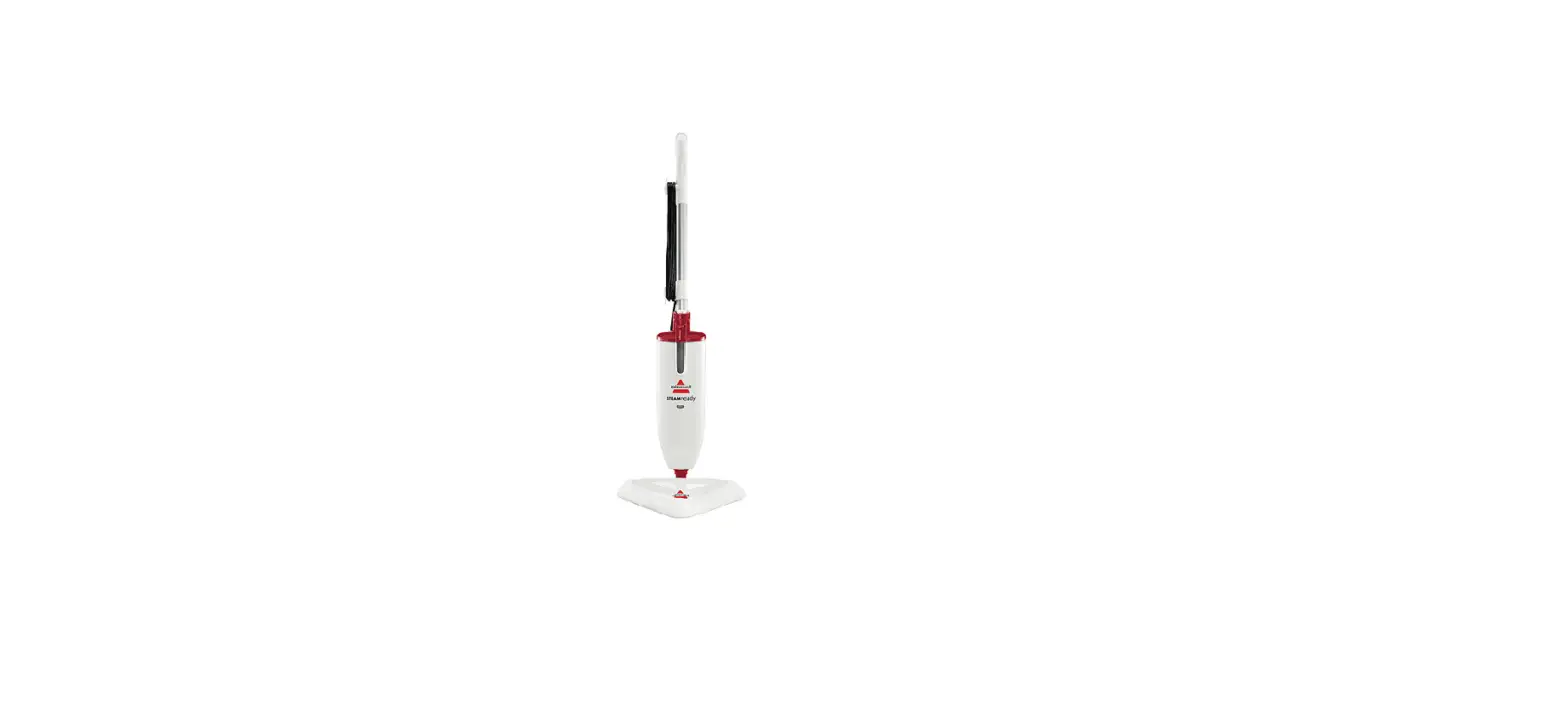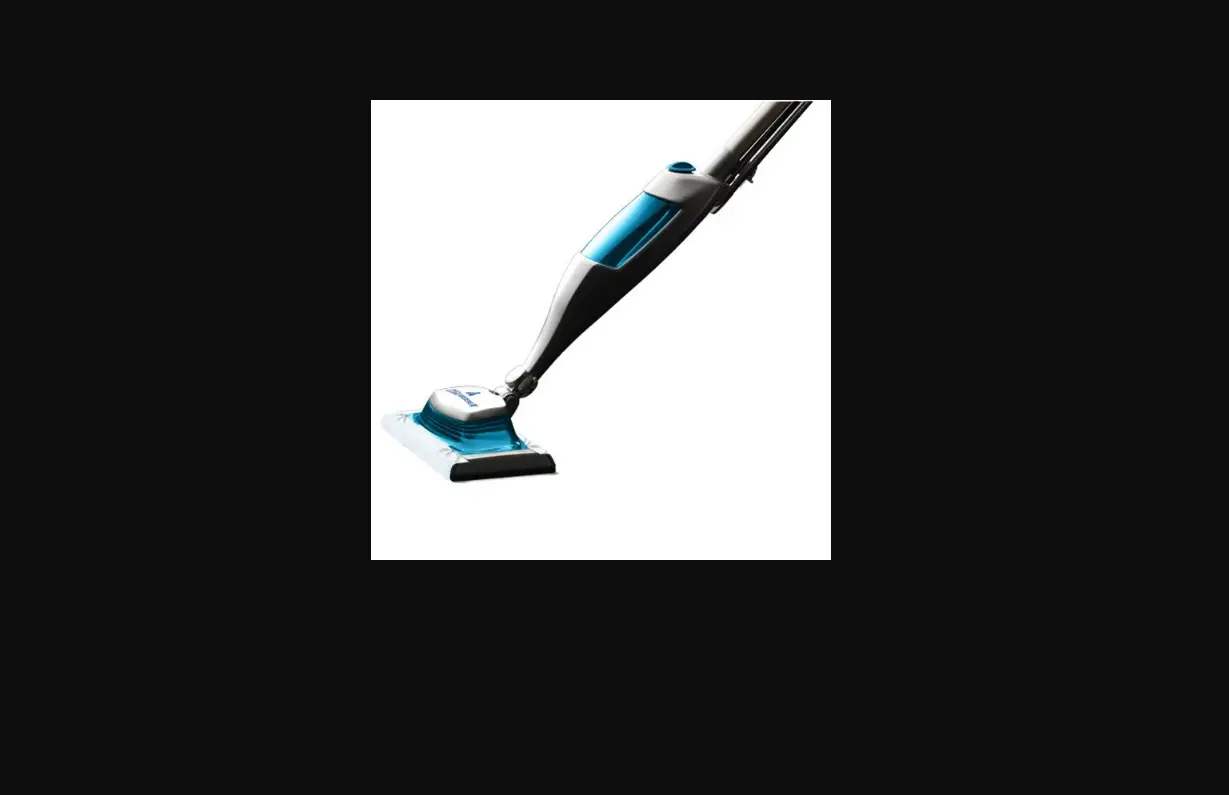
- Fill tank with water
- This is necessary for the machine to produce steam
- Verify machine is plugged into a functional outlet
- If not, try another outlet
- The Indicator Light (located on base of machine) should turn blue 30 seconds after being plugged in
- Depressing the trigger will allow the machine to release steam indicating it is working correctly
- If no steam, the water may not be flowing to the heater
- To resolve, open the water tank cap and press the trigger until steam/water is seen coming out of the foot
- Replace the cap and turn it clockwise to lock in place so it is vertical
- If no tension in the trigger, the handle may be assembled wrong
- Unplug machine and verify the handle is properly locked in place
- There is a locking button that snaps into the hole on the back of the machine an inch below the lower cord wrap
- If handle is properly locked into place and there is still no steam, Contact Us
- If no tension in the trigger, the handle may be assembled wrong
- Take off the mop pad and test for steam at the spray tips
- Place the base of the machine in a sink or tub and press the trigger
- Keep body away from machine
- If there is still no steam with the mop pad removed, please Contact Us