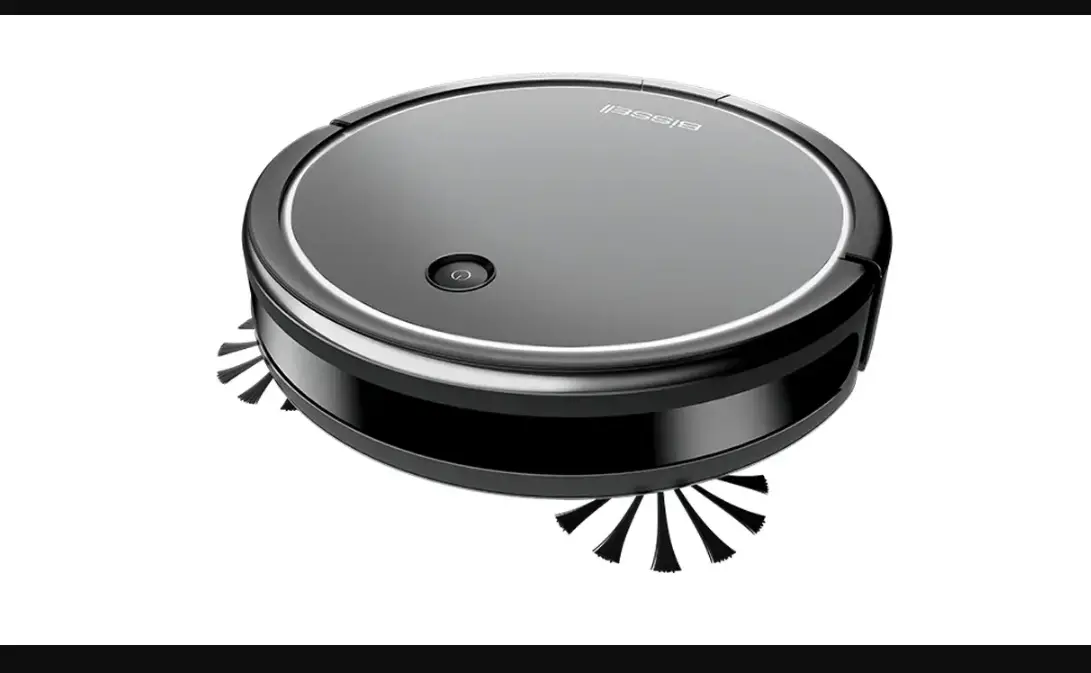
Cleaning Modes:
- Manual Cleaning
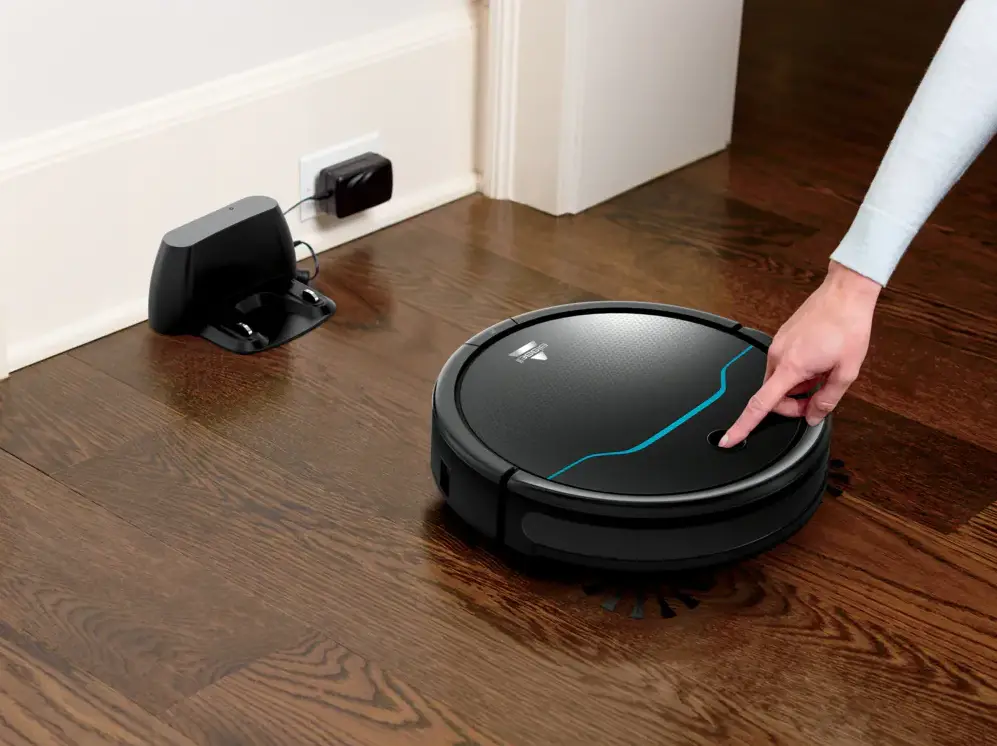
- To use manual cleaning mode, turn your robot on
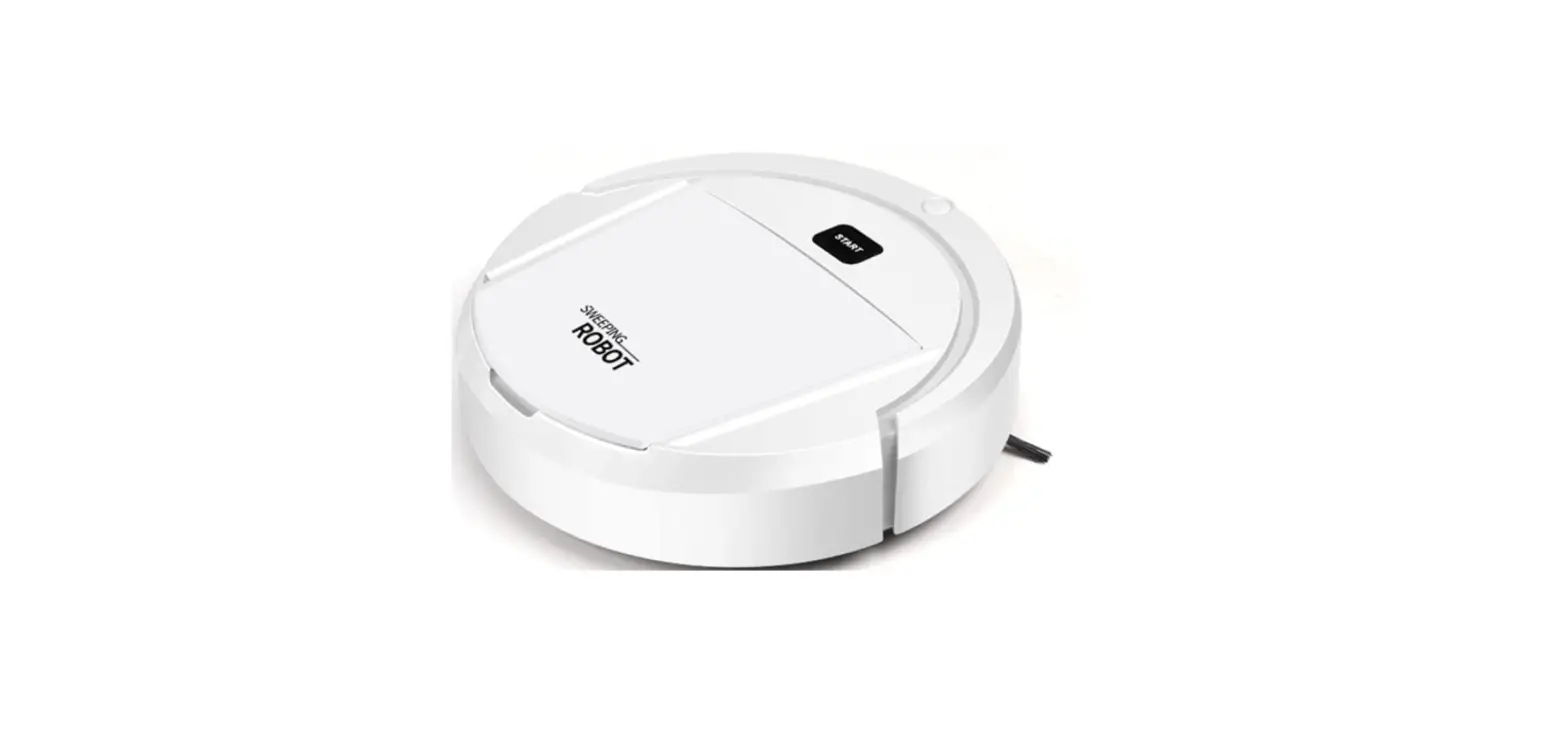
- Press the Start/Pause Button to start your robot
- When your robot is done cleaning press the Start/Pause Button twice to send it to the dock
- Spot Cleaning
- Place the robot where you’d like it to clean
- Choose spot mode in the app
- When cleaning is complete, the robot will stop and the Start/Pause Button will turn white
- Automatic Cleaning
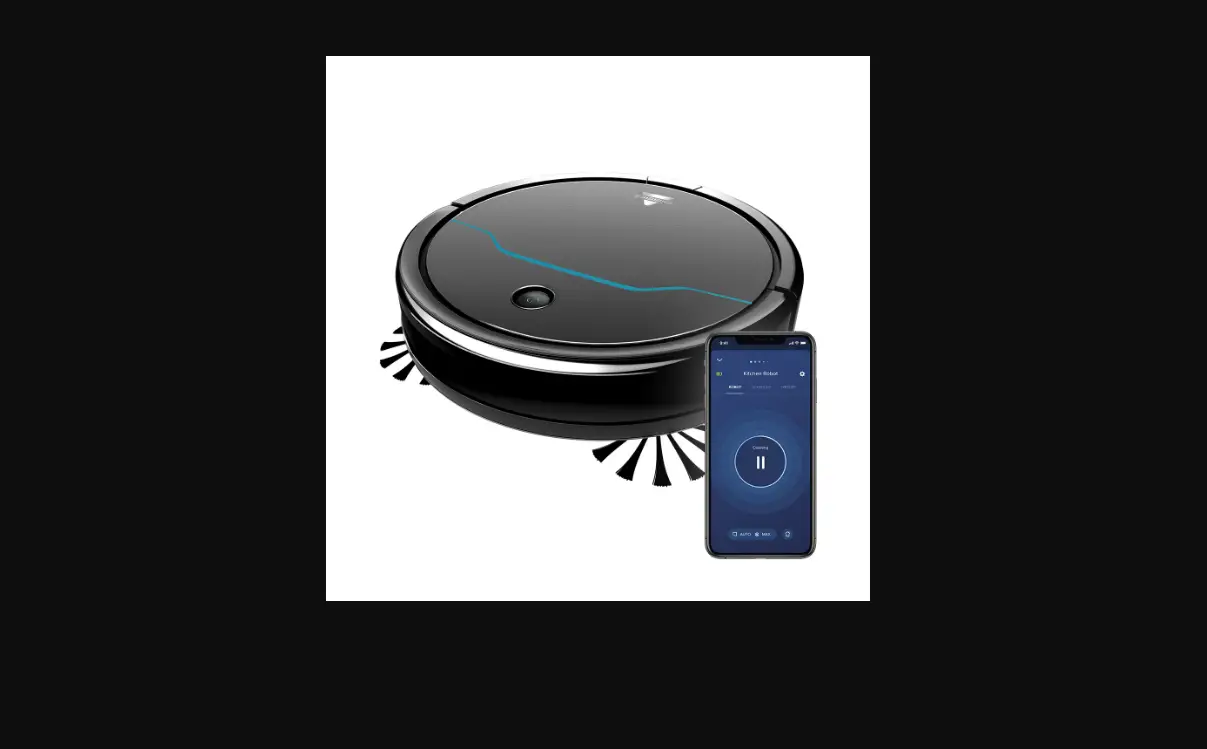
- To use automatic cleaning mode, open your BISSELL Connect App to schedule a clean