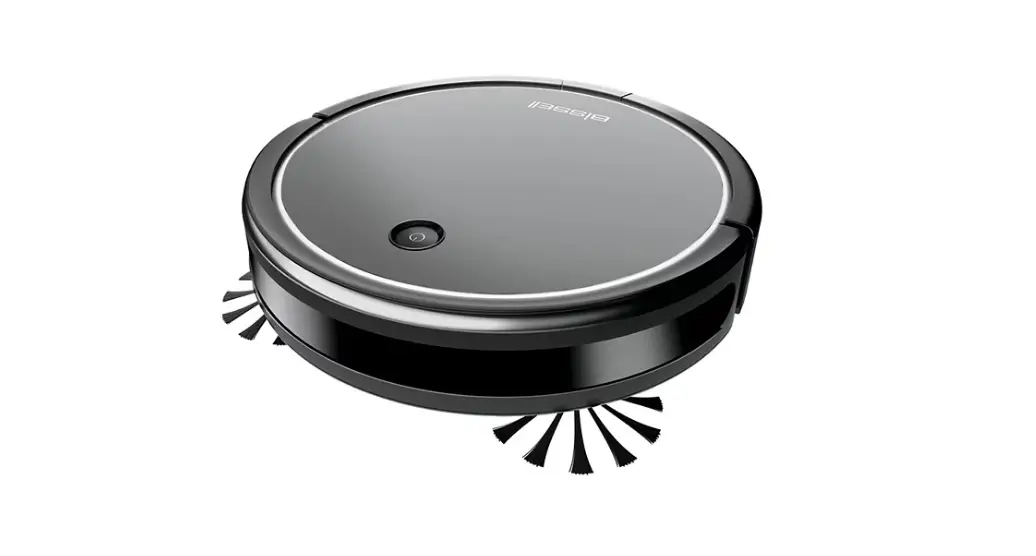
Cleanview® Connect Robotic Vacuum Removing/replacing Battery | Support

Cleanview® Connect Robotic Vacuum Removing/replacing Battery | Support

  • Turn the Power Switch OFF
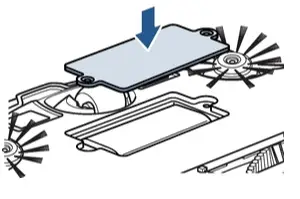
  • Use a Phillips-head screwdriver to remove the two screws and battery cover
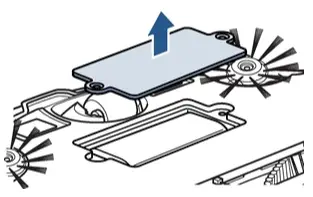
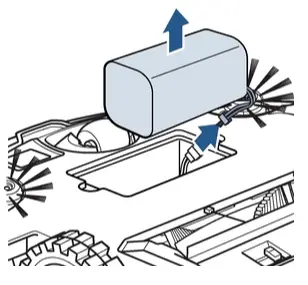
  • Gently lift the battery out of the Robot
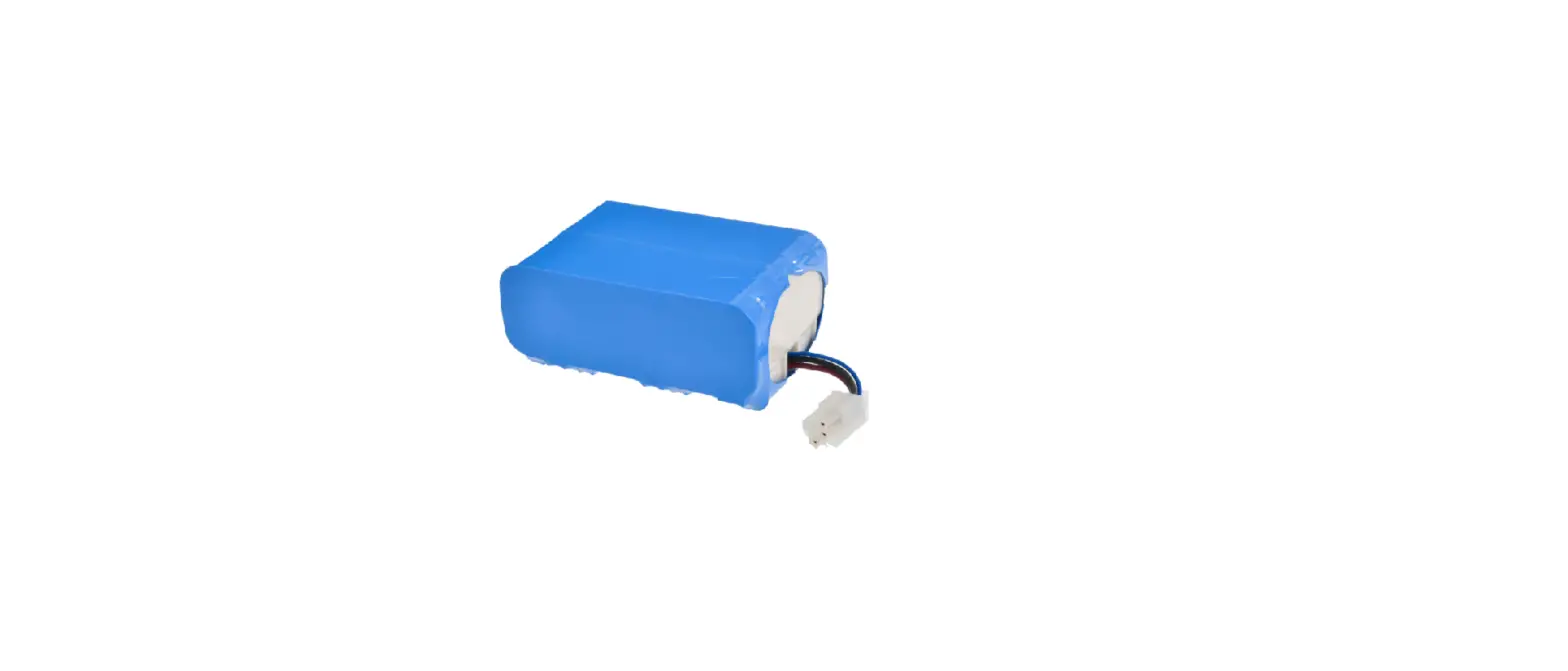
    • Squeeze the tabs on the connection wire to disconnect the battery
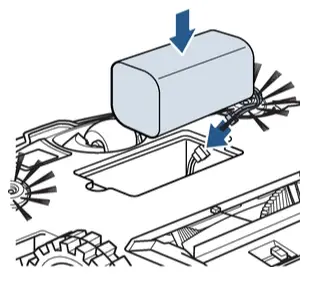
  • Connect the new battery and install into battery compartment
  • Use a Phillips-head screwdriver to secure the battery cover


Was this answer helpful?


Documents / Resouces

Download manual
Here you can download full pdf version of manual, it may contain additional safety instructions, warranty information, FCC rules, etc.


Related Manuals