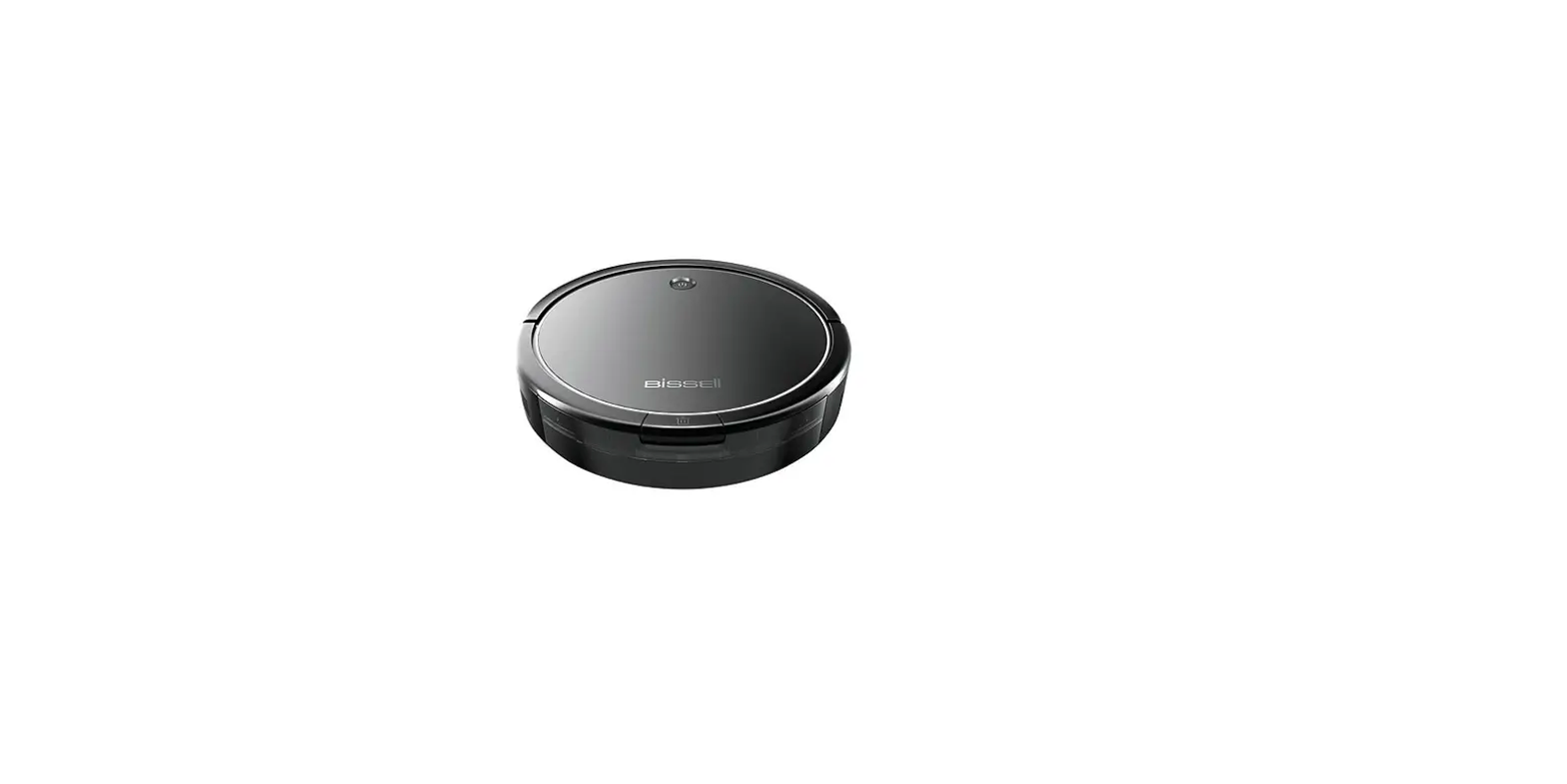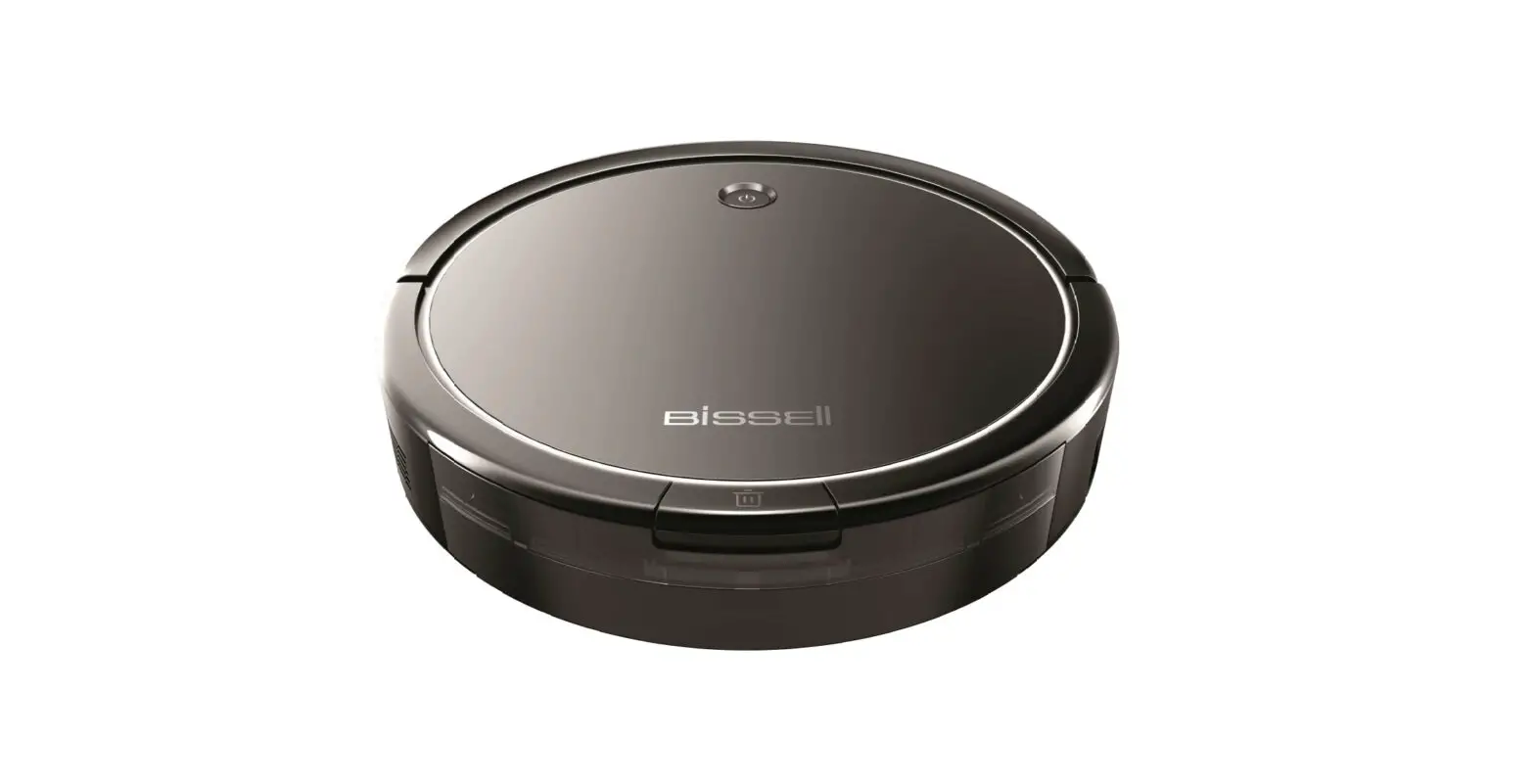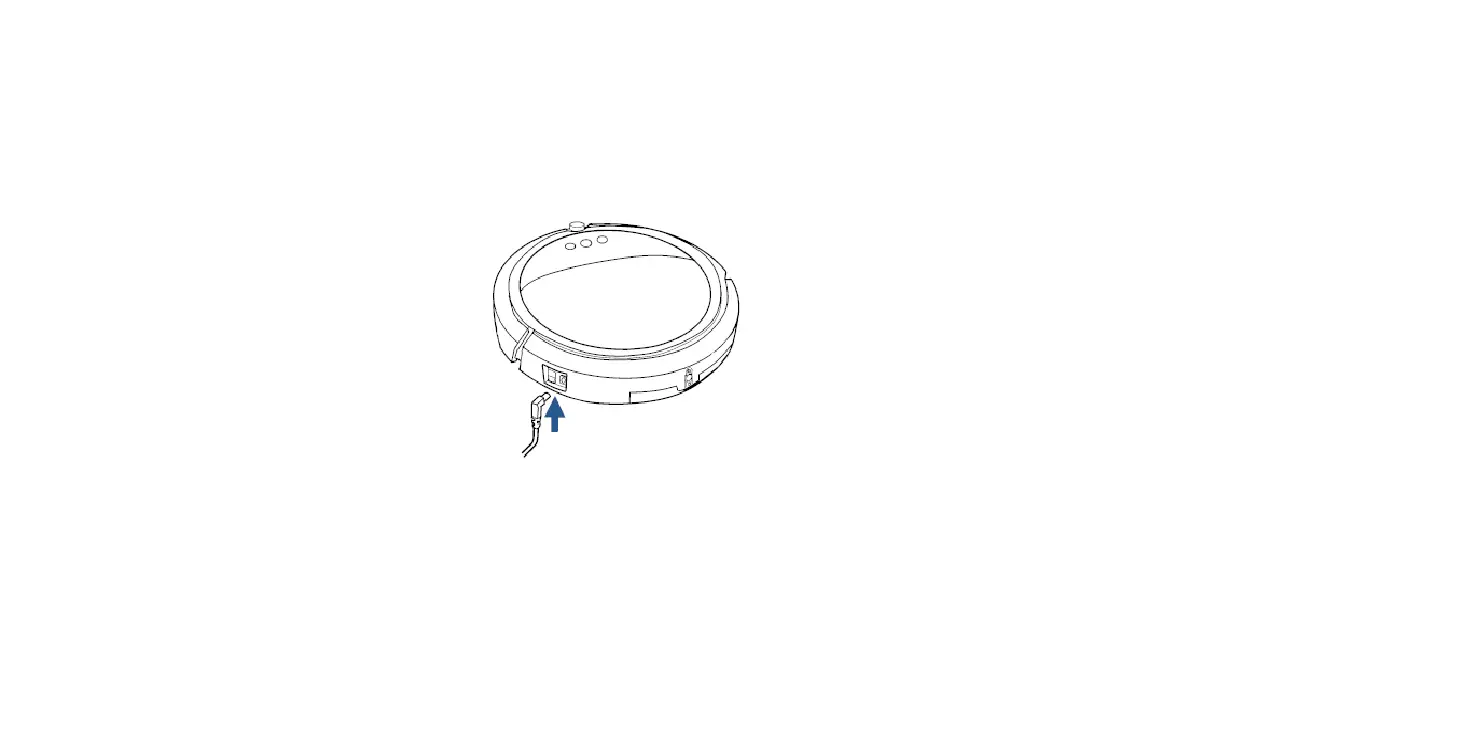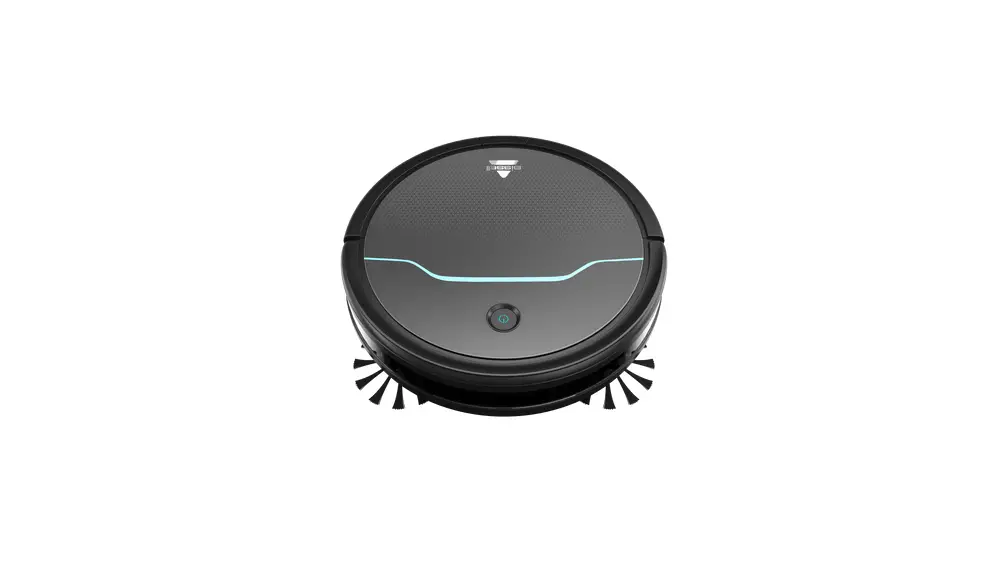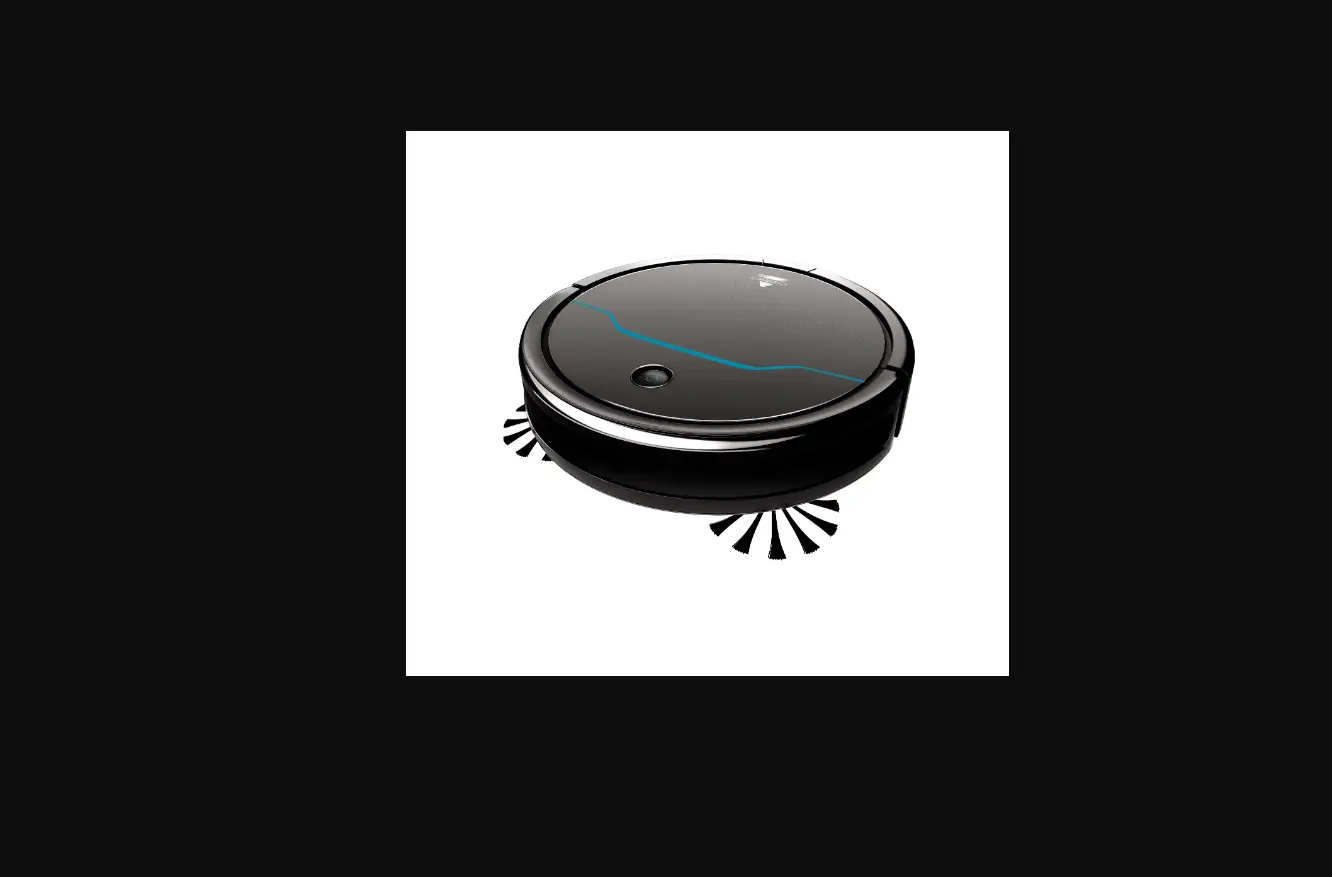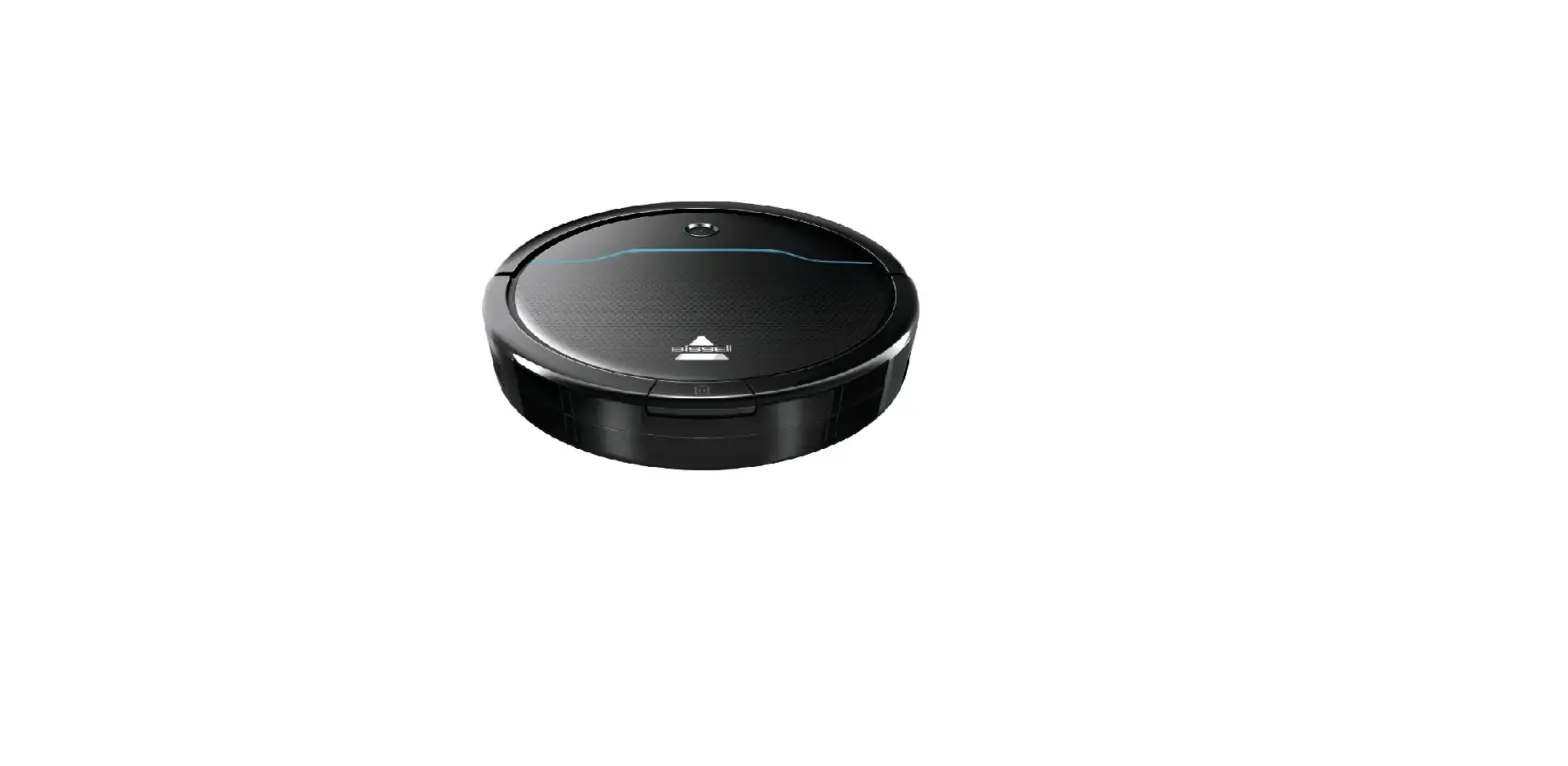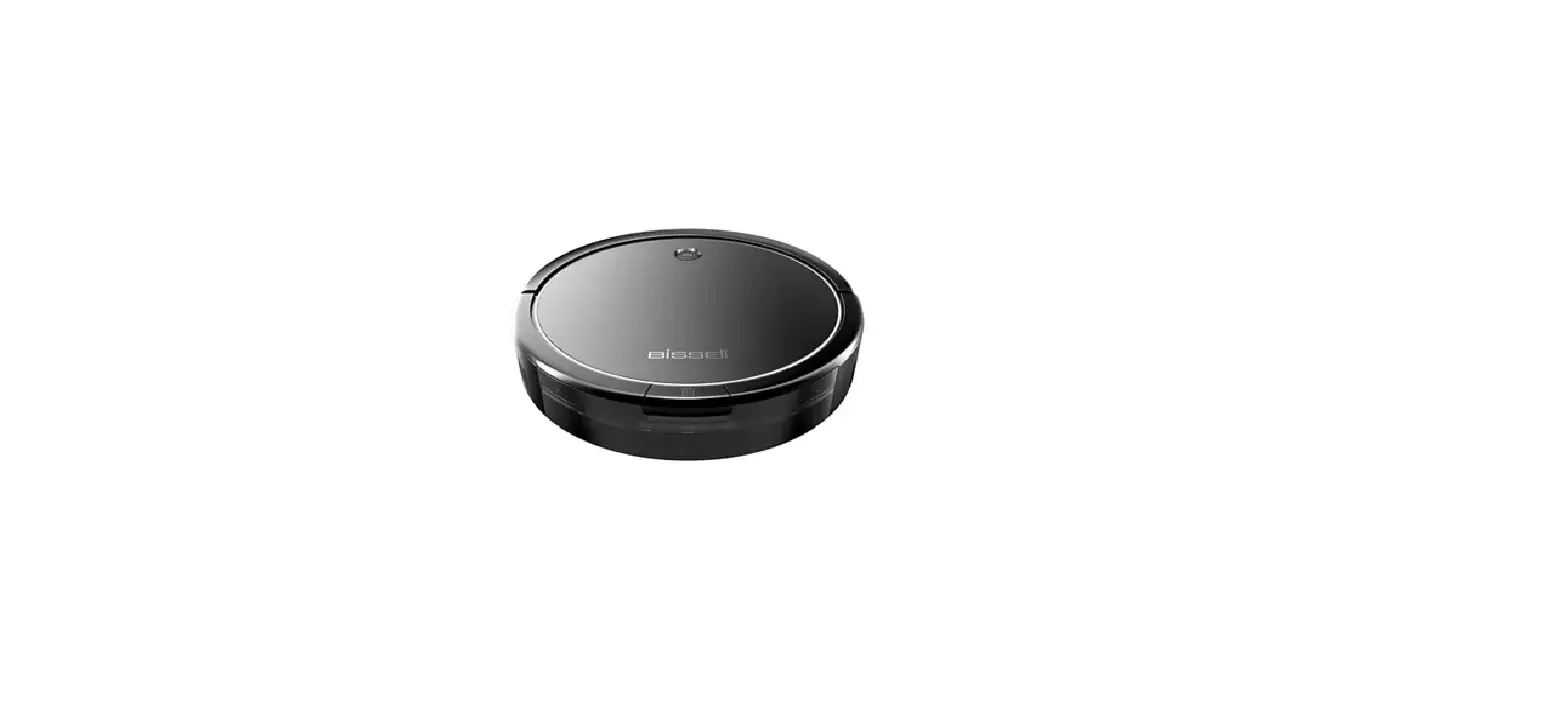
- Turn Robot ON > Power switch on side of machine
- Are lights visible on machine?
- Yes > Go to Light Status/Errors
- If not > Remove machine from Docking Station
- Check Docking Station
- Charger should be plugged securely into Docking Station, the other end into outlet
- Green light should be visible on the top of Docking Station
- If Green light is not visible, check to make sure the outlet is working
- Test this by plugging in a cell phone charger or small appliance
- If no power to outlet, test a different outlet in a separate room
- Reset circuit breaker if needed
- If outlet is working but there is no green light on Docking Station > Contact Us
- Are lights visible on machine?
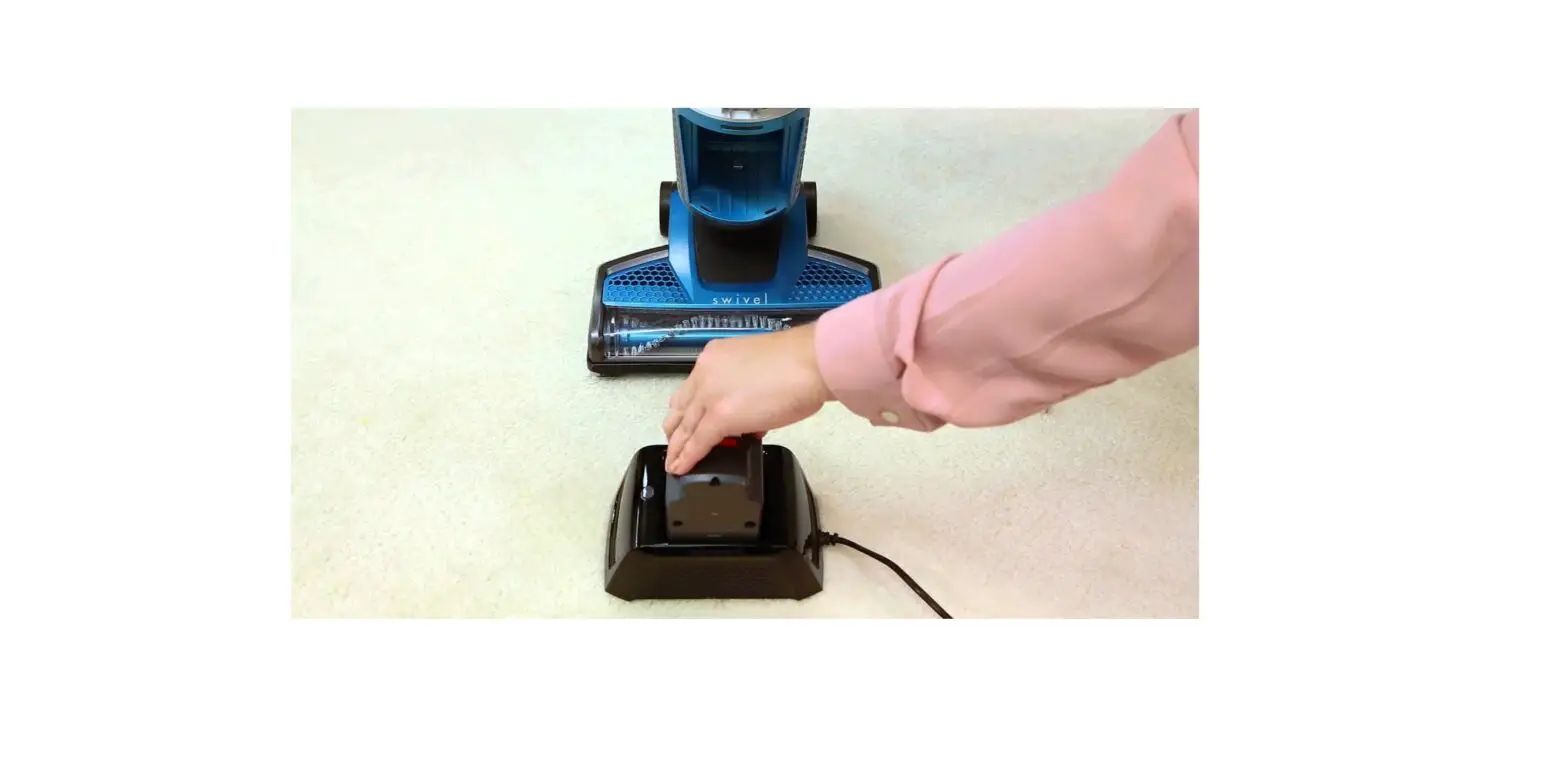
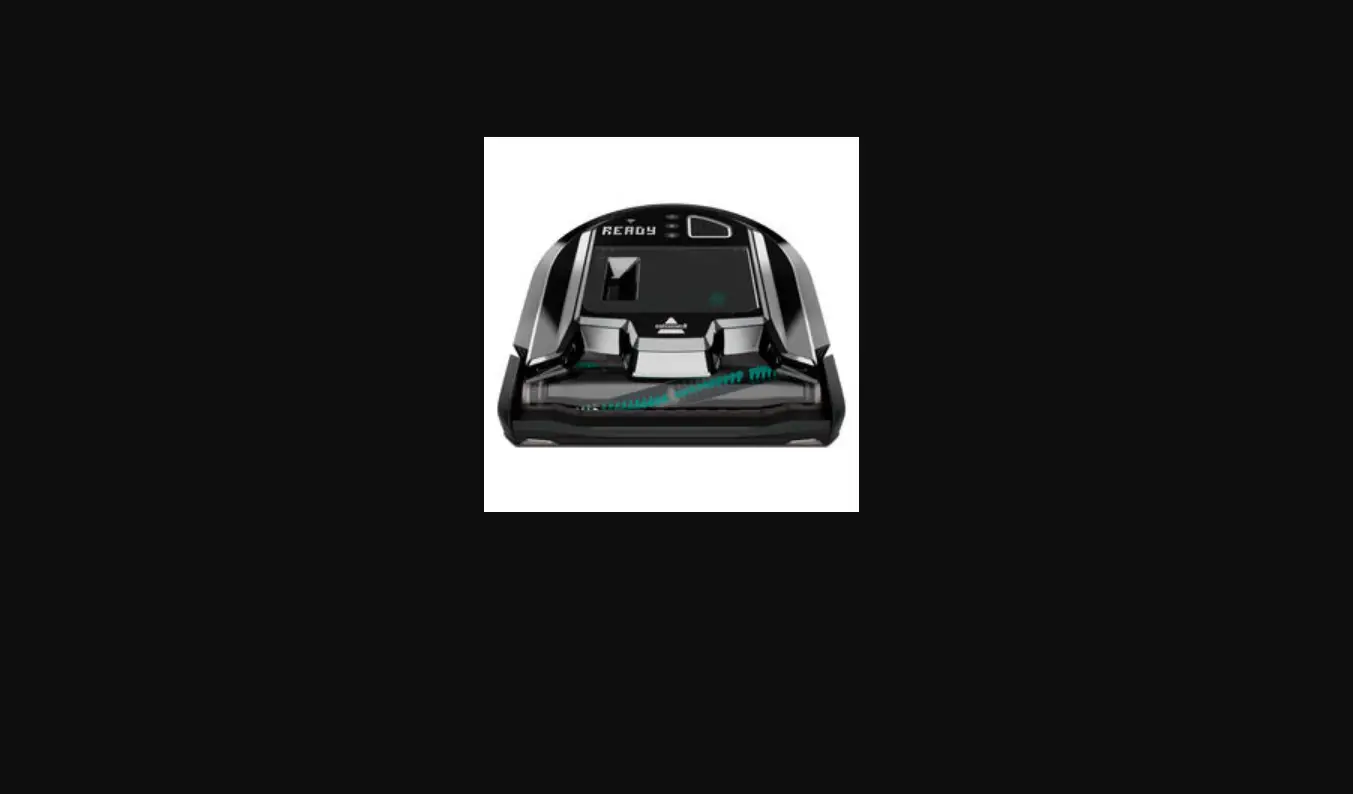
- Place Robot on Docking Station
- Green light on top of Docking Station should go out once Robot is docked properly
- White light on Robot will slowly flash (breath) while charging
- Allow 4 hours for a full charge
If Robot still has no power, please Contact Us