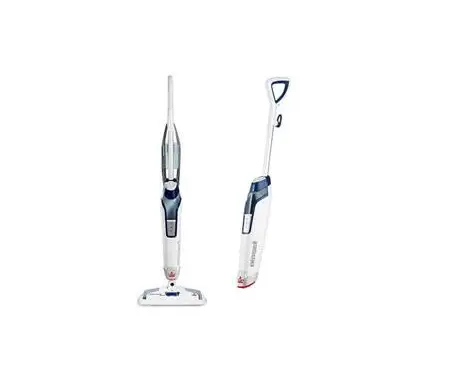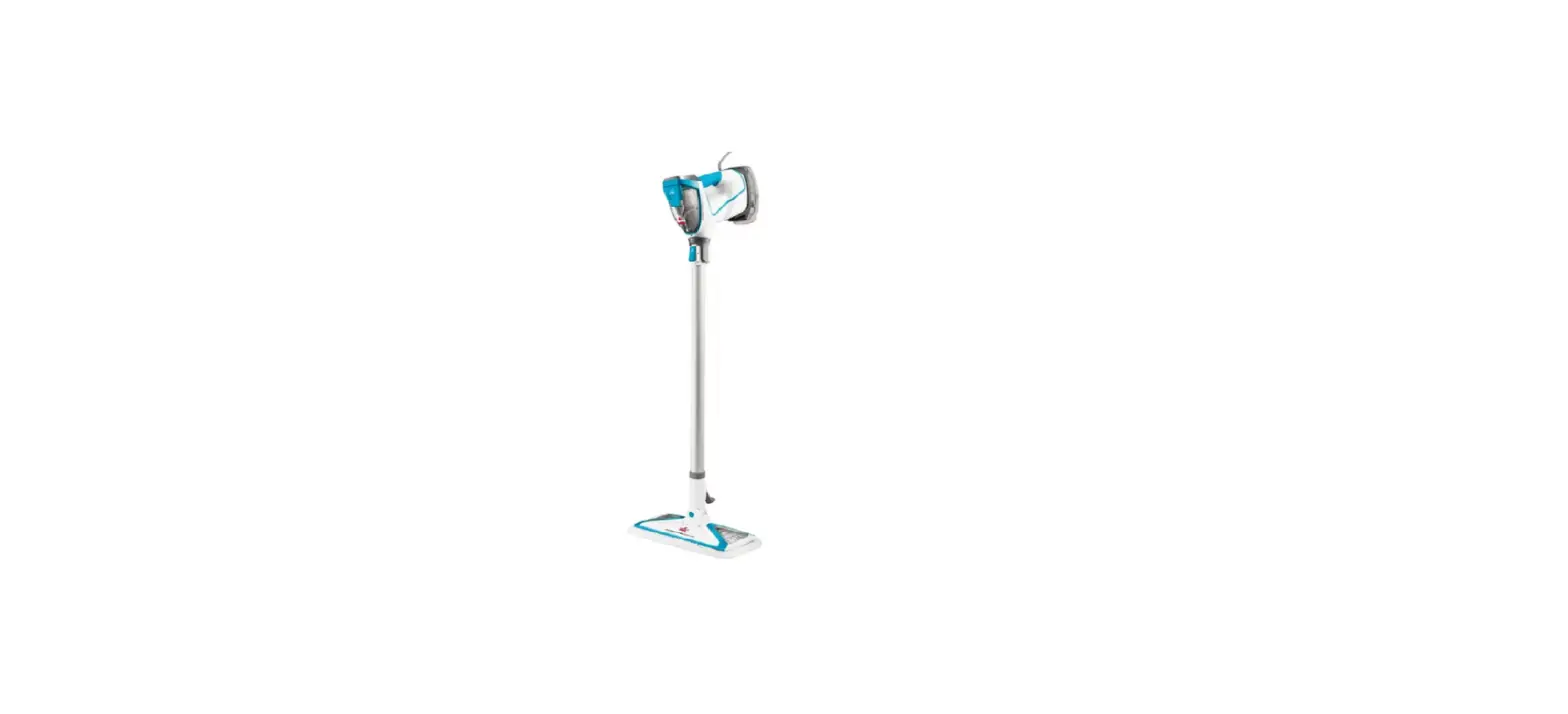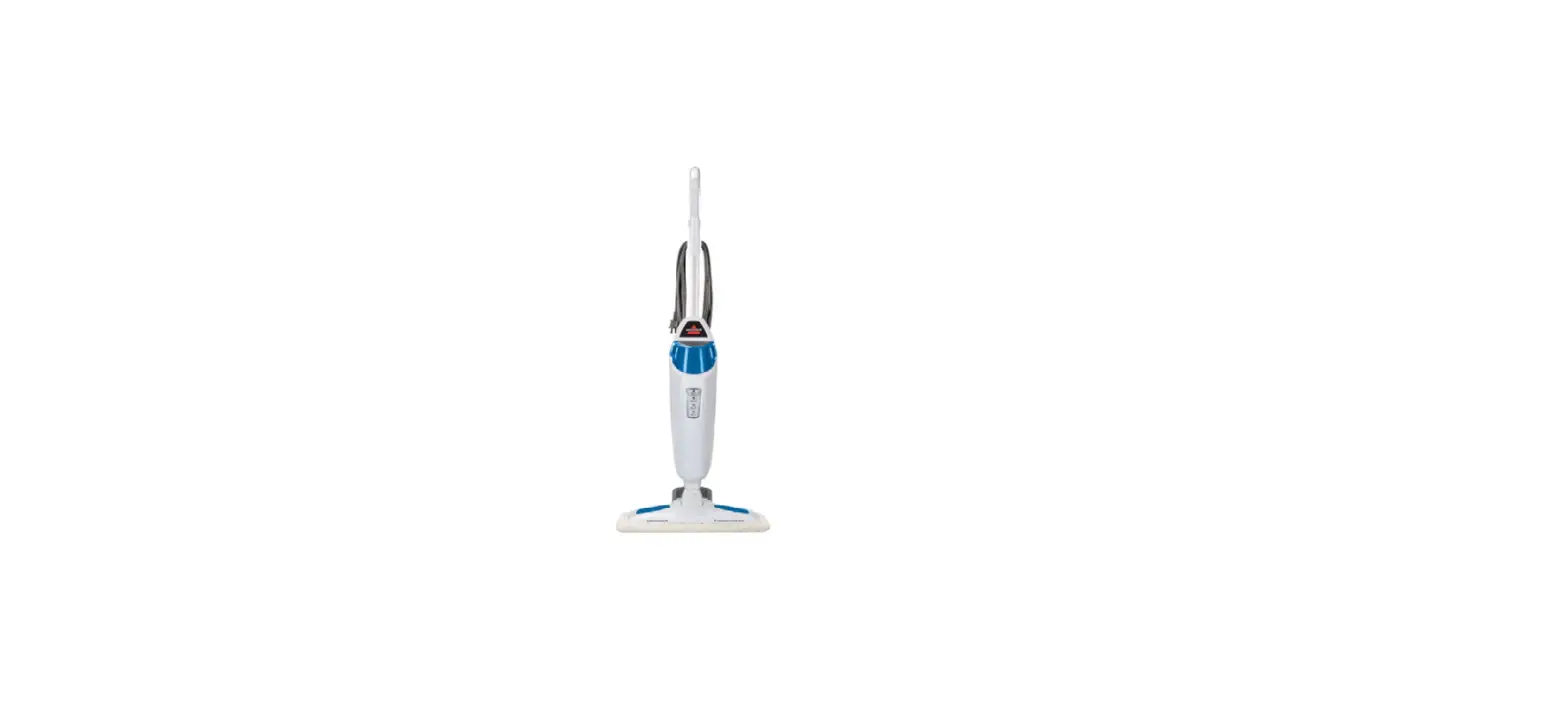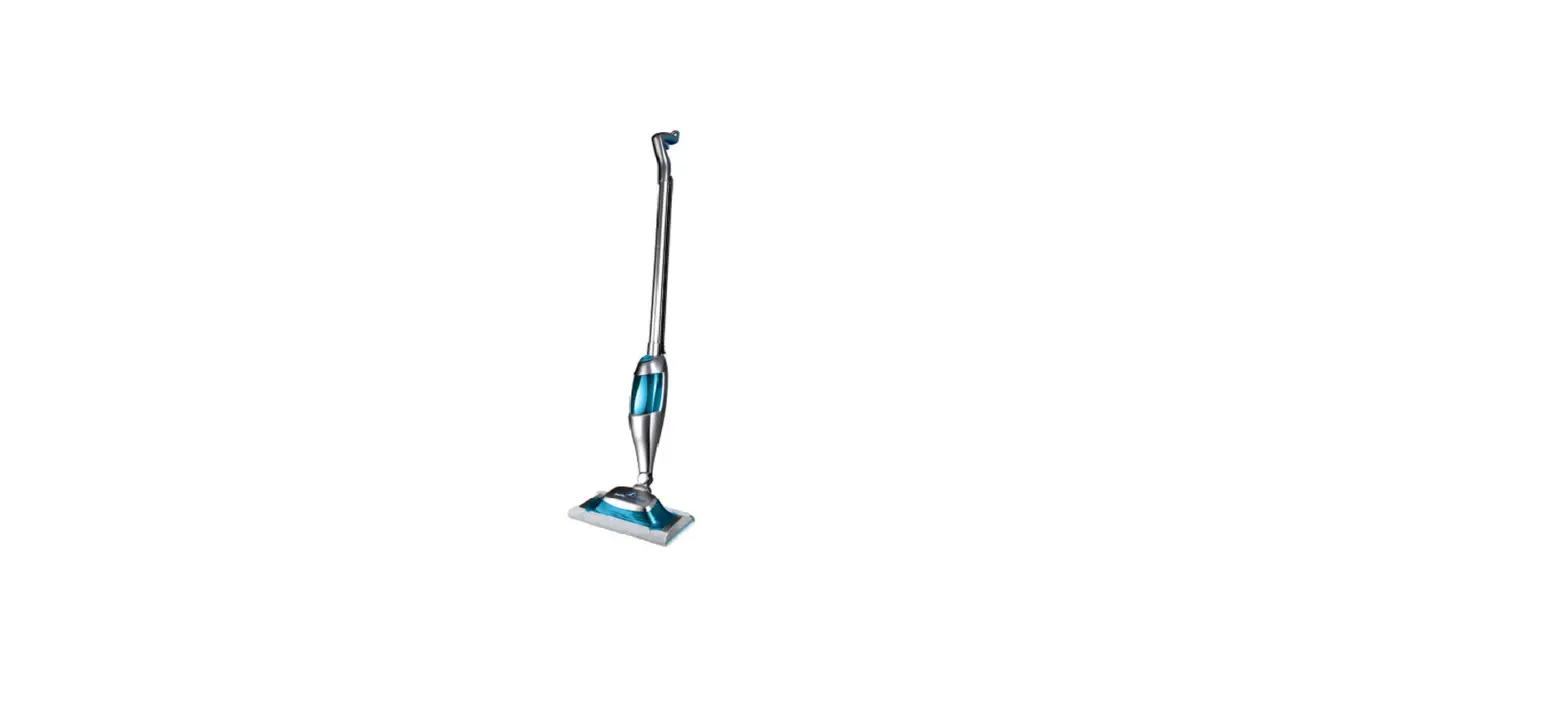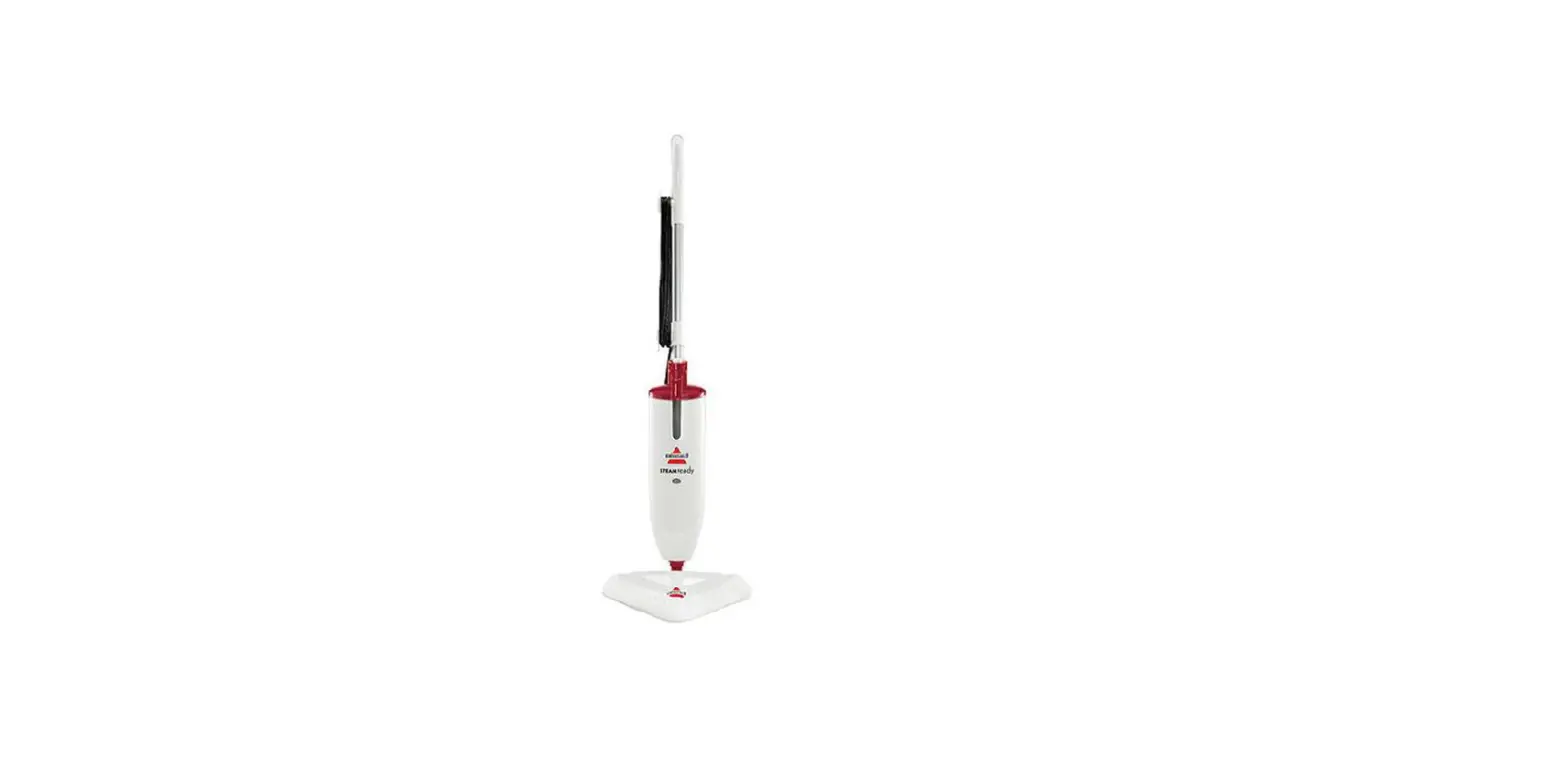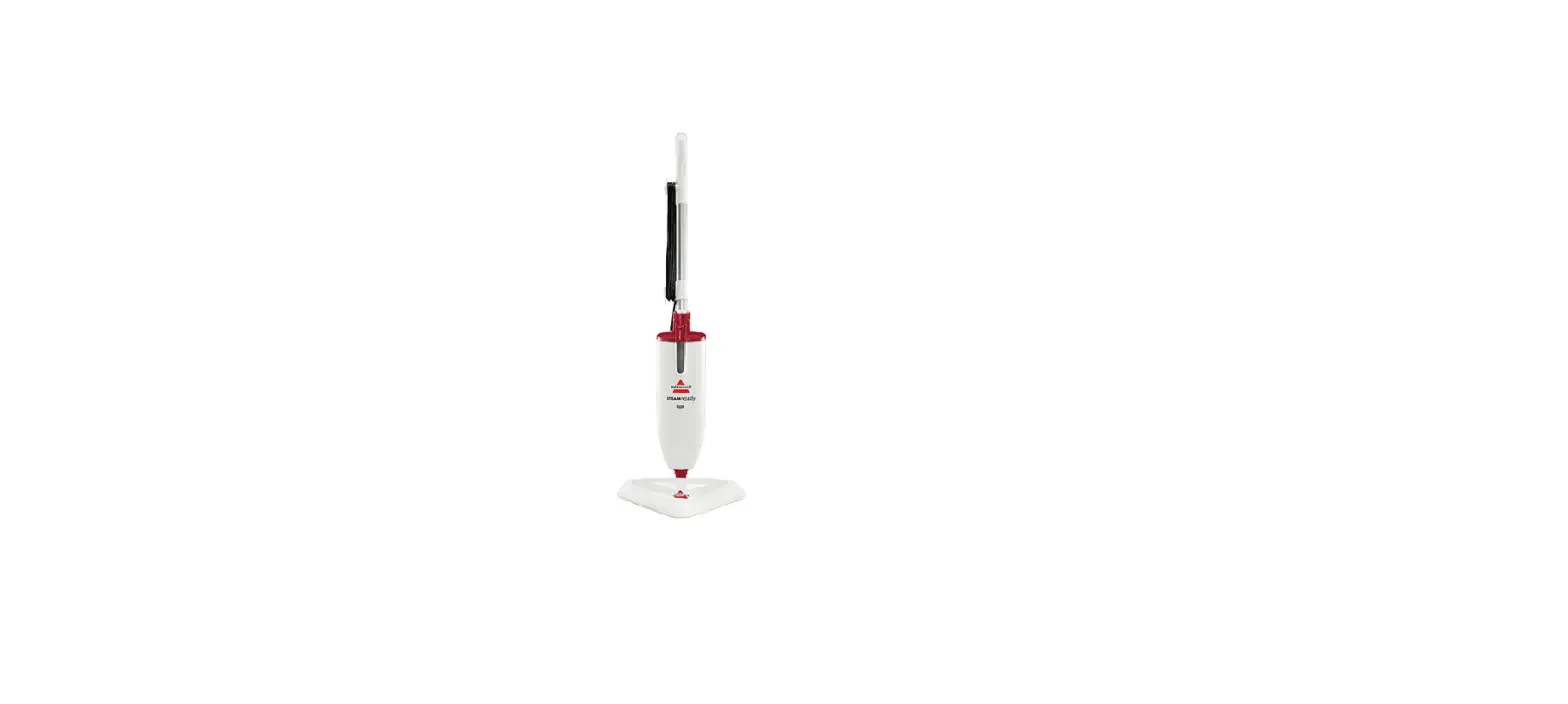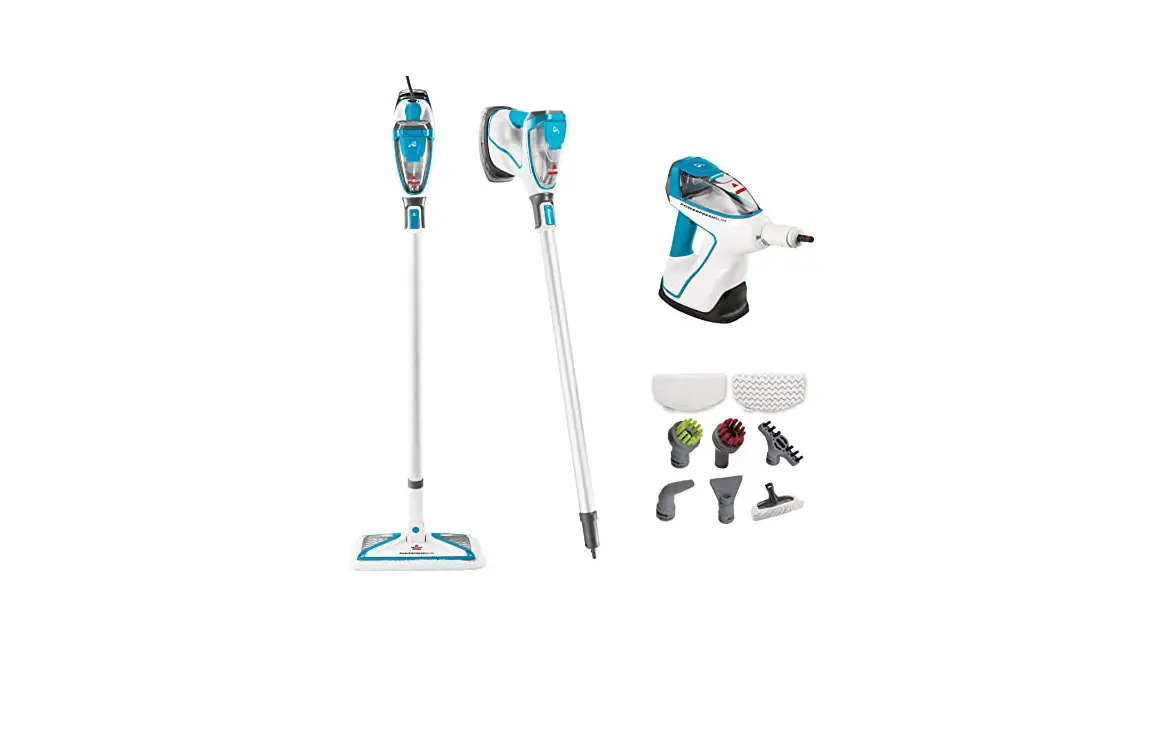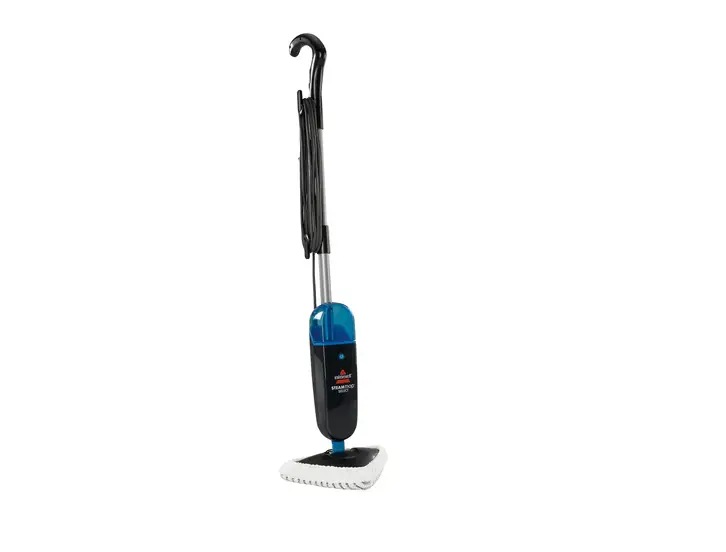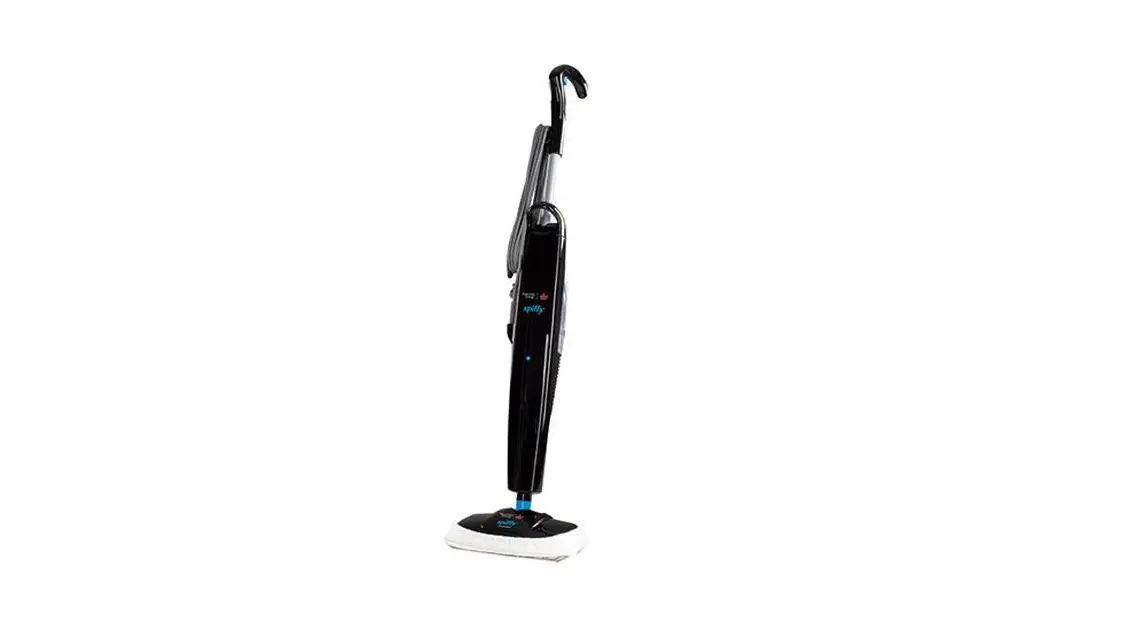
- The lower surfaces of the steam mop will become warm to the touch after it has been used for a few minutes
- There is a warning panel on the back of the machine as a reminder to avoid contact
- Always let pad cool down before removing or replacing it
- Machine heats up internally and can feel very warm to touch
- If plastic is discolored or deformed, please Contact Us
Steam Coming from Hole on Back of Unit
- This hole is a pressure relief valve designed to release steam if something is blocking the steam path inside the machine – CAUTION HOT!
- Remove the mop-head and check for steam at the spray tip by taking off the foot and aiming the spray end in the sink or tub
- Do not put any body parts near the end of machine when checking for steam
- Check for steam with machine pointed away from body into a sink or tub
- If NO steam with the mop-head removed
- Unplug machine and let it sit for at least 5 mins to cool
- Clean the spray tip with paper clip
- If still no steam, please Contact Us
- If YES, there is steam with the mop-head removed
- Mop Head may be clogged
- With the paperclip, clean the hole on the bottom of the foot where the steam comes out
- Also check the top of the foot (the part that attaches to the machine) to ensure there are no obstructions
- Pour white vinegar through the top of the Mop Head to clear the clog
- Do Not put vinegar in the water tank and run it through the machine
- Clear the vinegar out of the foot by running warm water through it
- Reattach the mop head and attempt to spray into the sink or tub to check for steam
- If still no steam, please Contact Us
- Mop Head may be clogged
- If NO steam with the mop-head removed