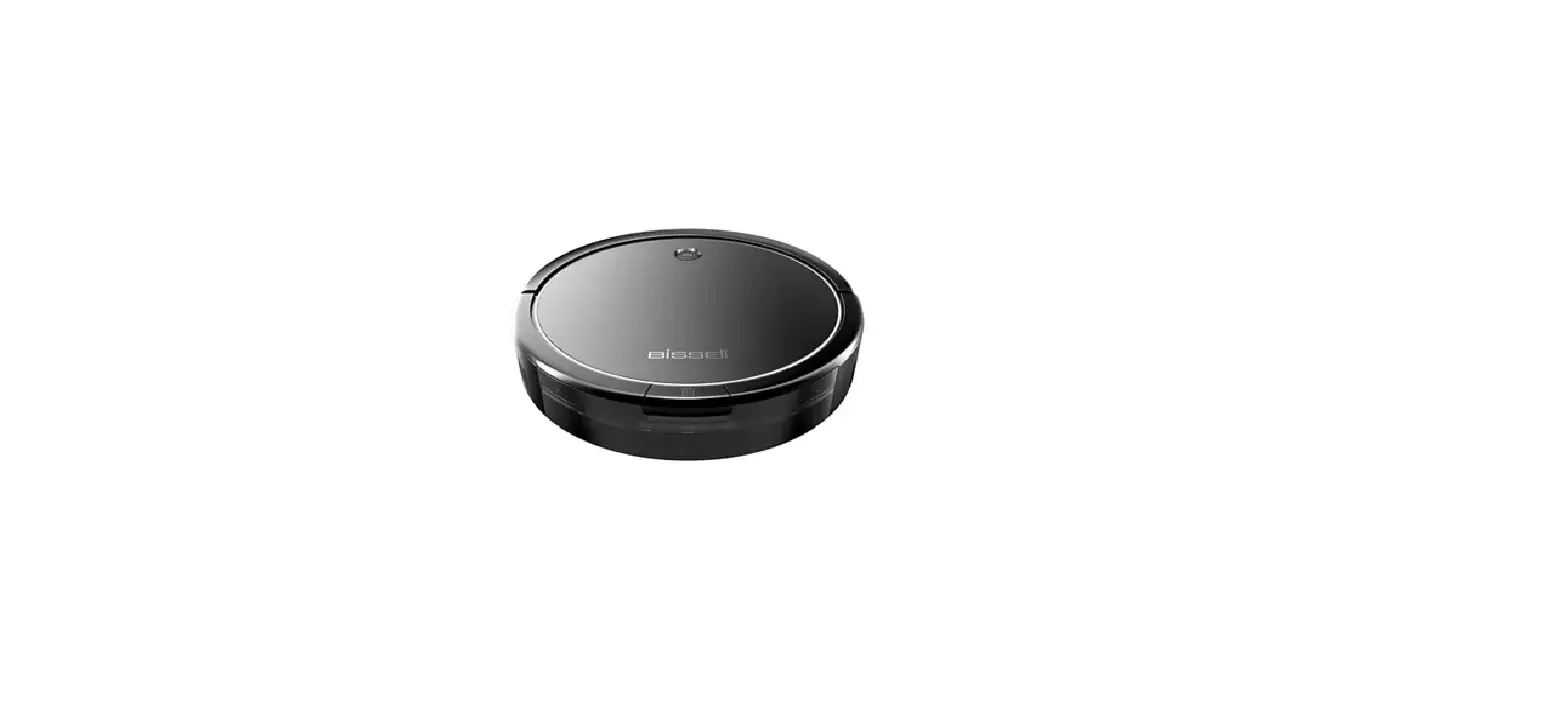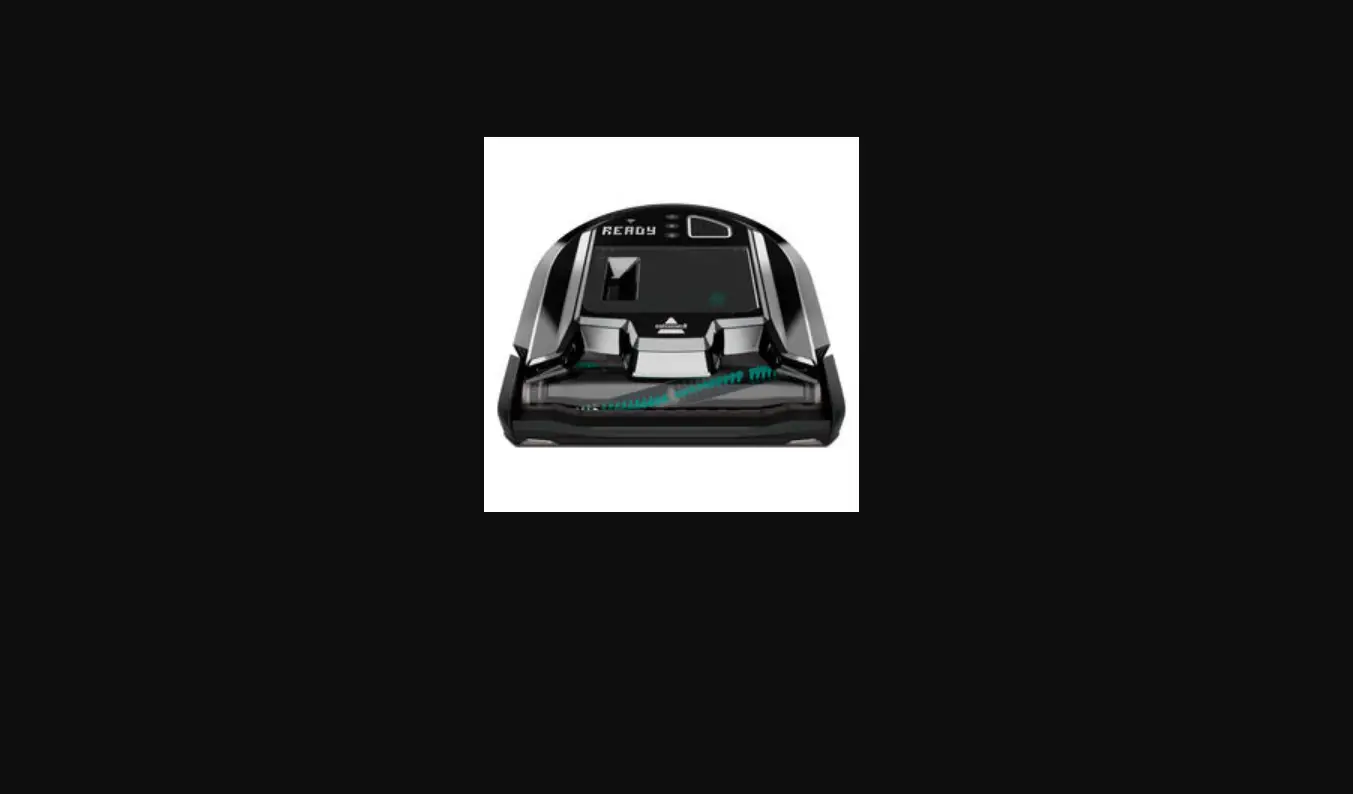
Is there an error displaying on your robot?
- Yes > Go to Display Errors for remedies
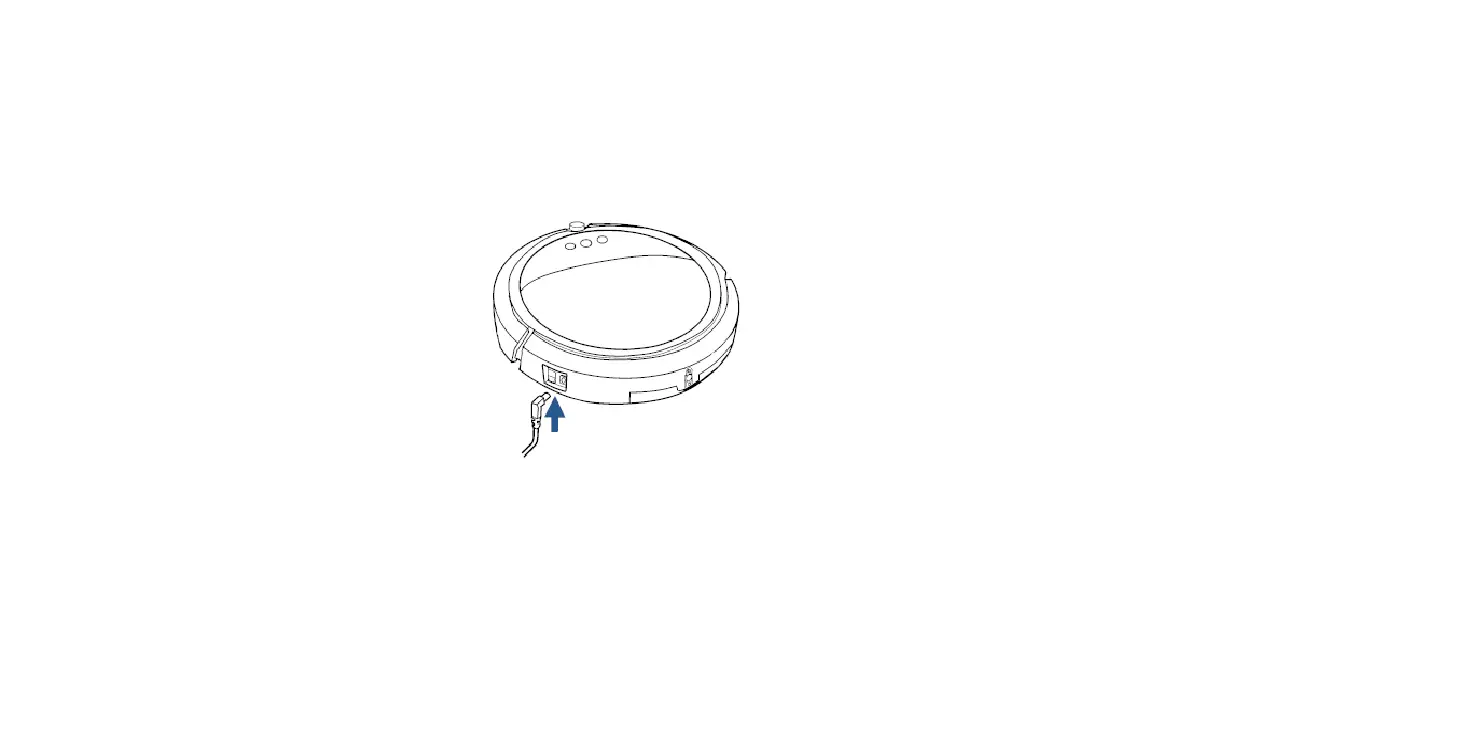
- No > The Power switch needs to be in the On position for the Robot to charge
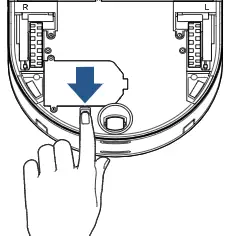
- Plug another device into the outlet to make sure outlet is working properly
- Inspect the entire length of the Power adaptor, plug & cord, if damaged > Replace Charger > Go to Parts & Supplies
- Unplug adaptor from back of Dock > Plug back in
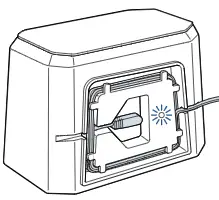
- Green light on the back of Dock indicates it has power
- If no Green light when Dock is plugged in > Replace Dock > Go to Parts & Supplies
- Green light on the back of Dock indicates it has power
- Wipe connection points on front of Dock and back of Robot with clean dry cloth
- Turn Robot OFF > Wait a few seconds > Turn ON
- Set Robot on Dock > Readjust Robot to ensure it is seated properly & Display lights are visible > Wait a few seconds to confirm Robot is charging
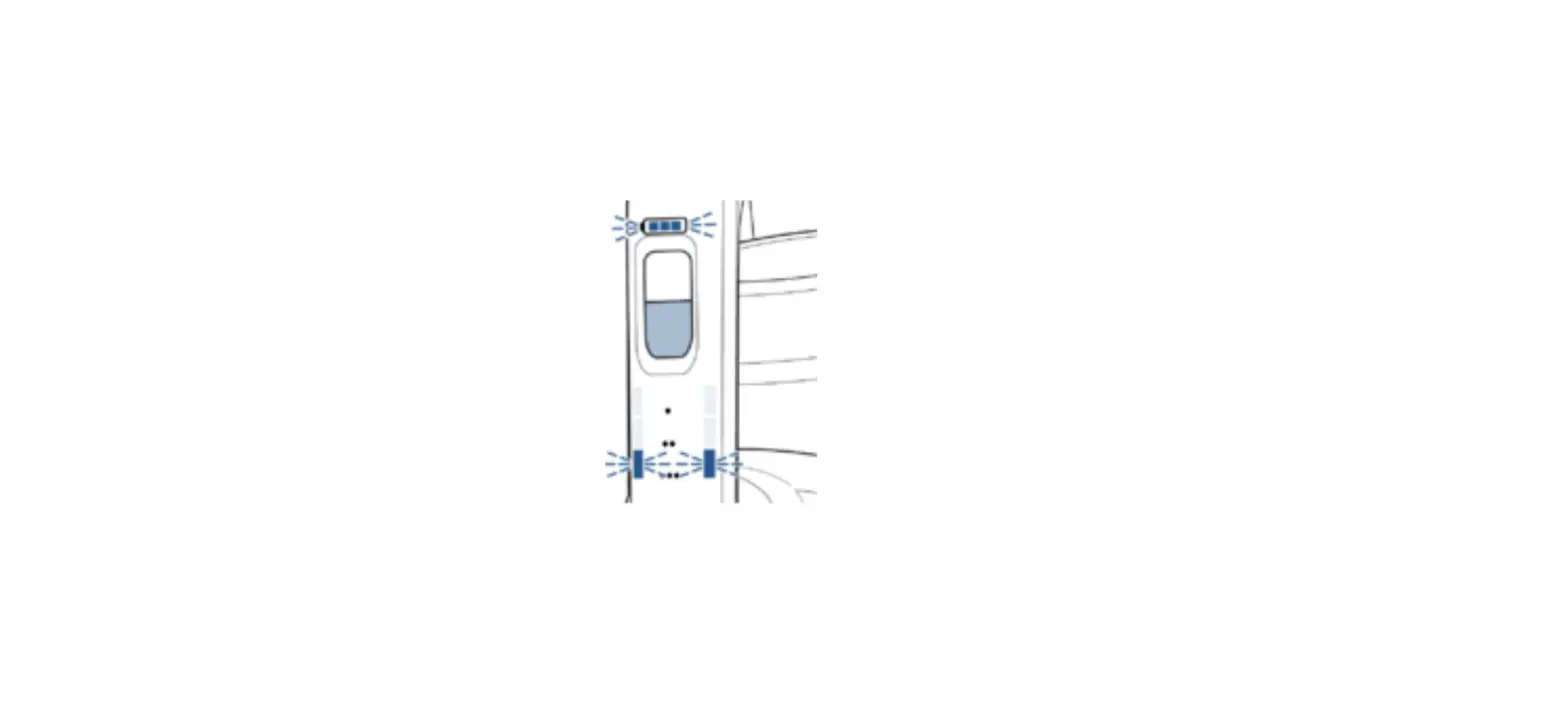
- When charging both the Battery Icon and Display will illuminate
- Set Robot on Dock > Readjust Robot to ensure it is seated properly & Display lights are visible > Wait a few seconds to confirm Robot is charging
If your Robot still does not have power, please Contact Us