- Machine will not charge if power switch is OFF
- E6 Error will display on LED screen, and middle button will flash red
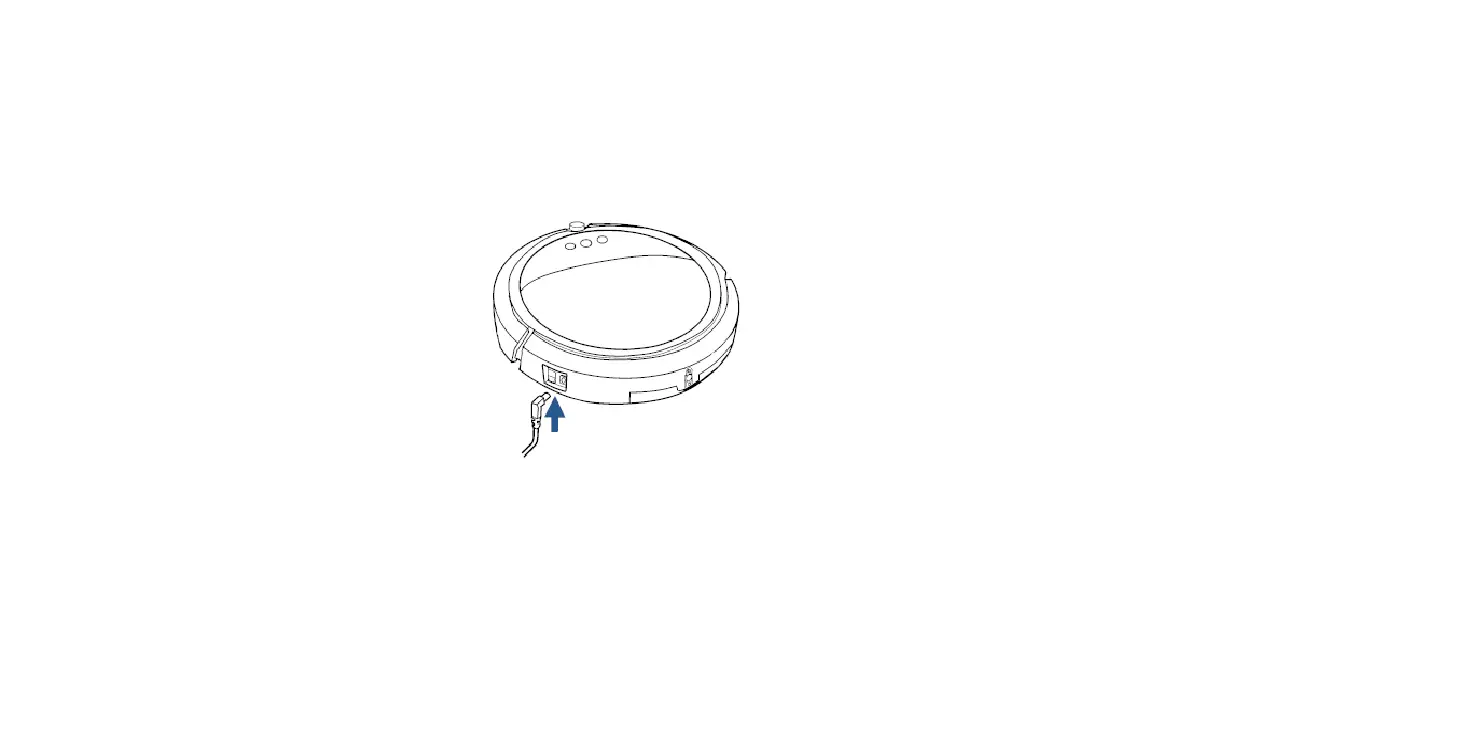
- For initial charge, plug wall adaptor directly into the charging port on the machine
- Allow machine to charge for 4-5 hours
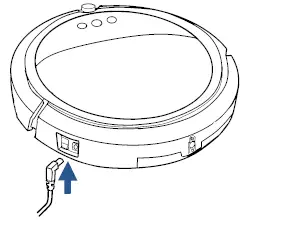
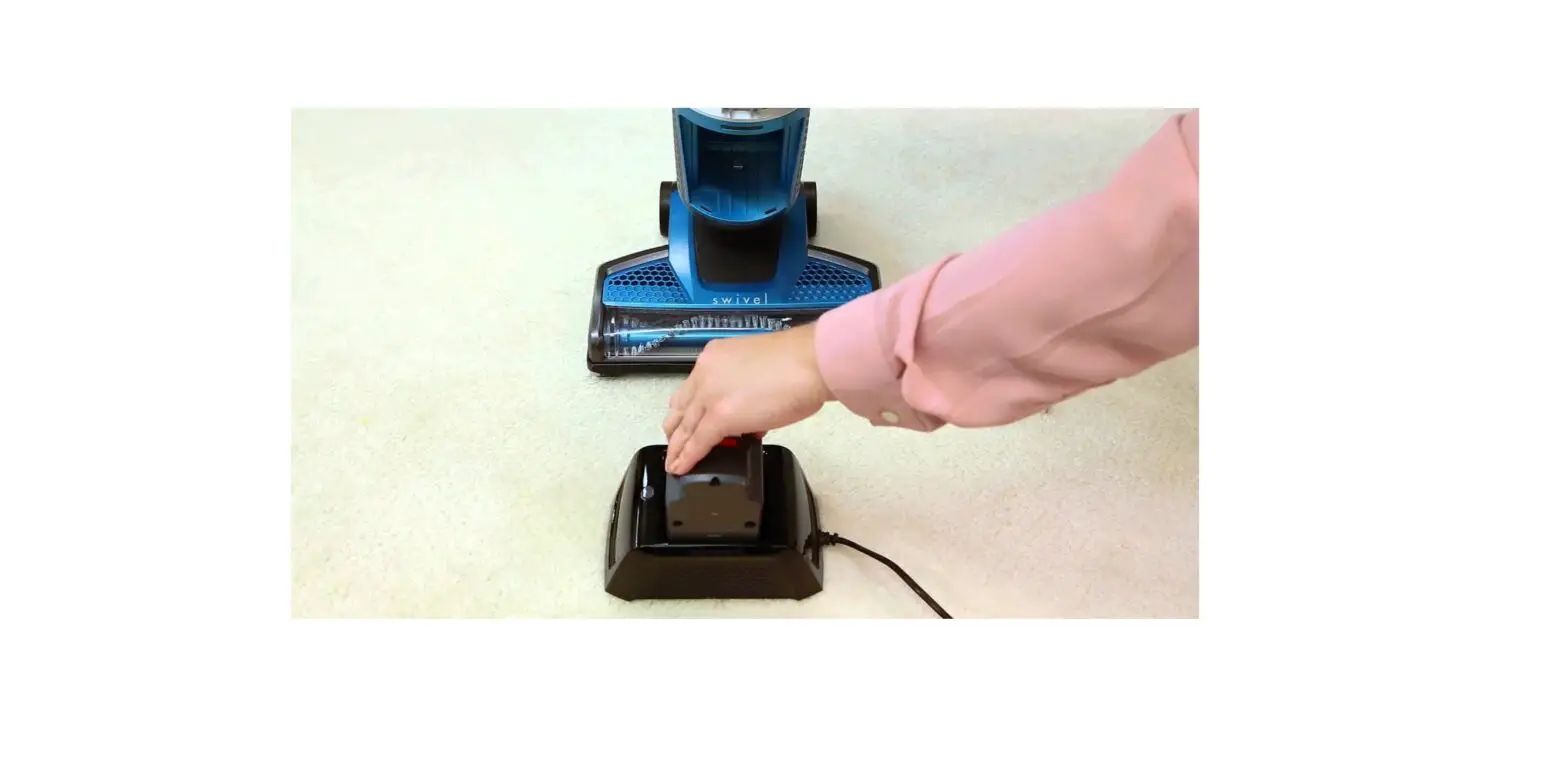
- After initial charge is complete, plug the wall adaptor directly into the docking station
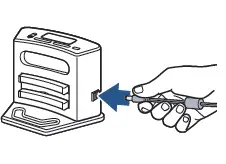
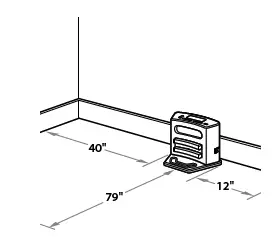
- Ensure docking station has at least 40 inches to one side, 12 inches to the opposing side, and no obstructions in front
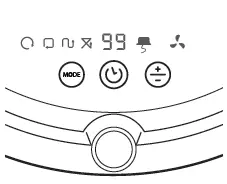
- To test the auto-charge feature of the docking station, press center button of machine and select “00” (may need to press button multiple times)
- Machine should back into dock for recharging
- While charging, the middle button will flash on and off in green and the LED display will indicate the percentage the machine is charged
- When machine is fully charged, display will read “FL” for 15 minutes each hour while charge is maintained
- If machine will not charge while on docking station, plug charging cord directly into charging port on machine to charge
- If charge is completely depleted, machine may not charge on the docking station
- Turn power switch off and press the two circles of the batter cover to slide the cover off
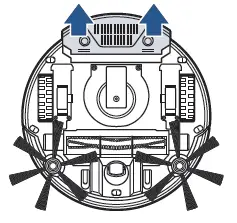
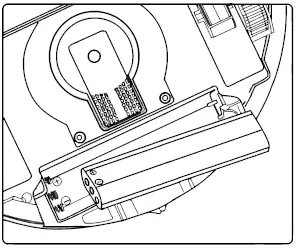
- Remove the battery to check its condition
- If there is any discoloration on the ends or if the springs are retracted, visit a BISSELL Authorized Service Center or Contact Us
- Reinsert the battery with the +/- terminals of the battery matching the +/- indicators in the battery compartment
- If machine still does not have power, visit a BISSELL Authorized Service Center or Contact Us