- Run your fingers down the entire length of the Charger Cord checking for damage
- If the cord is damaged, a new one will need to be ordered
- Test a different device (such as a phone charger) in the outlet to ensure it’s working
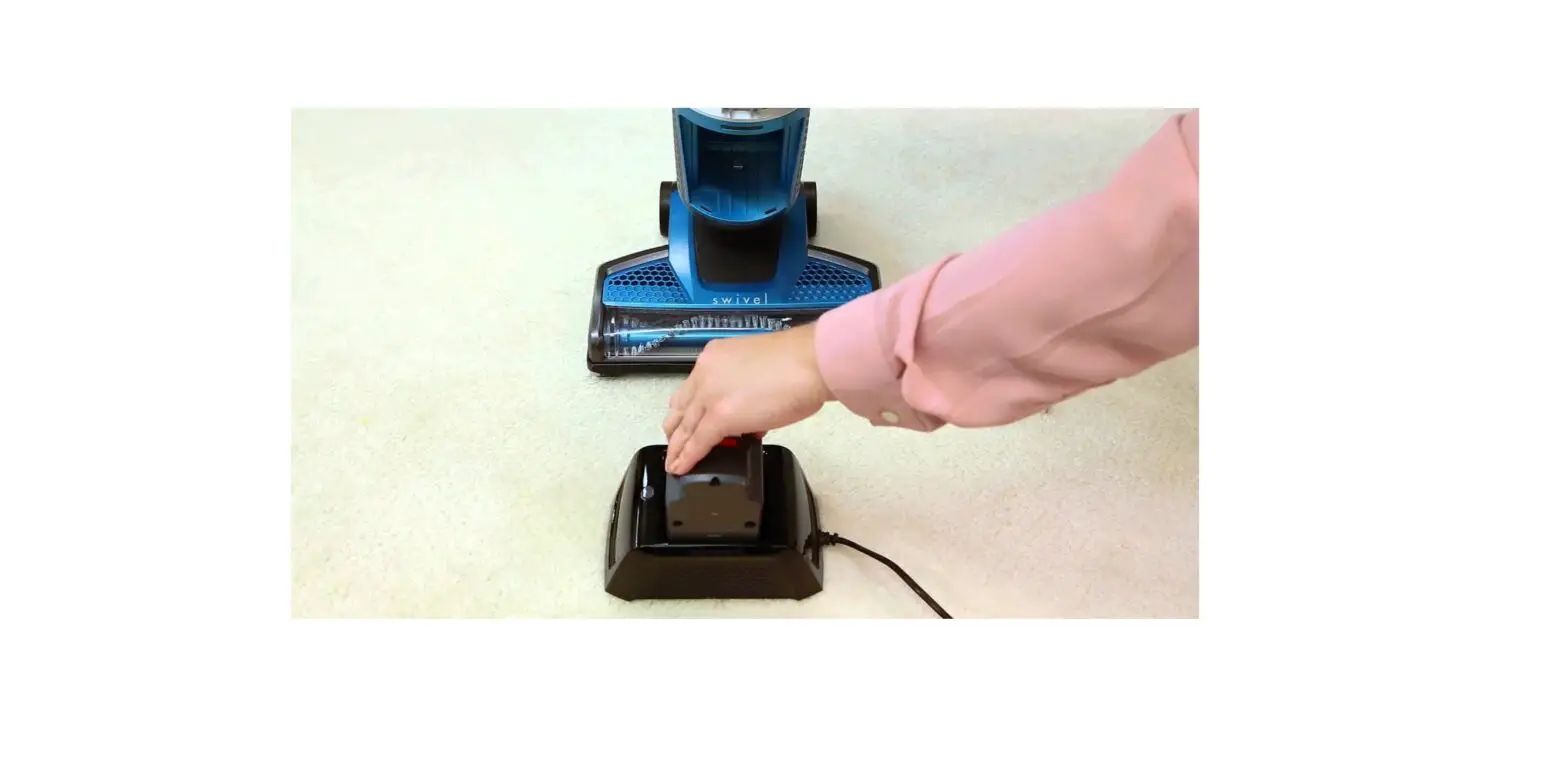
- Charger light will be green when plugged in to outlet
- Light will turn red until battery is fully charged after 2 hours
- If charger blinks red then green continuously, take battery off and reseat on charger
- Insert fully charged battery with the BISSELL logo facing up
- Battery door should lock into place
- If battery is upside down, door will not lock – turn battery over
- Expected run times vary on use
- If brush is on with suction set on hi, run time will be about 20 minutes
- If brush is off with suction set on low, run time will be up to 45 minutes
- High pile carpet will make machine work harder and can diminish run time
- Life of the battery will slightly diminish over time
- If machine still has no power or has a run time of less than 5 minutes, a new battery will be needed
- Do not disassemble battery pack – for specific disposal instructions, please contact RBRC (Rechargeable Battery Recycling Corporation) 1-800-822-8837 or visit www.rbrc.org
If you need additional assistance, Contact Us