- Verify correct charger is being used
- Label on charger should have Model K12S270050U
- Only this charger should be used
- Inspect charger prongs & cord
- If cord is damaged (not smooth) or prongs are damaged, charger should be replaced
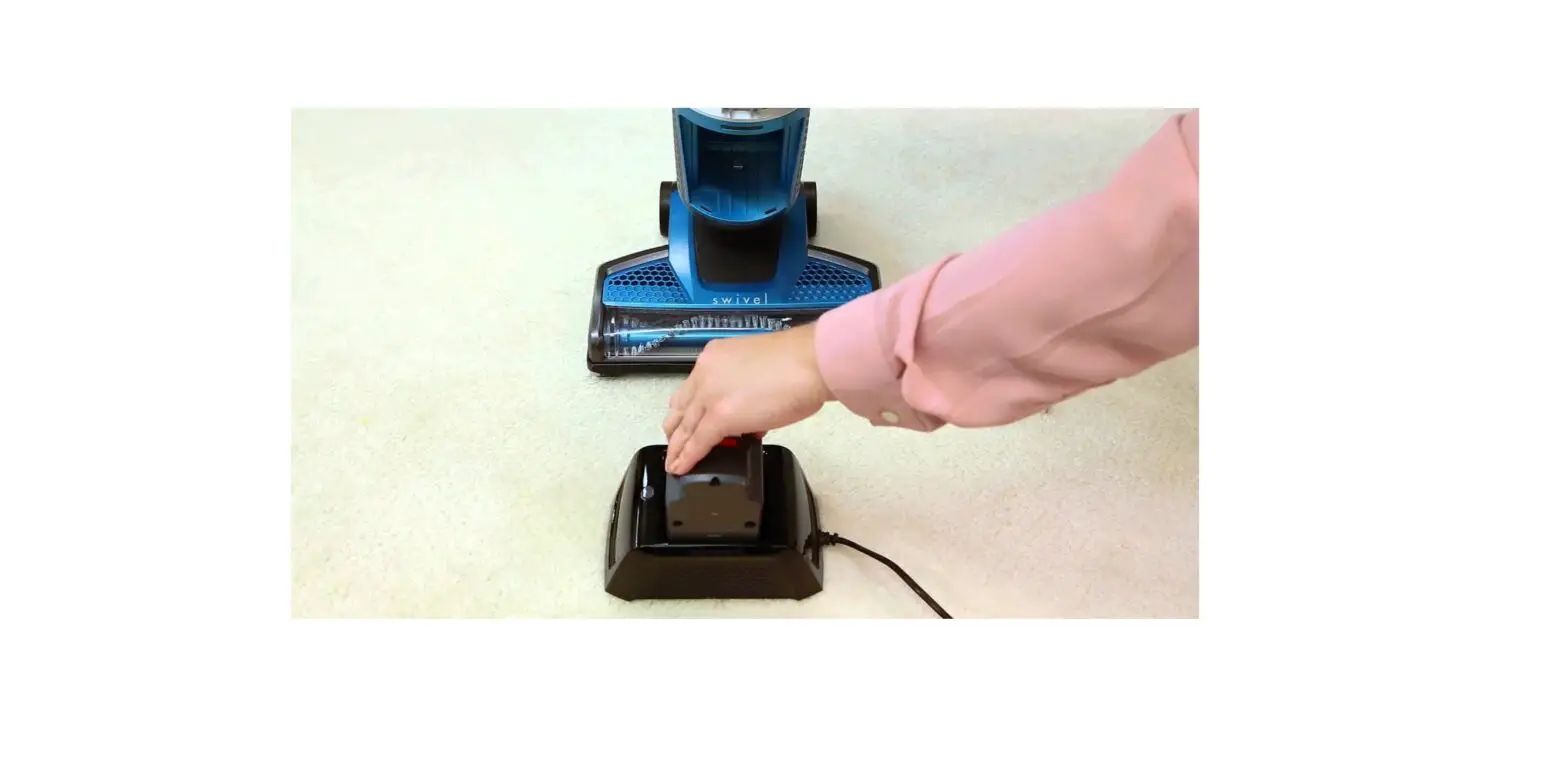
- Plug the charger into the port on the battery and plug the outlet end into a functioning outlet
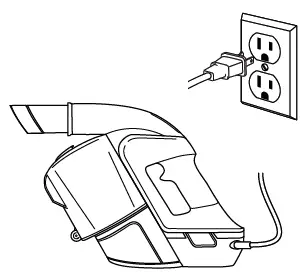
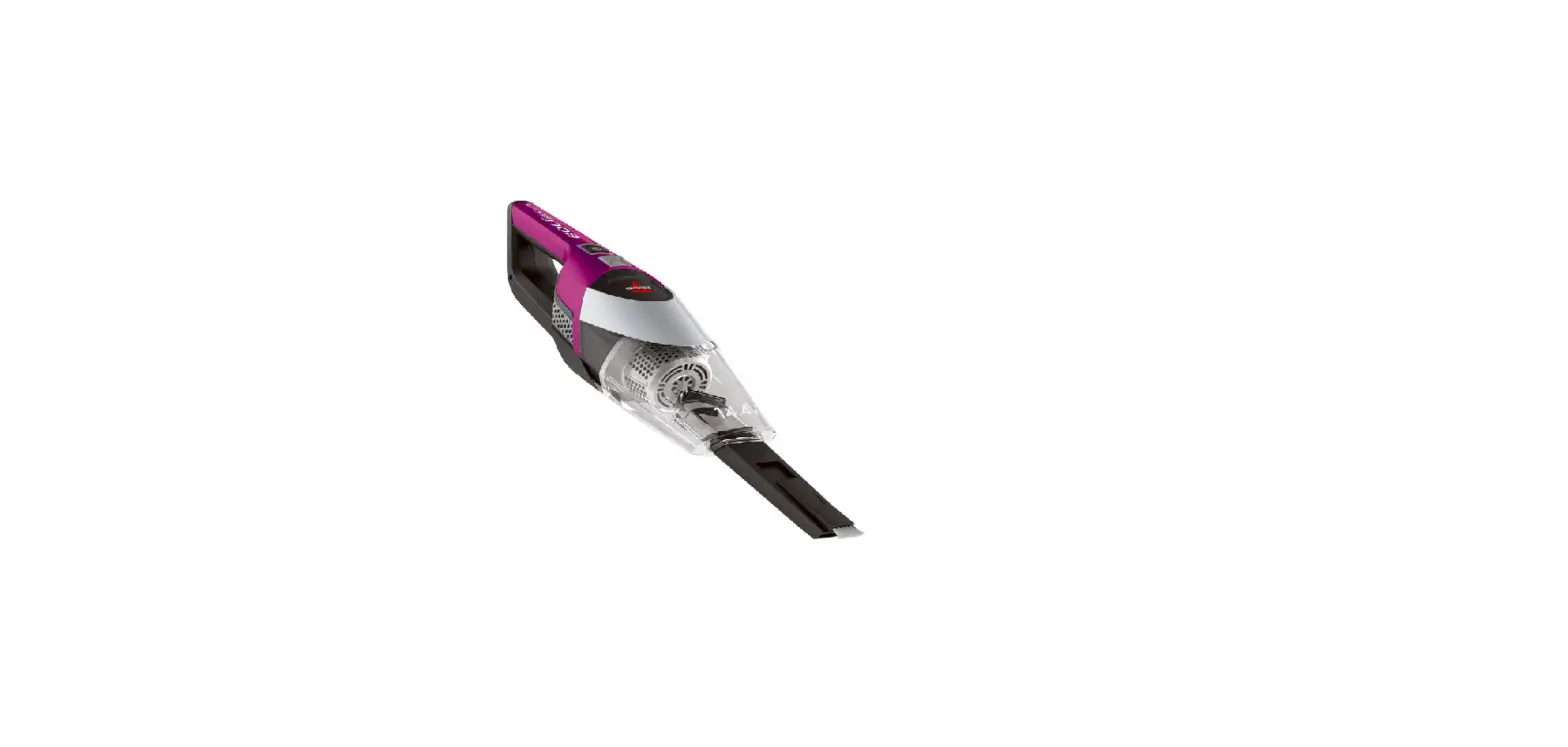
- The green lights on top of the hand vac should light up
- If not, unplug machine from the wall and test a different device (phone charger) in the same outlet

- Battery Light Status while charging:
- 1 – 4 slow blinking green lights indicates battery is charging
- 4 solid green lights indicate fully charged
- 1 Green flashing then no lights indicates charger fault
- Charger should be replaced
- No lights indicate charger fault
- Charger should be replaced
- 4 solid red lights indicate motor fault
- Hand Vac & Power Button should be replaced
- Light behaviors while in use:
- Green lights while running indicates battery level
- 1 Green (25%) to 4 Green (100%)
- If battery depletes quickly to 1 green light, battery should be replaced
- 1 flashing red or 4 depleting red lights means fault in battery
- Battery needs to be replaced
- No lights while in use indicates a fault in the power button
- Power button should be replaced
- If machine shuts off shortly after being turned on
- Hand vac & power button should be replaced
- 4 solid red lights mean the brush roll has jammed
- Remove battery
- Remove the brush roll, clean, & replace
- For a complete list of steps to clean brush see Brush Not Turning
- Once the battery is reinstalled it may take 10 seconds for light to turn from red to green
- If all steps have been followed and machine still has no power, please Contact Us
- Green lights while running indicates battery level