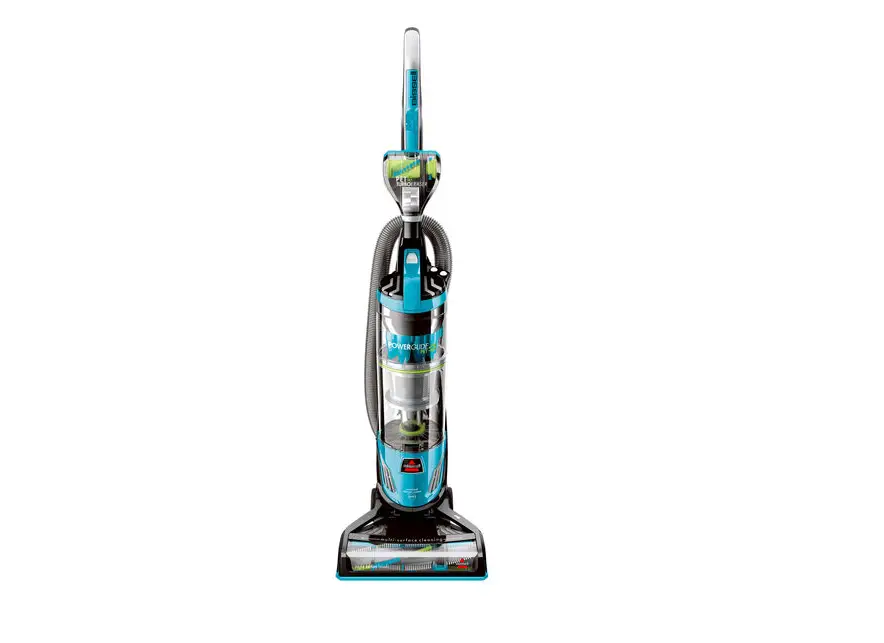
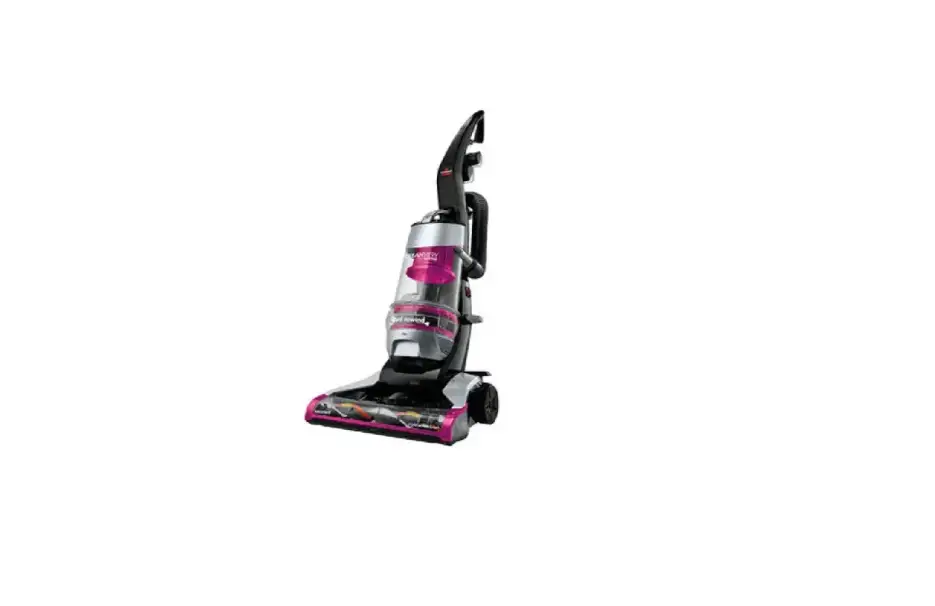
If you’re experiencing issues in the Brush Area such as Brush Not Turning follow these steps to resolve:
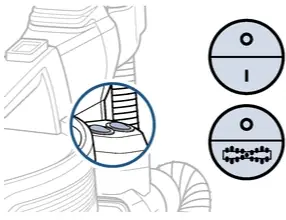
- Your vacuum has a Brush ON/OFF switch
- Turn machine On > To activate Brush push the Brush button
- The machine must be reclined for the Brush to rotate
- Turn machine On > To activate Brush push the Brush button
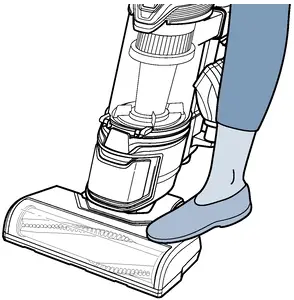
- Is the Brush rotating?
- Yes > Great! Glad we could get you back to cleaning!
- No > Turn OFF & Unplug machine
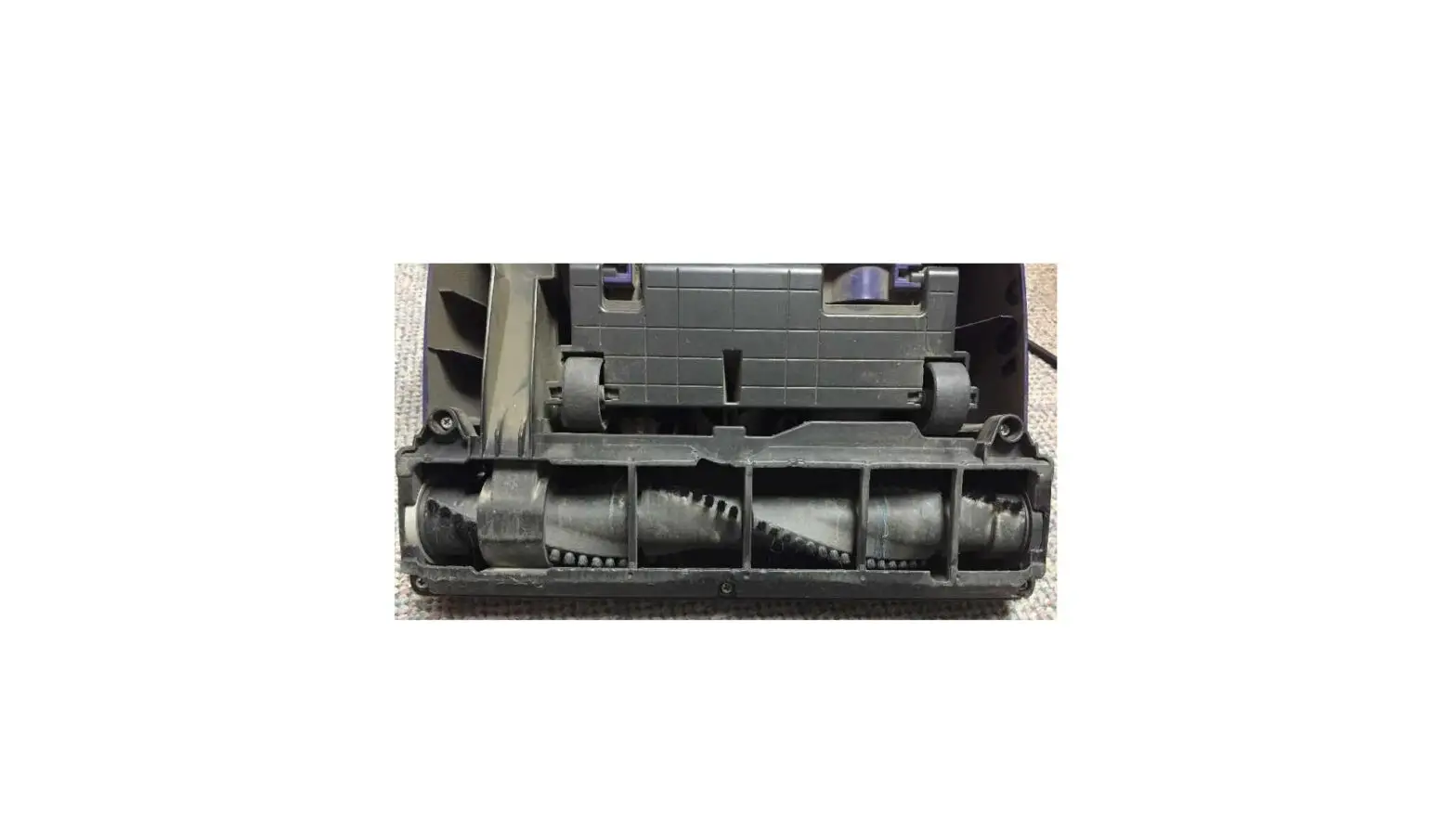
- Recline Handle > Unscrew 7 Phillips head screws to remove Brush Access Plate
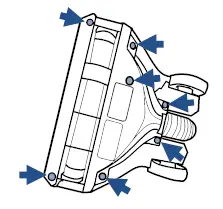
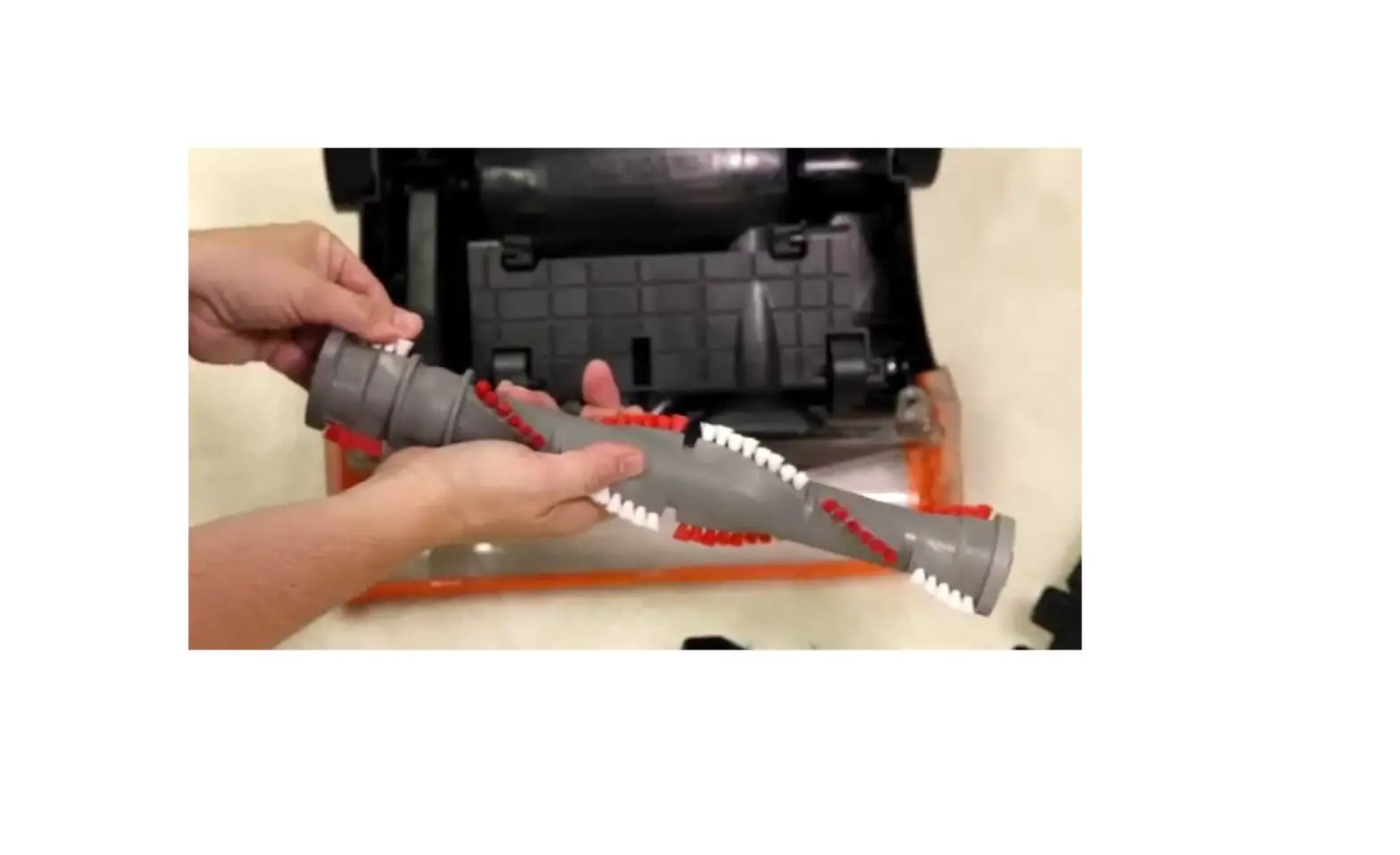
- Pull the Brush out
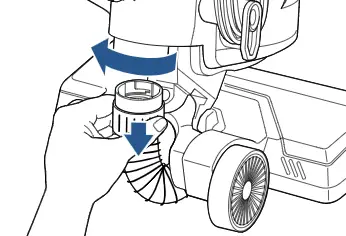
- Disconnect the Lower Hose > Turn Hose Collar to the left
- Push a broomstick through Lower Hose toward Brush area to clear all debris
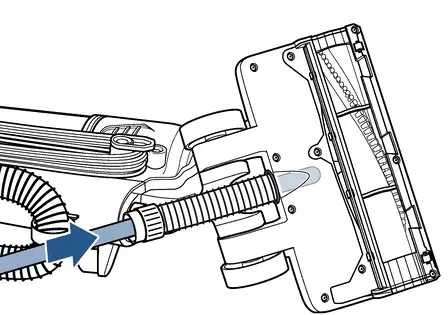
- Inspect Lower Hose, Belt and Brush Access Plate for damage
- If Belt or Brush Access Plate are damaged > Replace the damaged part > Go to Parts & Supplies
- If the Lower Hose is damaged > Contact Us
- Stand Brush on a flat surface
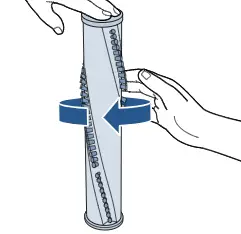
- Hold the top with one hand > Spin/flick the brush with your other hand > It should spin freely – (several times with one flick)
- If Brush does not spin freely > Replace Brush > Go to Parts & Supplies
- Hold the top with one hand > Spin/flick the brush with your other hand > It should spin freely – (several times with one flick)
- Reinsert Brush into Belt
- If Belt needs to be reattached, loop it onto the motor shaft before attaching the Brush
- For 1305/1306 machines: Locate the red reset button on the lower back of machine (opposite side of hose)
- All other models automatically reset when brush switch is off, and machine is unplugged
- Stretch Belt until the Brush is secure in place
- Rotate Brush several times to align Belt correctly
- Reinstall Brush Access Plate and screws
- Reconnect the Lower Hose > Turn Hose Collar to the right till locked securely
- Has this resolved the issue?
- Yes > Great! Glad we can get you back to cleaning!
- No > Contact Us