- Unplug machine
- Recline the handle and flip the machine so the bottom is facing up
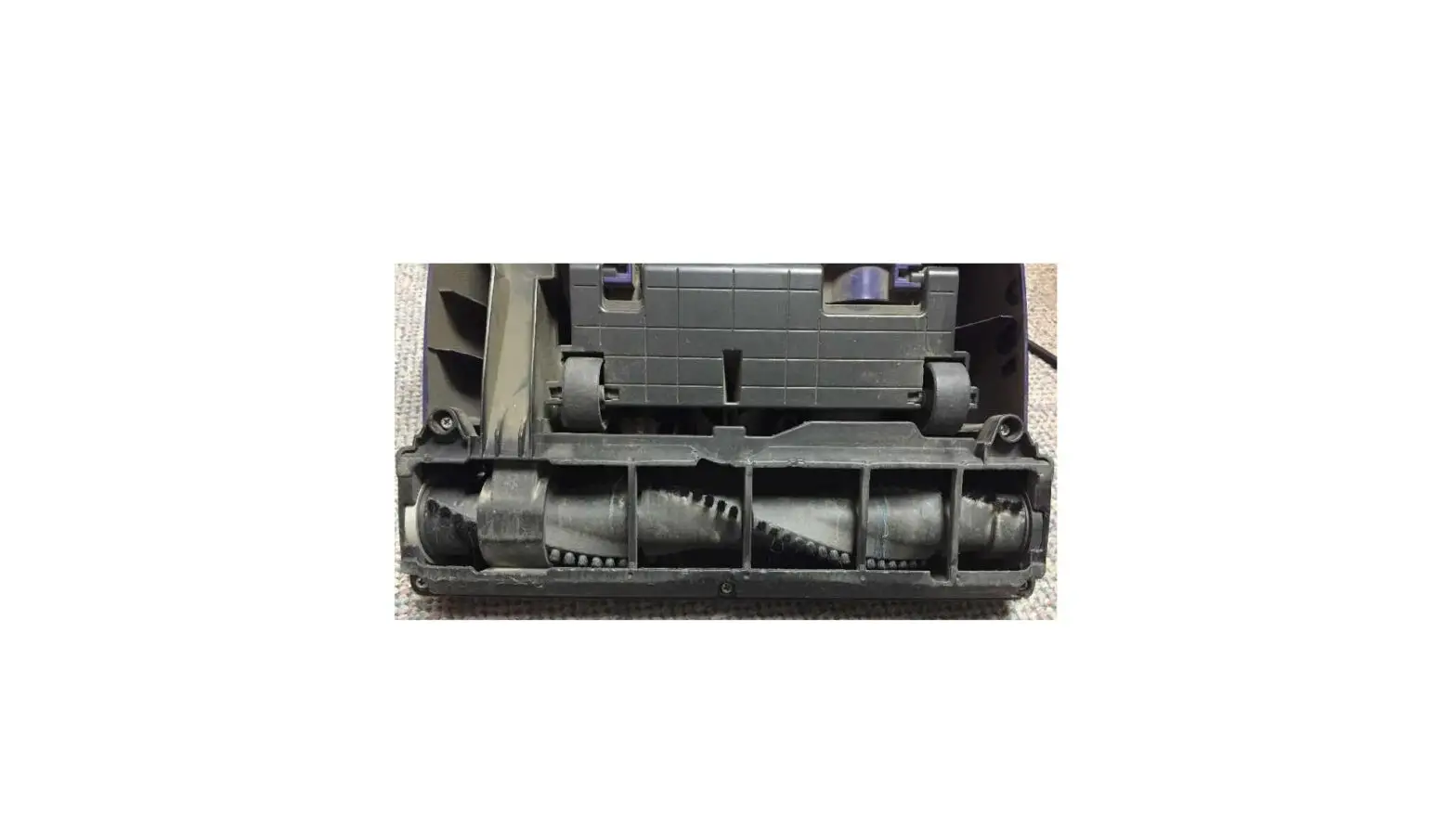
- Press in on the three release tabs behind the brush to remove the Brush Access Plate
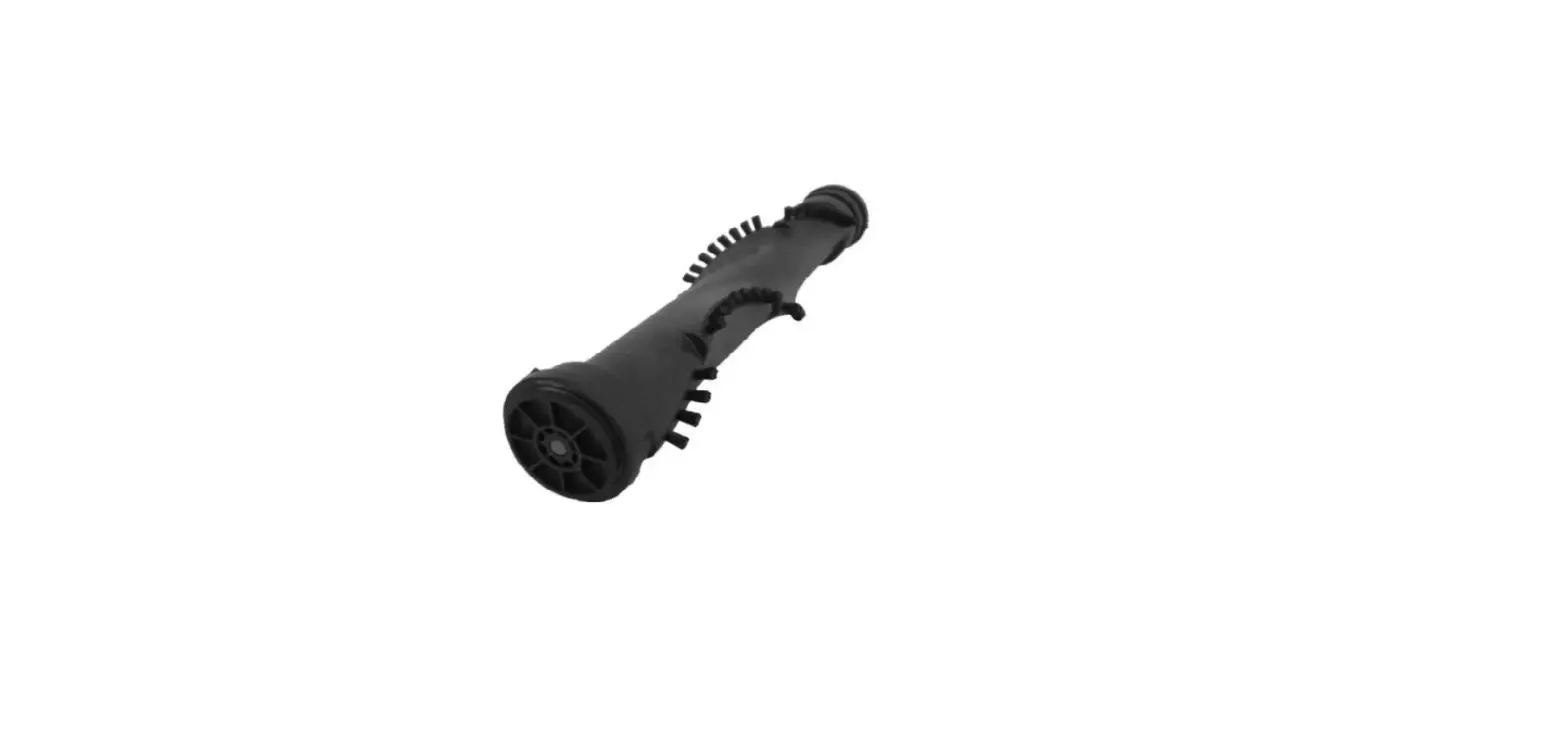
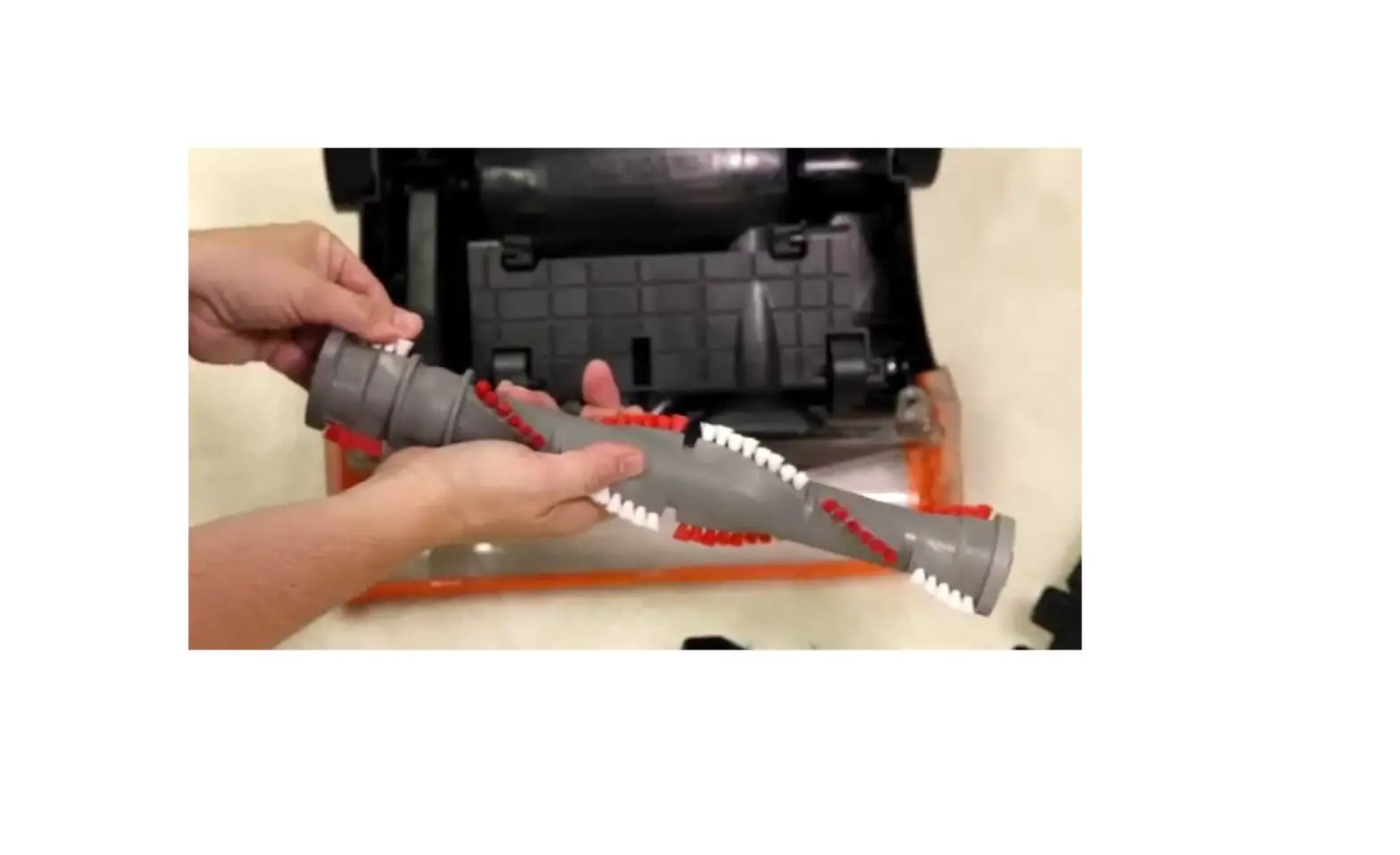
- Remove the brush by pulling it directly up and out of the machine
- Remove belt from brush by sliding belt off edge of the brush roll
- Clean the brush and brush ends of any debris
- Check the brush and belt for any signs of damage
- The brush should be able to spin freely by hand
- The belt should be intact
- If the part is damaged, it will need to be replaced
- To replace the belt in machine, pinch the belt in the middle and wrap one end around the metal motor pulley
- Wrap the other end around the brush in between the brush belt guard
- Align both end caps with their corresponding shaped slots in the brush housing and press the brush back in place in the machine
- Spin the brush by hand to center the belt then reattach the Brush Access Plate
- If brush still does not spin, visit a BISSELL Authorized Service Center or Contact Us