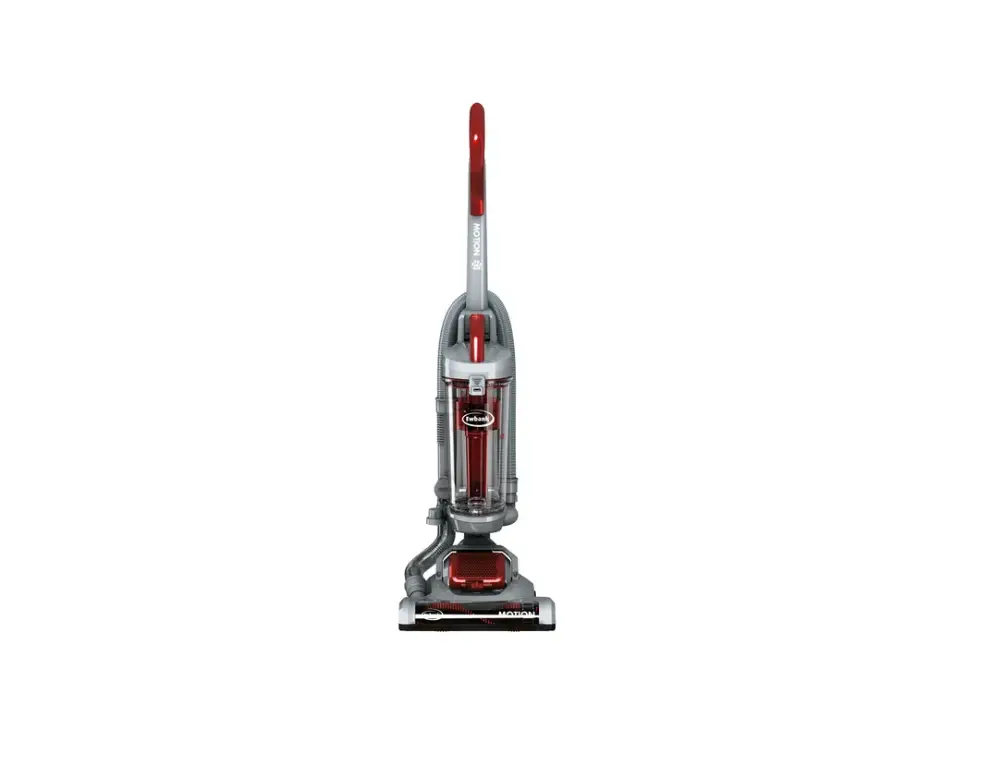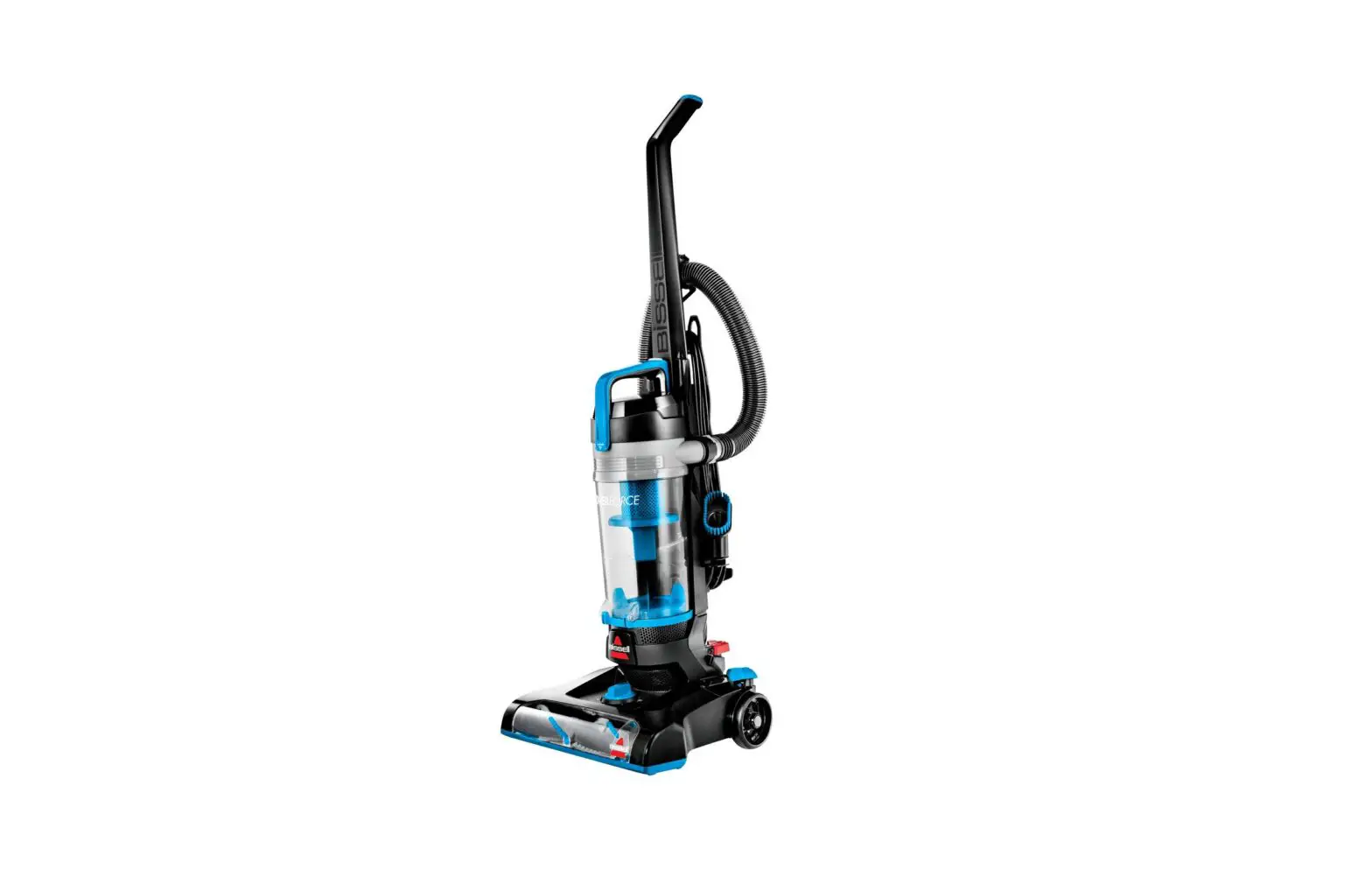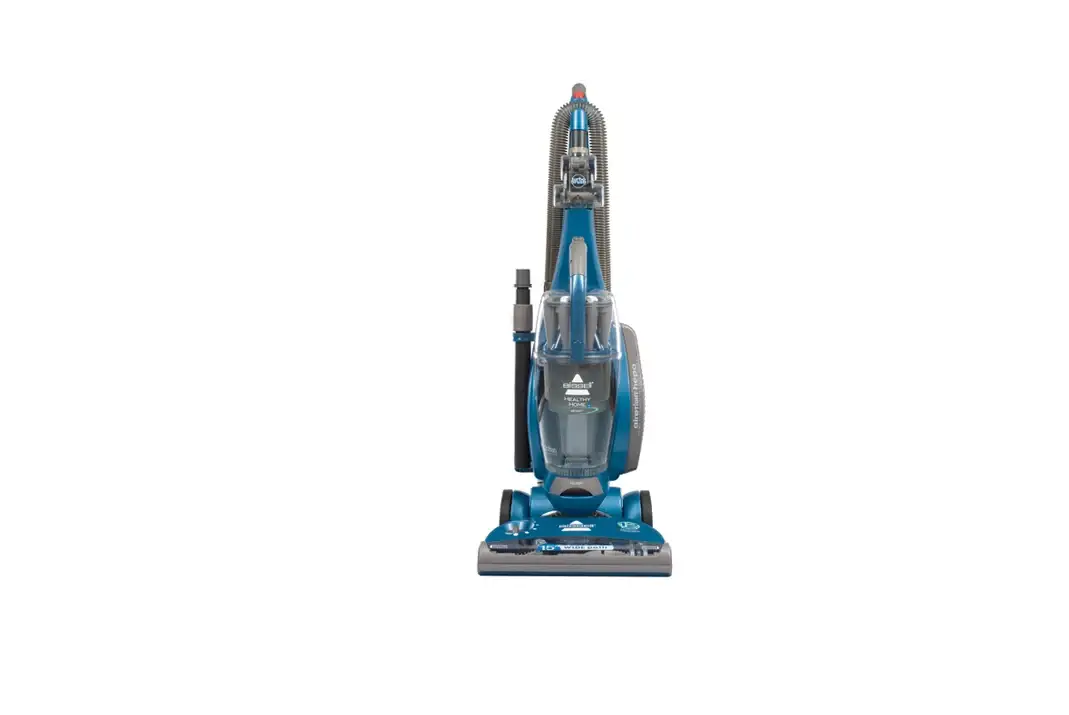
- The brush will not rotate when the machine is locked in the upright position
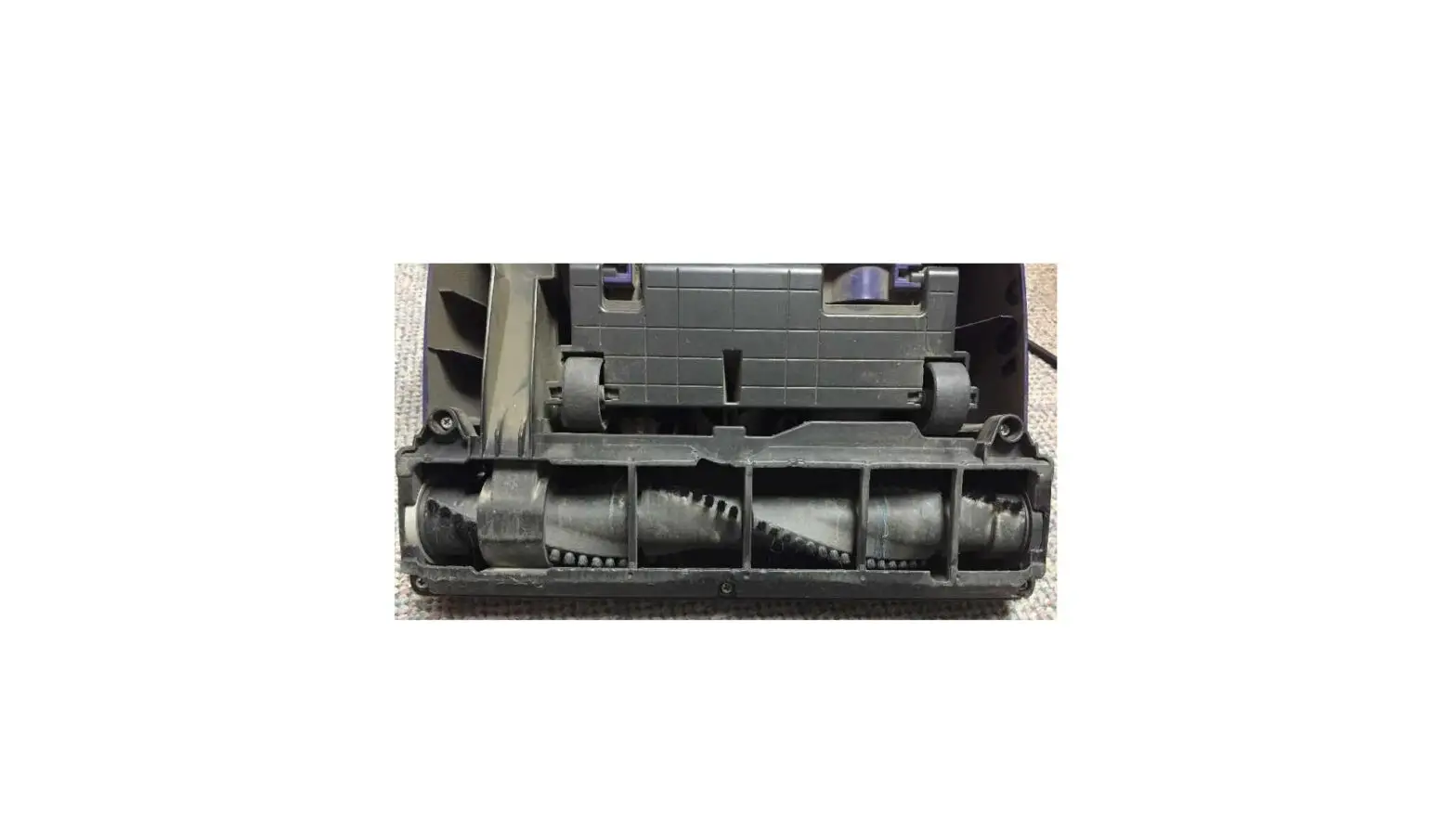
- Check the belt through the clear brush cover at the front of the foot
- If this appears damaged or broken, please visit a local BISSELL Authorized Service Center to have this replaced
- Ensure Brush Button is turned on
- The Brush Button is to the left of the Power Button
- Unplug machine
- Remove the handle by unscrewing the screw located below the Upper Cord Wrap
- The head of this screw should be visible and will not be recessed into the machine
- Slide the handle back into the lower section of handle and tighten screw
- If the Handle is not aligned properly, this will affect the power of the brush motor
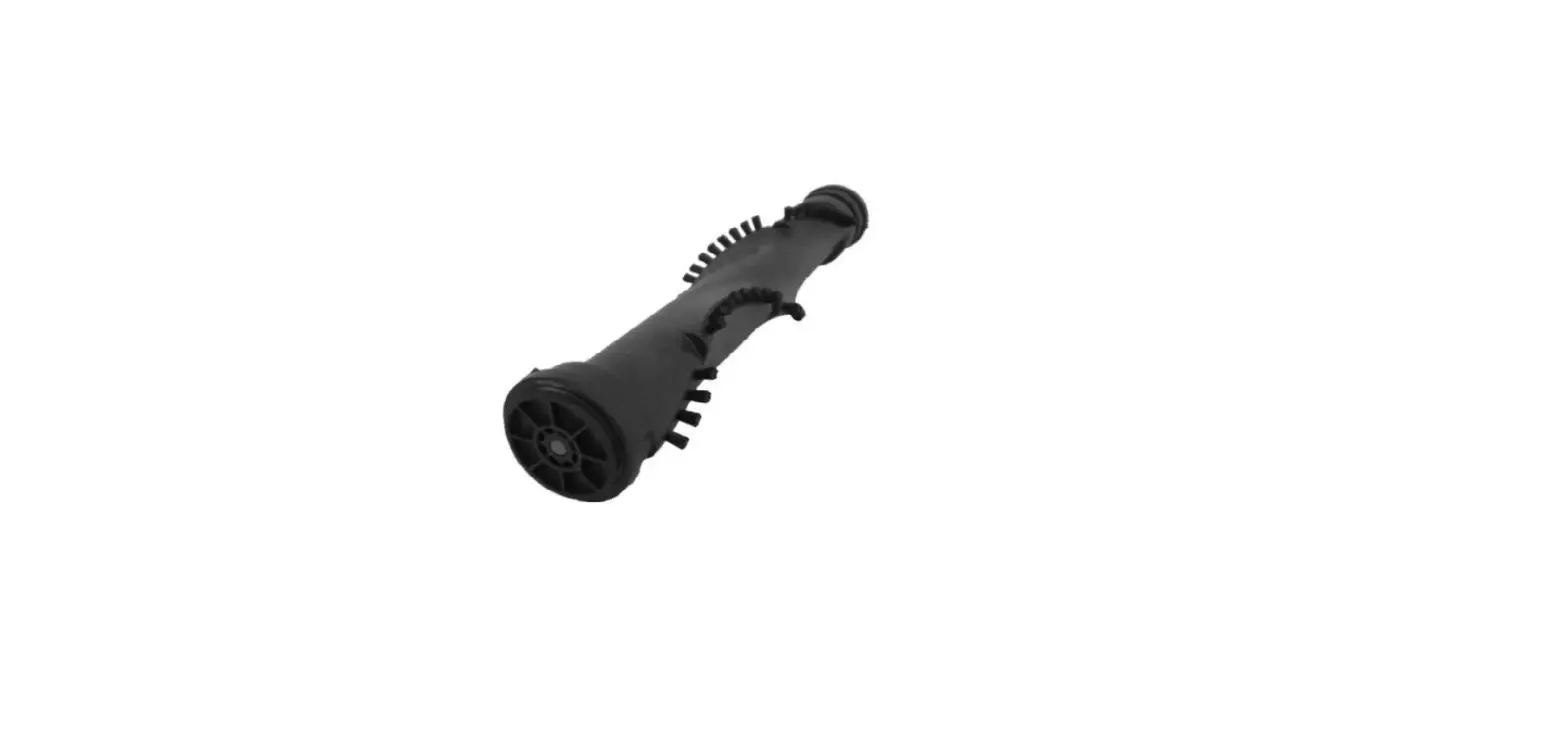
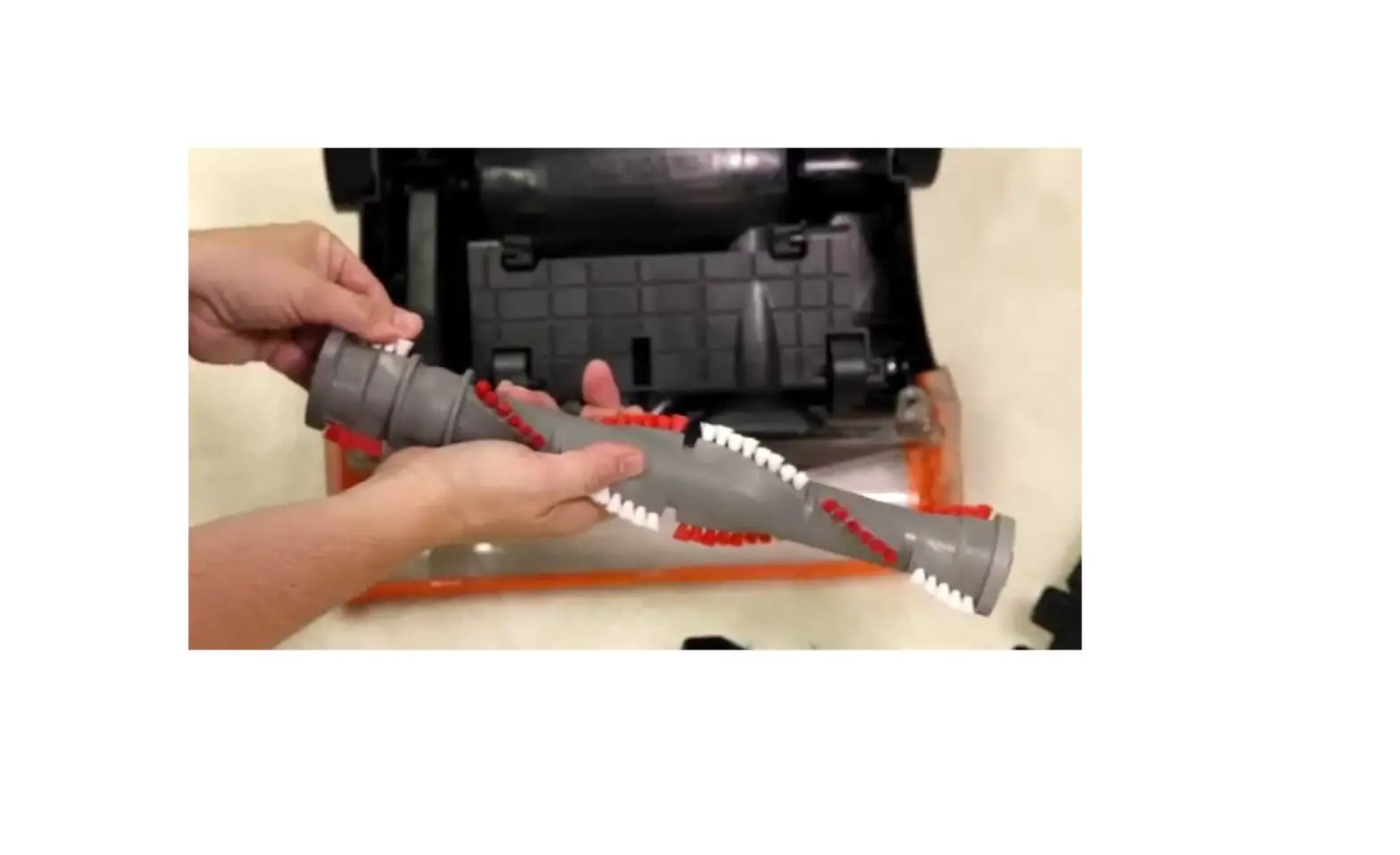
- When the machine is unplugged, cut away any visible hair, fibers, or debris from the brush roller
- This brush is NOT removable from the machine
- If something has become lodged in the foot and the brush shuts off, turn off the machine and unplug
- Remove the obstruction
- The brush will automatically reset when the machine is turned back on
- If the Brush continues not to spin, please visit a BISSELL Authorized Service Center or Contact Us