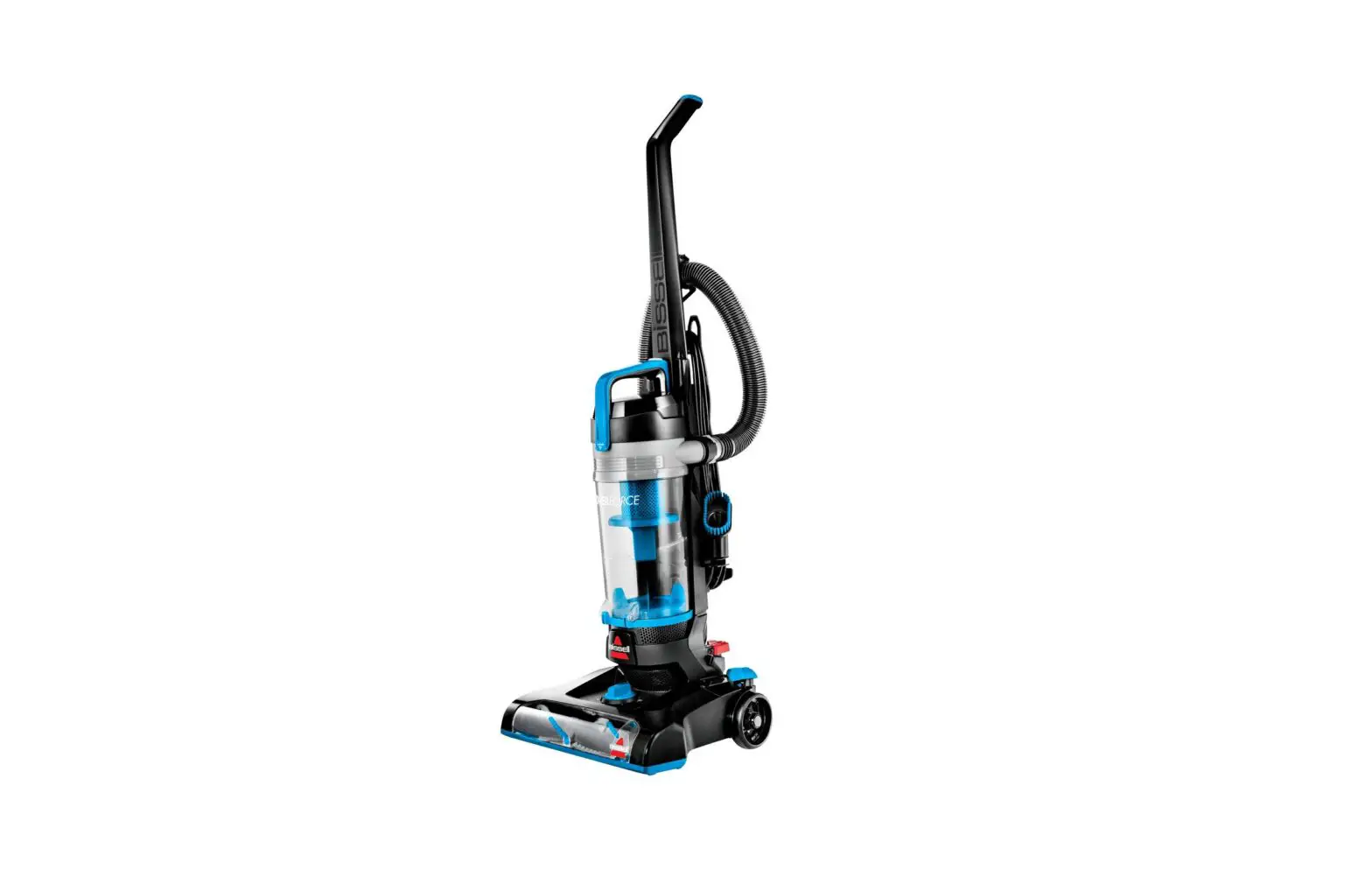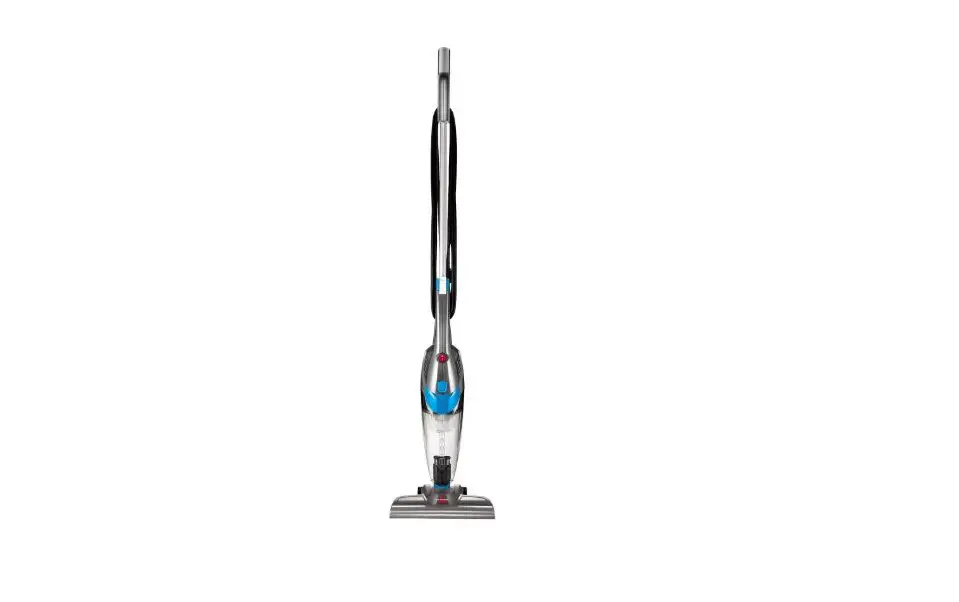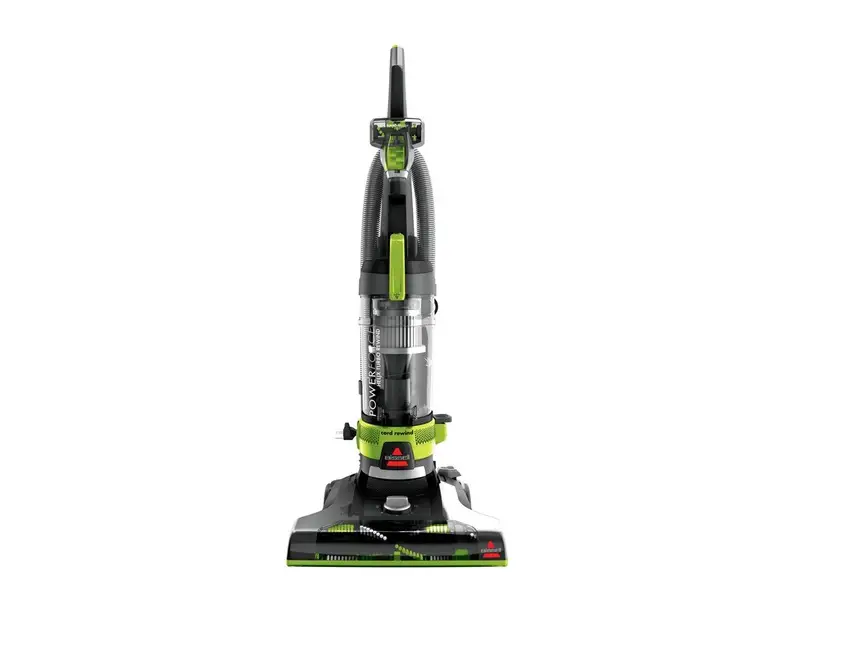
- Unplug machine and turn machine over so brush is facing up
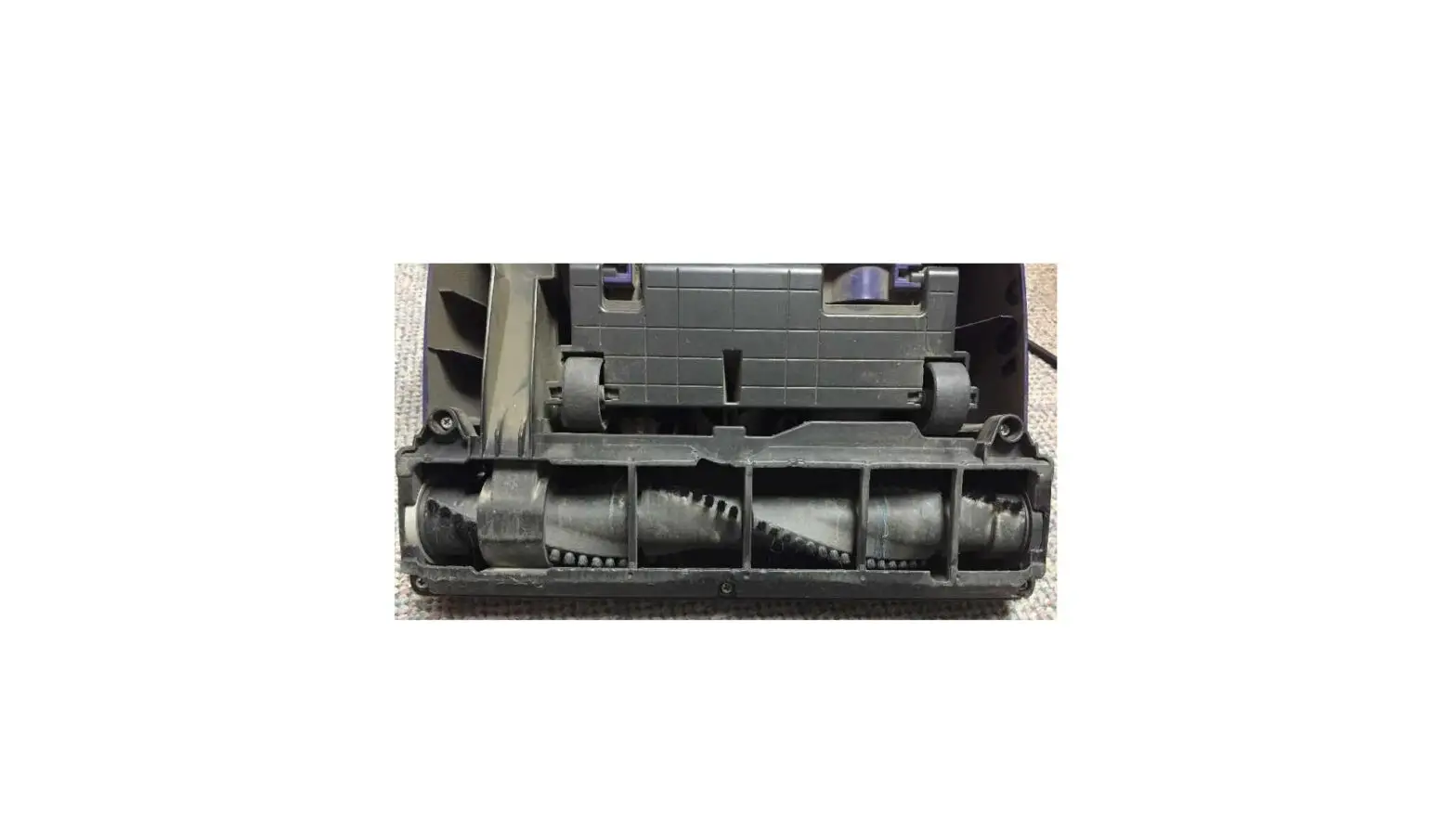
- Remove access plate by lifting Tab 1 and releasing the 3 latches on order 2-4 as marked
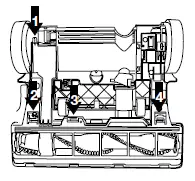
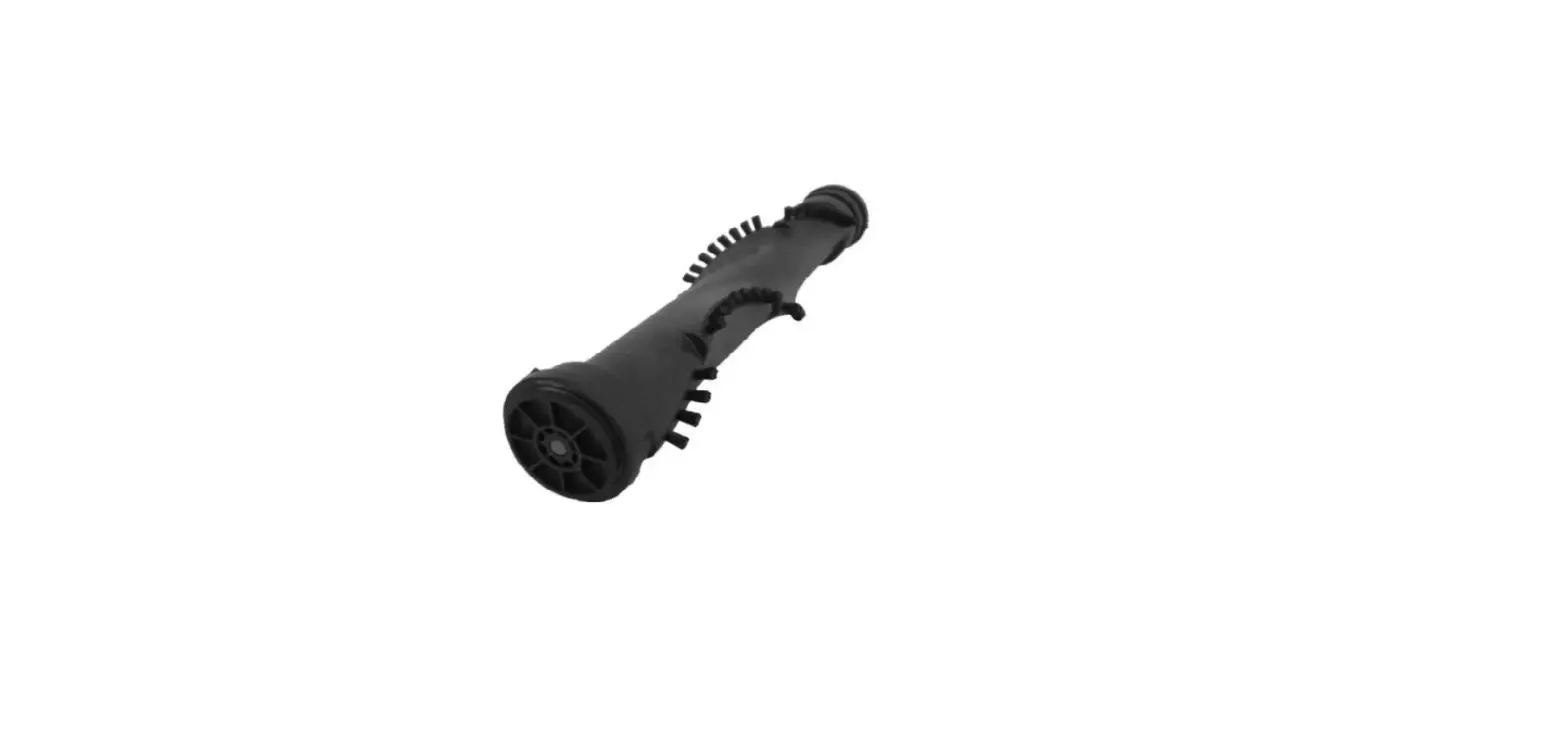
- Grasp brush at both ends and lift out
- Clean off debris on the brush, brush ends, and belt area
- Check the brush/belt for damage
- If brush will not turn by hand or belt is broken, you will need a replacement part
- To reinstall, place belt of motor pulley and loop other end around brush between the belt guard
- Pull brush into position and align brush ends in slots to insert
- Rotate brush by hand to center belt
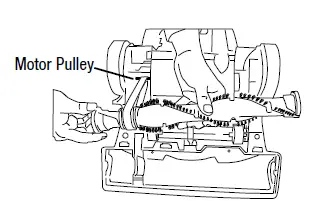
- If brush turns while machine is locked upright, but does not turn while reclined or belt continually breaks:
- Remove access plate and make sure the belt is correctly positioned around the belt disengagement device (metal tab)
- Belt should not be below metal tab
- Adjust the height of the machine using the height adjustment knob – raising the base slightly will ensure brush is rotating freely
- If brush is still not turning, visit a BISSELL Authorized Service Center or Contact Us