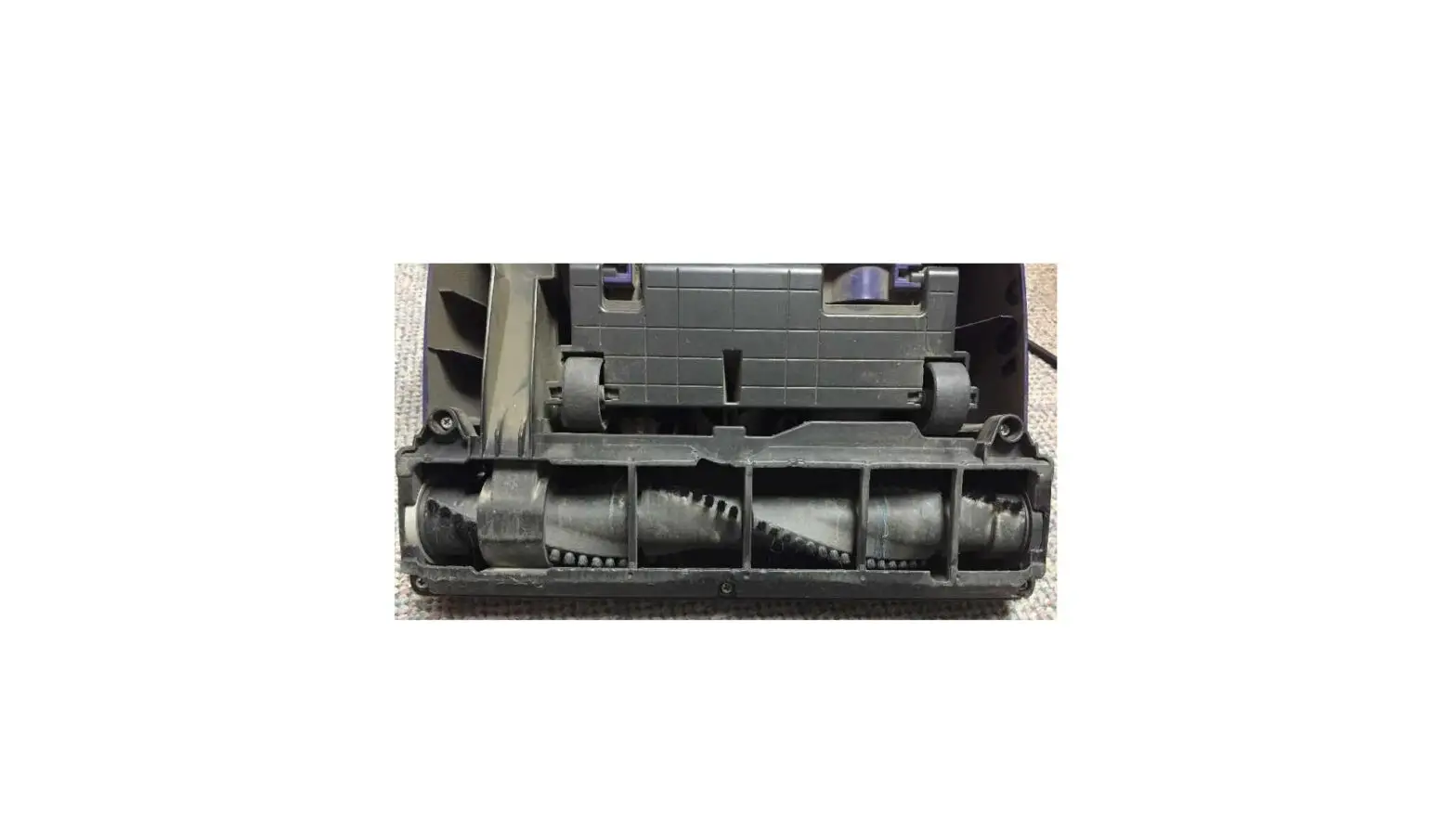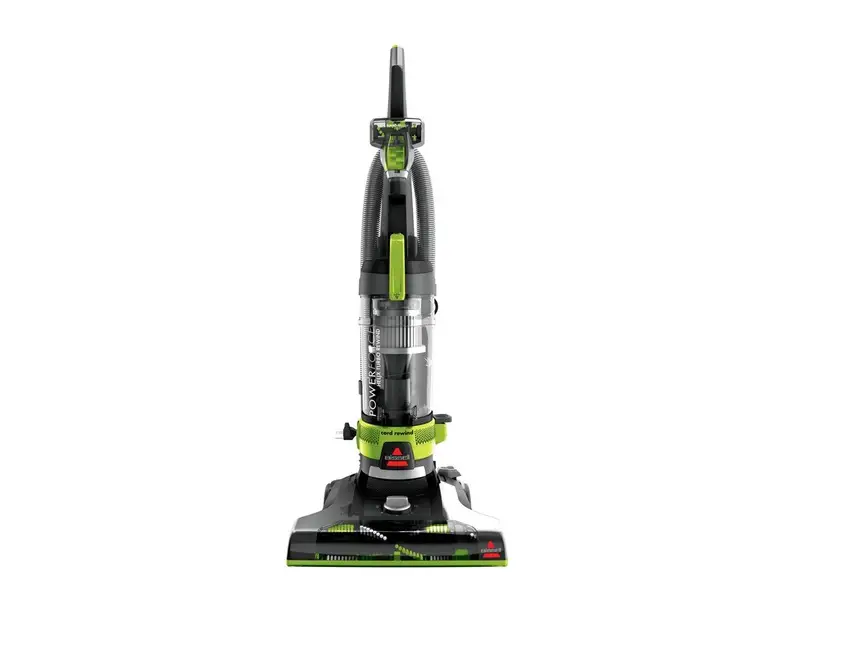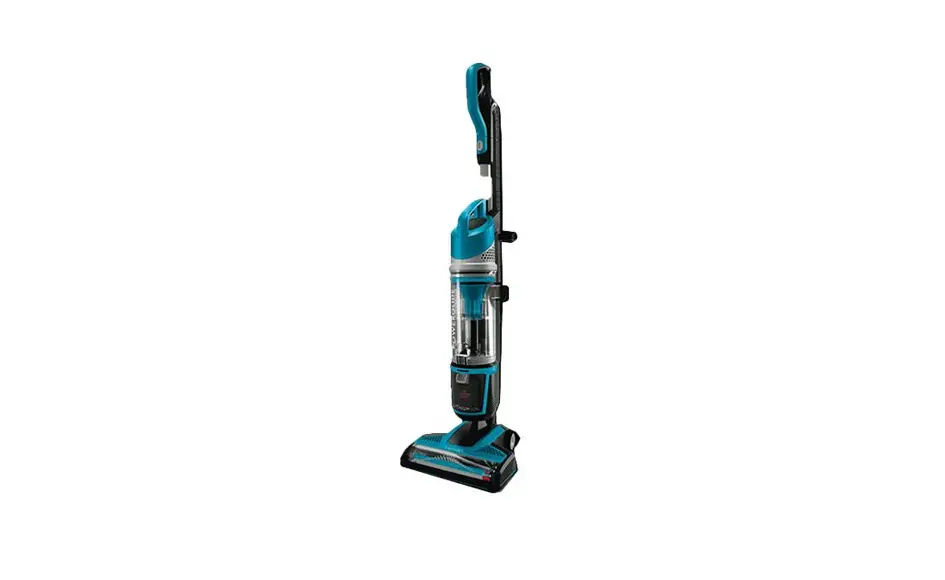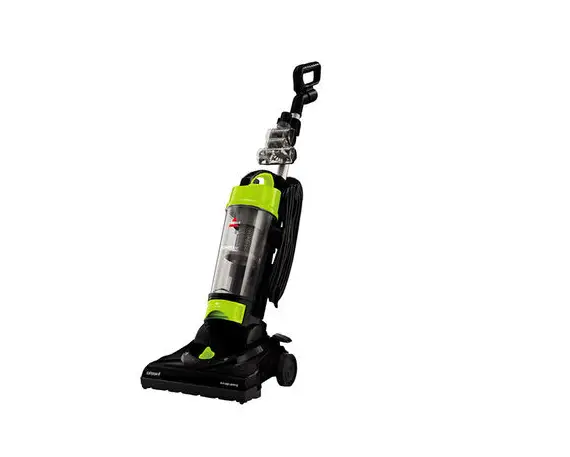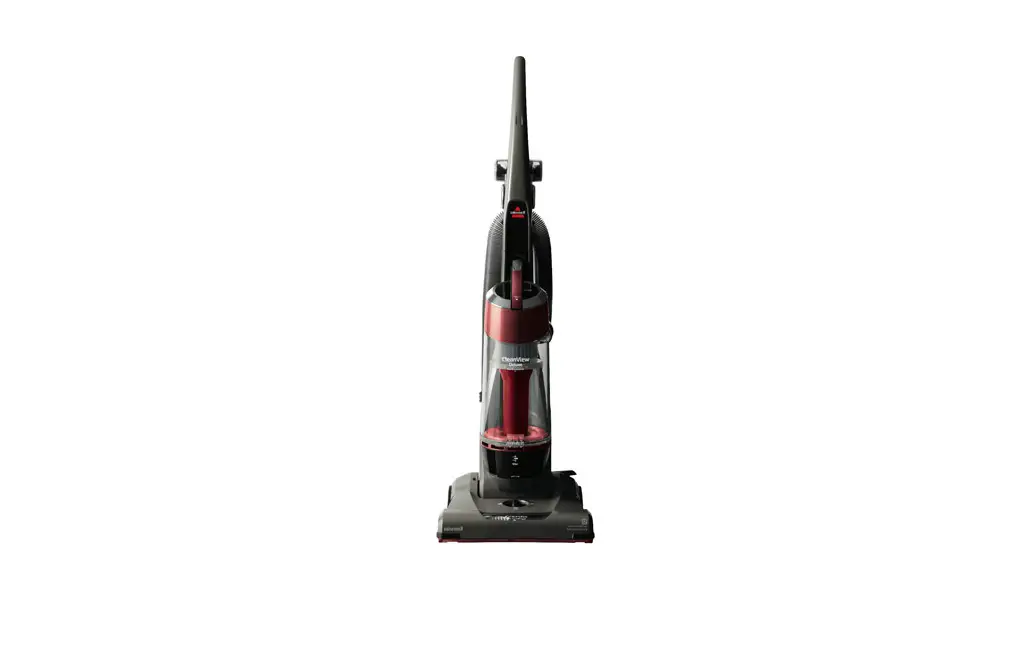
- Unplug vacuum and turn machine over so brush is facing up
- Remove 5 screws from brush cover and lift off
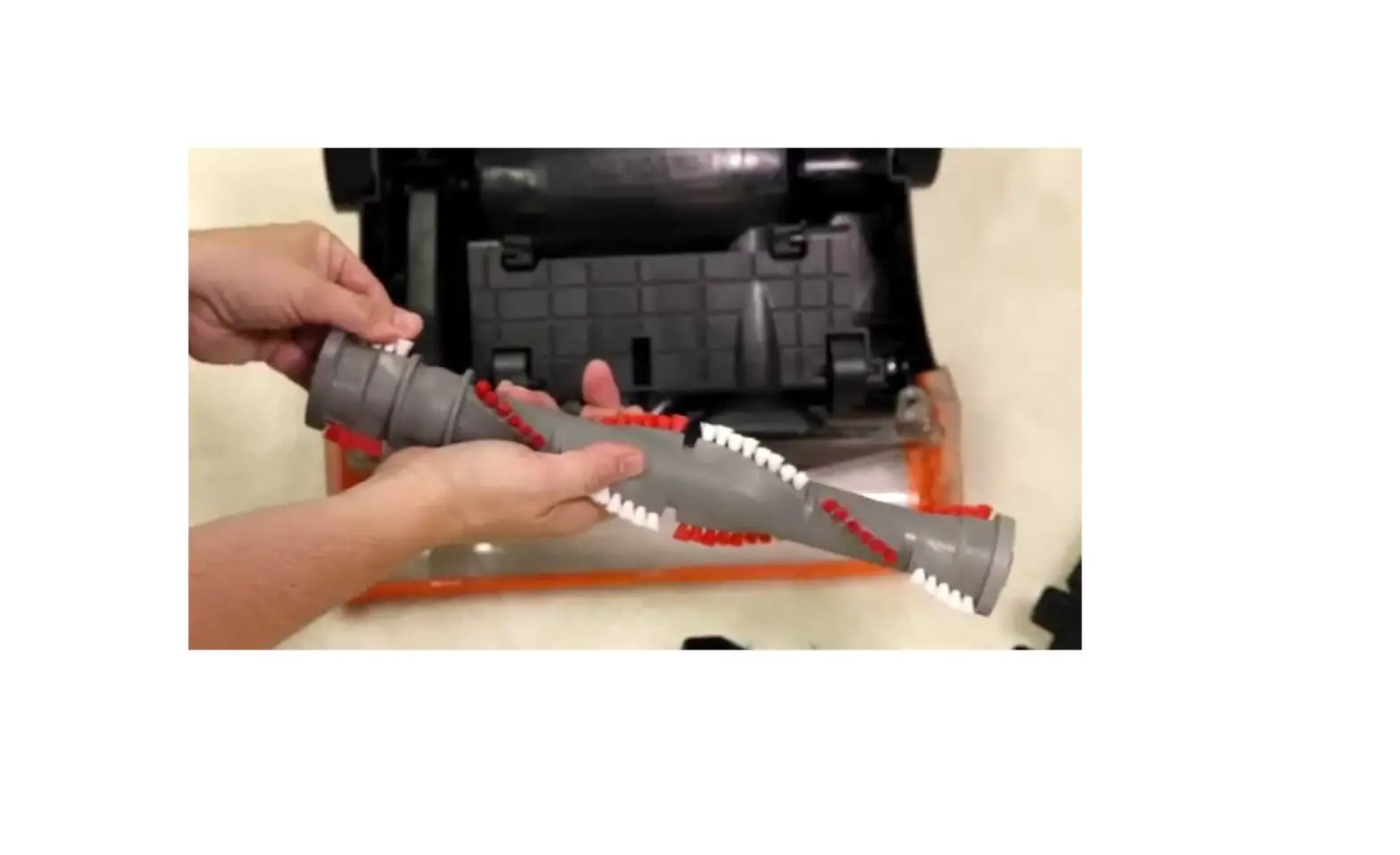
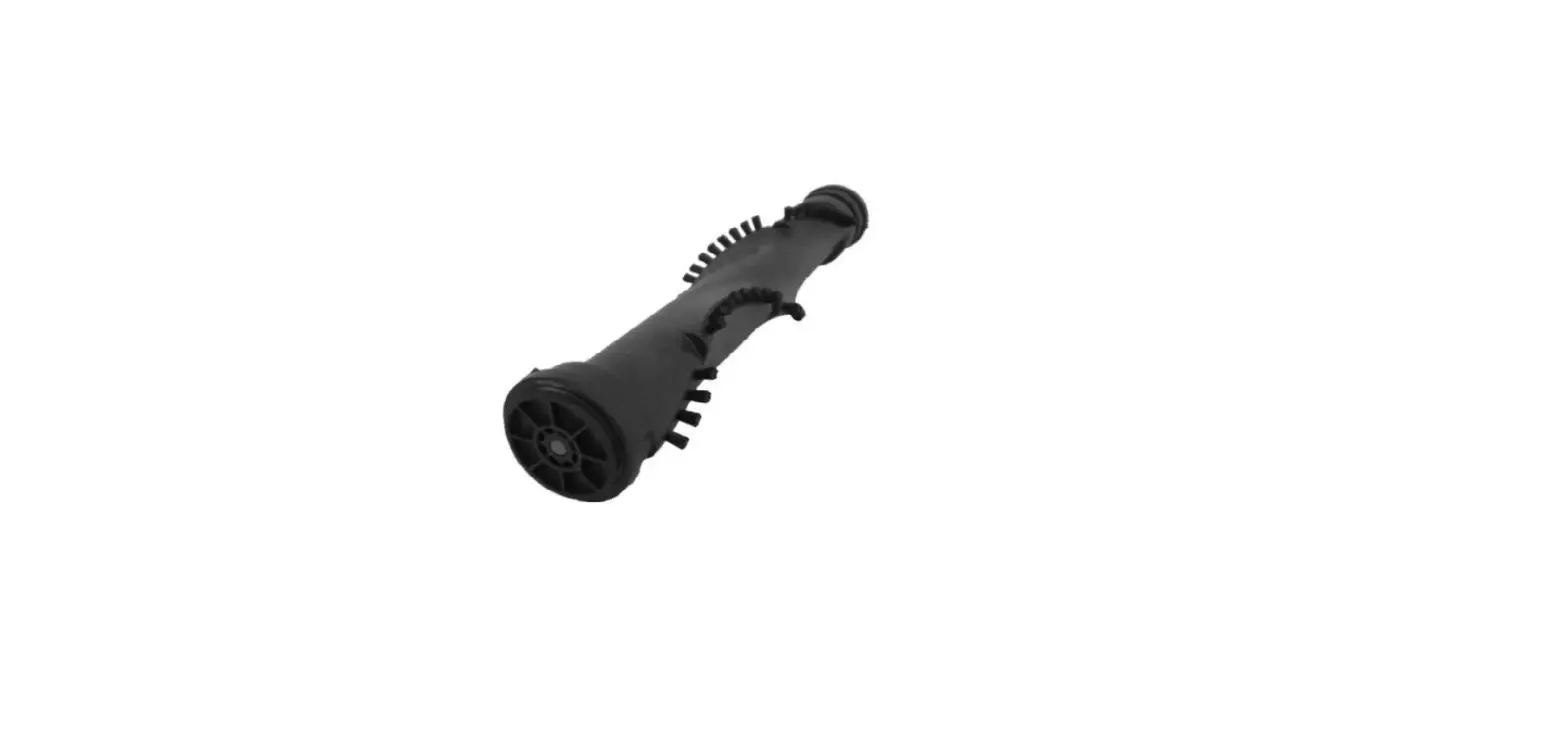
- Grasp brush at both ends and lift out of machine
- Clean debris from brush and brush ends
- Stand brush upright on hard surface with one hand holding top and spin brush with other hand
- If brush doesn’t spin freely, it will need to be replaced
- If brush or belt is damaged, the part will need to be replaced
- Loop belt over motor pulley and around brush between belt guard
- Pull brush into place and slide ends into slots
- Rotate brush several times to align belt
- Replace brush cover and screws
- If brush still does not turn, visit a BISSELL Authorized Service Center or Contact Us