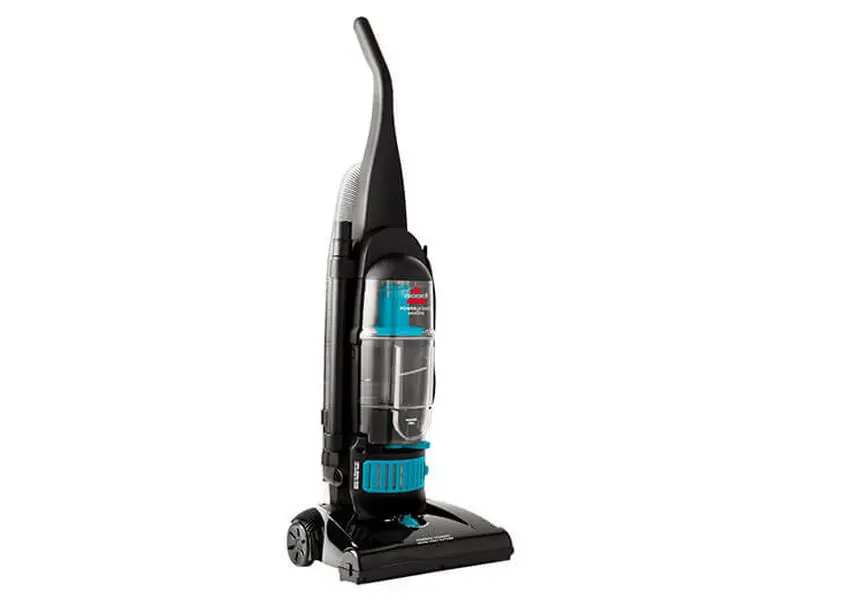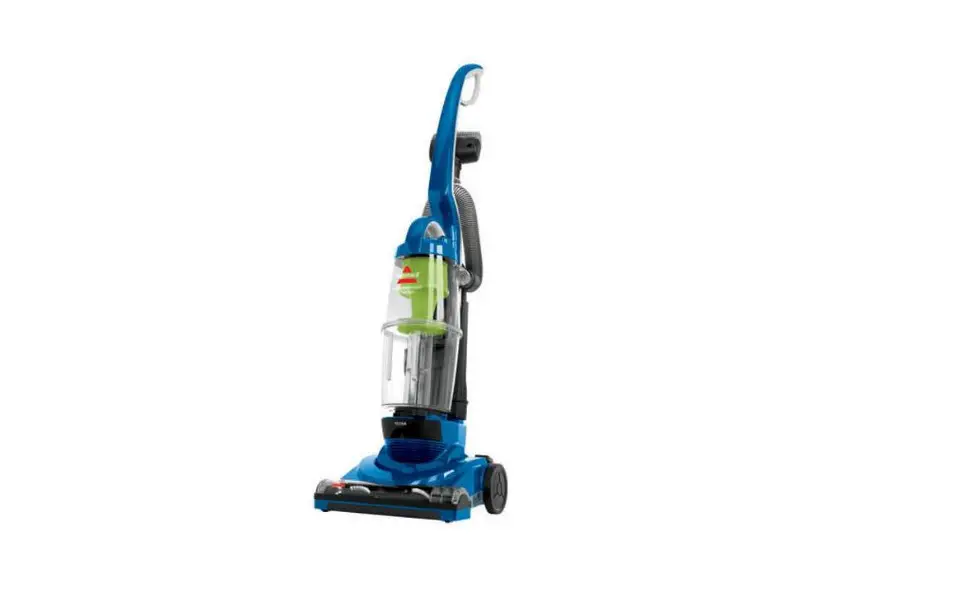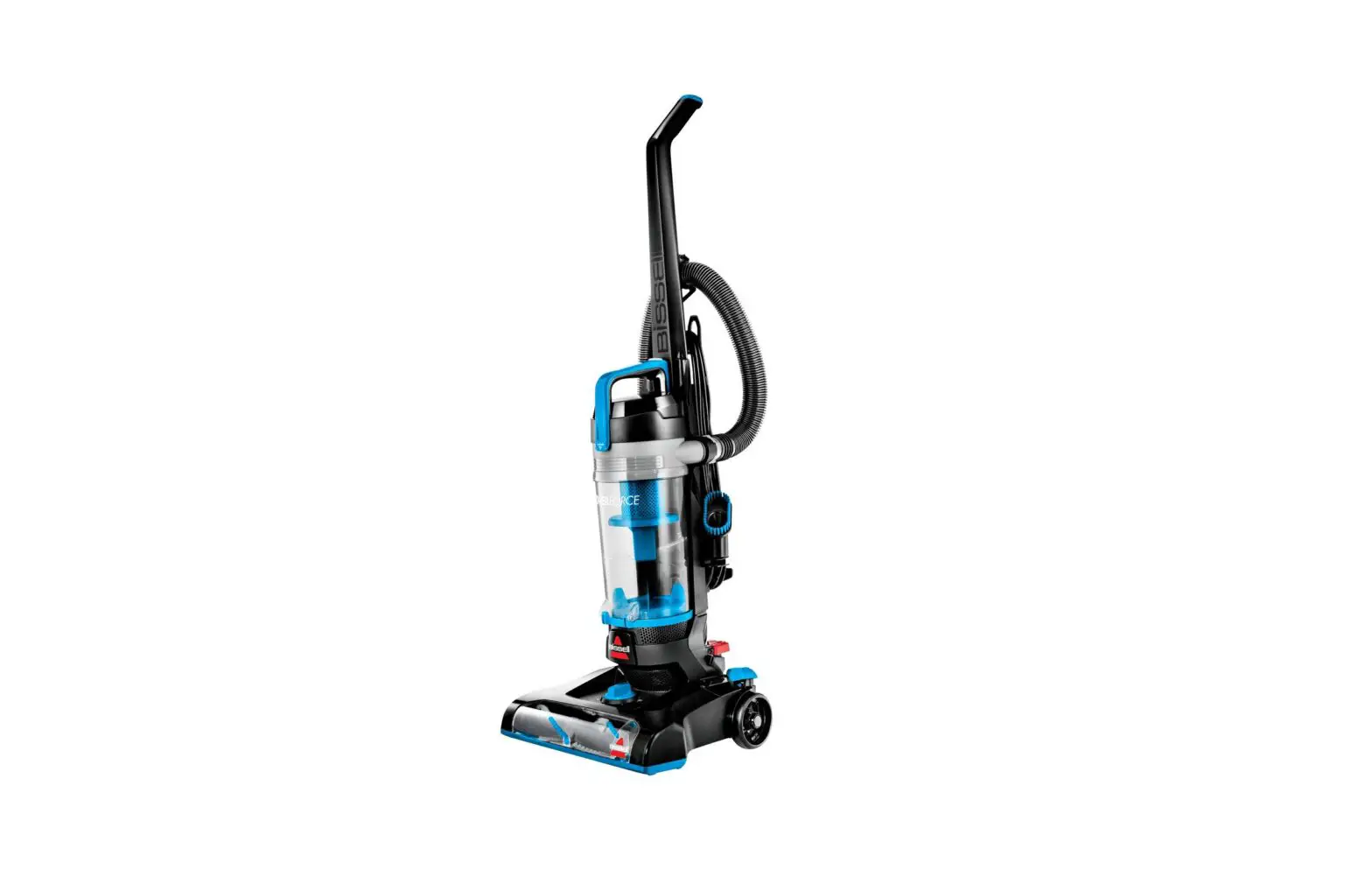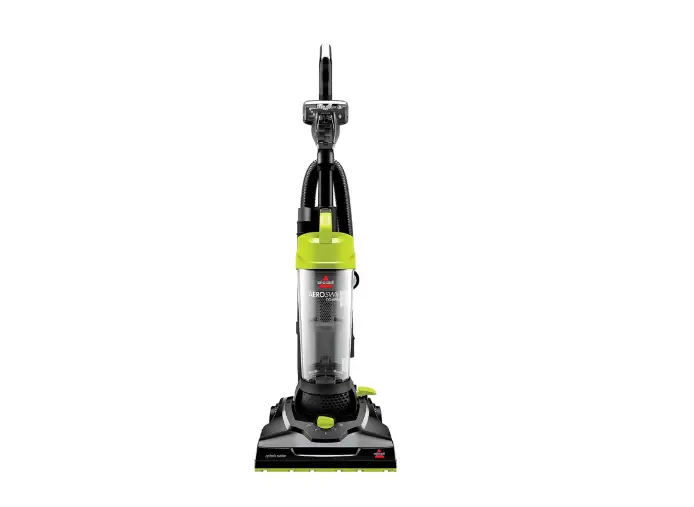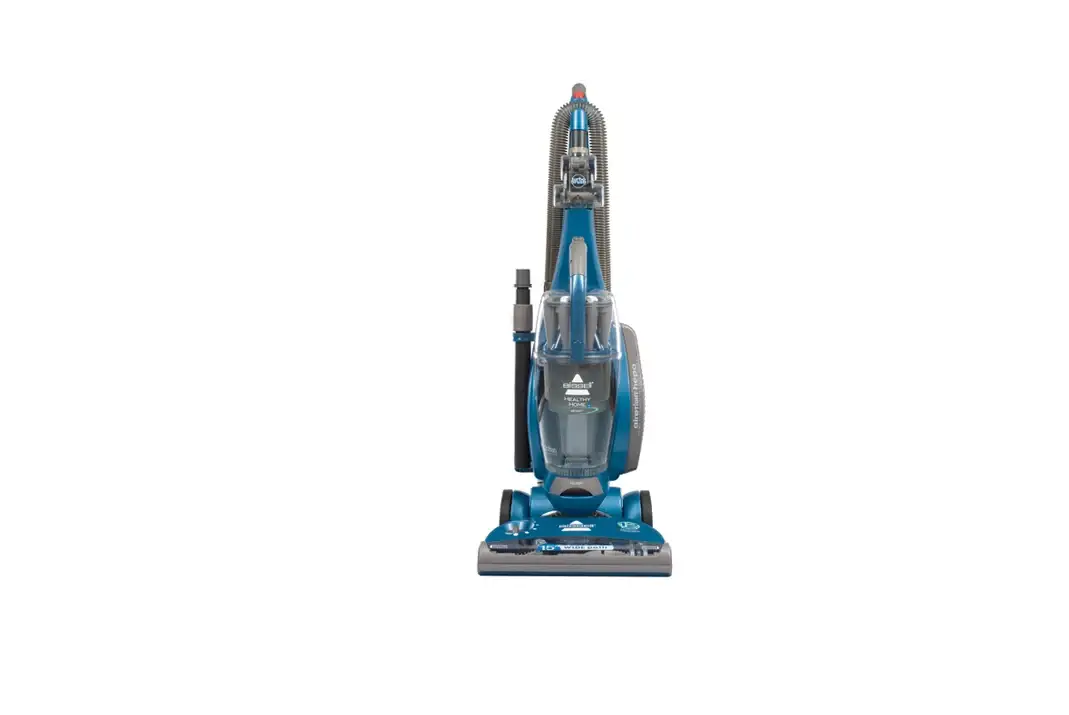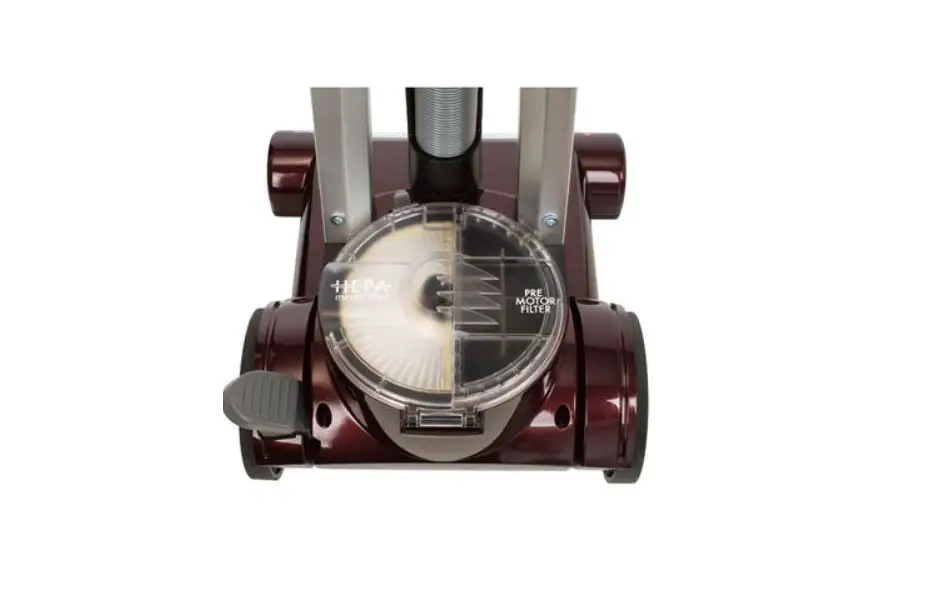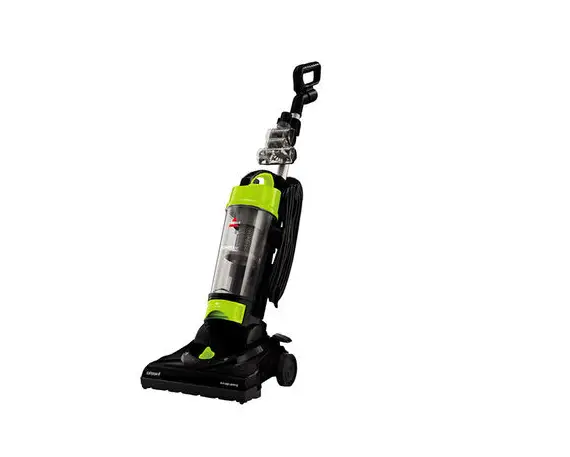
- Unplug machine
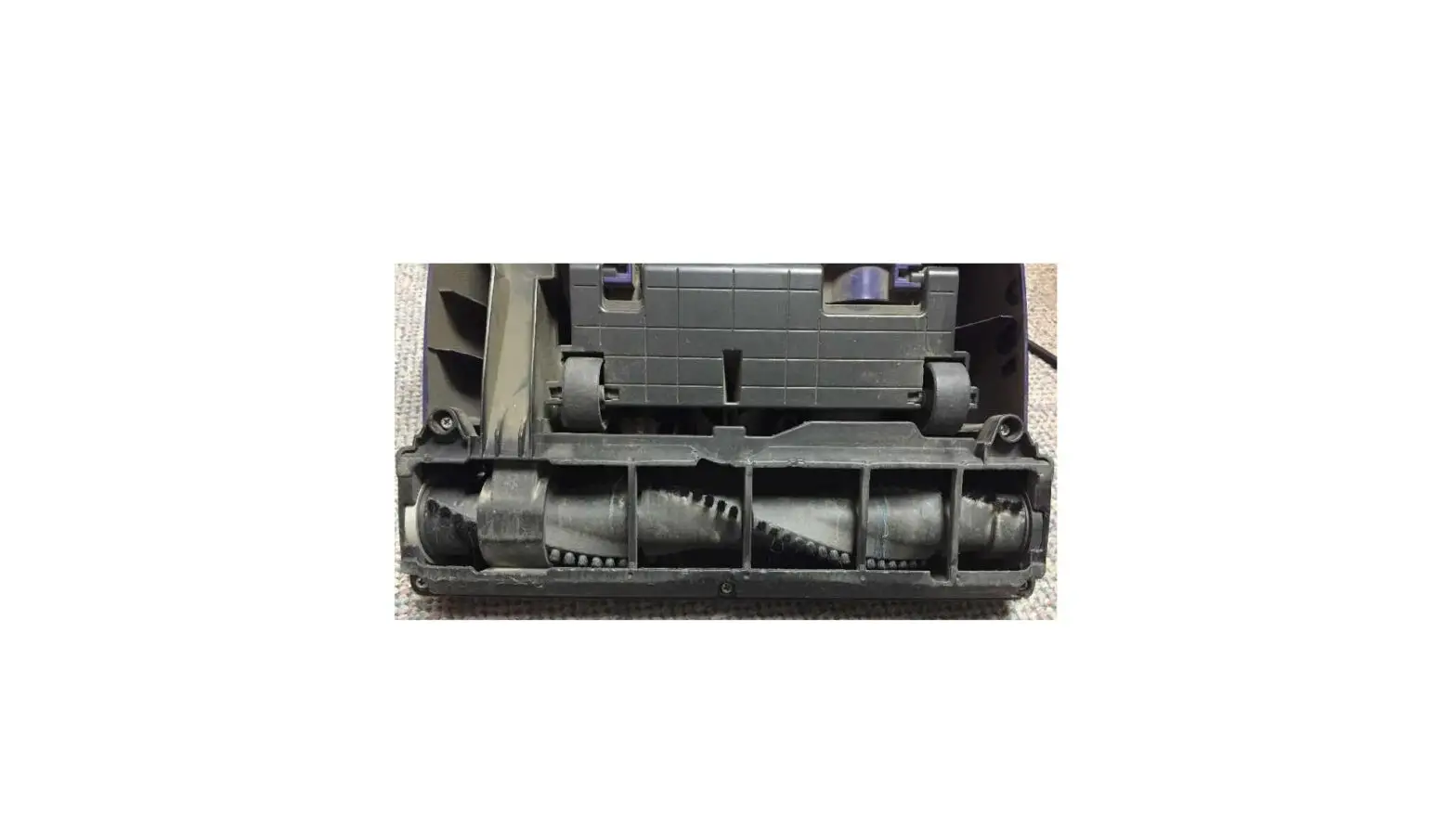
- Recline the vacuum handle and turn it over to expose the brush
- Remove the 5 Screws holding on the brush access plate.
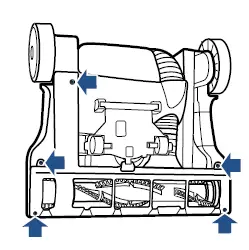
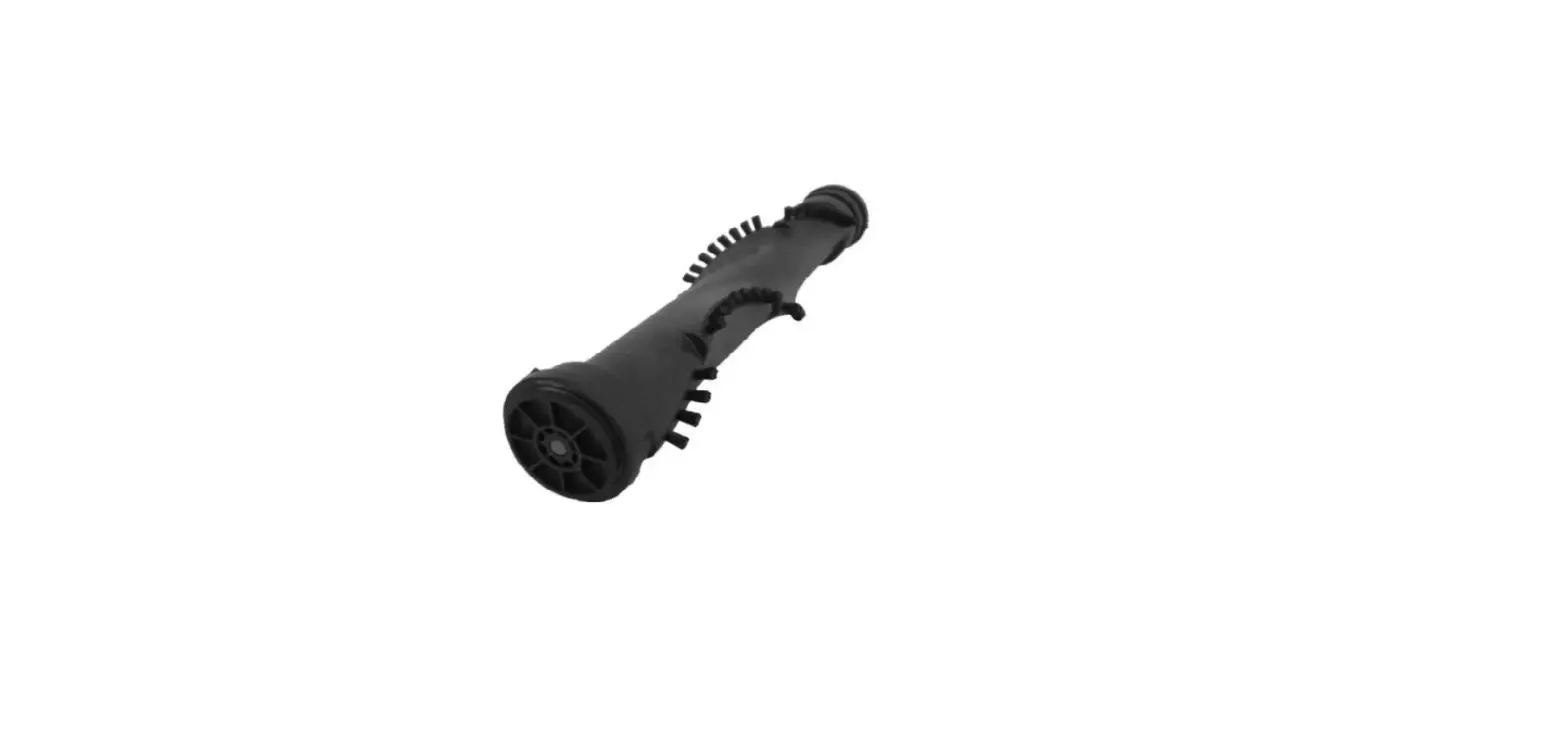
- Clear any debris off the brush and brush ends
- Inspect the belt for damage
- If damaged, a new belt will need to be ordered
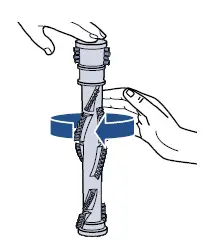
- The brush should spin easily by hand
- If it does not, a new brush will need to be ordered
- Place the belt over the belt guard on the brush roll and wrap it around the metal motor pulley
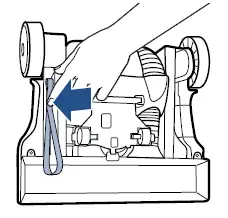
- Place the brush roll back in the machine through belt, ensuring the end caps line up with the brush housing
- Spin the brush roll to align the belt on the belt guard
- Reinstall the brush access plate
- If the brush roll continues not to spin, please visit a BISSELL Authorized Service Center or Contact Us