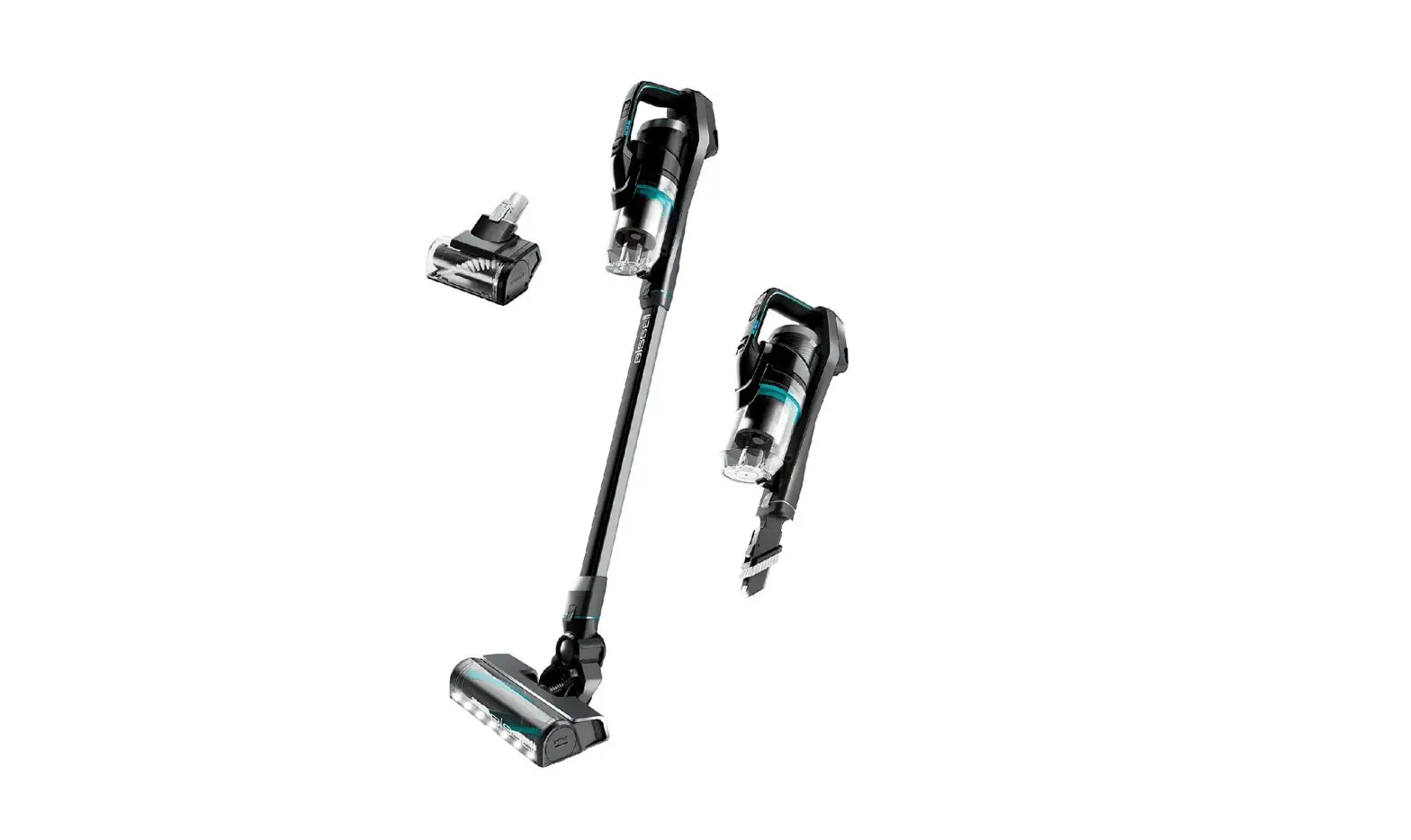
| Error | Lights Displayed | Possible Cause | Remedies |
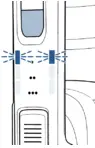 | Blue Blinking at 1 Dot | Suction Motor Fault | Indicates a blockage in the air path > See detailed instructions HERE |
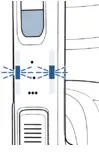 | Blue Blinking at 2 Dots | Brush Roll Stall | Indicates an obstruction in the Brush area > See detailed instructions HERE |
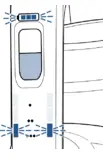 | Blue Blinking at 3 Dots & White Battery Lights | Battery Issue | Turn OFF > Wait few second > Turn On If Error still present > Please Contact Us |
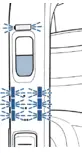 | Blue Blinking at All Dots & White Battery Lights | Air Flow Issue | Indicates a blockage in the air path > See detailed instructions HERE |
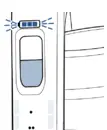 | Only 3 White Battery Lights are Blinking | Battery Issue | Turn OFF > Wait few second > Turn On If Error still present > Please Contact Us
|
- Check the outlet being used to charge machine
- Test the outlet with a different device, like a cell phone charger or small appliance
- Verify correct charger is being used
- Label on charger should have Model SSC-320110US
- If Charger is damaged > Replace Charger > Go to Parts & Supplies
- Connect Charger to the charging port on the back of the Hand Vac & plug into wall outlet
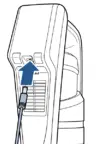
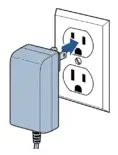
- Normal charging behavior: White Light segments of battery icon blink individually
- Full charge: All White Lights segments are solid White
- If not, please Contact Us
- Full charge: All White Lights segments are solid White
- Machine will not run while plugged into Charger