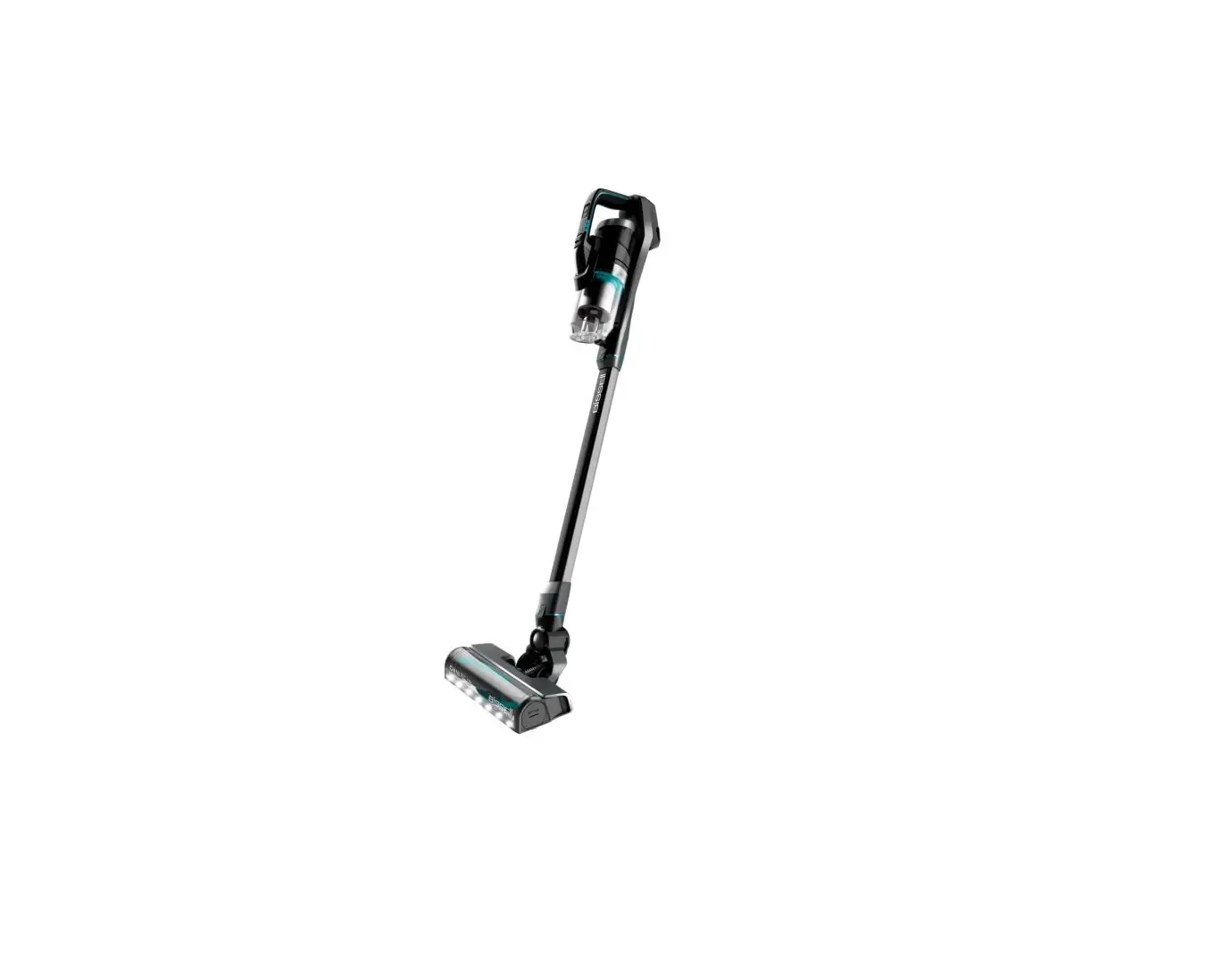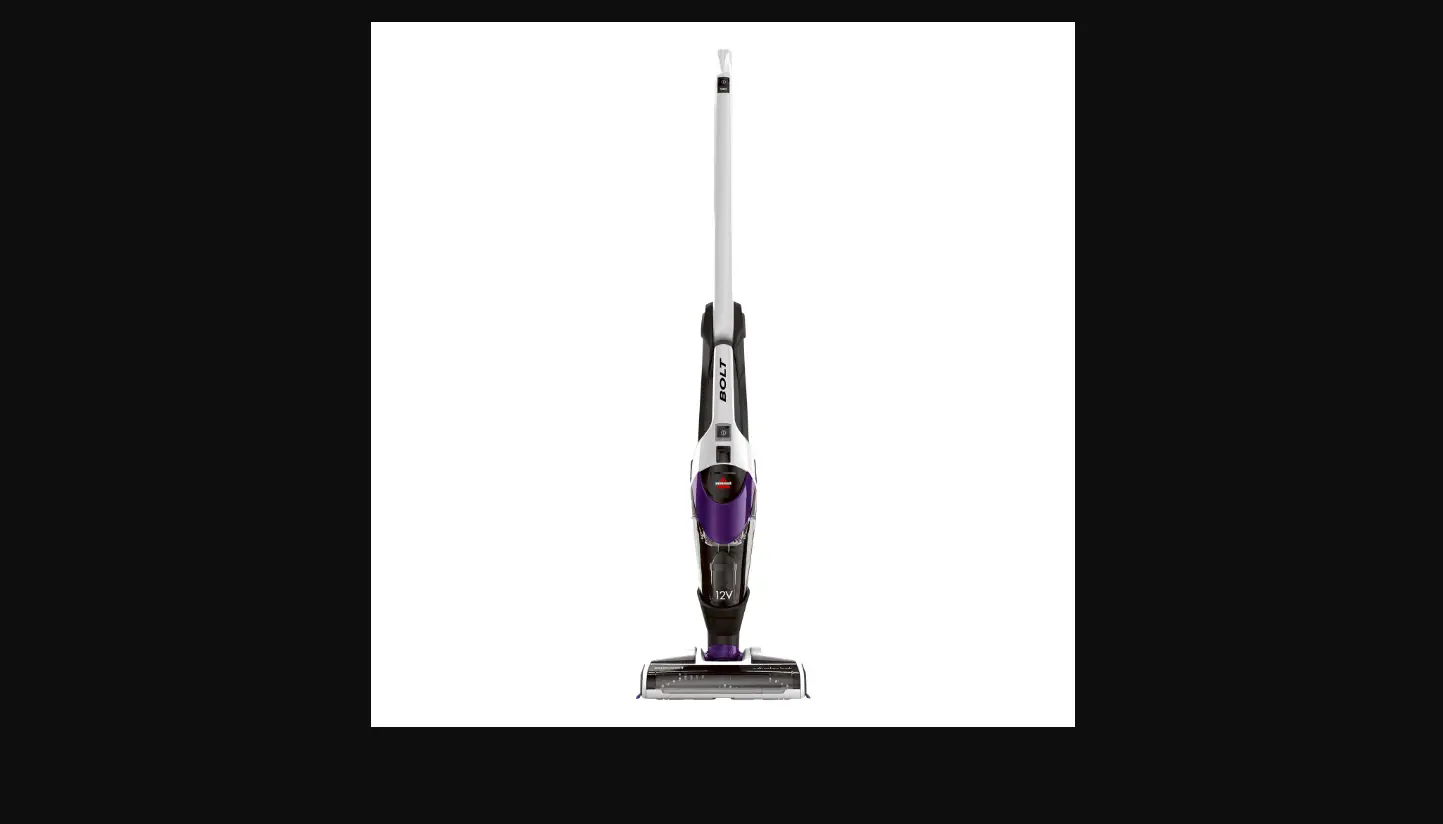
| LED Display Status | |
| During Charging | |
| Battery Status | Light Status |
| Charging | Blinking red light (1 second) |
| Fully Charged | Green light (on 10 minutes, then blinks every 1 minute) |
| Charger, Battery, or Motor Error | Red & Green blinking light > Contact Us |
| During Use | |
| Battery Status | Light Status |
| In Use | Solid Green Light |
| Low Power | Blinking Red Light > Charge machine |
| No Power | Solid Red Light (3 seconds) > Charge machine |
| Brush Stall | Solid Red Light, then machine shuts off > Follow steps HERE |
- Check the outlet being used to charge machine
- Test the outlet with a different device like a cell phone charger or small appliance
- Verify the Charger being used
- Label on Charger (10.8 V Models: 3061, 3190 & 3191) should have Model ZD12D140080US
- Label on Charger (14.4 V Models: 3079 & 3192) should have Model ZD12D170080US
- If Charger is damaged > Replace Charger > Go to Parts & Supplies
- Connect Charger to the charging port on the back of the machine & plug into wall outlet
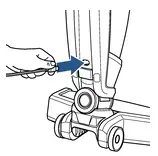
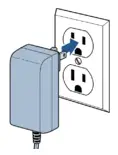
- Normal charging behavior: Blinking Red Light
- Full charge: Green Light
- If no LED Lights display, Charger should be replaced > Go to Parts & Supplies
- Full charge: Green Light
- Unplug from charger
- With machine sufficiently charged, Does the machine turn ON?
- Yes, > Great! Glad we can get you back to Cleaning
- No > Remove Hand Vac
- Does the Hand Vac turn ON?
- Yes > The Handle needs to be replaced > Go to Parts & Supplies
- No > The Hand Vac should be replaced > Go to Parts & Supplies
- Does the Hand Vac turn ON?
- If the machine turns On then Off after a few seconds it indicates an obstruction in the Brush area > Go to Brush/Foot Area
If still having issues with No Power, please Contact Us