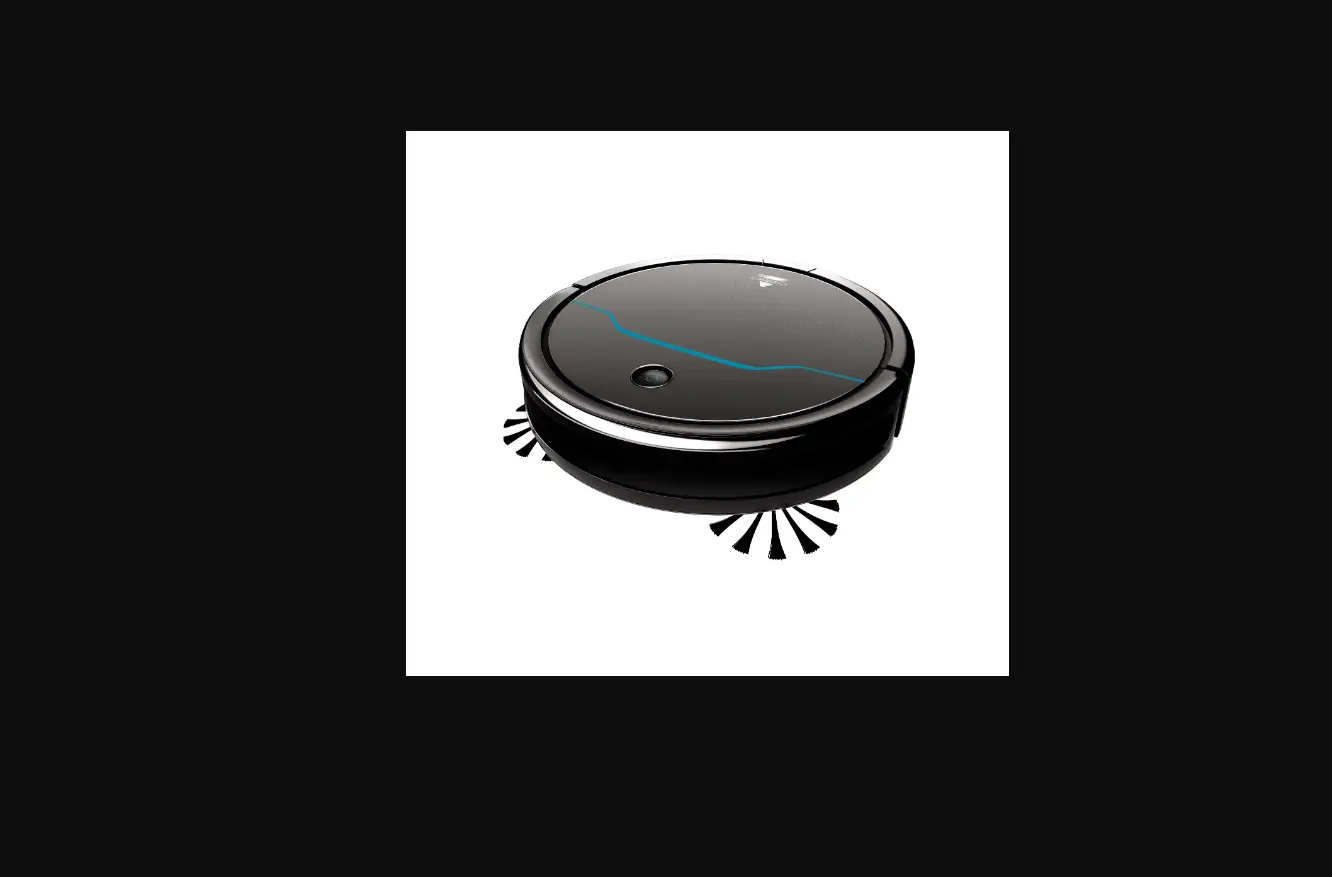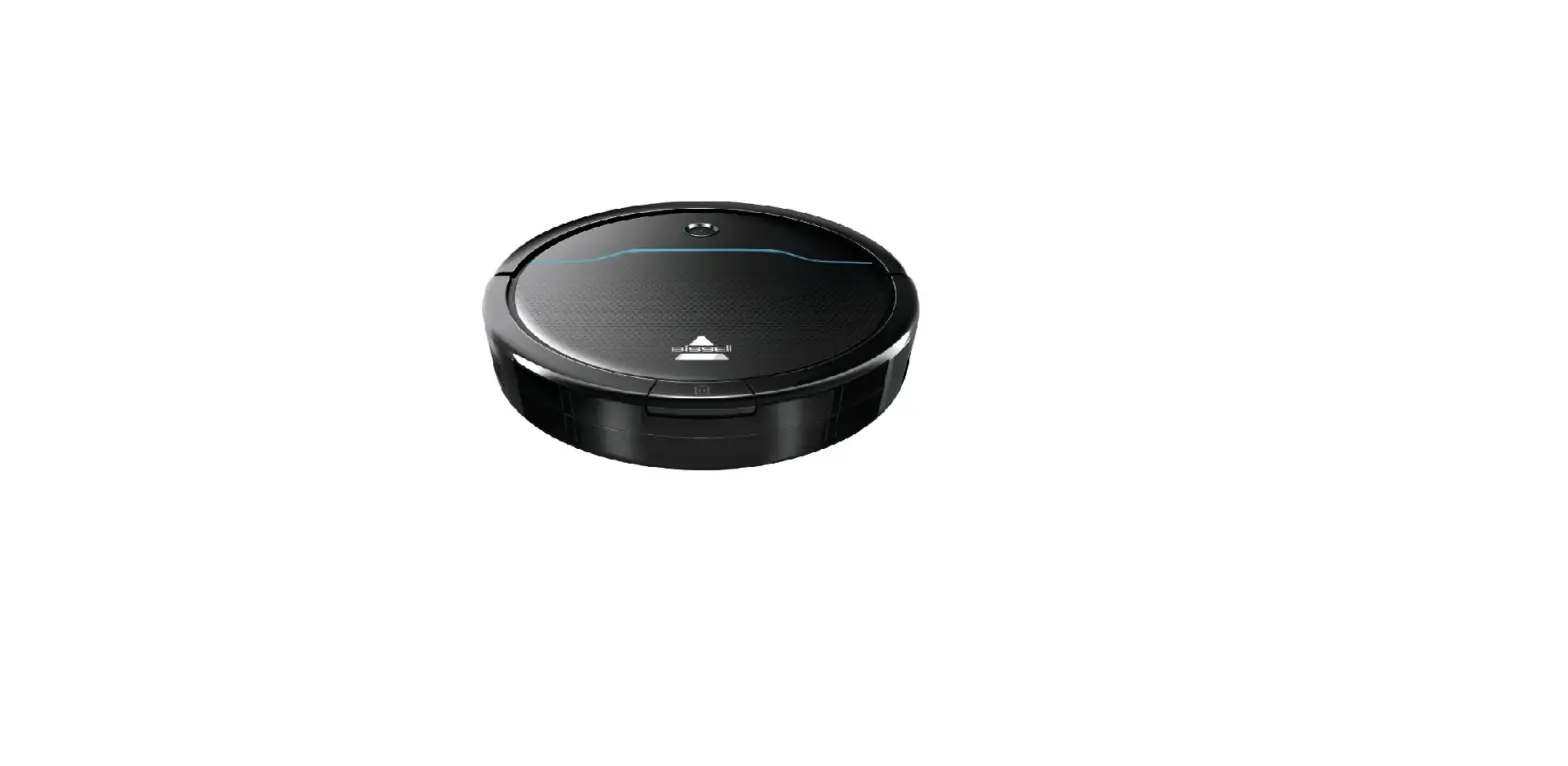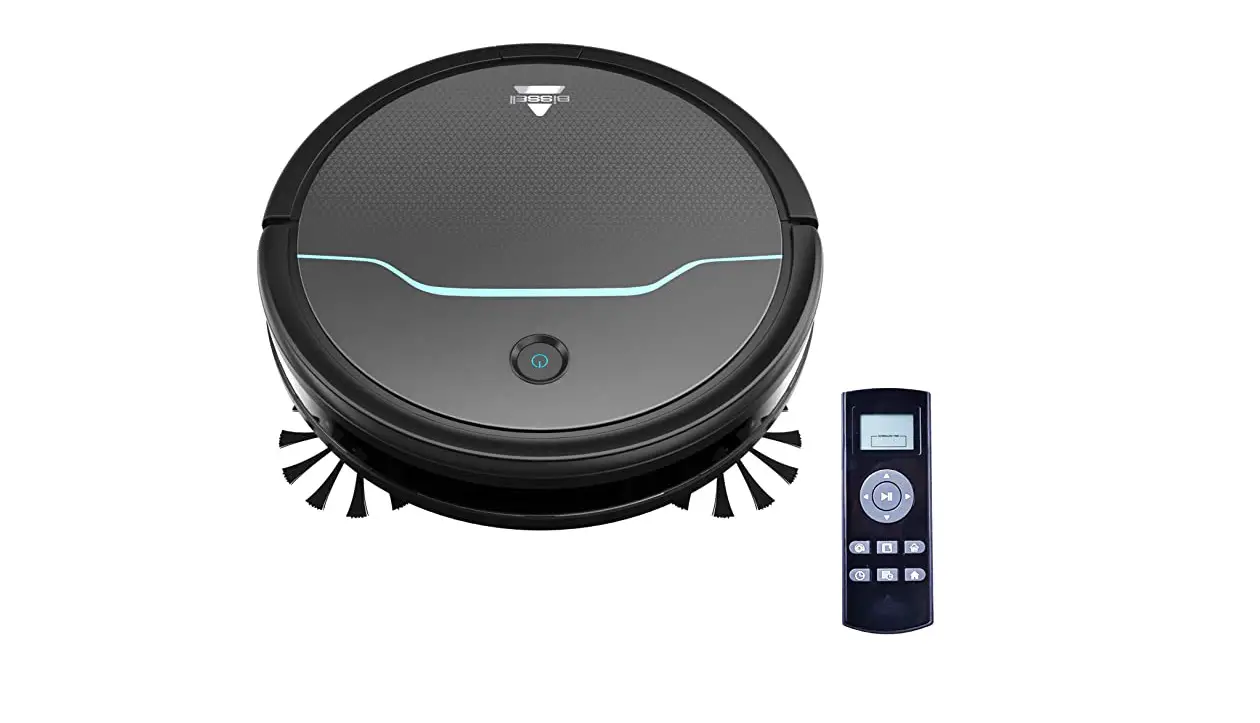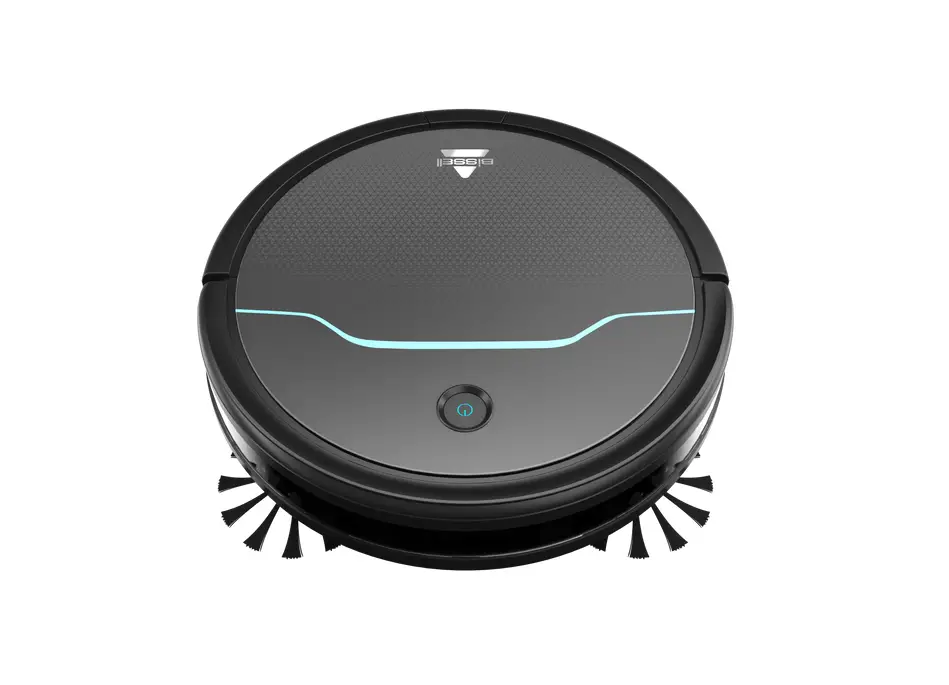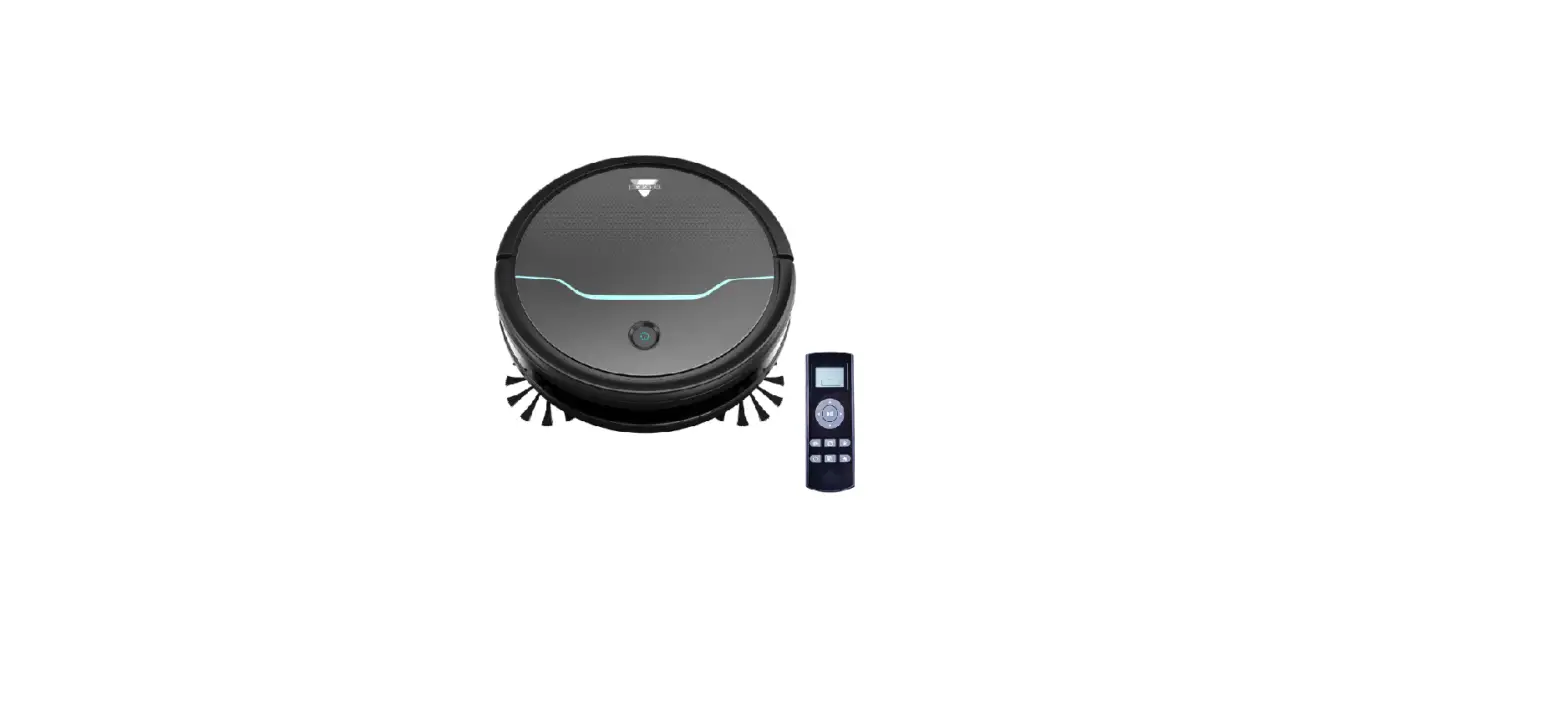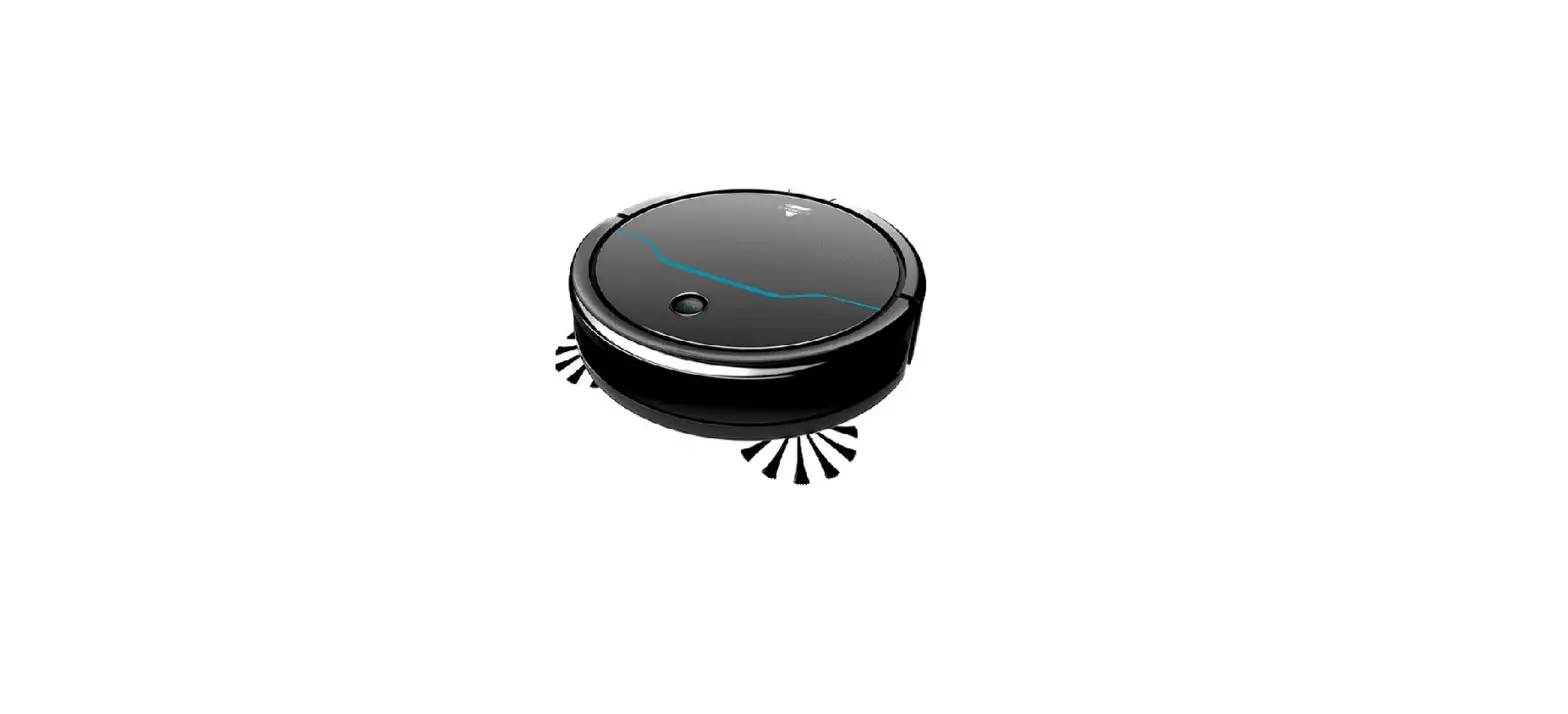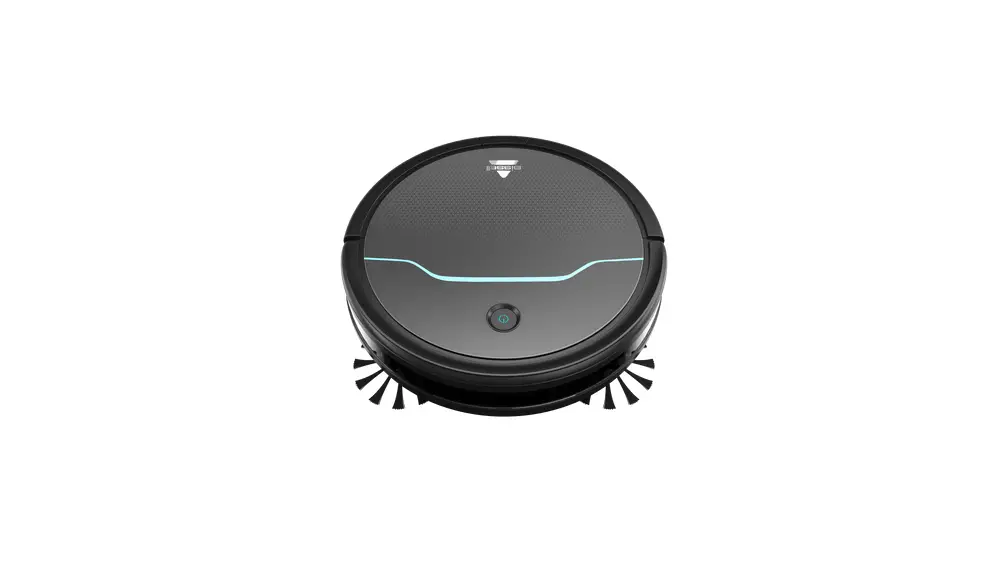
- Turn robot off
- If light status is Solid Red with Three Beeps it indicated an obstruction in the Brush Roll
- Inspect bottom of robot (brushes & wheels) for debris buildup
- See brush not turning steps for complete instructions
- Inspect bottom of robot (brushes & wheels) for debris buildup
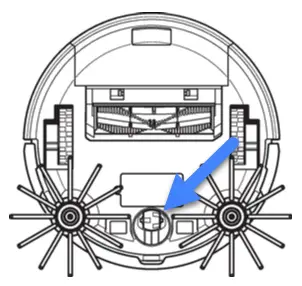
- If light status is Flashing Red with Three Beeps the Caster Wheel may be clogged
- Both the Caster Wheel and Wheel Frame should be removed to clear all debris
- Using a flat head screwdriver pop out the Wheel > Then use screwdriver to remove Frame
- Clear all debris from Wheel and the bottom of the Frame
- Both the Caster Wheel and Wheel Frame should be removed to clear all debris
- If light status is Solid Red with Three Beeps it indicated an obstruction in the Brush Roll
- Once debris is removed, turn power switch on
- Make sure robot is charged
- If robot is flashing red and beeps twice, robot needs to be charged
- If not charged and not charging
- Check docking station
- Charger should be plugged securely into docking station, the other end into outlet
- Green light should be visible on the top of docking station
- Check to make sure the outlet is working
- Test this by plugging in a cell phone charger or small appliance
- If no power to outlet, test a different outlet in a separate room
- Reset circuit breaker if needed
- Remove robot from docking station and turn off
- Turn over
- Remove battery cover
- Take out battery and disconnect it
- Inspect battery, if damaged it needs to be replaced
- If not, reconnect it and insert battery
- Attach cover
- Turn on, charge robot
If robot still has no power, please Contact Us