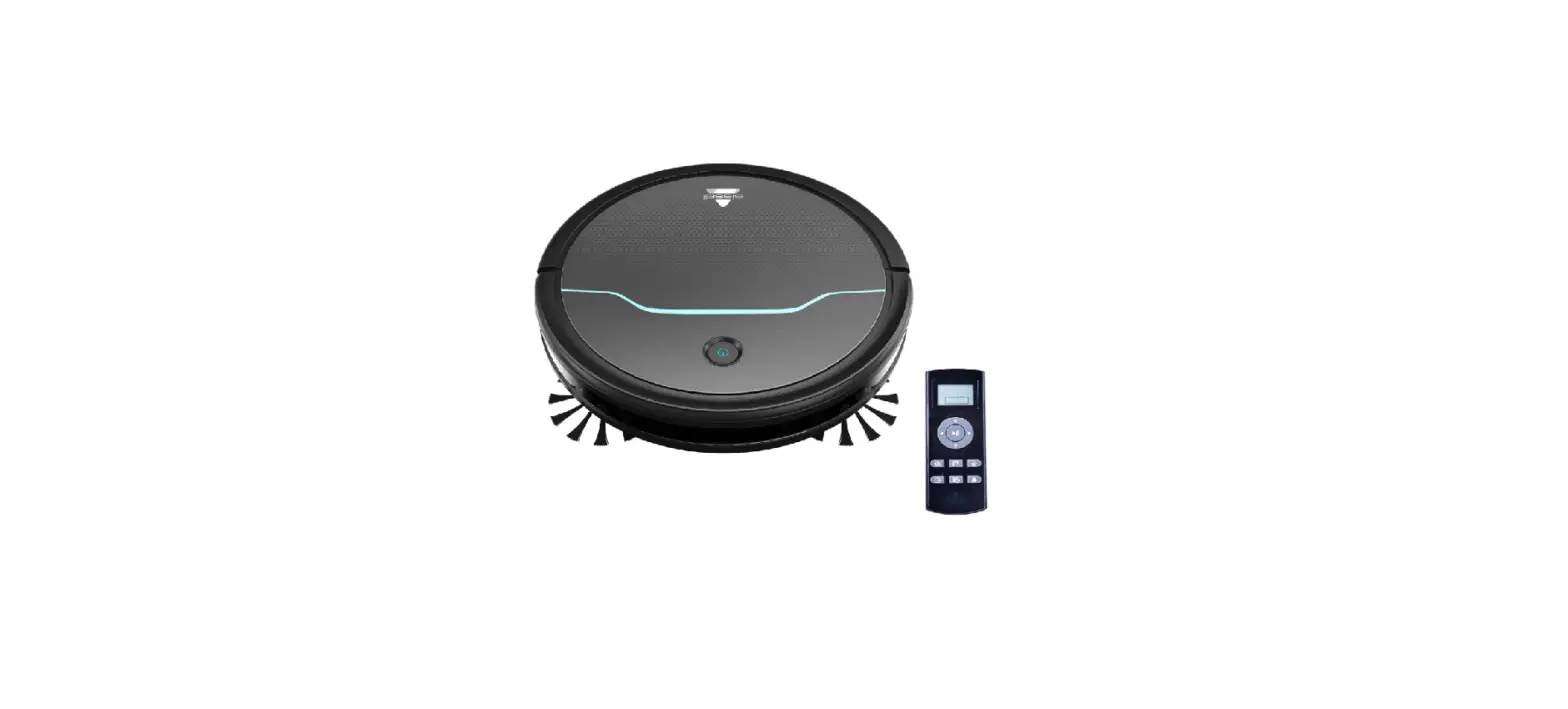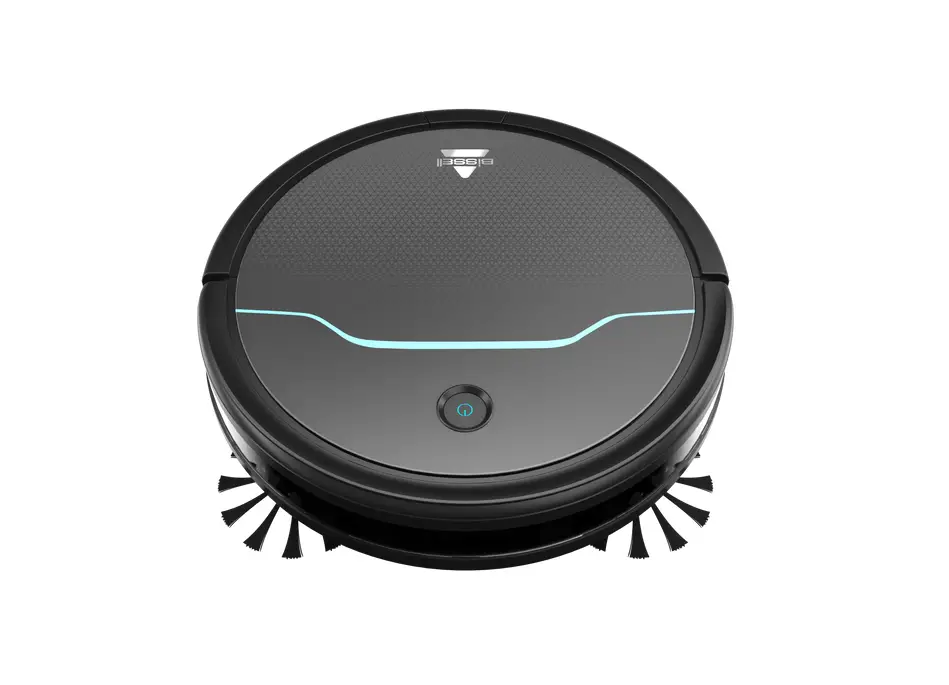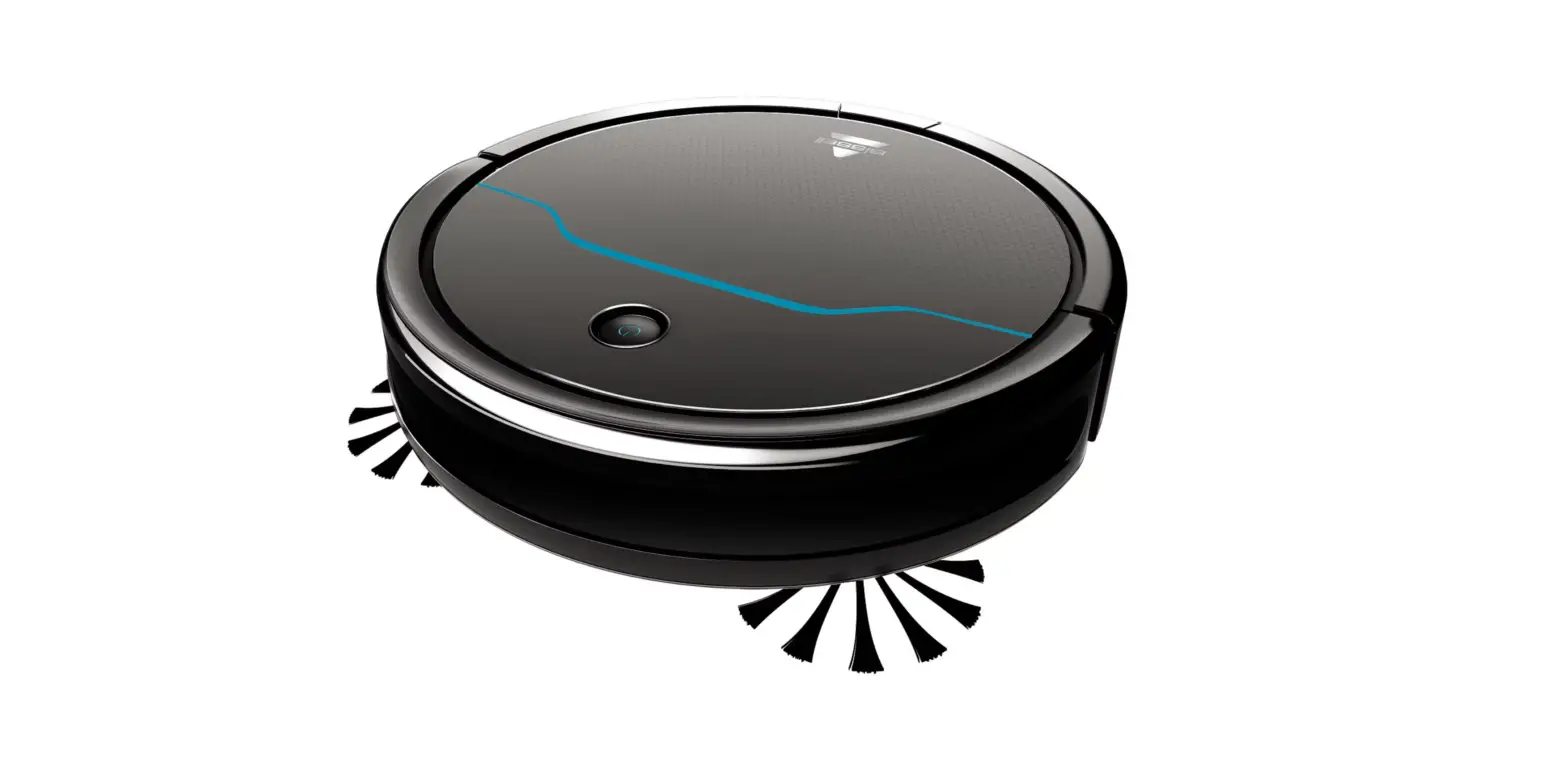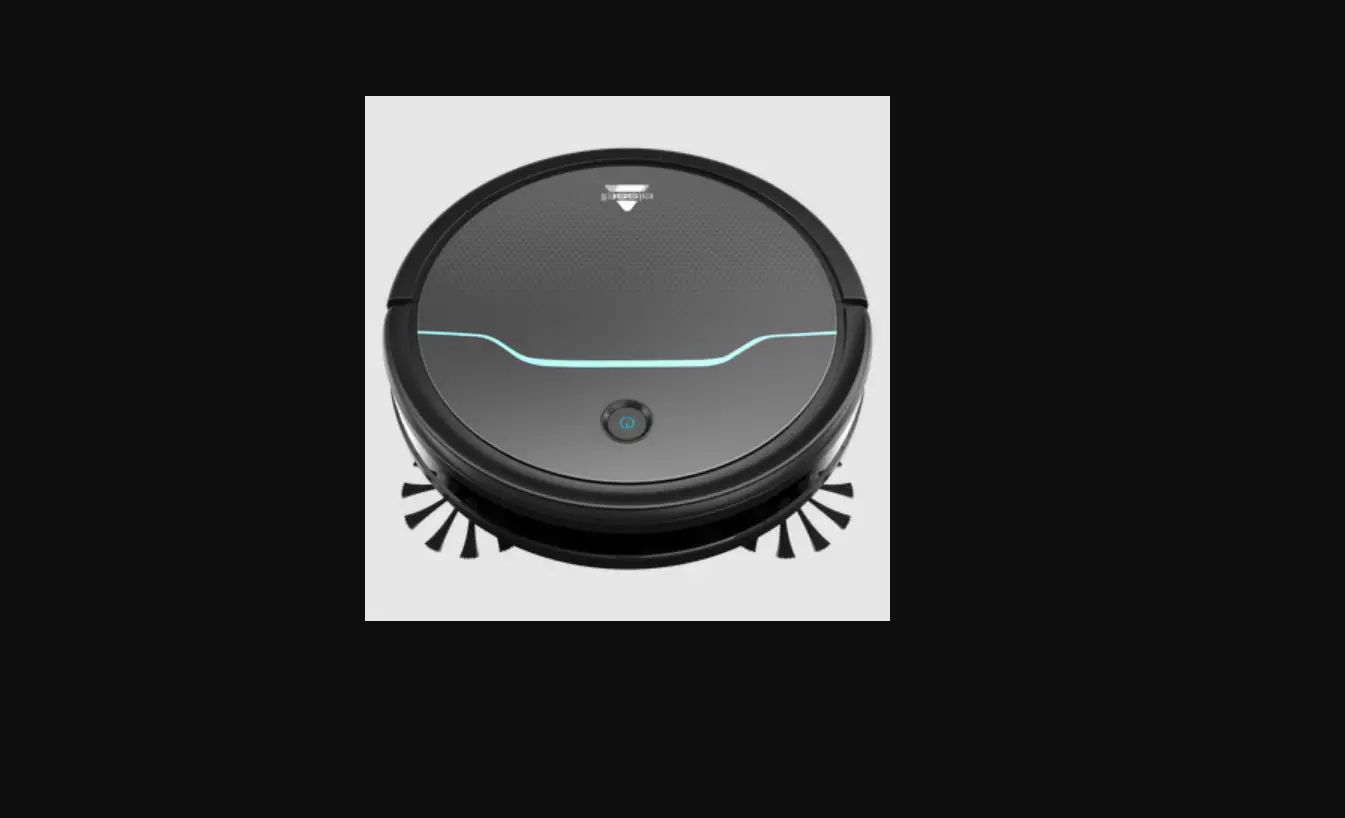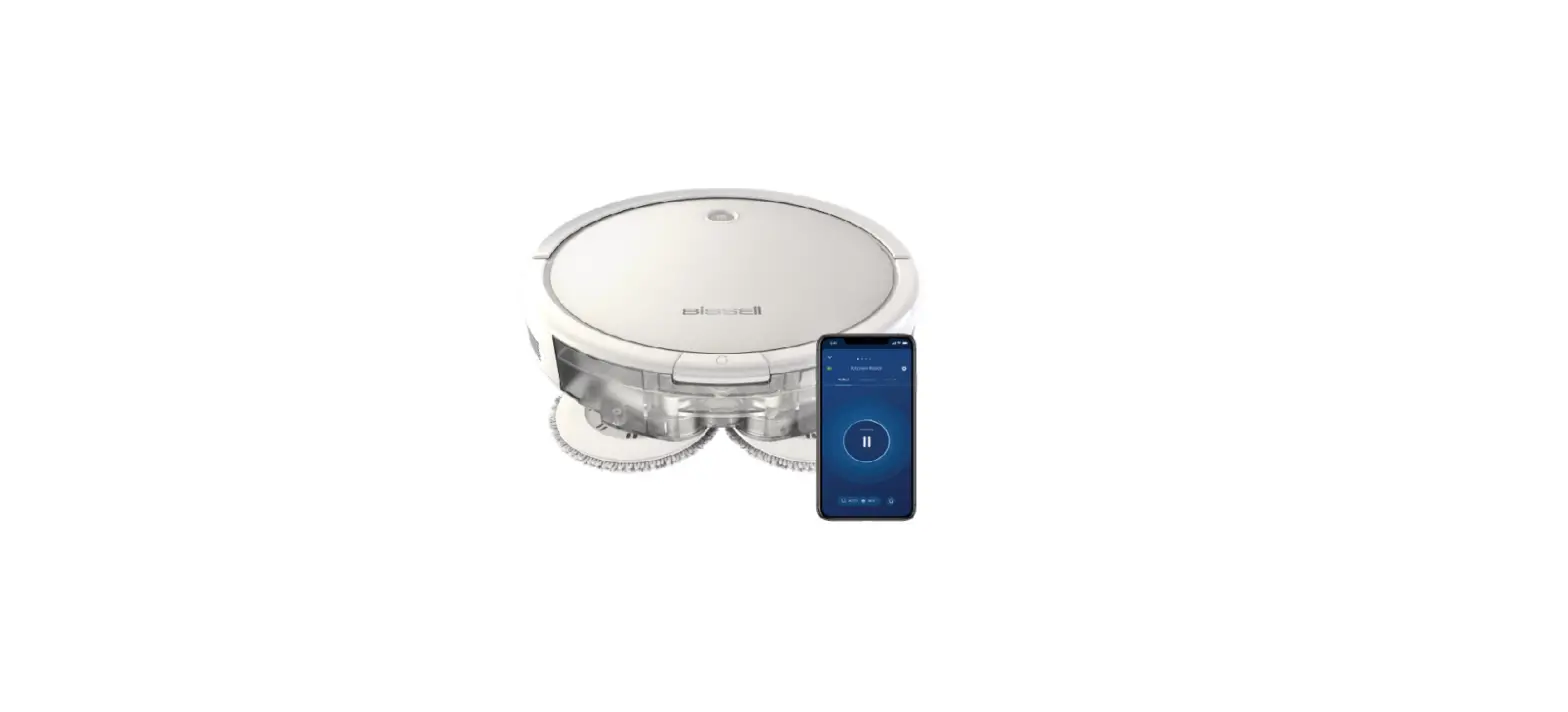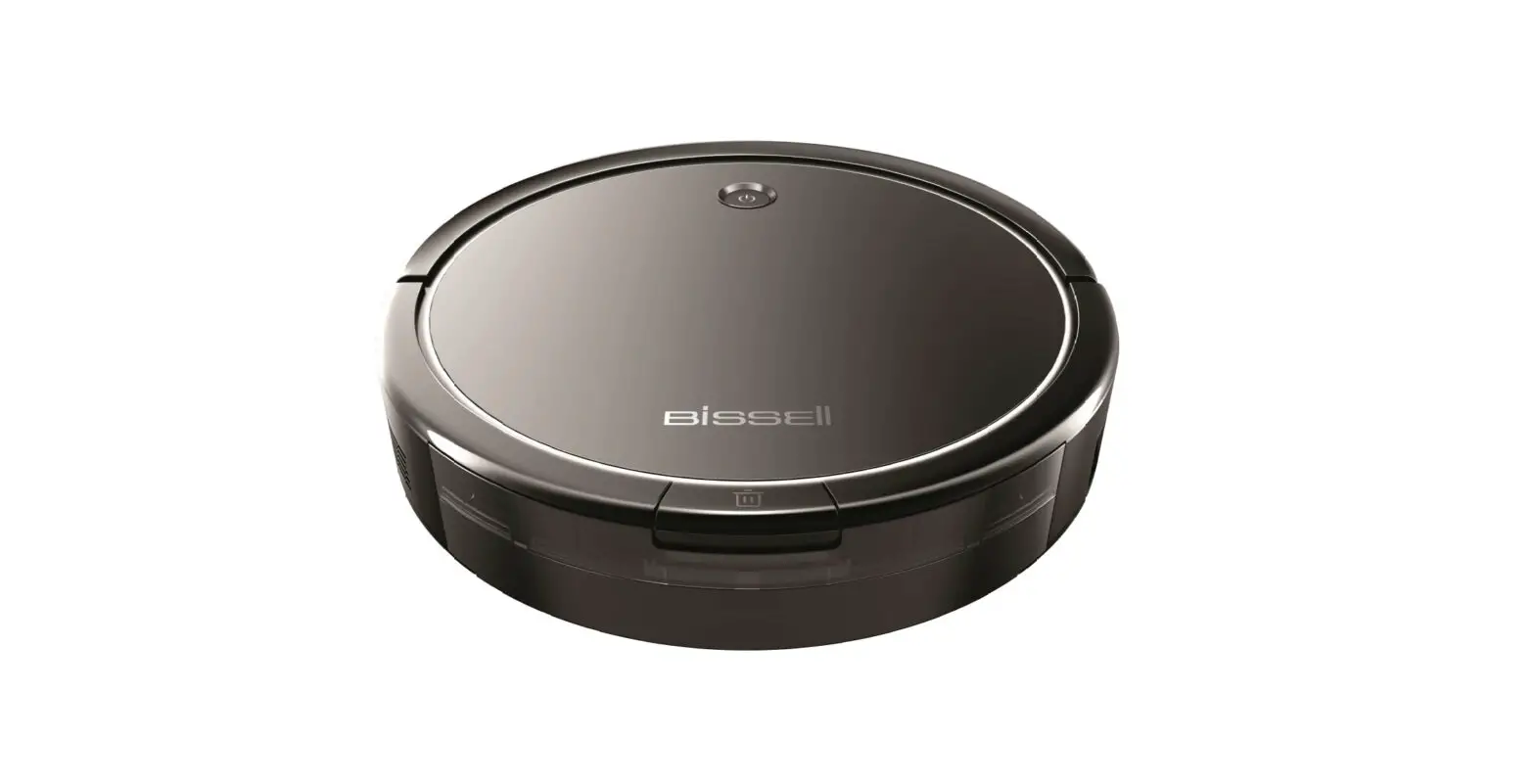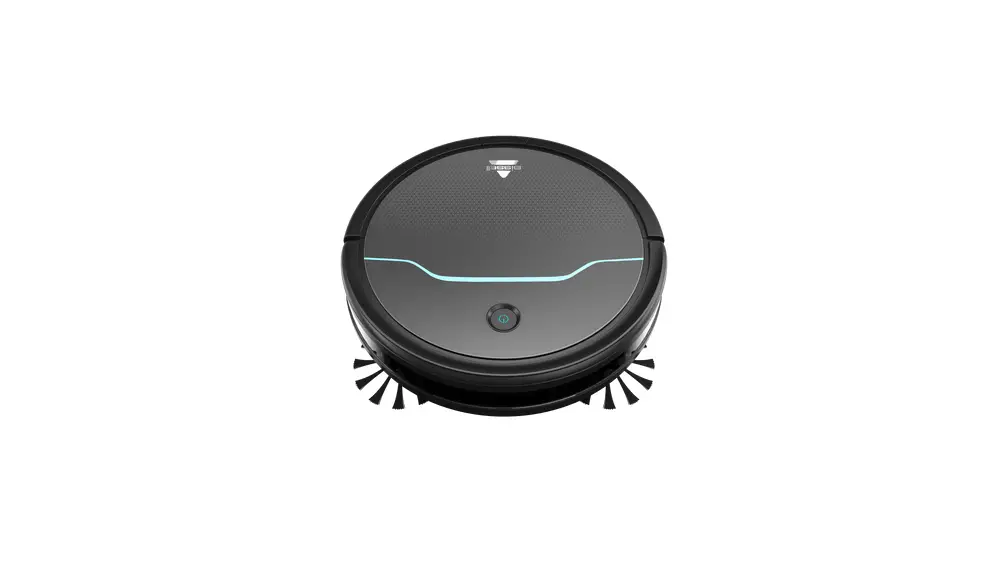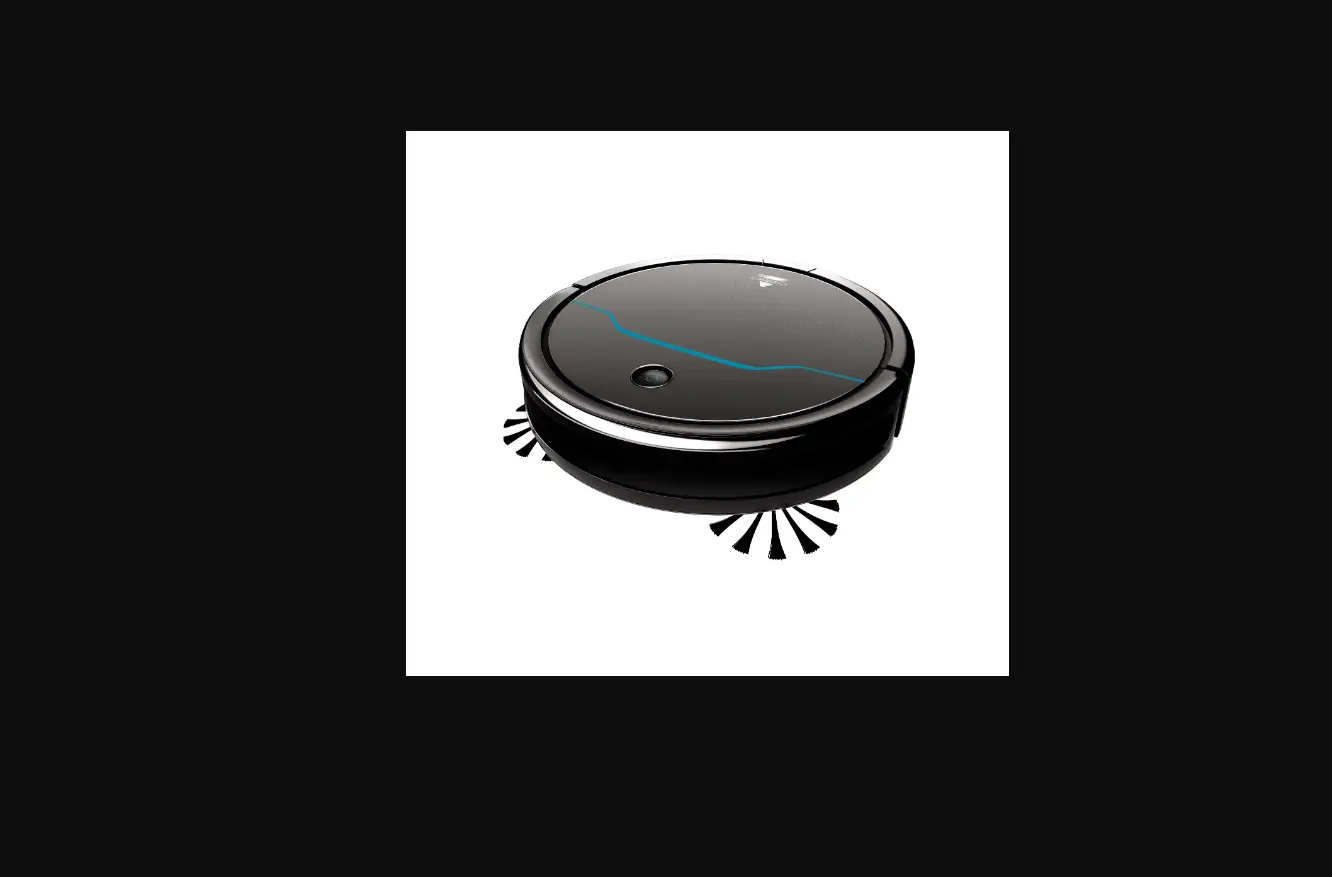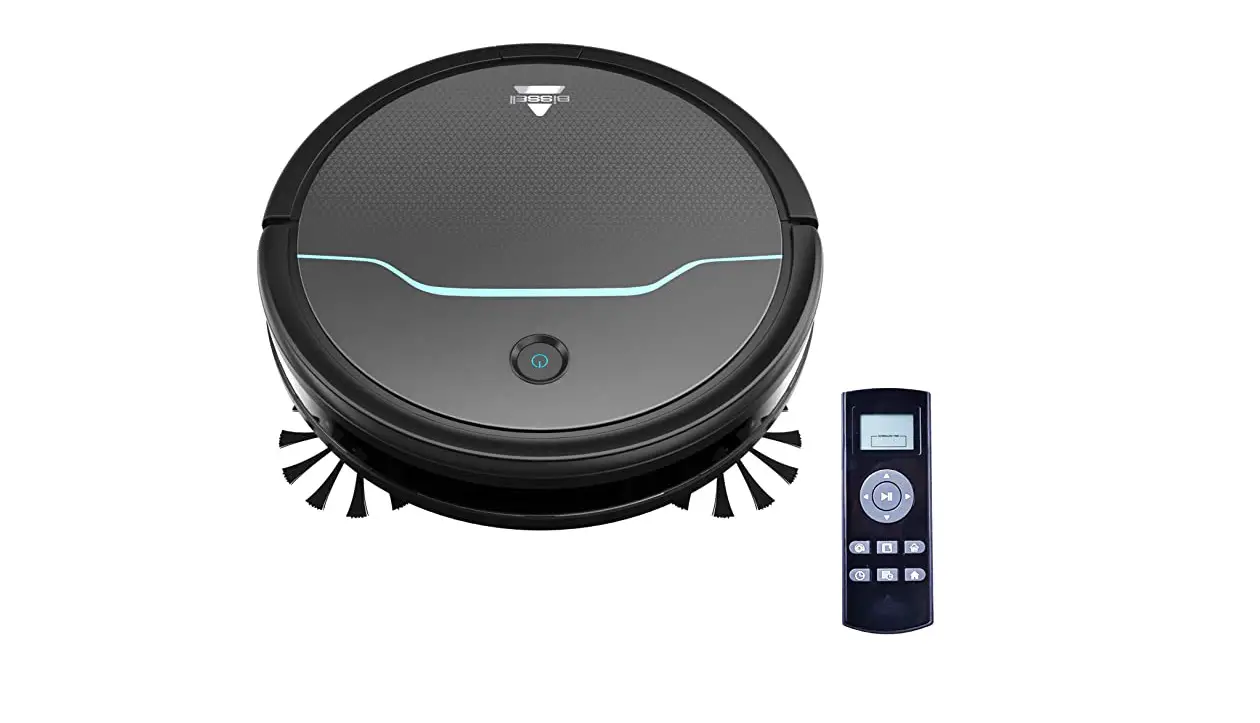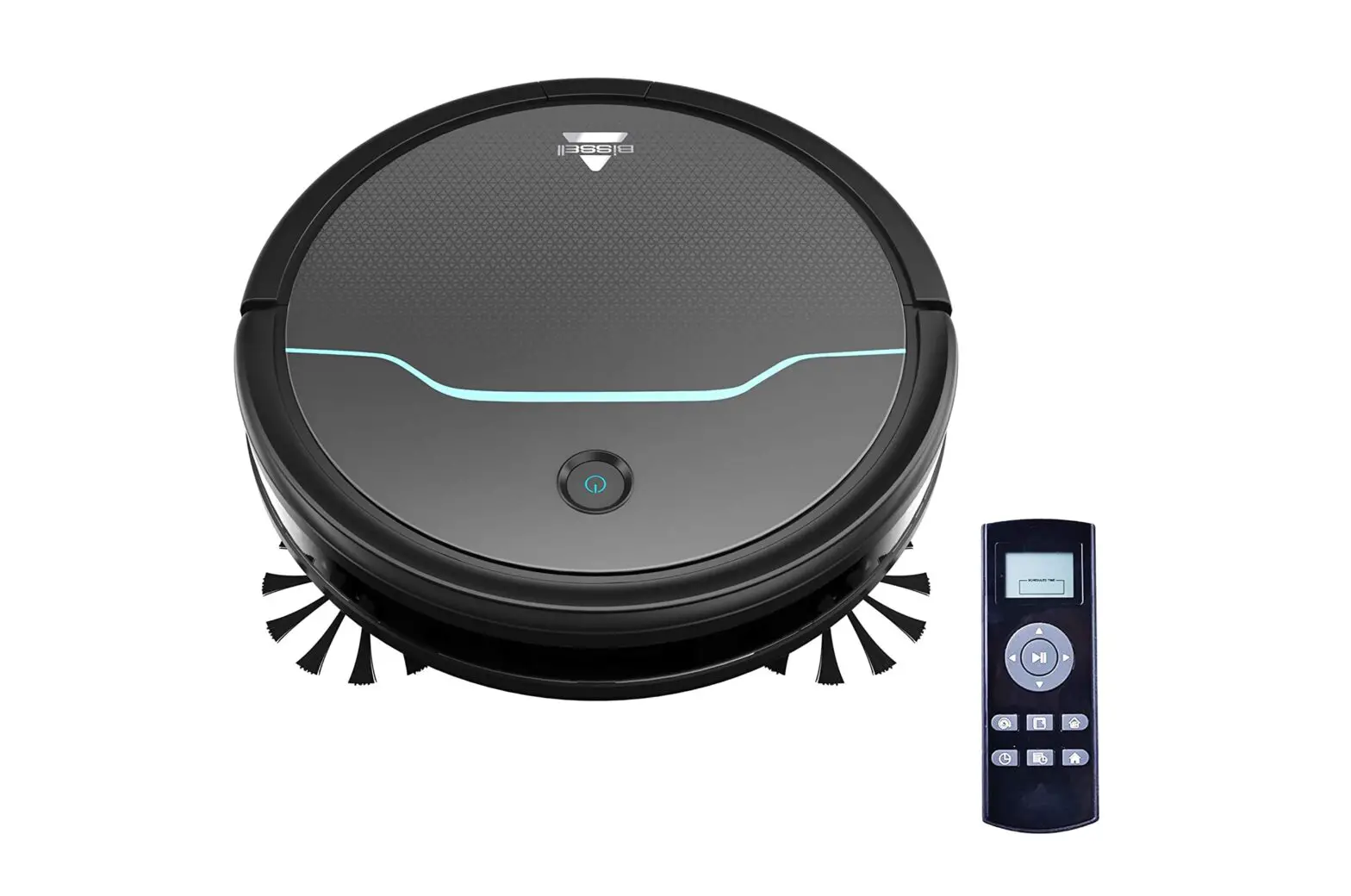
After being used for a period of time, the Edge Cleaning Brushes need to be cleaned to work more effectively
- Turn power switch off
- Use a Phillips-head screwdriver to remove the screw securing each edge brush
- Pull up on edge brush to remove
- Clean the brushes of any debris
- Check for any obstructions such as hair or string where brushes attach
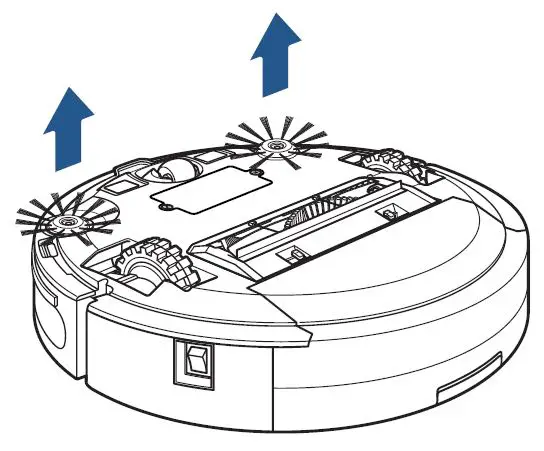
- If edge brushes become crooked, they may be soaked in hot water to return them to their original shape
- Allow to air dry completely before reinstalling, secure each with screw
- If the edge brushes continue not to turn, please Contact Us