- The brush may automatically shut off if it is having a hard time spinning on high pile carpet
- It’s intended for use on low pile carpet and bare floors
- Turn power switch off and turn the machine over so brush is facing up
- Remove the brush guard by pinching the tabs inward
- Pull the brush up to remove

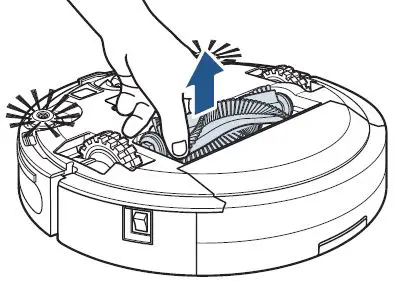
- Clean any debris wrapped around the brush and intake area
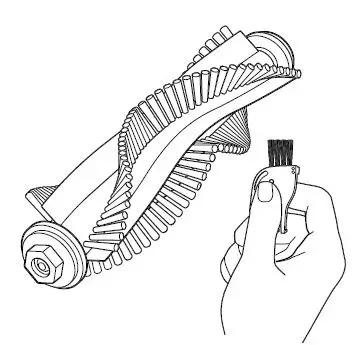
- Check the Brush for damage > The End Caps should spin when turned by hand
- If Brush is damaged > Replace Brush > See Parts & Supplies
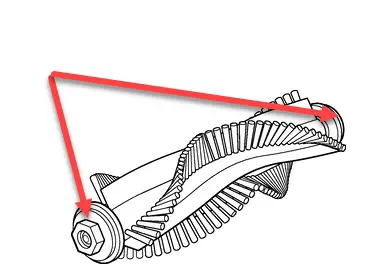
- Reinsert brush – there are two different end pieces
- Make sure the square-shaped end piece is inserted into the square-shaped port
- Reinsert Brush – there are two different end pieces
- Make sure the square-shaped end piece is inserted into the square-shaped port
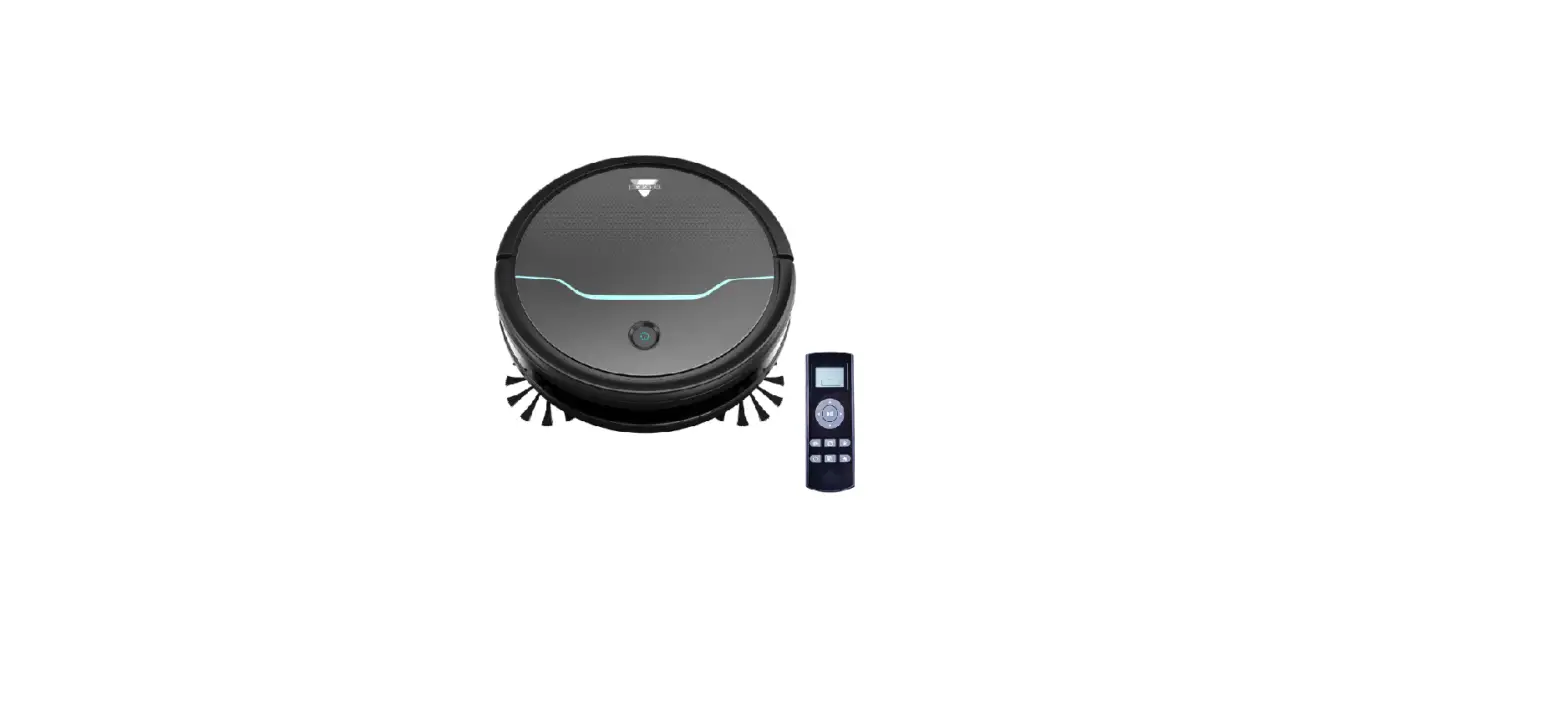
- If Brush Roll Stuck Error continues when Brush is inserted > Remove Brush > Press Start Button twice
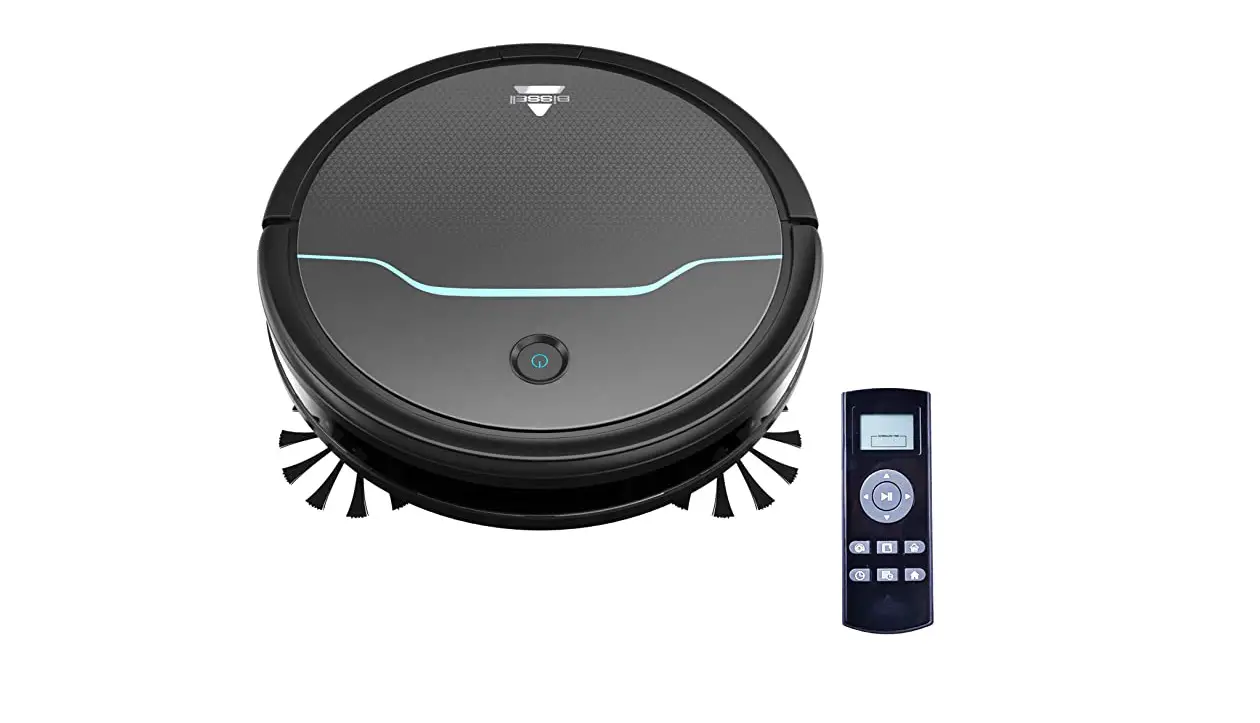
- Is the Robot working without the Brush installed?
- Yes > Replace Brush > Go to Parts & Supplies
- No > Please Contact Us
- Is the Robot working without the Brush installed?