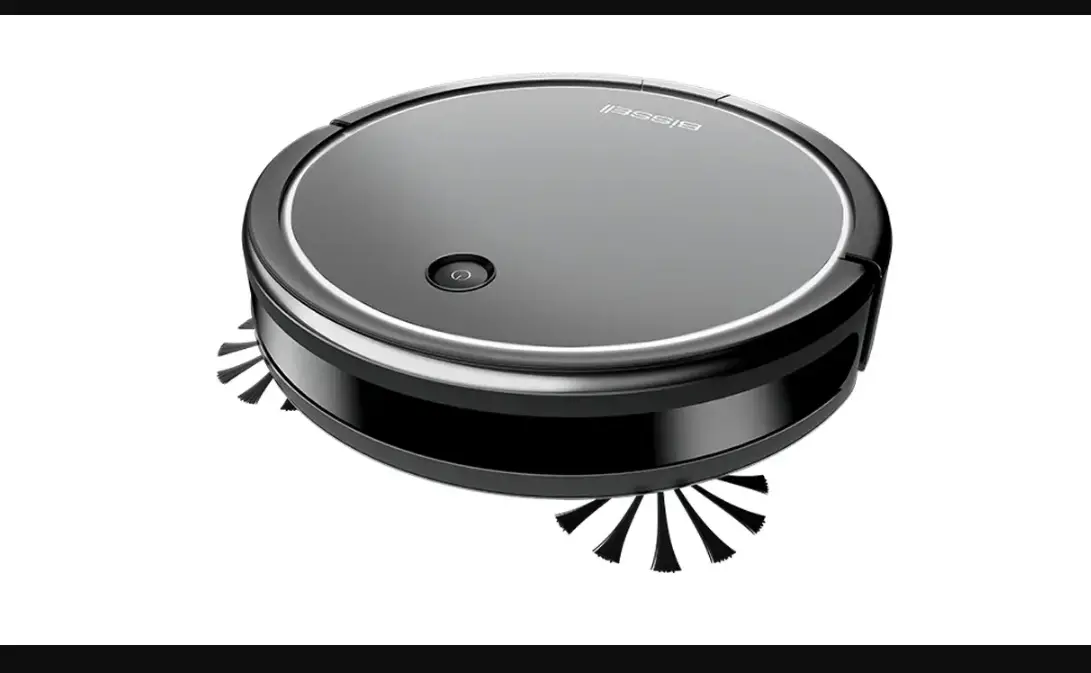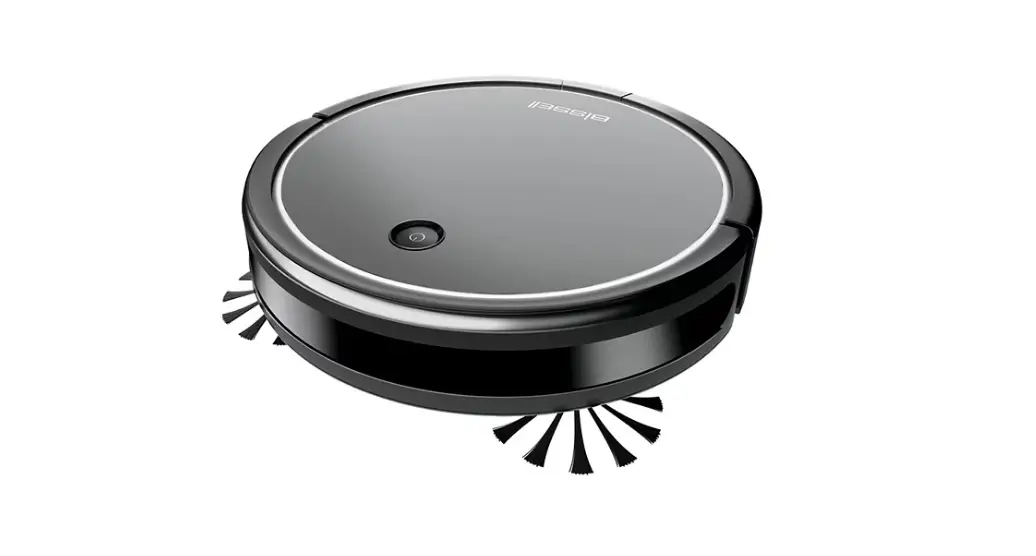
Status Notifications:
| Status | Button Light Status | Light Ring | Sound |
| Power On | Pulse Once > Blink > On | Pulse Once | Activation Sound |
| Cleaning | Blink > Fade In > On | Pulse Once > Fade In > 30 seconds > Fade Out | Activation Sound |
| Charging | Breathing | Pulse Once > Breathing for 30 seconds > Off | 1 Beep (when 1st docked) *Green light on top of Dock will go out |
| Pairing Mode | Blink > Fade In > On | Off | 1 Beep |
| Paired | On | Solid for 5 Seconds > Fade Out | 3 Beeps |
| Low Battery | Blinking White | Off | 2 Beeps |
Error Notifications:
| Button Light Status | Sound | Error | Possible Cause | Remedies |
| Flashing Red | 1 Beep | Robot Lifted/Clean Sensors | Robot cannot maneuver/Sensors are dirty | Turn OFF > Pick up robot and set back on floor to resume cleaning > If error persists > Clean Cliff sensors on bottom of robot 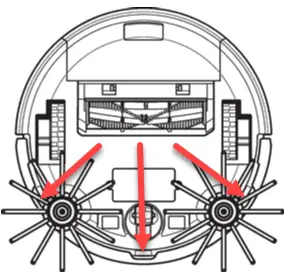 |
| Flashing Red > Solid Red | 1 Beep | Wheel Stuck | Wheel is Obstructed | Turn OFF > Clear debris from the wheels |
| Flashing Red > Solid Red | 2 Beeps | Edge Brush Stuck | Edge brushes are restricted | Turn OFF > Clear debris from edge brushes > See detailed instructions HERE |
| Flashing Red | 3 Beeps | Front Wheel Error | Debris accumulated under Front Caster Wheel | Turn OFF > Remove Caster Wheel by pulling straight up > Both the Caster Wheel and Wheel Frame should be removed > Clear debris from wheel and underside of wheel frame 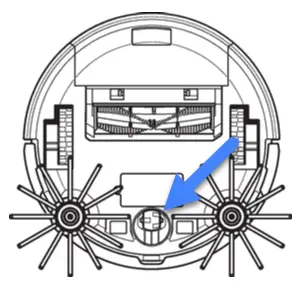 |
| Flashing Red > Solid Red | 3 Beeps | Brush Roll Stuck | Obstruction in the brush area | Turn OFF > Clear debris from brush roll and brush chamber > See detailed instructions HERE |
| Flashing White | 2 Beeps | Bumper Stuck/Robot Trapped | Bumper cannot move freely | Turn OFF > Remove debris from Bumper > Compress Bumper several times to ensure it moves freely |
If remedy does not resolve the issue, please Contact Us