When changing direction the wheels may make a skidding noise
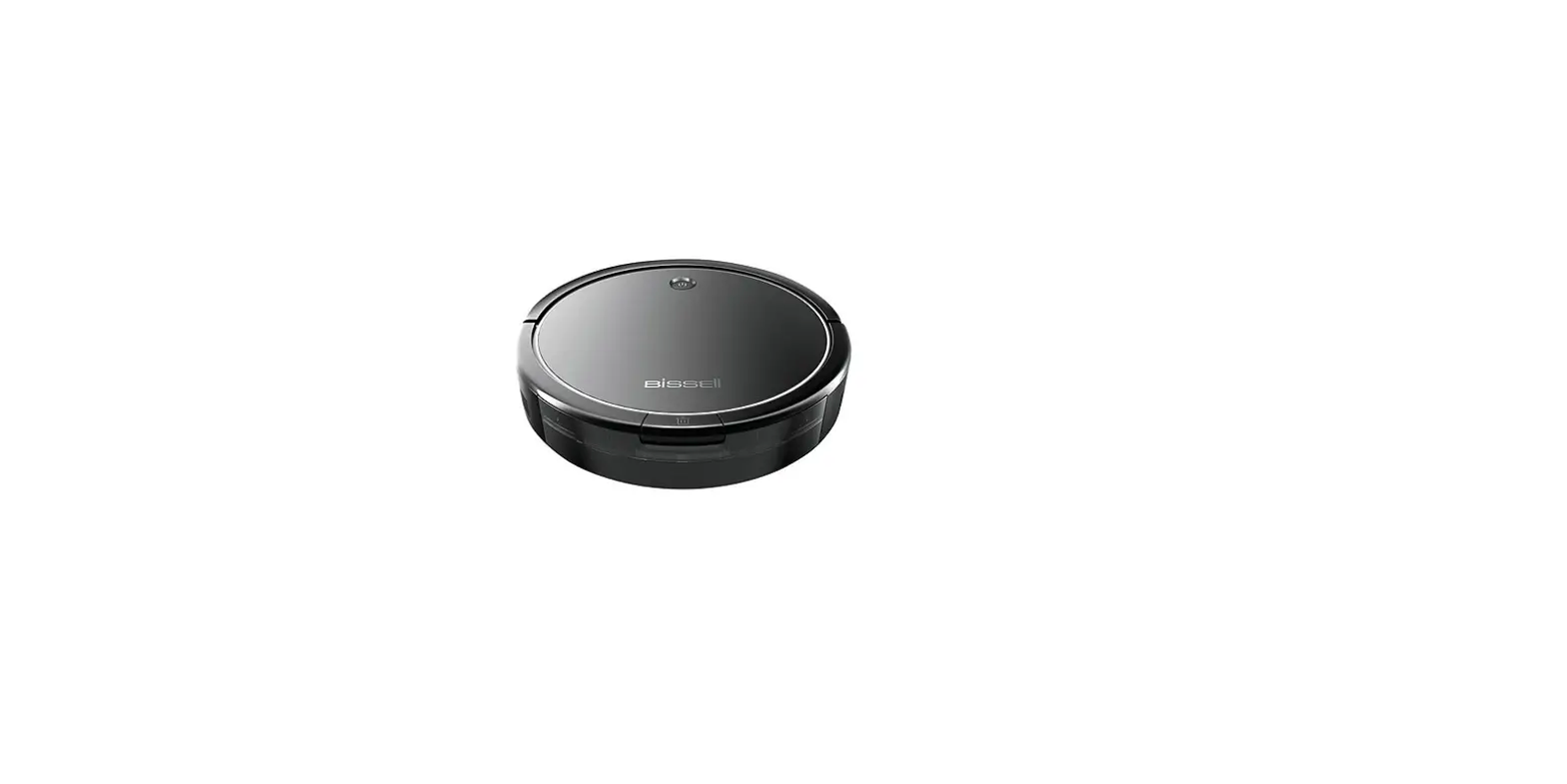
- Turn Robot OFF
- Check the Wheels: Both the 2 large Wheels & the Caster Wheel
- Remove any debris that has accumulated
- The 2 large Wheels should spin with a bit of pressure, retracting into the machine and bouncing back when released
- The Caster Wheel should spin freely without wobbling
- Remove Caster Wheel by pulling straight up > Both Caster Wheel and Wheel Frame should be removed > Clear debris from Wheel and underside of Wheel Frame
- Reattach Caster wheel to Wheel Frame and insert securely into Robot
- Wheel axle should be pressed firmly into the machine
- If the Caster Wheel is damaged > Replace Caster Wheel > Go to Parts & Supplies
- Reattach Caster wheel to Wheel Frame and insert securely into Robot
- Remove Caster Wheel by pulling straight up > Both Caster Wheel and Wheel Frame should be removed > Clear debris from Wheel and underside of Wheel Frame
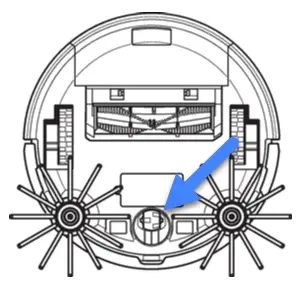
- Debris lodged in the Brush area could cause the machine to be loud
- For instructions on how to clear > Go to Brush Not Turning
If you continue to have difficulty with your Robot, please Contact Us