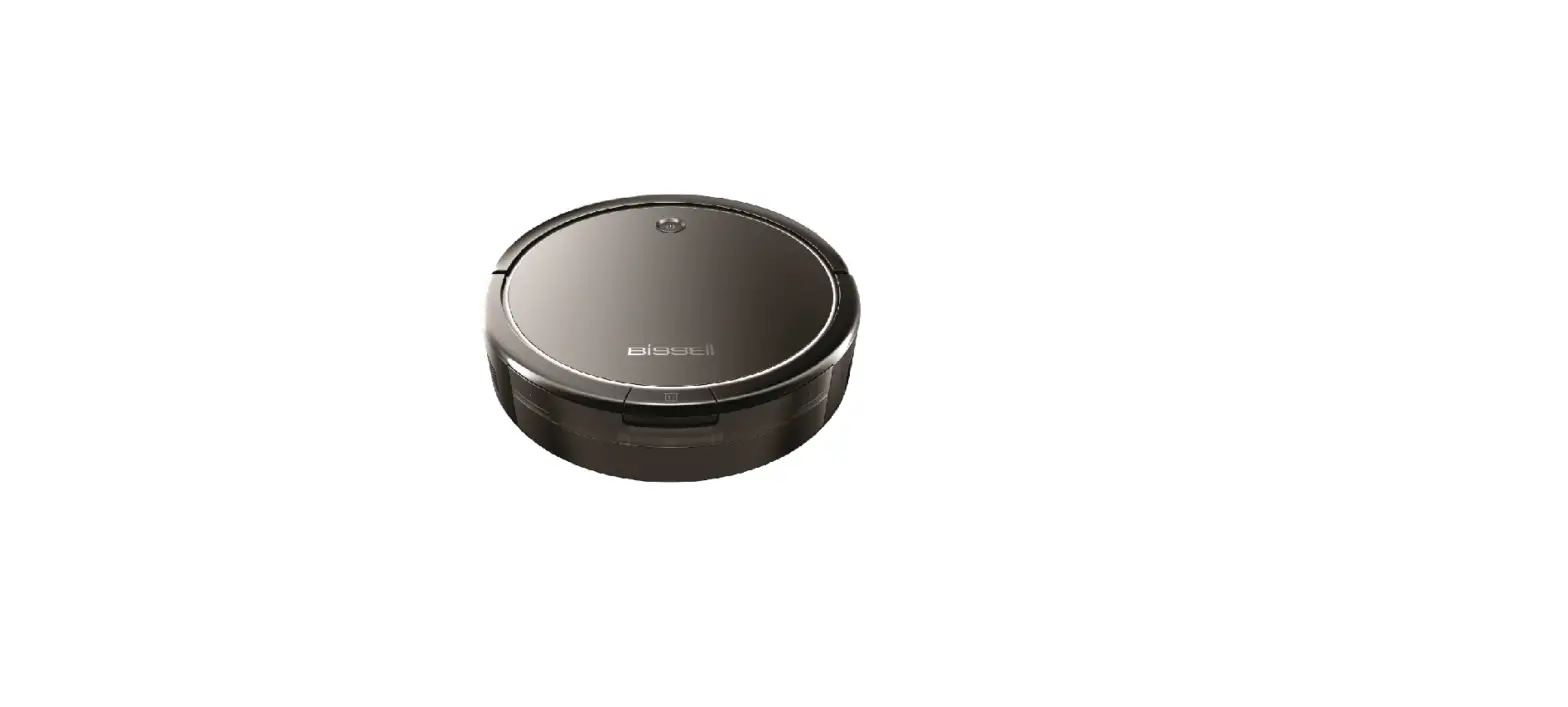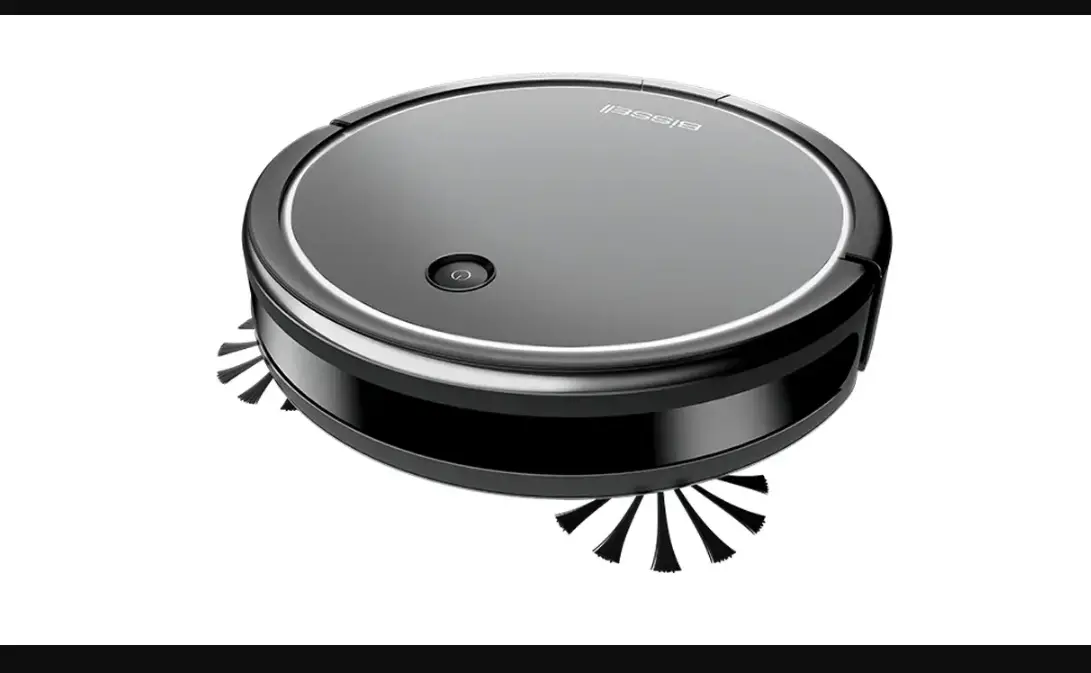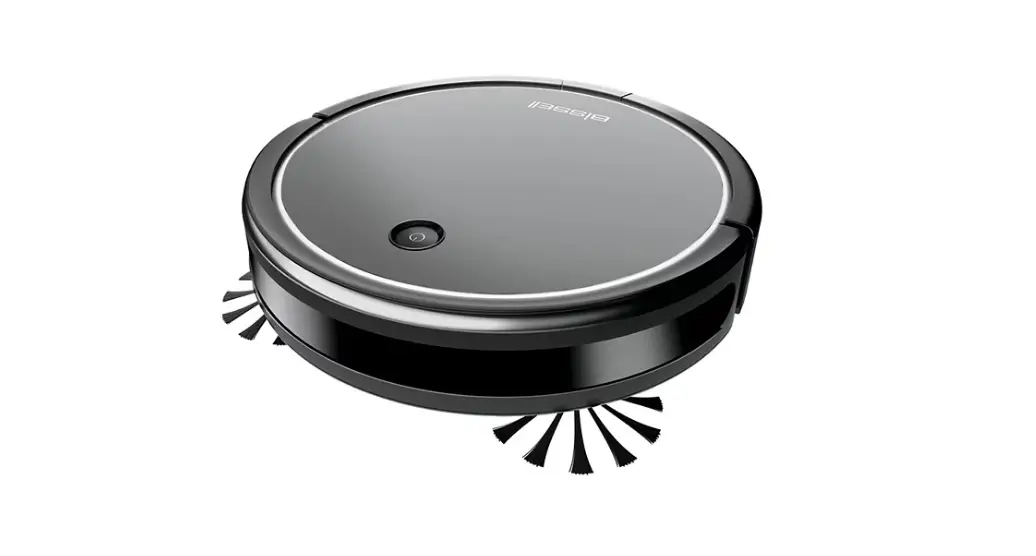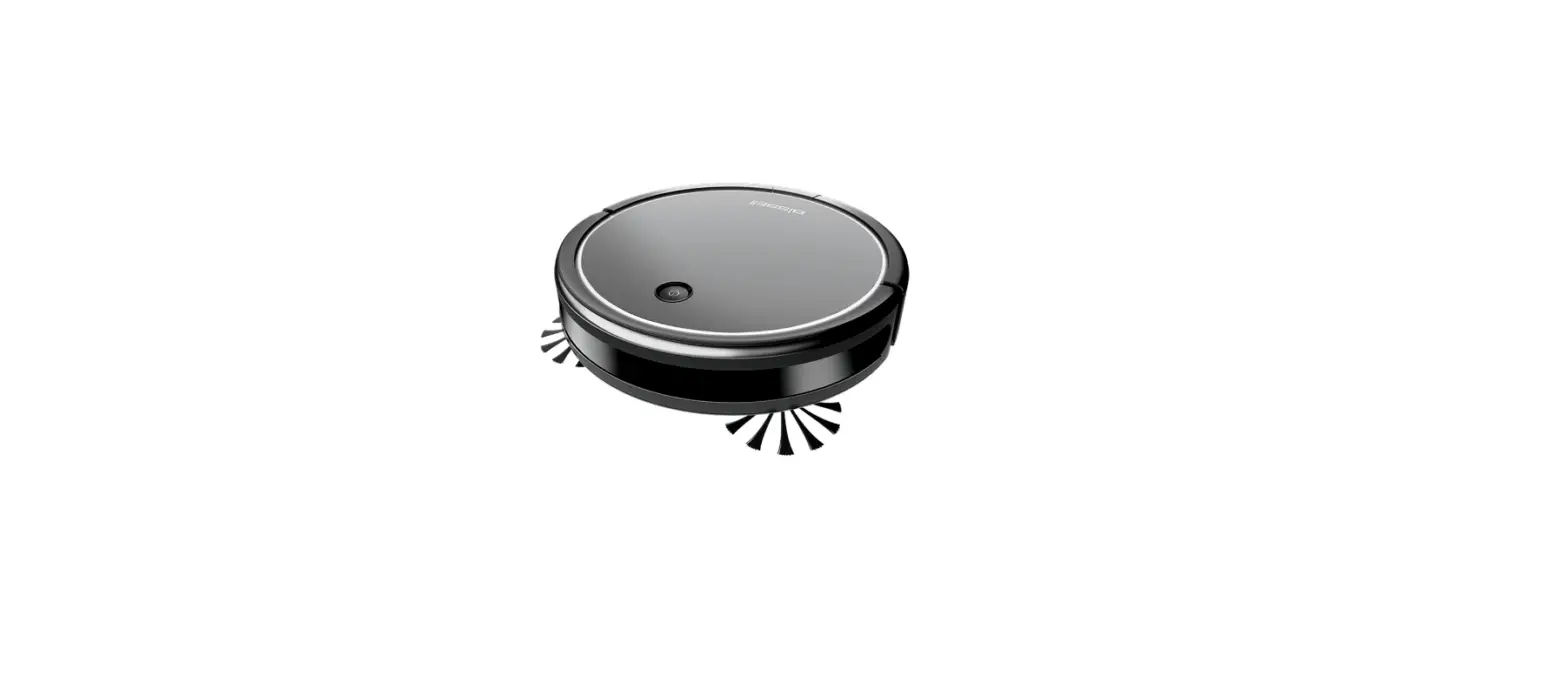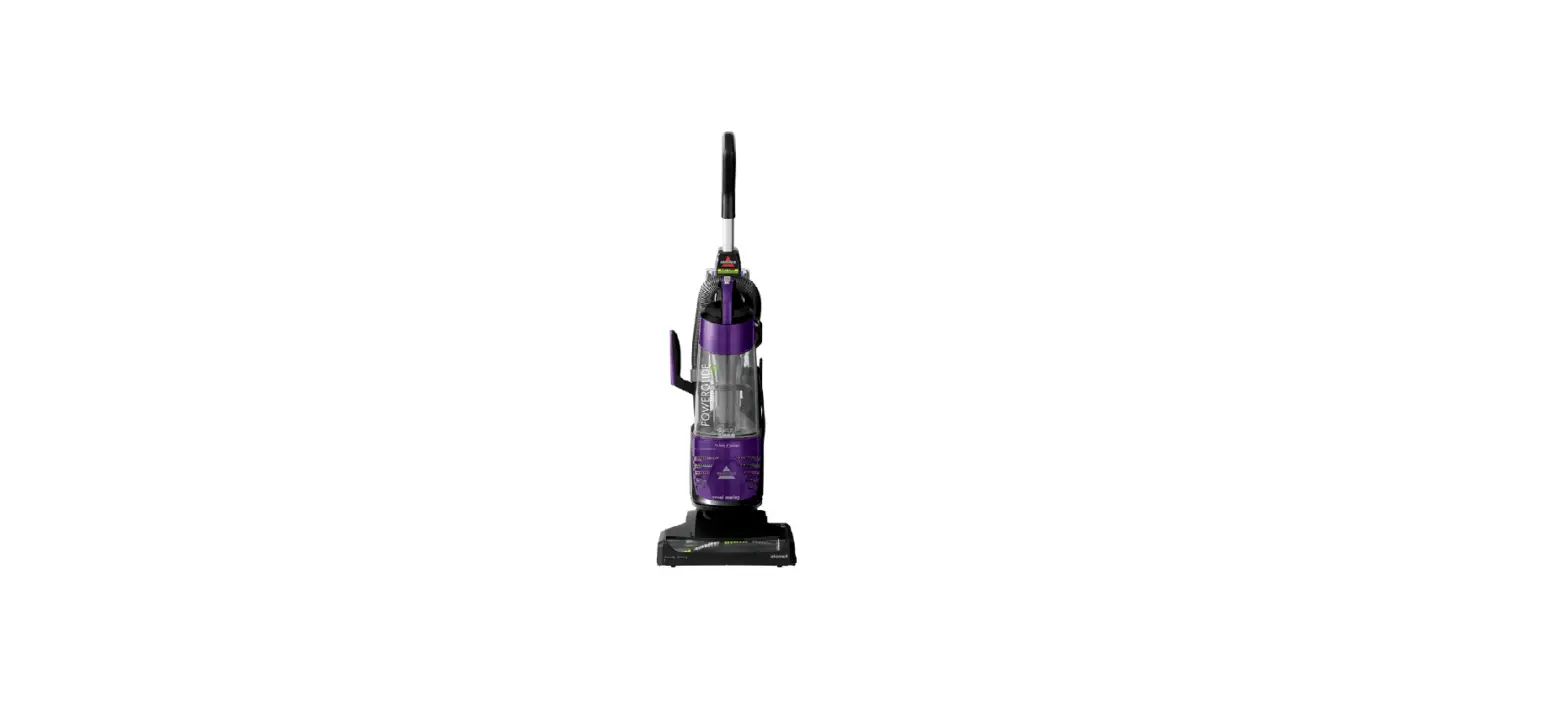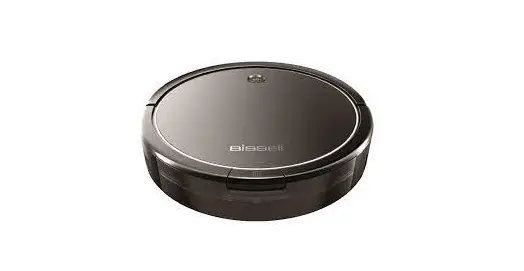
Maintaining your filters is very important to the function of your vacuum
The steps below provide instruction on how to clean and maintain your Dirt Tank and Filters
These steps are considered a part of routine maintenance
- Empty the Dirt Bin
- Press the button on top of the Dirt Bin and pull to remove
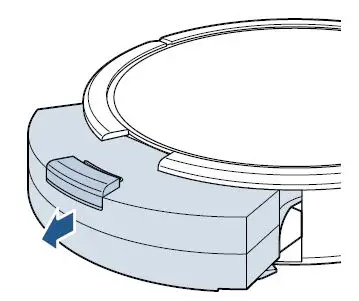
- Open the Filter door by pulling both sides apart
- Empty debris from Dirt Bin
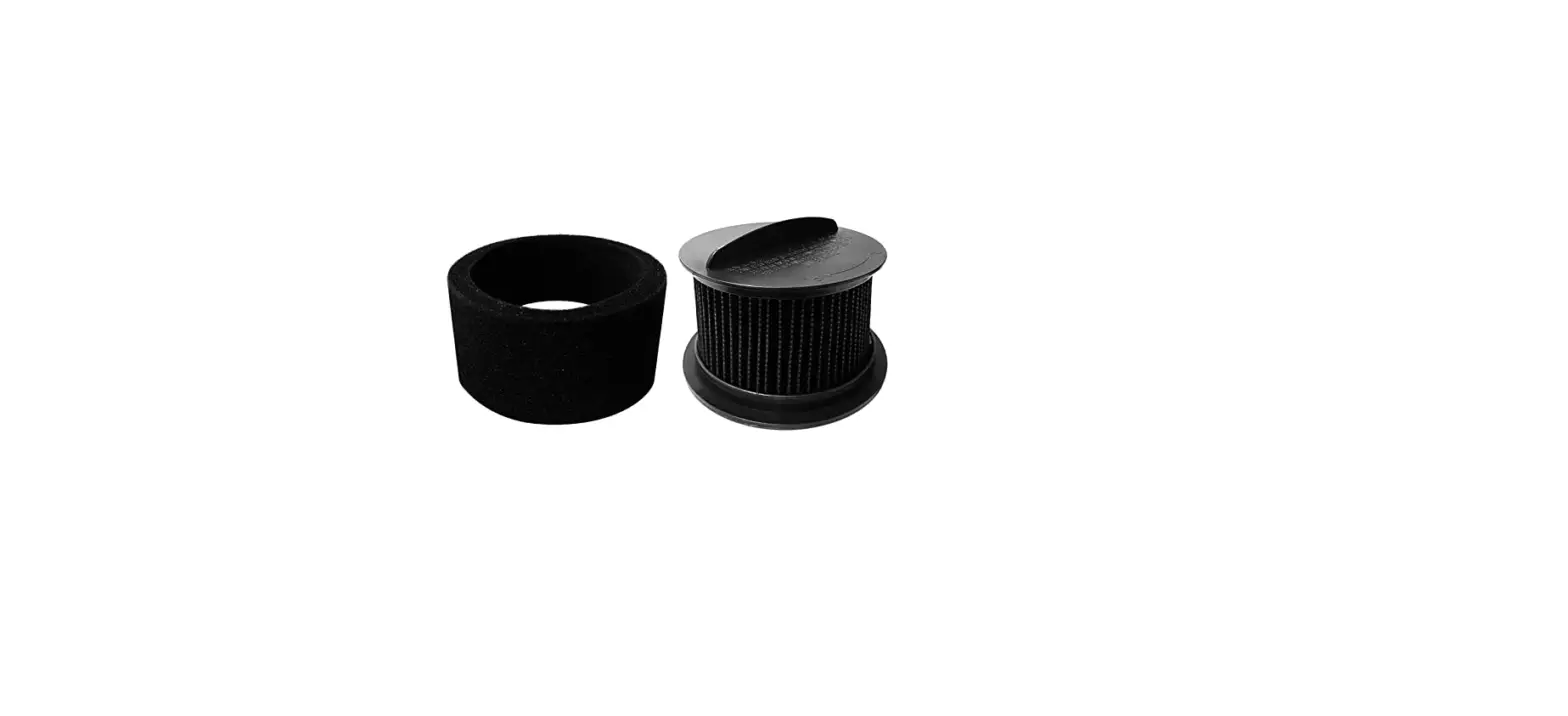
- Remove the Filter cover, the Foam and Pleated Filters

- Use the Cleaning Tool to brush the Filter Cover and Filters
- Filters are not washable
- The Dirt Bin can be rinsed, allow to completely air dry (24 – 48 hours)

- Reinstall Filters, Filter Cover, close and push back into machine

- Need replacement Filters? Go to Parts & Supplies