Brush Maintenance
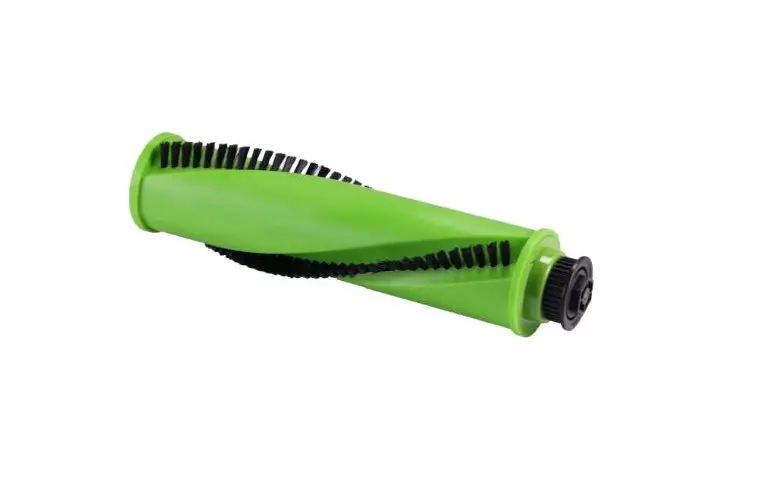
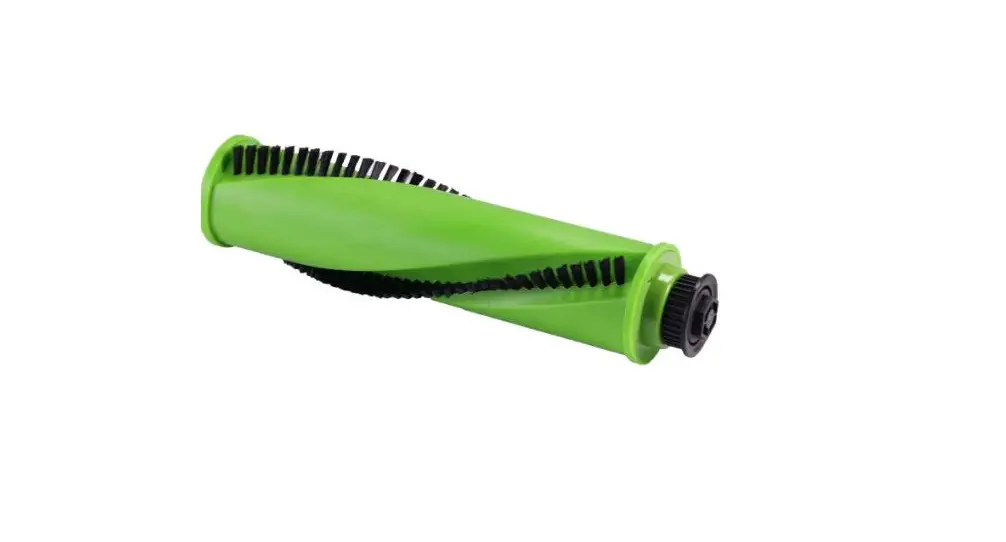
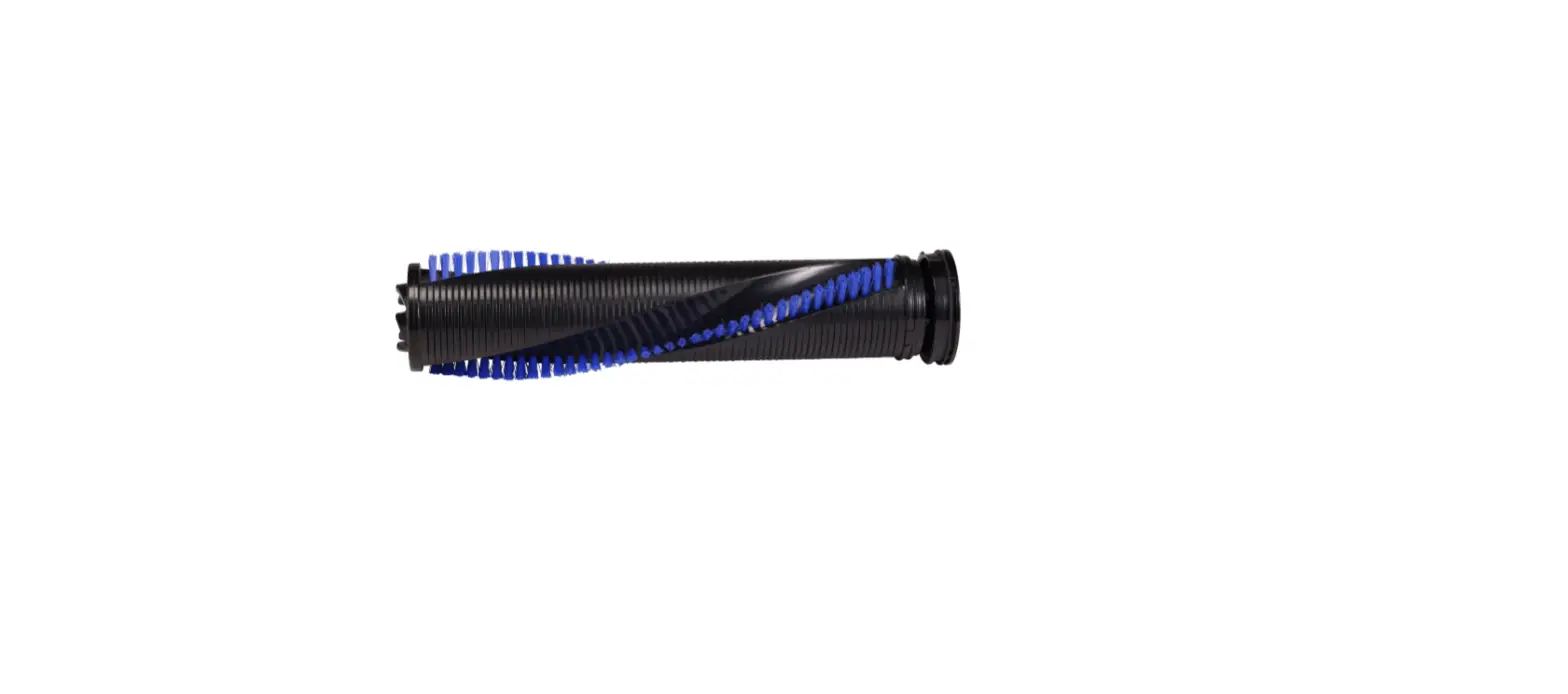
- Cleaning & Replacing the Brush Roll
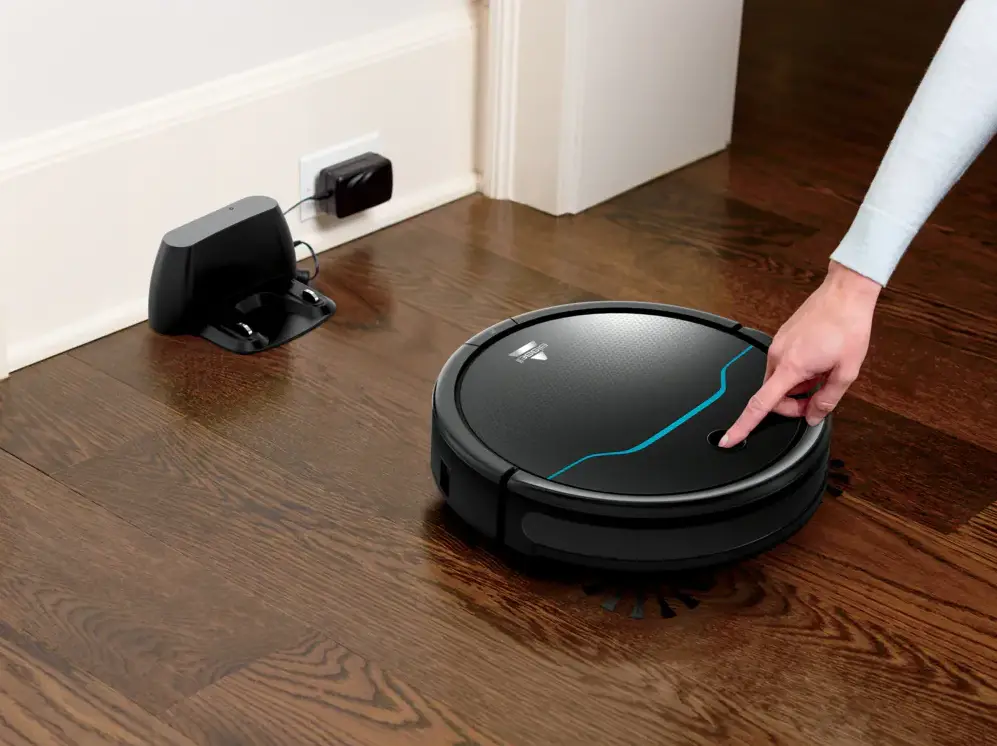
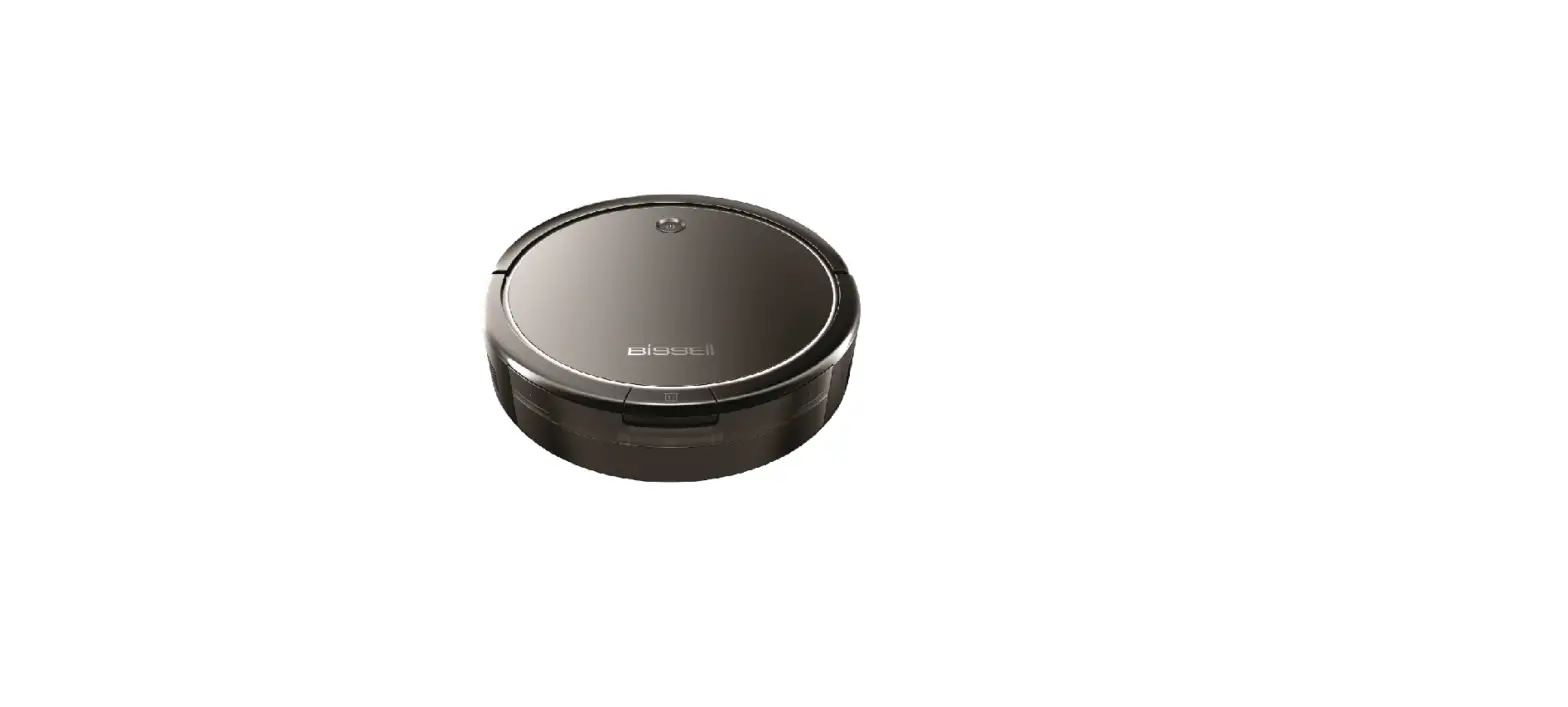
- Make sure the robot is turned off
- Pinch tabs on the brush roll guard and pull brush roll out
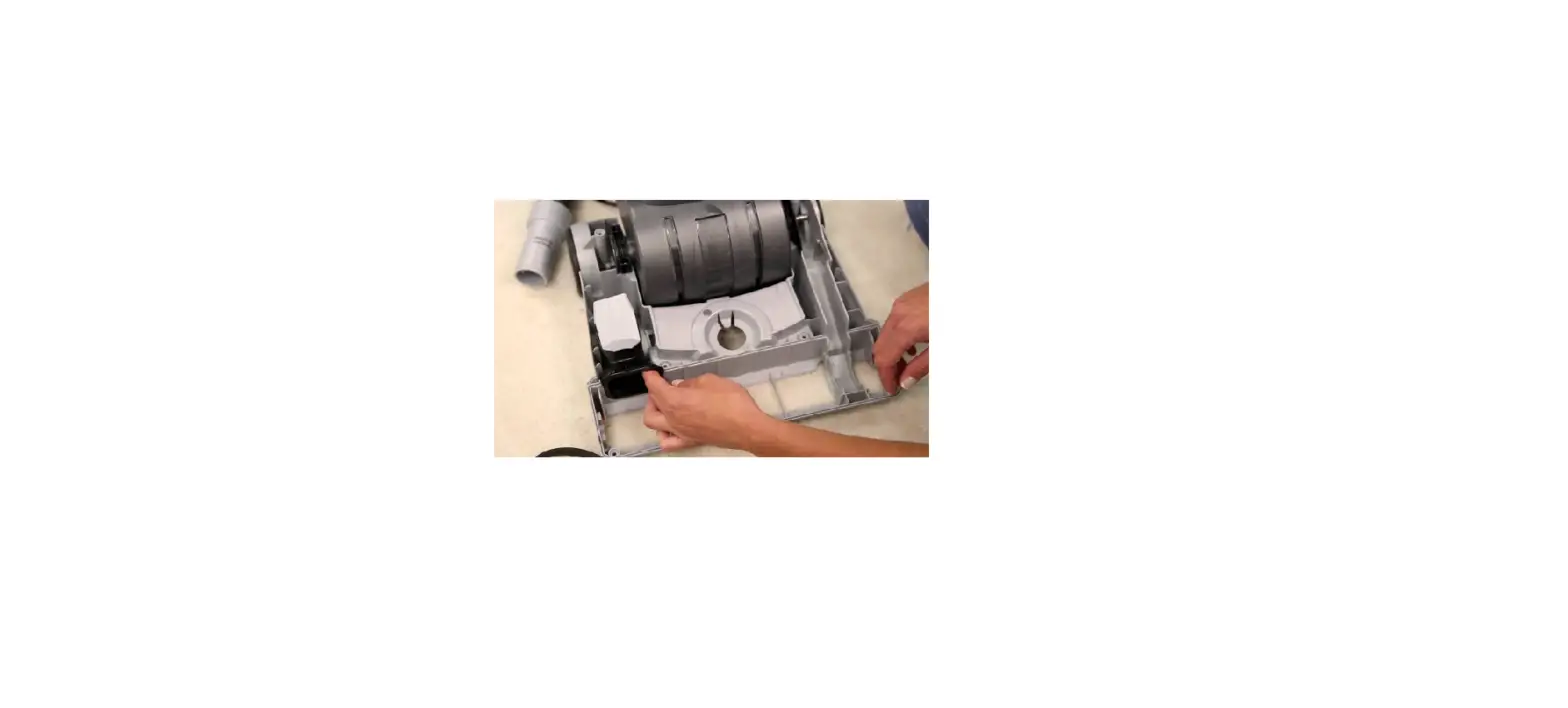
- Wipe brush roll chamber clean
- Clean brush roll with the included cleaning tool
- Test to make sure the brush spins freely
- Put clean brush roll back in the robot
- Put brush guard back on. Make sure the square-shaped end piece of the guard matches the square-shaped port
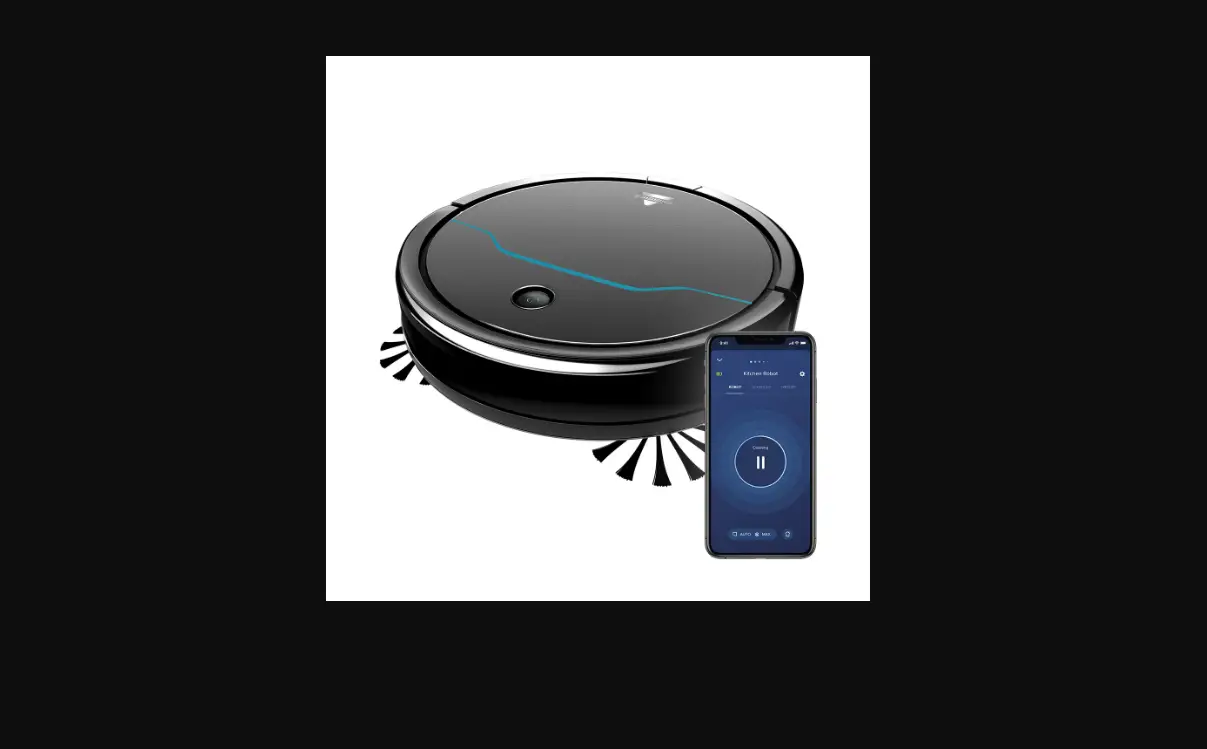
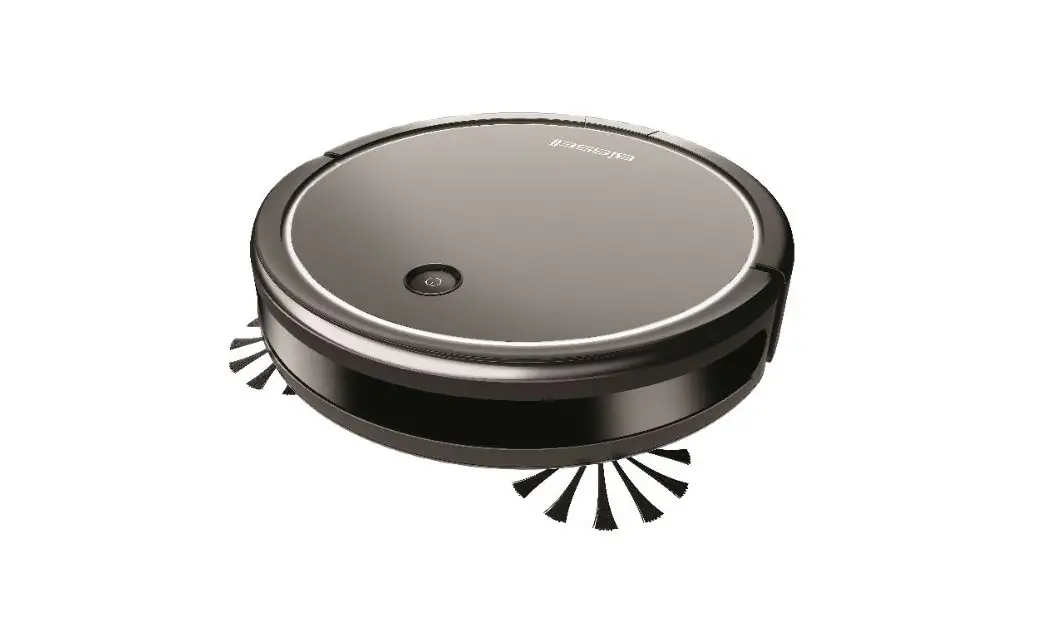
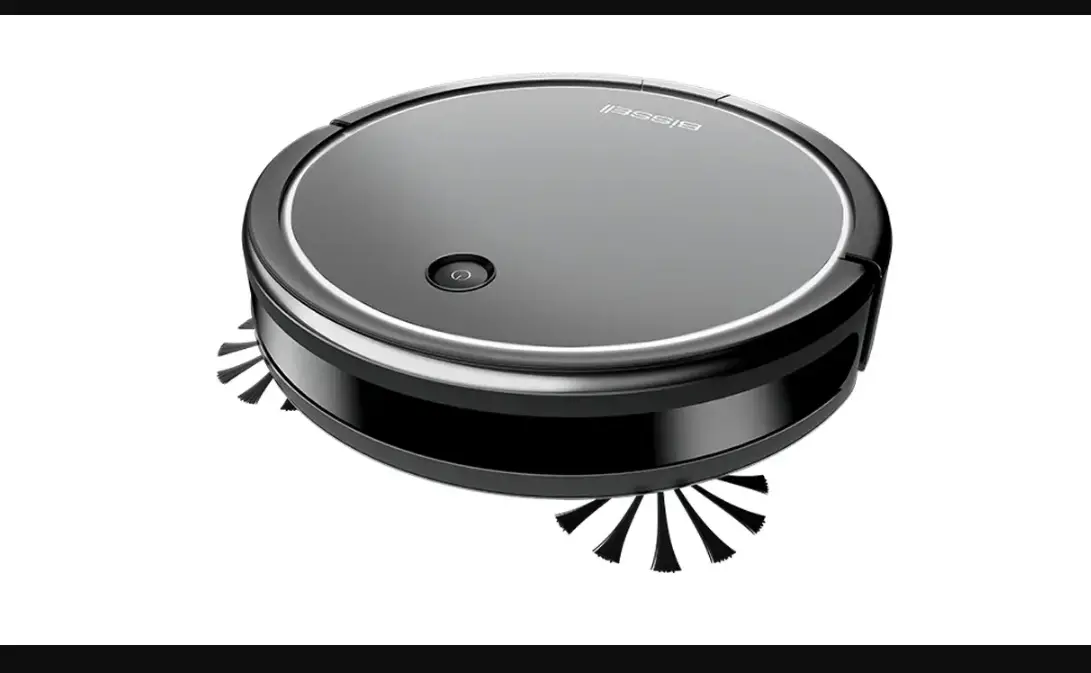
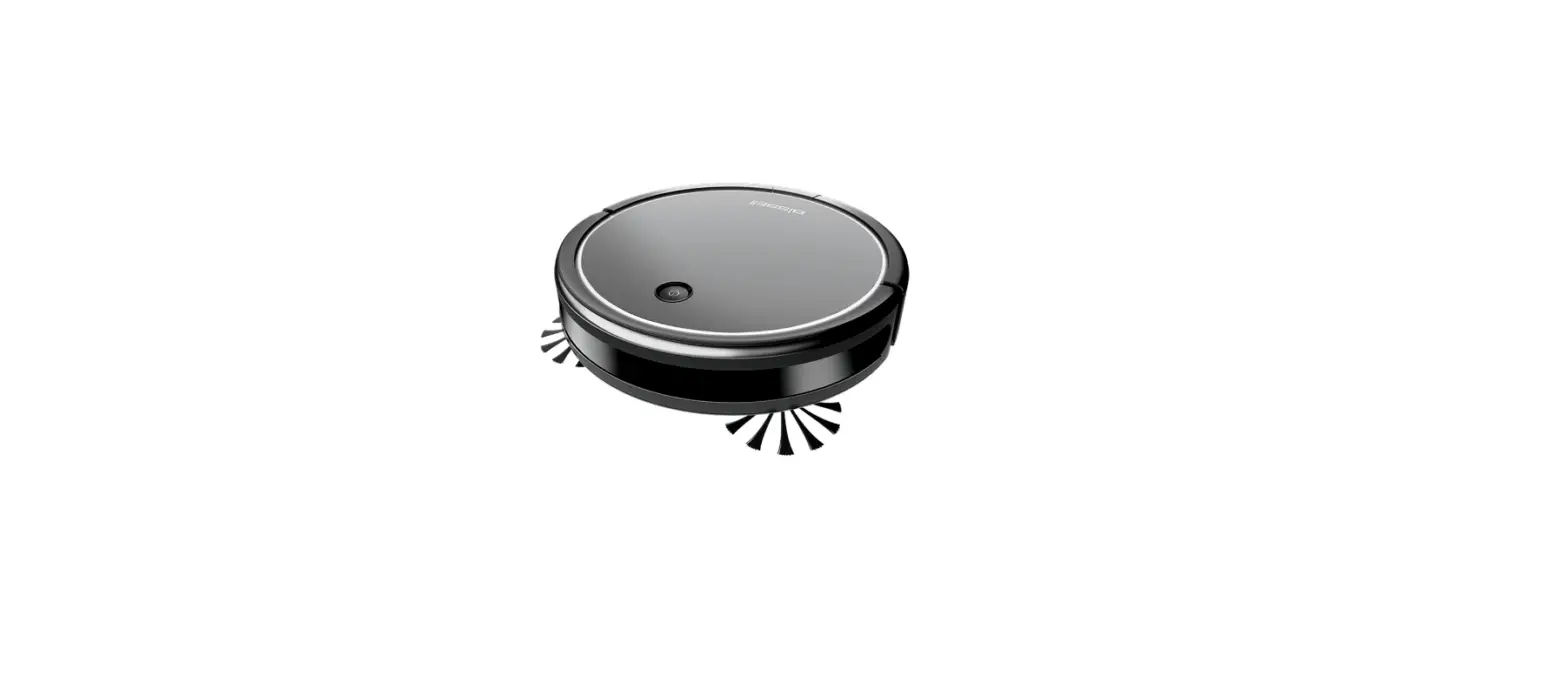
Cleaning & Replacing the Edge Cleaning Brushes
- A Phillips-head screwdriver is required
- Make sure your robot is turned off
- Turn robot over so bottom is facing up
- Remove the screws on the edge cleaning brushes and pull the brushes off
- Screw new brushes onto robot
- If you need a replacement brush roll or edge cleaning brushes, order them here