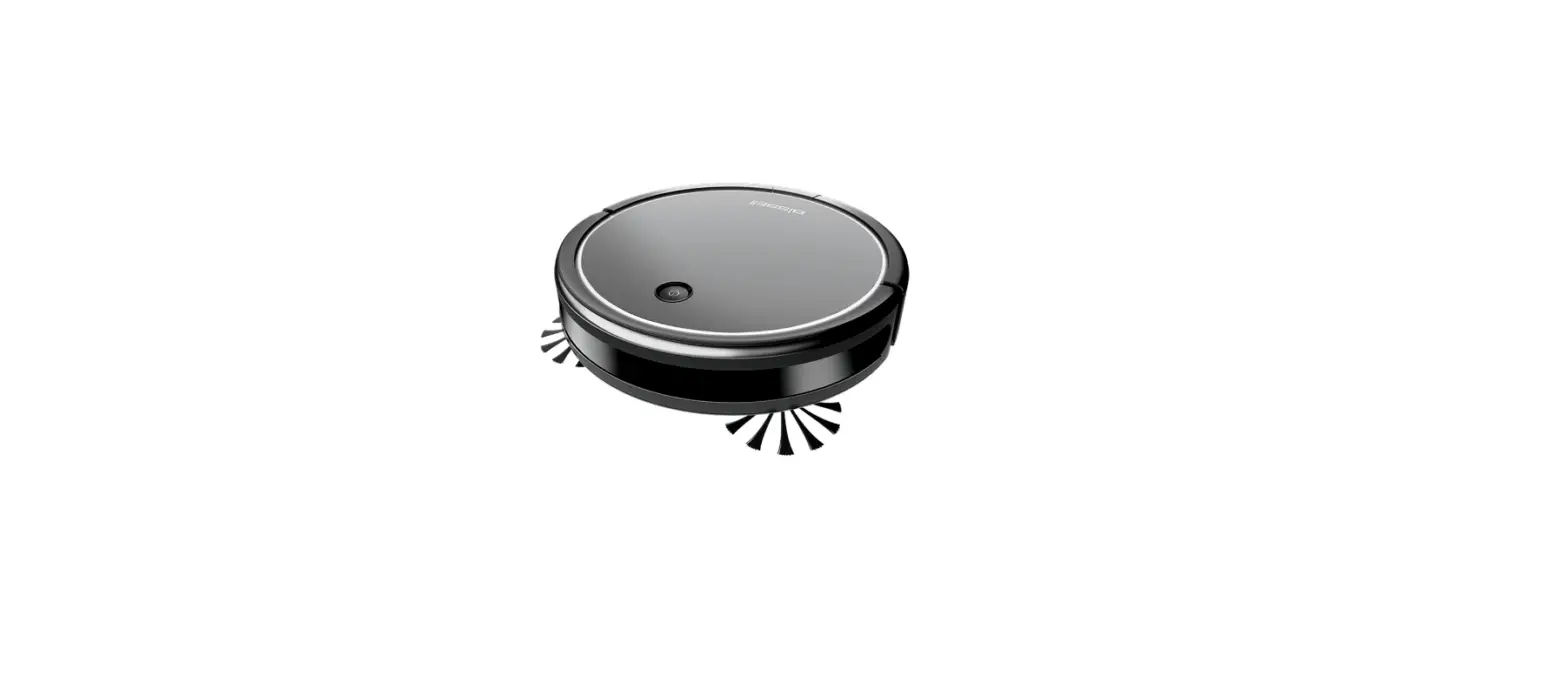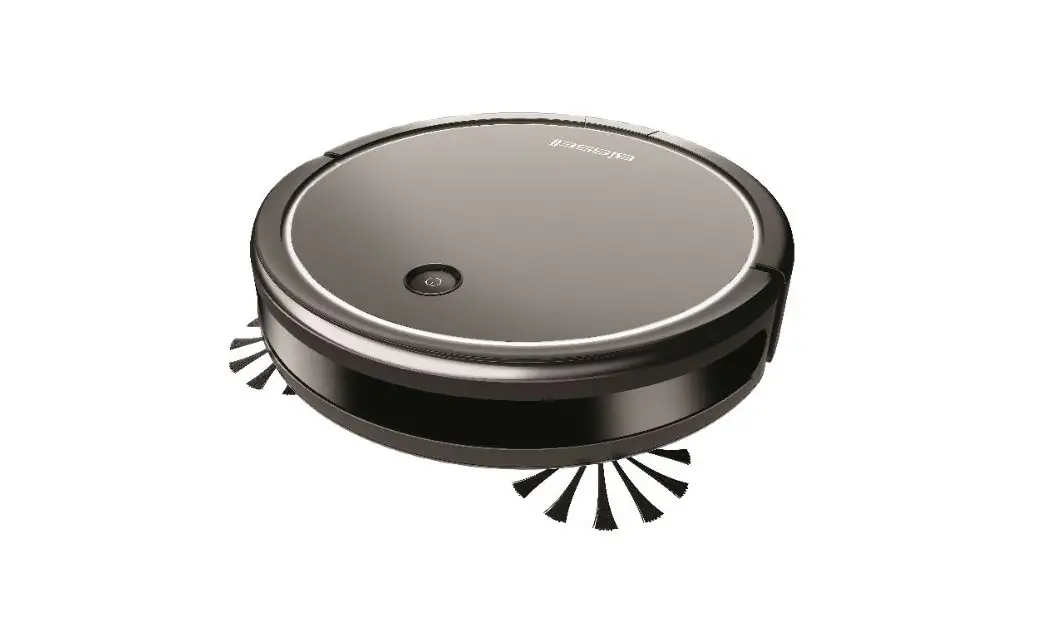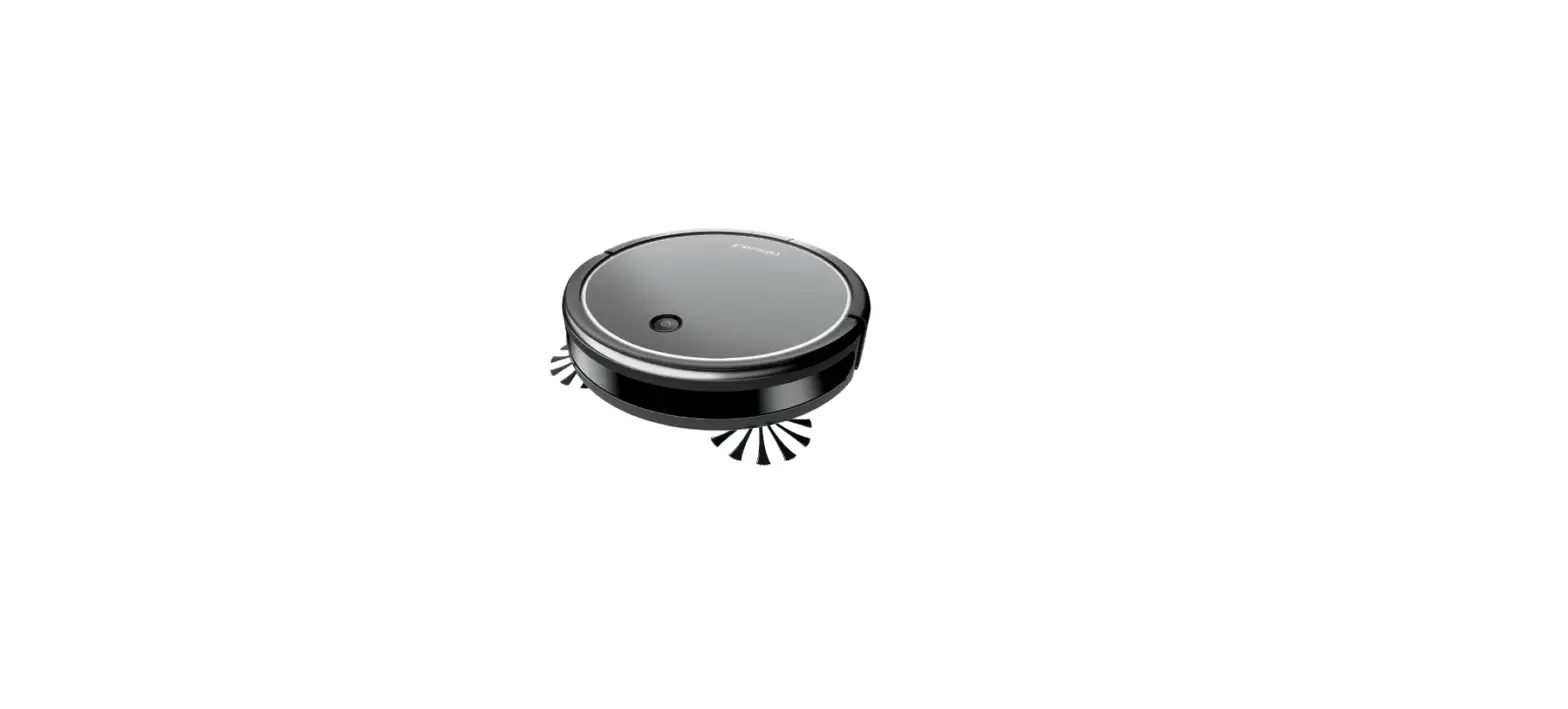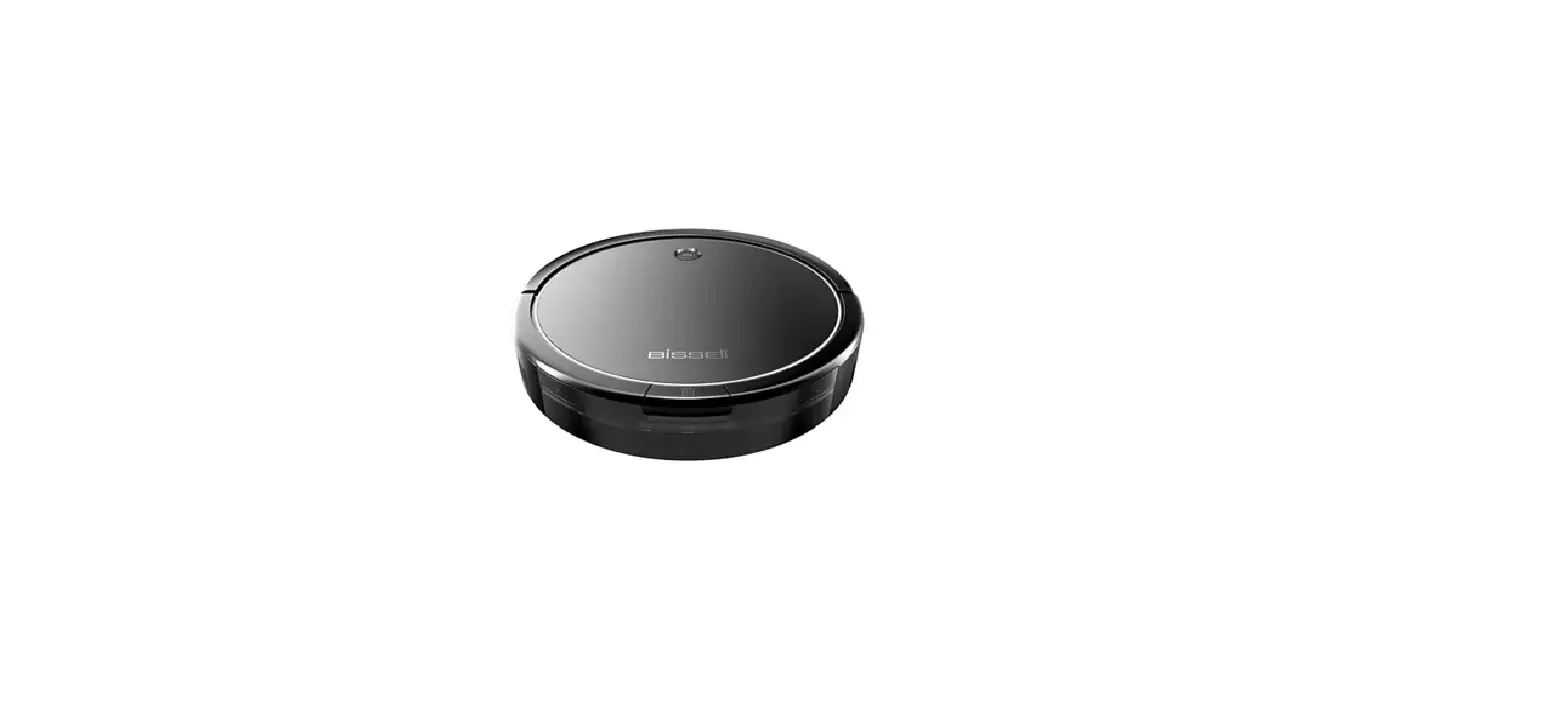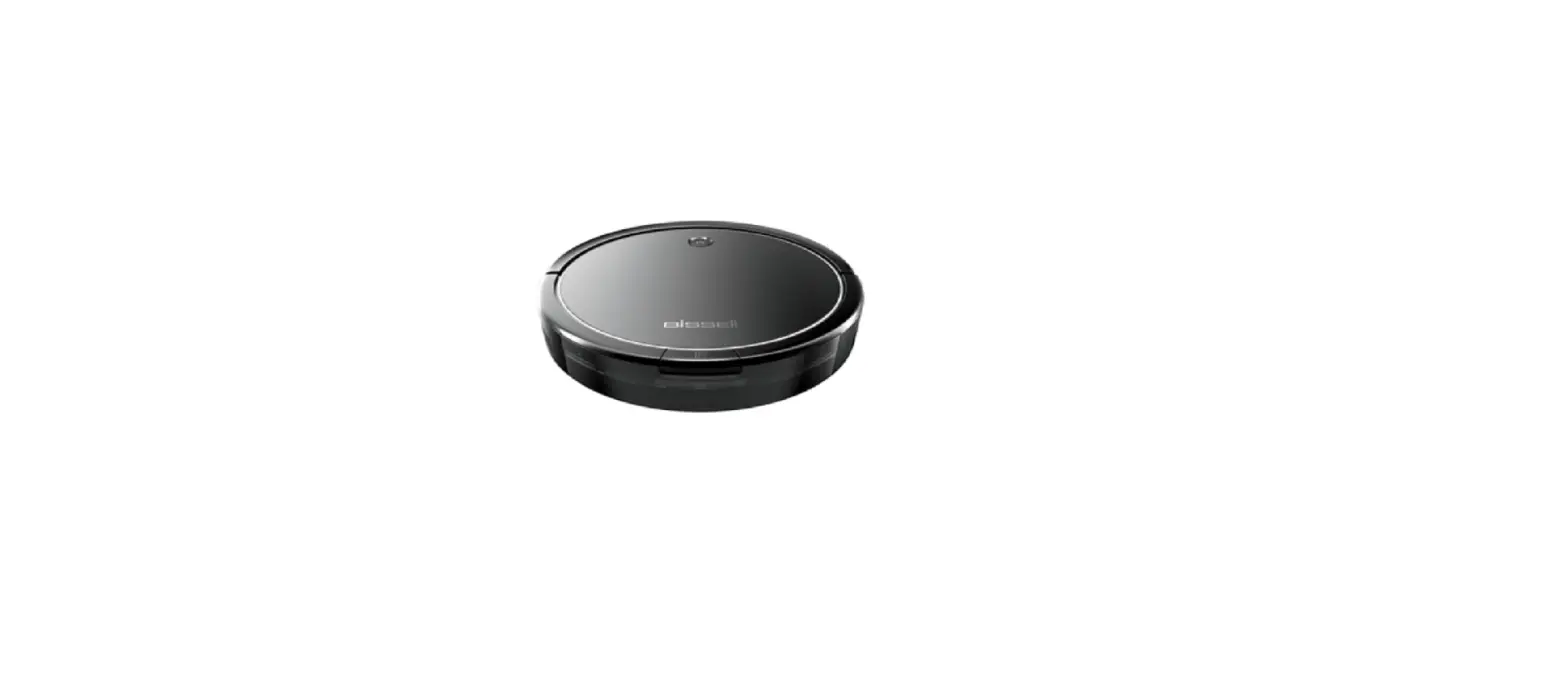
Replacing the Battery
- A Phillips-head screwdriver is required
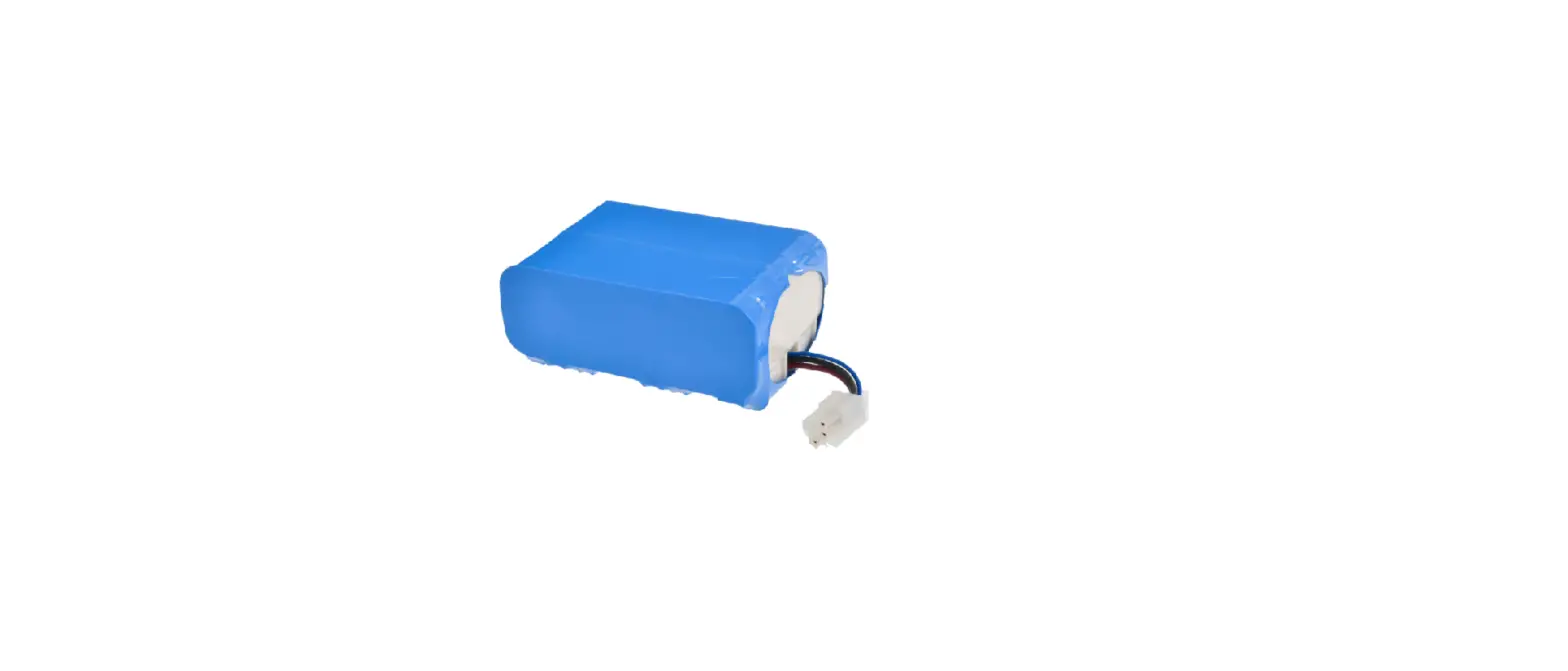
- Do not remove the plastic shrink wrap from the battery pack
- Make sure your robot is turned off
- Remove the battery cover
- Place your robot on a soft surface
- Remove the battery. The wires will still be connected, so place the battery on the bottom of the robot
- Press the battery connector tab to release the battery
- Connect new battery wires and install the battery into the robot
- Put the battery cover back on and you’re ready to clean again!