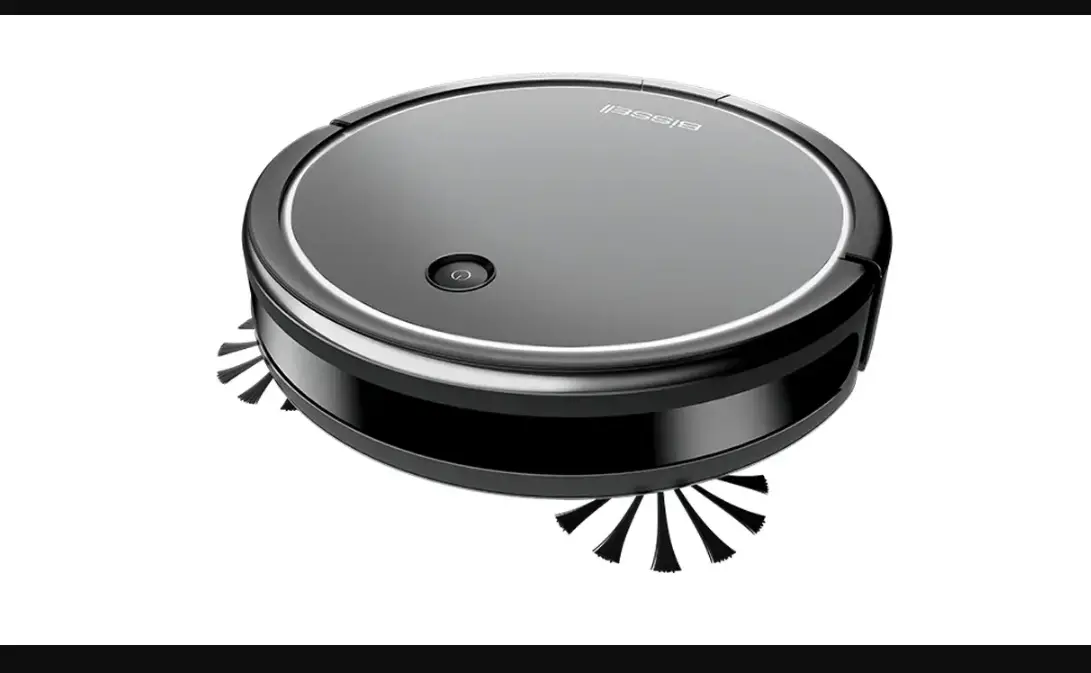
What types of floors should the Robot be used on?
- The CleanView Connect Robot can be used on low pile carpets/area rugs and hard floors
- It has Auto Floor Type Recognition – Self adjusts to different floor types
- It is not intended for use on:
- High pile carpet
- Black or very dark carpet – it will trigger the sensors (thinking it is on a cliff/edge of stairs) and the robot will turn off
What Network Speed can be used?
- Only 2.4 GHz Wi-Fi Networks are supported
- A 2.4 GHz Wi-Fi Network is slower, but has a strong penetration and environmental adaptability
- 5 GHz Networks are NOT supported
- Although 5 GHz Networks are faster, the range is shorter and the signals can be easily blocked or weakened by obstacles, like walls
How often should I empty my Dirt Bin?
- To keep your robot running in peak efficiency it is best to empty the Dirt Bin after each scheduled clean and clean the Filters regularly
- If you experience reduced cleaning performance it is an indication that the Dirt Bin should be emptied and the Filters cleaned
Can I leave my Robot On all the time?
- Yes, the Robot can be On and resting on the Dock between cleans
- The Robot must be paired and On if you have a cleaning scheduled > For details see How to Schedule a Cleaning
What Languages are available on the BISSELL App?
- All languages are supported on the BISSELL App for the CleanView Connect
- Go to Account > App Preferences to select
What are the average run time per Cleaning Mode?
- Low = 105 minutes
- Mid = 90 minutes
- Max = 75 minutes
*When using the Robot manually the default mode is Mid
What are the Cleaning Modes?
- Manual Cleaning
- Turn Robot On
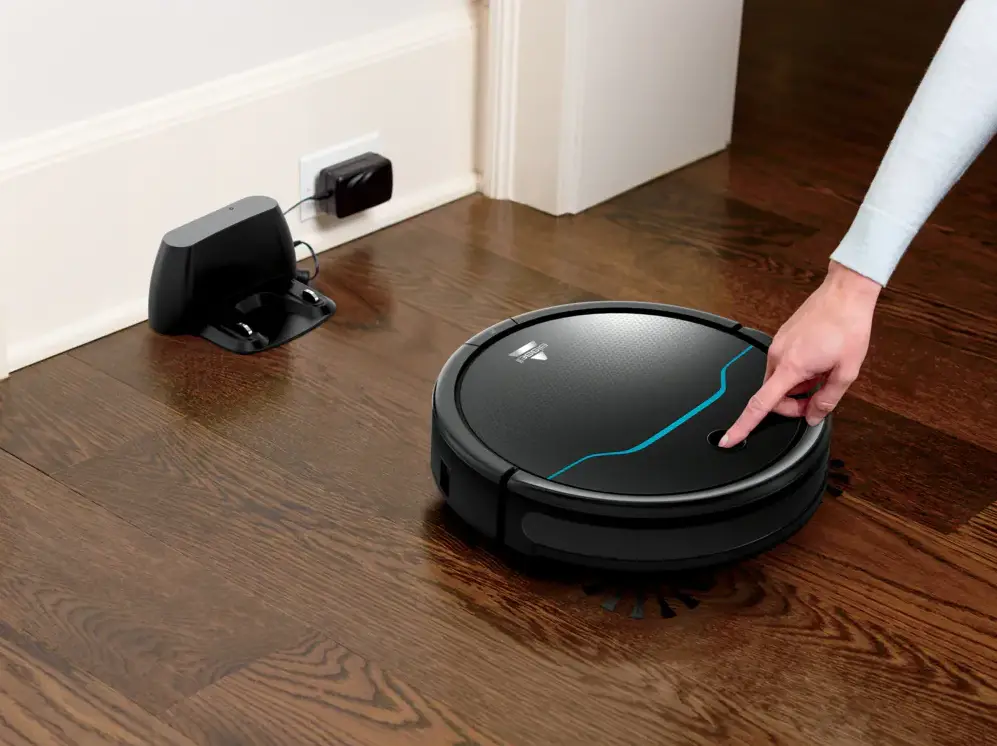
- Press the Start/Pause Button to start your Robot
- When your Robot is done cleaning press the Start/Pause Button twice to send it to the dock
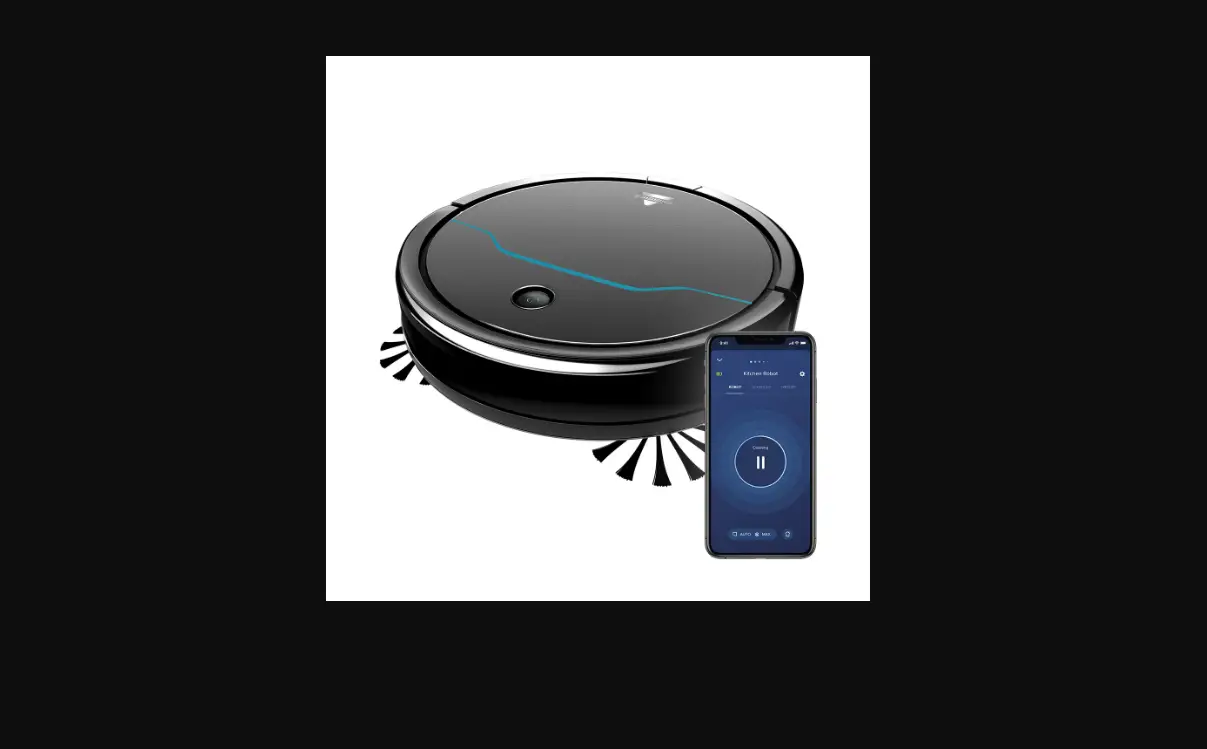
- Spot Cleaning (Only accessible via the App)
- Place the Robot where you’d like it to clean
- Choose Spot Mode in the App
- When cleaning is complete, the Robot will stop and the Start/Pause Button will turn white
- Press the Home button in the App Or press the Start/Pause Button on the Robot twice to send to the Dock
- Automatic Cleaning (Only accessible via the App)
- Schedule a Cleaning in the App > See list of detailed steps HERE
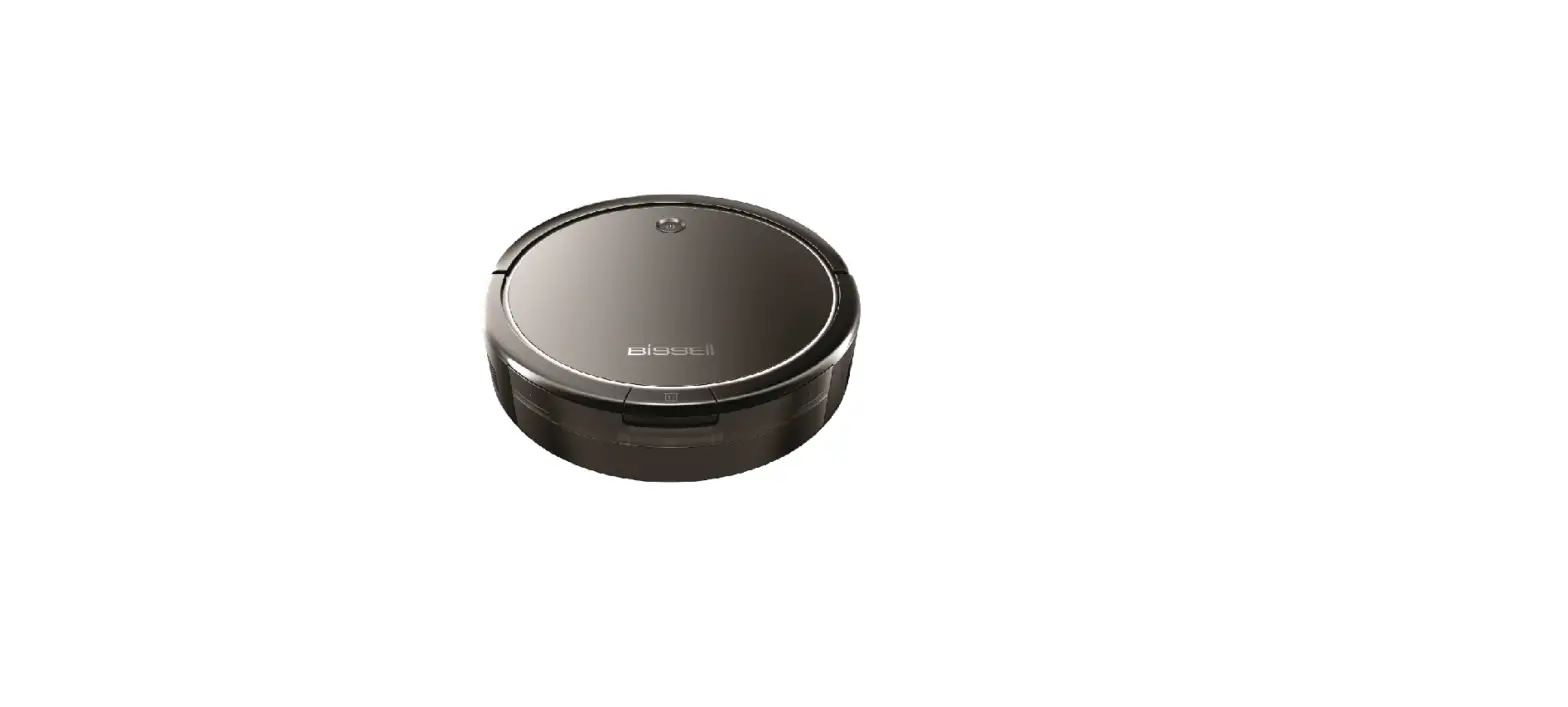
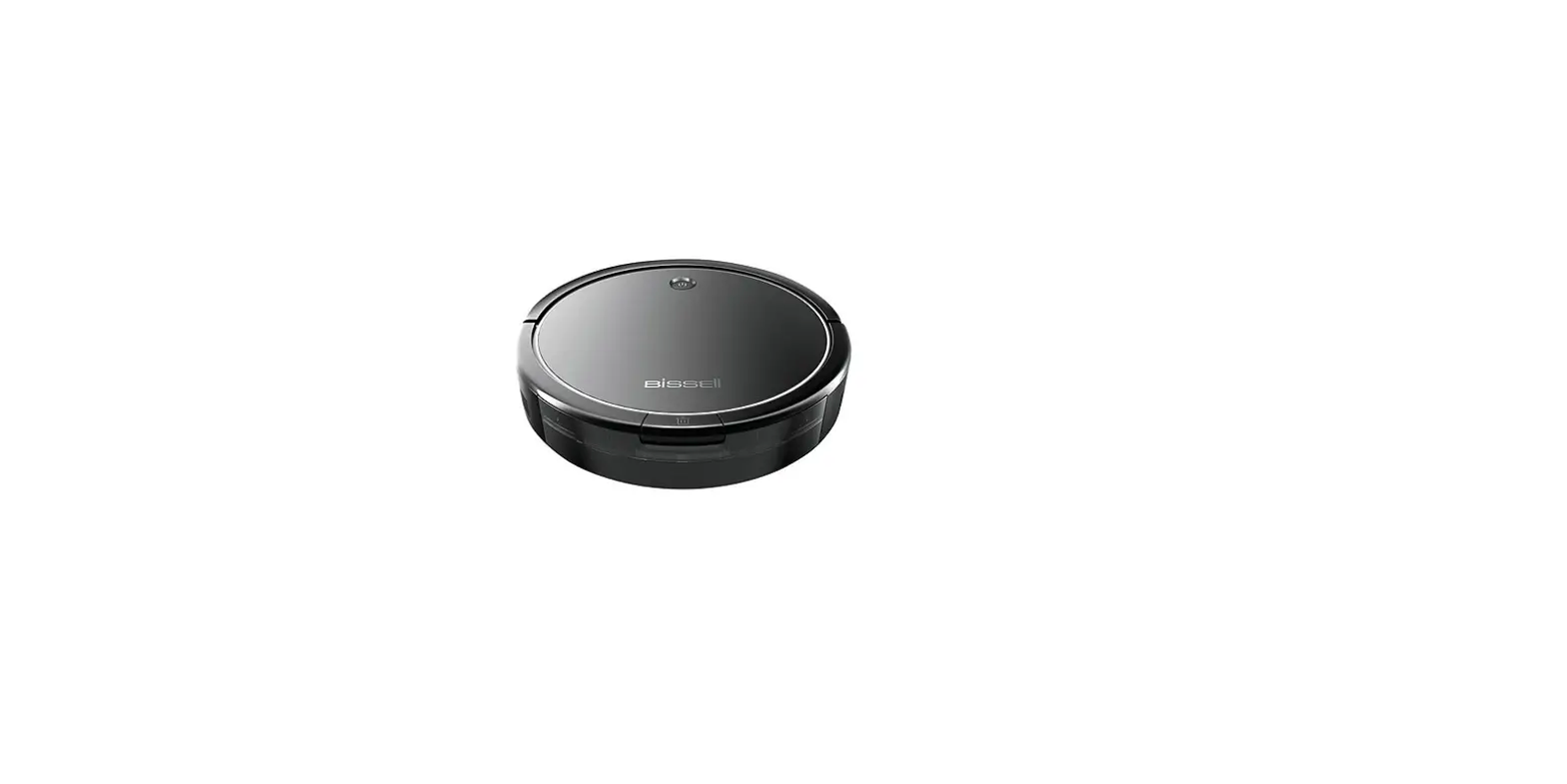
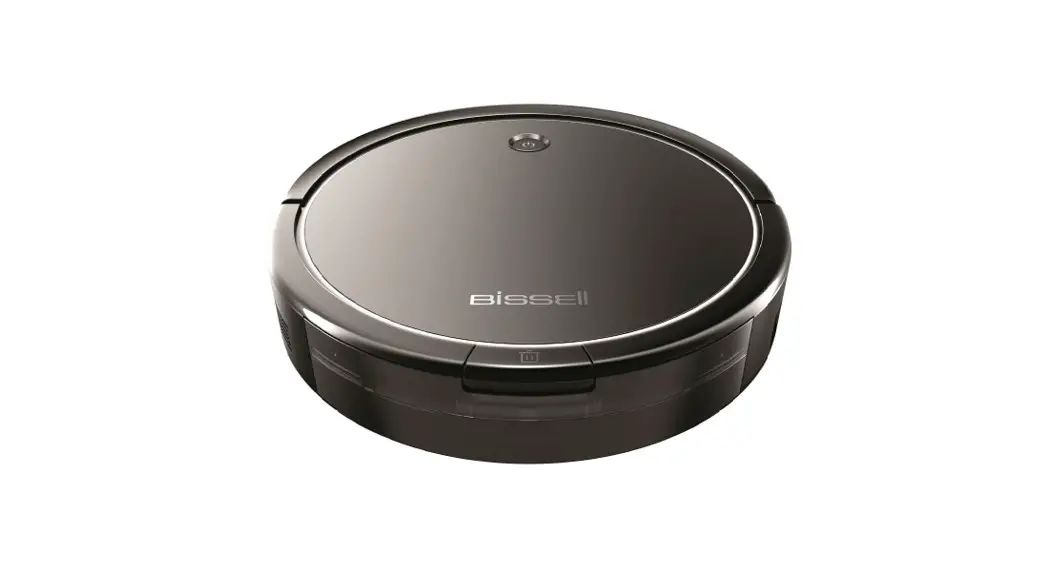
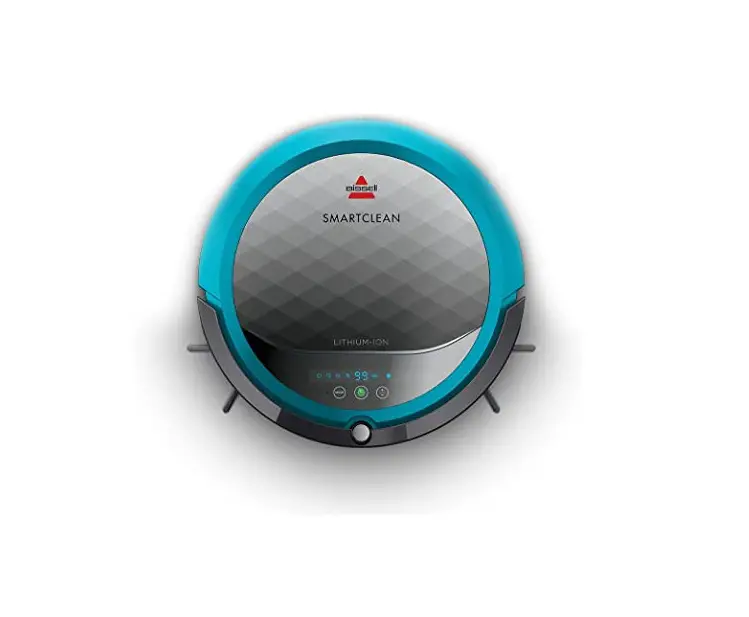
What are the dimensions and weight of the Robot?
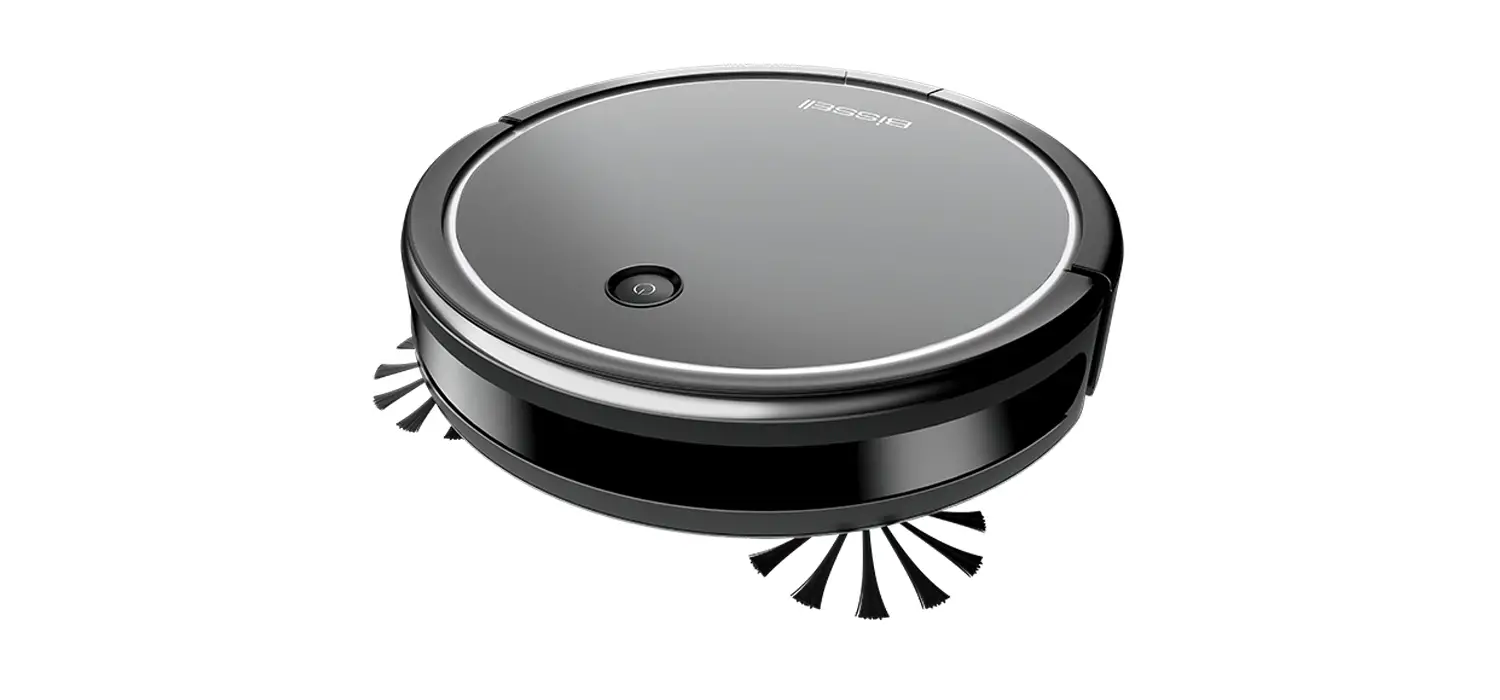
- Weight = 6.59 lbs
- Dimensions:
- Height = 3.25 inches
- Diameter = 12.25 inches
Does the Robot recognize pet messes and avoid them?
- The Robot does not differentiate between organic and inorganic substances
- It will attempt to clean any mess or object in it’s path
Will the Robot need to be physically picked up and taken to the docking station?
- If the Robot is unable to reach the docking station before the battery runs out, you’ll need to take it back to the docking station
- If your robot is in the docking zone when the battery is low, it will return itself to the dock to charge