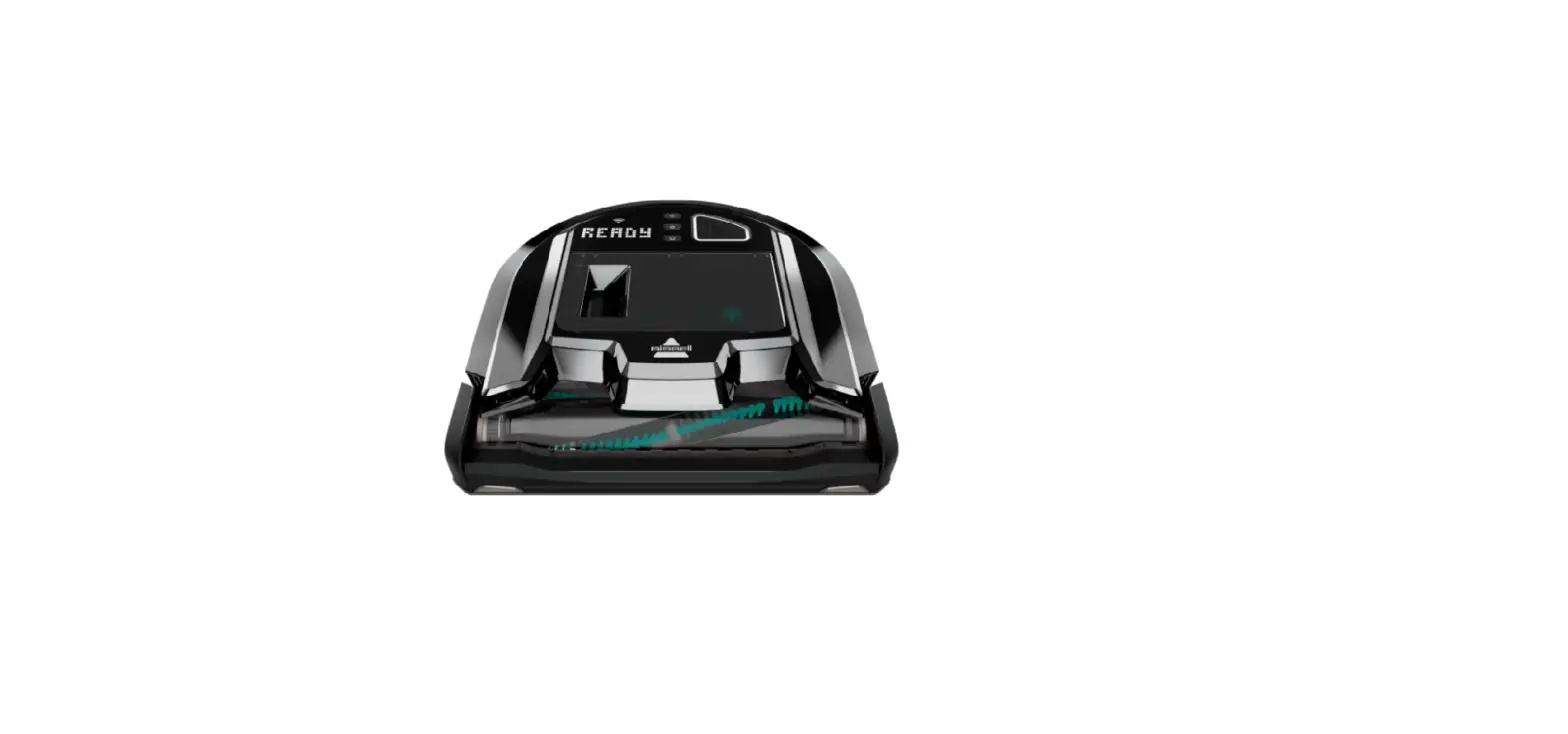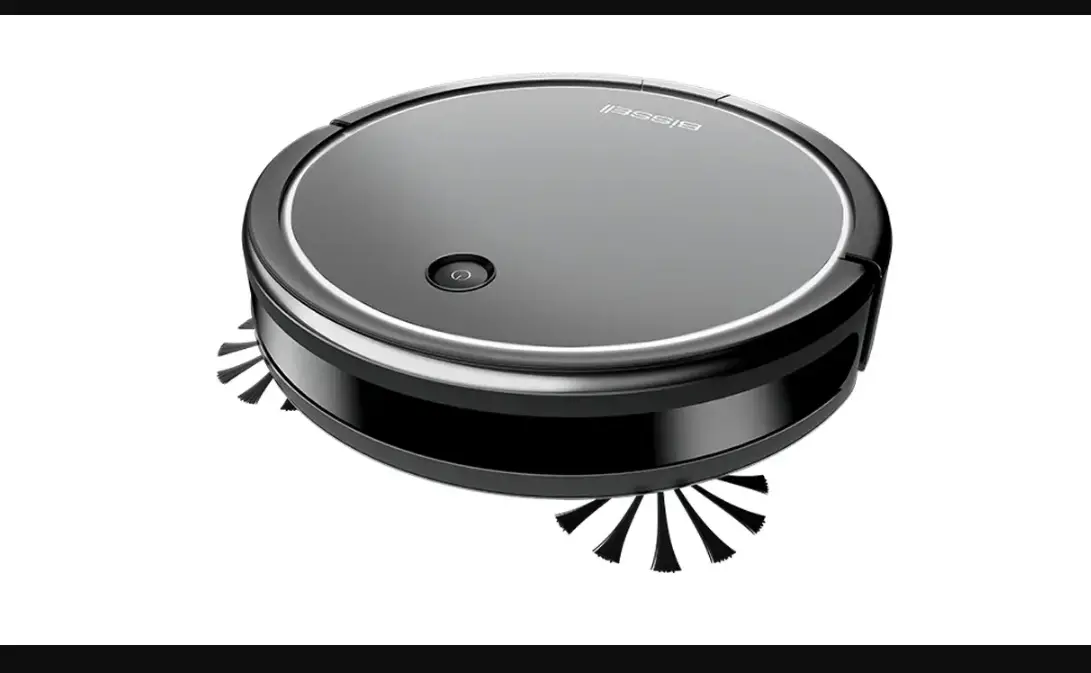
How loud should the ICONpet Robot be?
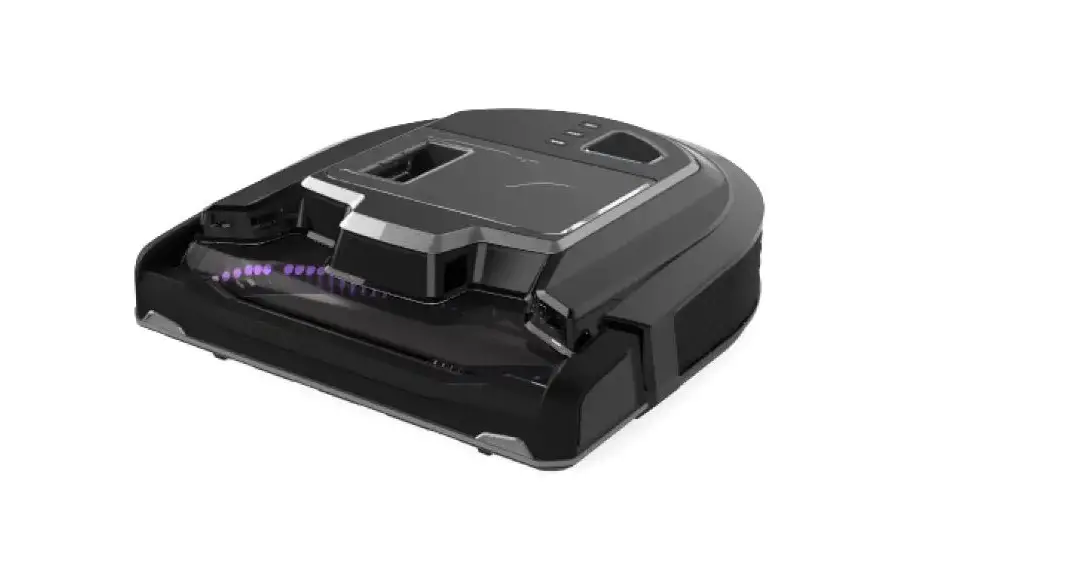
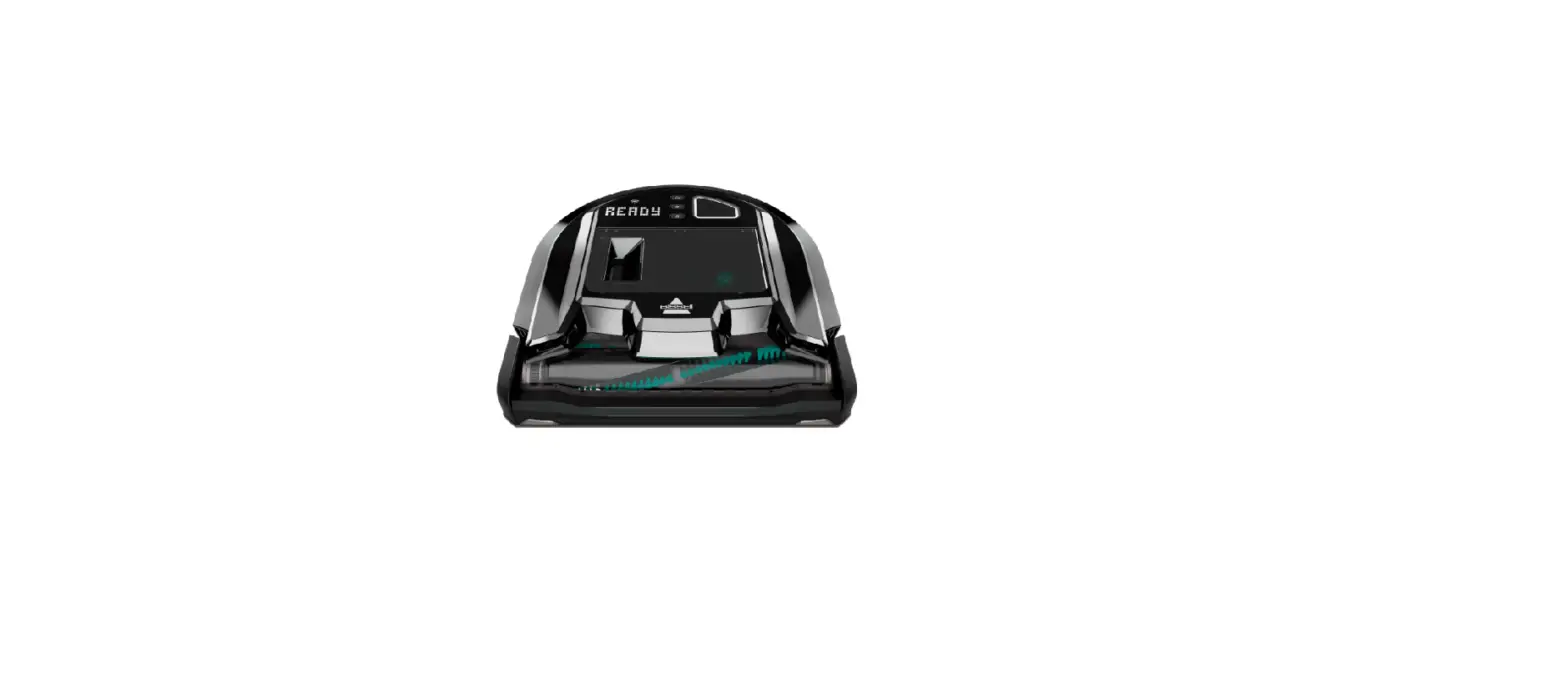
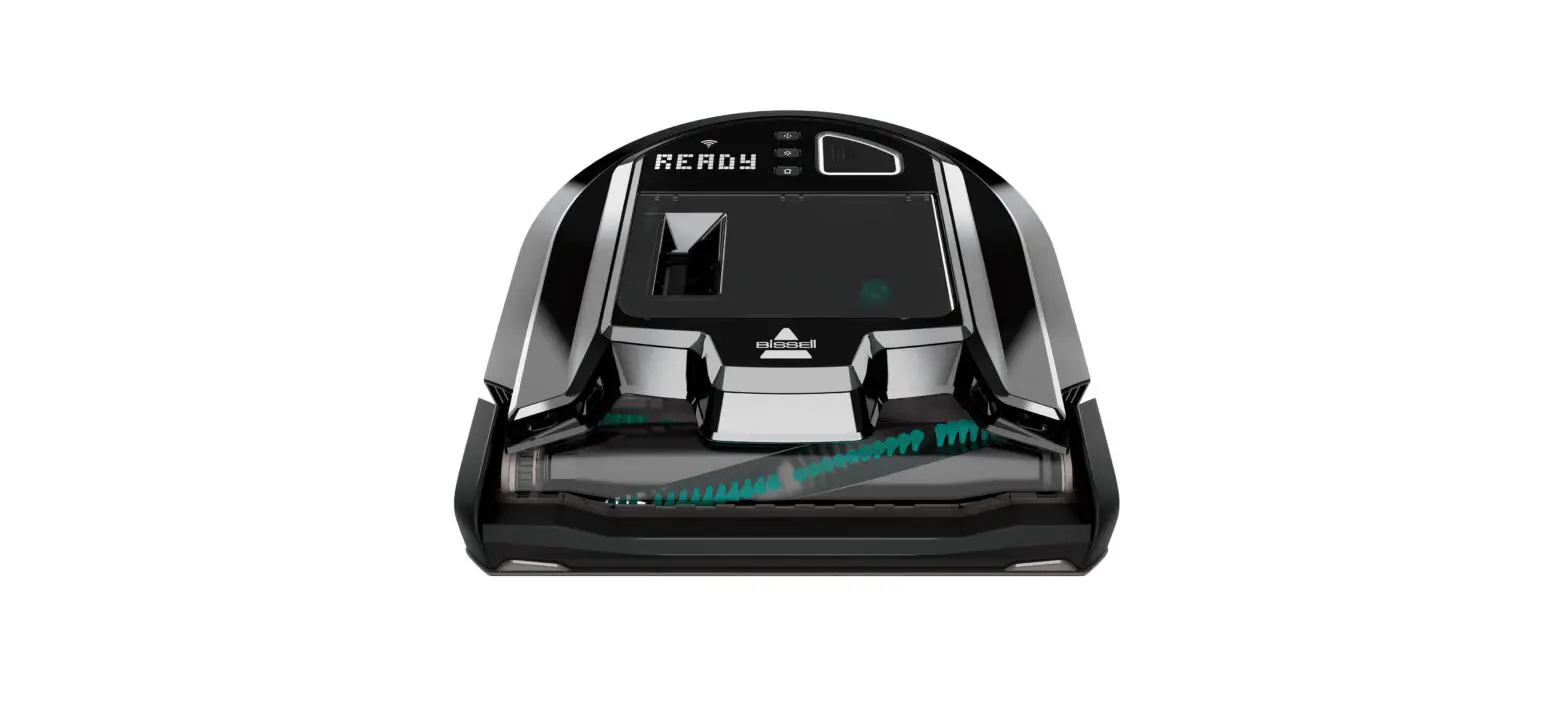
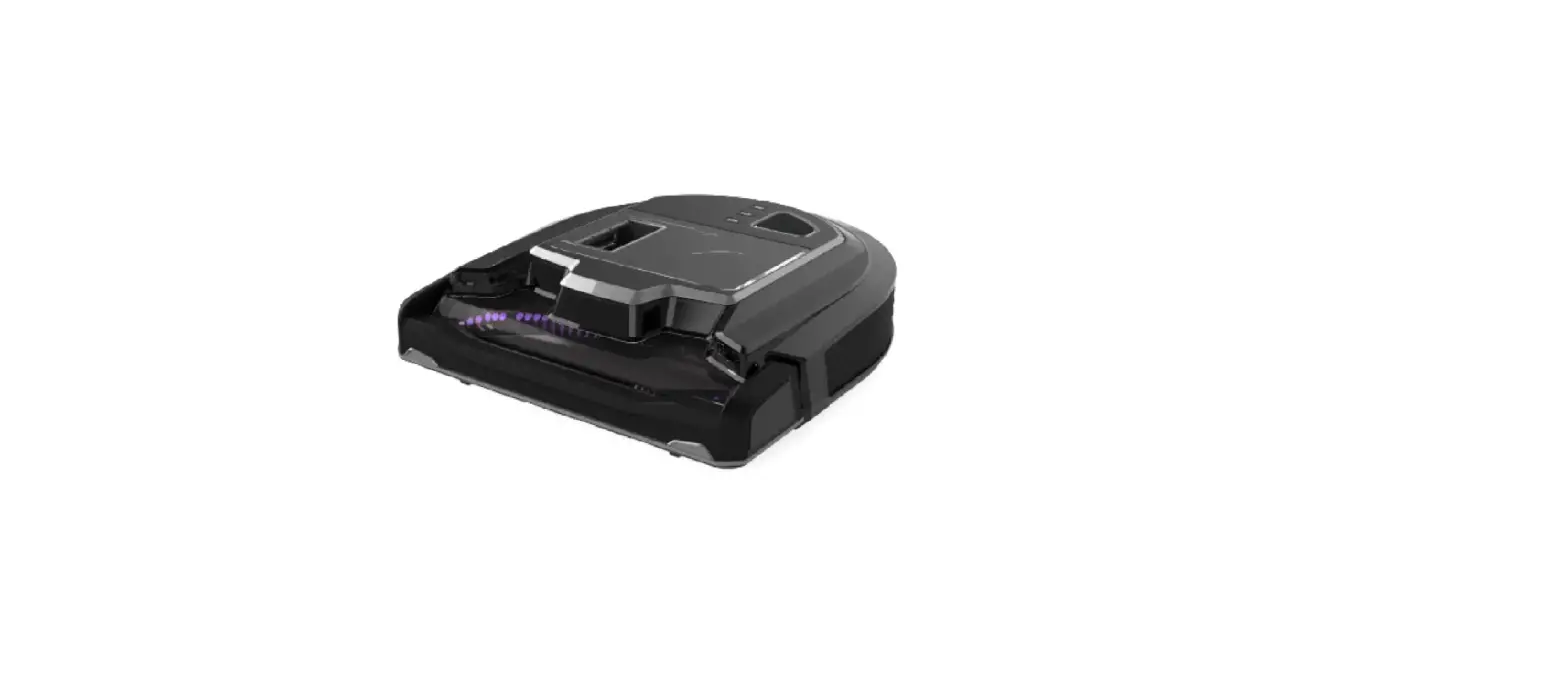
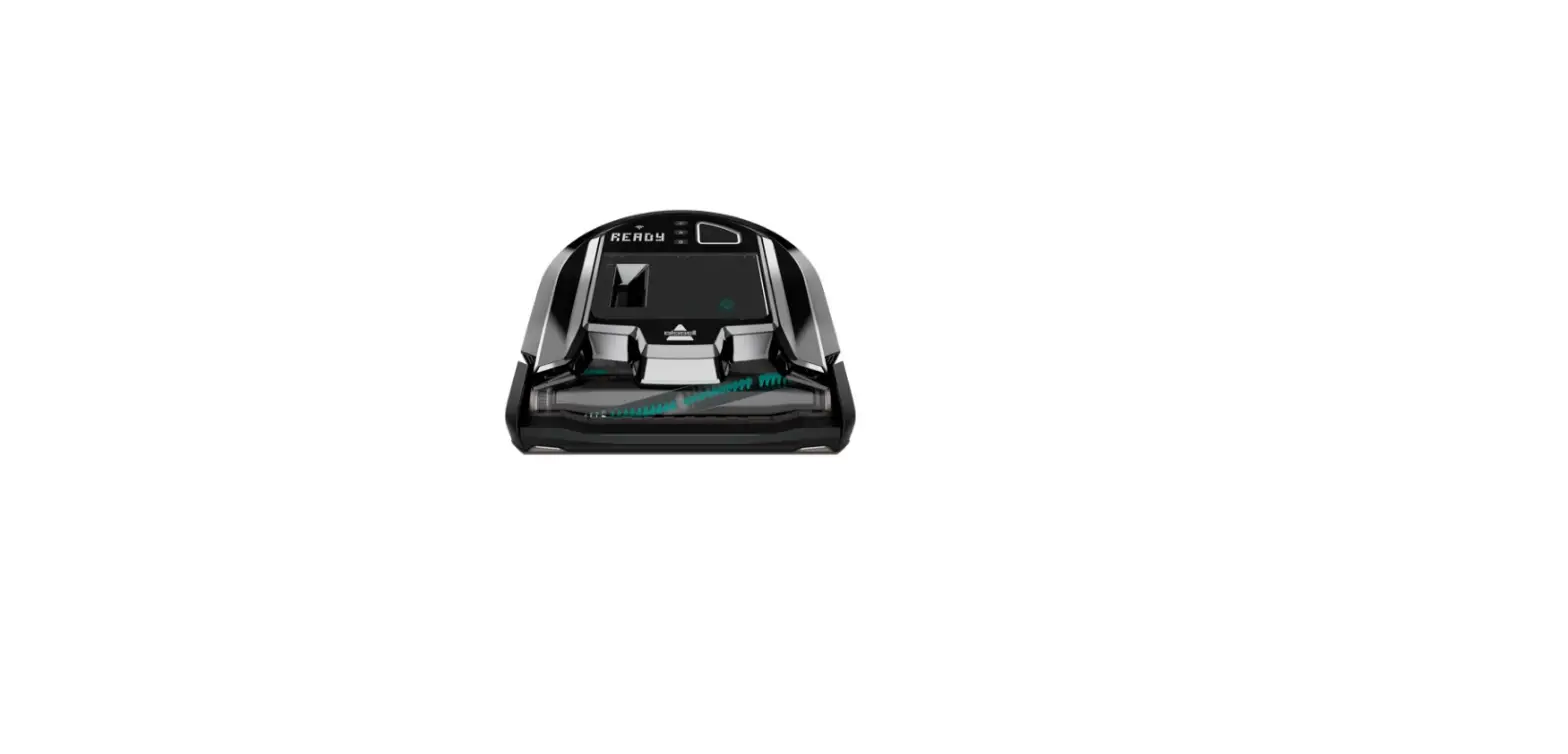
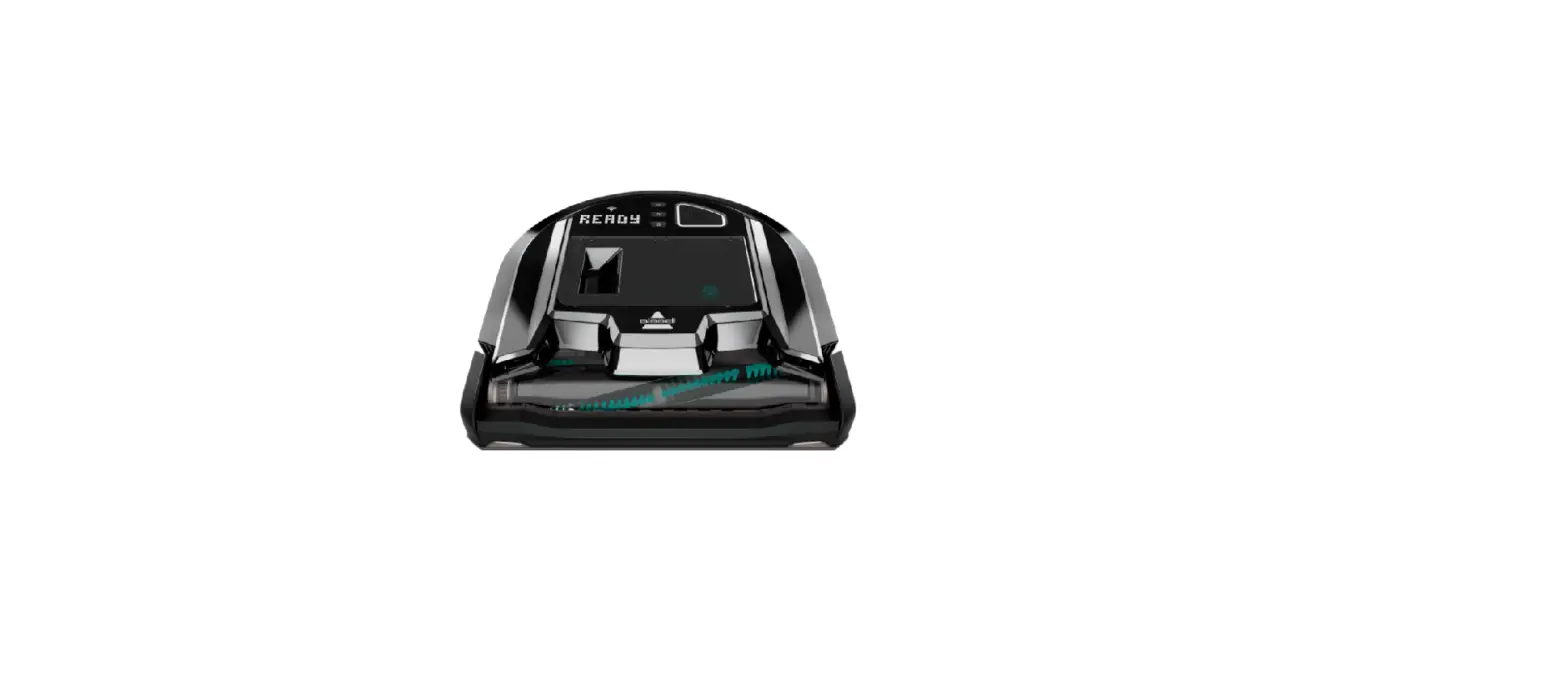
- Because the ICONpet High-Powered Robotic Vacuum is engineered with powerful upright vacuum technology, it emits a noise similar to a regular vacuum.
- It features an extra large tangle free brush roll.
- It has 7,000 Pa of suction power.
- Pa stands for ‘Pascal’, a common unit for pressure.
- This measurement helps describe the suction power of vacuums.
- Pa stands for ‘Pascal’, a common unit for pressure.
What types of floors should the Robot be used on?
- The ICONpet Robot can be used on both carpets and hard floors – it is built to clean both!
- However because of it’s powerful suction it may have a hard time cleaning thick, dense carpet or rubber backed rugs.
What Network Speed can be used?
- Only 2.4 GHz Wi-Fi Networks are supported
- A 2.4 GHz Wi-Fi Network is slower, but has a strong penetration and environmental adaptability.
- 5 GHz Networks are NOT supported.
- Although 5 GHz Networks are faster, the range is shorter and the signals can be easily blocked or weakened by obstacles, like walls.
What Languages are available on the BISSELL App?
- English and French (Canada) are supported on the BISSELL App for the ICONpet Robotic Vacuum.
- Go to Account > App Preferences to select
What are the Cleaning Patterns and Power Levels?
- There are 2 Cleaning Patterns
- Spot Mode (only runs in Max Power Level)
- Auto (Low, Mid or Max Power Level)
- Low Power = 90 mins
- Mid Power = 60 mins
- High Power = 30 mins
- For additional details > Go to Cleaning Modes
What are the dimensions and weight of the Robot?
- Weight = 9.56 lbs
- Dimensions:
- Height = 4″
- Diameter = 14″
Does the Robot recognize pet messes and avoid them?
- The Robot does not differentiate between organic and inorganic substances
- It will attempt to clean any mess or object in it’s path
What is the difference between Infrared sensors and DIGITALVISION sensors
- The Infrared sensors receive signals from the docking station to locate the docking station
- The DIGITALVISION sensors are specific infrared sensors that look for obstacles to report back to the robot how far away something is
Does the Robot have mapping navigation?
- The ICONpet Robot does not have mapping navigation, it is a randomly navigating Robot
- It has advanced sensors to improve performance and decision making
- If allowed to continue it’s cleaning sessions, overtime the Robot will effectivly clean your home
Will the Robot need to be physically picked up and taken to the docking station?
- If the Robot is unable to reach the docking station before the battery runs out, you’ll need to take it back to the docking station.
- If your robot is in the docking zone when the battery is low, it will return itself to the dock to charge.