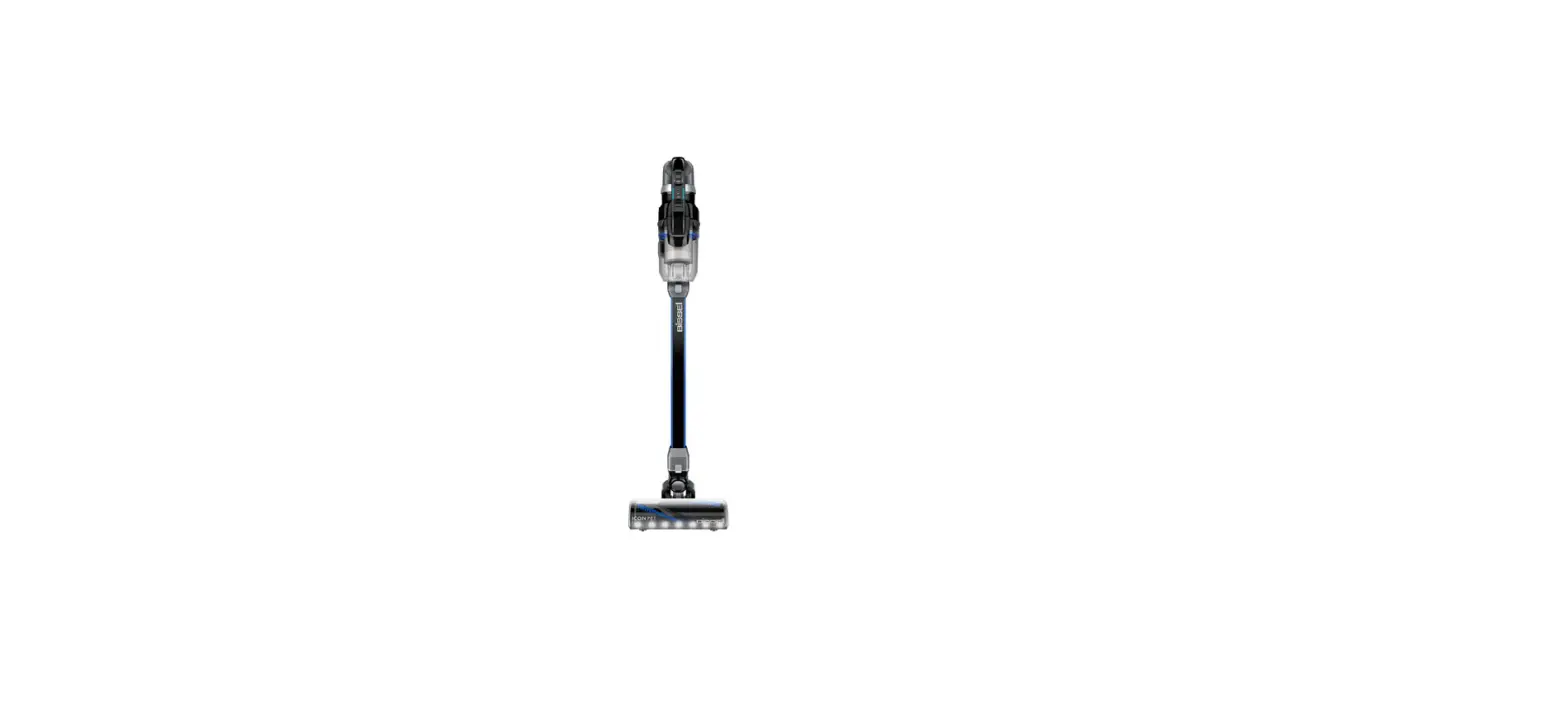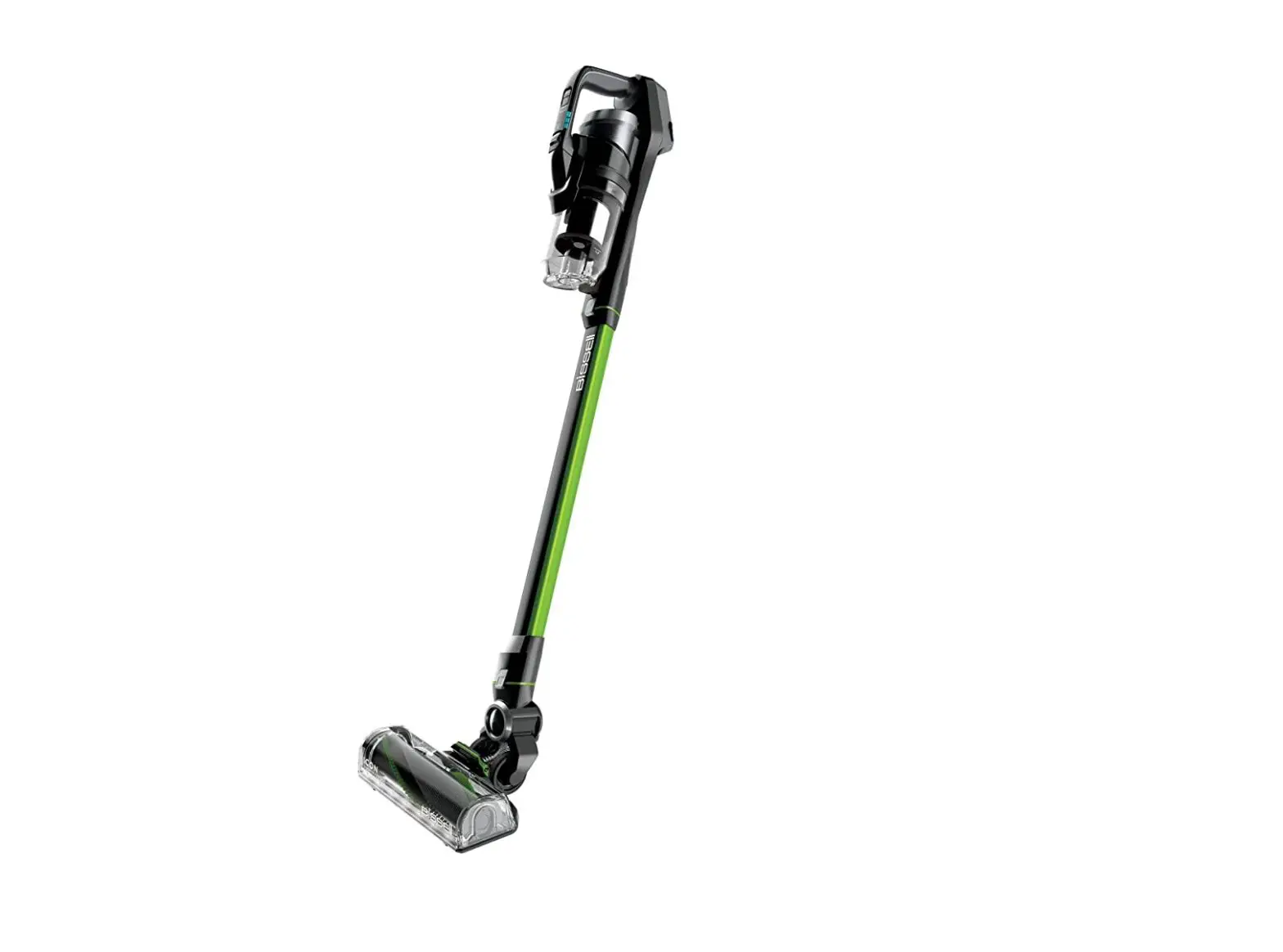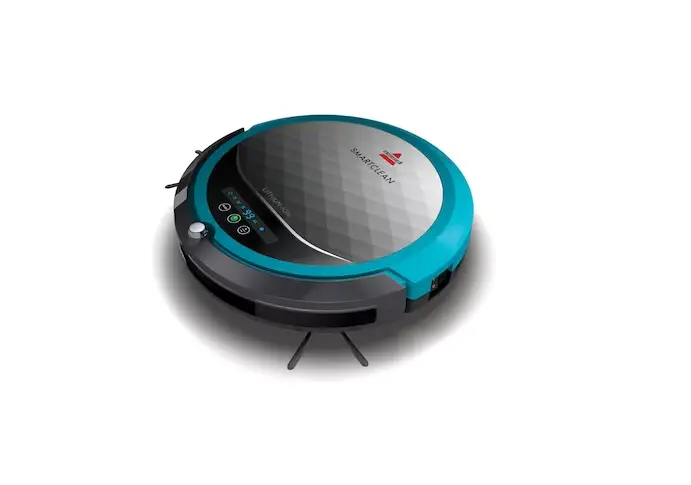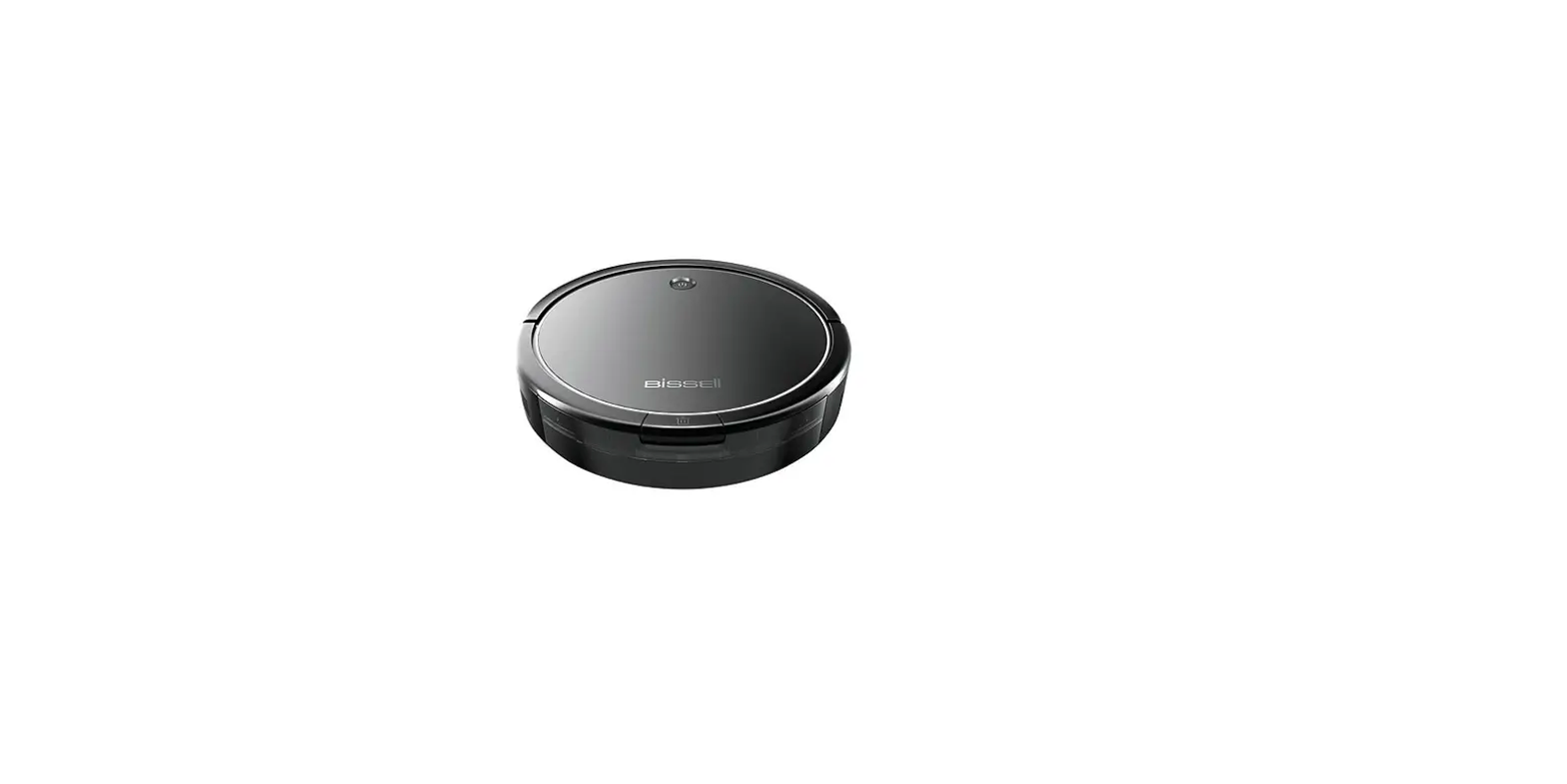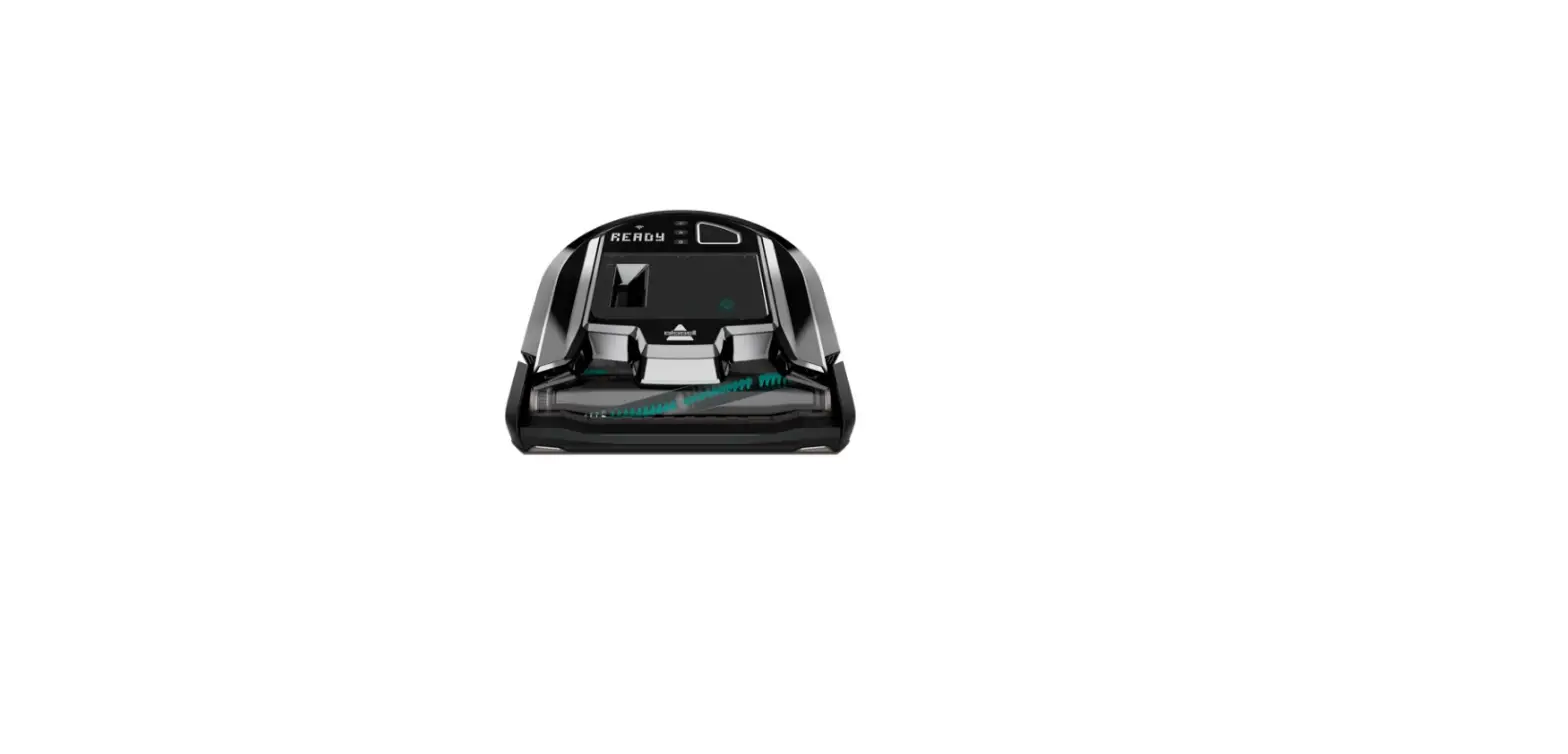
Please Note: The ICONpet Robot is not intended for use on plush/dense carpet or some rubber backed rugs
Is there an error displaying on your robot?
- Yes > Go to Display Errors for remedies
- No > Empty Dirt Bin
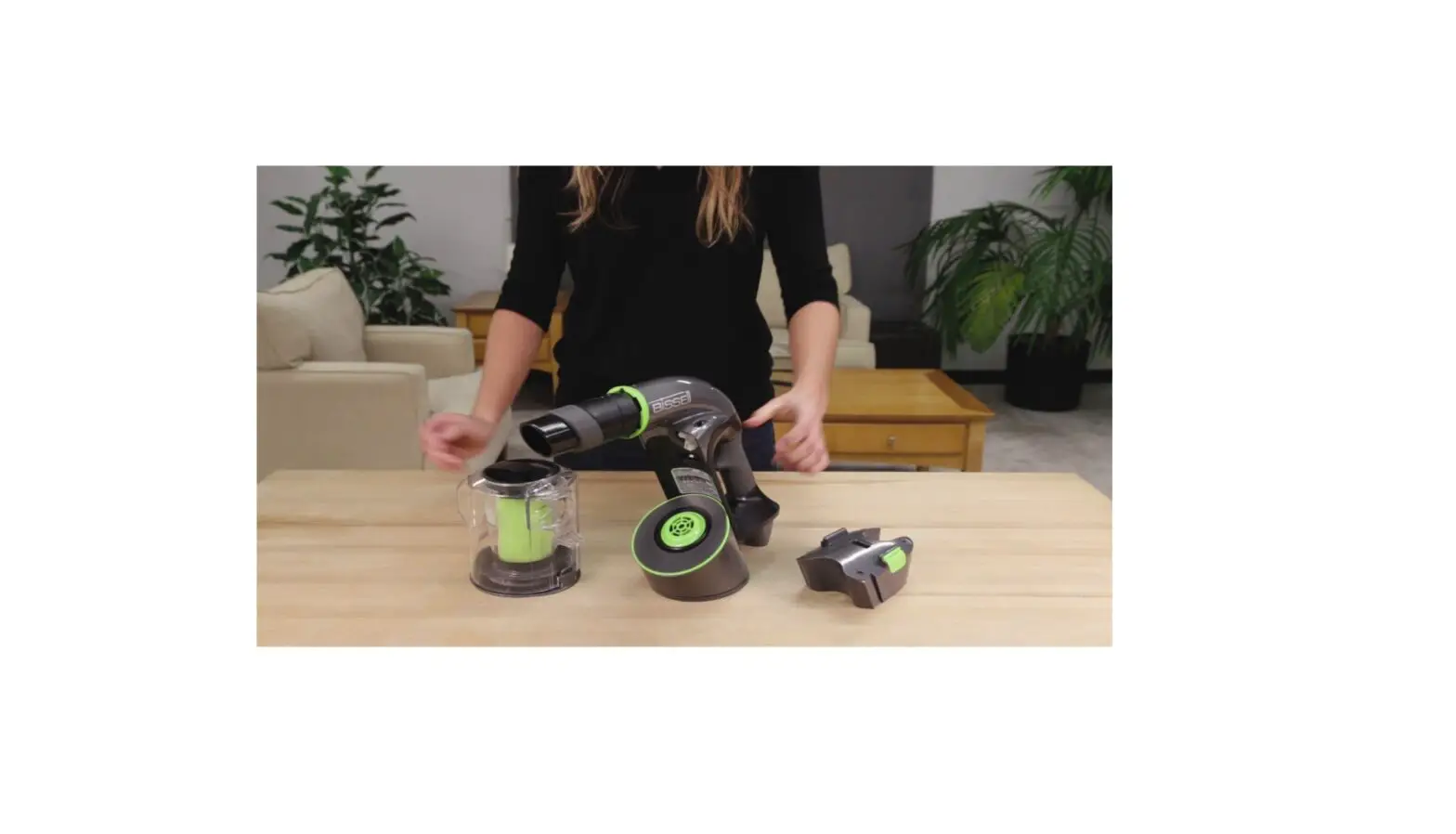
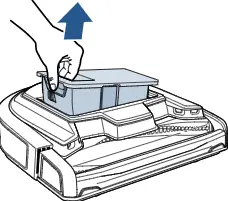
- Pull up on the Dirt Bin to remove
- Press button to open lid
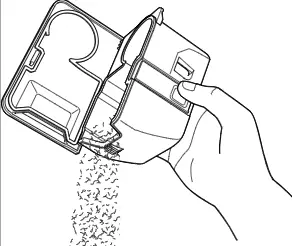
- Clean debris around Separator Cone
- If necessary to clear debris, carefully twist cone to remove

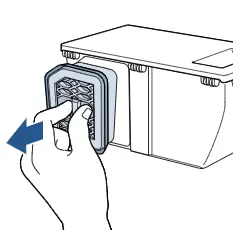
- Pinch and pull the Filter Assembly from the back of the Dust Bin
- Separate Filter from assembly
- Both can be rinsed in warn water, allow to completely dry before reinstalling
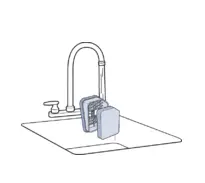
- Reassemble Separator Cone and Filter Assembly when completely dry
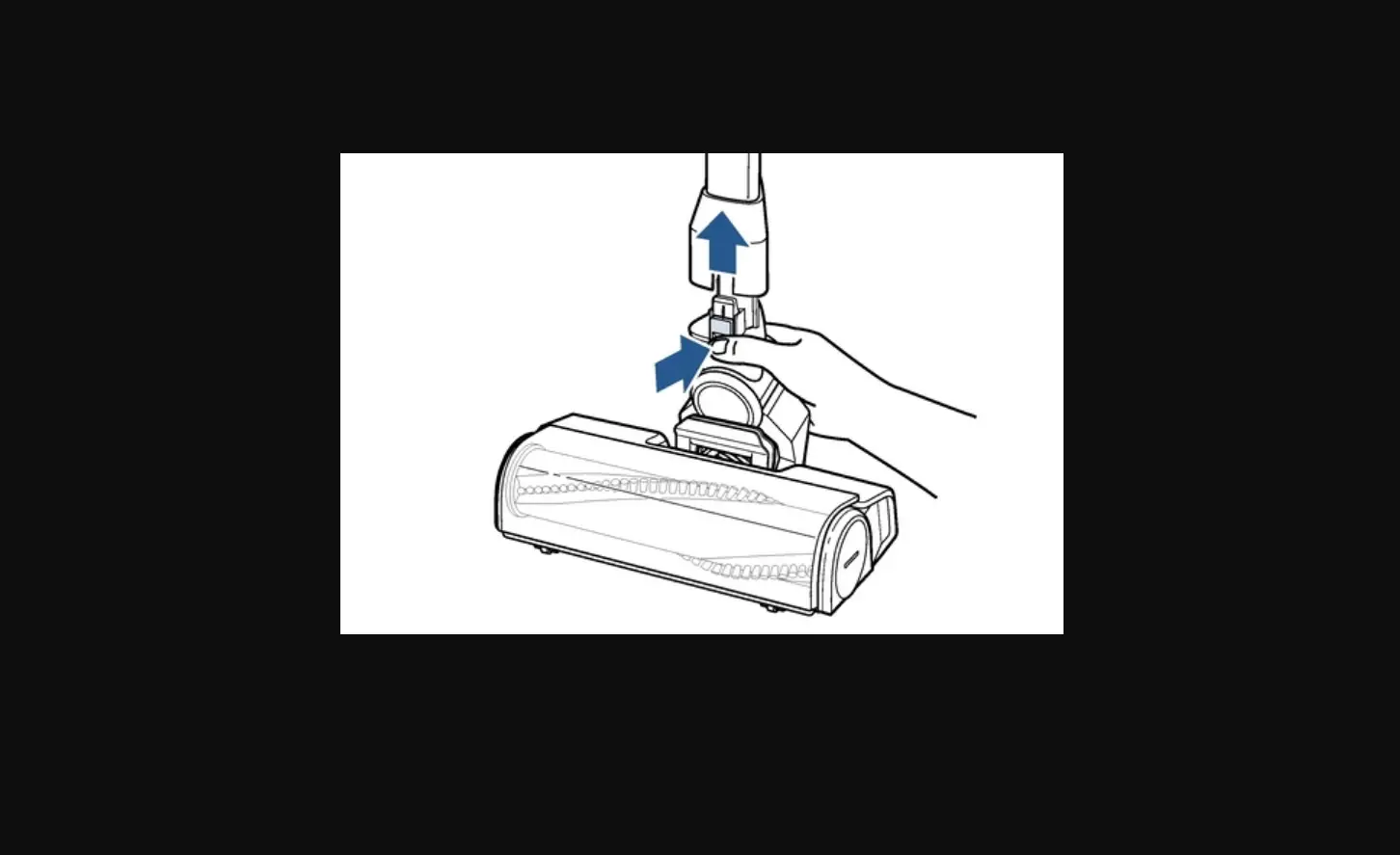
Accumulated debris in the brush area could also inhibit suction, for a complete list of steps see Brush Jammed
If you continue to have no suction, please Contact Us