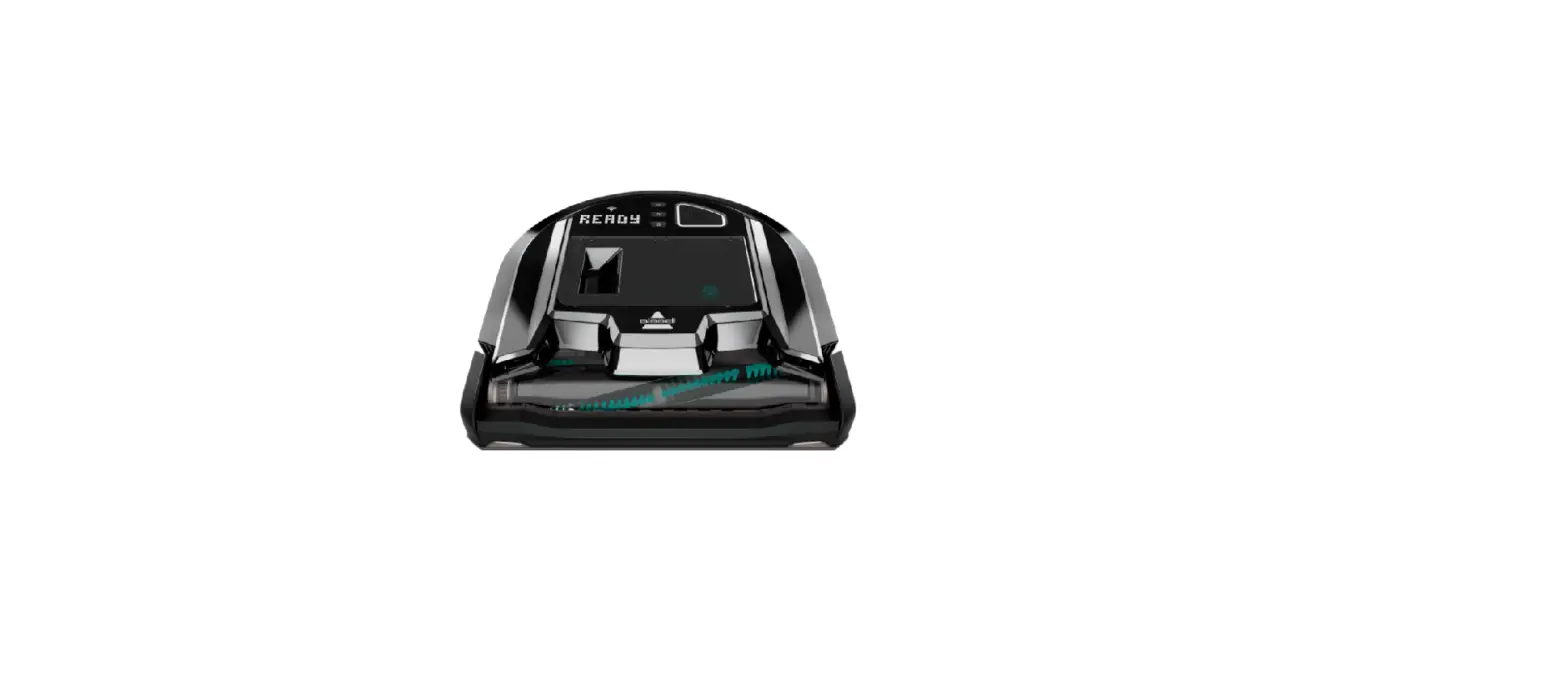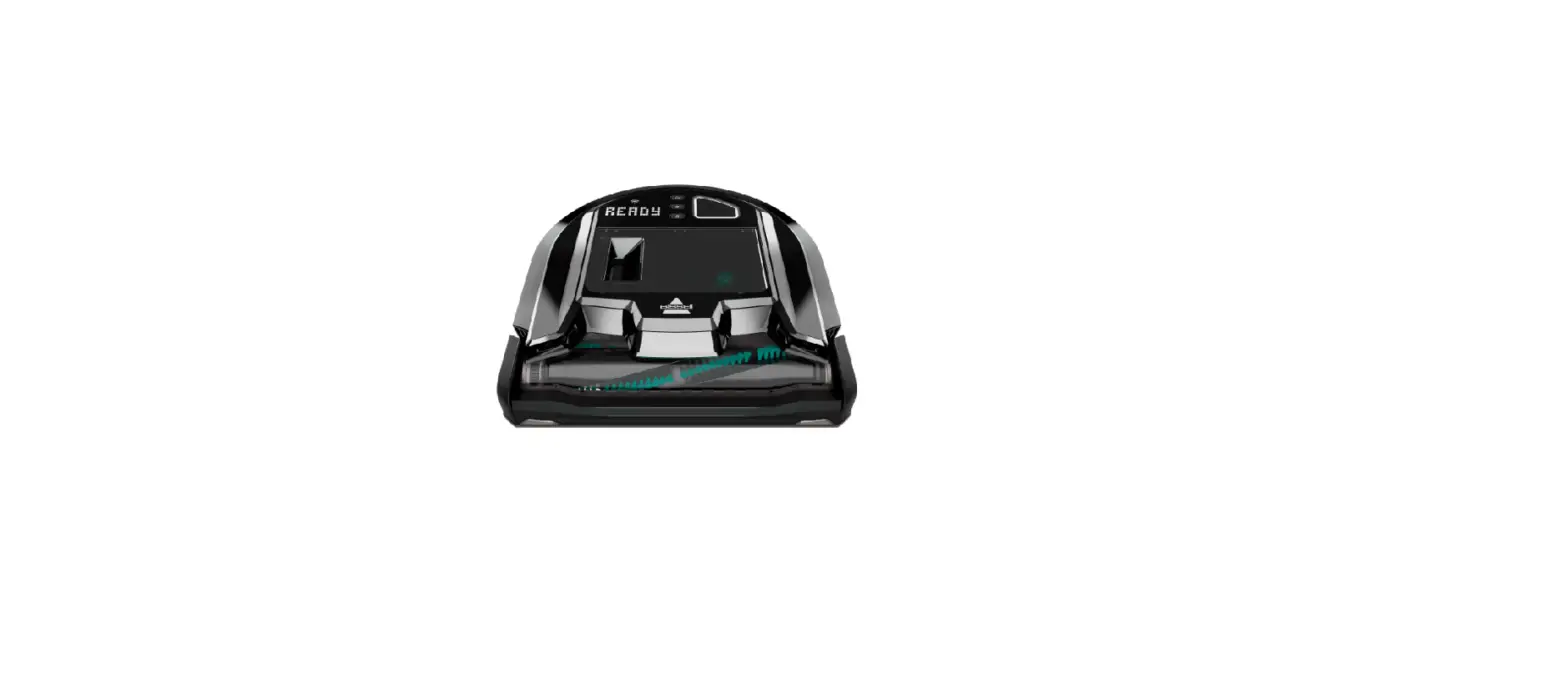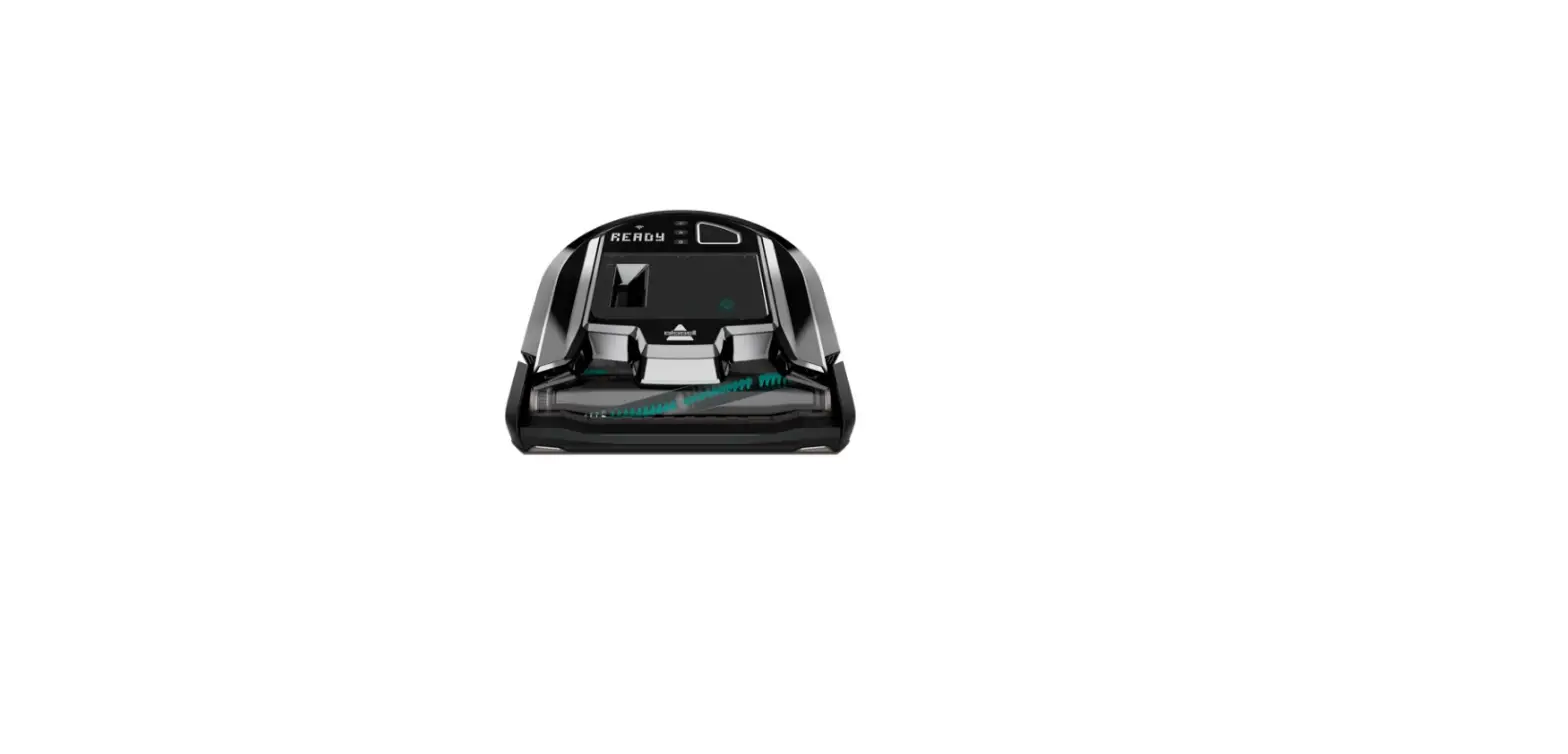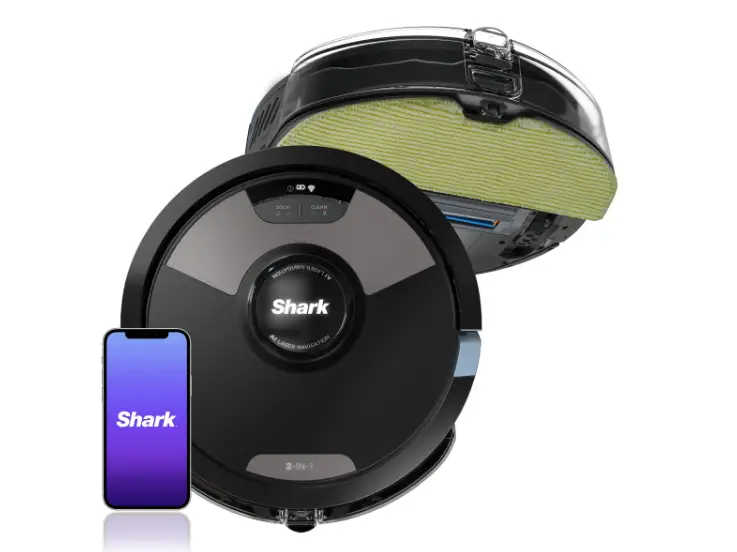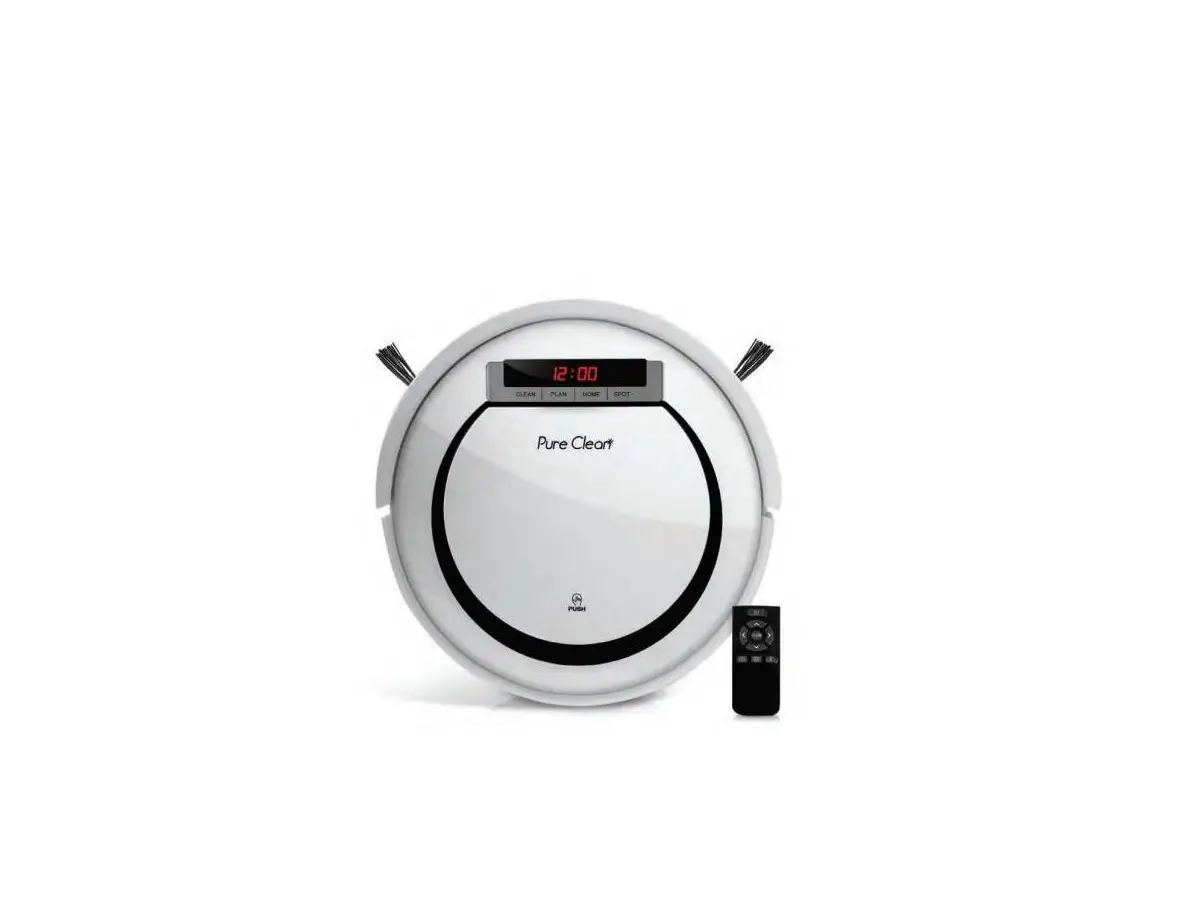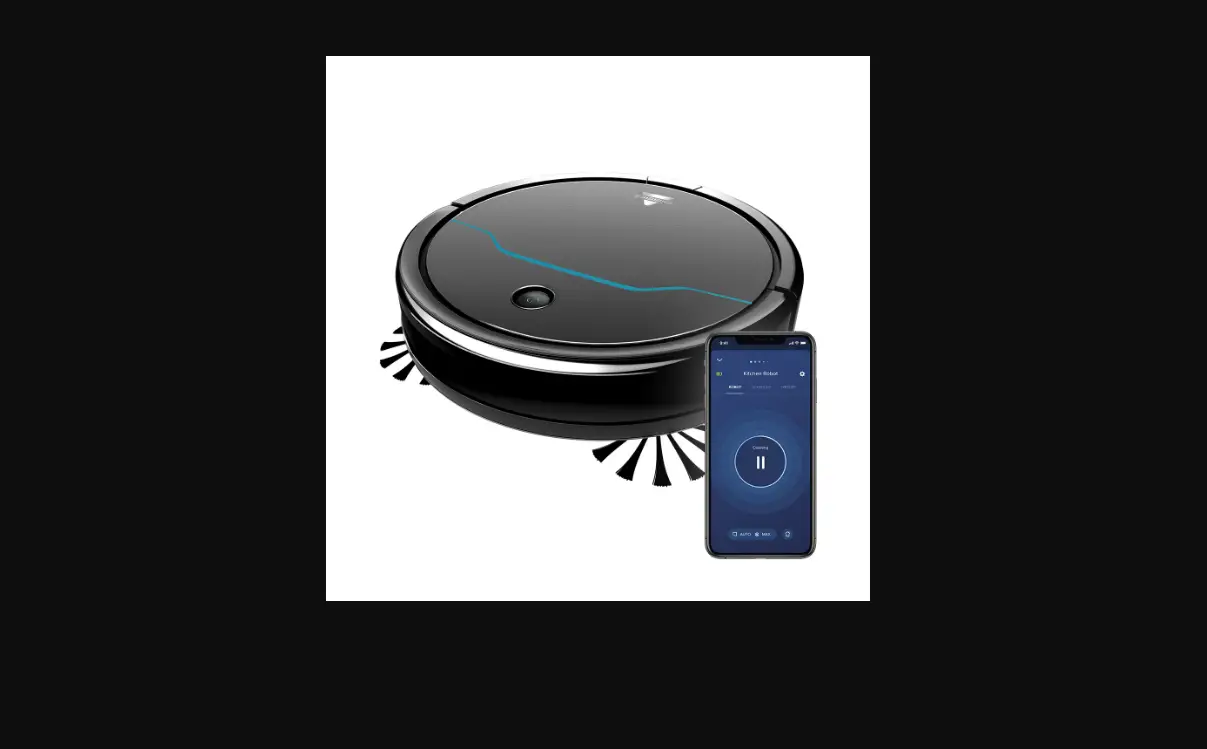
There are 2 Cleaning Patterns: Spot & Auto
- Spot Mode – Is designed for cleaning a small concentrated area
- Only the Max Power Level is available in Spot Mode Pattern
- Auto Mode – The Robot determines the cleaning pattern (Wall following, Corn row or Random)
- Select from Low, Mid or Max Power Level
Manual Cleaning:
- Large Area:
- Turn Robot ON
- Select the cleaning level and approximate run time by pressing the Power Level Button
- Low Power = 90 mins
- Mid Power = 60 mins
- High Power = 30 mins
- Press the START/PAUSE Button to start cleaning
- Press again if you’d like to pause the Robot
- Once cleaning session is complete the Robot will attempt to return to the Dock
- Spot Cleaning:
- Place the Robot 12 inches away from area to be cleaned
- Clear area of obstacles
- Only runs on Max Power Level when in Spot Mode
- Press the Spot Mode Button
- Press the START/PAUSE Button to start cleaning
- Place the Robot 12 inches away from area to be cleaned
- Robot will run for approximately 3 mins
- “DONE” will display once complete
Automatic Cleaning (Only accessible via the App)
- You can Start, Stop and schedule a Cleaning from anywhere when in the App
- For a list of detailed steps on how to Schedule a Cleaning in the App > Go to How to Schedule a Cleaning