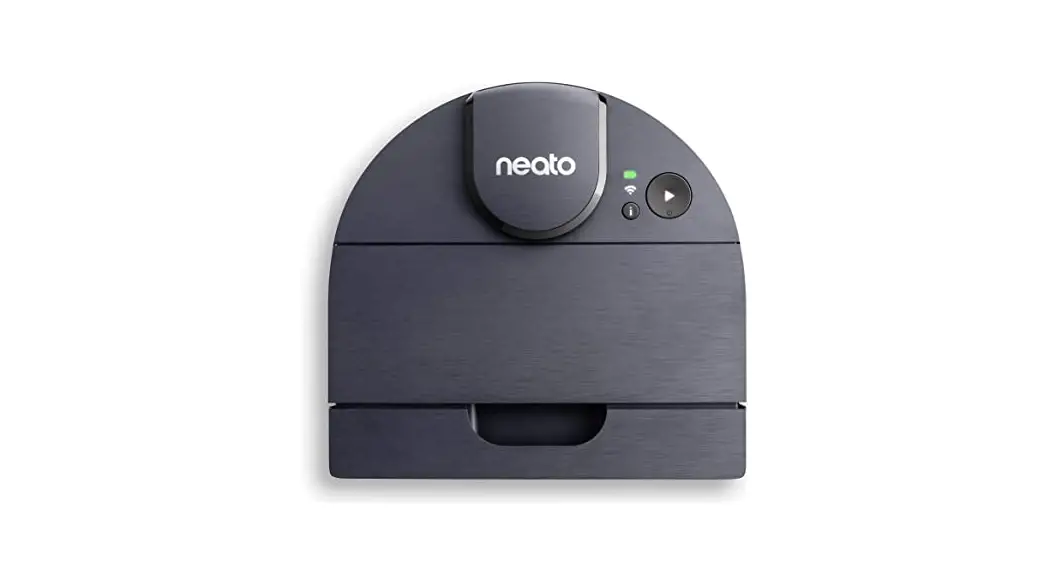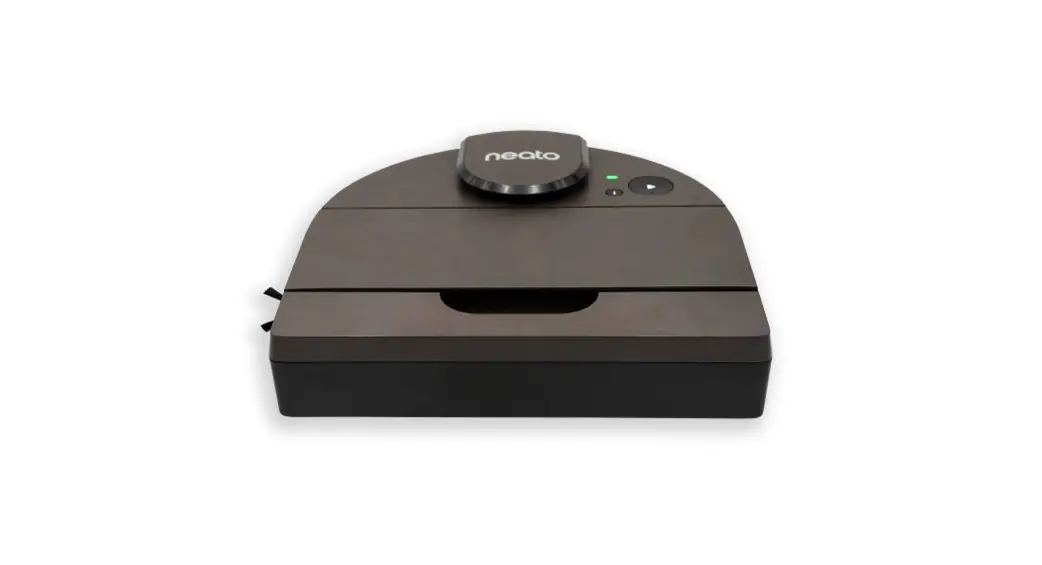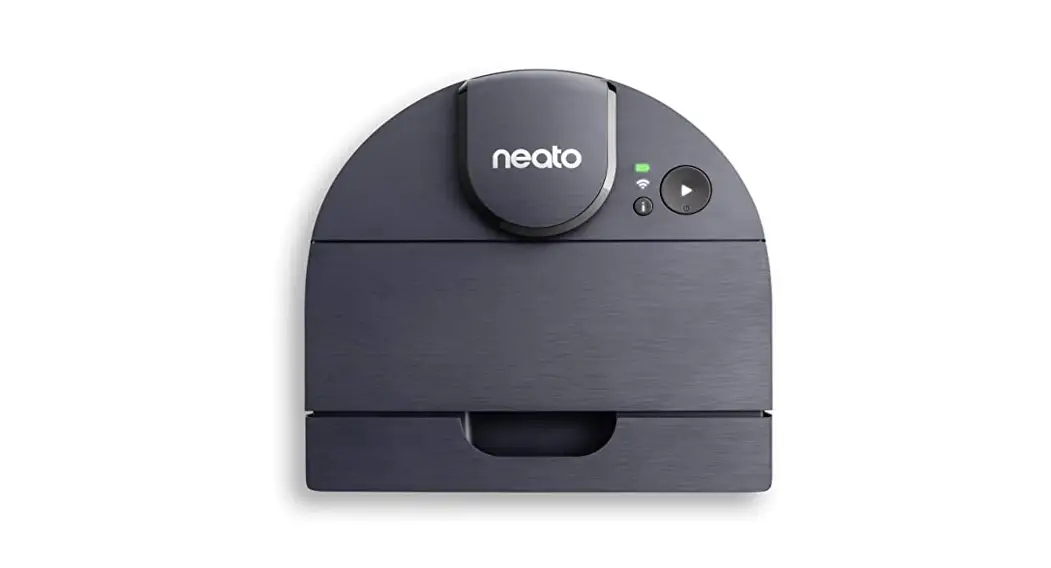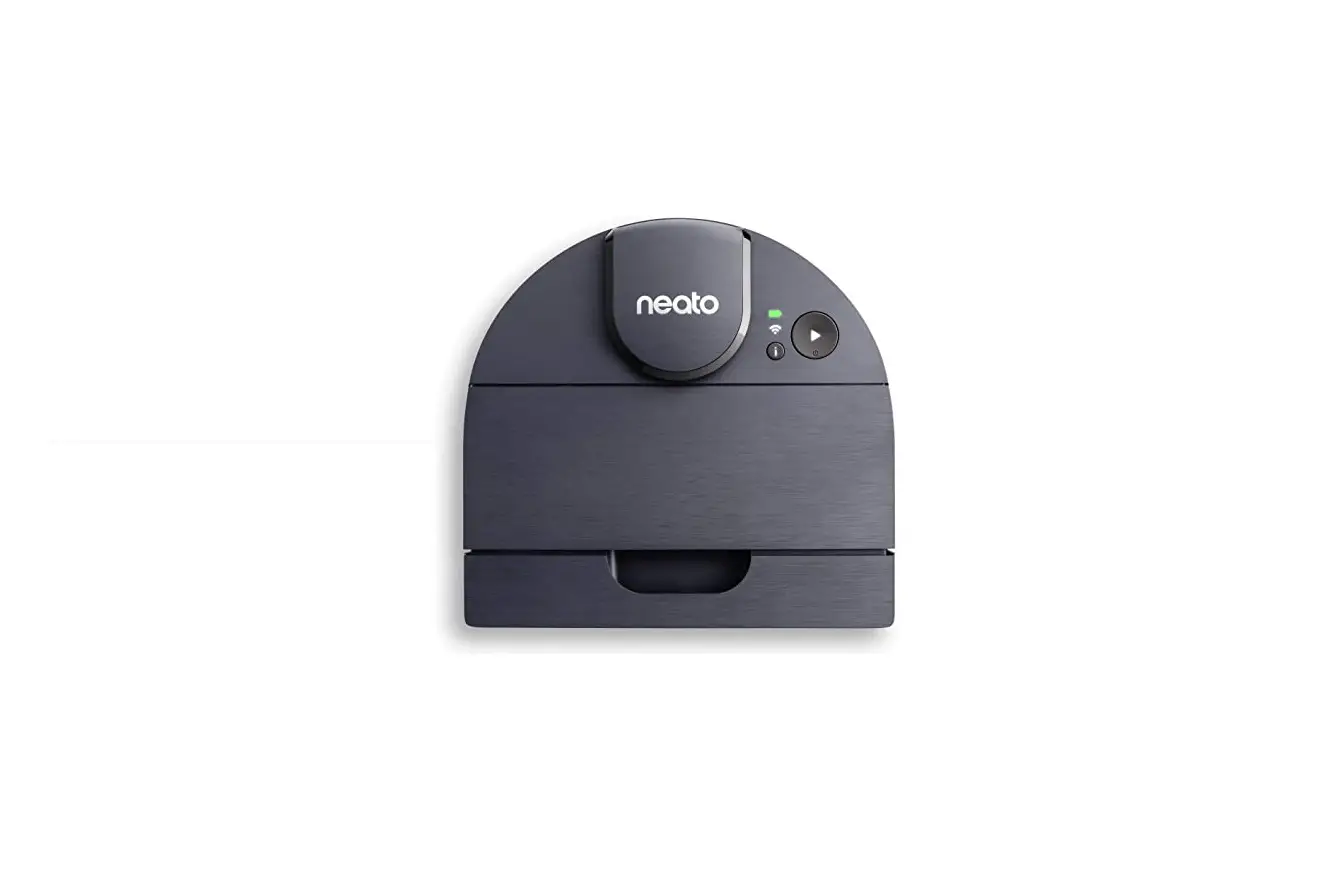

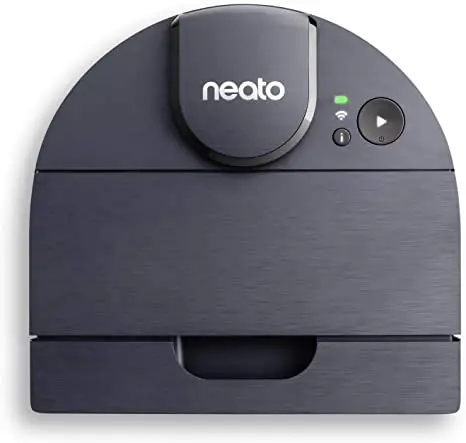
neoto D8 Intelligent Robot Vacuum
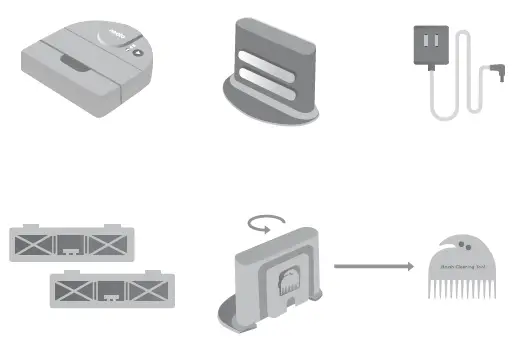
What’s in the box

Quick start guide
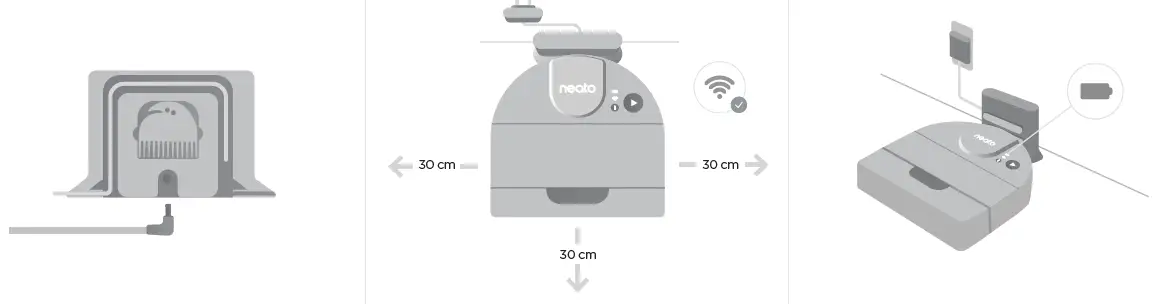
- Insert plug behind the charge base. Shorten the cord as needed by wrapping it behind the charge base.
- Select a clear area with good Wi-Fi coverage. Make sure the charge base is against the wall and plugged in.
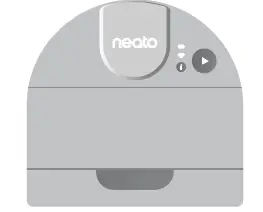
- Place the robot against the charge base. When docked properly, the battery icon will light up.

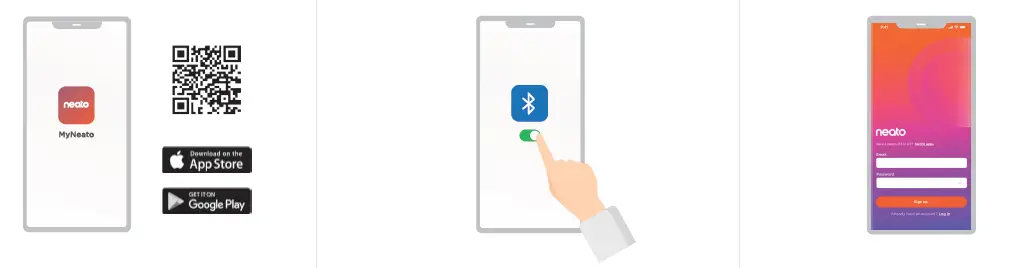
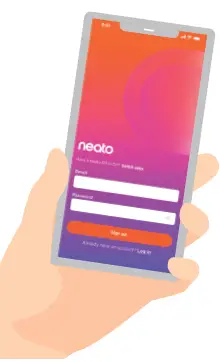
- Download the MyNeato application.
- Check your mobile device setting to make sure the Bluetooth is switched on.
- Finish your set up process with the MyNeato application.
Helpful hints
Set up your house
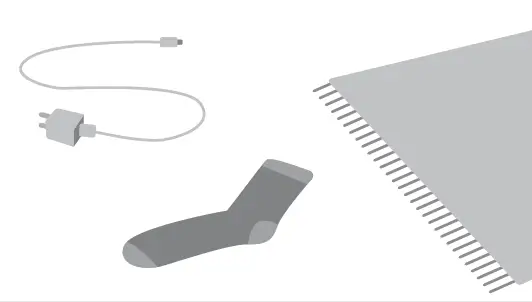
Before the robot starts to vacuum, pick up items that could become tangled, such as cables, socks, and shoelaces. Tuck fringes under rugs.
 Keep your charge base secure
Your charge base comes with a pad designed to keep it secure on a hardwood floor. Remove these pads if you plan to place the charge base on carpet. 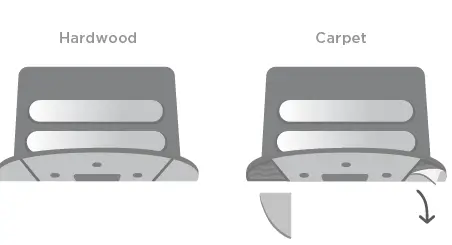 Clean with MyNeato app
Use the MyNeato app to:
- Schedule your robot
- View cleaning maps
- Create No-Go Zones
Need assistance?
Learn more about your robot: www.NeatoRobotics.com/UG
We are here to help. Contact us at: www.NeatoRobotics.com/contact-us
 Neato Robotics®, Inc. 50 Rio Robles
San Jose, CA 95134, USA
NeatoRobotics.com
References
 Neato Robotics | Smart Navigation Robot Vacuums and Accessories
-
Customer care – Neato Robotics American Express Apple Pay Diners Club Discover Google Pay JCB Mastercard Shop Pay Visa
-
Support - Neato - Intelligent Robot Vacuums American Express Apple Pay Diners Club Discover Google Pay JCB Mastercard Shop Pay Visa
 Neato Robotics | Smart Navigation Robot Vacuums and Accessories
 Customer care – Neato Robotics American Express Apple Pay Diners Club Discover Google Pay JCB Mastercard Shop Pay Visa