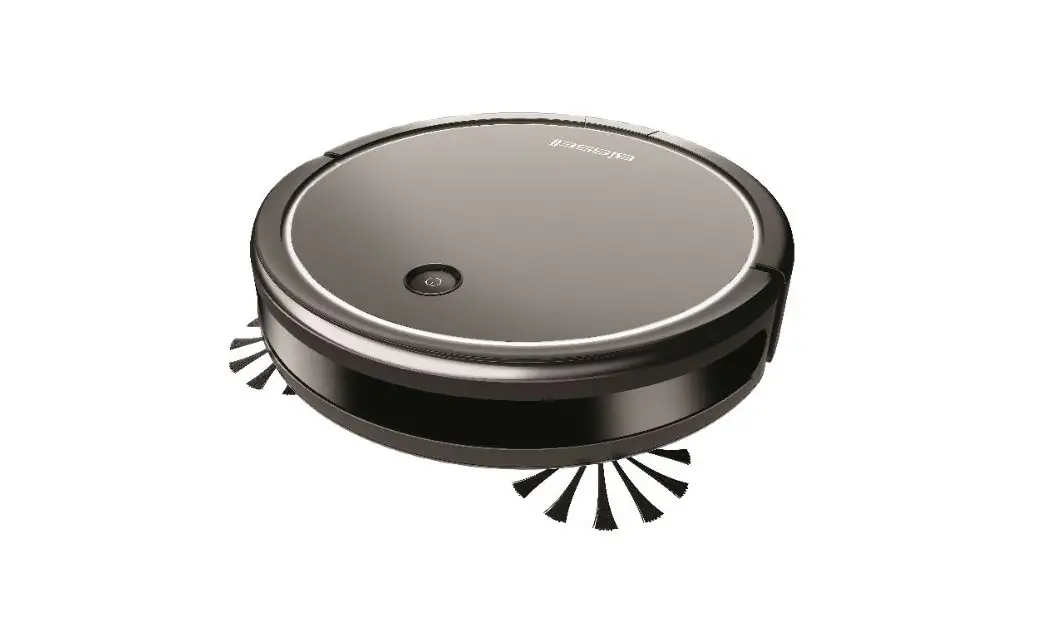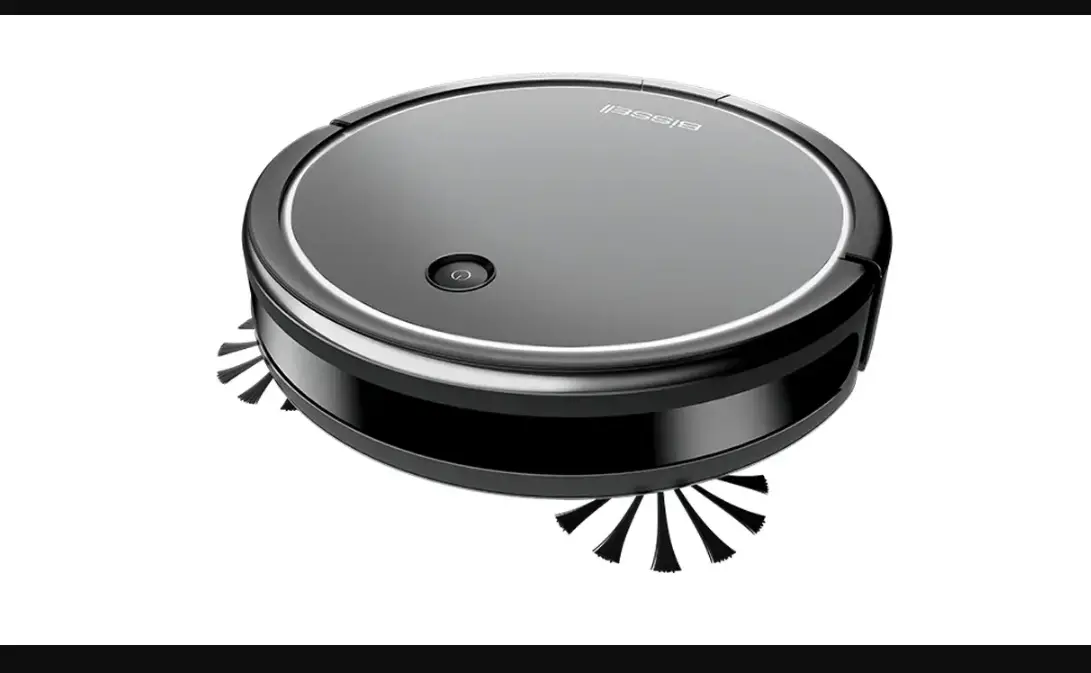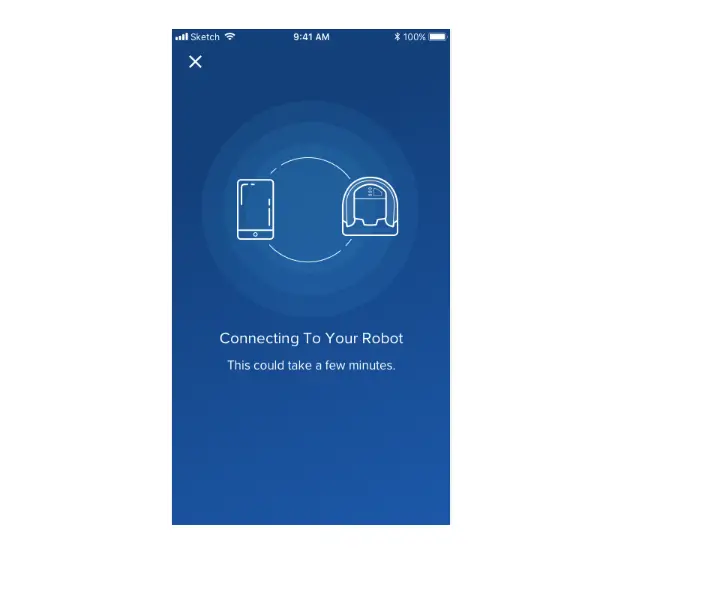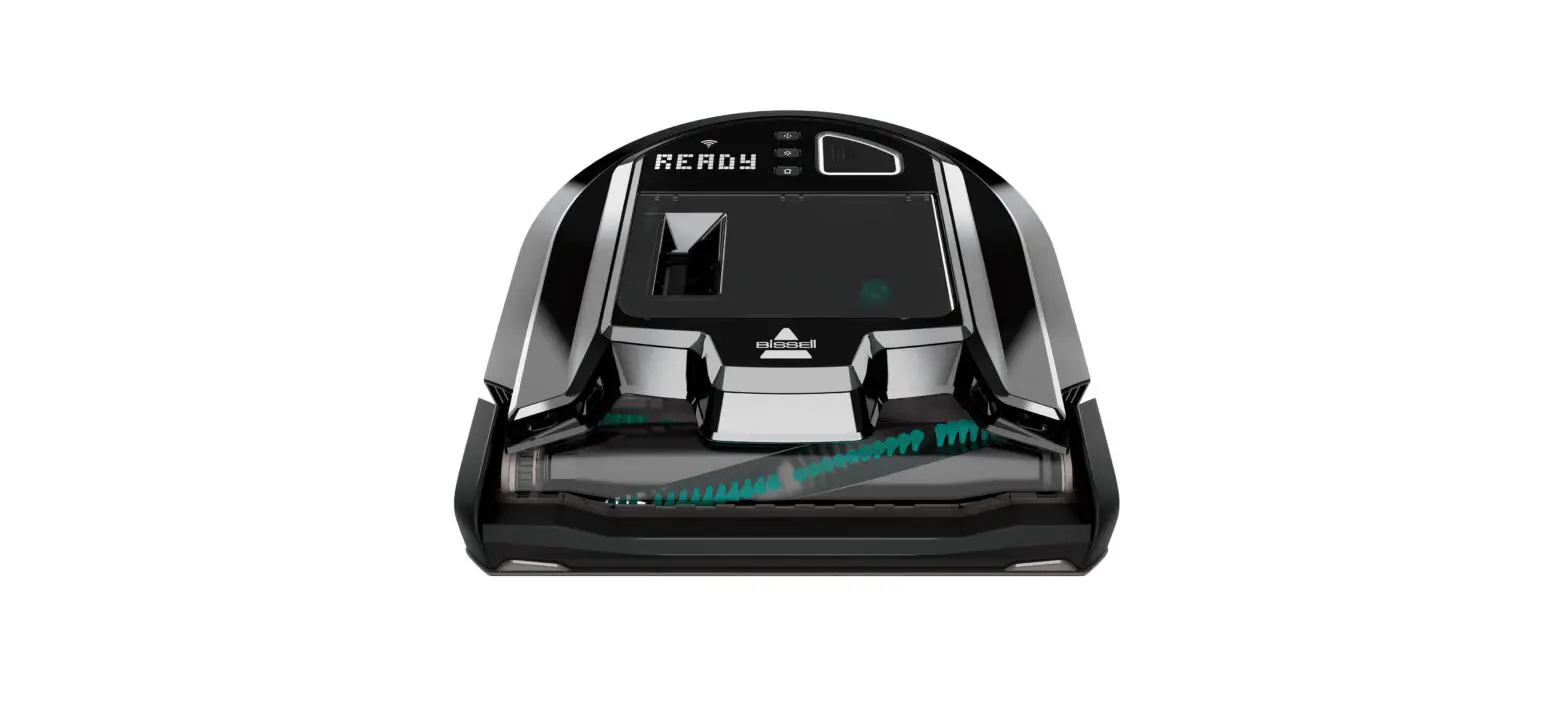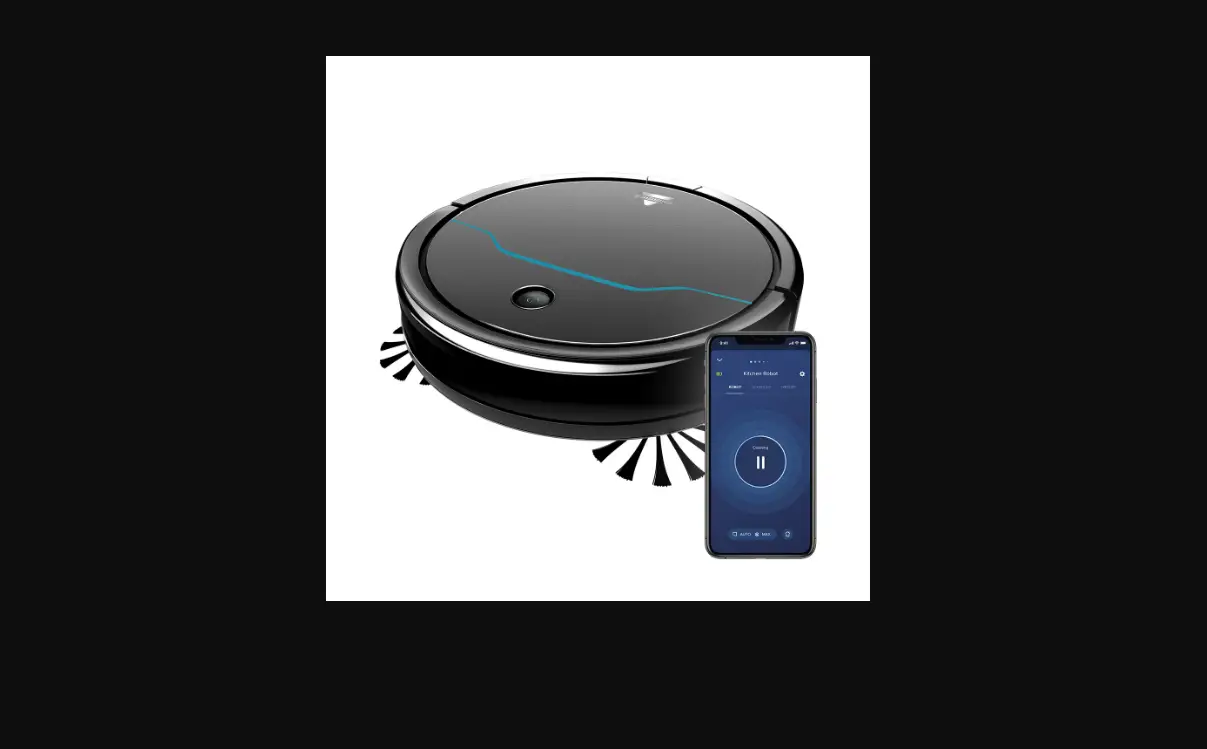
Note: You will need to pair your CleanView Connect Robot to the BISSELL Connect App in order to view this page, visit our App Pairing Guide for step by step instructions
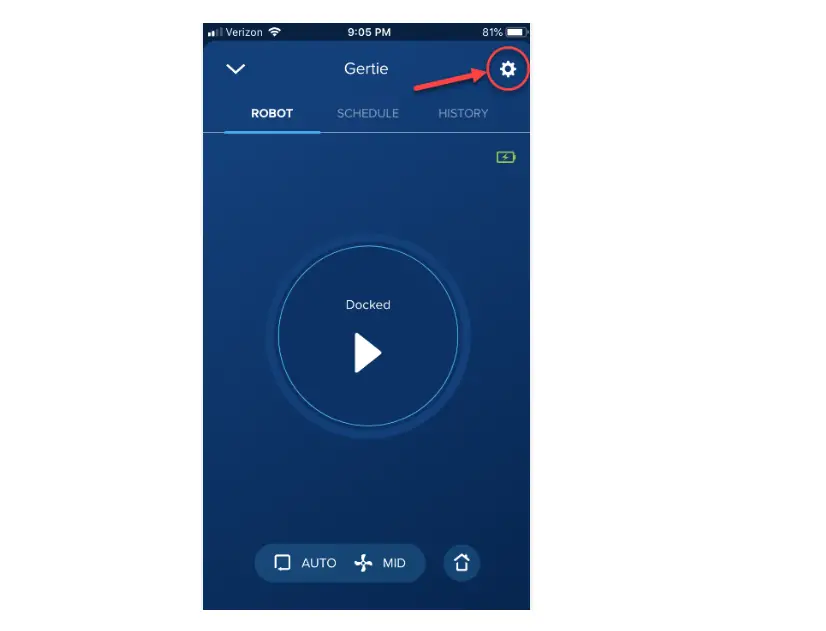
- Click on hamburger menu button on the top left corner of the App to access Support
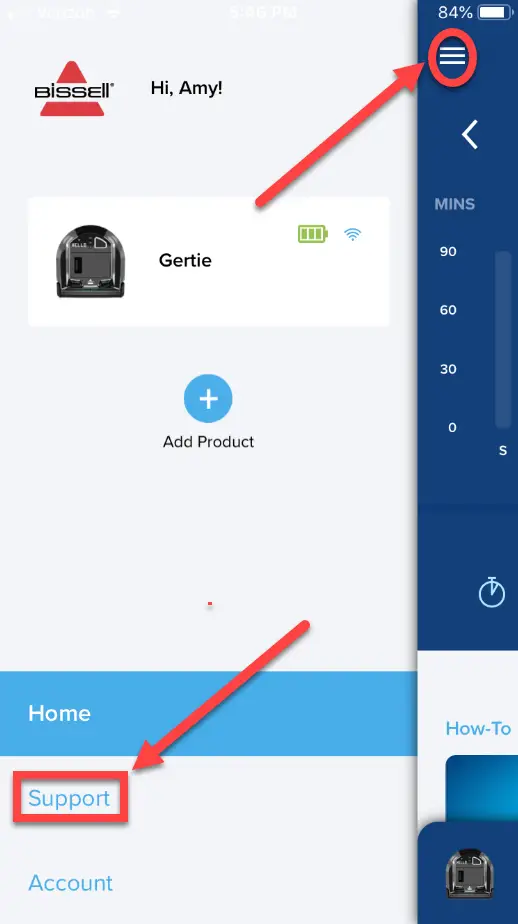
- Select Support
- Support provides helpful videos and BISSELL contact information
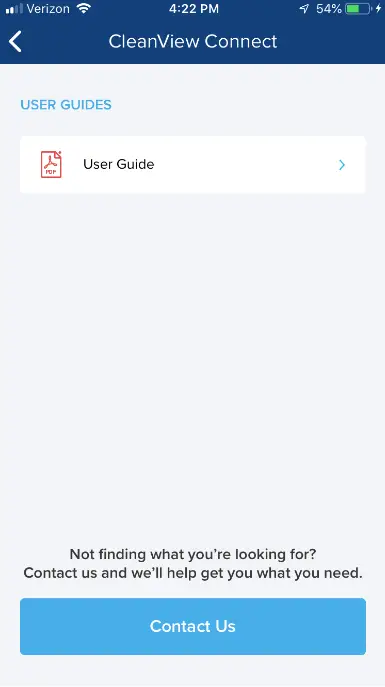
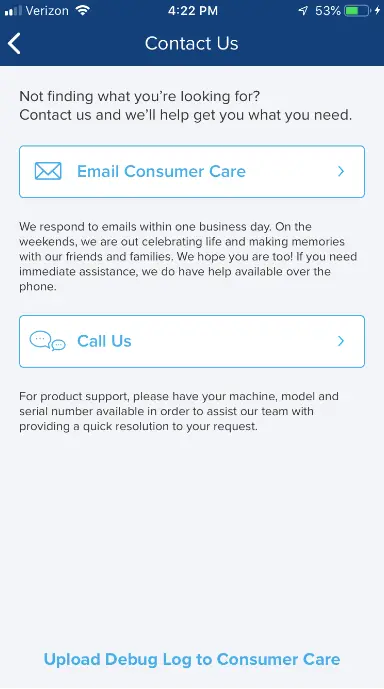
- To reach out to BISSELL Consumer Care click the light blue ‘Contact Us’ button
- Choose to either send an email to us, or call us
- If sending an email, a window will open up with some auto-populated information about your connection
- Type a message above the populated text and then press send
- Fill out the information accurately and thoroughly for best assistance