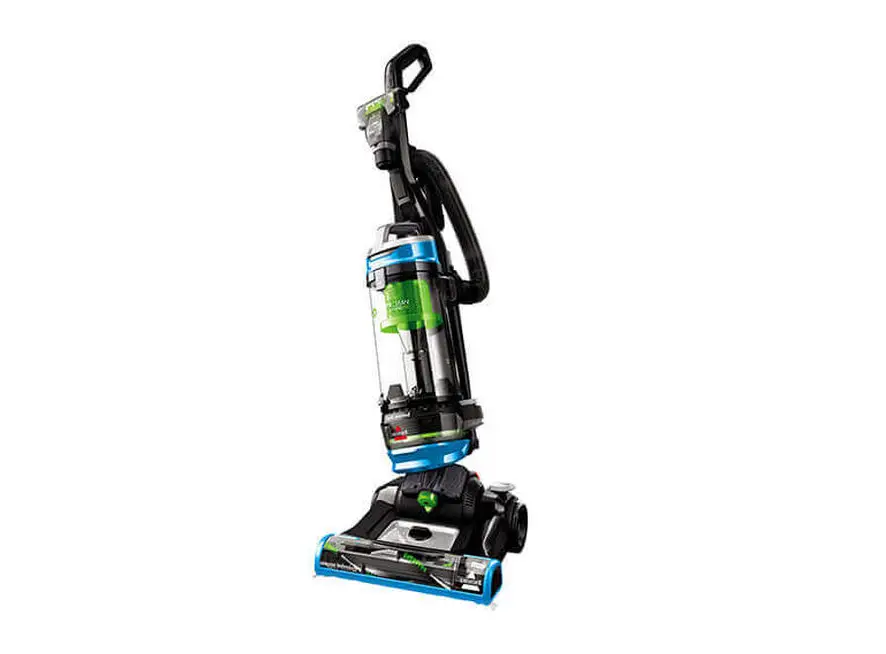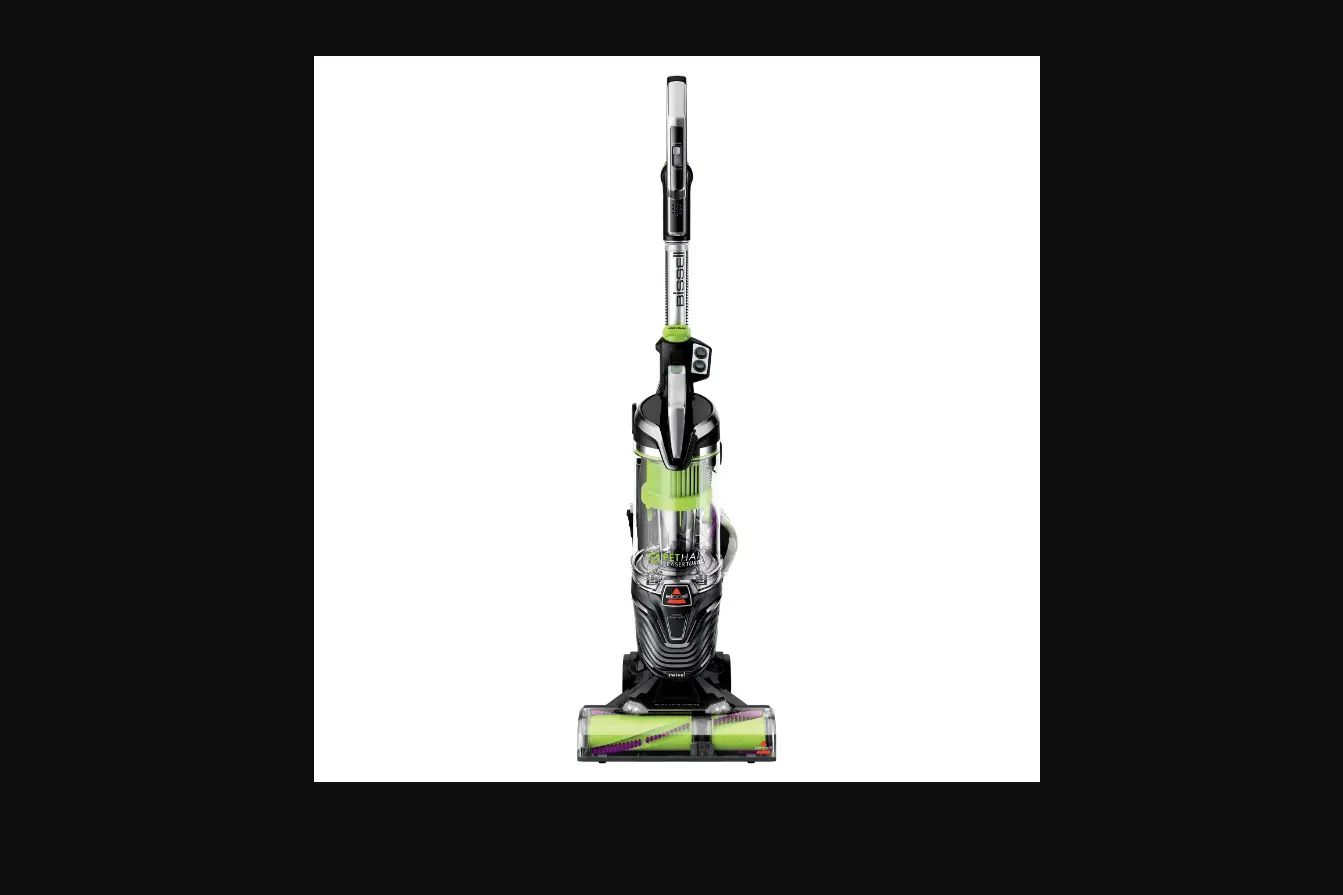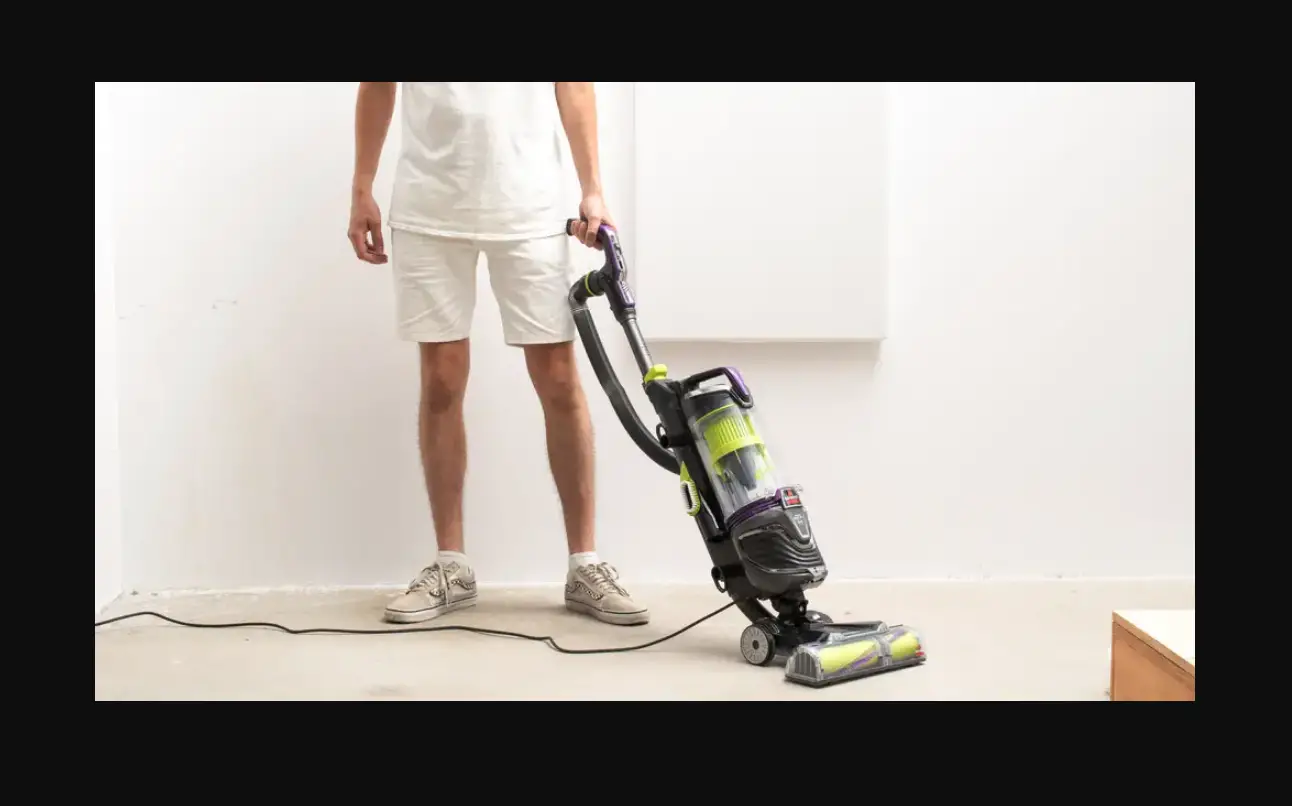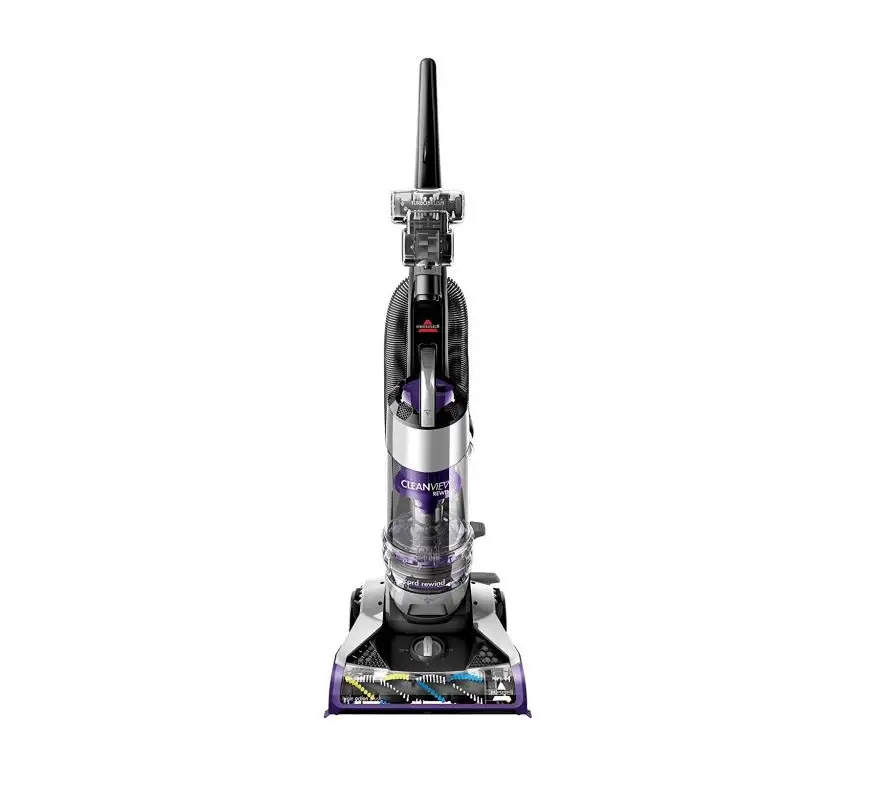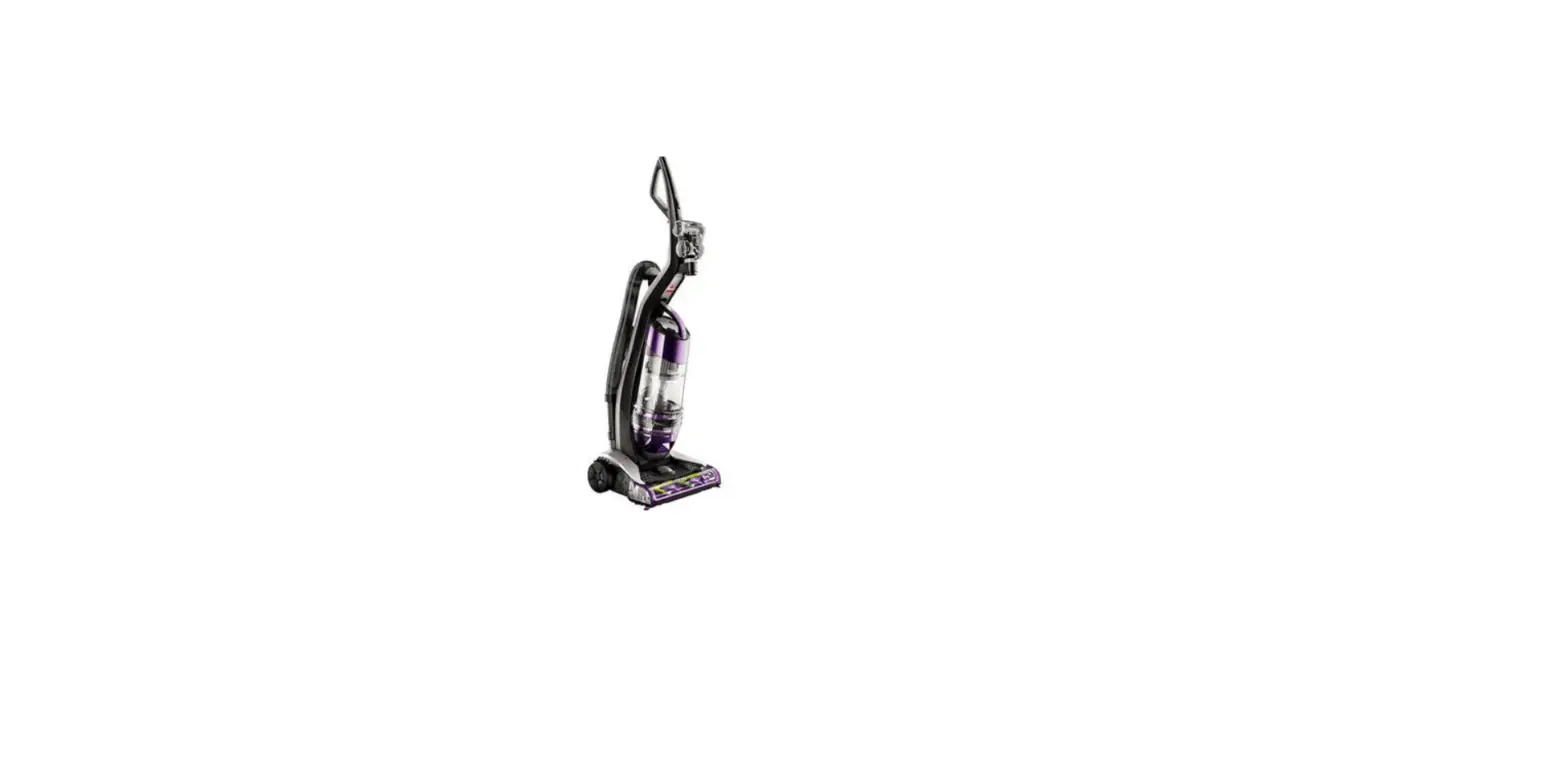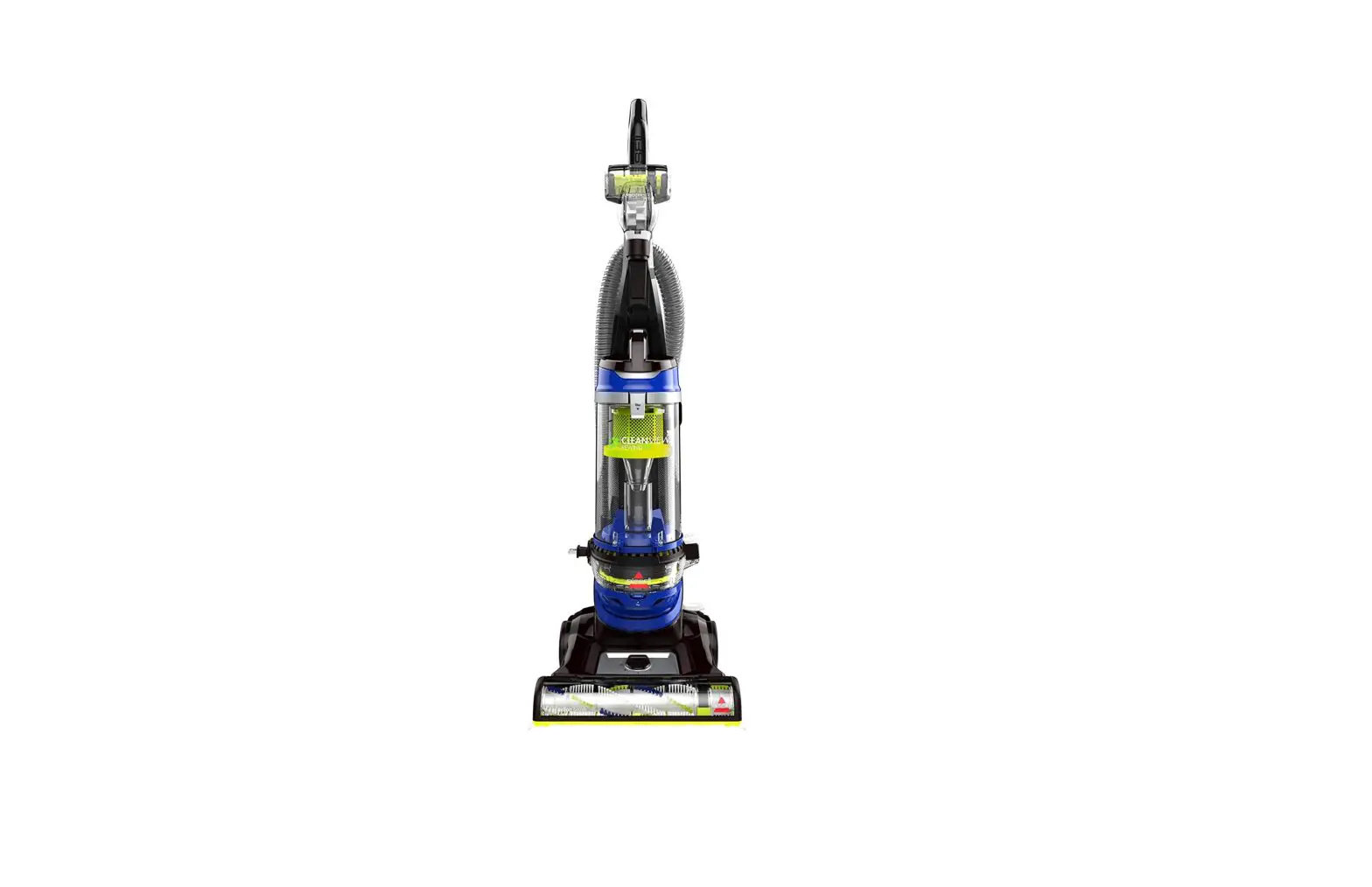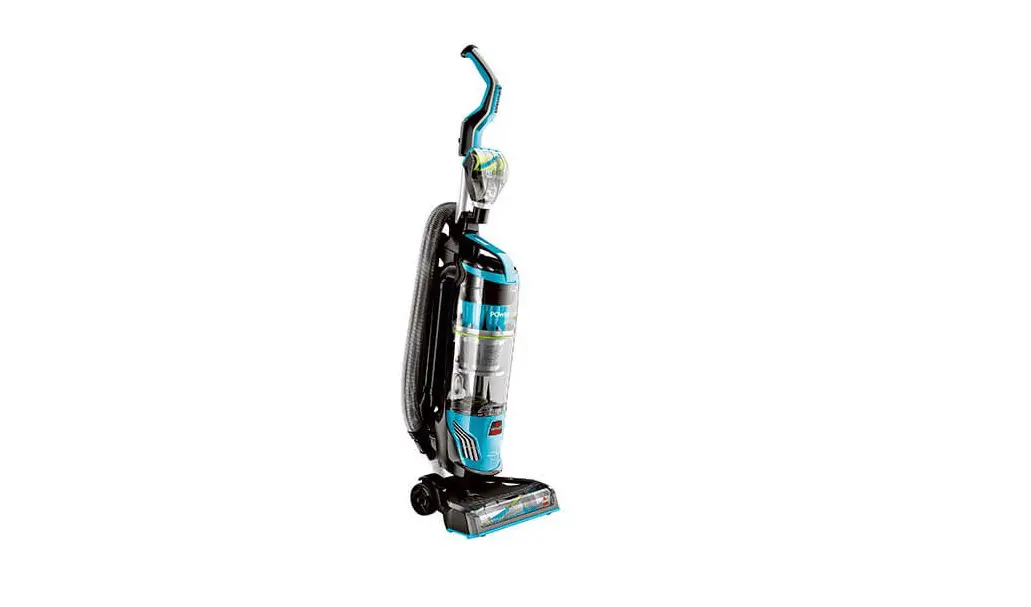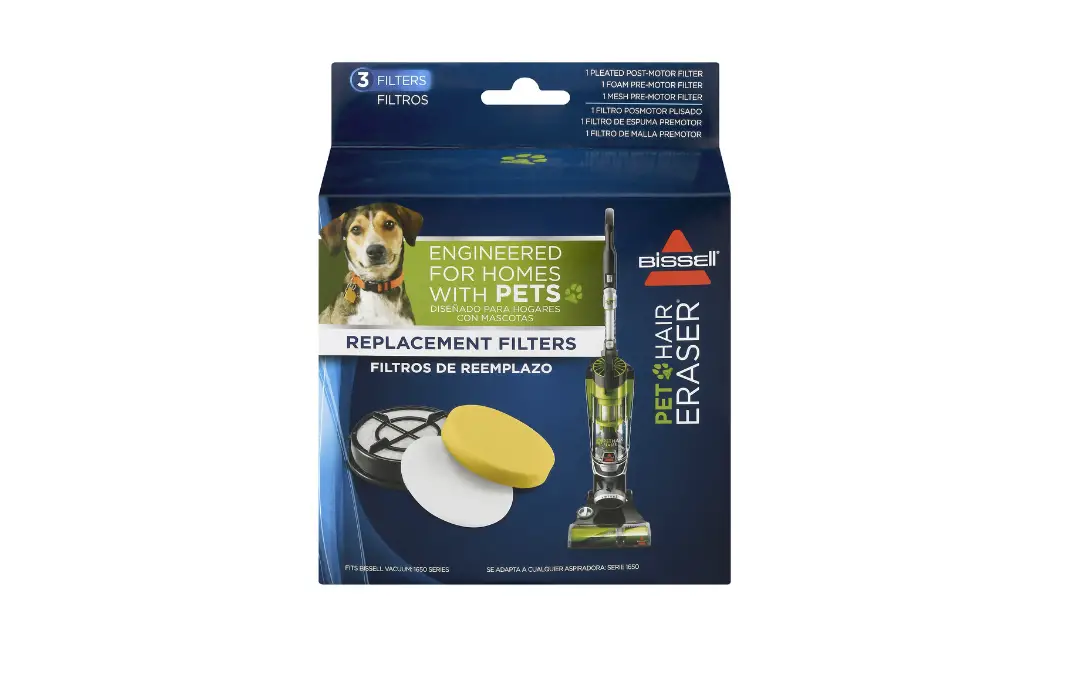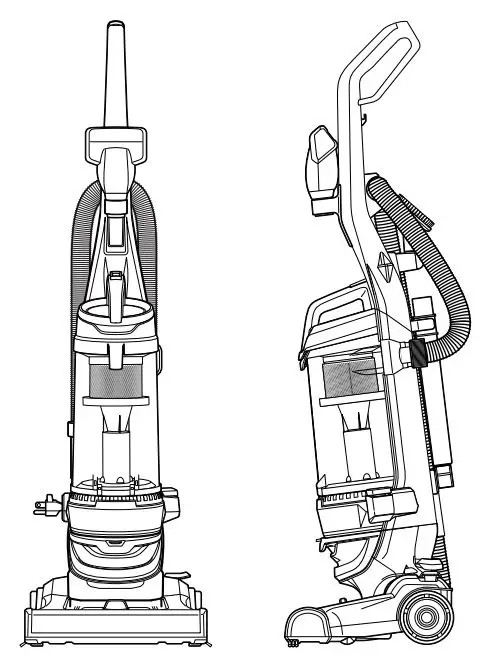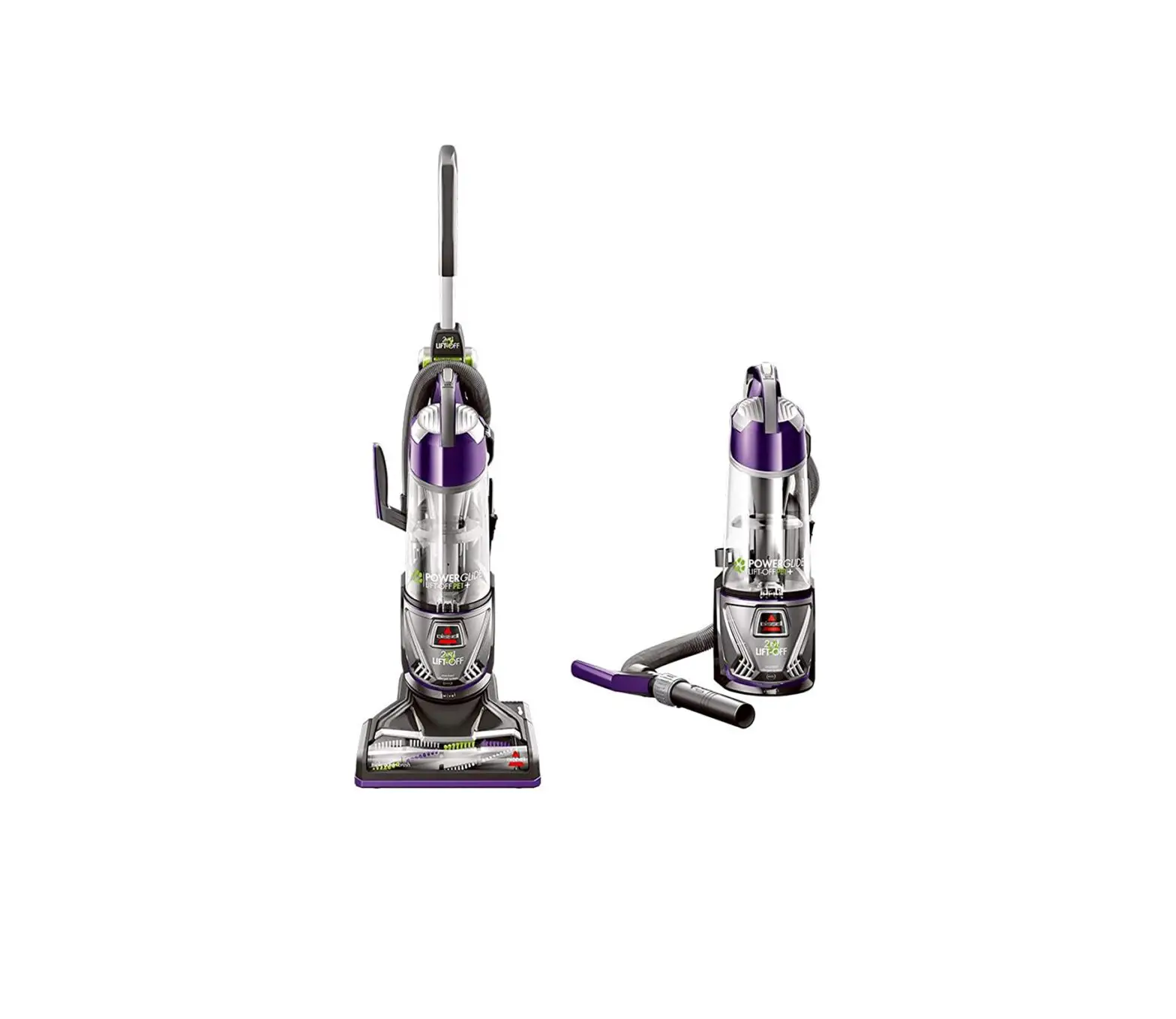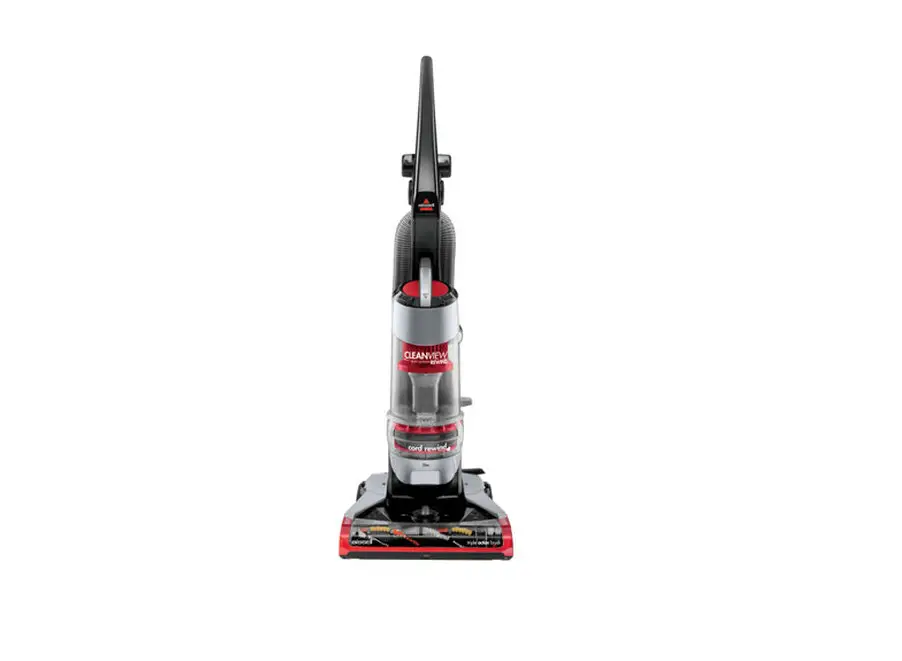
Maintaining your filters is very important to the function of your vacuum
The steps below provide instruction on how to clean and maintain your Dirt Tank and Filters
- If you are experiencing issues with reduced suction you’ll want to follow the complete list of steps before continuing > Go to No Suction
These steps are considered a part of routine maintenance
- Remove & empty Dirt Container > Open the Tank Lid by pressing the filter button and pulling the Lid up

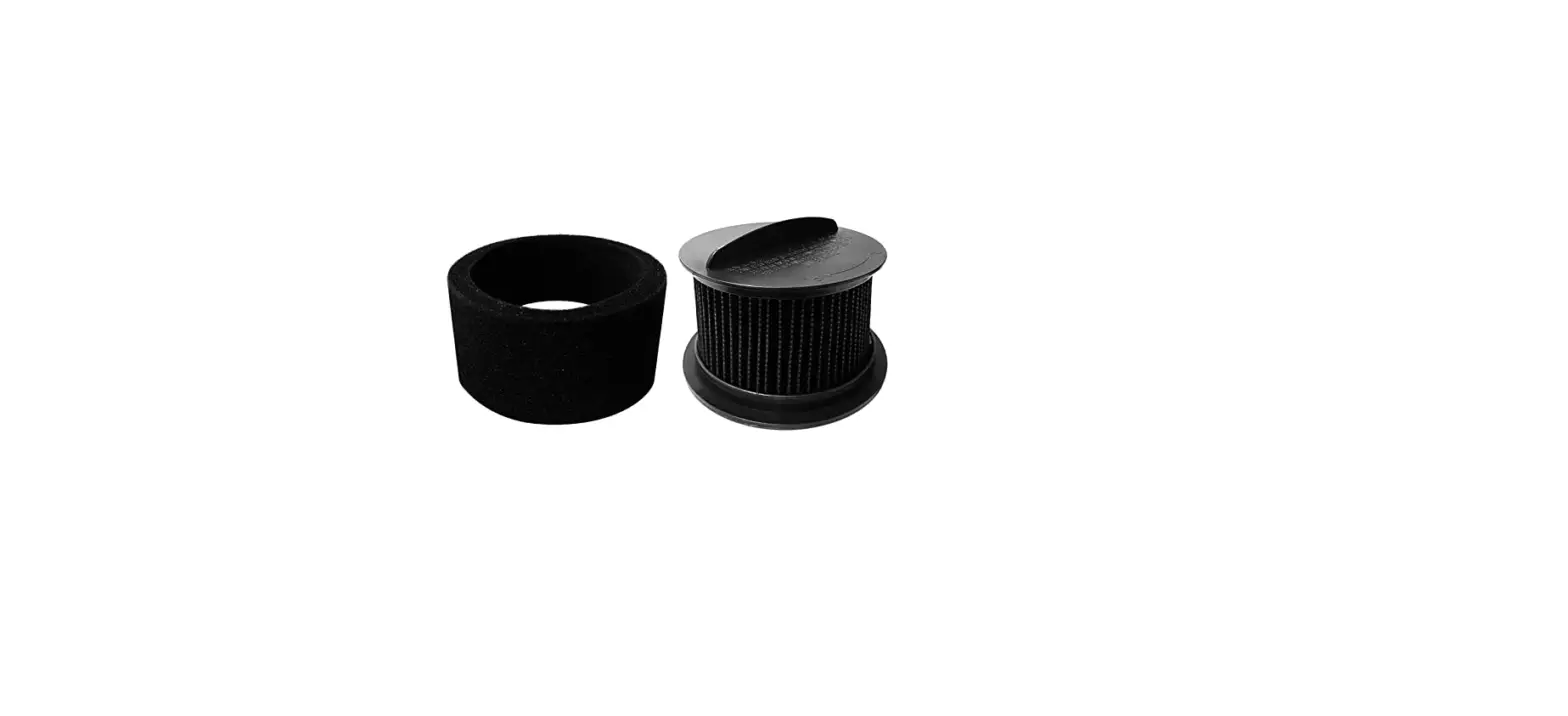
- Remove the Pre-Motor Filter
- Filter can be rinsed with warm water > Allow to completely air dry (24 – 48 hours) before reinstalling

- Slide out the Post Motor Filter Tray located below the Dirt Container

- Tap the filter against a waste bin to remove any dust and debris

- For replacement Filters > Go to Parts & Supplies
- If you were having suction issues and the steps above did not resolve > Go to Lower Hose/Foot