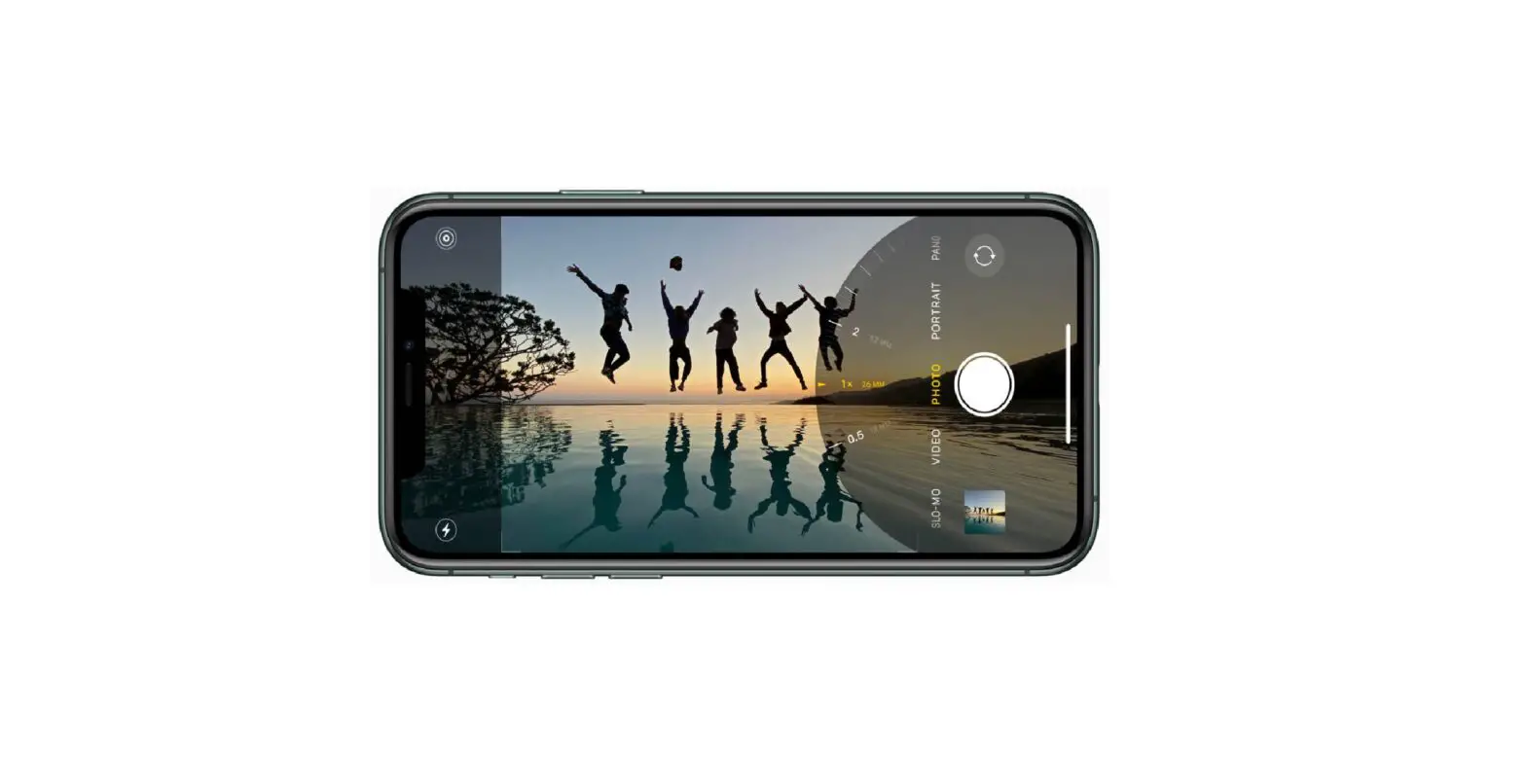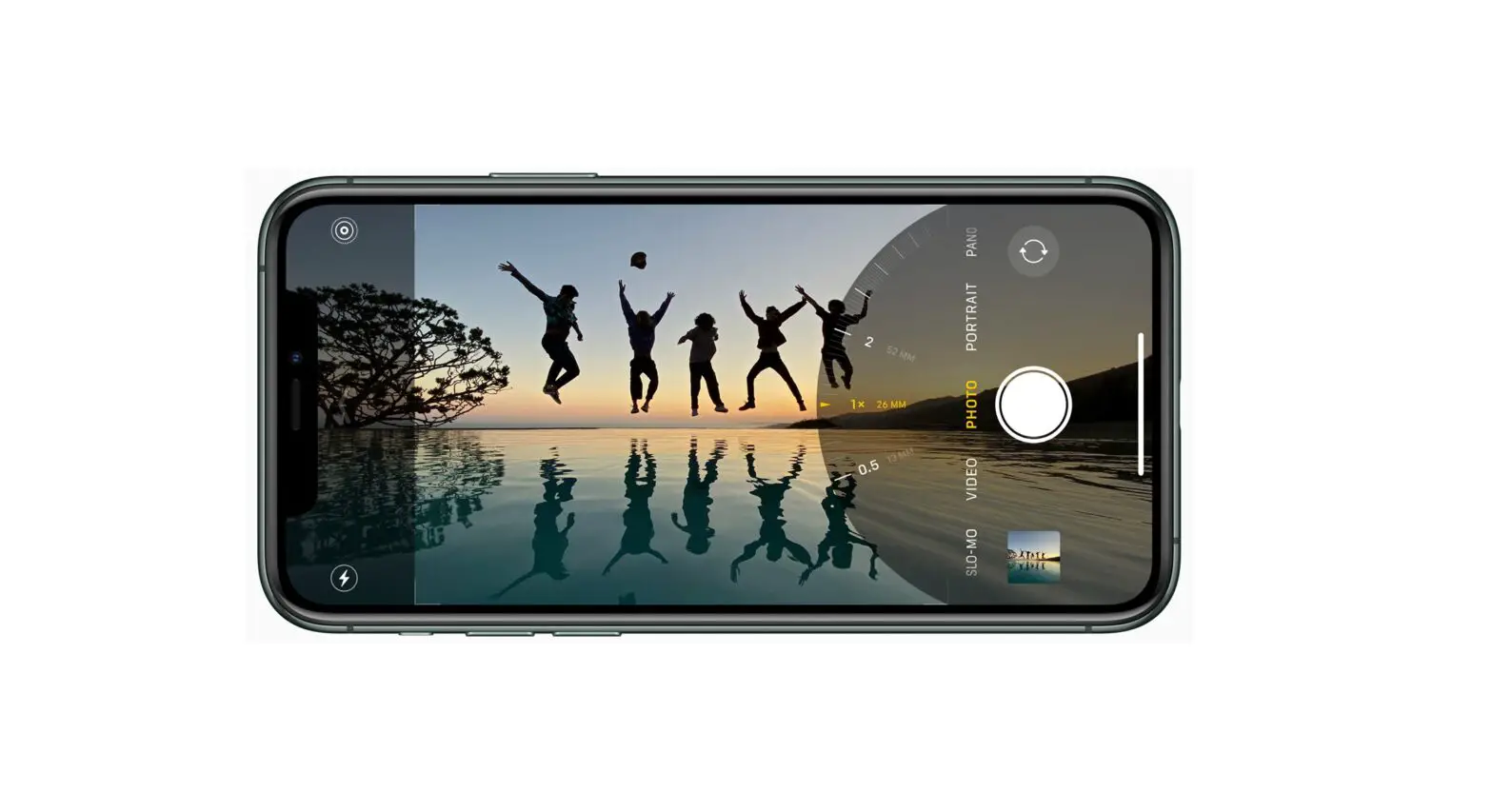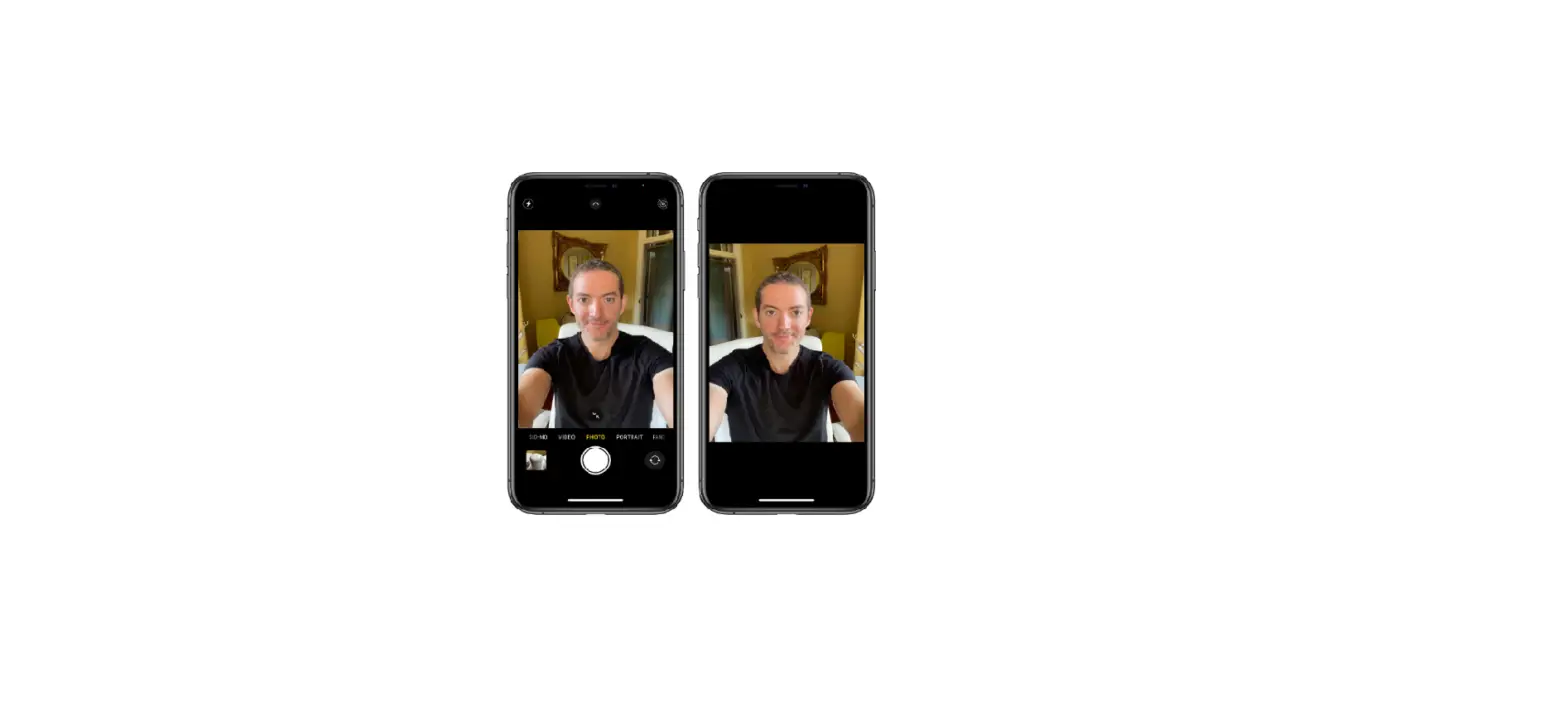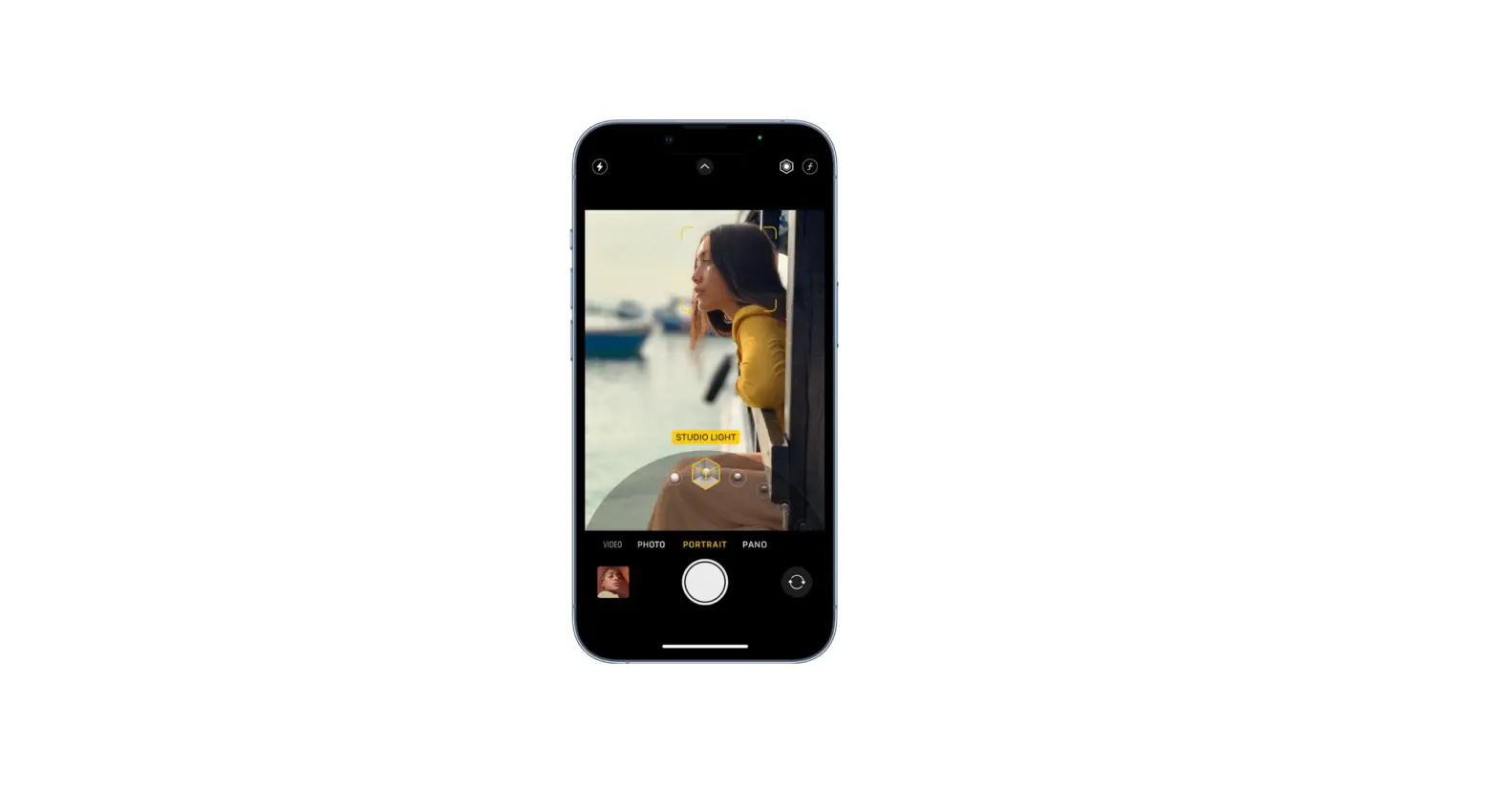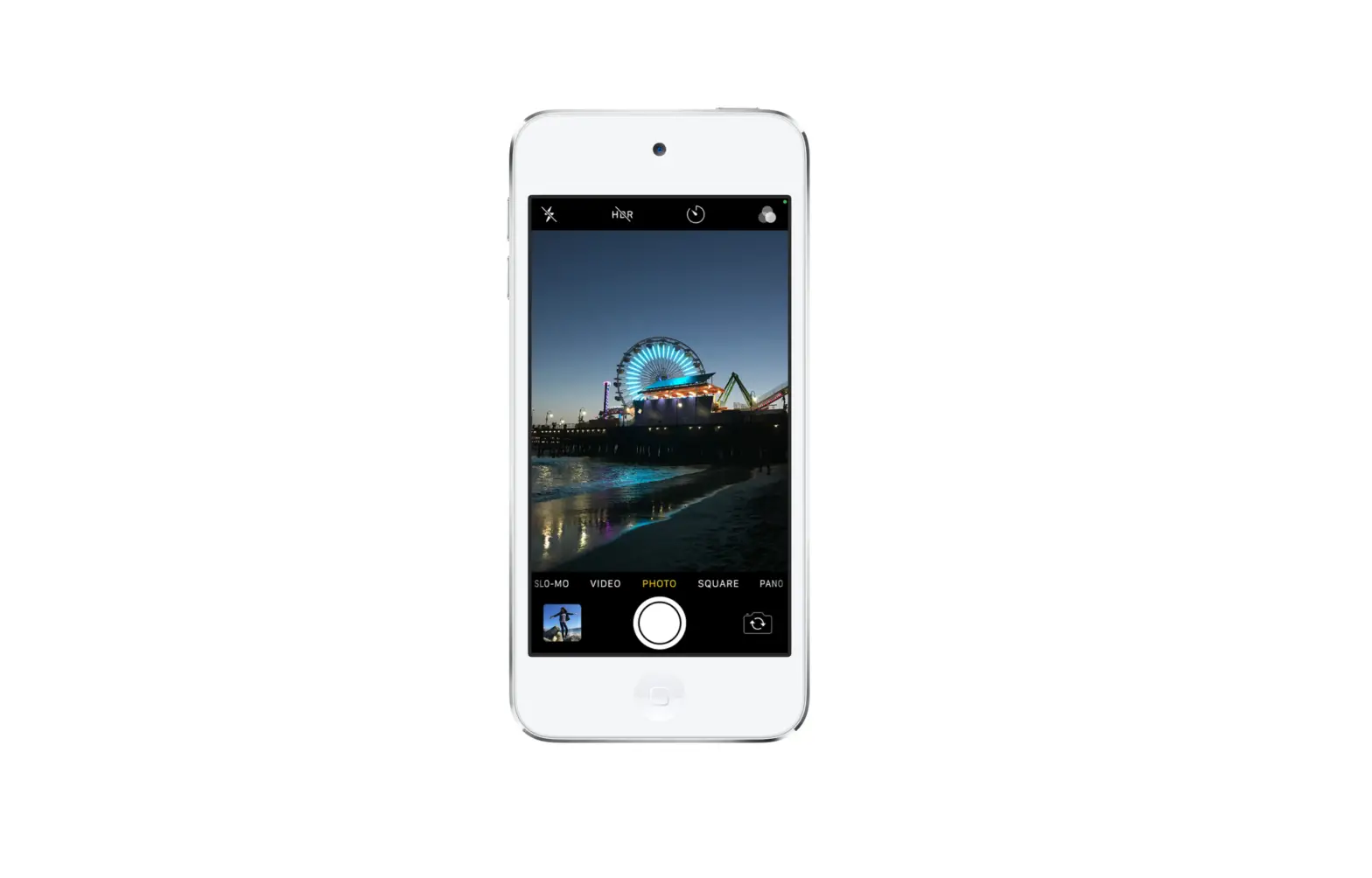
Photo is the standard mode that you see when you open Camera. Use Photo mode to take still and Live Photos. Swipe left or right to choose one of the following camera modes:
- Video: Record a video.
- Time-lapse: Create a time‑lapse video of motion over a period of time.
- Slow-mo: Record a video with a slow-motion effect.
- Pano: Capture a panoramic landscape or other scene.
- Portrait: Apply a depth-of-field effect to your photos (on supported models).
- Square: Limit the frame of your camera screen to a square.
On an iPhone 12, iPhone 12 mini, iPhone 12 Pro, iPhone 12 Pro Max, iPhone SE (2nd generation), iPhone 11, or iPhone 11 Pro, tap
 , then tap 4:3 to choose between square, 4:3, or 16:9 aspect ratios.
 ,
,