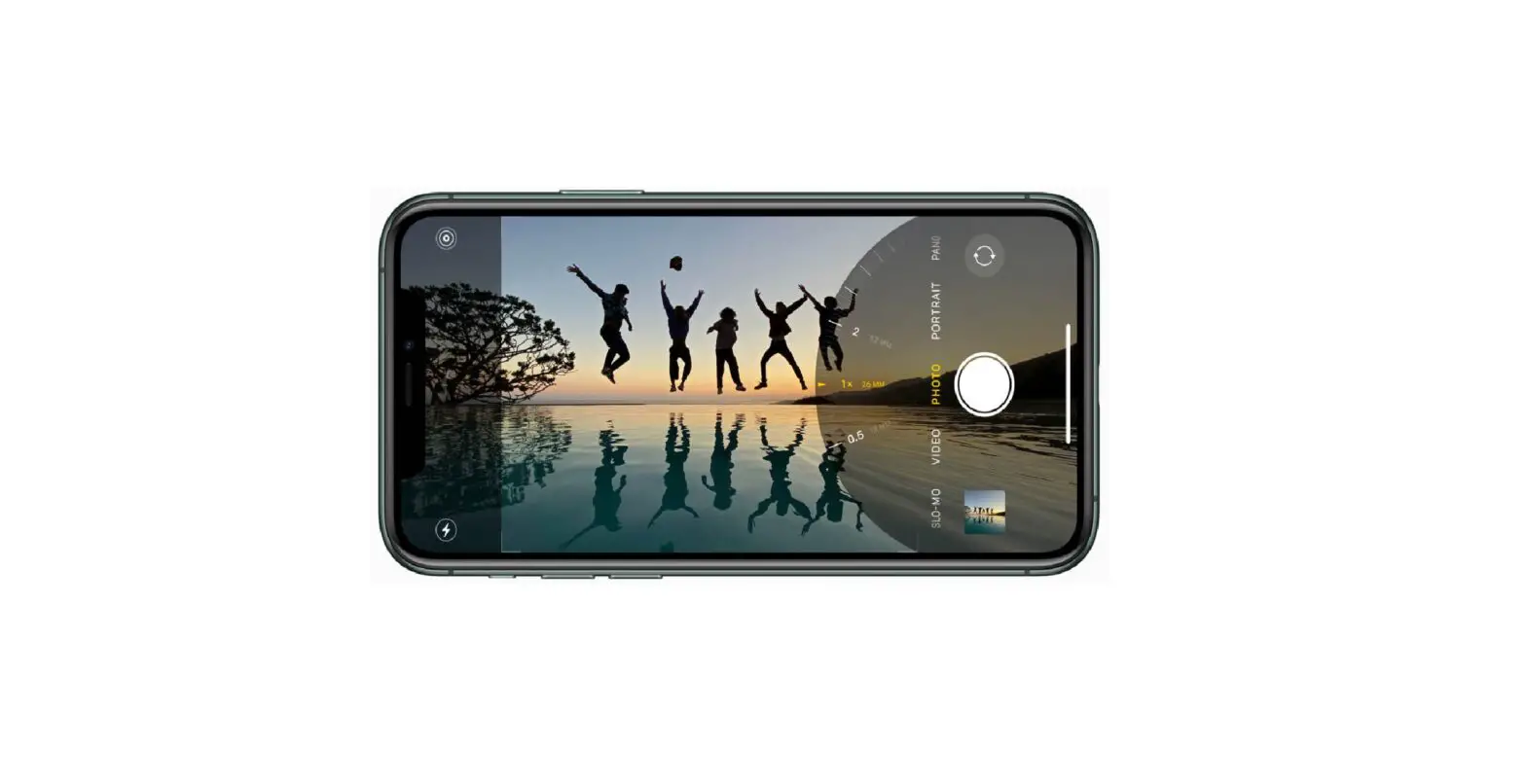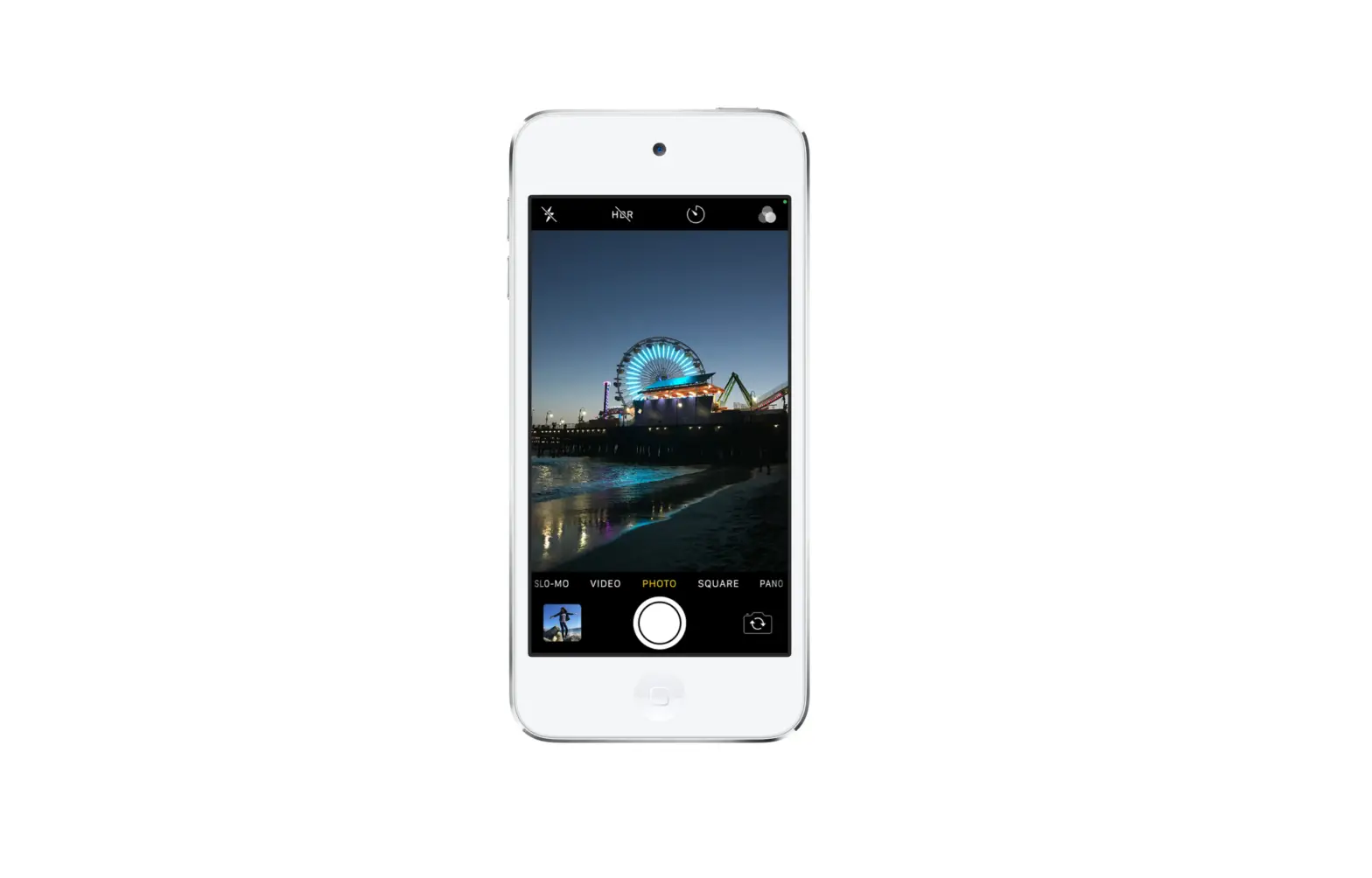
When you record a video in Slo-mo mode, your video records as normal and you see the slow-motion effect when you play it back. You can also edit your video so that the slow-motion action starts and stops at a time you choose.
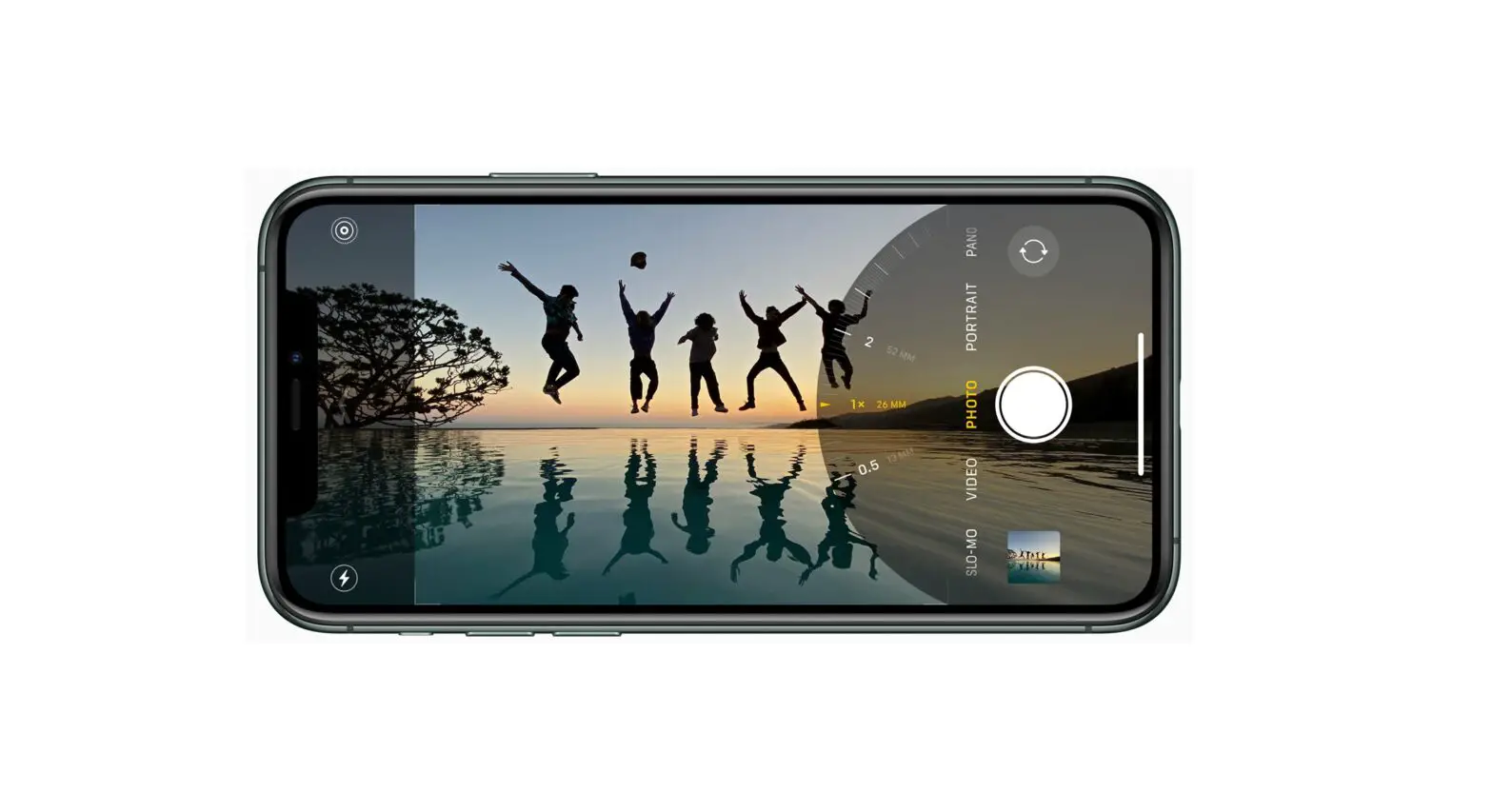
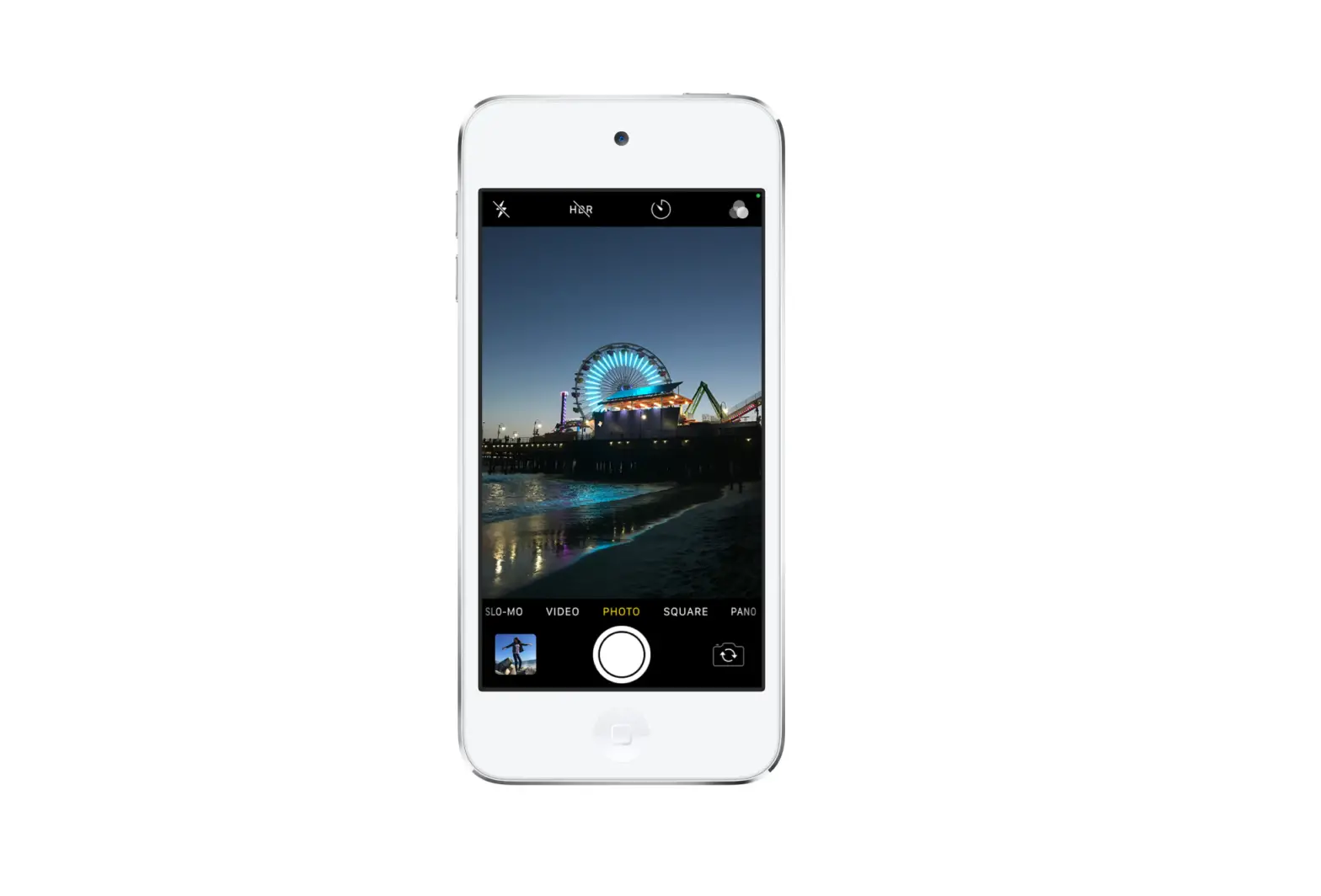
- Choose Slo-mo mode.
- Tap the Record button or press either volume button to start and stop recording.
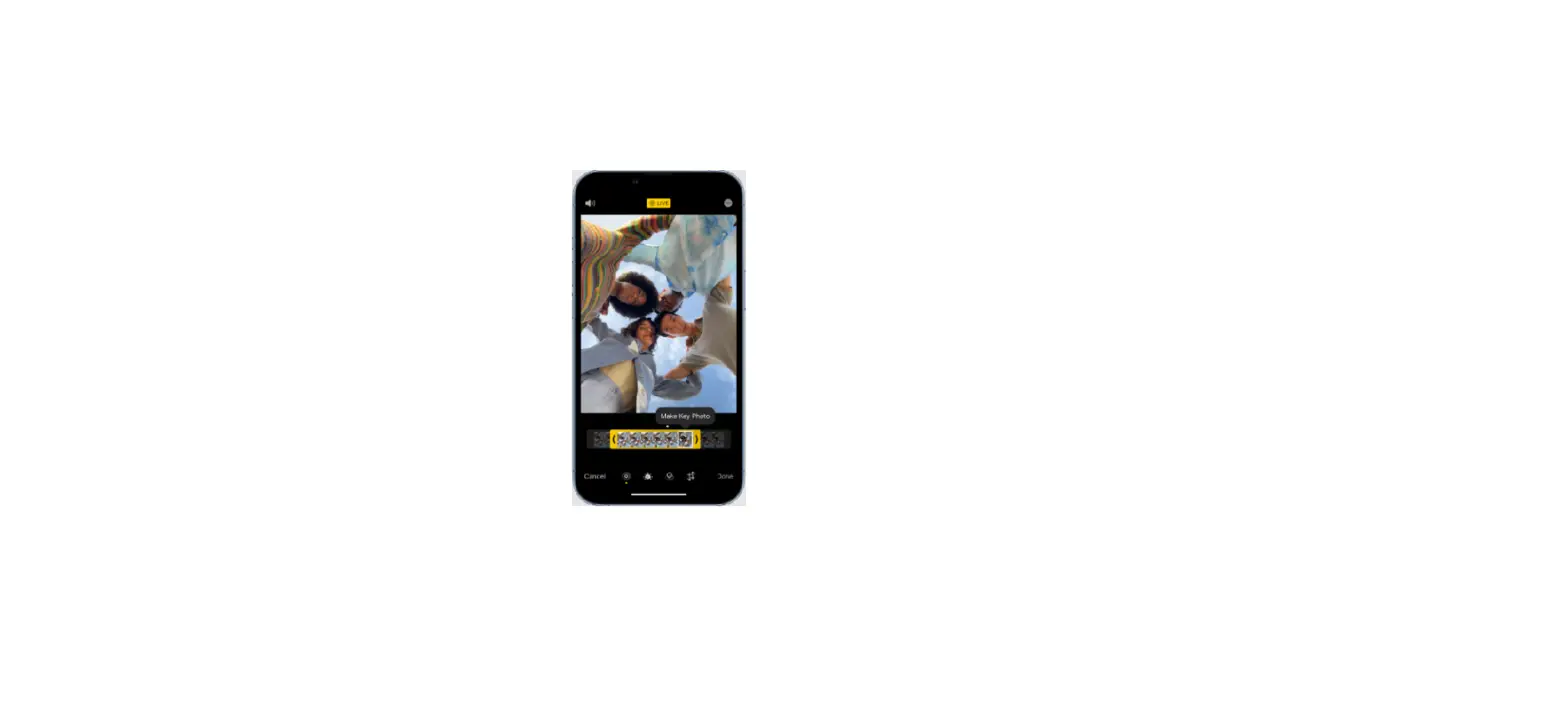
To set a portion of the video to play in slow motion and the rest at regular speed, tap the video thumbnail, then tap Edit. Slide the vertical bars below the frame viewer to define the section you want to play back in slow motion.