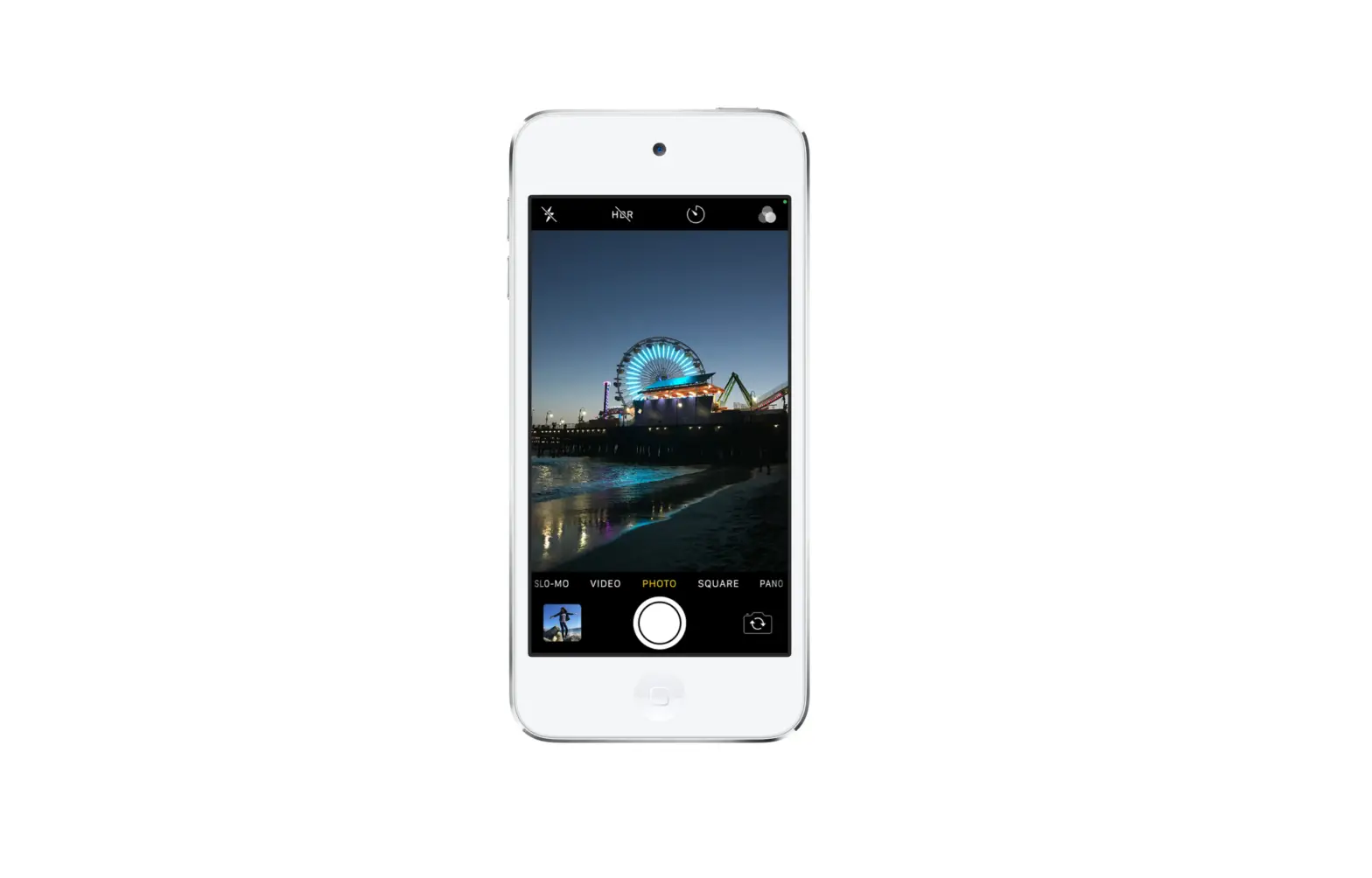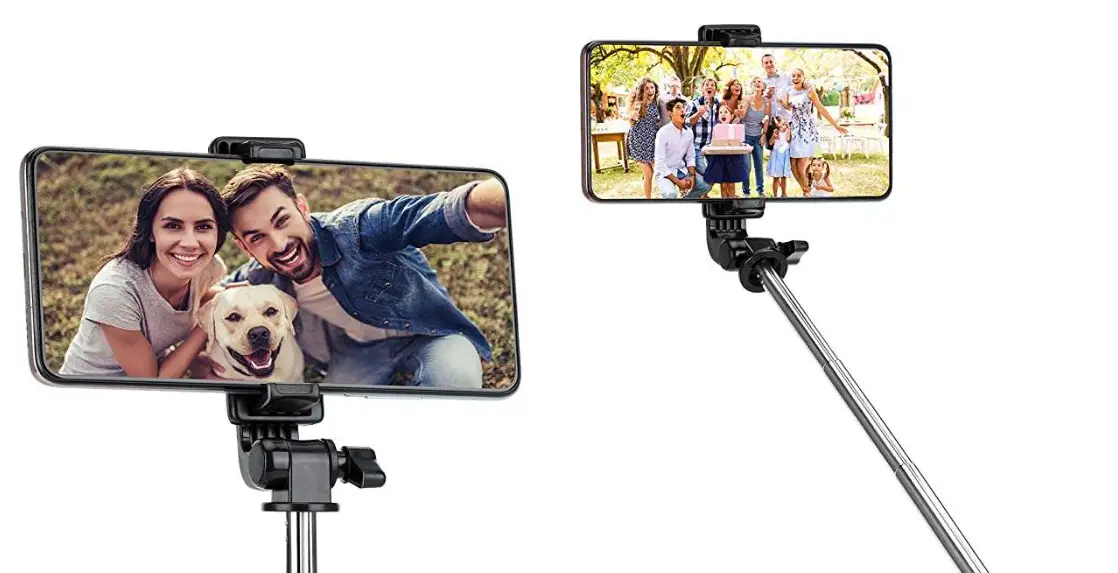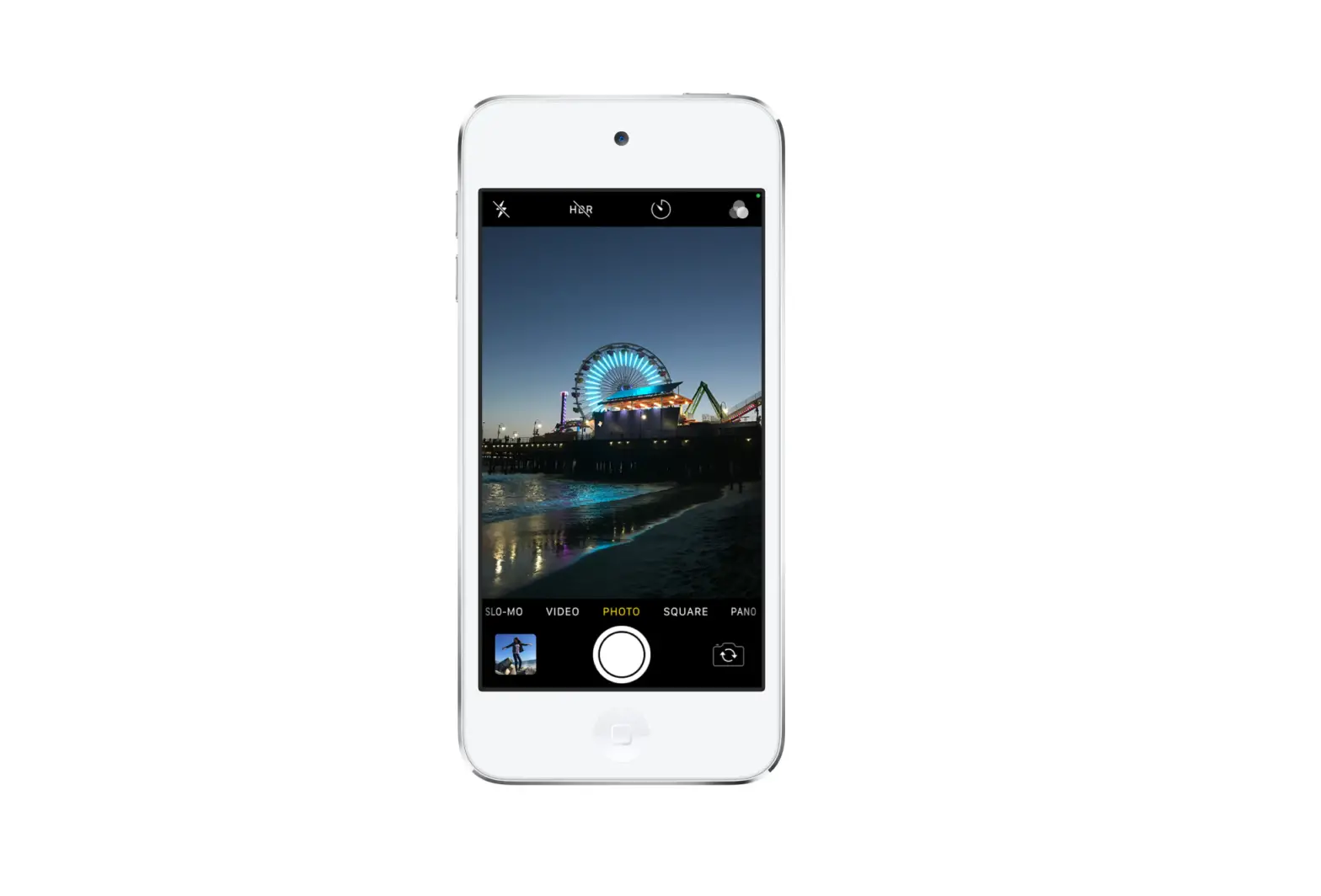
Use the front-facing camera to take a selfie in Photo mode, Square mode, or record in Video mode.
- Tap
 to switch to the front-facing camera.
 - Hold your iPod touch in front of you.
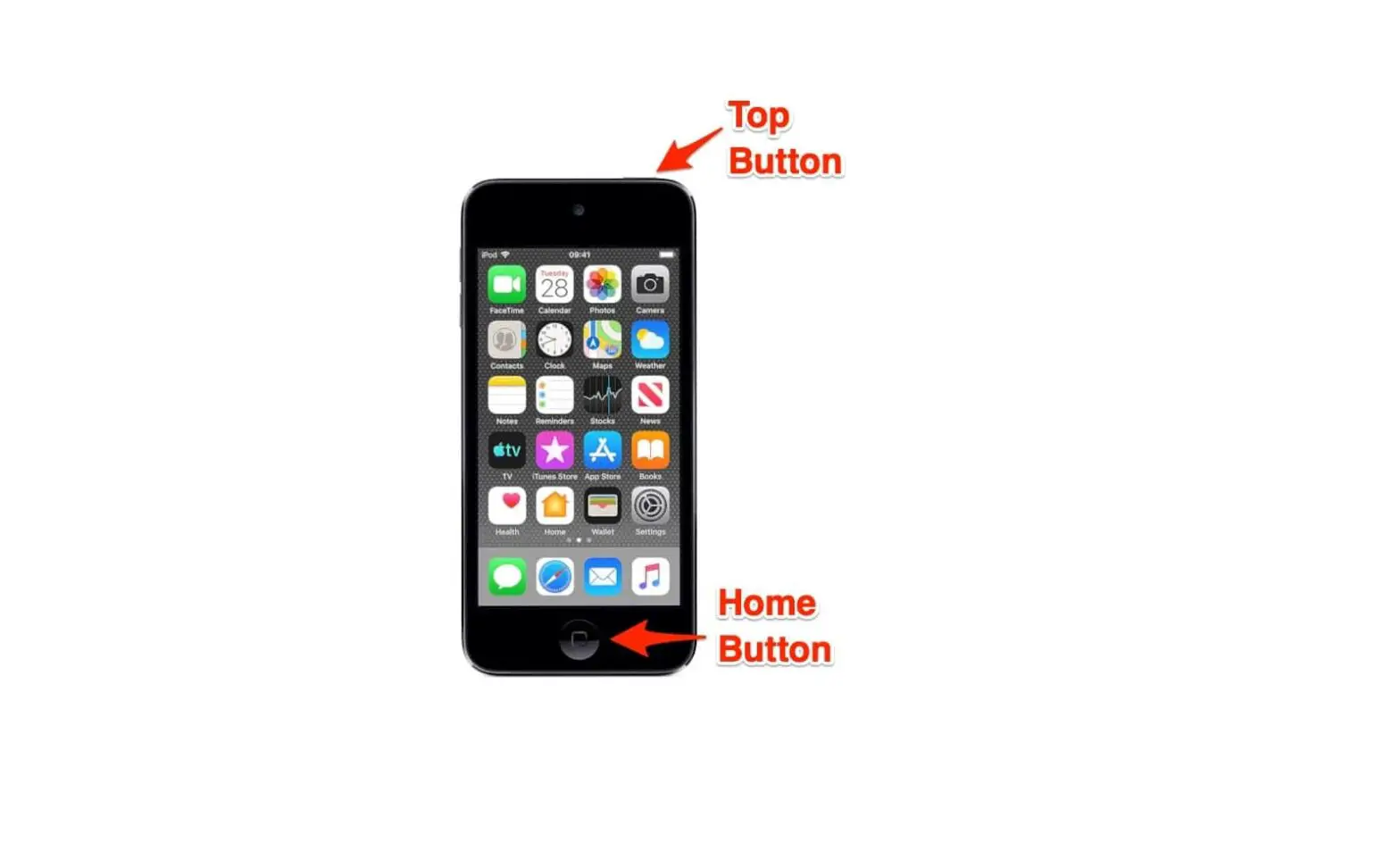
- Tap the Shutter button or press either volume button to take the shot or start recording.
 to switch to the front-facing camera.
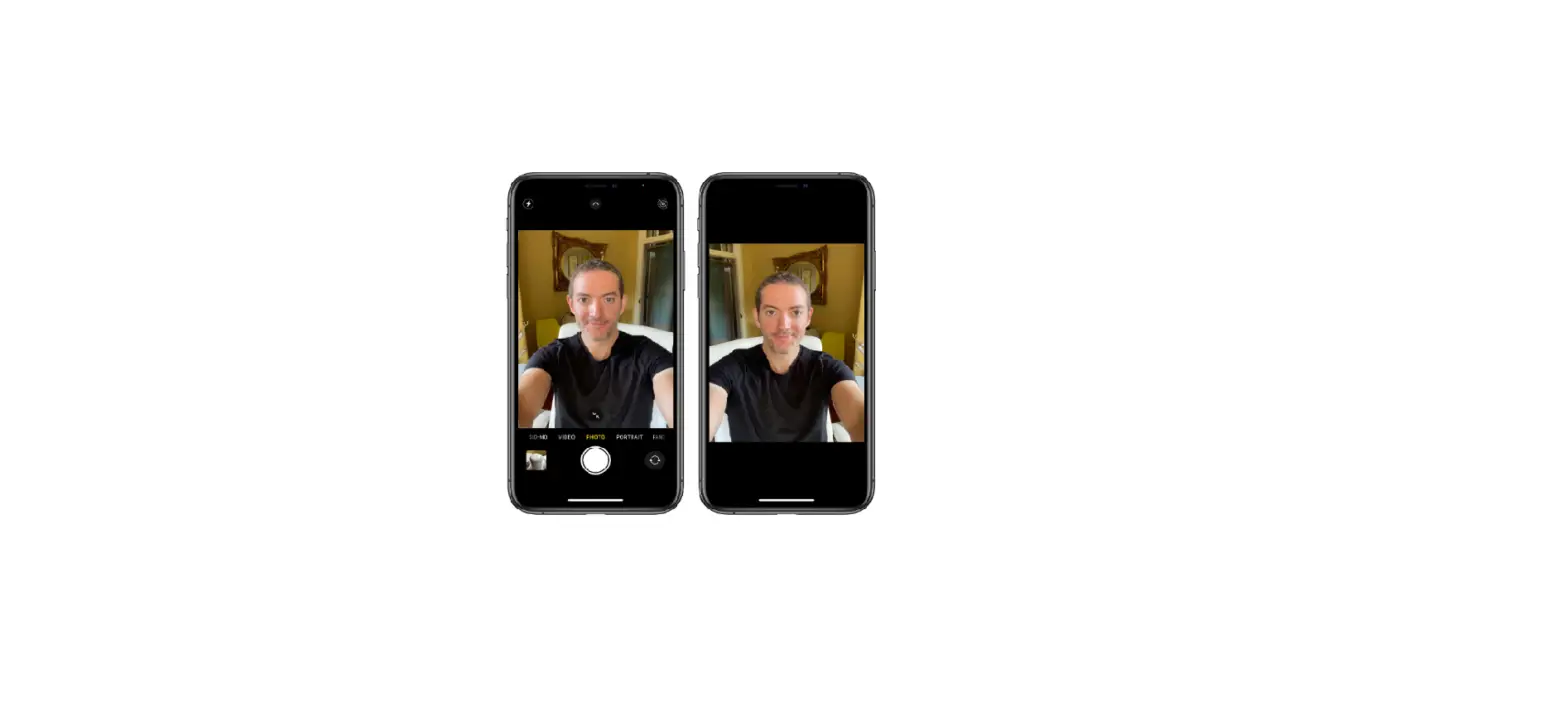
To take a mirrored selfie that captures the shot as you see it in the front camera frame, go to Settings  > Camera, then turn on Mirror Front Photos.