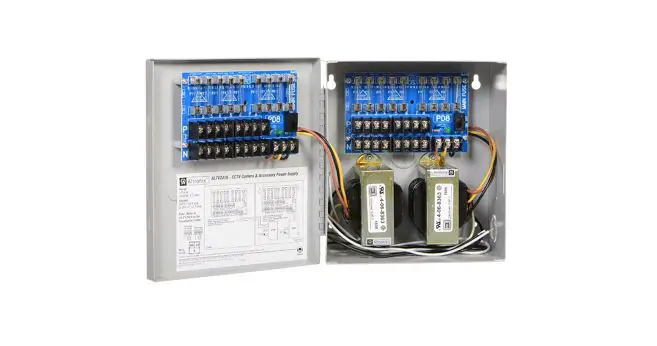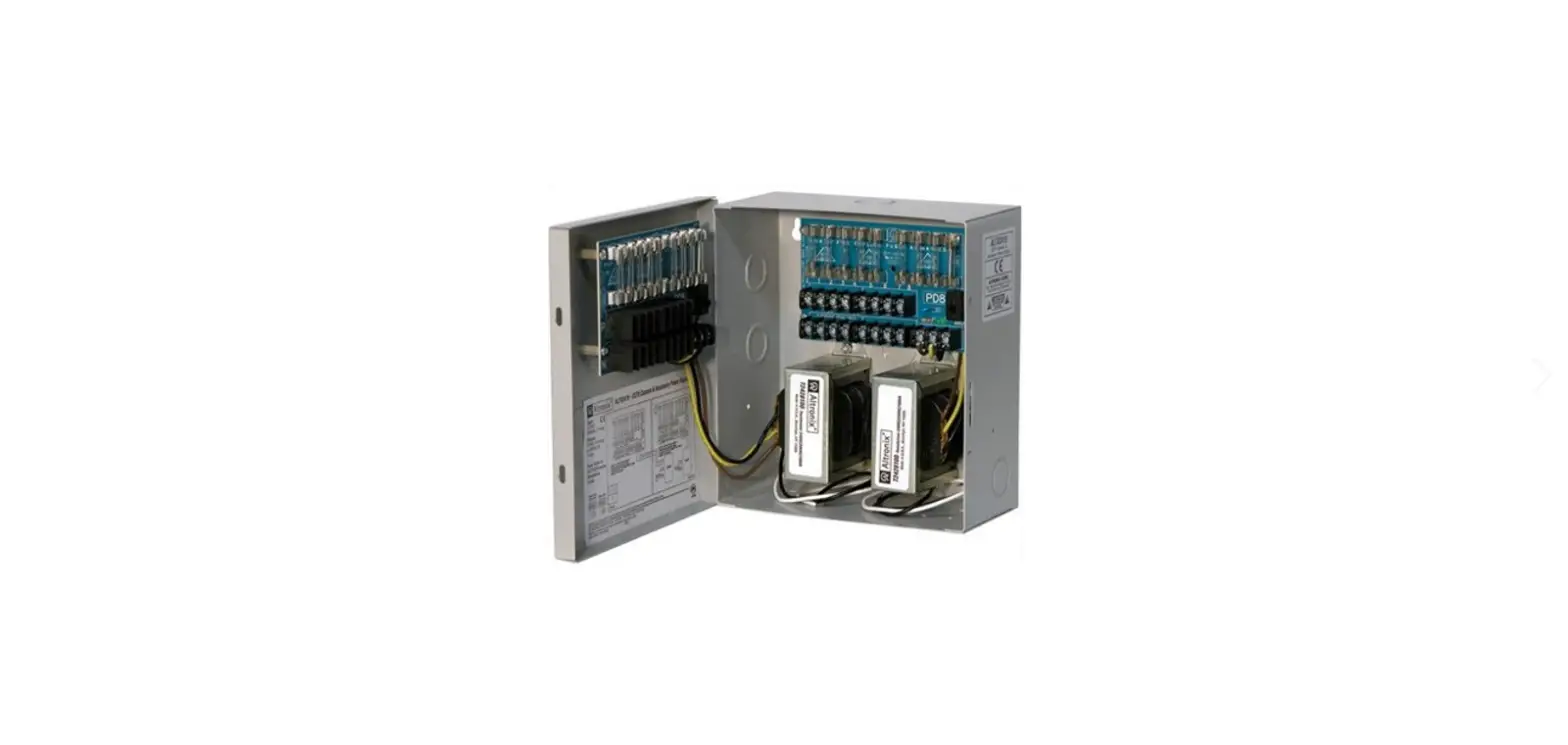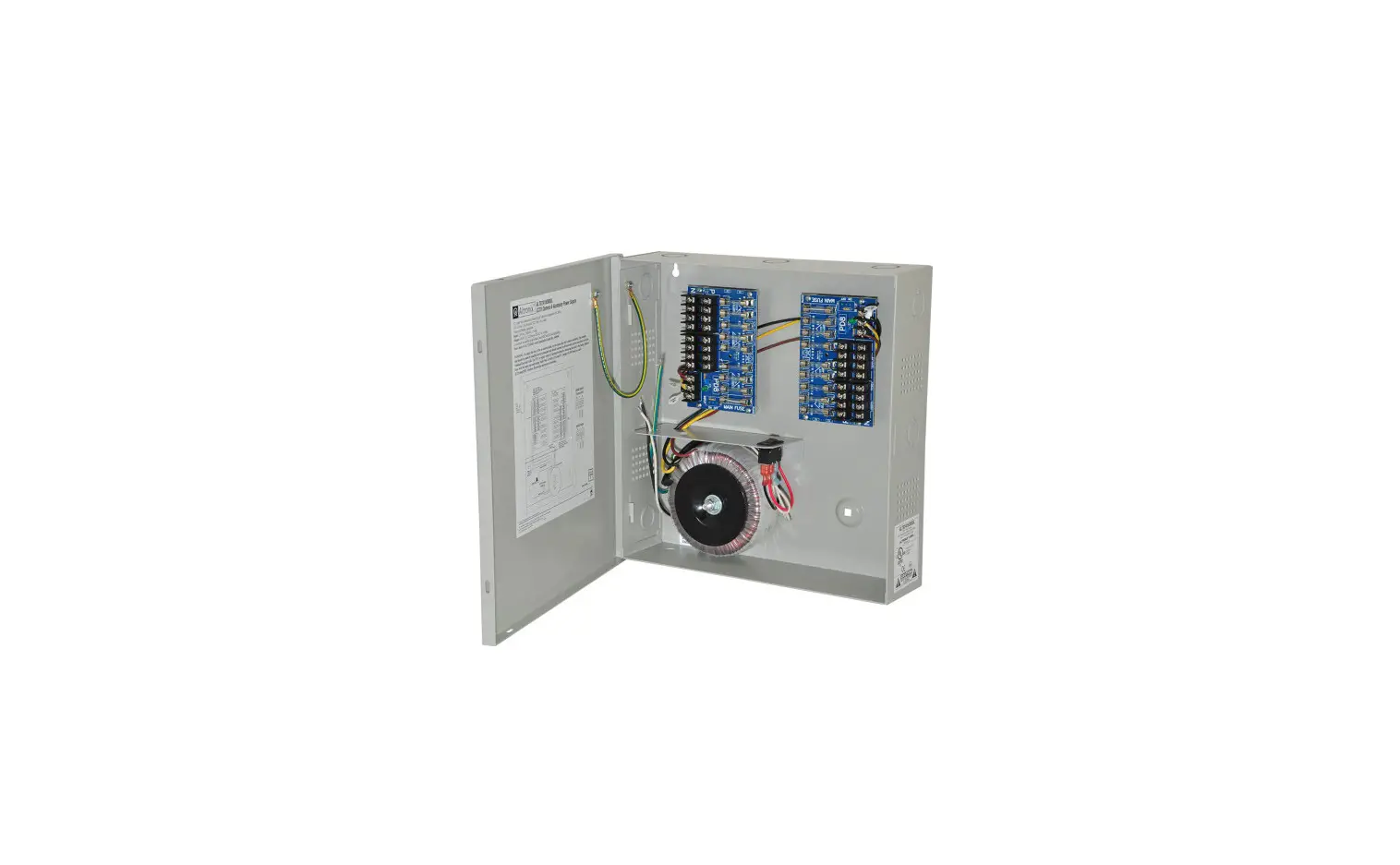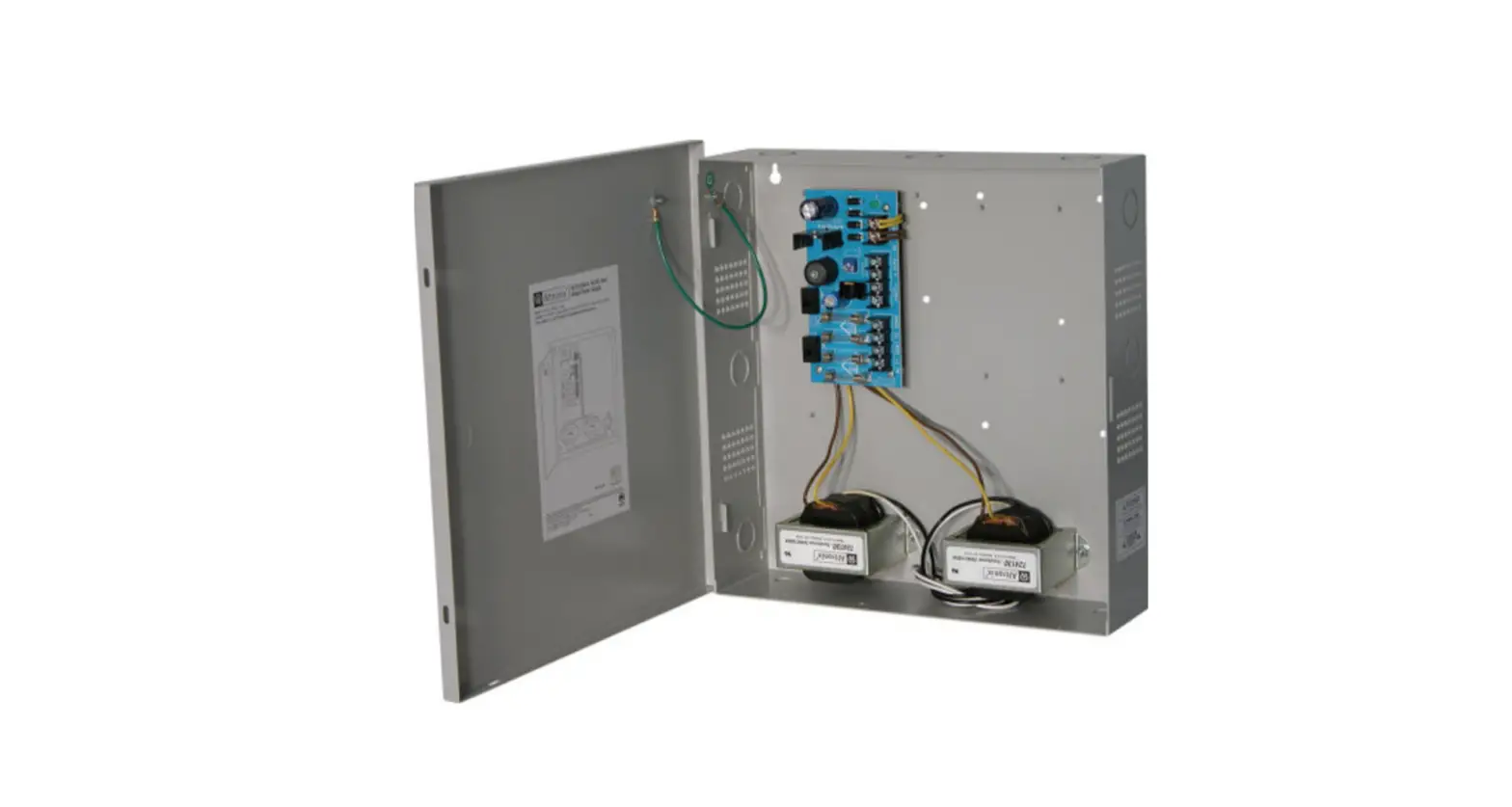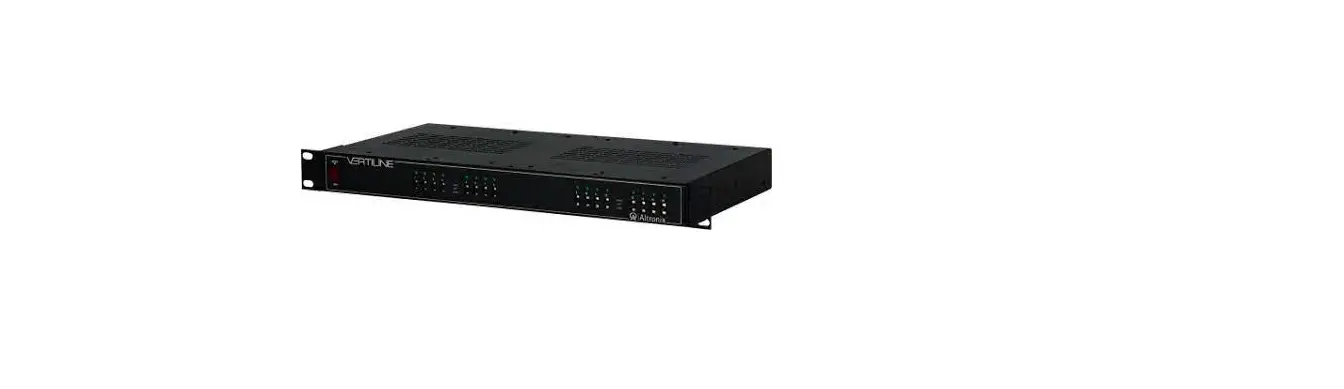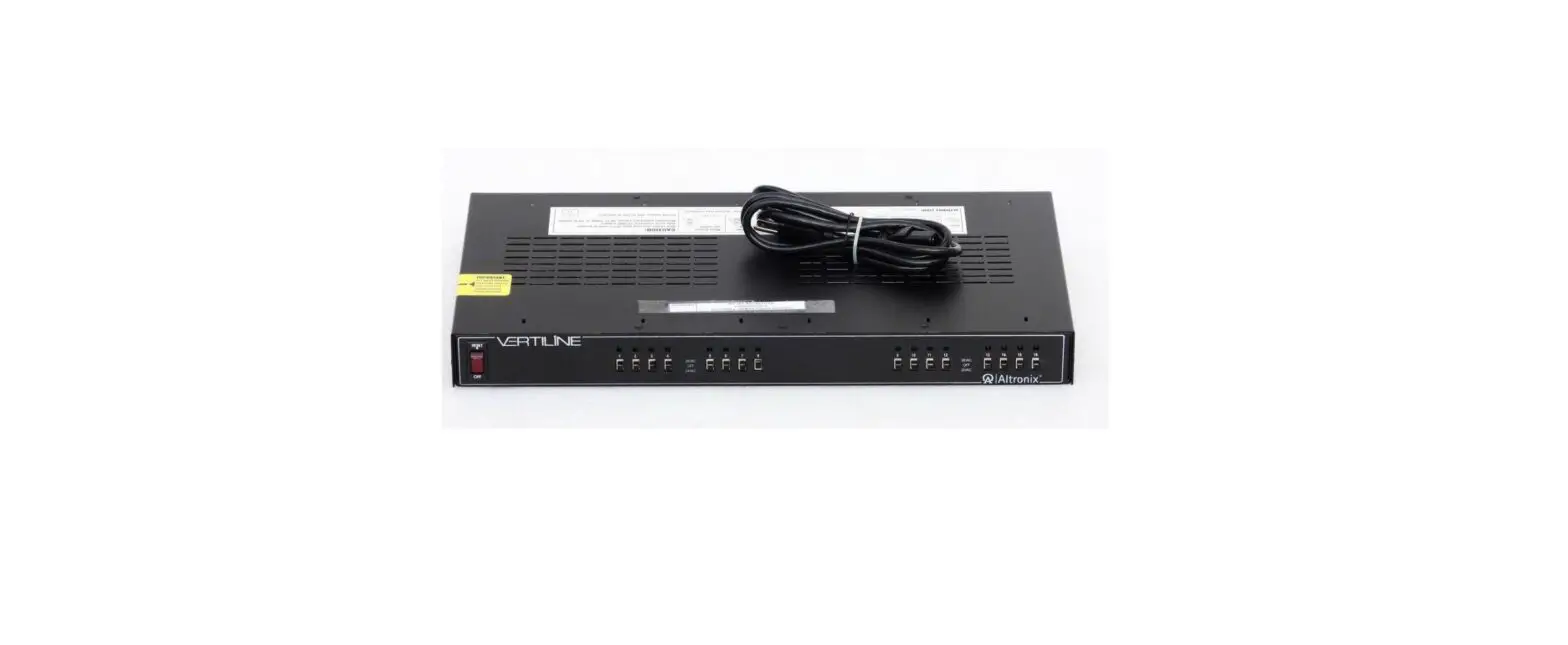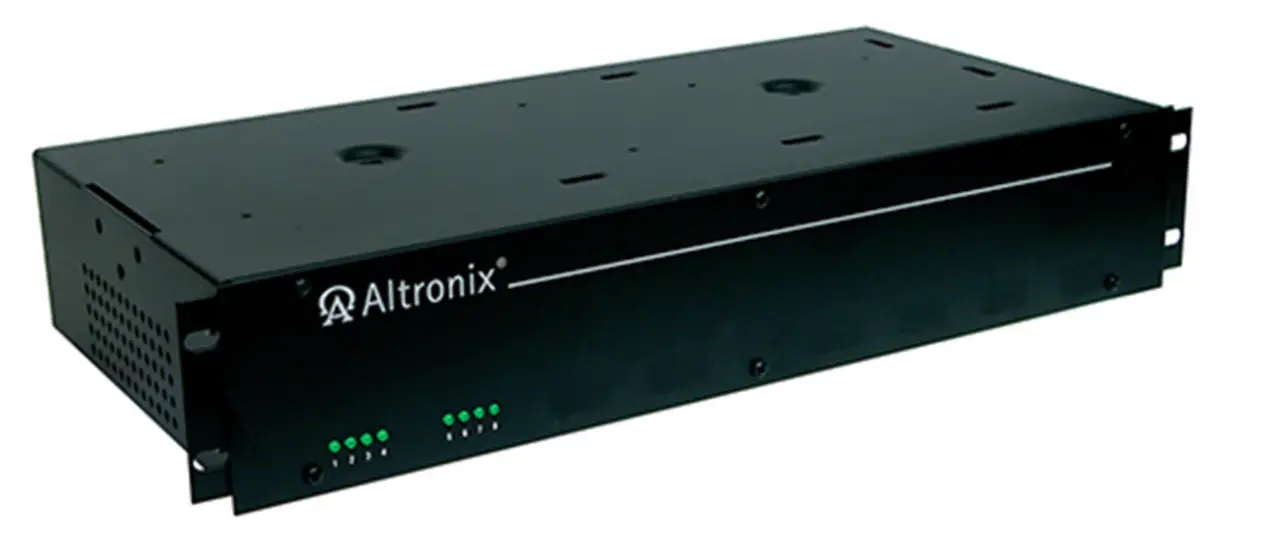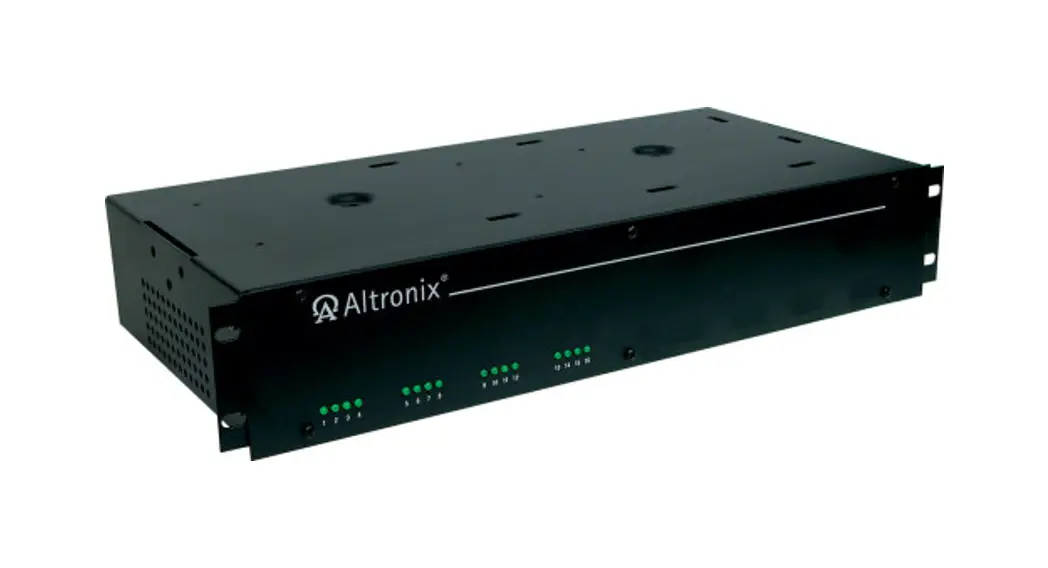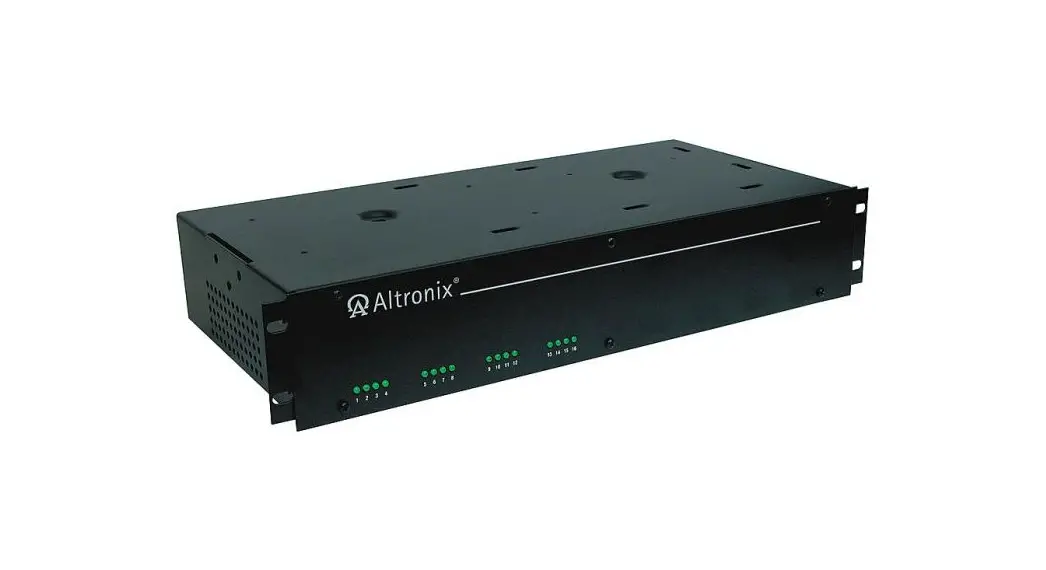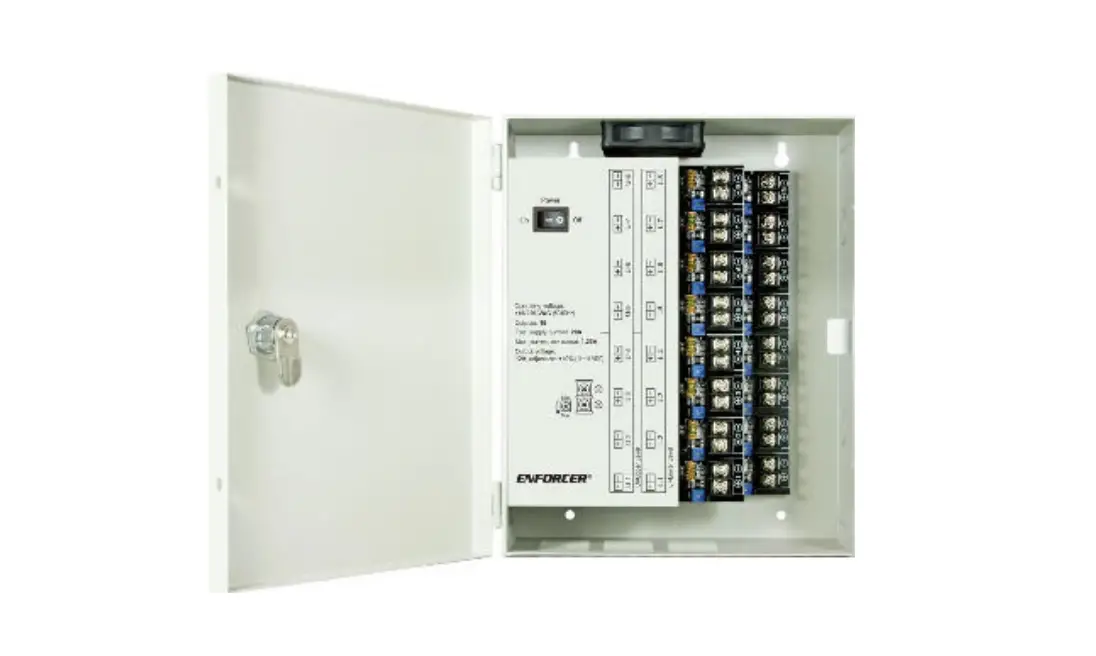
ENFORCER PC-L1620-PQ Low-Noise CCTV Power Supply Installation Guide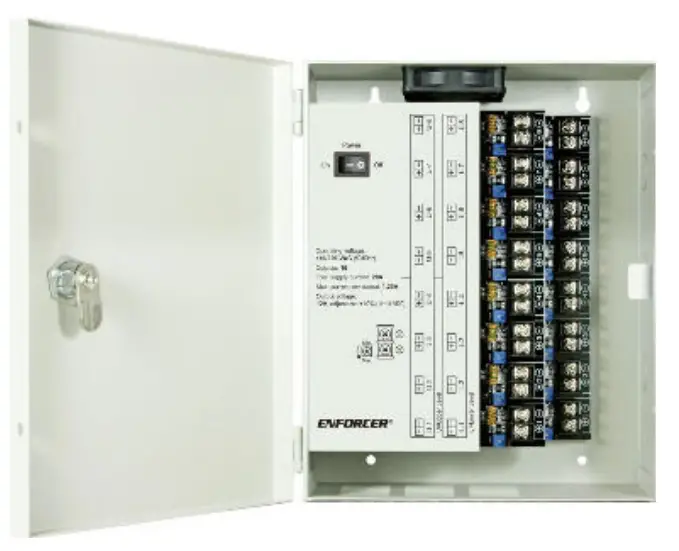
Product Information
The ENFORCER Low-Noise Switching CCTV Power Supply is designed for applications where noise is a problem due to inadequate wiring. Independently isolated and grounded outputs with integrated noise filtering and individually adjustable voltage helps reduce noise interference when using 4K (8MP) HD cameras, non-PoE IP cameras, and analog security cameras.
- Low-noise design for all CCTV applications where filtered power is needed, such as 4K (8MP) HD CCTV cameras, non-PoE IP cameras, and analog cameras
- 110/220 VAC input with 6kV surge protection
- Each output’s voltage individually adjustable to compensate for voltage drop
- Outputs independently grounded with integrated noise filter for better noise reduction
- Outputs individually isolated and individually fused (2A PTC)
- Individual output status LEDs
- Heavy-duty steel case with cover and cam lock
- Built-in short circuit and overheat protection
Parts List
| 1x Power supply | 2x Cover locking screws | 2x Rubber grommets |
| 1x Power cord | 2x Cam lock keys | 1x Manual |
Specifications
| Operating voltage | 110/220 VAC (50/60Hz) |
| Outputs | 16 |
| Total supply current | 20A |
| Max. current per output | 1.25A |
| Output fuse | 2A PTC (Per-channel) |
| Output voltage | 12VDC ±5% |
| Efficiency | 80% |
| LED Indicators | Individual per output, red indicates powered |
| Operating humidity | 95% non-condensing |
| Operating temperature | 32°~104° F (0°~40° C) |
| Dimensions | 8″x93/16″x315/16″ (204x250x100 mm) |
| Weight | 6-lb (2.71kg) |
Overview
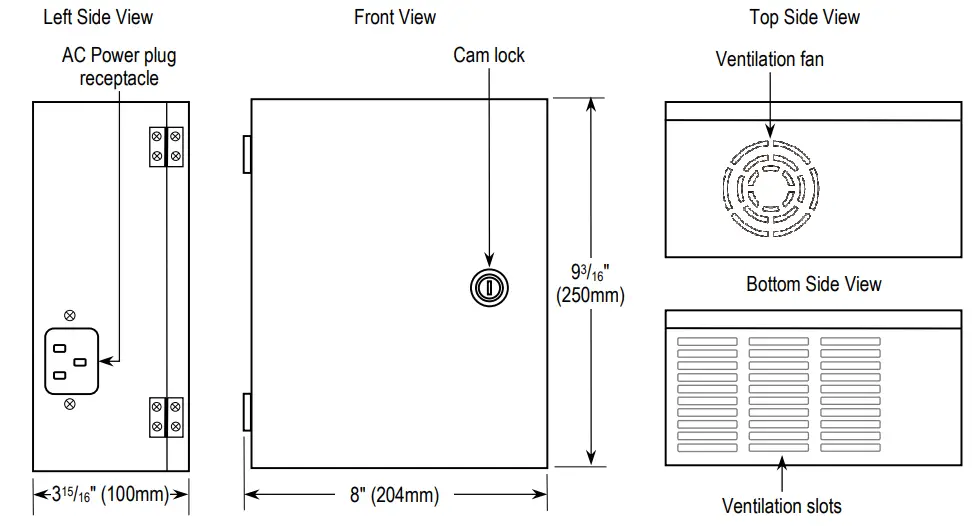
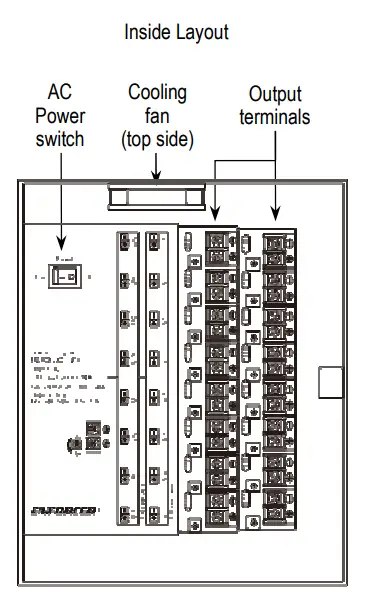
IMPORTANT WARNINGS
- AWAYS TEST OUTPUT VOLTAGE OF EACH OUTPUT BEFORE CONNECTING DEVICES.
- Indoor use only. Do not mount the unit where it may be exposed to weather or high humidity.
- For professional installation only.
- Installation must conform to all local laws and building codes.

Installation
Please read the manual thoroughly before beginning installation.
- Find a suitable location to install the power supply. The power supply should be installed out of sight, and in a place protected from weather and high humidity. The power supply must have adequate ventilation. Insufficient ventilation may cause overheating and damage could result.
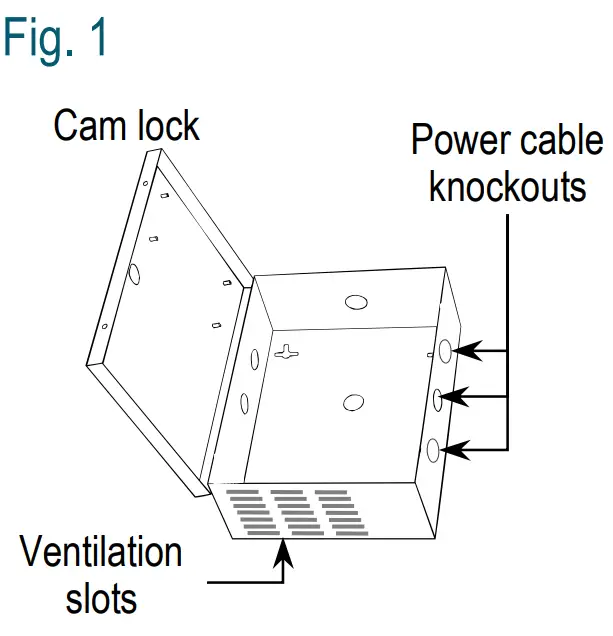
- Remove one or more of the cable knock-outs, depending on how many connections will be made. Knock-outs are shown in Fig. 1 to the right. Use one of the included grommets or other sleeve to protect wires passing through the hole(s).

- Screw the power supply to the wall or other mounting surface using 5 /32″x1″ (4×26 mm) screws and plastic anchors (not
included). First, screw in the top screw(s) and hang the power supply. Then, if applicable, screw in the bottom two screws to fully secure the unit in place. - Plug the power cable into the power input socket (see Overview, pg. 2).
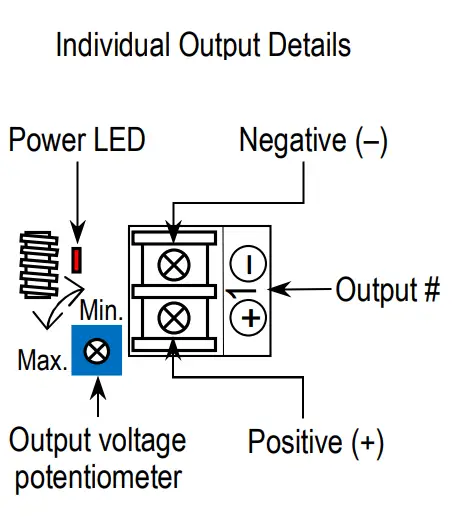
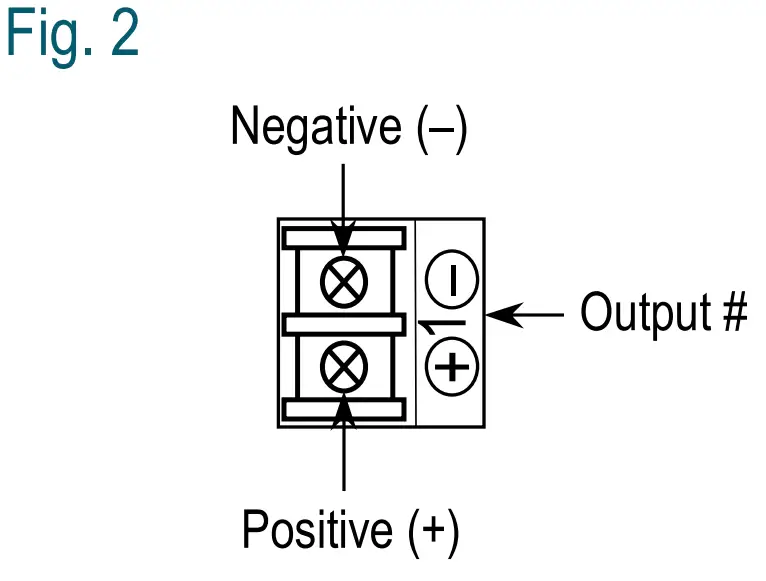
WARNING: Always test output voltage before connecting devices to the power supply. - Connect cameras and other devices to the power outputs, observing correct polarity (see Fig. 2). To minimize voltage drop, use 18-guage or larger wire.

- If voltage drop is large for any individual output, adjust the output voltage trimpot for that output (see Fig. 3).

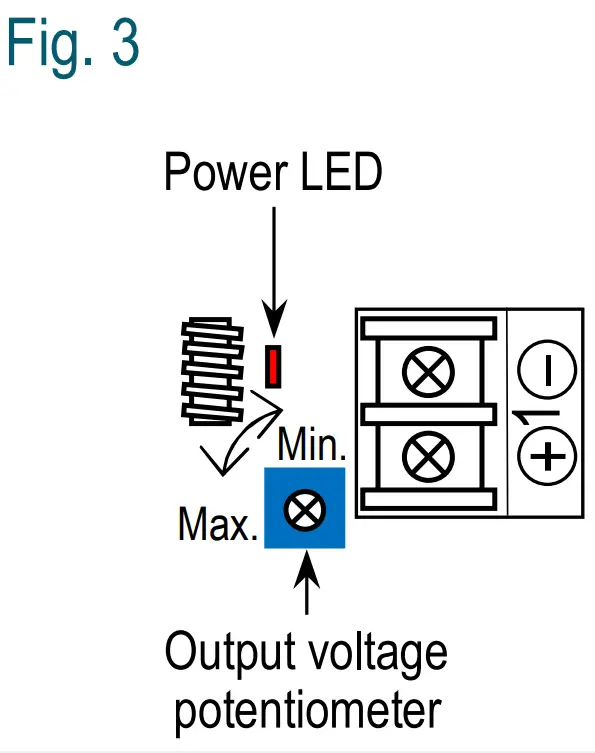
NOTE: The output voltage potentiometers change the voltage
for their assigned output by ±10%. Test each output to ensure voltage does not exceed device specifications.

 La Armería de Madrid - fabricantes de armas y rifles
 P65Warnings.ca.gov
 - SECO-LARM USA Inc