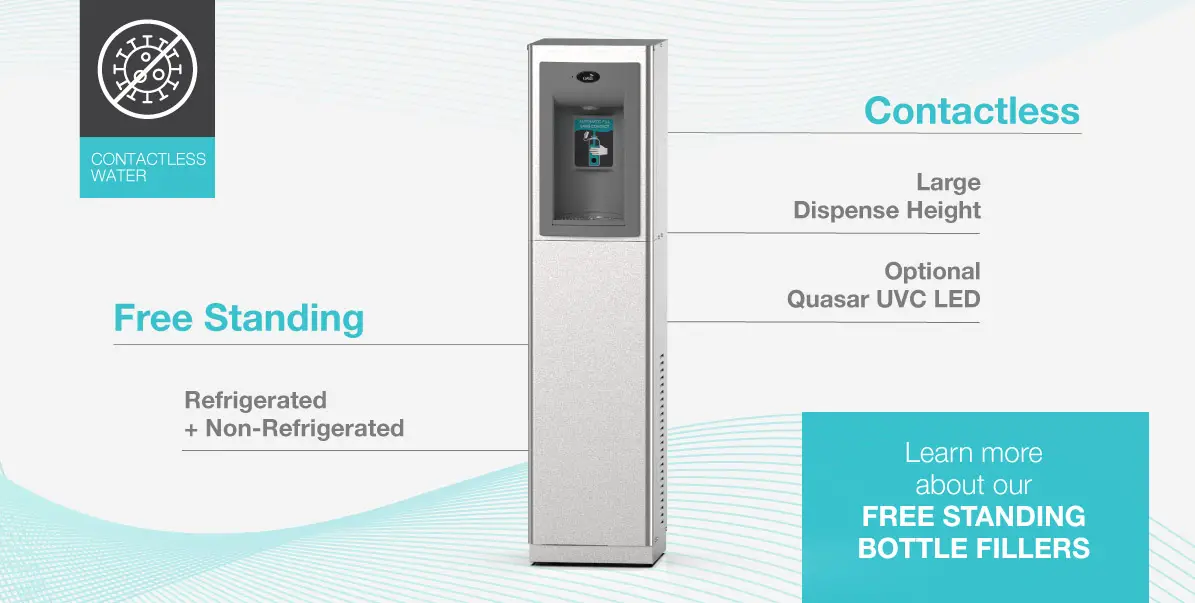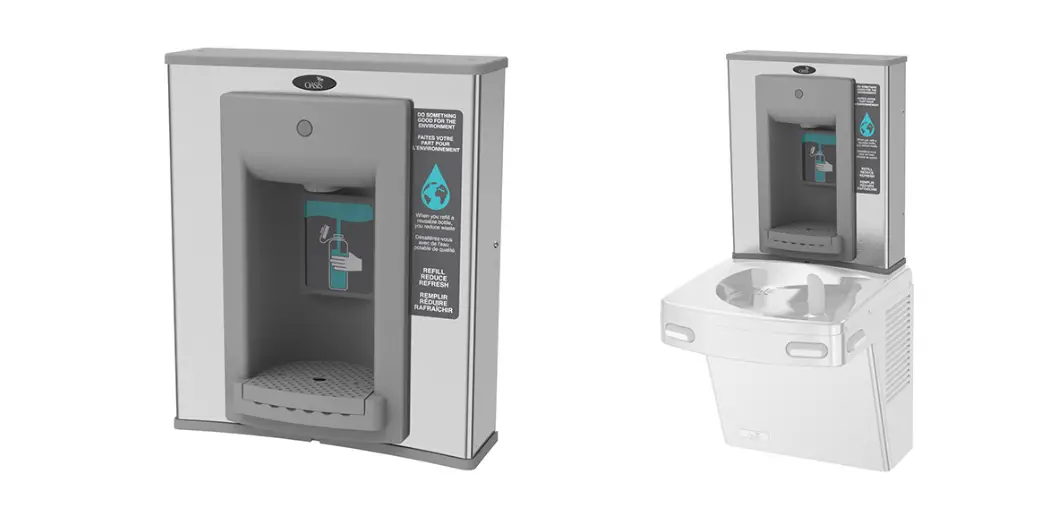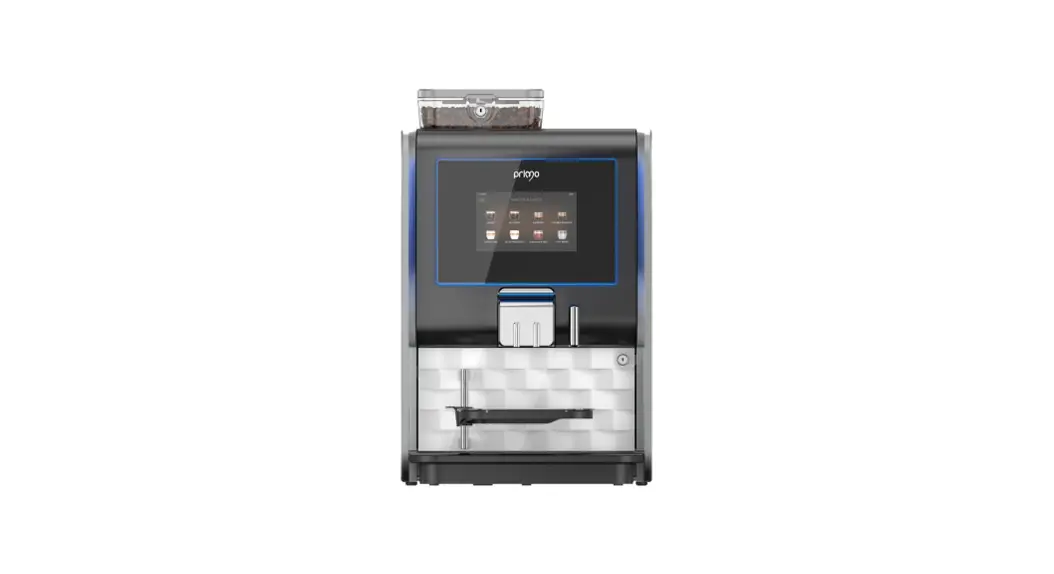

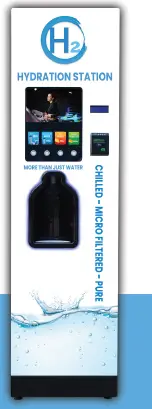
westermo H20 Hydration Station Ultimate Water Bottle Refill System
INSTALLING SCREEN MEDIA
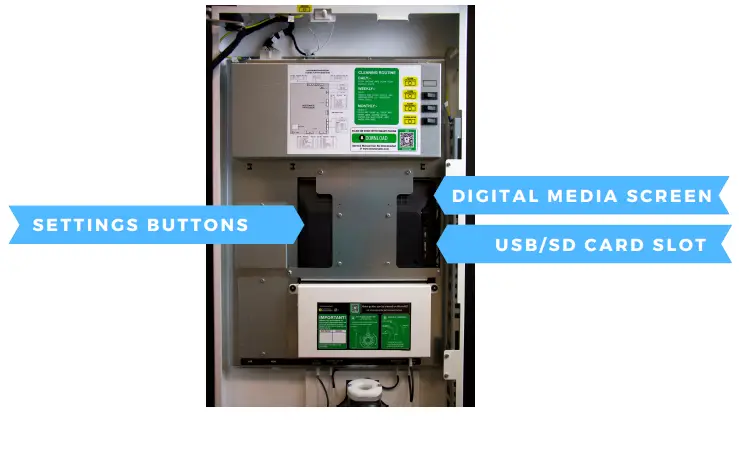 LOADING FILES ON TO SD CARD
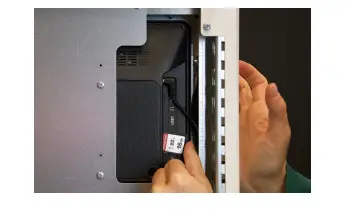
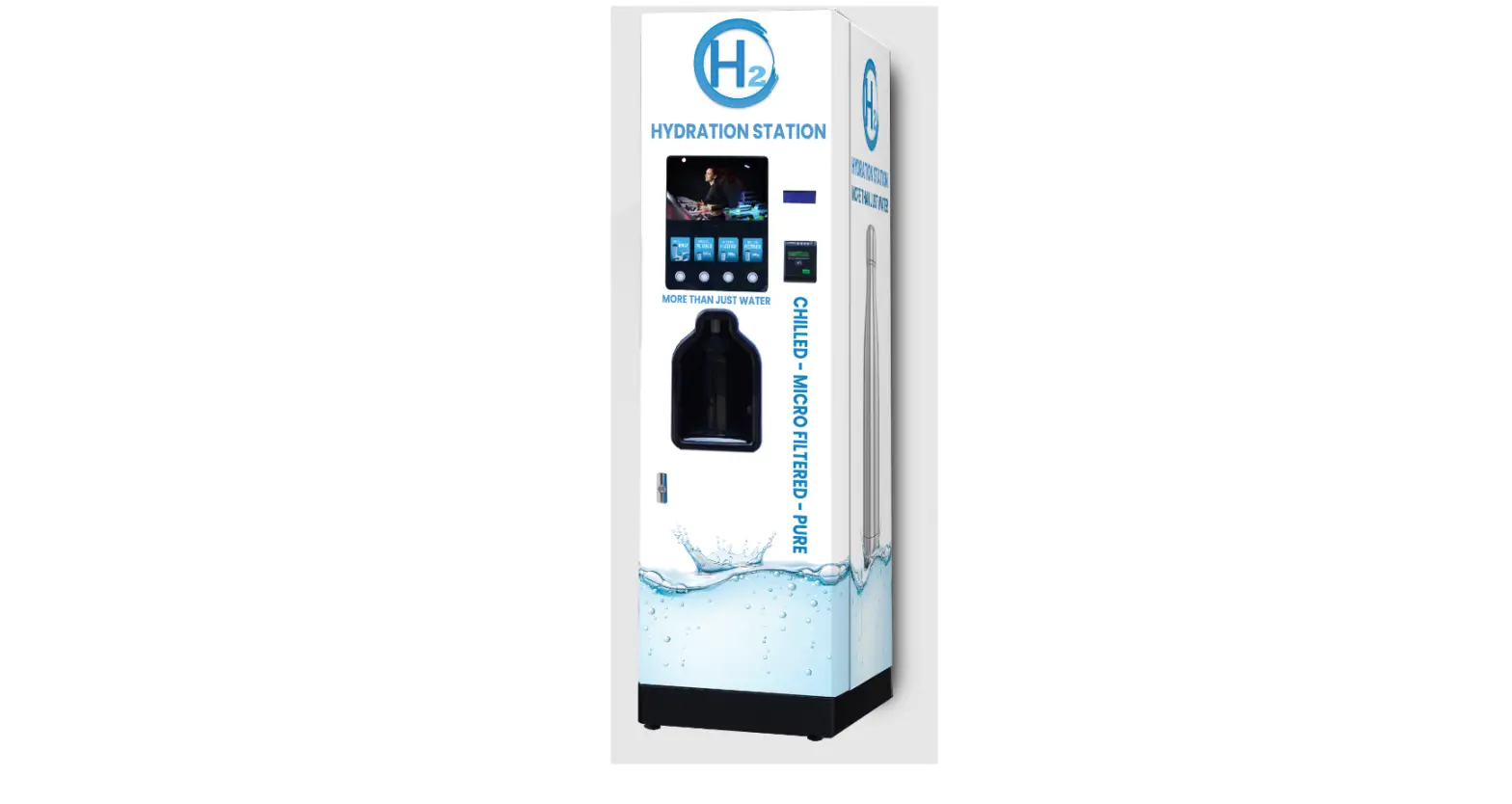
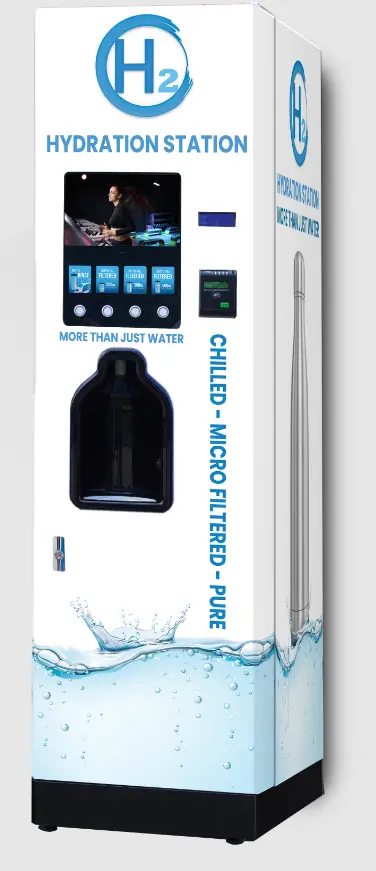
- We recommend using an SD Card to show media on the screen of the H20
- Remove the SD Card from the media screen
- Using a computer, read the contents of the SD card
- Delete all files currently on the SD Card (if there are any)
Load your media:
For stock footage please use the following link H20-Screen-Media.zip and copy the files onto the SD card

Alternatively, you can create your own using the following settings:
File Formats:
Image: PNG, JPG
Video: MP4
Frame Width x Height: 1280 x 720
Frame Rate: 30fps
Once created, please load it onto the SD card
LOADING ON TO MACHINE
- Using the buttons on the back of the screen, highlight the ‘SETTINGS’ option and press ‘ENTER’ to select it
- Using the directional buttons again change the ‘AUTOPLAY’ options to your desired setting. i.e. ‘movie’ or ‘photo’ or ‘photo & movie’ should your screen have this option.
- Press ‘MENU’ to save the settings
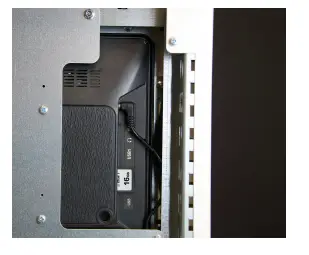
- Insert SD card back into digital media screen (as shown in the image)
- Files on the SD Card will automatically play and continually rotate the media on the card.
- The screen does have sound – to adjust it please use the remote control supplied.

IS LIFE – DON’T WASTE T
CONTACT
Westomatic Vending
Services Ltd,
Units 7-8 Forde Court, Block 4 Forde Road,
NewtonAbbot,
T Q 1 2 4 B T
+ 4 4 ( 0 ) 1 6 2 6 3 2 3 1 0 0
[email protected]
www.westomatic.com