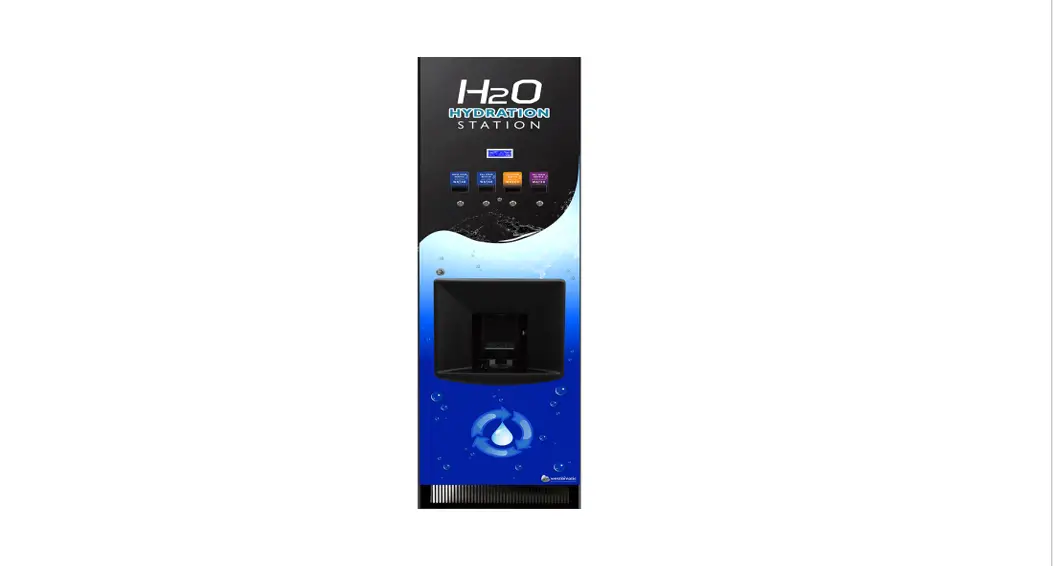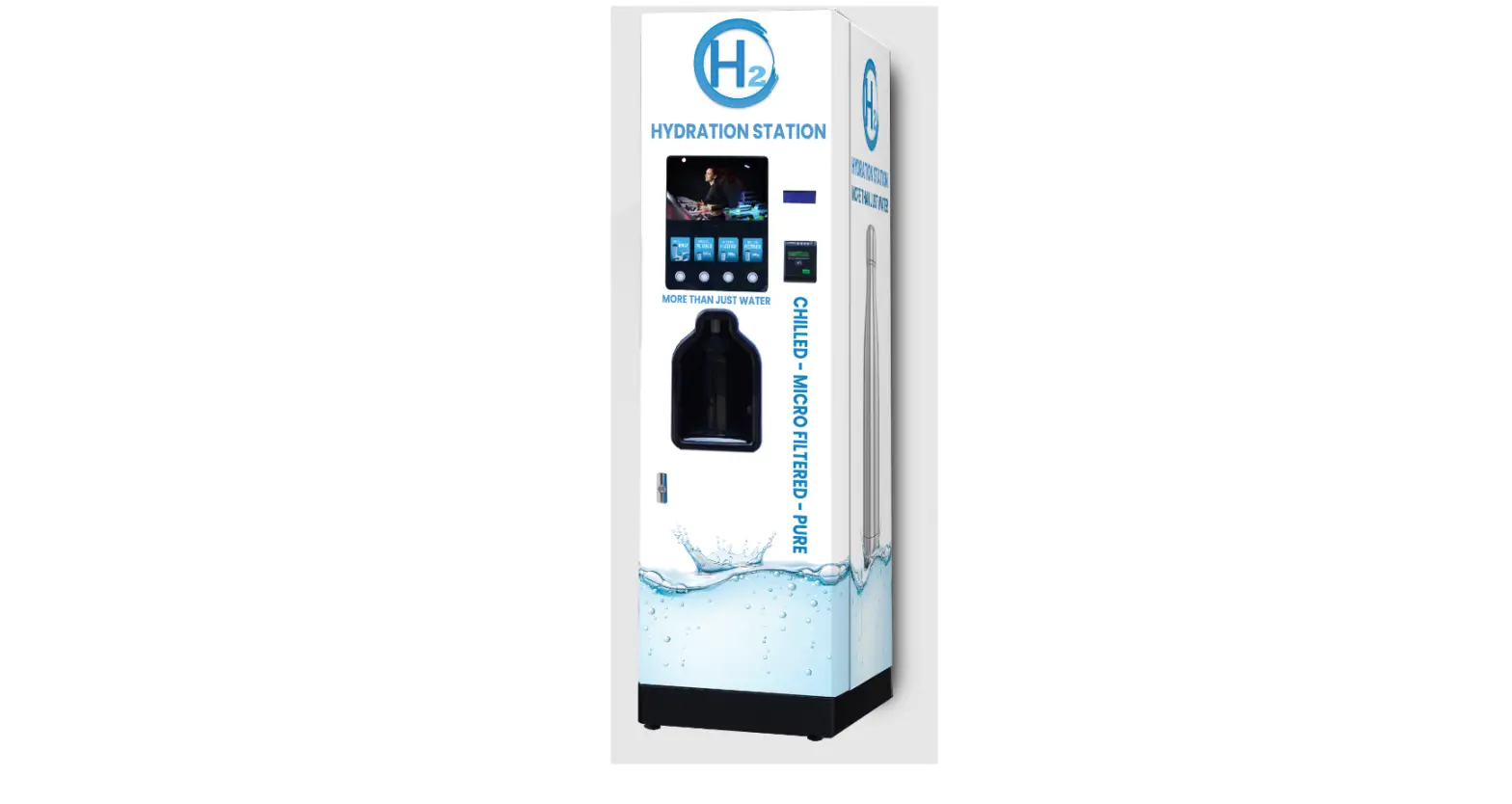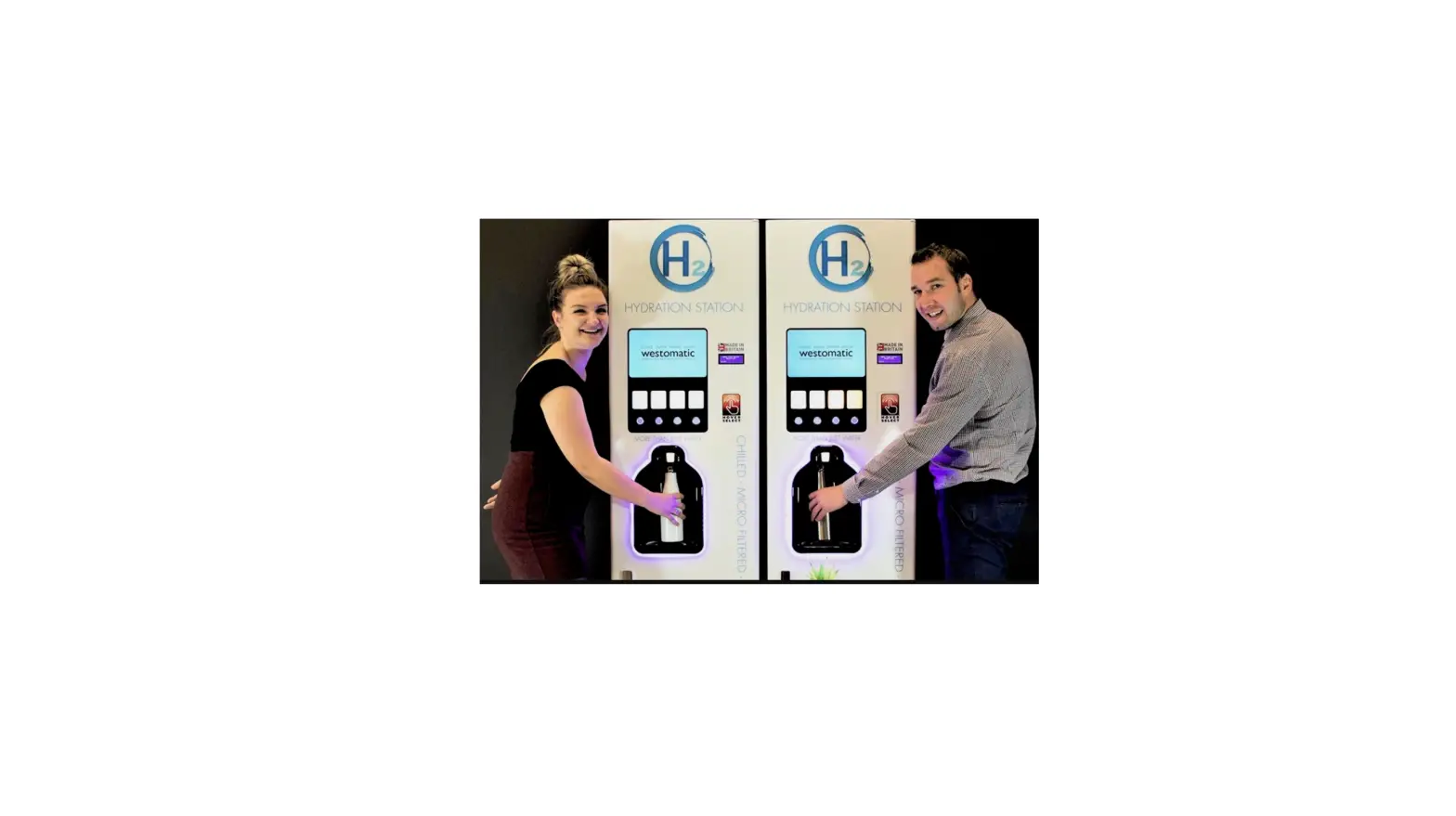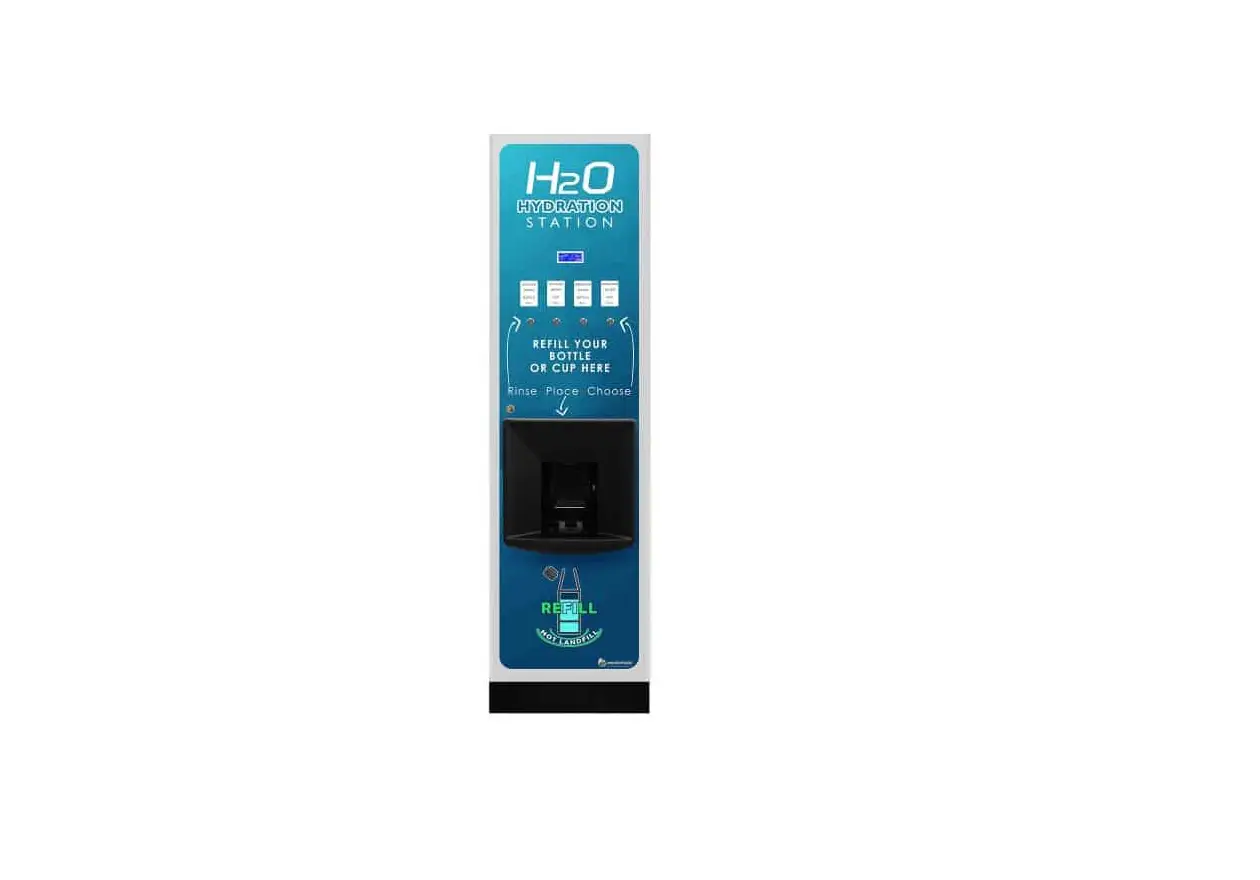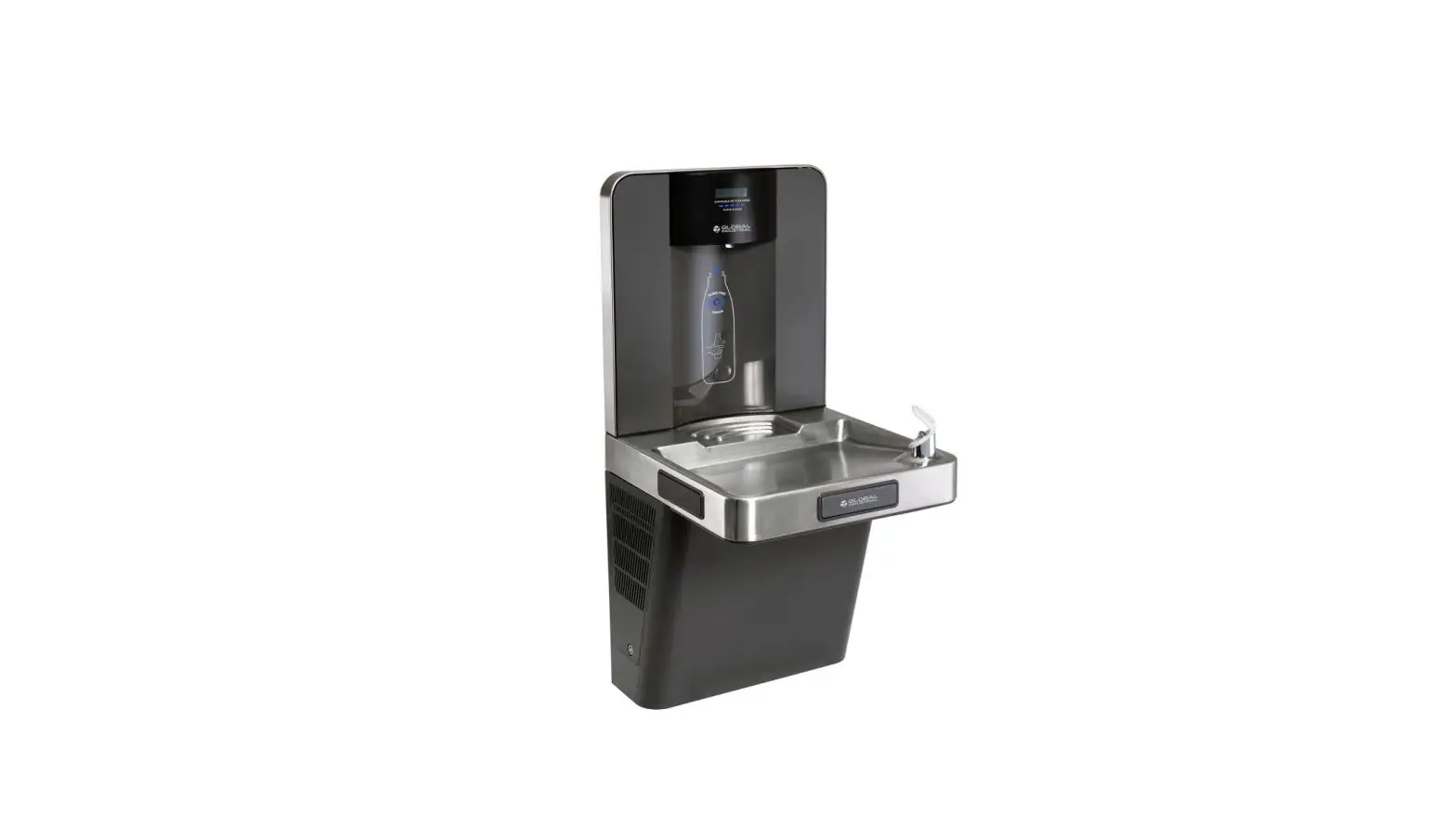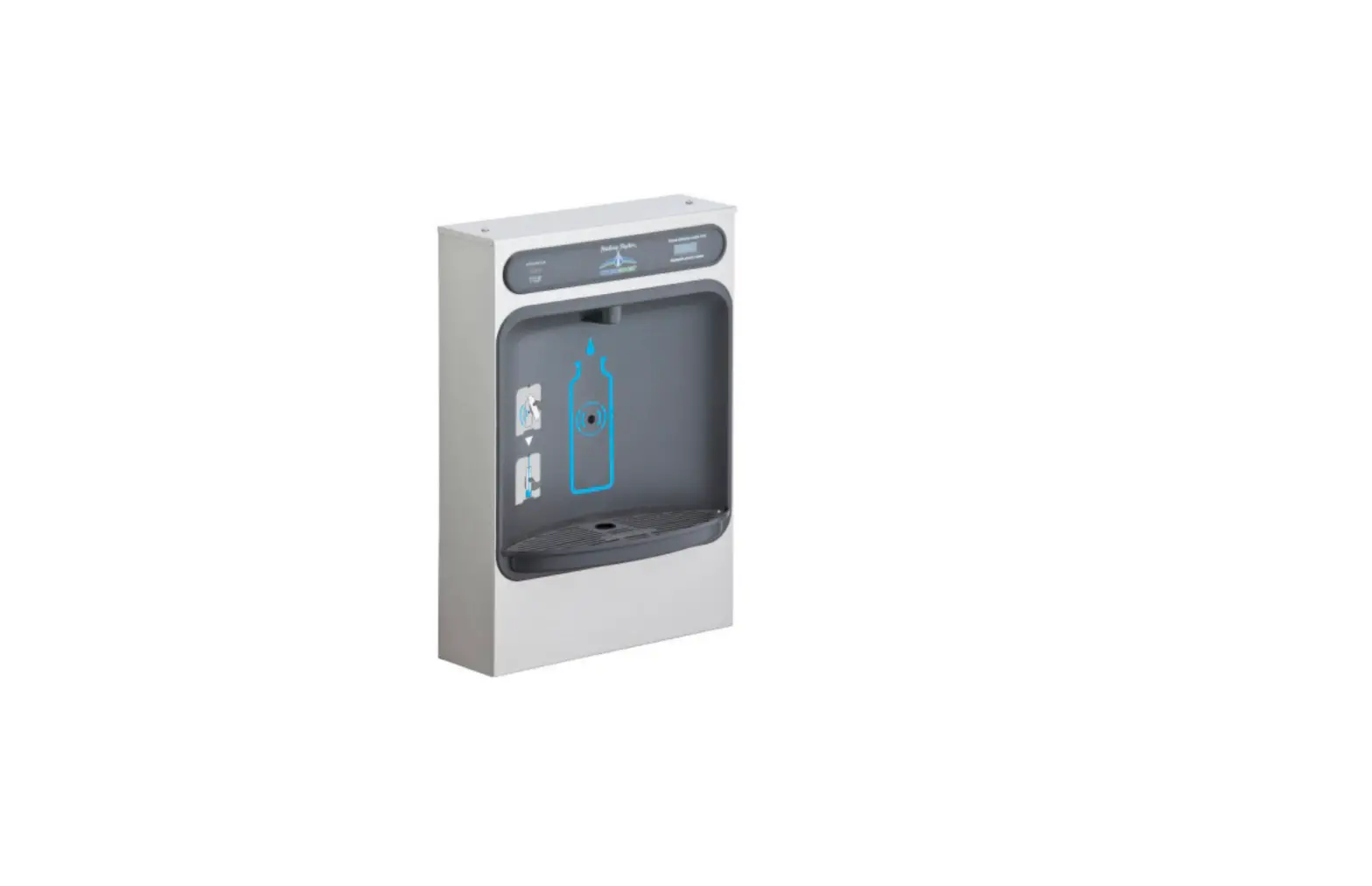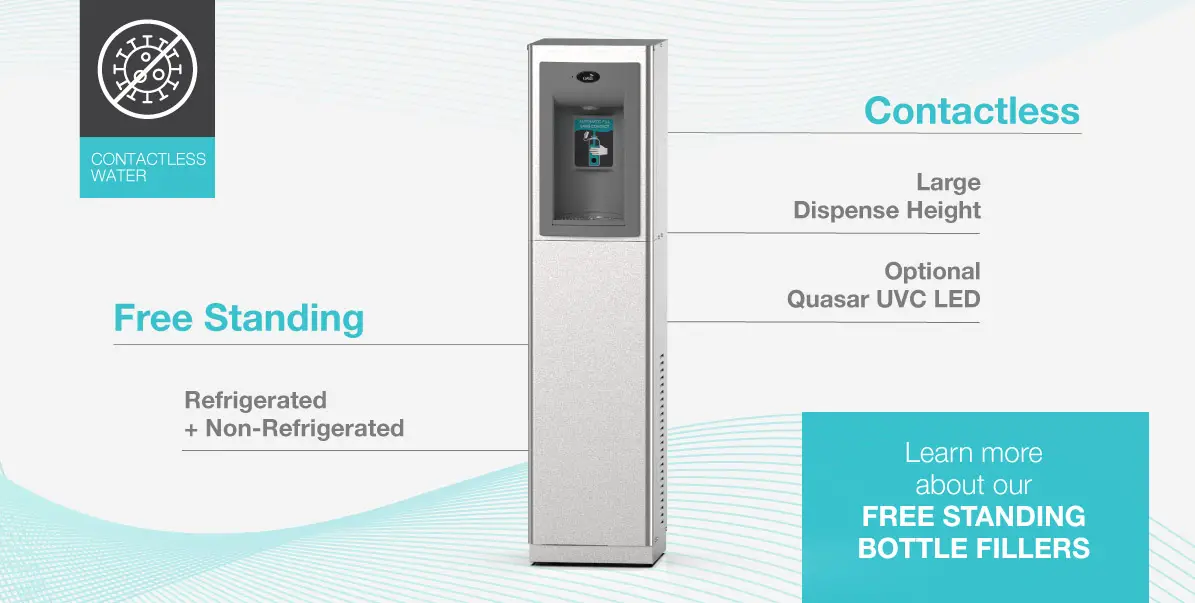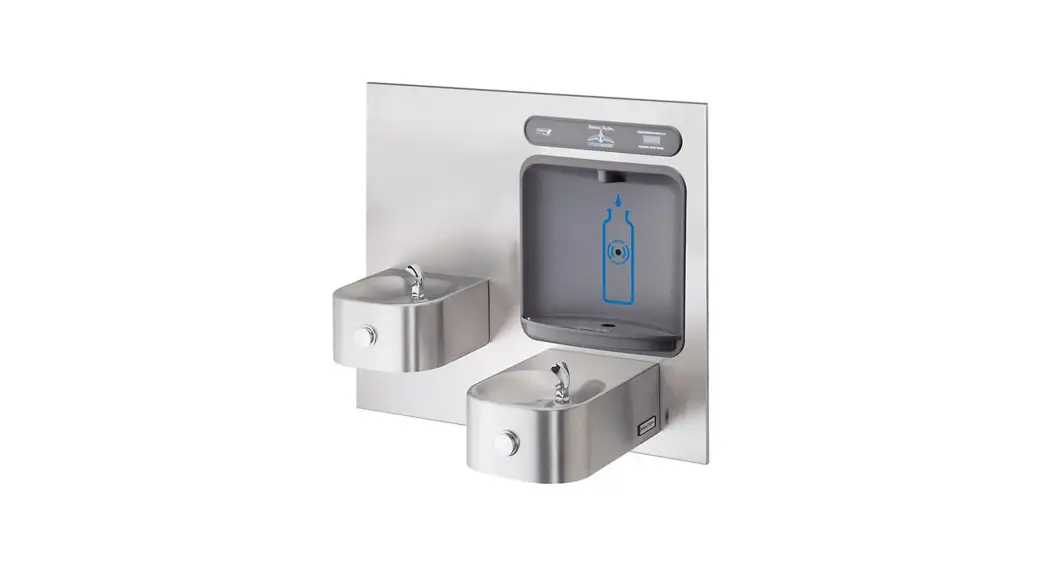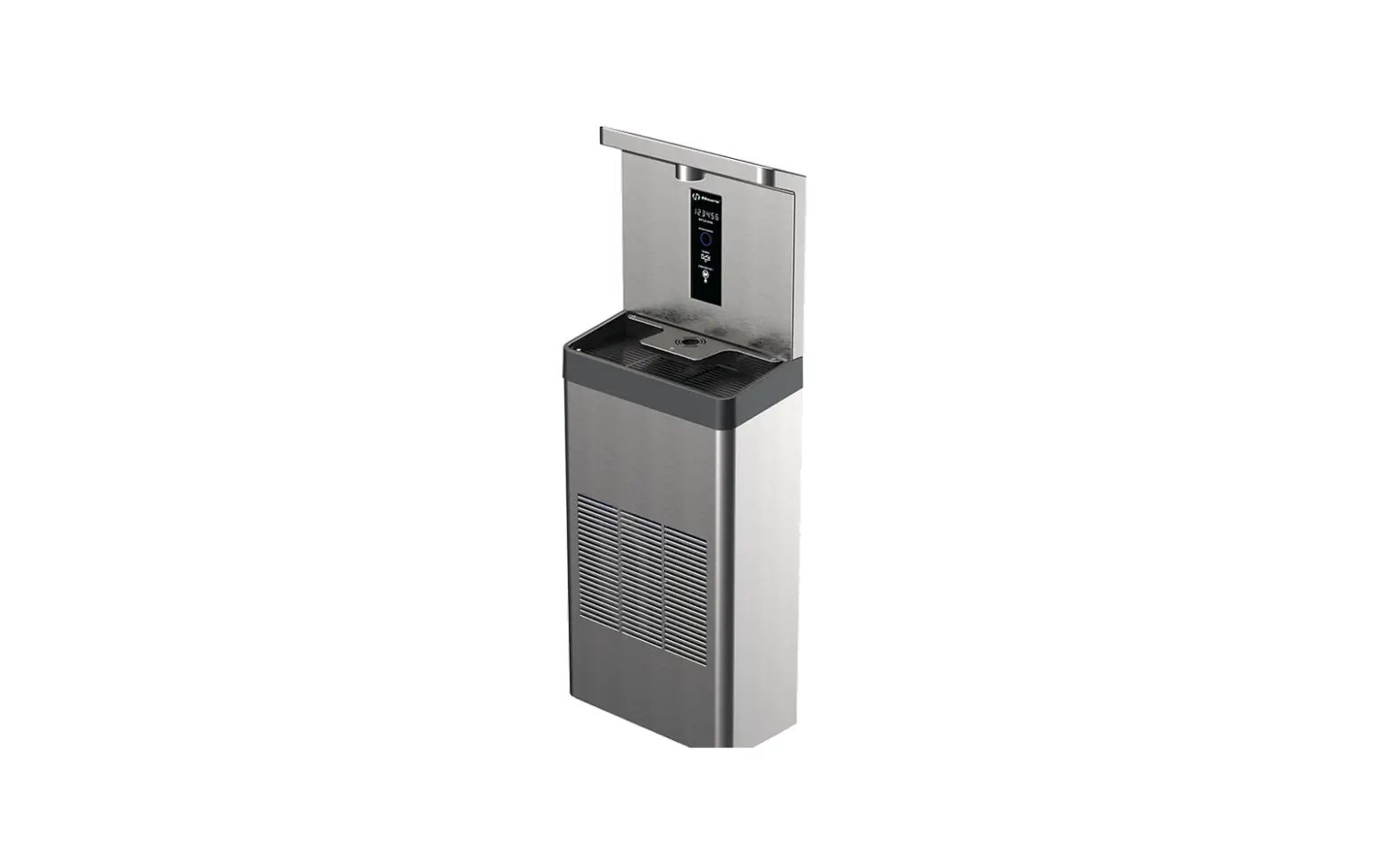

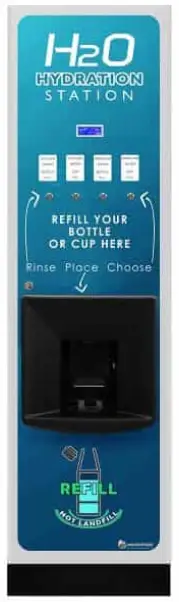
westomatic H2O Hydration Station Ultimate Water Bottle Refill System
WE KNOW YOU’RE EXCITED SO LETS GET GOING
INITIAL CHECK LIST
CHECK FOR DAMAGE
- Report any issues
LEVEL UP
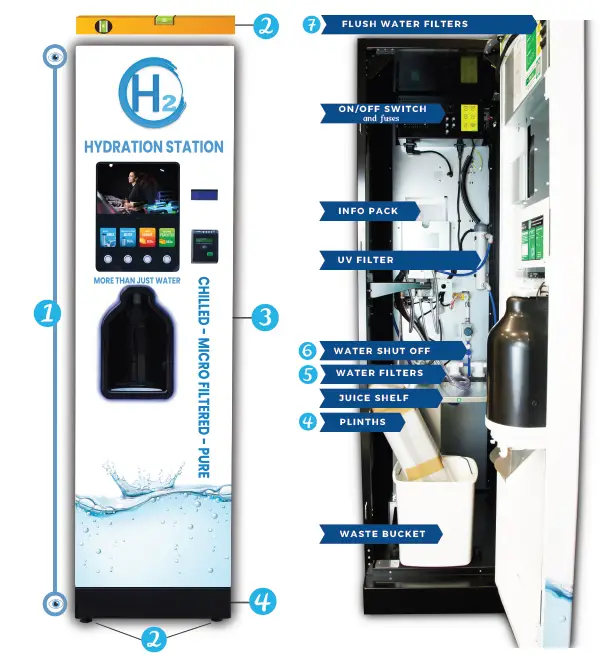
- Using the adjustable feet and a spirit level make sure the machine is level.
CONNECT WATER
- Connect mains water to the back of the machine
ATTACH PLINTHS
- Detachable for easy maneuvering / move into position
INSTALL WATER FILTER ( S )
- (if not already installed)
TURN WATER SHUT OFF VALVE ON
FLUSH WATER FILTERS
- Flush buttons located on inside of door – requires a minimum 6 flushes to rid of any air
DAILY CLEANING PROCEDURE
WIPE CLEAN ALL CONTACT PARTS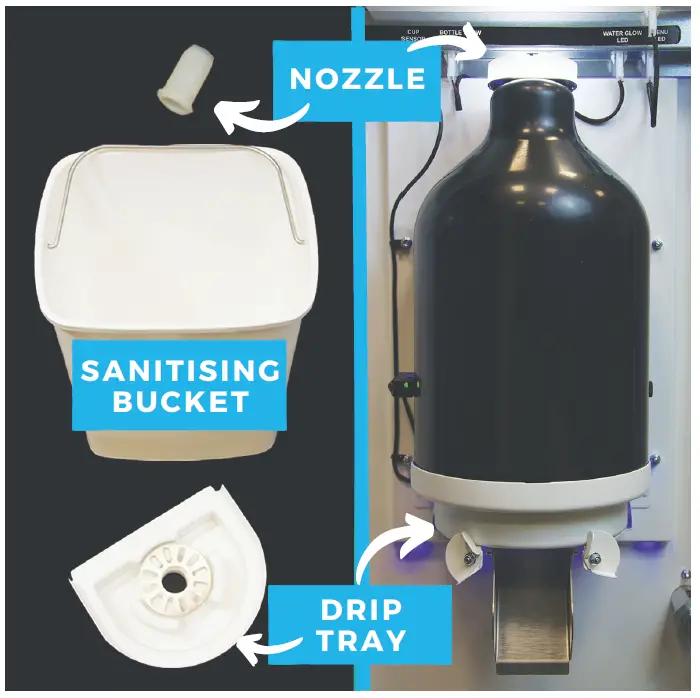
Remove hygiene parts and replace with spare set
- NOZZLE – TWIST AND PULL
- DRIPTRAY – TWIST CLIPS & PULL
- BUCKET – PULLANDLIFT
- CHECK JUICE LEVEL (IF APPLICABLE )
6 -MONTH MAINTENANCE
Your Service Technician will need to do the following every 6 months:
- SANITISE WATER (& JUICE) LINES
- REPLACE UV LAMP
- REPLACE WATER FILTER
- CLEAN LINES WITH AQUA DOSA
SCAN ME
- FOR CLENING &
- MAINTENANCE GUIDES


User Guide
- PLACEBOTTLE IN DISPENSE AREA
- PRESS SELECTION BUTTON TO DISPENSEDRINK
- ALLOW MACHINE TO DISPENSEDRINK
- REMOVE BOTTLE FROM MACHINE AND ENJOY
TROUBLESHOOTING GUIDE
ERROR CODE 19 – KEYPAD FAULT
- When powering up the machine, do not press any buttons until the “Door Open message appears.
- Turn machine off and back on again to reset the error message.
WASTE BUCKET FULL
- Remove waste bucket and empty.
- Ensure weighted pipe is placed back in the bucket.
- Turn machine off and back on again to reset the error message.
ERROR CODE 14 (CIRCUIT FAILURE)
- A sub-number will also be displayed (i.e. 14-02) indicating what component/circuit is at fault.
- Call-out required by engineer.
CHILLER NOT DISPENSING COLD WATER
- Check Fuses.
- If issue persists contact engineer.
SOUND AND VIDEO ADJUSTMENTS
- Scan QR for instructions on using the screen.
JUICE NOT FLOWING
- Check there is still juice in the box.
- Clean dispense nozzle to ensure there is no blockage. (cup of boiling water helps!)
- Press flush buttons to flush pipes until juice running smoothly again.
INCONSISTENT WATER FLOW
- Check water pressure.
- Check age of filters and replace if needed.
CONTACT
Units 7-8 Block 4 Forde Court, Forde Road, Brunel Industrial Estate, Newton Abbot, Devon, TQ12 4BT www.westomatic.com
+4 4 (0 )1626 323100 [email protected] www.westomatic.comm