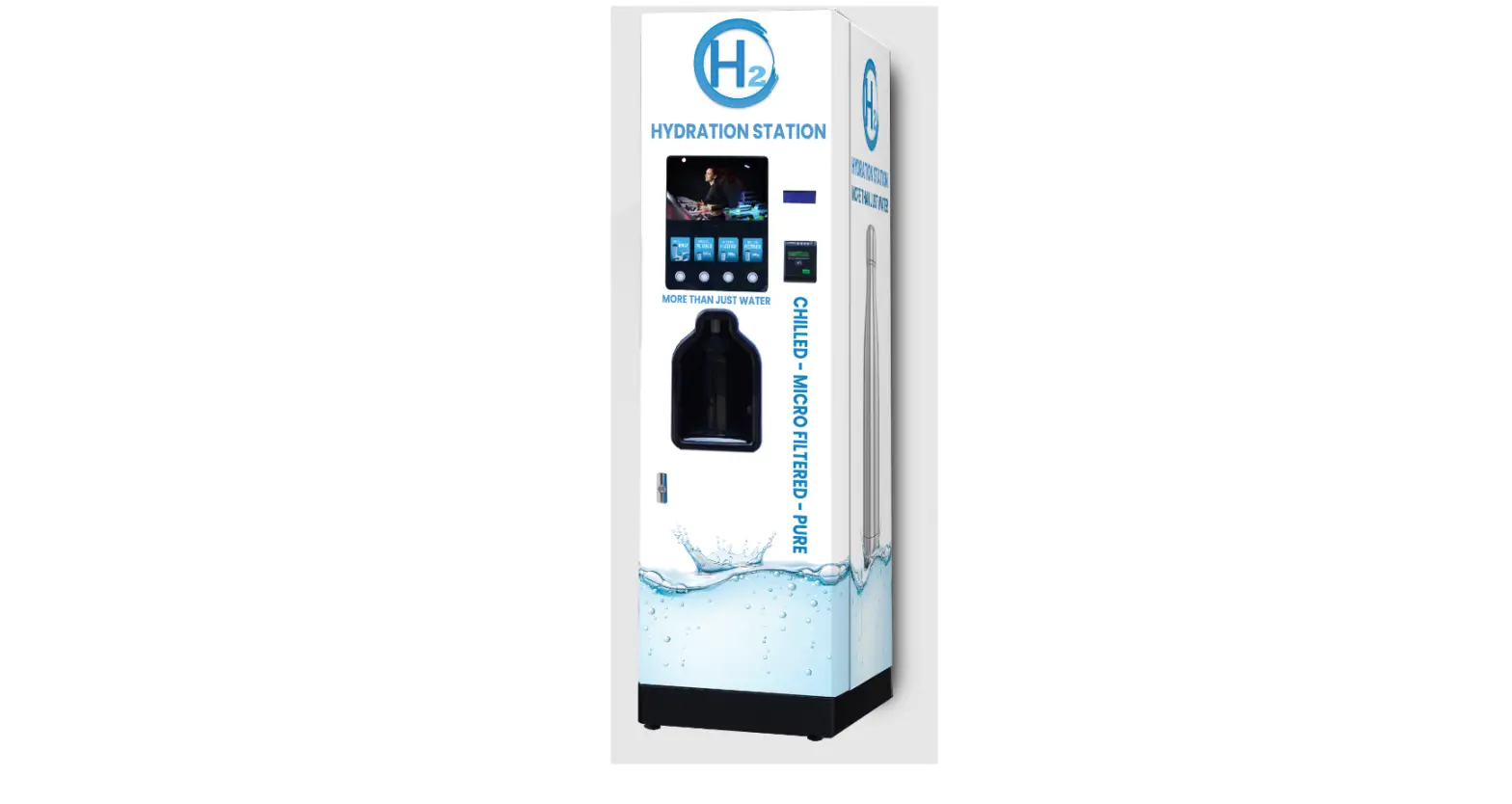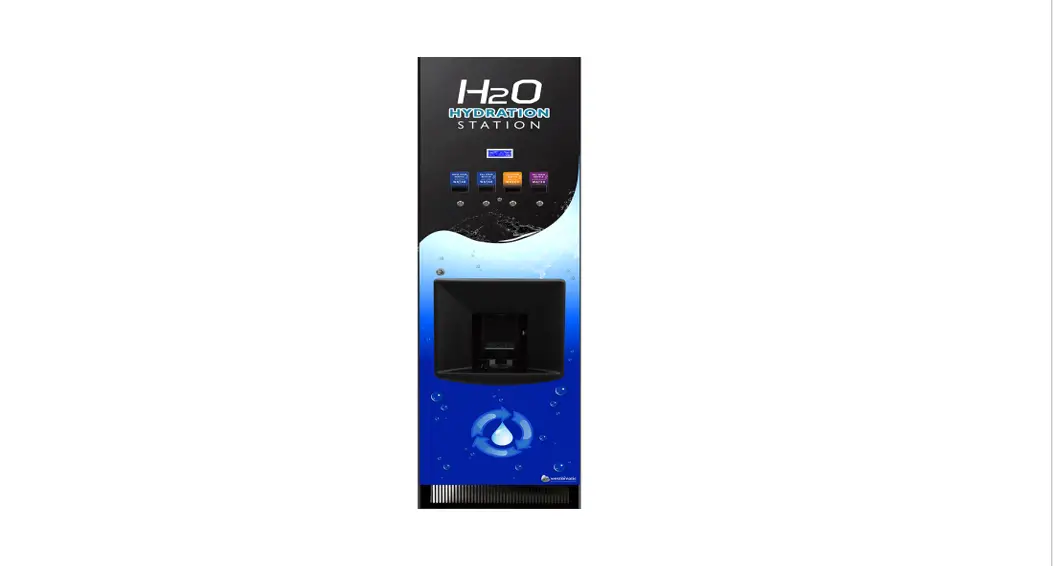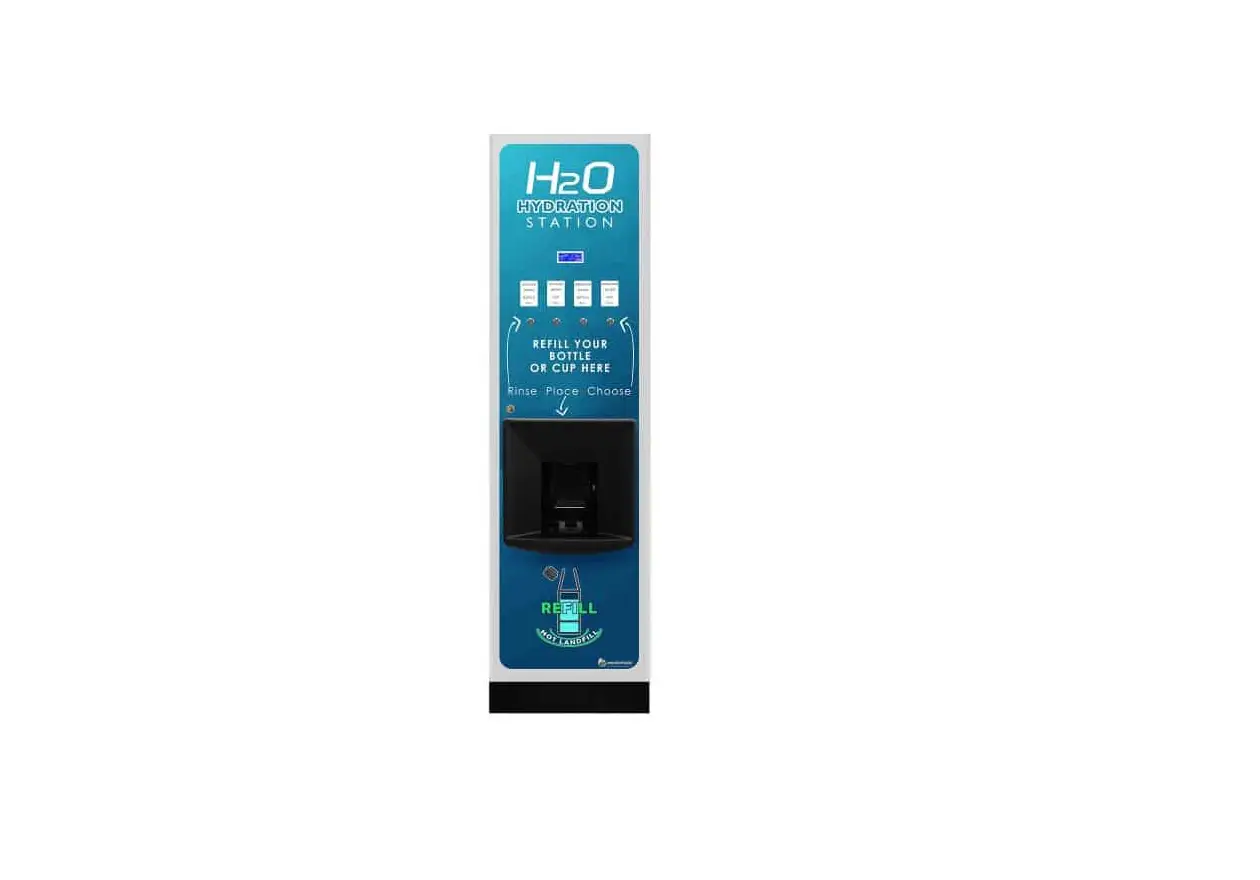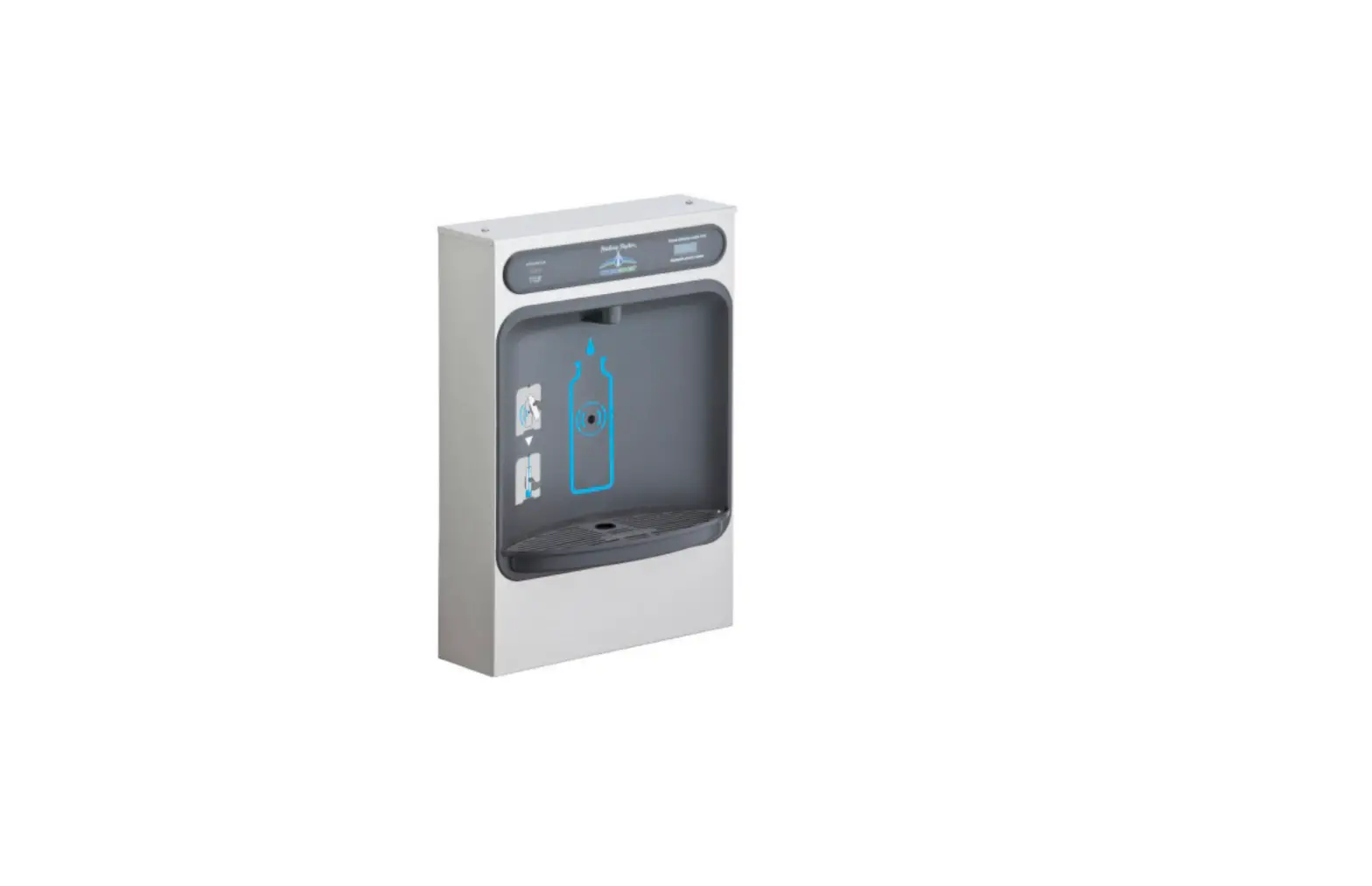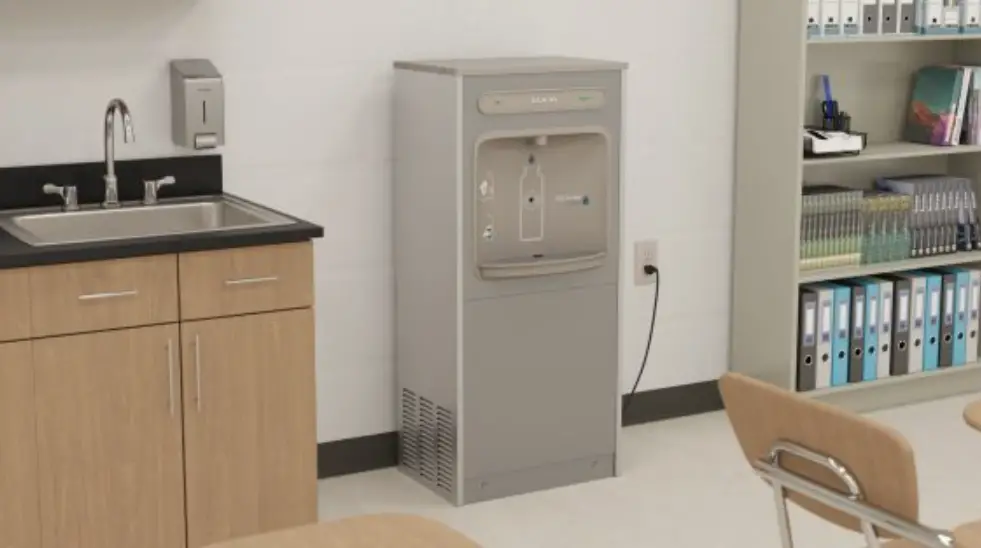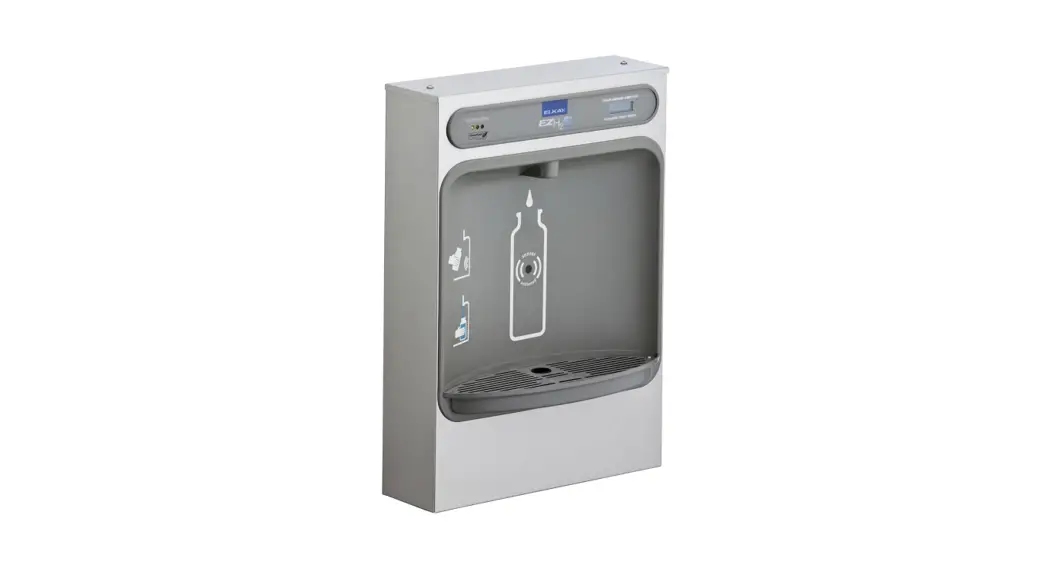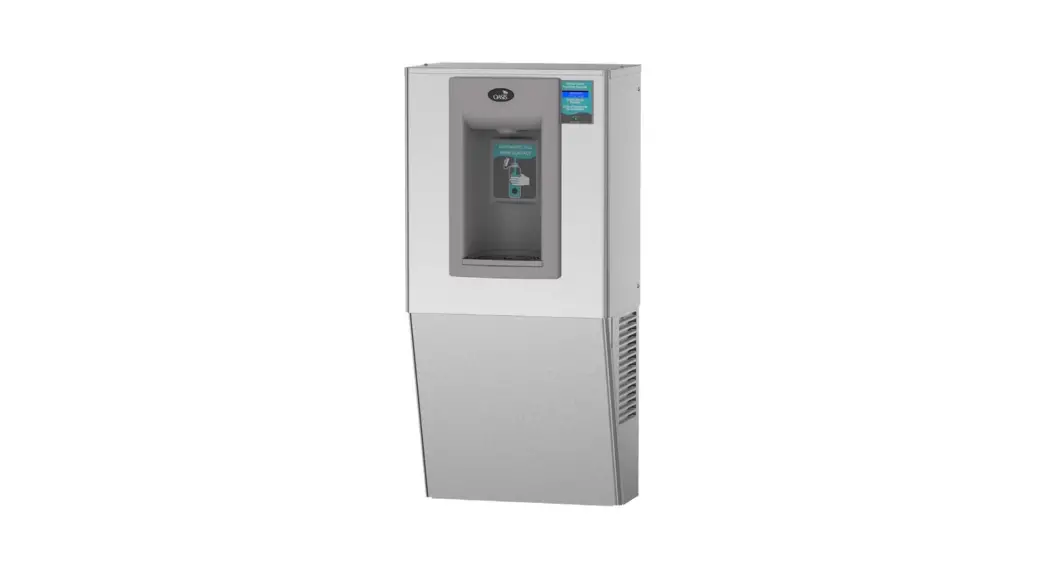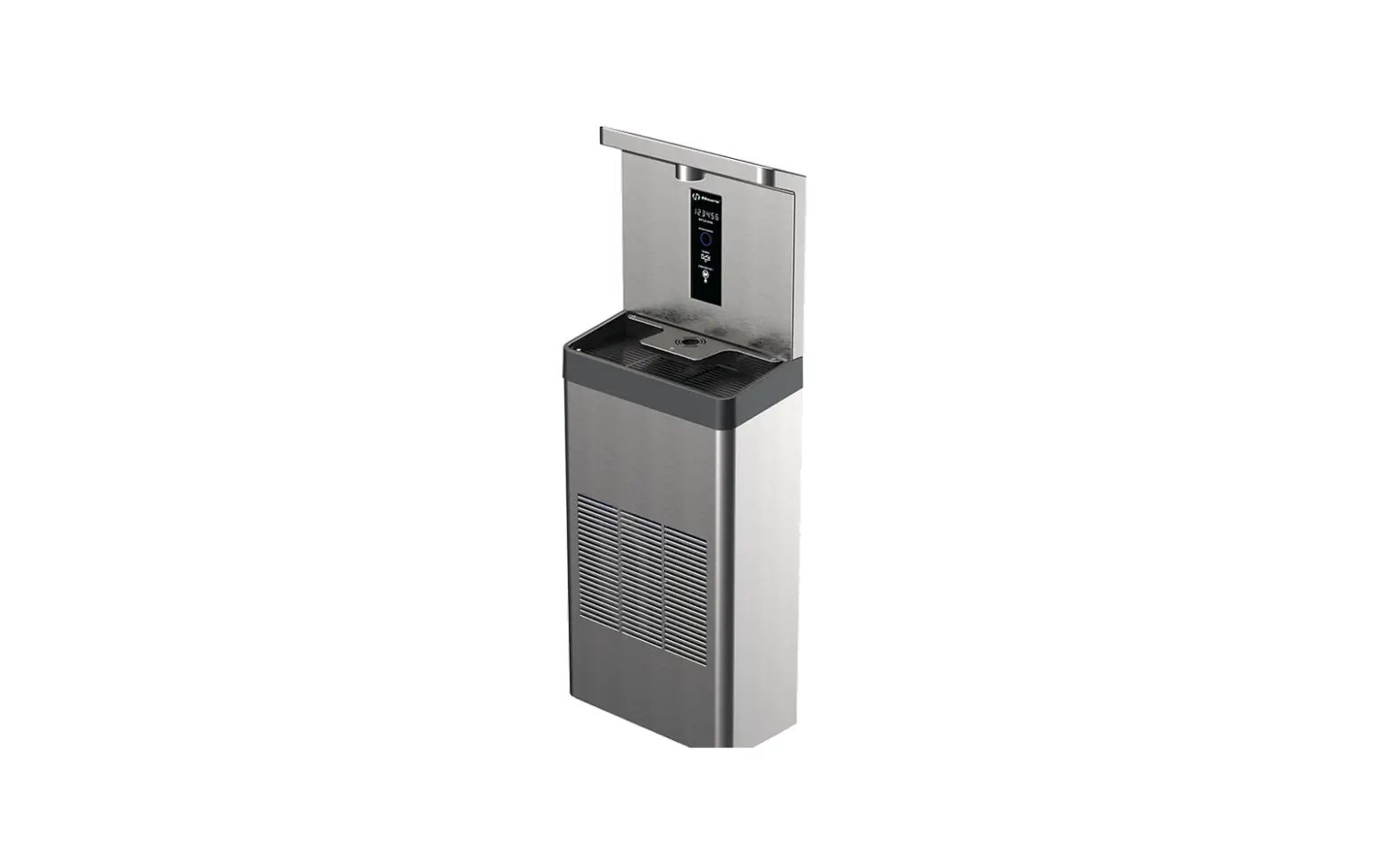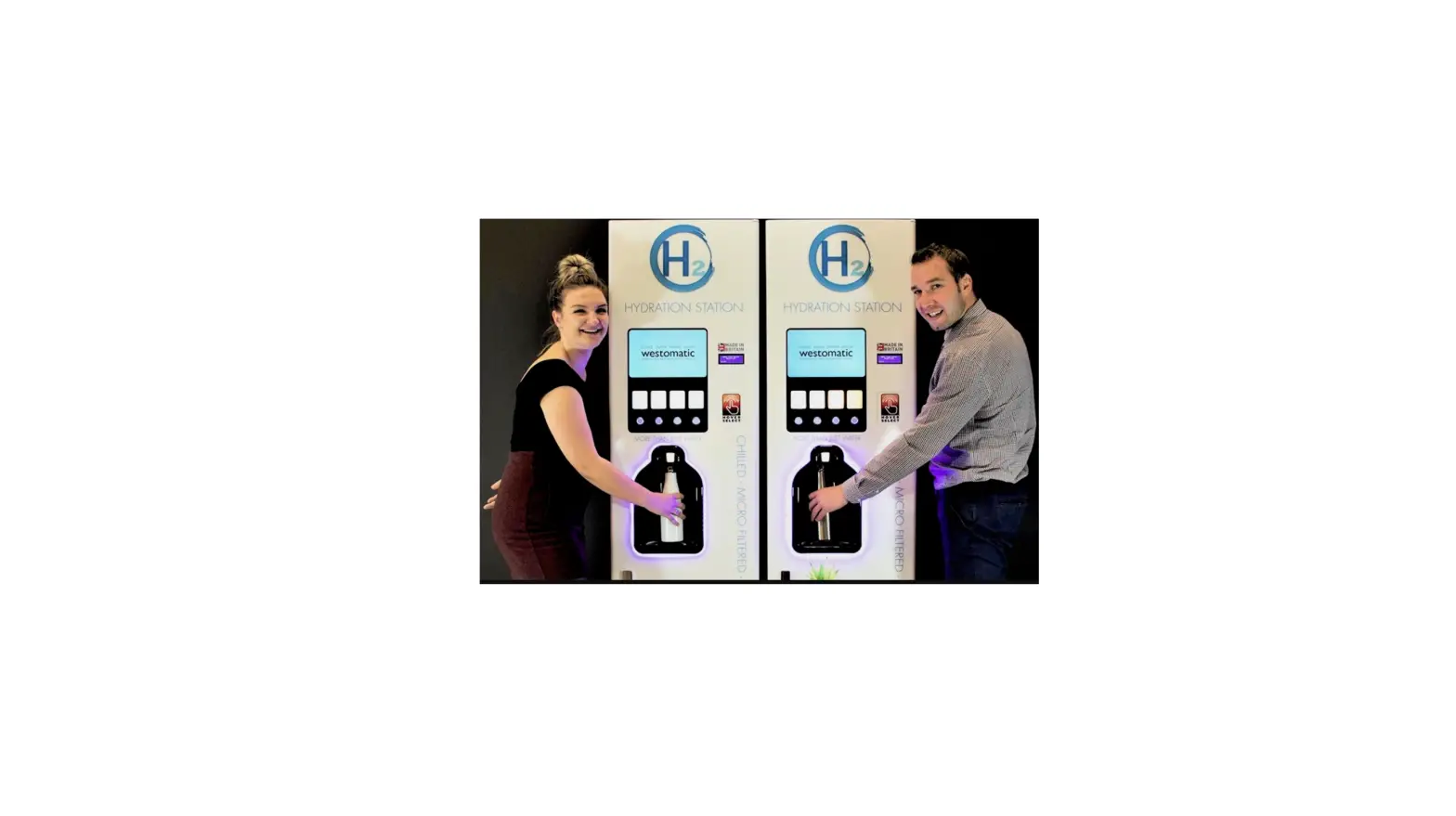
westomatic H2O Hydration Station Contactless with Screen Bottle Filler Daily Rental Installation Guide
User Guide
4 SIMPLE STEPS
- PLACE BOTTLE IN DISPENSE AREA
- HOVER FINGER OVER BUTTON TO SELECT A DRINK
- ALLOW MACHINE TO DISPENSE DRINK
- REMOVE BOTTLE FROM MACHINE AND ENJOY
WELCOME TO YOUR NEW H2O
WE KNOW YOU’RE EXCITED SO LETS GET GOING!
INITIAL CHECK LIST
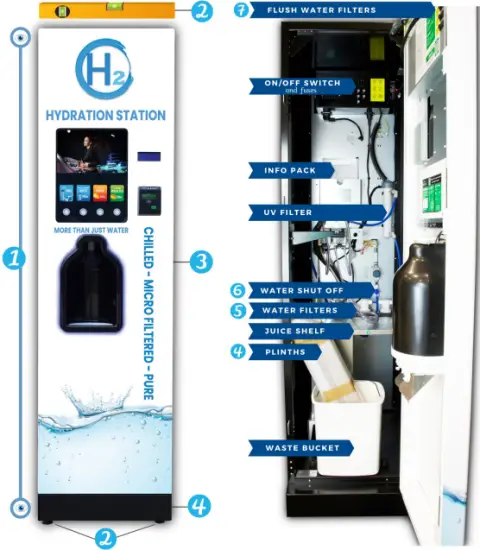
- CHECK FOR DAMAGE
Report any hews - LEVEL UP
Using the adjustable feet and a spirt level make sure the machine is level. - CONNECT WATER
Connect mains water to the back of the machine - ATTACH PLINTHS
Detachable for easy Manwaring / move into position - INSTALL WATER FILTER(S)
(if not already installed) - TURN WATER SHUT OFF VALVE ON
- FLUSH WATER FILTERS
Flush buttons located on inside of door
AND YOU’RE ALL SET SCAN OR GOOF FOR HELP

DAILY CLEANING PROCEDURE
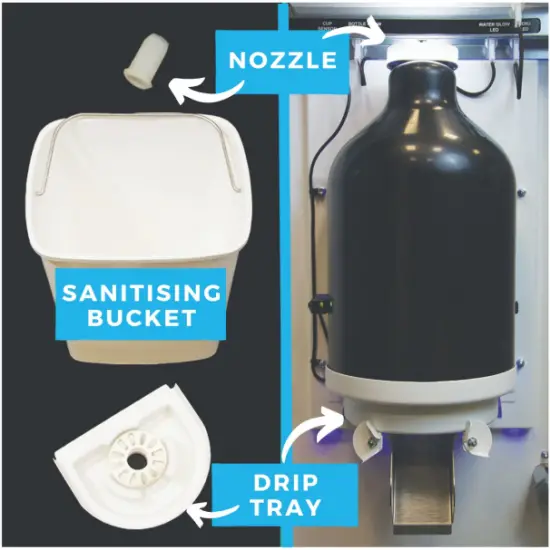
WIPE CLEAN ALL CONTACT PARTS
Remove hygiene parts and replace with spare set
- NOZZLE – TWIST AND PULL
- DRIP TRAY – TWIST CLIPS & PULL
- BUCKET – PULL AND LIFT
- CHECK JUICE LEVEL (IF APPLICABLE)
6-MONTH MAINTENANCE
Your Service Technician will need to do the following every 6 months:
- SANITISE WATER (& JUICE) LINES
- REPLACE UV LAMP
- REPLACE WATER FILTER
- CLEAN LINES WITH AQUA DOSA
SCAN ME FOR CLEANING & MAINTENANCE GUIDES
TROUBLESHOOTING GUIDE
MACHINE ISN’T DETECTING BOTTLE
- Clean the sensor in dispense area.
- If the issue persists, sensor may need adjusting by engineer.
WASTE BUCKET FULL
- Remove waste bucket and empty.
- Ensure weighted pipe is placed back in the bucket.
ERROR CODE 14
- Button Failure.
- Call-out required by engineer.
CHILLER NOT DISPENSING COLD WATER
- Check Fuses
- If issue persists contact engineer
SOUND AND VIDEO ADJUSTMENTS
- Scan QR for instructions on using the screen
JUICE NOT FLOWING
- Check there is still juice in the box.
- Clean dispense nozzle to ensure there is no blockage.
- Press flush buttons to flush pipes until juice running smoothly again.
CONTACT

Units 7-8 Block 4 Forde
Court. Forde Road.
Brunel Industrial Estate,
Newton Abbot, Devon.
TQ12 48T
www.westomatic.com
Water
IS LIFE
- DON’T WASTE IT
 westomatict.
British Vending Excellence Since 1966
 +44 (0)1626 323100
 [email protected]
 www.westomatic.com