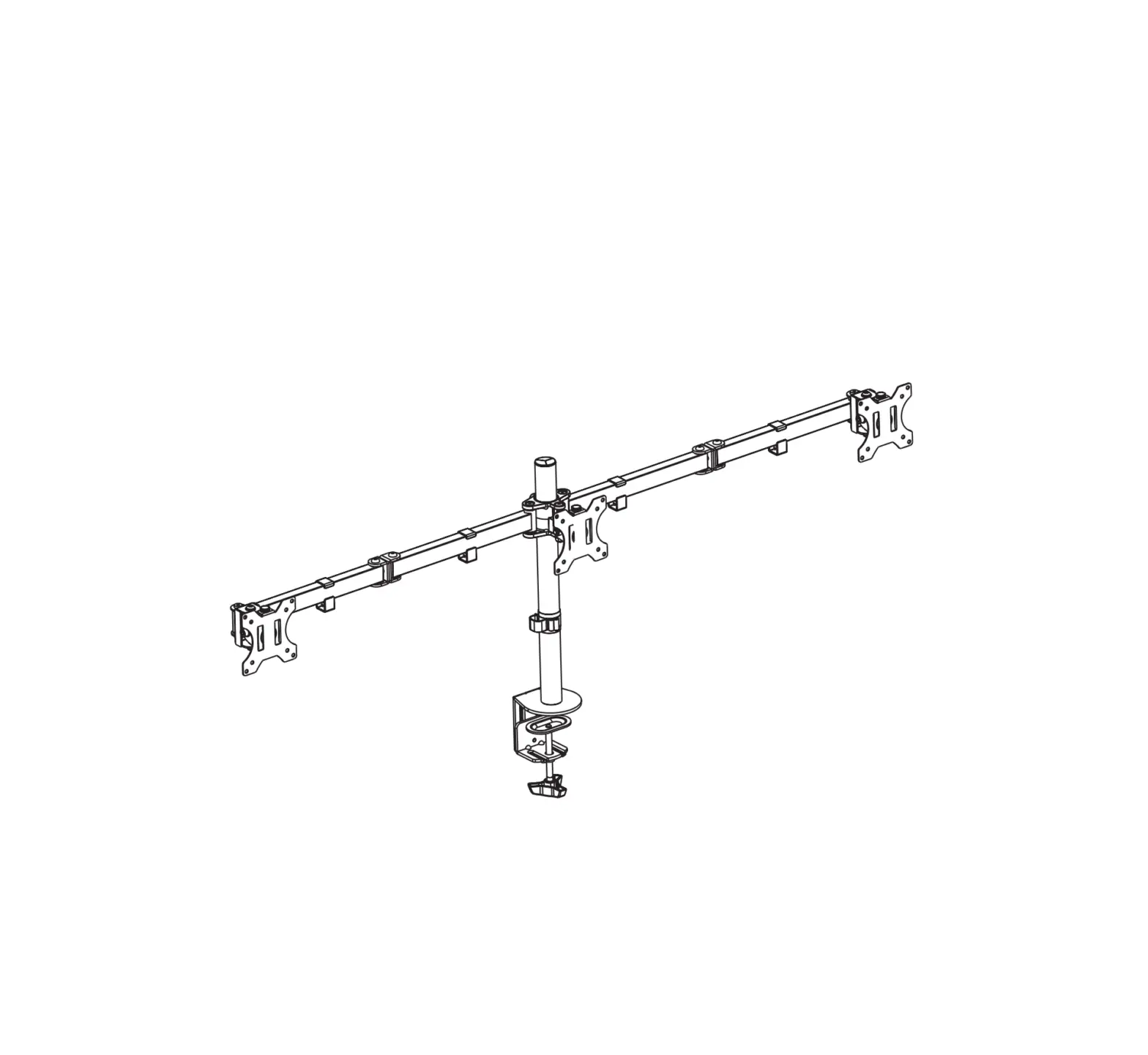
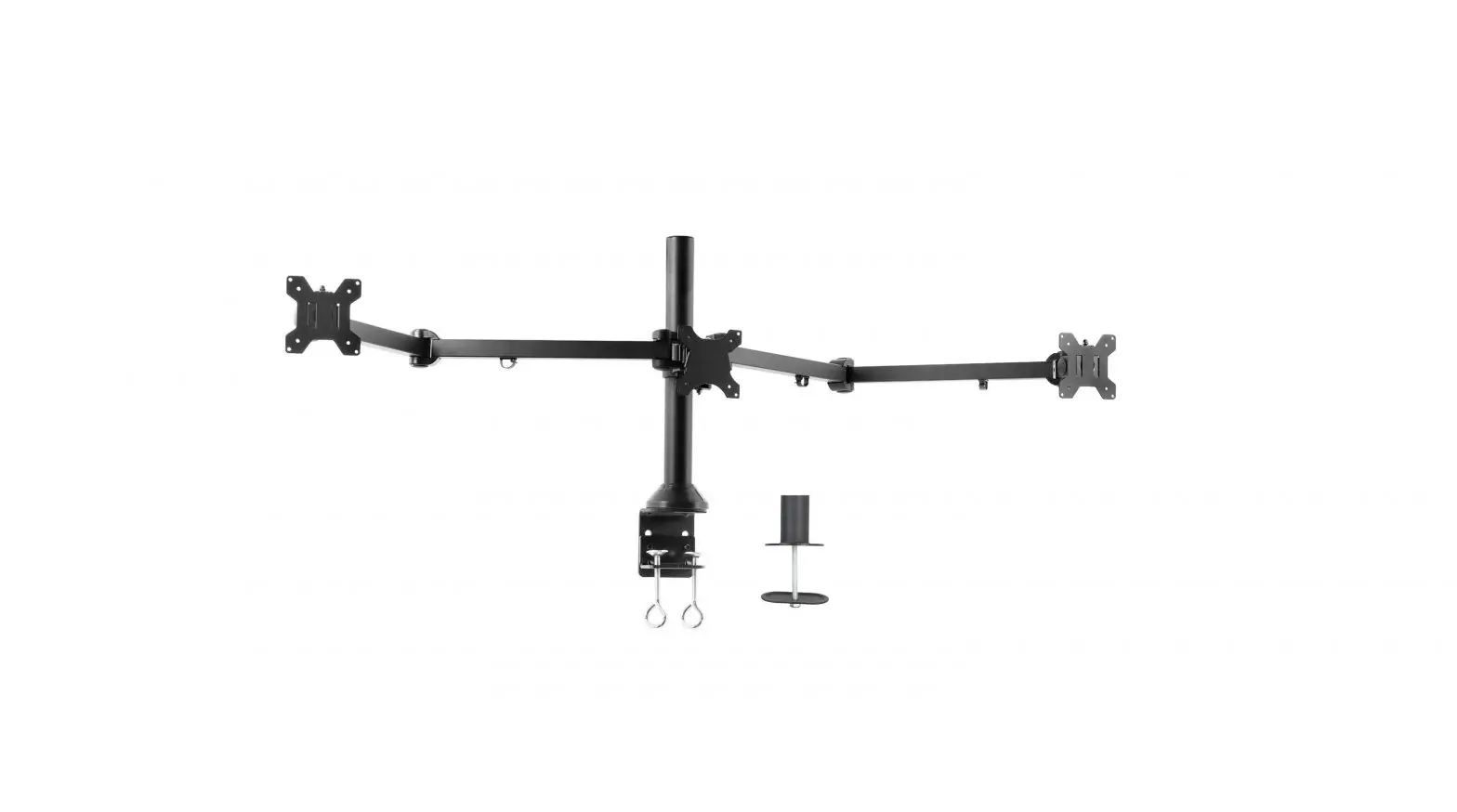
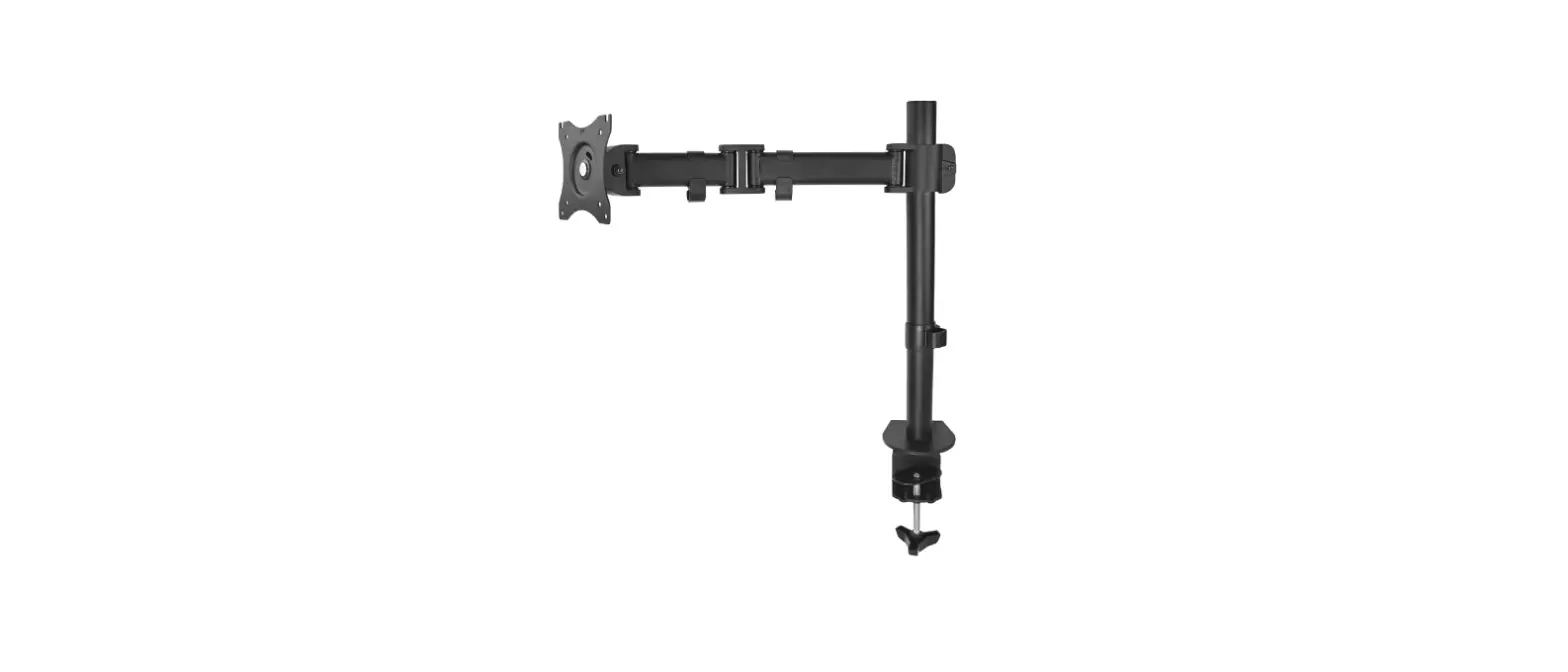
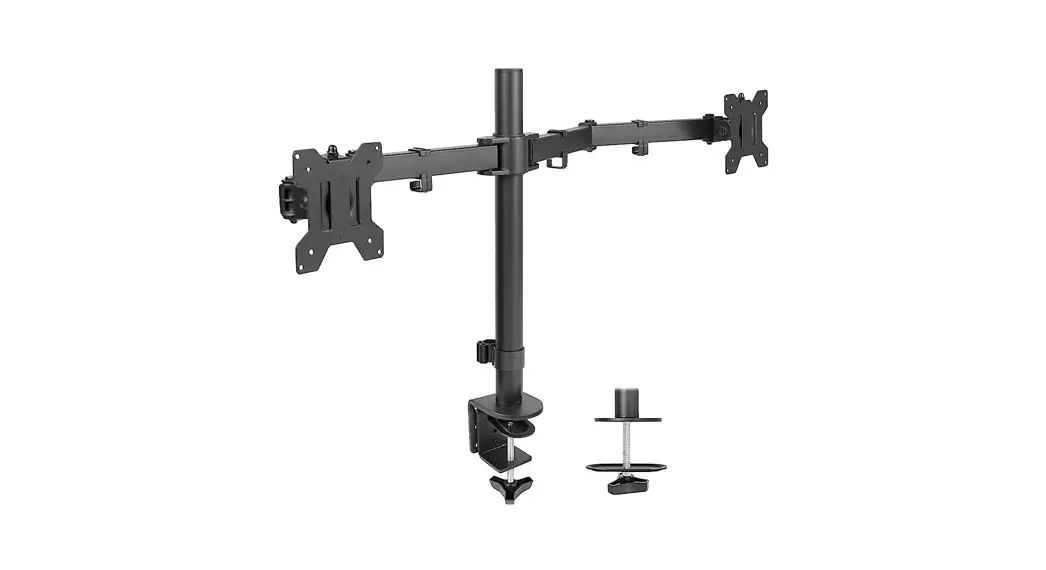
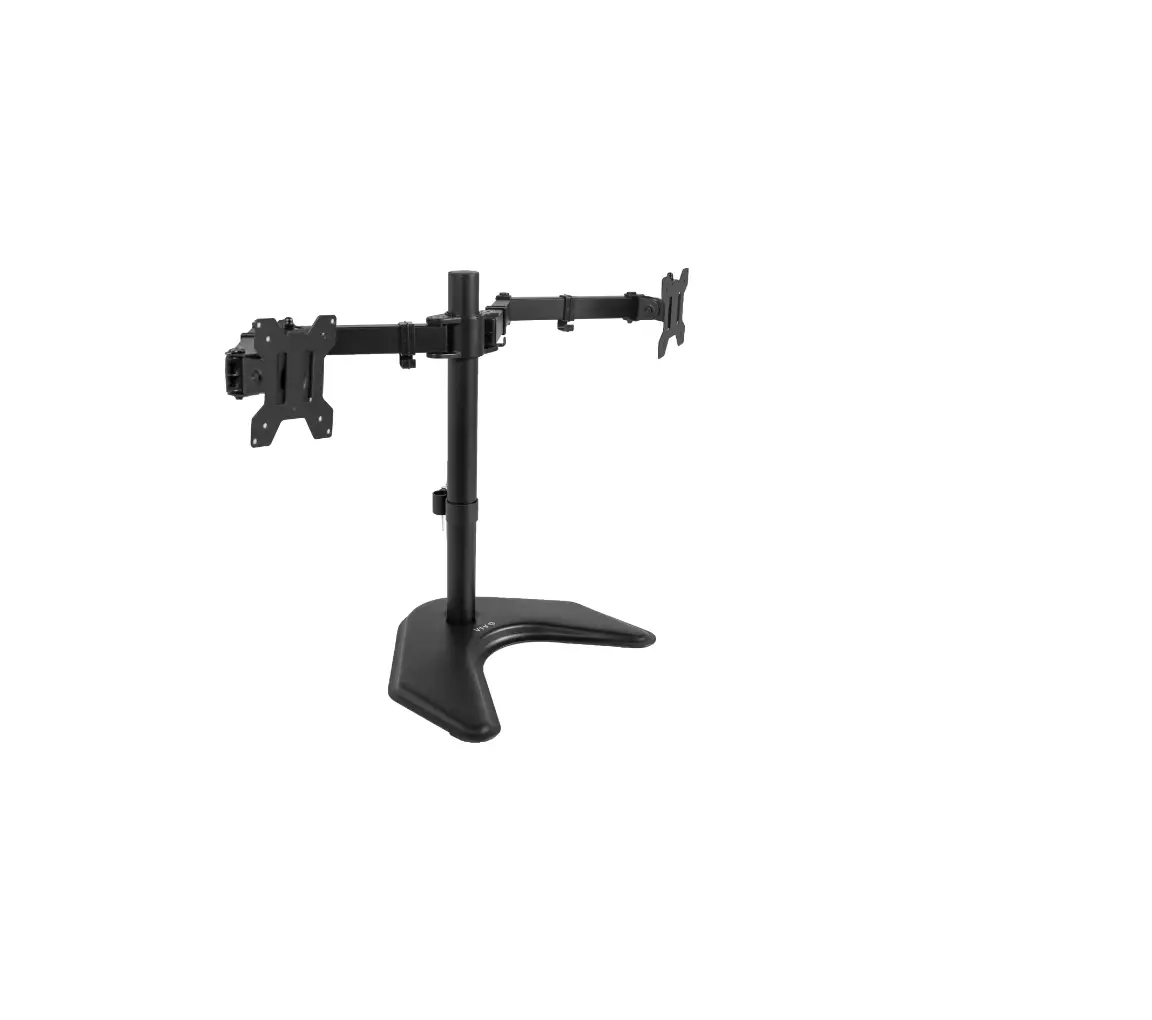
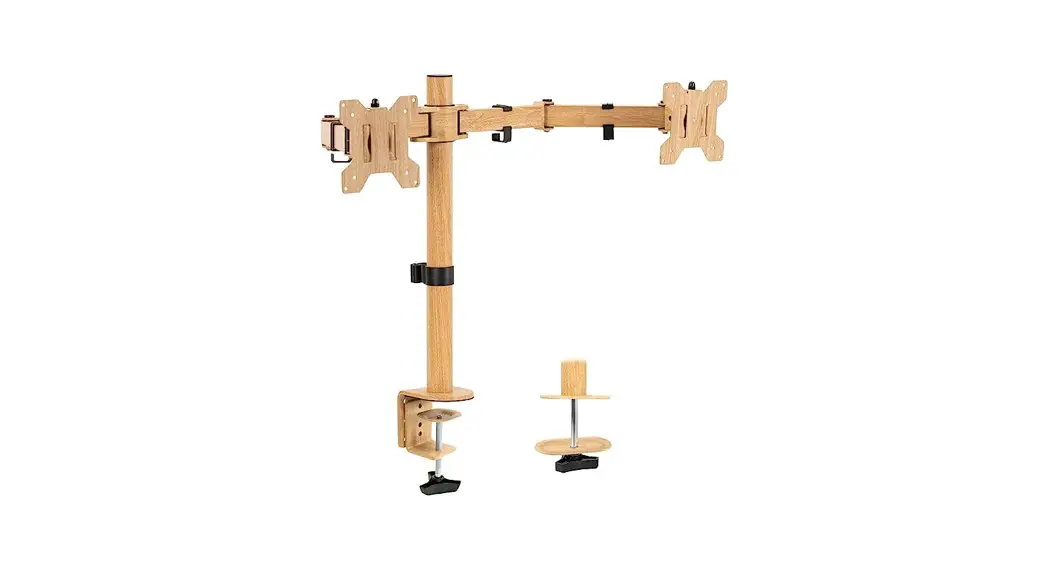
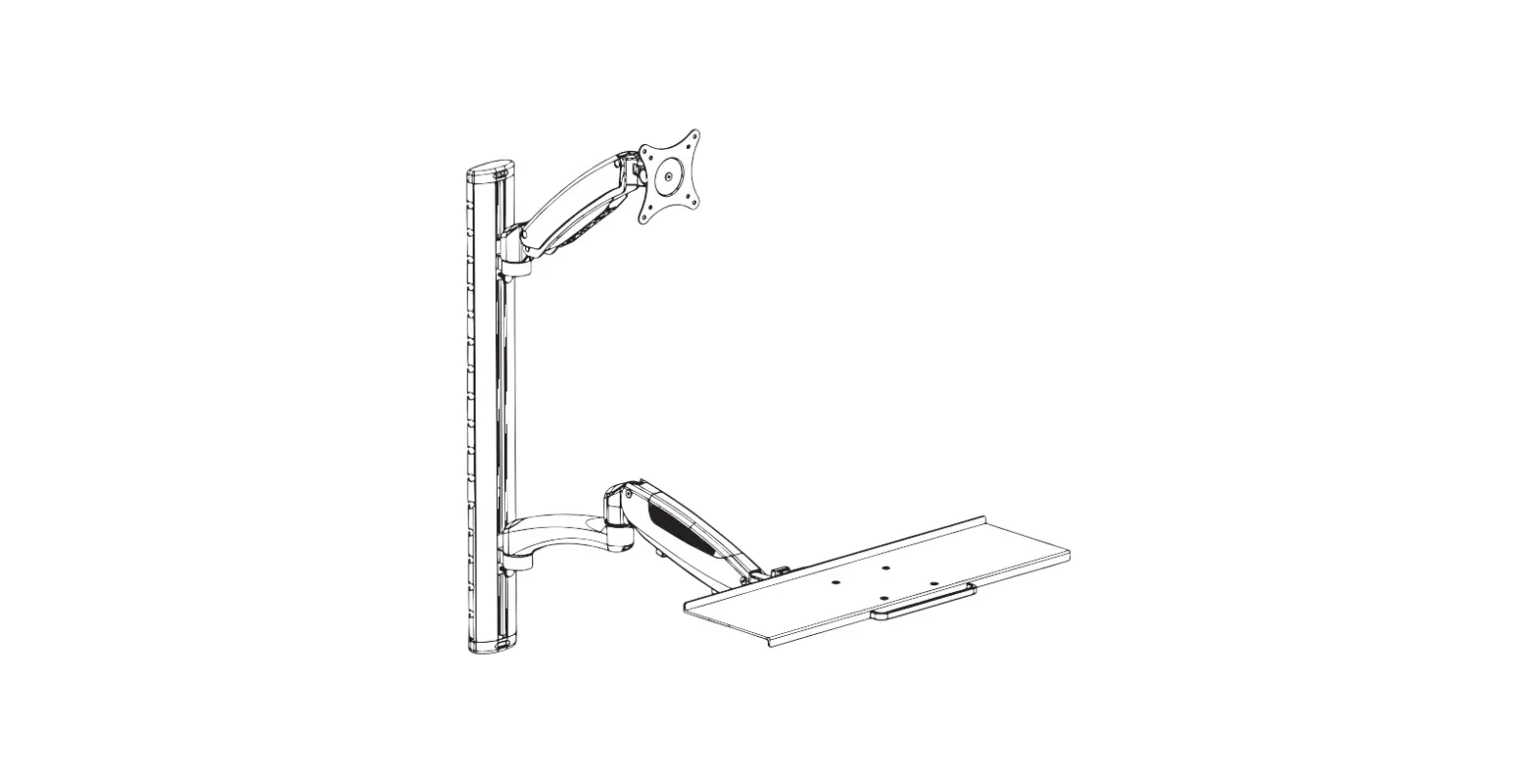
STAND-V103C Flush to Wall Triple Monitor Desk Mount
Product Information: Flush to Wall Triple Monitor Desk Mount
(SKU: STAND-V103C)
The Flush to Wall Triple Monitor Desk Mount (SKU: STAND-V103C)
is a high-quality, durable, and versatile triple monitor mount
designed to provide an efficient and ergonomic workspace. The mount
is designed to securely hold three monitors, each weighing up to
15.4lbs (7kg). The mount is easy to install and comes with all the
necessary hardware and tools.
Package Contents:
- (x1) Pole (A)
- (x1) Clamp (B)
- (x3) VESA Plate (C)
- (x2) Arm (D)
- (x2) Arm Extension (E)
- (x2) Side VESA Bracket (F)
- (x1) Center VESA Bracket (G)
- (x1) Bracket Plate (H)
- (x1) Arm Support Bracket (I)
- (x1) Soft Pad (J)
- (x1) Grommet Plate (K)
- (x1) Pole Cable Clip (L)
- (x4) Arm Cable Clip (M)
- (x1) Pole Cap (N)
- (x3) M6x10mm Thumbscrew (S-A)
- (x2) M4x5mm Screw (S-B)
- (x1) M8x50mm Screw (S-C)
- (x2) M8 Washer (S-D)
- (x1) M8 Nut (S-E)
- (x4) M6x27mm Screw (S-F)
- (x3) M6x16mm Flathead Screw (S-G)
- (x1) M5x16mm Flathead Screw (S-H)
- (x1) M5x16mm Screw (M5)
- (x2) M8x42mm Screw (S-I)
- (x12) M4x12mm Screw (M-A)
- (x12) M4x16mm Screw (M-B)
- (x12) M5x12mm Screw (M-C)
- (x12) M5x16mm Screw (M-D)
- (x12) M5 Washer (M-E)
- (x12) Spacer (M-F)
- (x1) 4mm Allen Wrench (T-A)
- (x1) 6mm Allen Wrench (T-B)
- (x1) Wrench (T-C)
Product Usage Instructions:
- Scan the QR code or visit the link provided in the manual for
helpful videos and specifications related to the product. - Step 1: Separate Clamp (B) into Upper Clamp
(B1) and Lower Clamp (B2) using 4mm Allen Wrench (T-A).
- B
- B1
- T-A
- B2
Installation) or Option B (Grommet Base Installation) for mounting
the mount on your desk.
- Option A: Attach Upper Clamp (B1) to Pole (A)
using the M6x16mm Flathead Screws (S-G) and 4mm Allen Wrench (T-A).
Peel the protective film off of Soft Pad (J) and place it onto
Upper Clamp (B1). - Option B: Remove the screw from the top of
Lower Clamp (B2) using a Phillips screwdriver, and set aside Clamp
Bolt (B3) and Support Plate (B4). Cut Soft Pad (J) along the
perforated lines. Peel the protective film off of Soft Pad (J) and
place the pieces onto Grommet Plate (K). For thinner desktops
(10-50mm), re-attach Lower Clamp (B2) to Upper Clamp (B1)and
tighten the screws using the 4mm Allen Wrench (T-A). For thicker
desktops (40-85mm), disassemble Lower Clamp (B2) using a Phillips
screwdriver, flip the L-bracket over, reassemble, then re-attach
Lower Clamp (B2) to Upper Clamp (B1) and tighten the screws using
4mm Allen Wrench (T-A). Tighten the clamp assembly to the desktop.
Secure Grommet Plate (K) to Pole (A) using M5x16mm Flathead Screw
(S-H) and a Phillips Screwdriver. Attach Pole assembly to the
desktop using Support Plate (B4) and Clamp Bolt (B3).
(I) and Bracket Plate (H) using M6x27mm Screws (S-F) and 4mm Allen
Wrench (T-A). Secure Arm Extensions (E) to Arms (D) using M8x42mm
Screws (S-I) and 6mm Allen Wrench (T-B). Mount Center VESA Bracket
(G) to Bracket Plate (H) using M8x50mm Screw (S-C), M8 Washers
(S-D), and M8 Nut (S-E) with 6mm Allen Wrench (T-B) and Wrench
(T-C).
Warning: Do not exceed the weight capacity of
each monitor, which is 15.4lbs (7kg). Failure to do so may result
in serious injury. Adult supervision is required for children under
3 years of age due to small parts that may pose a choking
hazard.
If you have any questions or concerns, please contact us through
our website, email, or phone number provided in the manual.
Flush to Wall Triple Monitor Desk Mount
Instruction Manual
SKU: STAND-V103C
Scan the QR code with your mobile device or follow the link for helpful videos and specifications related to this product. https://vivo-us.com/products/stand-v103c
GET IN TOUCH | Monday-Friday from 7:00am-7:00pm CST
www.vivo-us.com Chat live with an agent!
309-278-5303
WARNING!
If you do not understand these directions, or if you have any doubts about the safety of the installation, please call a qualified technician. Check carefully to make sure there are no missing or defective parts. Improper installation may cause damage or serious injury. Do not use this product for any purpose that is not explicitly specified in this manual. Do not exceed weight capacity. We cannot be liable for damage or injury caused by improper mounting, incorrect assembly or inappropriate use.
TIPOVER WARNING
SERIOUS OR FATAL CRUSHING INJURIES CAN OCCUR FROM TIPOVER. TO HELP PREVENT TIPOVER: · NEVER ALLOW CHILDREN TO CLIMB, STAND, HANG, OR PLAY ON ANY PART OF MONITOR OR
STAND. · USE TIPOVER RESTRAINT OR ANCHOR STAND TO WALL USE OF TIPOVER RESTRAINTS MAY ONLY REDUCE, BUT NOT ELIMINATE RISK OF TIPOVER.
WARNING: CHOKING HAZARD
SMALL PARTS – NOT FOR CHILDREN UNDER 3 YEARS. ADULT SUPERVISION IS REQUIRED.
PACKAGE CONTENTS
A (x1) Pole
B (x1) Clamp
C (x3) VESA Plate
D (x2) Arm
E (x2) Arm Extension
F (x2) Side VESA Bracket
G (x1) Center VESA
Bracket
H (x1) Bracket Plate
I (x1) Arm Support
Bracket
J (x1) Soft Pad
K (x1) Grommet Plate
L (x1) Pole Cable Clip
M (x4) Arm Cable Clip
N (x1) Pole Cap
S-A (x3) M6x10mm Thumbscrew
S-B (x2) M4x5mm
Screw
S-C (x1) M8x50mm
Screw
S-D (x2) M8 Washer
S-E (x1) M8 Nut
S-F (x4) M6x27mm
Screw
S-G (x3)
S-H (x1)
M6x16mm
M5x16mm
Flathead Screw Flathead Screw
S-I (x2) M8x42mm
Screw
M-A (x12) M4x12mm
Screw
M-B (x12) M4x16mm
Screw
M-C (x12) M5x12mm
Screw
M-D (x12)
M-E (x12)
M5x16mm Screw M5 Washer
2
M-F (x12) Spacer
T-A (x1) 4mm Allen
Wrench
T-B (x1) 6mm Allen
Wrench
T-C (x1) Wrench
NOTE: SOME HARDWARE INCLUDED MAY NOT BE USED
TOOLS NEEDED
Phillips Screwdriver
DO NOT EXCEED WEIGHT CAPACITY. 15.4lbs
Failure to do so may result in serious injury.
Per Monitor (7kg)
ASSEMBLY STEPS
STEP 1
Separate Clamp (B) into Upper Clamp (B1) and Lower Clamp (B2) using 4mm Allen Wrench (T-A).
B
B1
T-A
B2
STEP 2
OPTION A: Clamp Installation Attach Upper Clamp (B1) to Pole (A) using the M6x16mm Flathead Screws (S-G) and 4mm Allen Wrench (T-A). Peel the protective film off of Soft Pad (J) and place it onto Upper Clamp (B1).
T-A
OPTION B: Grommet Base Installation Remove the screw from the top of Lower Clamp (B2) using a Phillips screwdriver, and set aside Clamp Bolt (B3) and Support Plate (B4). Cut Soft Pad (J) along the perforated lines. Peel the protective film off of Soft Pad (J) and place the pieces onto Grommet Plate (K) as shown below.
B1
B4
S-G
B2
B3
A
J
J
K 3
STEP 2 (Continued)
OPTION A: Clamp Installation For thinner desktops (10-50mm), re-attach Lower Clamp (B2) to Upper Clamp (B1)and tighten the screws using the 4mm Allen Wrench (T-A).
B1
OPTION B: Grommet Installation If not using an existing through-hole, using a 10mm (“) drill bit, drill through the desktop at least 2” away from the edge.
T-A B2
For thicker desktops (40-85mm), disassemble Lower Clamp (B2) using a Phillips screwdriver as shown below. Flip the L-bracket over and reassemble. Then re-attach Lower Clamp (B2) to Upper Clamp (B1) and tighten the screws using 4mm Allen Wrench (T-A). Tighten the clamp assembly to the desktop.
Secure Grommet Plate (K) to Pole (A) using M5x16mm Flathead Screw (S-H) and a Phillips Screwdriver. Attach Pole assembly to the desktop using Support Plate (B4) and Clamp Bolt (B3) as shown below.
B2 B1
A S-H
K
T-A B4
B3
4
STEP 3
Assemble Arms (D), Arm Support Bracket (I) and Bracket Plate (H) using M6x27mm Screws (S-F) and 4mm Allen Wrench (T-A). Secure Arm Extensions (E) to Arms (D) using M8x42mm Screws (S-I) and 6mm Allen Wrench (T-B). Mount Center VESA Bracket (G) to Bracket Plate (H) using M8x50mm Screw (S-C), M8 Washers (S-D), and M8 Nut (S-E) with 6mm Allen Wrench (T-B) and Wrench (T-C).
I S-I
H
T-A
E
D
S-F T-B
S-D S-C
S-E
G
T-C
STEP 4
Slide Side VESA Brackets (F) onto Arm Extensions (E). Tighten the screw on the back of Side VESA Brackets (F) using 4mm Allen Wrench (T-A) to secure them in place. Install M4x5mm Screws (S-B) into Arm Extensions (E) using a Phillips screwdriver.
E
T-A F
STEP 5
Install the arm assembly onto Pole (A) and tighten the screw on the back of Arm Support Bracket (I) using 4mm Allen Wrench (T-A) to secure it in place. Attach Pole Cap (N) to the top of Pole (A).
S-B N
A
I
T-A 5
STEP 6
Assemble Arm Cable Clips (M) to Arms (D) and Arm Extensions (E). Attach Pole Cable Clip (L) to Pole (A). E
D
A M
L
STEP 7
Attach VESA Plates (C) to the back of the monitor using Screws (M-A through M-D) and Washers (M-E). If needed, use Spacers (M-F).
STEP 8
Slide monitors with VESA Plates (C) onto Side VESA Brackets (F) and Center VESA Bracket (G). Use M6x10mm Thumbscrews (S-A) to secure them in place.
C S-A
G F 6
STEP 9
Manage cables using Arm Cable Clips (M) and Pole Cable Clip (L).
M L
STEP 10
Adjust tilt, height, and horizontal orientation using Allen Wrenches (T-A and T-B) as shown below. Store Allen Wrenches (T-A and T-B) in Pole Cable Clip (L).
T-B
T-B
T-A
L T-A
T-B 7
Love your new VIVO setup and want to share? Tag us in your photo! @vivo_us
LAST UPDATED: 11/18/2022 REV1.1
Open Monday – Friday 7:00am – 7:00pm CST, our dedicated support team can offer immediate assistance with rapid response times. If any parts are received damaged or defective, please contact us. We are happy to replace parts to ensure you have a fully functioning product.
309-278-5303
AVG. RESOLUTION TIME (within office hrs): 5M 4S
www.vivo-us.com
Chat live with an agent!
AVG. RESOLUTION TIME (within office hrs): < 15 M
AVG. RESPONSE TIME (within office hrs): 1HR 8M – 23% within < 15m – 38% within < 30m – 61% within < 1hr – 83% within < 2hr – 92% within < 3hr
FOR MORE VIVO PRODUCTS, CHECK OUT OUR WEBSITE AT: www.vivo-us.com