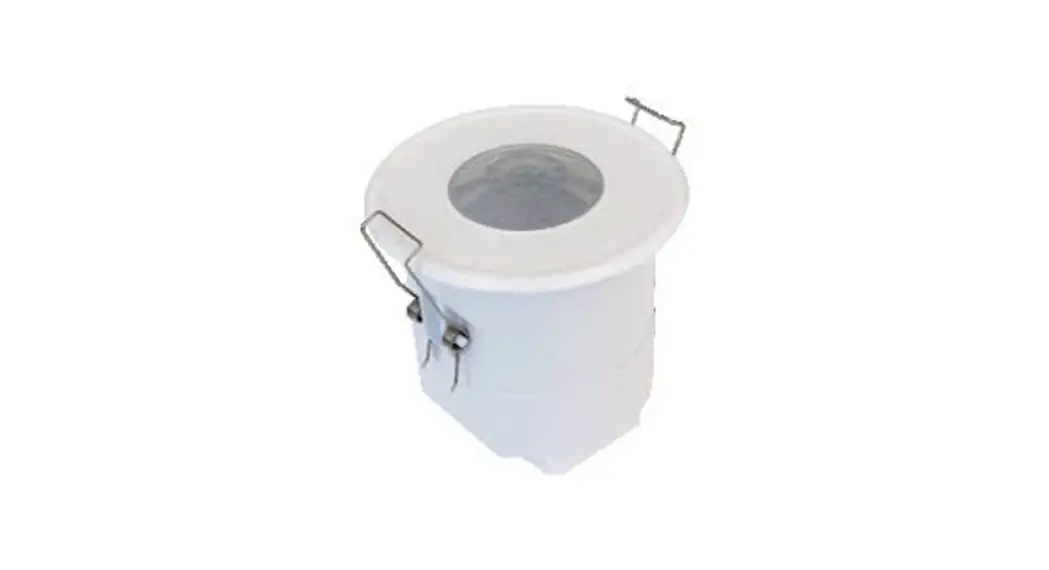
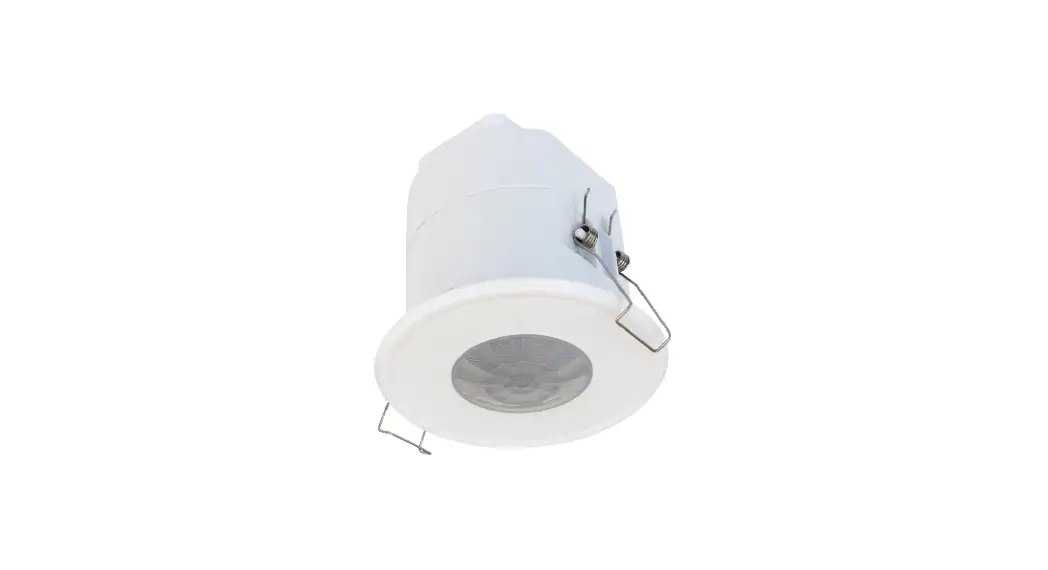
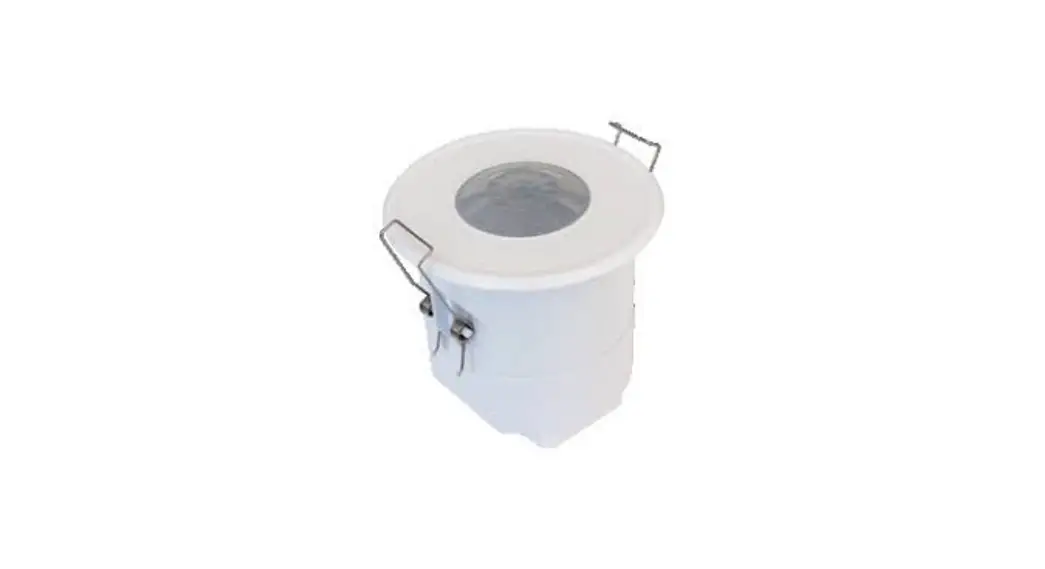
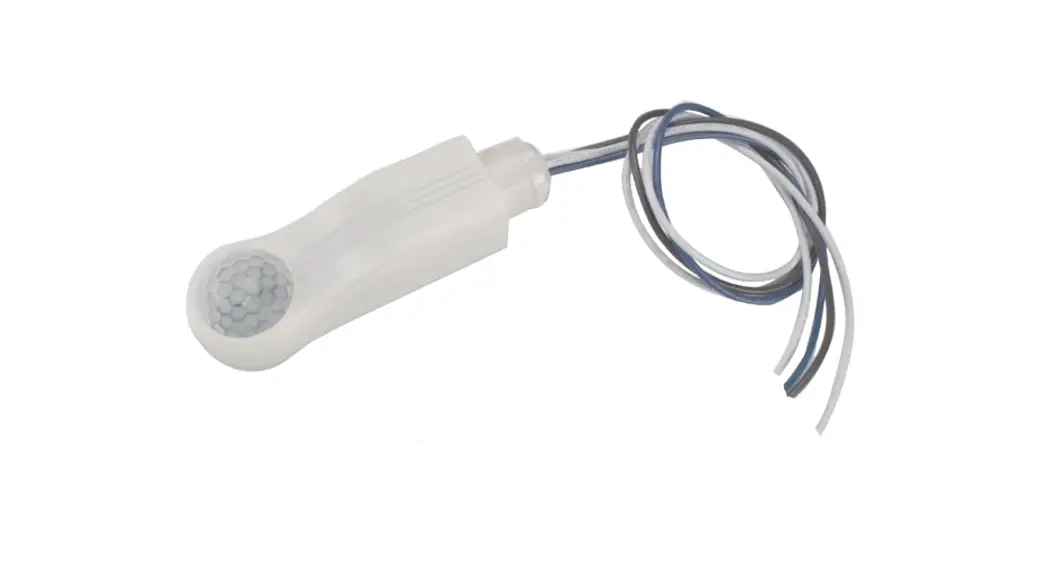
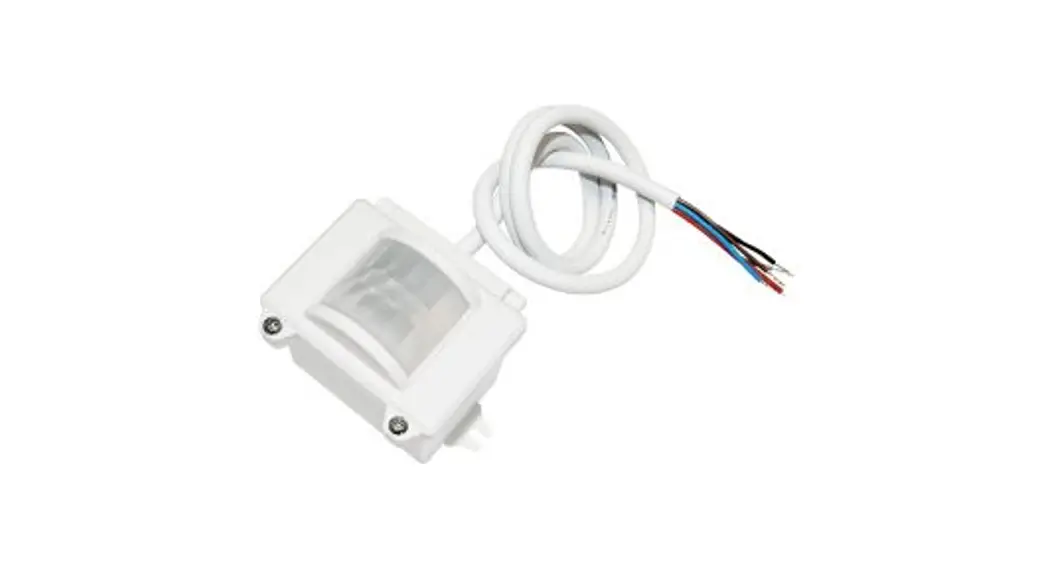
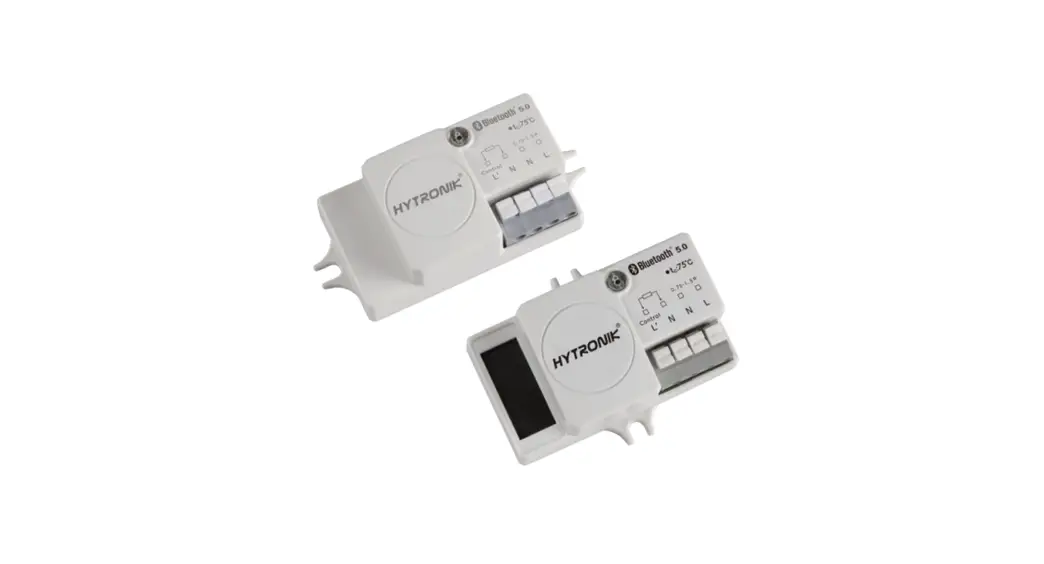
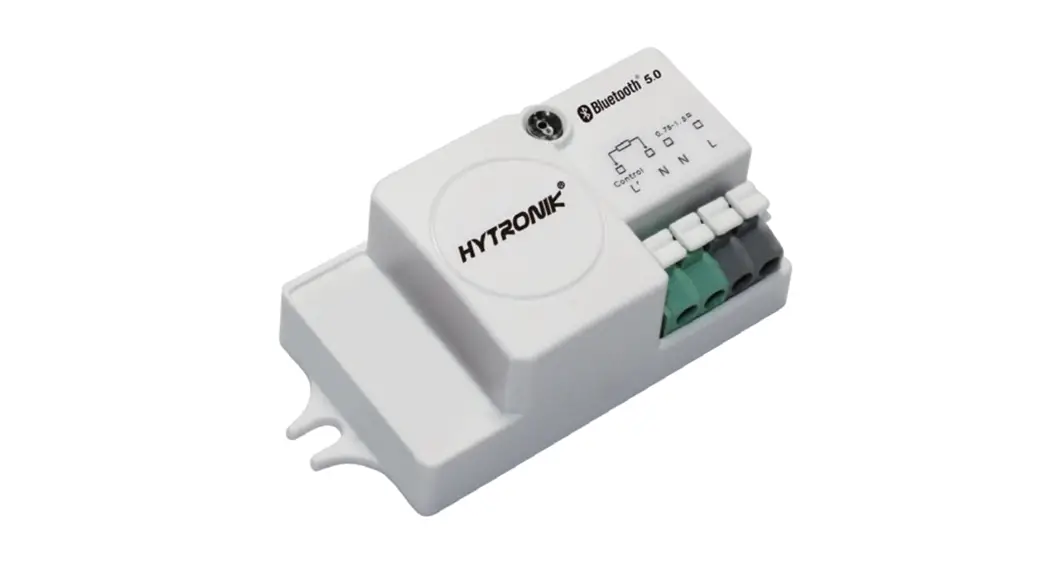
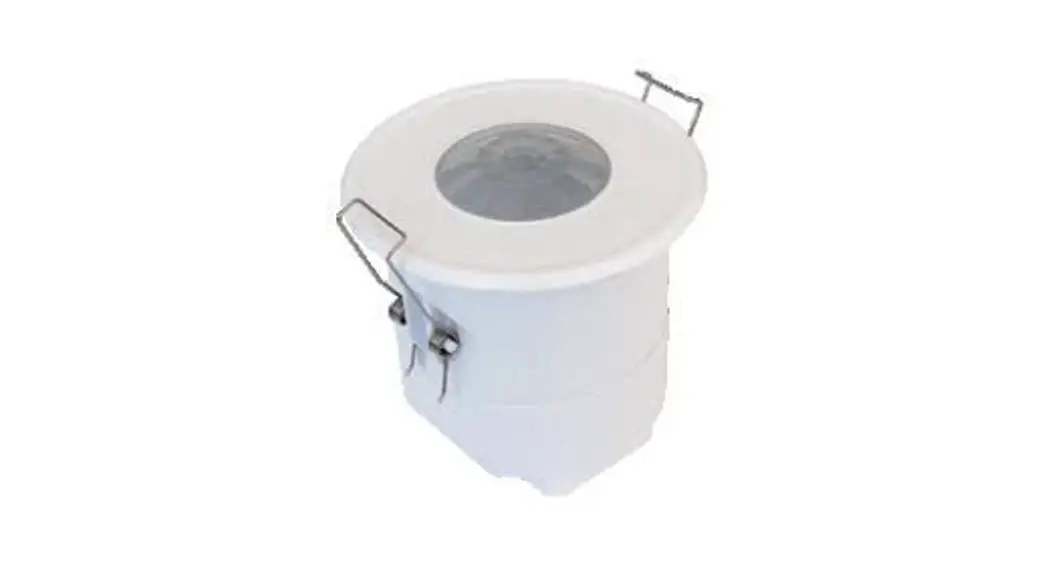
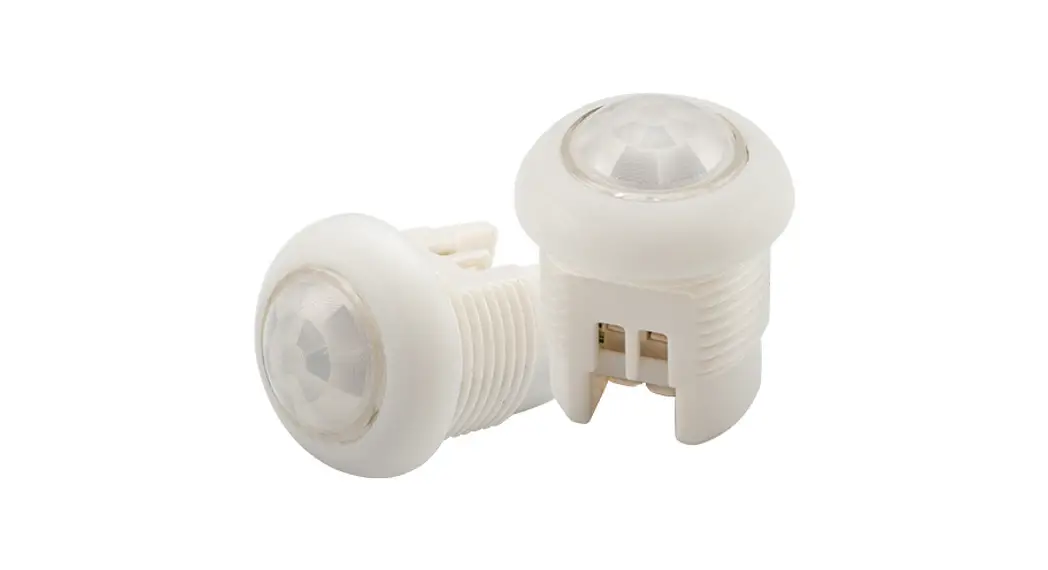
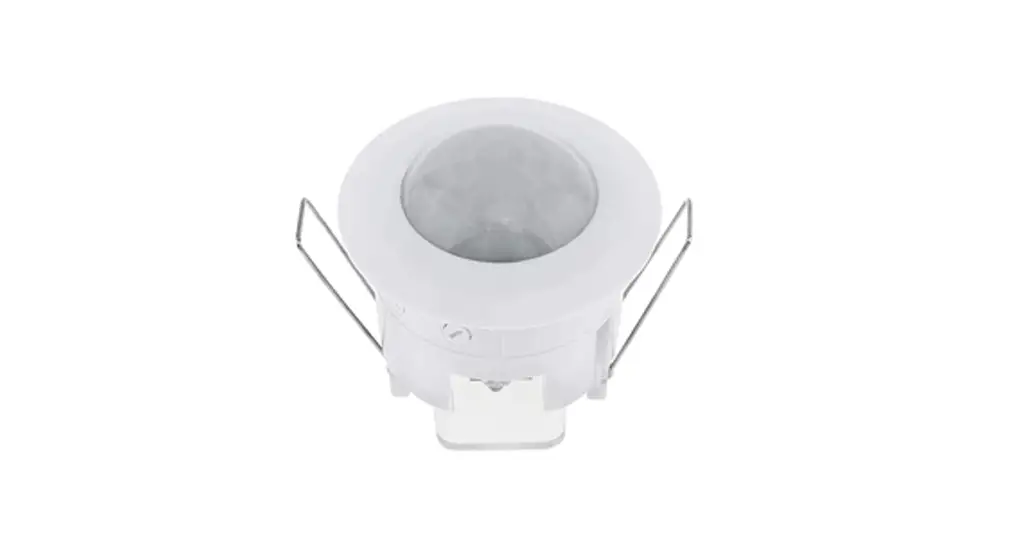
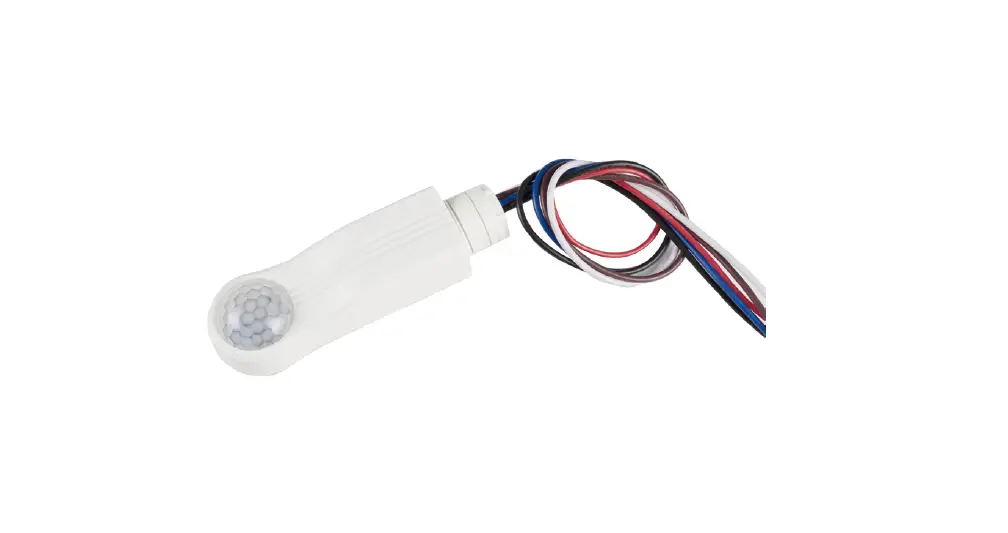
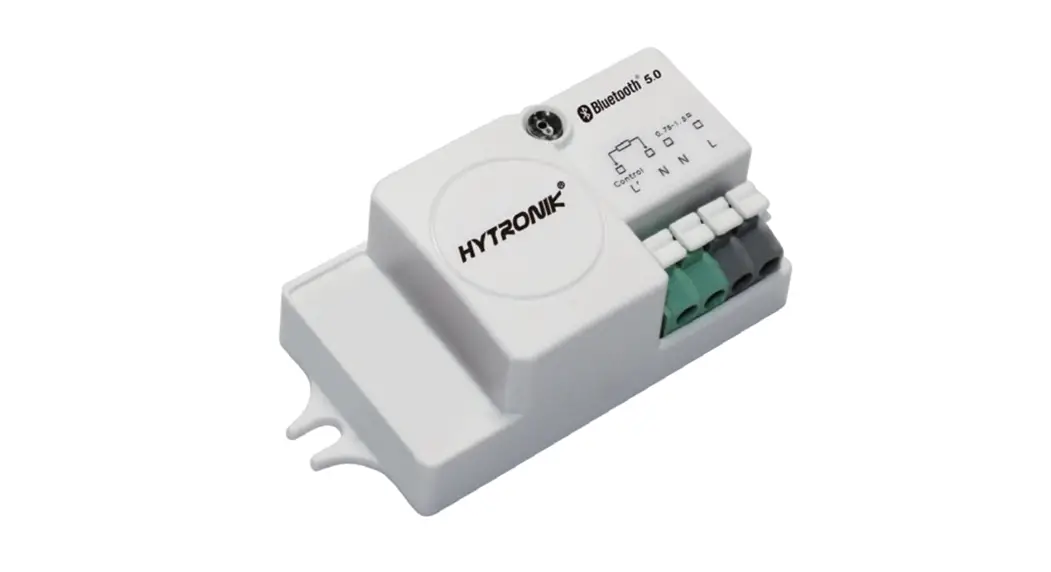
HIR60 Bluetooth 5.0 SIG Mesh PIR Motion Sensors
Product Information
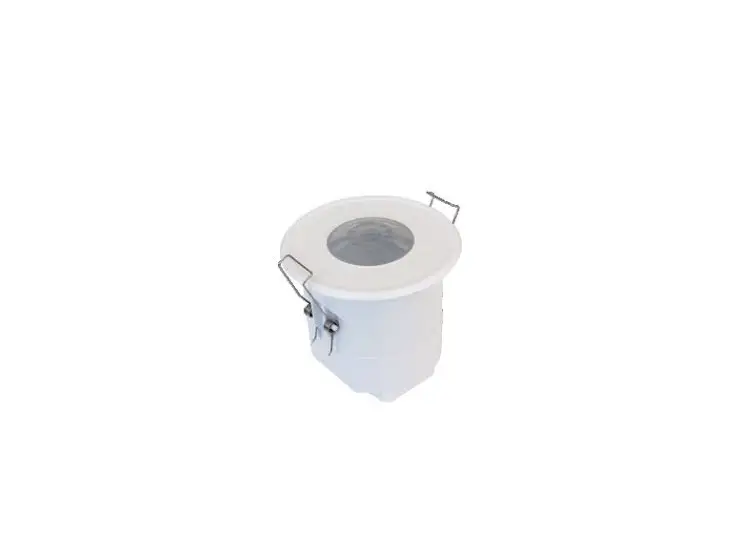
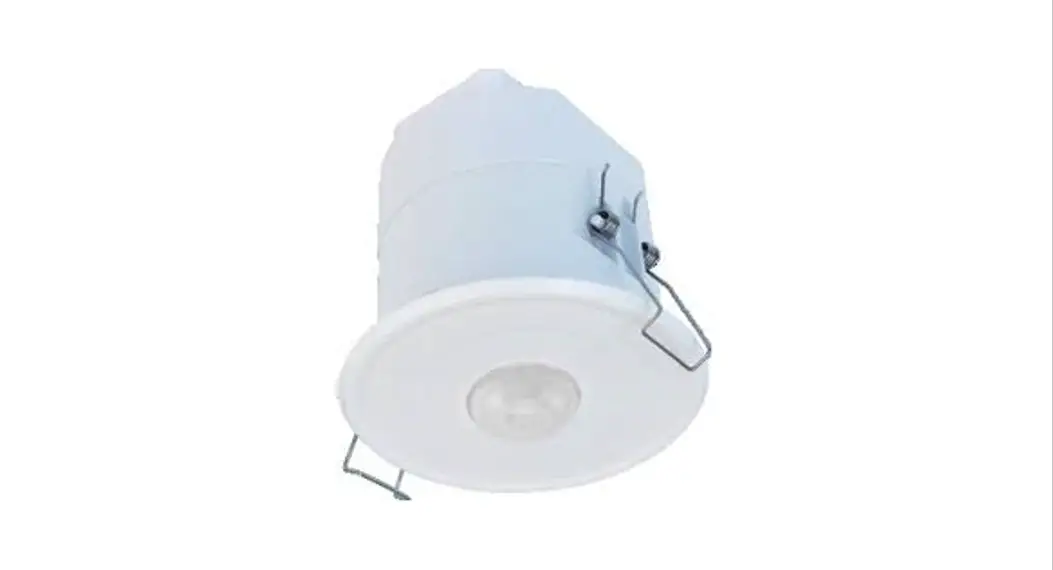
The HIR60 and HIR60/R are Bluetooth 5.0 SIG mesh PIR motion
sensors designed for low bay and mid bay lighting applications.
They are equipped with a Zhaga D4i (Book 20 connection) that allows
easy connection to Zhaga Book 20 LED Drivers via plug’n’play. These
sensors feature a Bluetooth module, PIR sensor, and daylight sensor
in a super-mini size. The Bluetooth wireless mesh networking
enables seamless communication between luminaires without the need
for hardwiring, making it ideal for smart lighting applications.
The devices can be easily set up and commissioned using a
smartphone app.
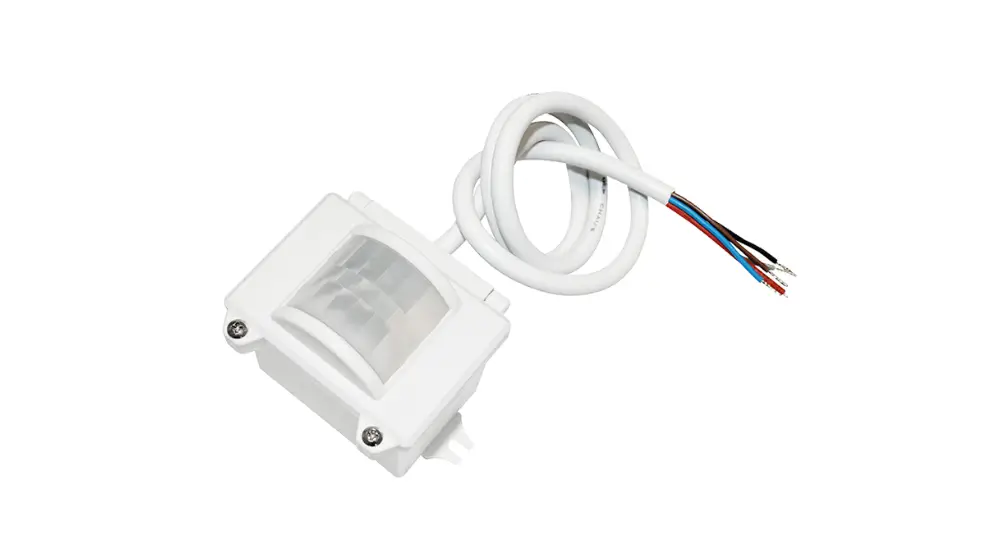
The HIR60/R variant has an IP65 rating, making it suitable for
outdoor installations. It also supports DALI (Digital Addressable
Lighting Interface) for advanced control options.
Hardware Features:
- Bluetooth 5.0 + Zhaga + D4i + PIR motion sensor + Daylight
sensor - Super compact mini size
- Plug’n’Play via Zhaga Book 20 connection
- 5-year warranty
Technical Specifications:
- Bluetooth Transceiver:
- Operation frequency: 2.4 GHz – 2.483 GHz
- Transmission power: 4 dBm
- Range (Typical indoor): 10~30m
- Protocol: Bluetooth 5.0 SIG Mesh
- Environment:
- Operation temperature: 10 ~ 90%
- Storage temperature: IP20
- Relative humidity: 10 ~ 90%
- PIR Sensor Properties (HIR60 & HIR60/R):
- Sensor principle: PIR detection
- Operation voltage: 9.5~22.5VDC
- Input current: Approx. 30mA
- Detection angle: Varies based on sensor placement and walking
paces
Product Usage Instructions
1. Mounting the Sensor:
– Choose a suitable location for mounting the sensor, ensuring
it has a clear view of the area to be monitored.
– Use the provided optional accessories (HA04 or HA05) for
different mounting styles, if required.
– Follow the mechanical structure and dimensions diagram in the
user manual for proper installation.
2. Wiring the Sensor:
– Ensure power supply is disconnected before wiring.
– Refer to the wiring diagram in the user manual for connecting
the sensor to a DALI driver and power supply.
– Follow the wire preparation guidelines mentioned in the manual
for proper wire installation.
3. Device Setup and Commissioning:
– Download the Koolmesh Pro app from the App Store or Google
Play Store.
– Open the app and follow the on-screen instructions to create
an account and log in.
– Ensure your smartphone’s Bluetooth is enabled.
– Follow the in-app instructions to pair and configure the
motion sensor using Bluetooth wireless mesh networking.
Note: For detailed troubleshooting and additional guidelines,
refer to the complete user manual.
5.0 PIR Motion Sensor with
HIR60
Low bay
HIR60/R
Mid bay with IP65
Product Description
HIR60 & HIR60/R are Bluetooth 5.0 SIG mesh PIR motion sensors,
designed with Zhaga D4i (Book 20 connection) that enables lighting
designers/manufactures to freely connect to Zhaga Book 20 LED
Drivers via plug’n’play. It’s embedded with Bluetooth module, PIR
sensor and also a daylight sensor, and yet comes with a surprisingly
super-mini size! With Bluetooth wireless mesh networking, it makes
communication between luminaires much easier without
time-consuming hardwiring, which is always a headache especially
for old buildings you do not need any extra wirings to upgrade old
buildings with smart lighting! Meanwhile, simple device setup and
commissioning can be done via
app.
App Features Quick setup mode & advanced setup mode Tri-level control Daylight harvest Circadian rhythm (Human centric lighting) Floorplan feature to simplify project planning Web app/platform for dedicated project management Koolmesh Pro iPad version for on-site configuration Grouping luminaires via mesh network Scenes Detailed motion sensor settings Dusk/Dawn photocell (Twilight function) Schedule to run scenes based on time and date Astro timer (sunrise and sunset) Staircase function (master & slave) Internet-of-Things (IoT) featured Device firmware update over-the-air (OTA) Device social relations check Bulk commissioning (copy and paste settings) Dynamic daylight harvest auto-adaptation Power-on status (memory against power loss) Offline commissioning Different permission levels via authority management Network sharing via QR code or keycode Remote control via gateway support HBGW01 Interoperability with Hytronik Bluetooth product portfolio Continuous development in progress…
RED
HIR60
HIR60/R
Hardware Features 5-in-1: Bluetooth 5.0 + Zhaga + D4i + PIR motion sensor + Daylight sensor Optional accessories for different mounting style
MINI Super compact mini size Plug’n’Play via Zhaga Book 20 connection 5-year warranty
IP65 IP65 rated design for HIR60/R D A L I coming soon
coming soon
5.0 SIG mesh
iOS
Android
for iOS
for Android
Smartphone app for both iOS & Android platform
for iPad Koolmesh Pro app for iPad
Web for Web
Web app/platform: www.iot.koolmesh.com
Subject to change without notice.
Edition: 15 Jun. 2022 Ver. A2 Page 1/6
Technical Specifications
Bluetooth Transceiver Operation frequency Transmission power Range (Typical indoor) Protocol
Environment Operation temperature Storage temperature Relative humidity IP rating
2.4 GHz – 2.483 GHz 4 dBm 10~30m
5.0 SIG Mesh
Ta: -20°C ~ 50°C -40°C ~ +70°C
10 ~ 90% IP20
PIR Sensor Properties (HIR60 & HIR60/R)
Sensor principle
PIR detection
Operation voltage
9.5~22.5VDC
Input current
Approx. 30mA
HIR60 Max installation height3m Max detection range (Ø)12m
Detection range * HIR60/R Max installation height8m (for person) Max installation height12m (for forklift) Max detection range (Ø)20m
Detection angle
360°
* The detection range is heavily influenced by sensor placement (angle) and different walking paces. It may be reduced under certain conditions.
Optional Accessories
HA04
HA05
Demenstration of installation for transparent version
Subject to change without notice.
Edition: 15 Jun. 2022 Ver. A2 Page 2/6
Mechanical Structure & Dimensions
HIR60
Ø 26
HIR60 with HA04 HIR60 with HA05 HIR60/R (IP65)
Ø 15 52
Ø 15 68
Ø 36.7
Wire Preparation
0.2~0.75mm 6~7mm
Subject to change without notice.
27 31.8
9.4
22 33
9
21.7
22.4 31.8
Installation hole
Ø
+ 22.23 –
0.78 0.41
Installation hole
R2.3±0.1
17.2±0.1
44.2±0.1
21.7
Installation hole
Max R0.5
22±0.2
60±0.2
21.7
22.7 33.9 43.4
Installation hole
Ø
+ 22.23
0.78 – 0.41
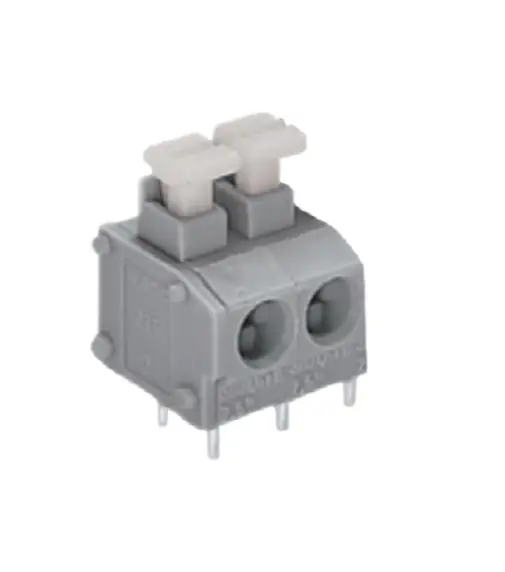
To make or release the wire from the terminal, use a screwdriver to push down the button.
Edition: 15 Jun. 2022 Ver. A2 Page 3/6
Wiring Diagram
DALI Driver
L N
DALI power supply
DALI Driver
DALI bus
DALI Driver
DALI DALI
Detection Pattern – – Diagram 1
The data below is tested under following conditions:
Single person walking; Sensor not connected to any driver that may have soft-on period; Testing temperature Ta = 20°C; The testing is conducted in an open and spacious indoor field, without noticeable obstacles or influences that may affect PIR performances.
Tangential movement
h = max.3m
Tangential: max. 12m
insensitive
sensitive
Mount height 3m
HIR60
Tangential Movement max 113m2 (Ø = 12m)
Subject to change without notice.
Edition: 15 Jun. 2022 Ver. A2 Page 4/6
Detection Pattern – – Diagram 2
The data below is tested under following conditions:
Forklift driving; Sensor not connected to any driver that may have soft-on period; Testing temperature Ta = 20°C; The testing is conducted in an open and spacious indoor field, without noticeable obstacles or influences that may affect PIR performances.
Tangential movement
h = max.12m
Tangential: max. 20m
insensitive
sensitive
Mount height
8m 9m 10m 11m 12m
HIR60/R
Tangential Movement max 201m2 (Ø = 16m) max 227m2 (Ø = 17m) max 254m2 (Ø = 18m) max 314m2 (Ø = 20m) max 314m2 (Ø = 20m)
Detection Pattern – – Diagram 3
The data below is tested under following conditions:
Single person walking; Sensor not connected to any driver that may have soft-on period; Testing temperature Ta = 20°C; The testing is conducted in an open and spacious indoor field, without noticeable obstacles or influences that may affect PIR performances.
Tangential movement
h = max.8m
Tangential: max. 12m
insensitive
sensitive
Mount height
3m 4m 5m 6m 7m 8m
HIR60/R
Tangential Movement max 38m2 (Ø = 7m) max 50m2 (Ø = 8m) max 50m2 (Ø =8m) max 64m2 (Ø = 9m) max 95m2 (Ø = 11m)
max 113m2 (Ø = 12m)
Subject to change without notice.
Edition: 15 Jun. 2022 Ver. A2 Page 5/6
Placement Guide and Typical Range Smart Phone to Device Range
6-10m
10m
The smart device with the App installed will have a typical range of 10m, but varies from device to device. During commissioning, the installer will need to be in range of the devices when searching for devices to add to the network.
Once the devices have been added to the network via the App, the devices will start communicating within the wireless mesh. This means that once the network is complete, all devices are accessible from the smart device when in a 20m range of a single point.
Additional Information / Documents
1. To learn more about detailed product features/functions, please refer to www.hytronik.com/download ->knowledge ->Introduction of App Scenes and Product Functions
2. Regarding precautions for Bluetooth product installation and operation, please kindly refer to www.hytronik.com/download ->knowledge ->Bluetooth Products – Precautions for Product Installation and Operation
3. Regarding precautions for PIR Sensors installation and operation, please kindly refer to www.hytronik.com/download ->knowledge ->PIR Sensors – Precautions for Product Installation and Operation
4. Data sheet is subject to change without notice. Please always refer to the most recent release on www.hytronik.com/products/bluetooth technology ->Bluetooth Sensors
5. Regarding Hytronik standard guarantee policy, please refer to www.hytronik.com/download ->knowledge ->Hytronik Standard Guarantee Policy
Subject to change without notice.
Edition: 15 Jun. 2022 Ver. A2 Page 6/6
 Catalogue_Hytronik
 iot.koolmesh.com