Contents hide

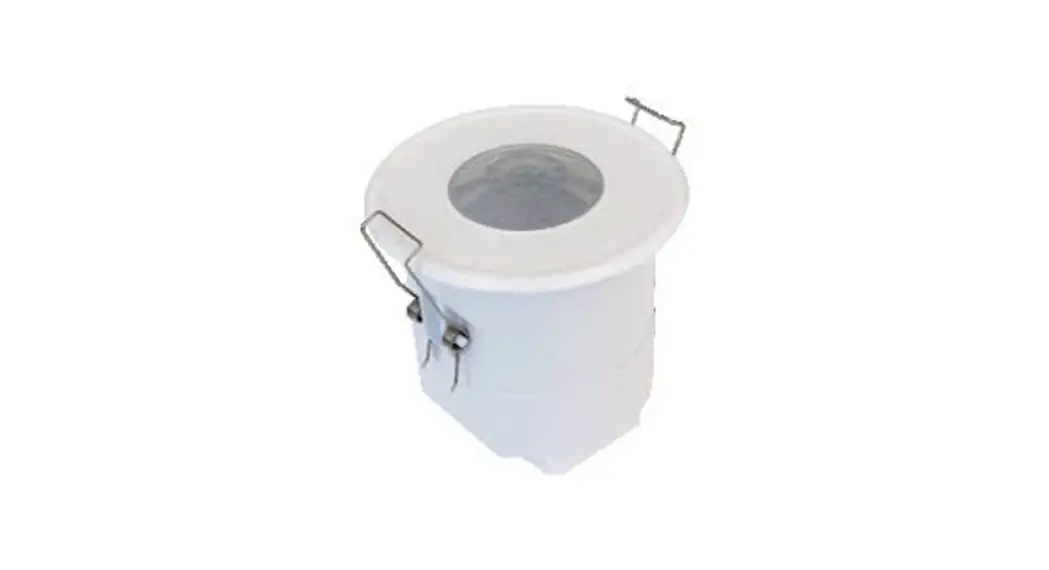
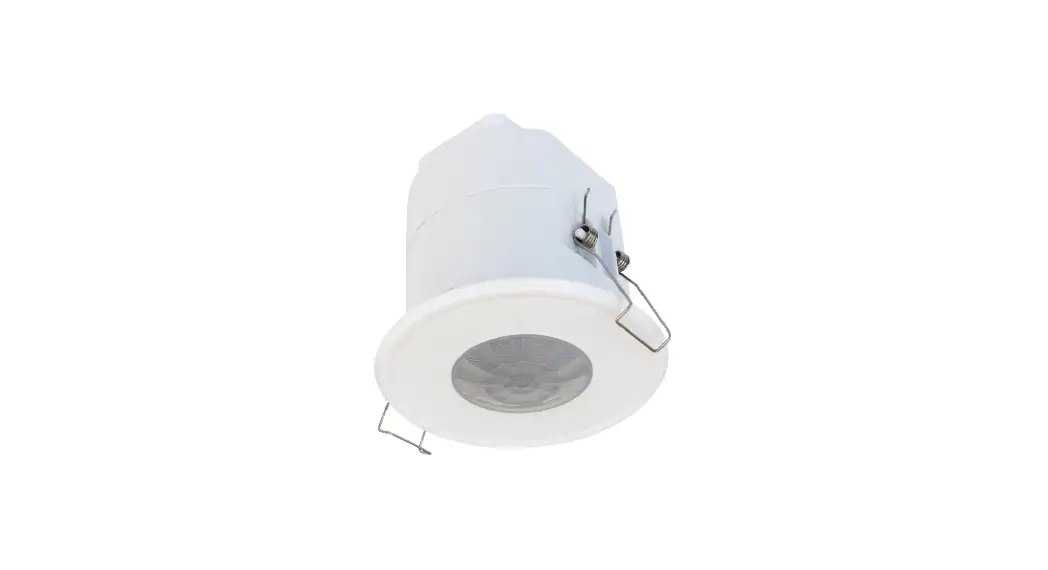
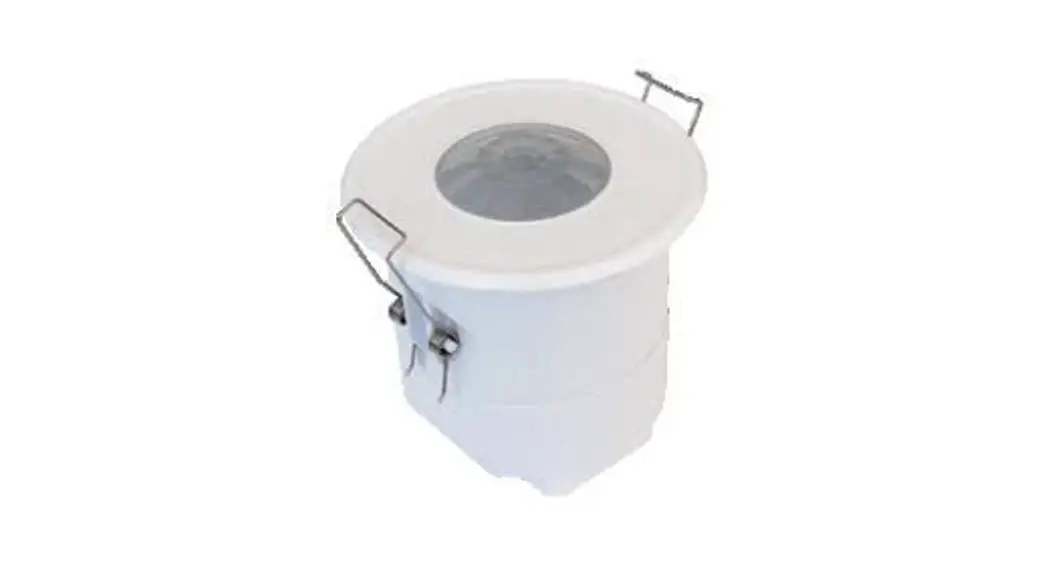
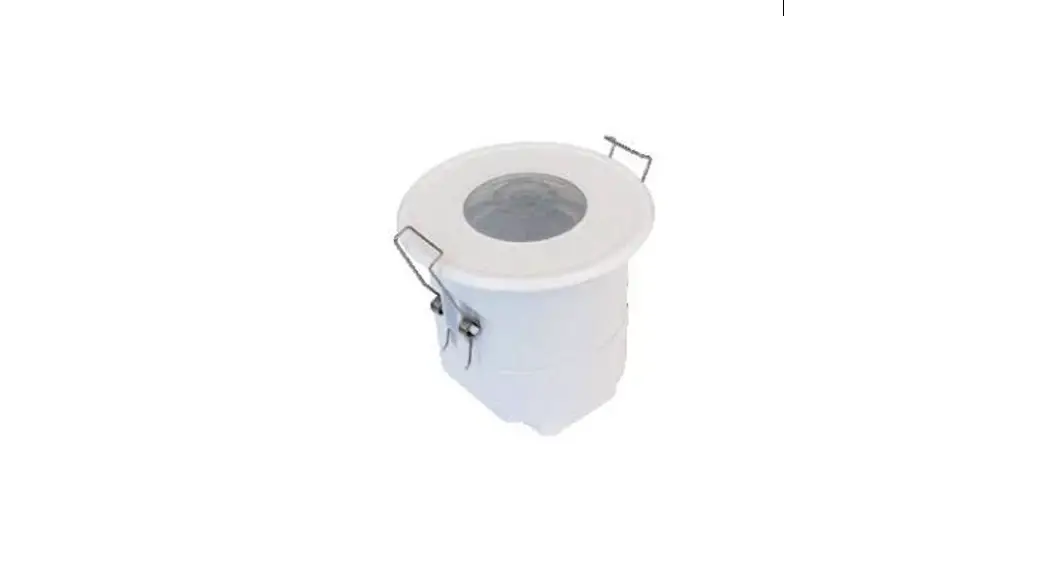
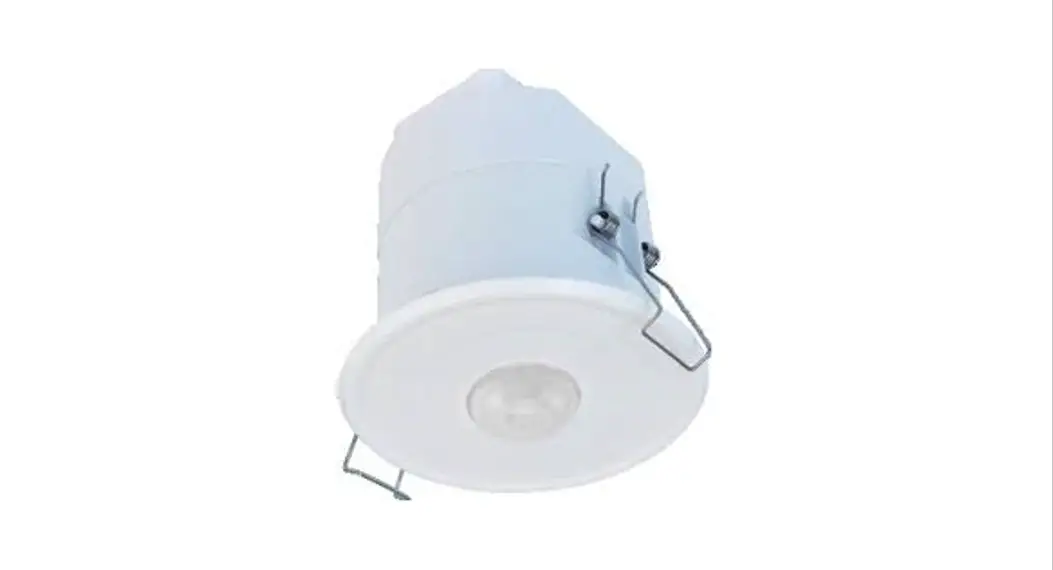
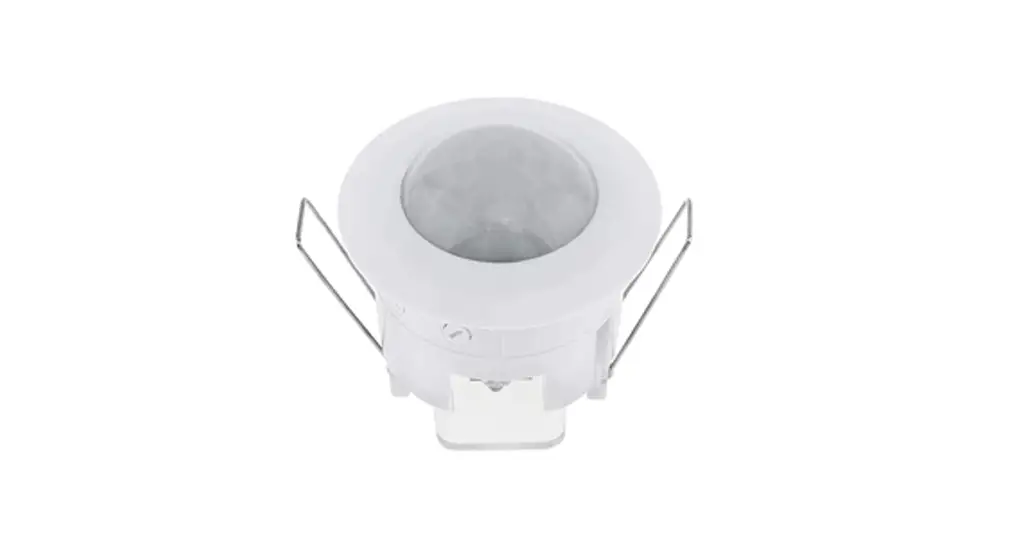
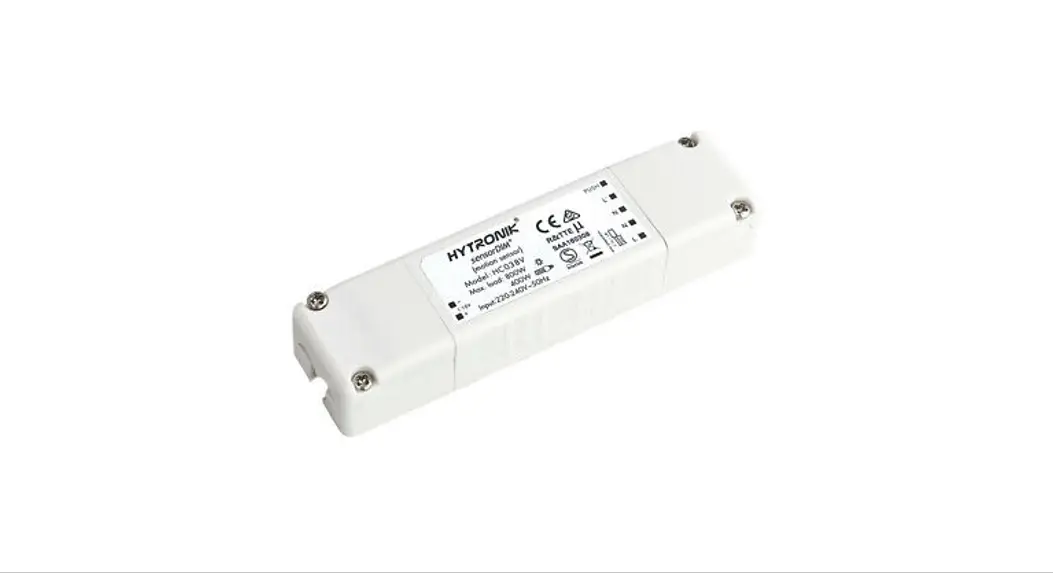
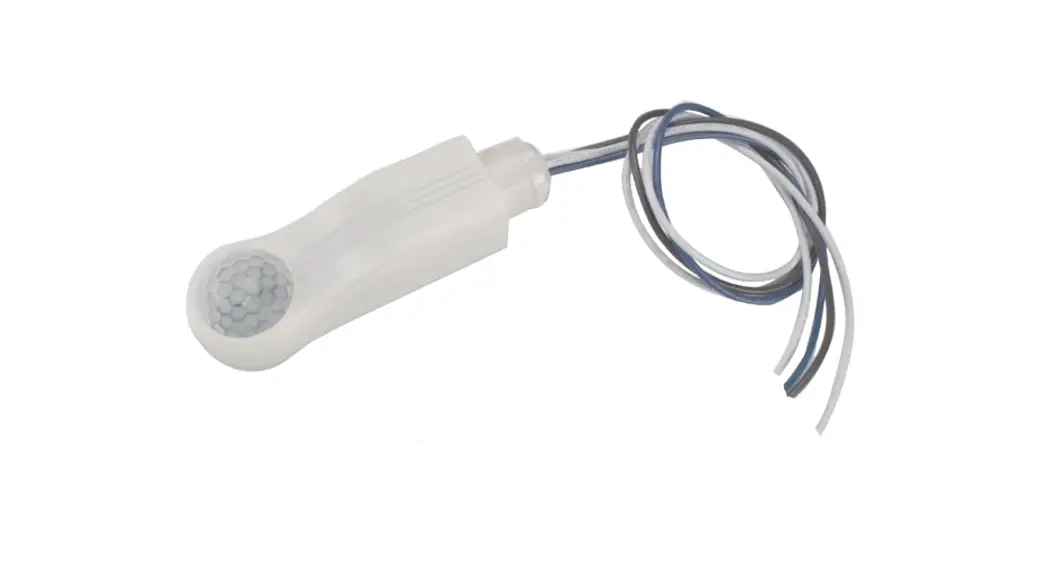
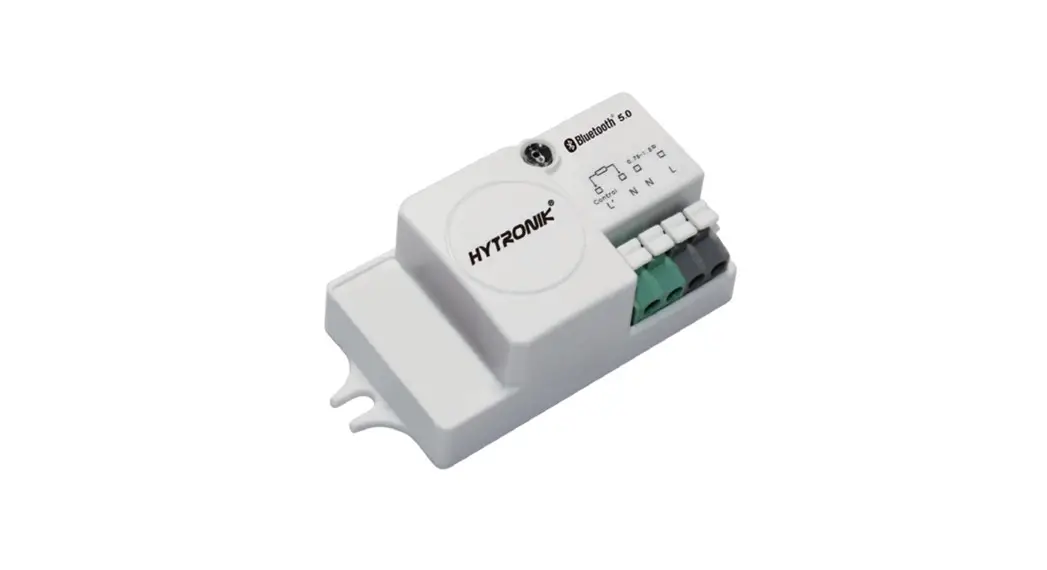
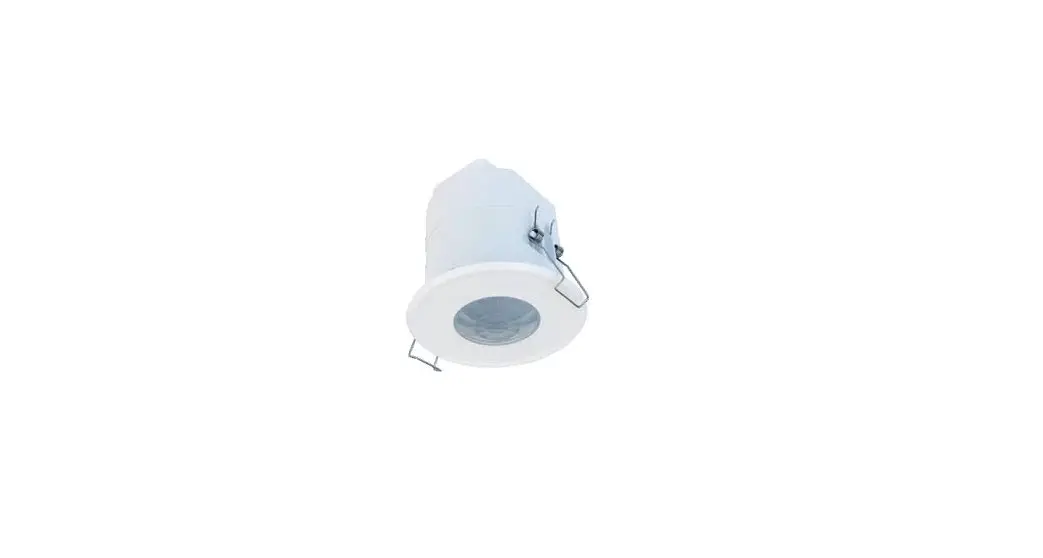
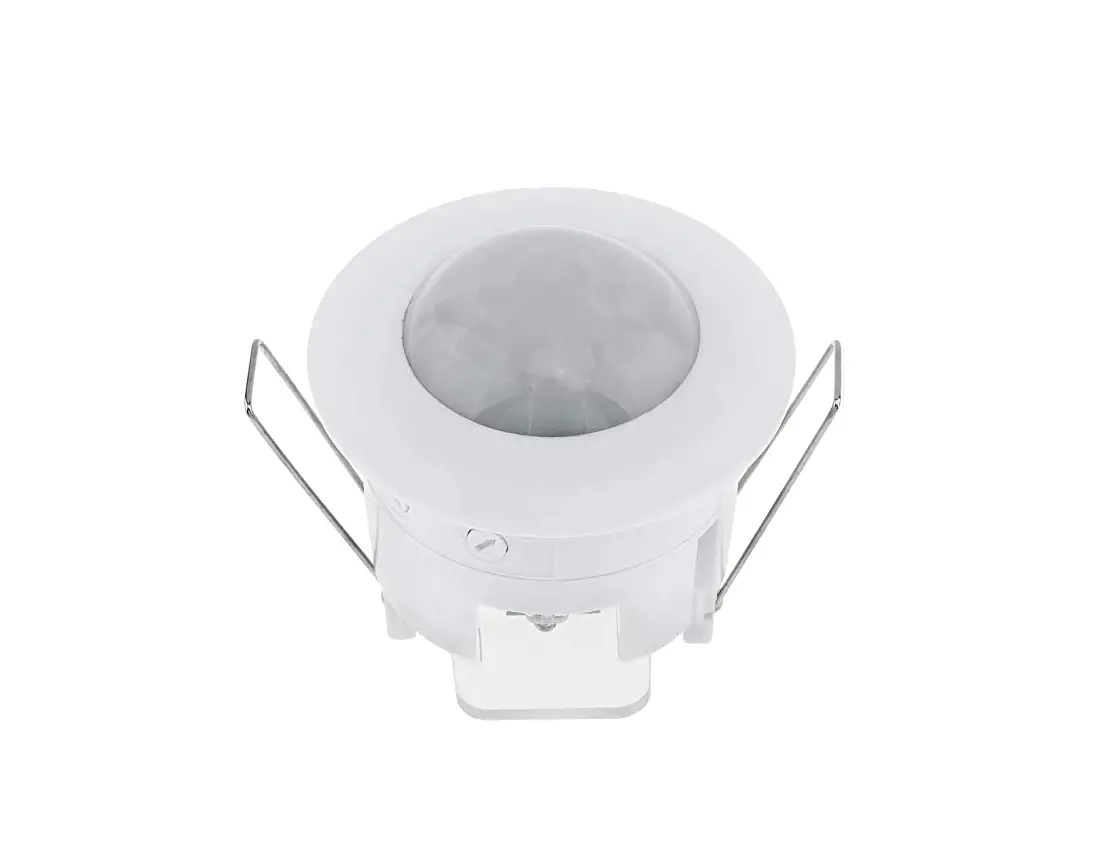
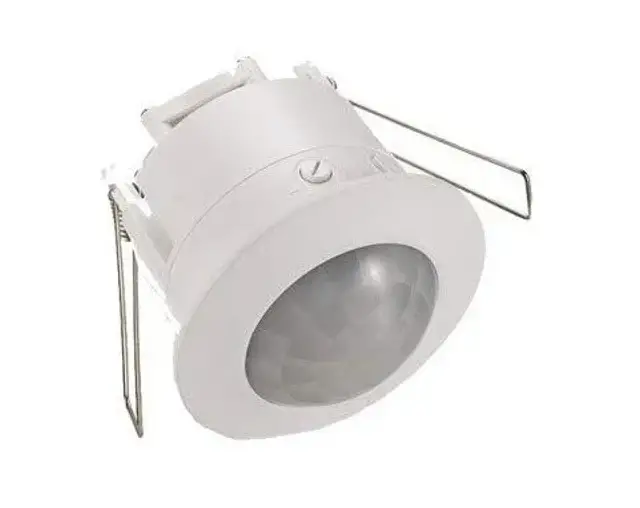
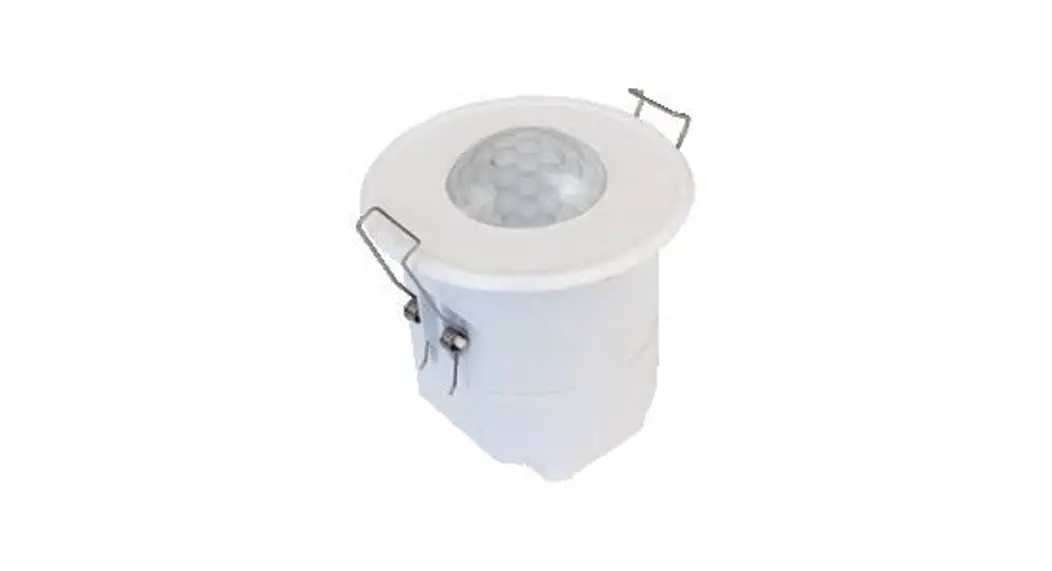
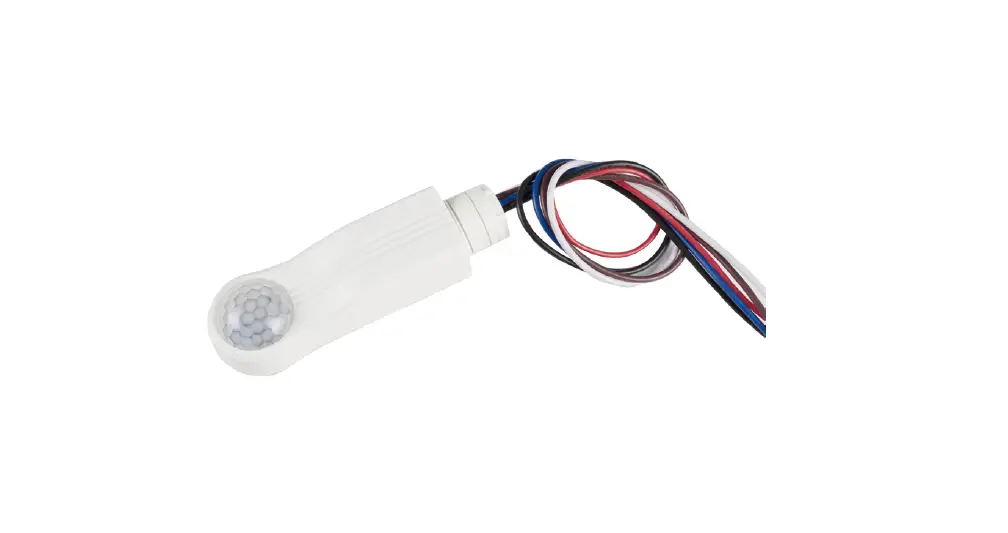
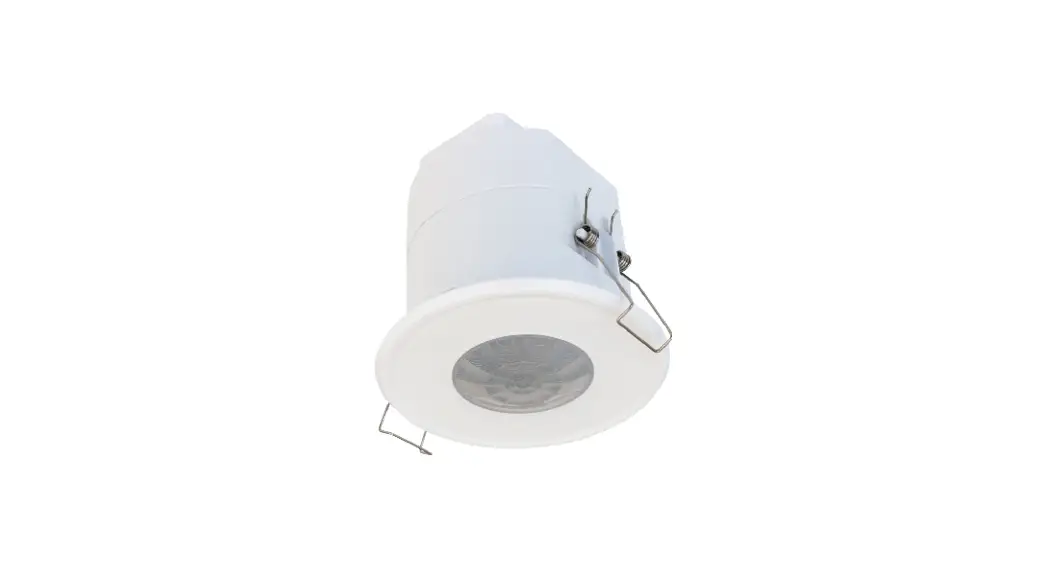
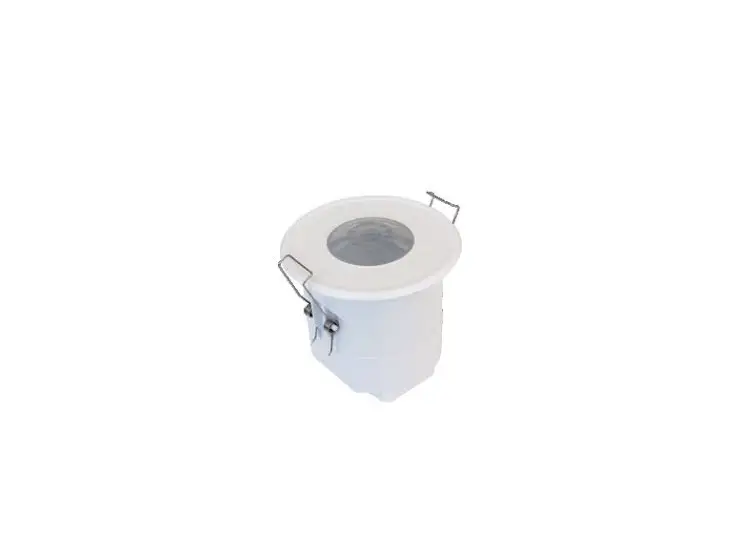
HYTRONIK PIR Standalone Motion Sensor with Bluetooth Mesh

HBIR29/SV HBIR29/SV/R
HBIR29/SV/H HBIR29/SV/RH
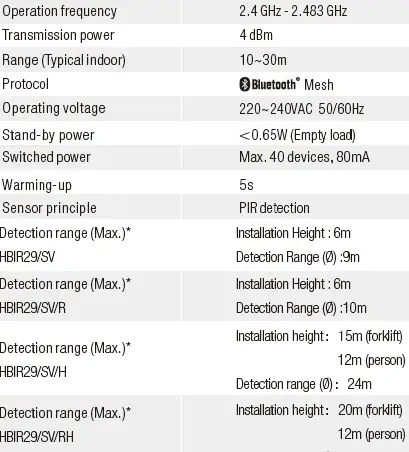
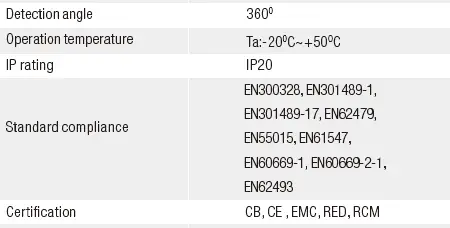
Technical Specifications
Download the App
 The access to Silvair apps
mobile app: Silvair on the App Store web app: platform.silvair.com
Installation
Mechanical Structure & Dimensions
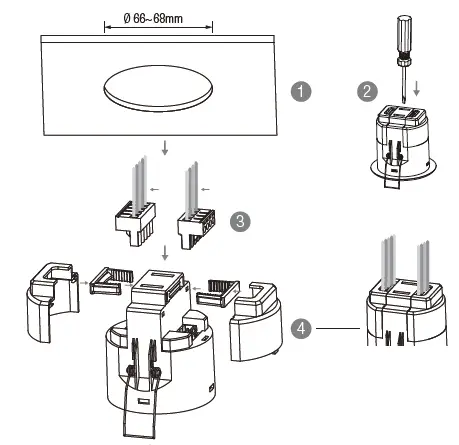
- Ceiling (drill hole φ66~68mm)
- Carefully prise off the cable clamps.
- Make connections to the pluggable terminal blocks.
- Insert plug connectors and secure using the provided cable clamps, then clip terminal covers to the base.
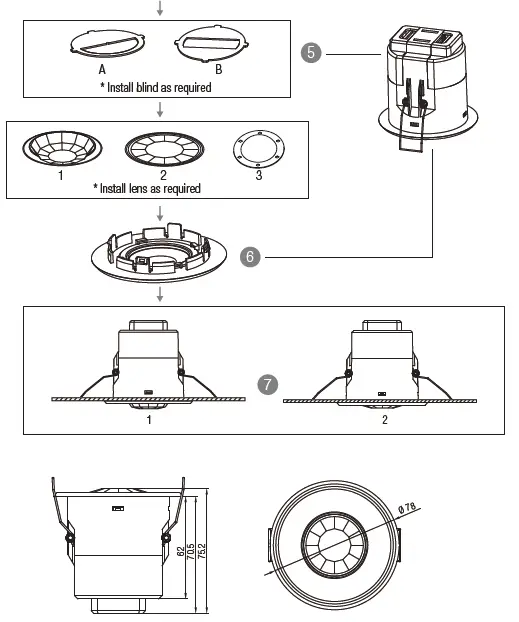
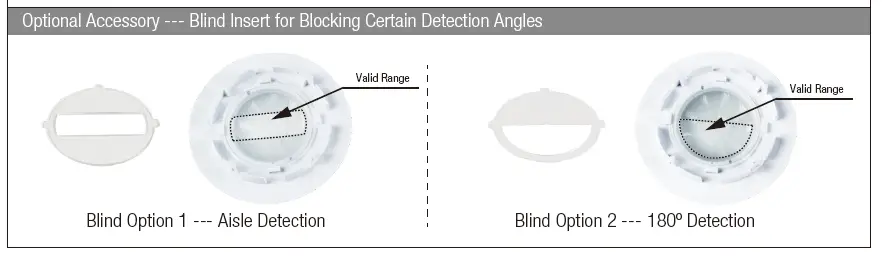
- Fit detection blind (if required) and desired lens.
- Clip fascia to body.
- Bend back springs and insert into ceiling.
Wire Preparation
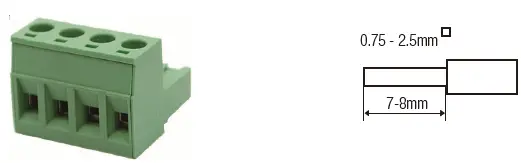 Pluggable screw terminal. It is recommended to make connections to the terminal before fitting to the sensor.
Wiring Diagram
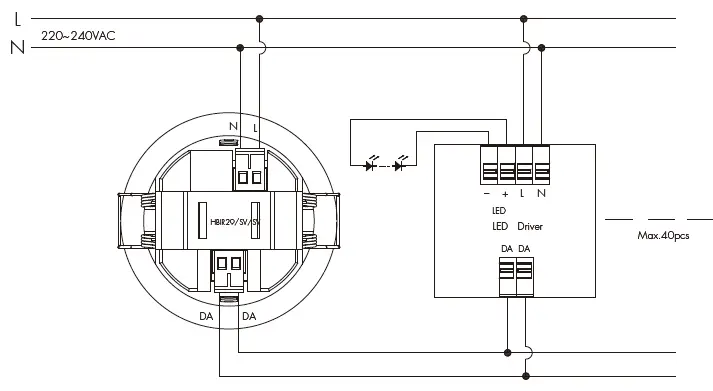
Mesh Factory Reset
The device HBIR29/SV/SV can be reset by placing a strong magnet (e.g. N38 neodymium magnet, d=10mm*h=4mm) near the sensor lens for 5 seconds. Once the factory reset is done successfully, the luminaire flashes and then permanent on, then the device is being able to be re-commissioned by SILVAIR app.
To Reprovision
Place a strong magnet on the site of the Reset/Hall effect sensor (see diagram 4 below). To trigger the reset the magnet must be held in position for 5 seconds.
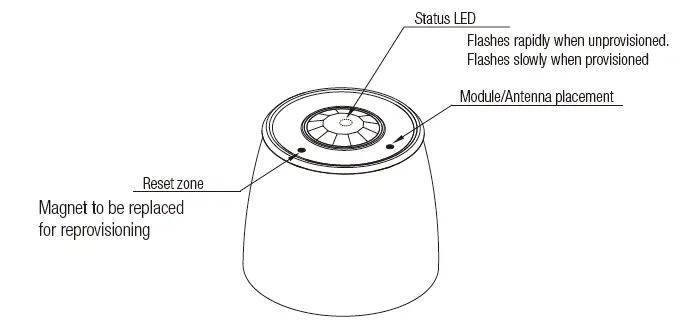
| Status LED blinking Sequence | ||
| HBIR29/SV/SV Unprovisioned | 30ms ON | 300ms OFF |
| HBIR29/SV/SV Provisioned | 15ms ON | 2,000ms OFF |
| Factory reset | 500ms ON | 1,000ms OFF |
| Factory reset (initial burst) | 100ms ON | 1,000ms OFF |
| MESH package received | 30ms ON | 50ms OFF |
| Attention (from network) | 500ms ON | 500ms OFF |
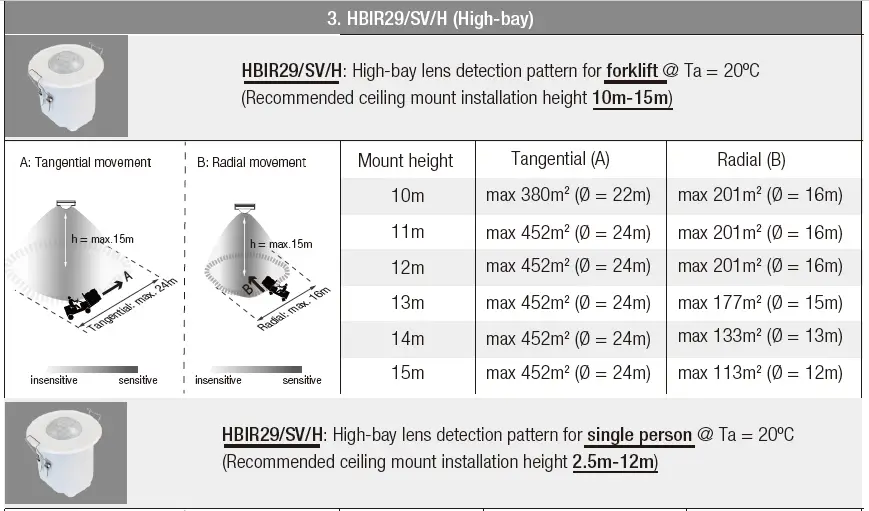
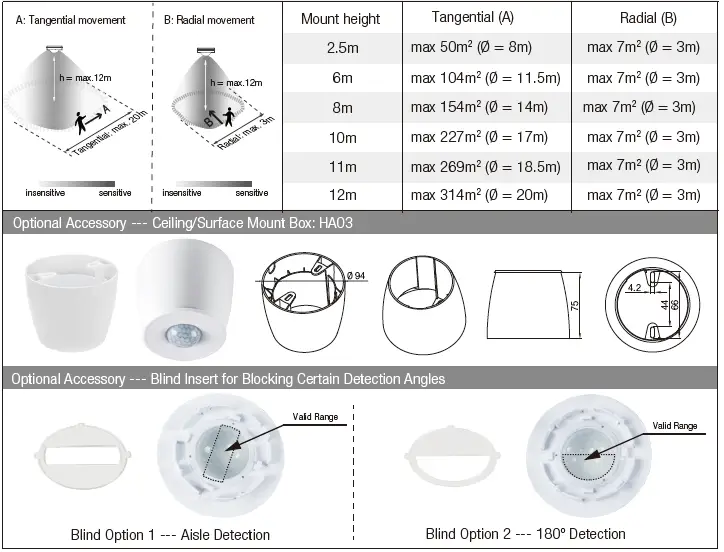
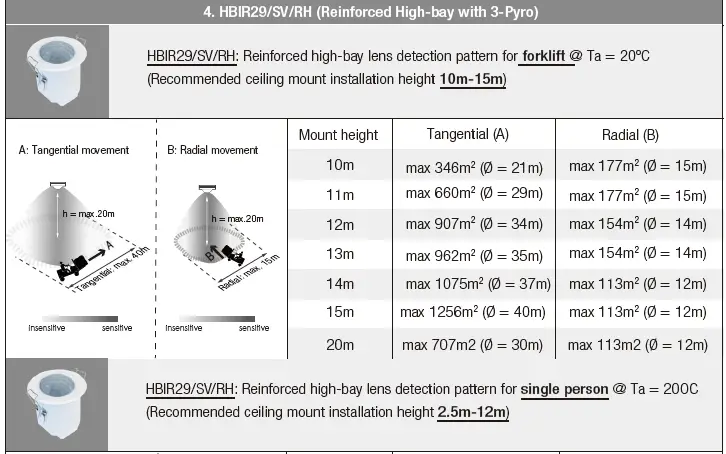
Detection Pattern & Optional Accessories
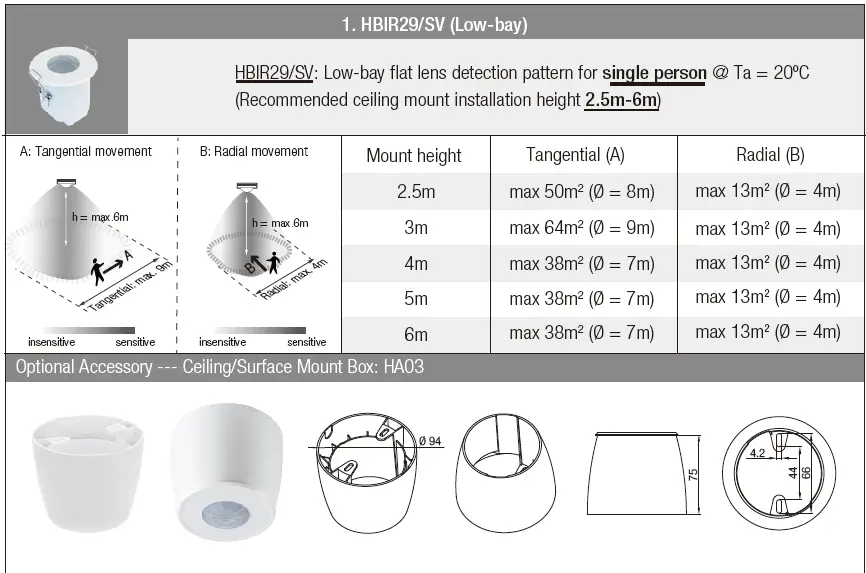
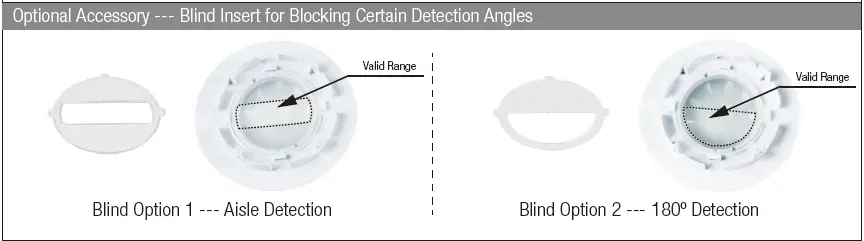
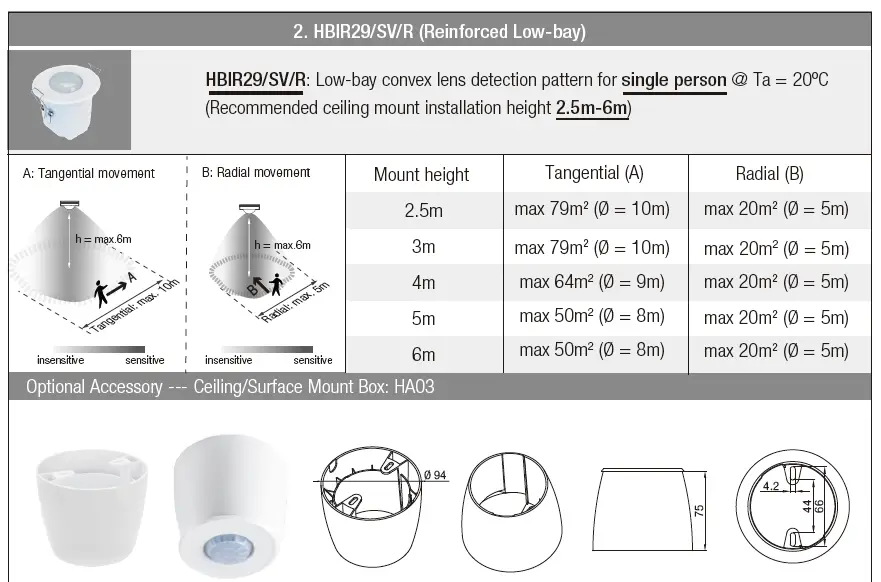
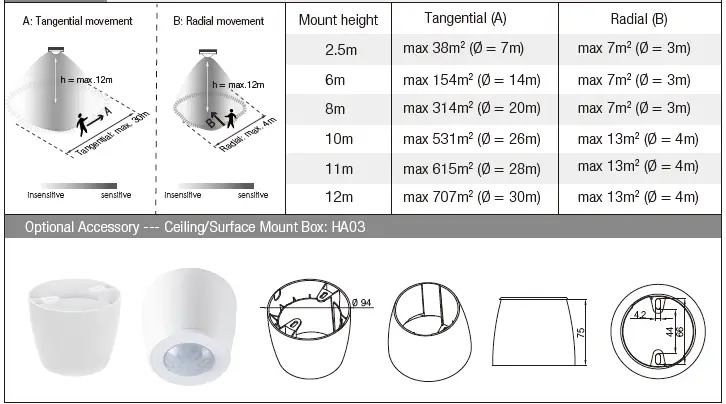
Additional Information / Documents
- Regarding precautions for PIR Sensors installation and operation, please kindly refer to www.hytronik.com/download ->knowledge ->PIR Sensors – Precautions for Product Installation and Operation
- Data sheet is subject to change without notice. Please always refer to the most recent release on www.hytronik.com/products/bluetooth technology ->Partnership
- Regarding Hytronik standard guarantee policy, please refer to www.hytronik.com/download ->knowledge ->Hytronik Standard Guarantee Policy