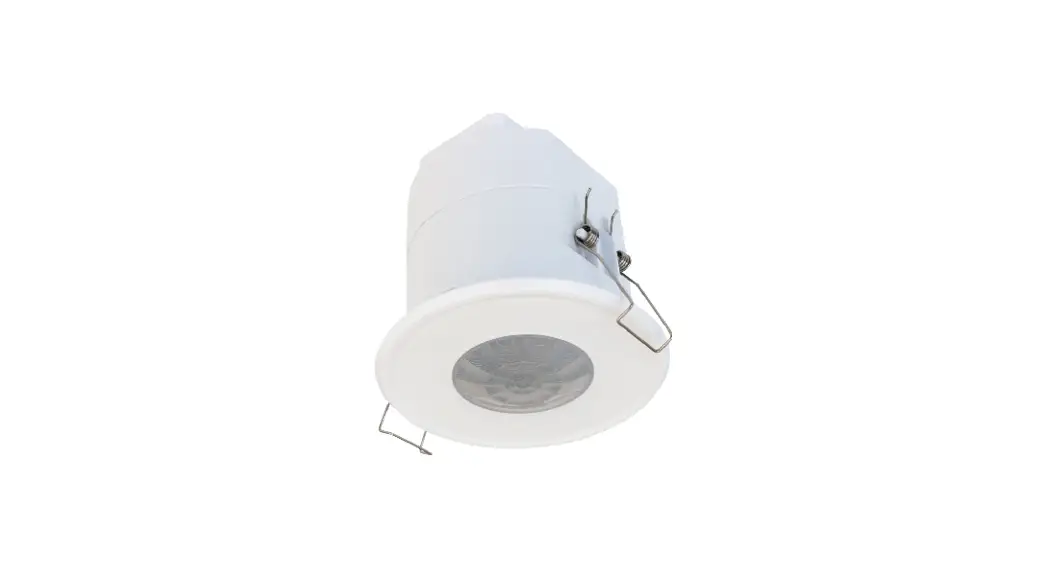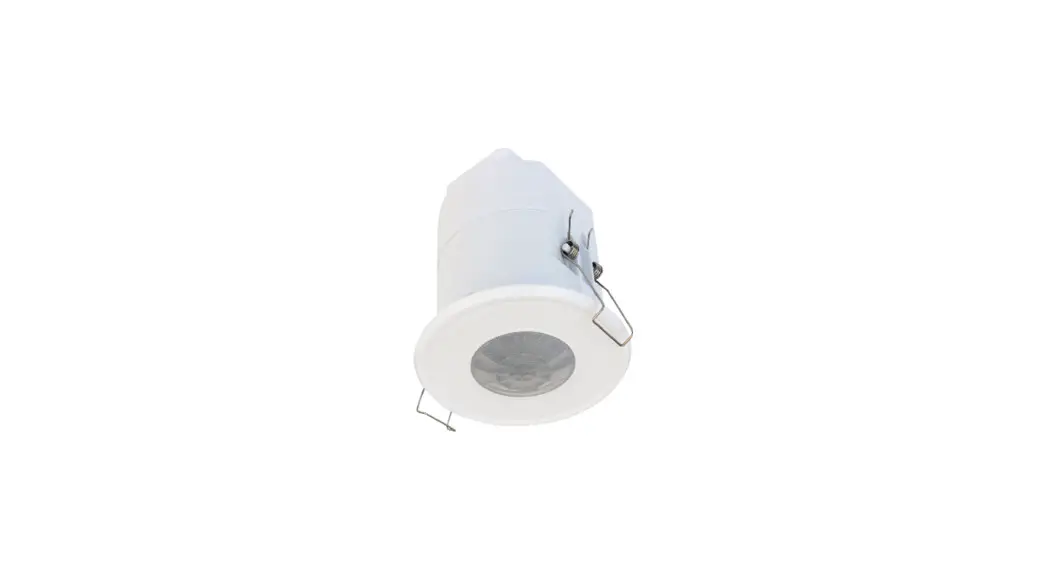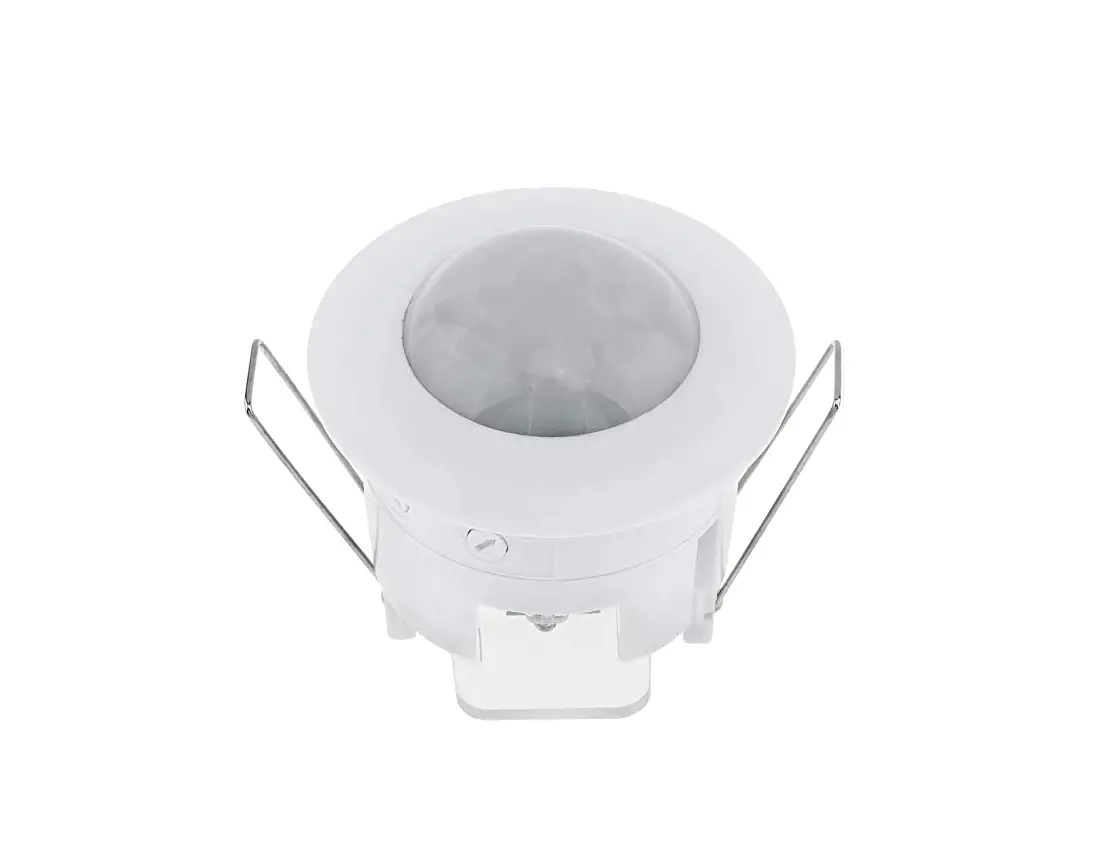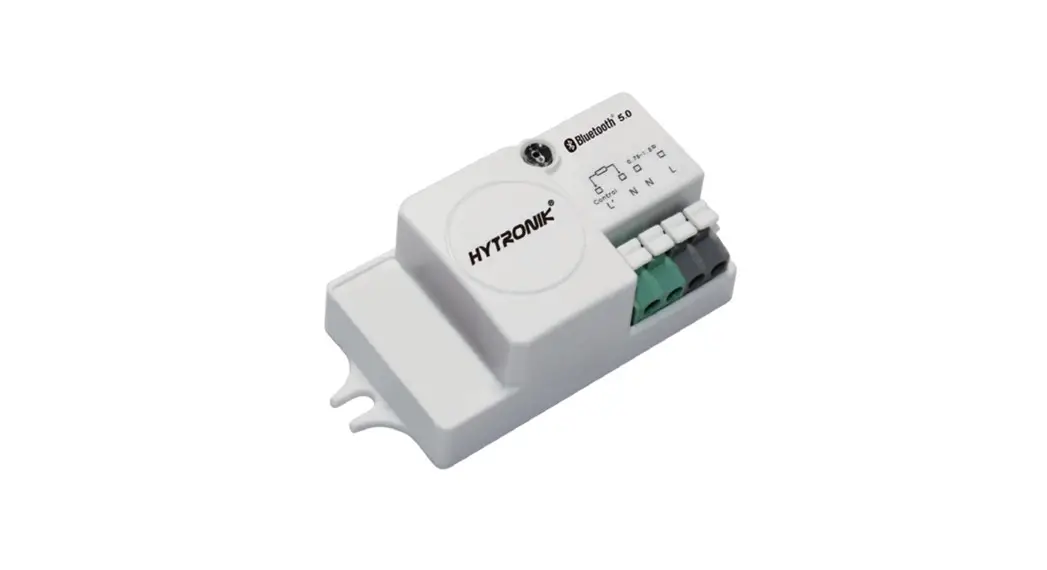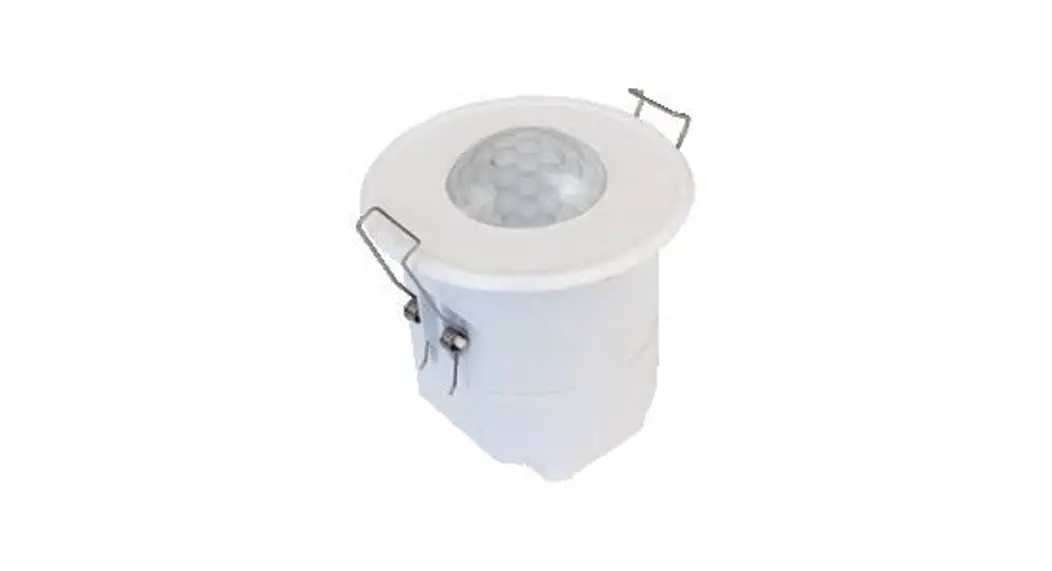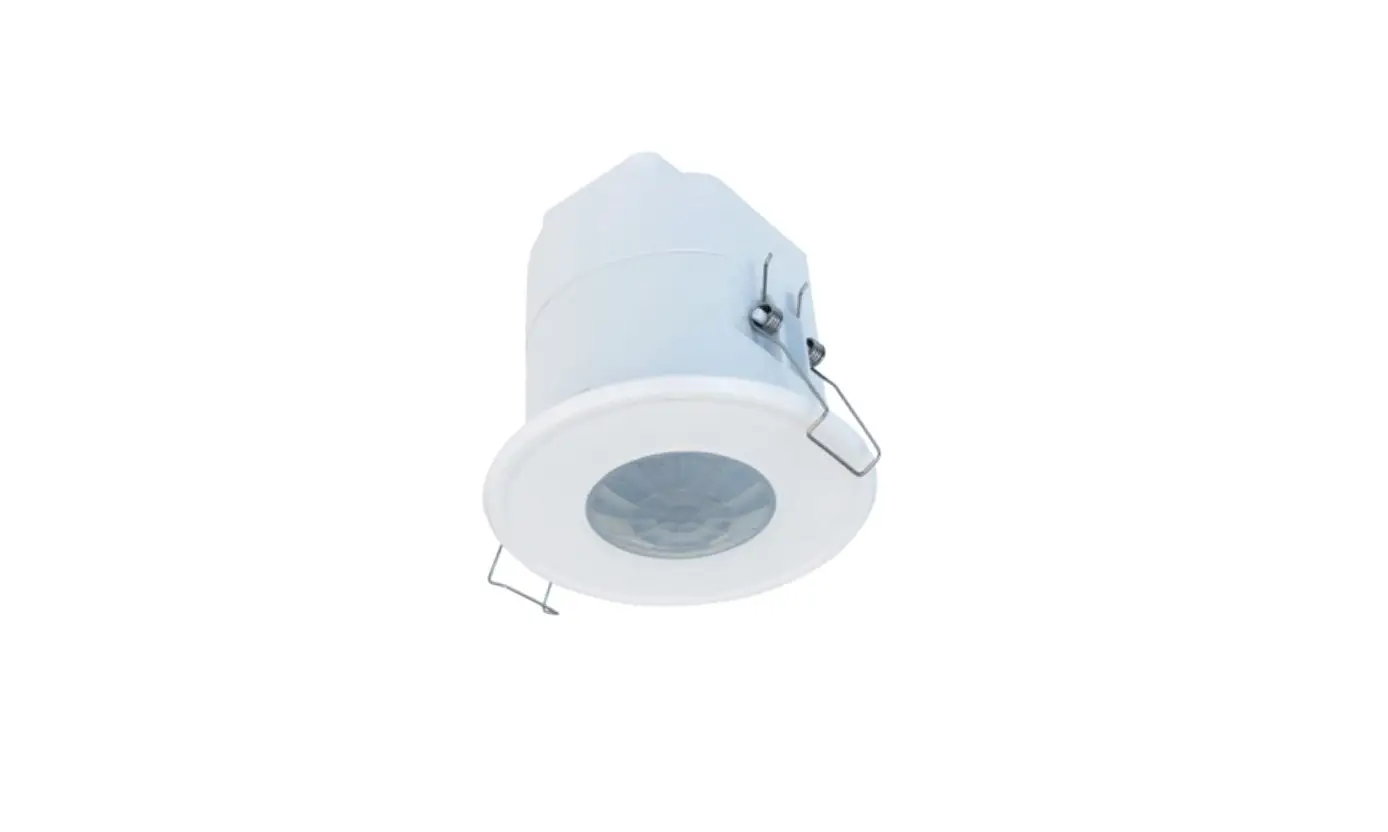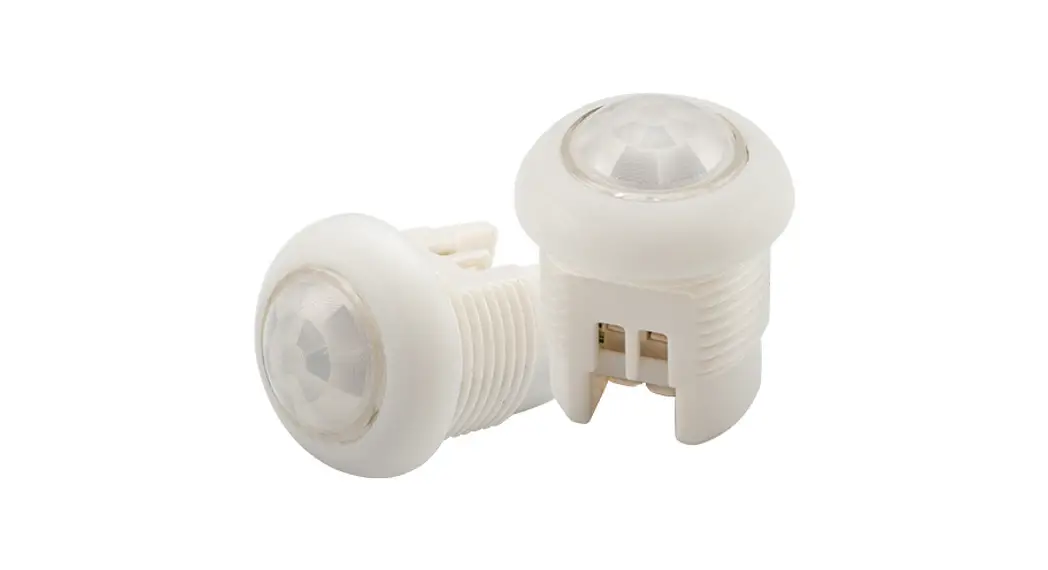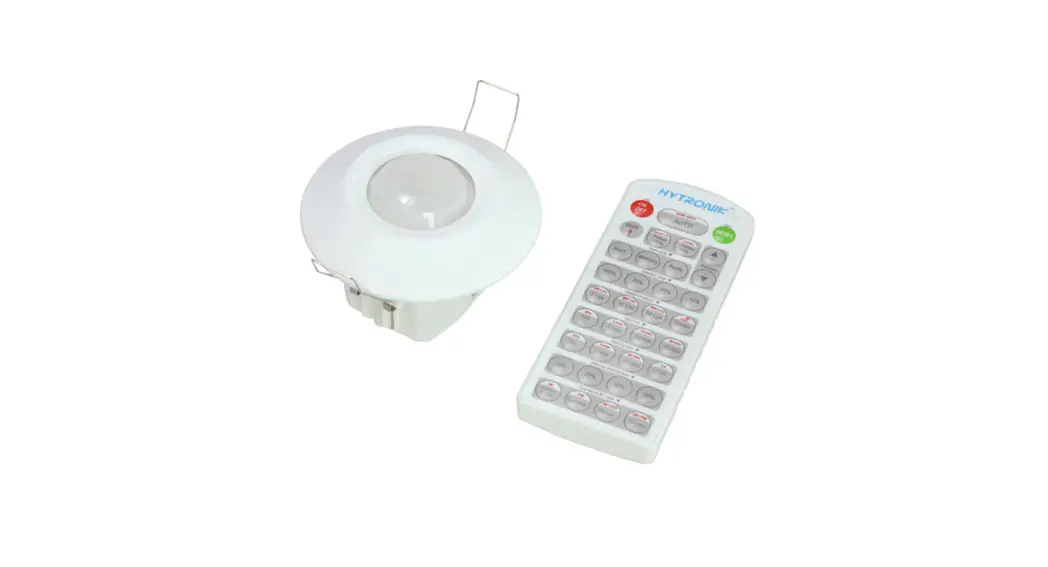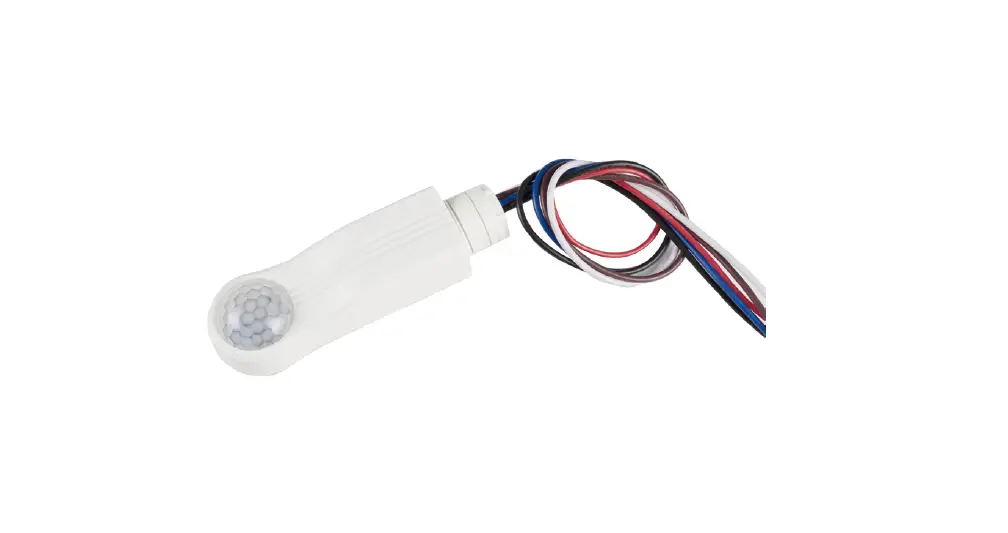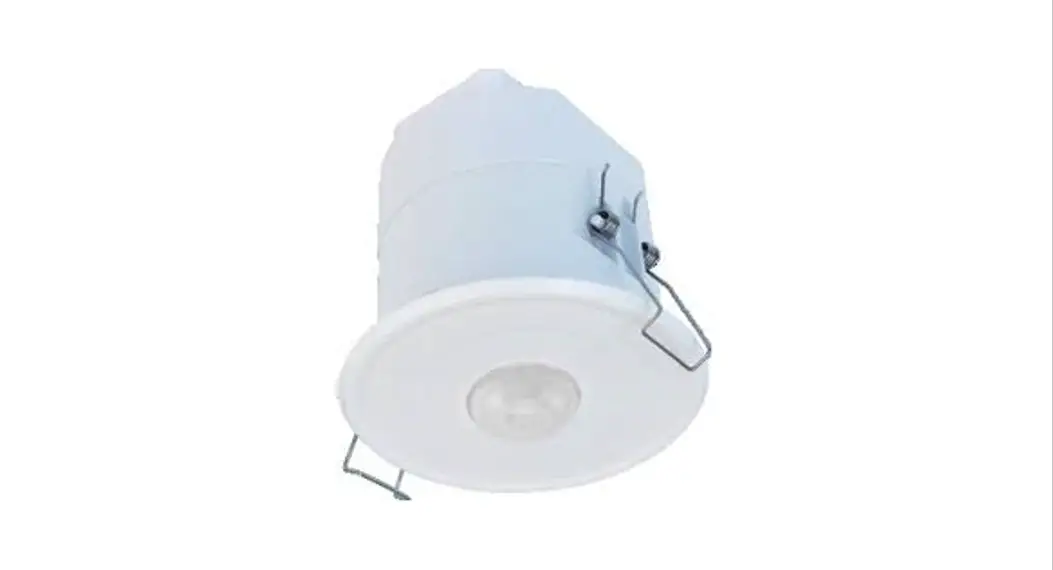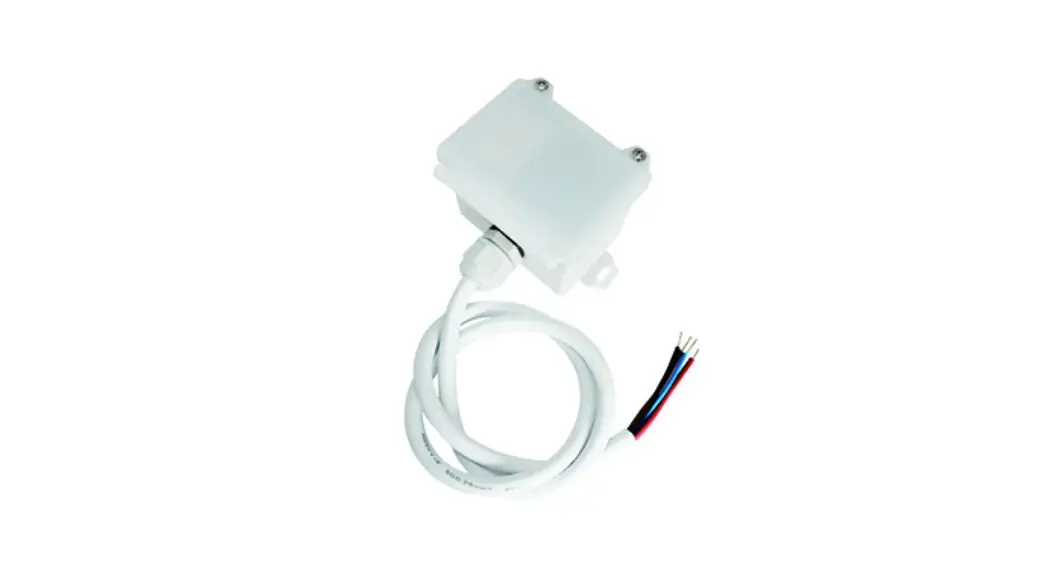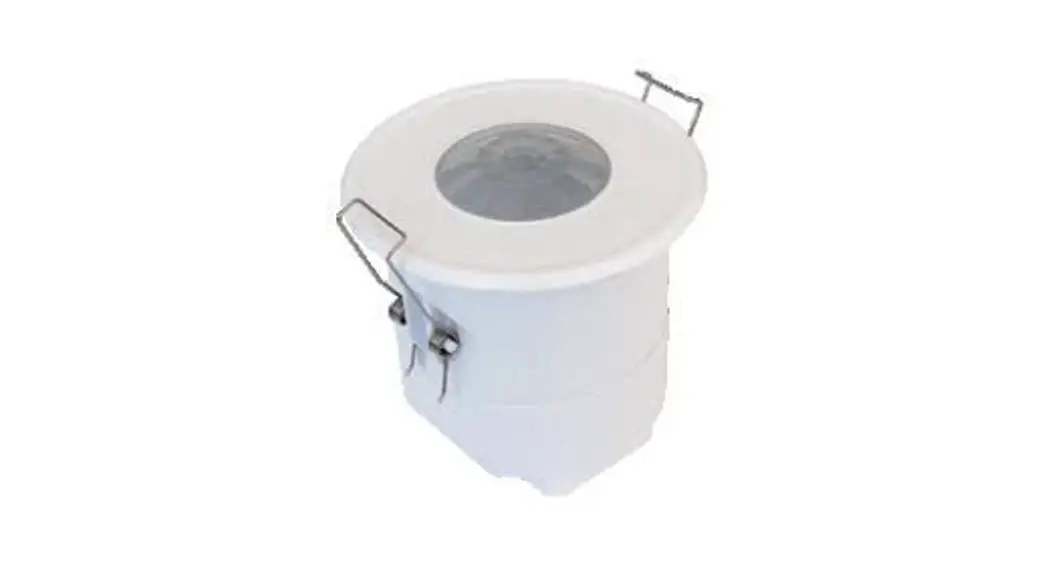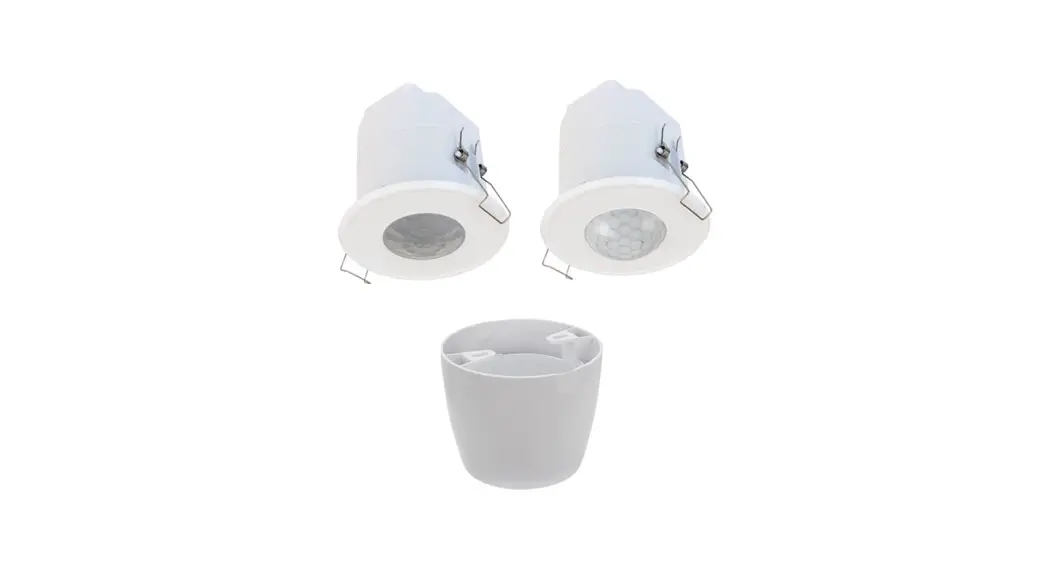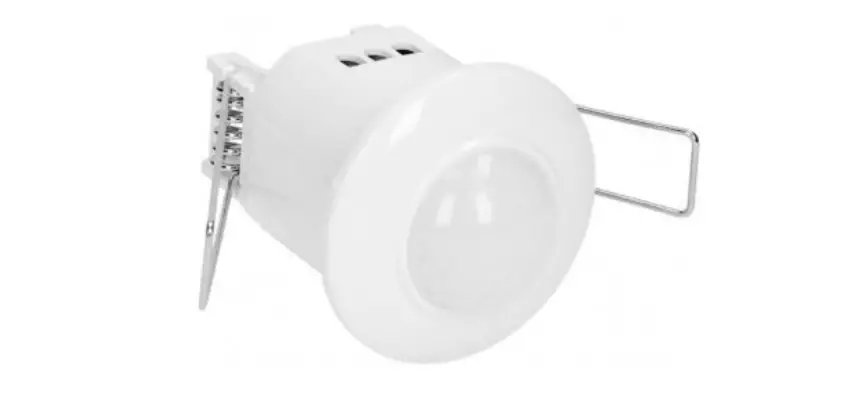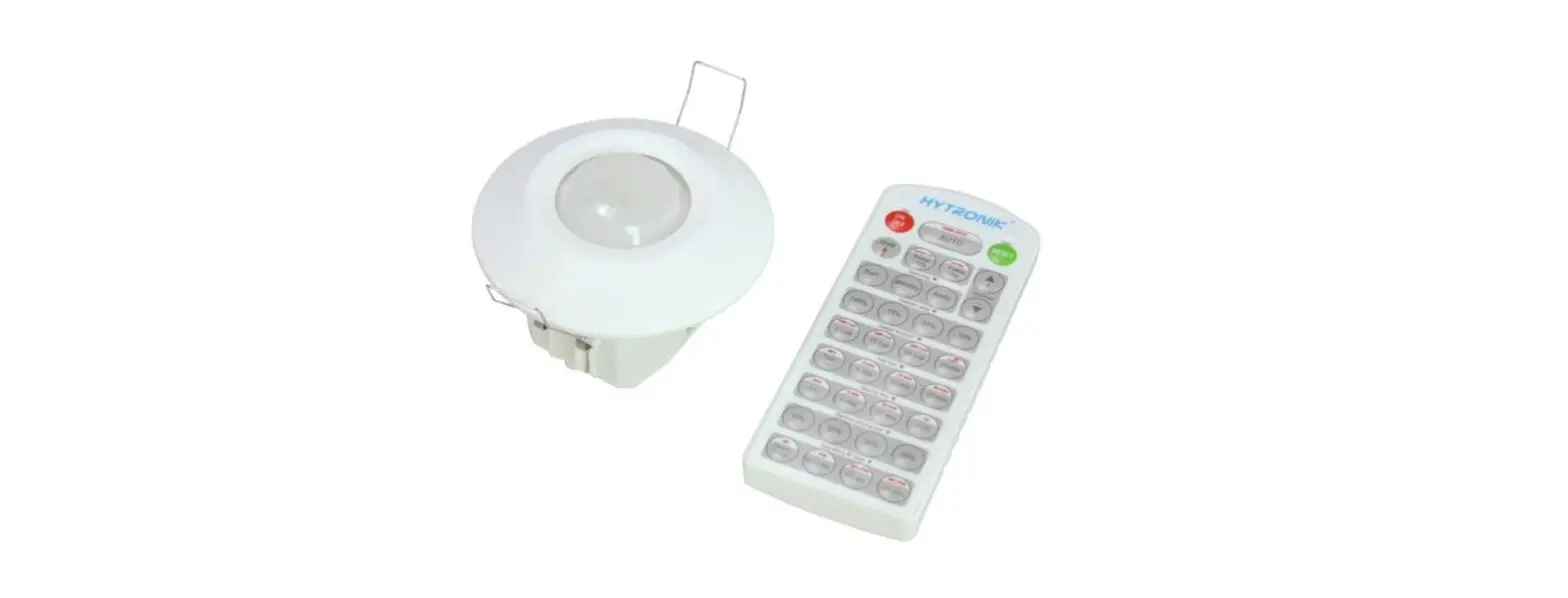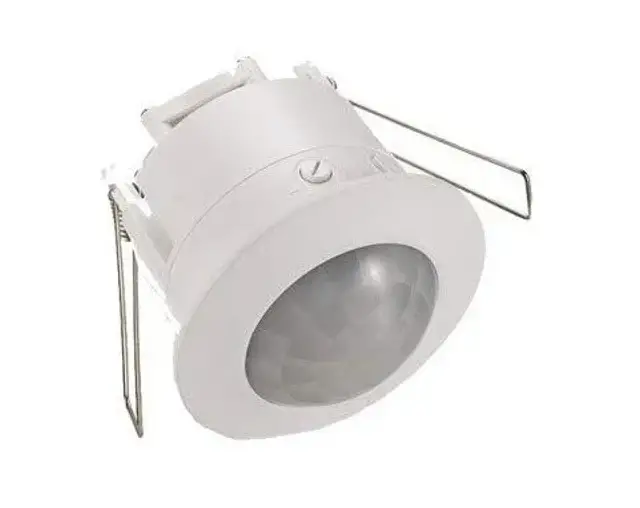

HYTRONIK HBIR36 PIR Standalone Motion Sensor
Technical Specifications
| Operation frequency | 2.4 GHz – 2.483 GHz |
| Transmission power | 4 dBm |
| Range (Typical indoor) | 10~30m |
| Protocol | 5.0 SIG Mesh |
| Operating voltage | 230VAC 50Hz |
| Stand-by power | <1W |
| Load ratings | 2x100VA (Capacitive) 2x150W (Resistive) |
| Sensor principle | PIR detection |
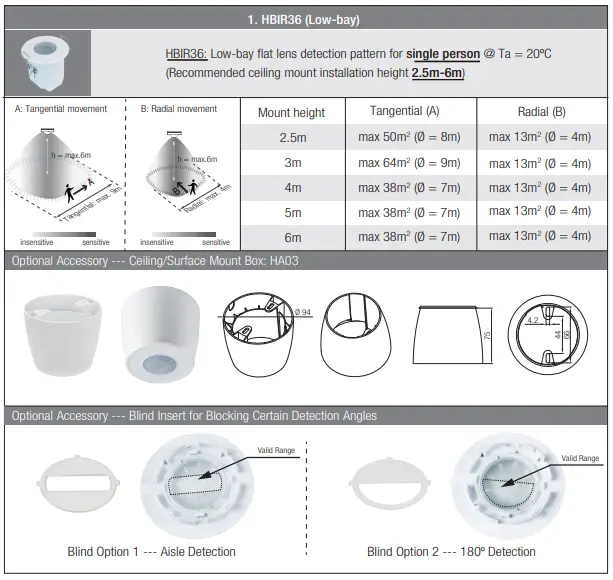
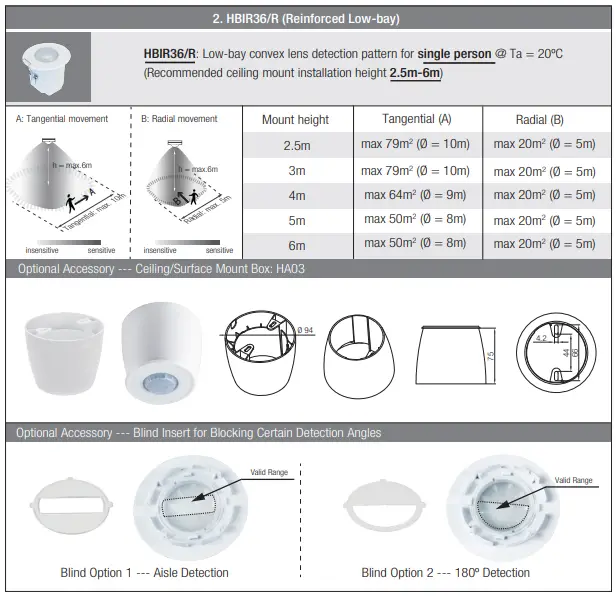
| Detection range (Max.)* HBIR36 | Installation Height : 6m Detection Range (Ø) :9m |
| Detection range (Max.)* HBIR36/R | Installation Height : 6m Detection Range(Ø) :10m |
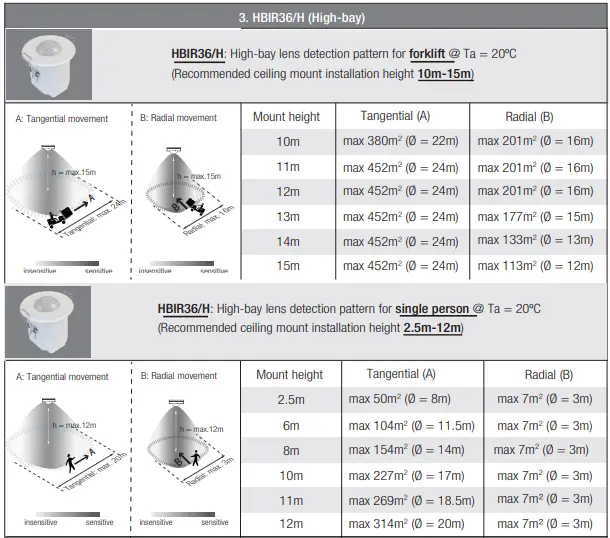
| Detection range (Max.)* HBIR36/H | Installation height:15m (forklift) 12m (person) Detection range (Ø):24m |
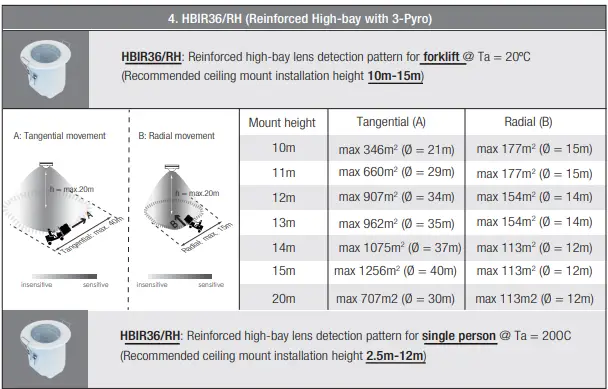
| Detection range (Max.)* HBIR36/RH | Installation height:20m (forklift) 12m (person) Detection range (Ø):40m |
| Detection angle | 360O |
| Operation temperature | Ta:-20OC~+45OC |
| IP rating | IP20 |
| EMC standard (EMC) | EN55015, EN61000, EN61547 |
| Safety standard (LVD) | EN60669-1, EN60669-2-1 AS/NZS60669-1/-2-1 |
| RED | EN300328, EN301489-1/-17 |
| Certification | CB, CE , EMC, RED, RCM |
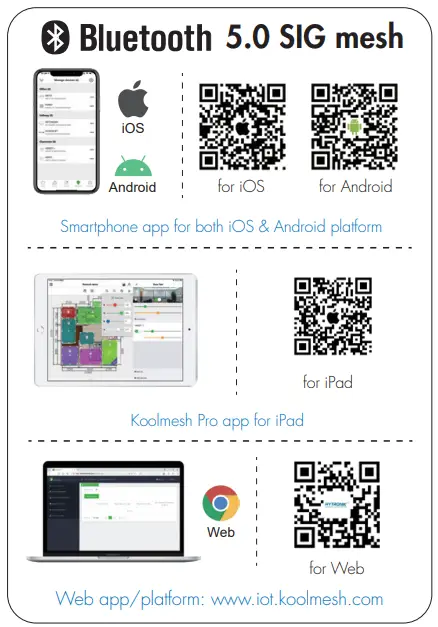
Download the App
Free App for set-up and commissioning
Installation
Mechanical Structure & Dimensions
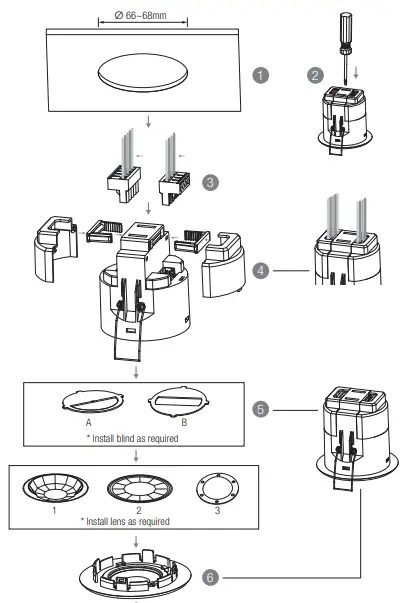
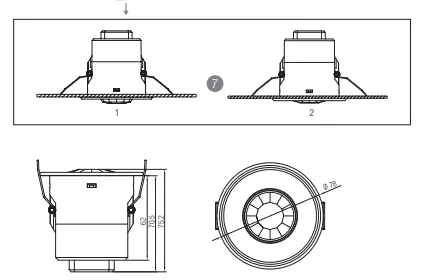
- Ceiling (drill hole φ66~68mm)
- Carefully prise off the cable clamps.
- Make connections to the pluggable terminal blocks.
- Insert plug connectors and secure using the provided cable clamps, then clip terminal covers to the base.
- Fit detection blind (if required) and desired lens.
- Clip fascia to body.
- Bend back springs and insert into ceiling.
Wire Preparation
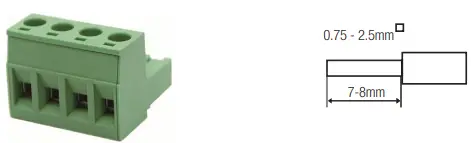
Pluggable screw terminal. It is recommended to make connections to the terminal before fitting to the sensor.
Wiring Diagram
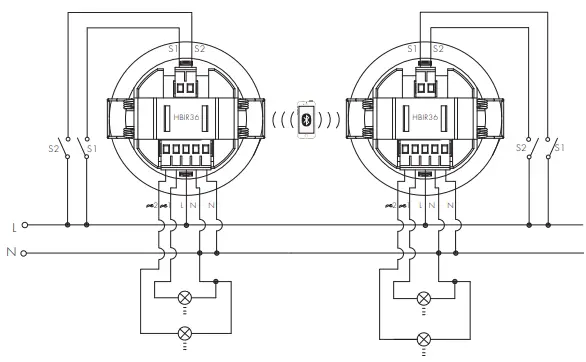
Dimming Interface Operation Notes
Switch-Dim
The provided Switch-Dim interface allows for a simple dimming method using commercially available non-latching (momentary) wall switches. Detailed Push switch configurations can be set on Koolmesh app.
| Switch Function | Action | Descriptions |
|
Push switch | Short press (<1 second) * Short press has to be longer than 0.1s, or it will be invalid. | – Turn on/off – Recall a scene – Turn on only – Exit manual mode – Turn off only – Do nothing |
|
Double push | – Turn on only – Exit manual mode – Turn off only – Do nothing – Recall a scene | |
|
Long press (≥1 second) | – Dimming – Colour tuning – Do nothing | |
| Simulate sensor | / | – Upgrade a normal on/off motion sensor to a Bluetooth controlled motion sensor |
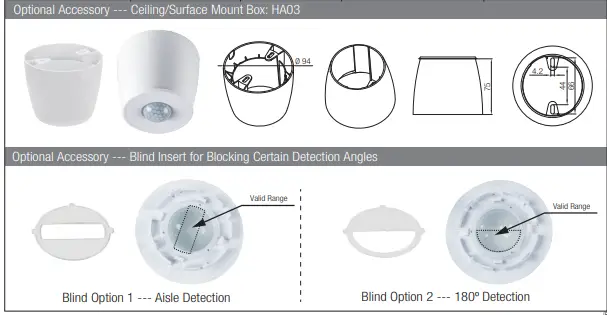
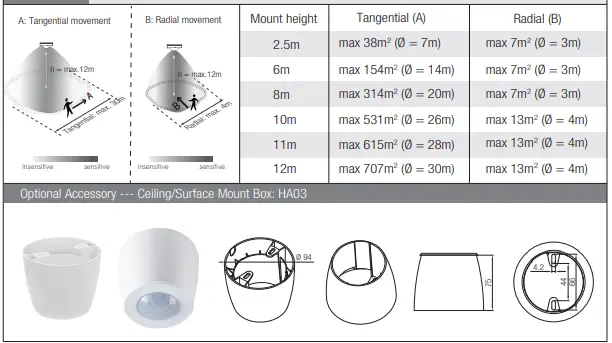
Detection Pattern & Optional Accessories
 iot.koolmesh.com