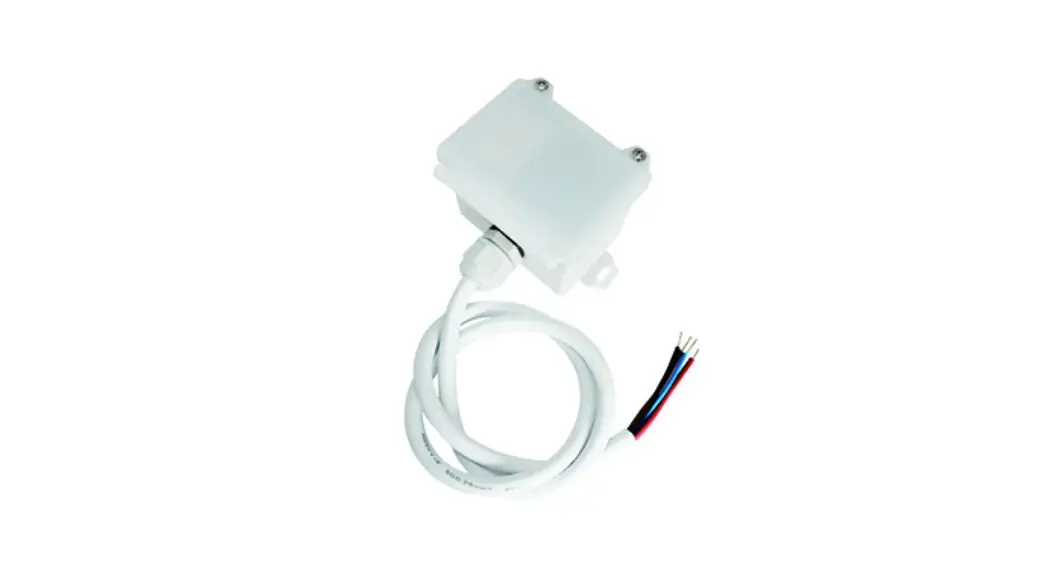
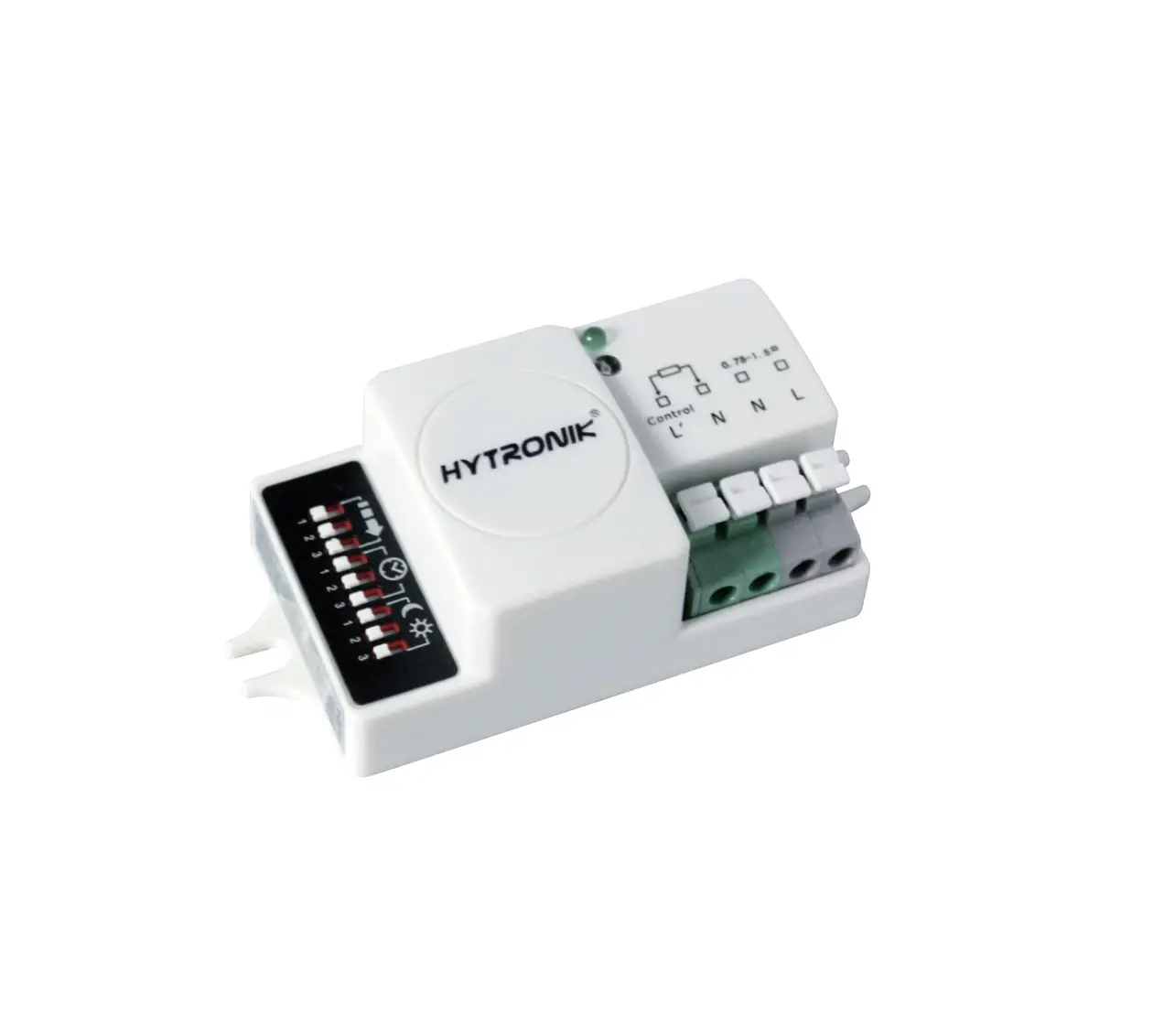
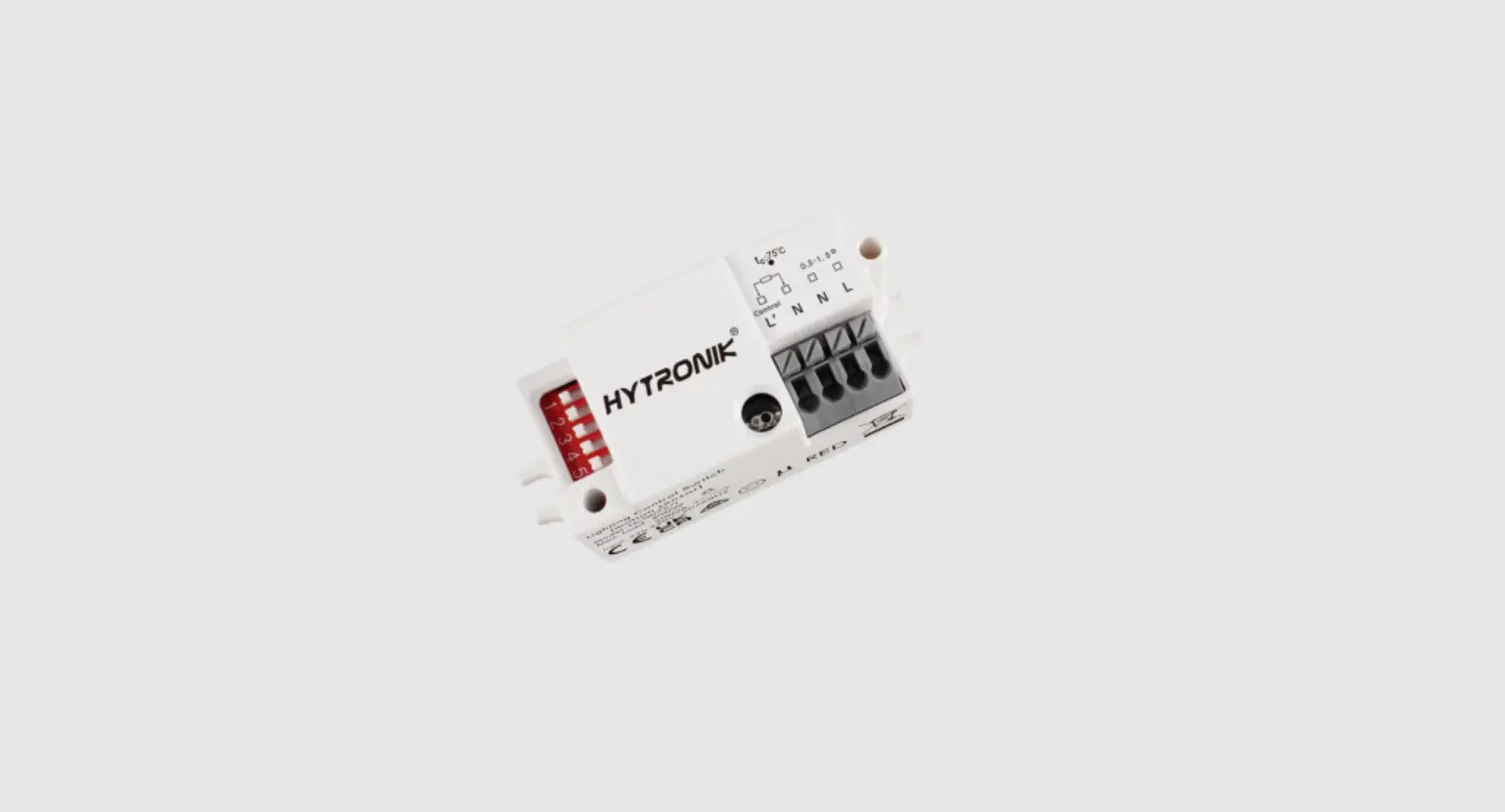
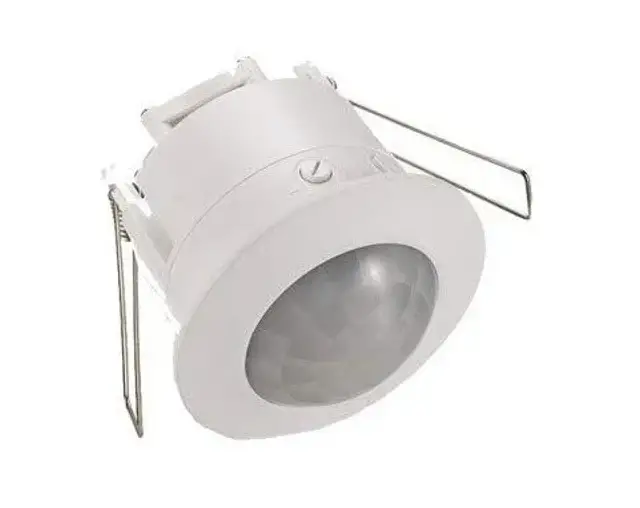
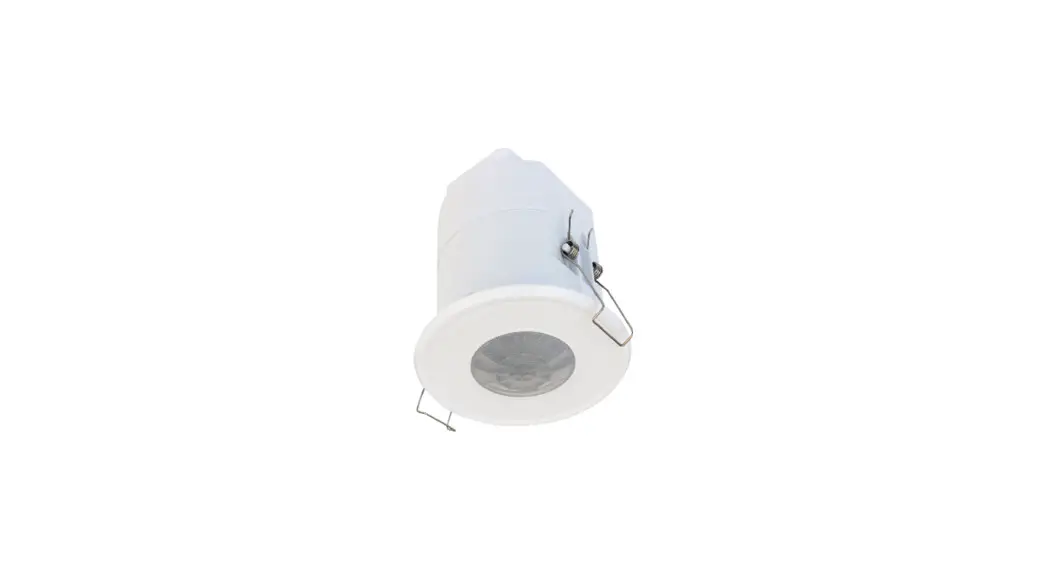
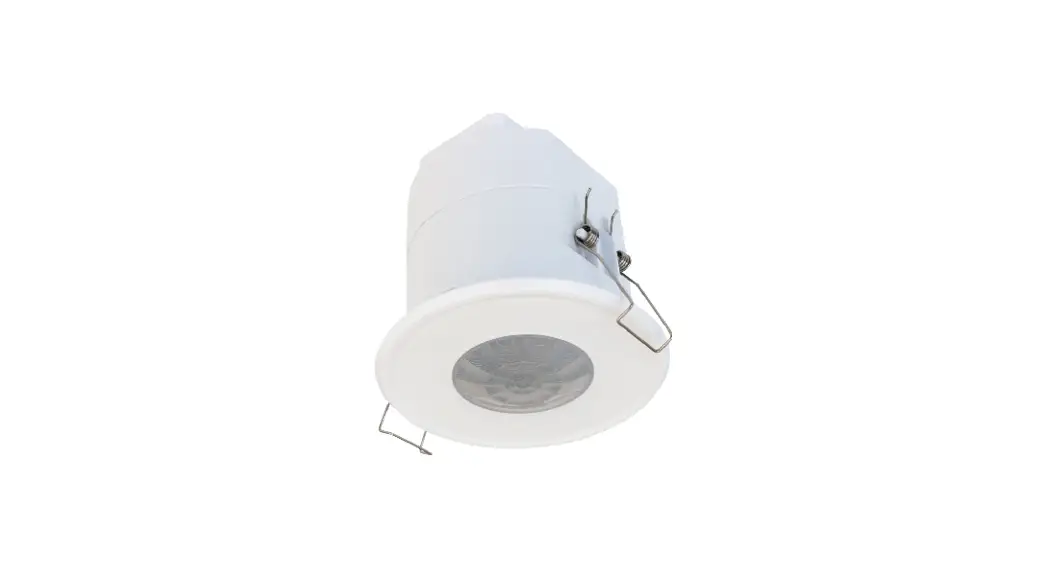
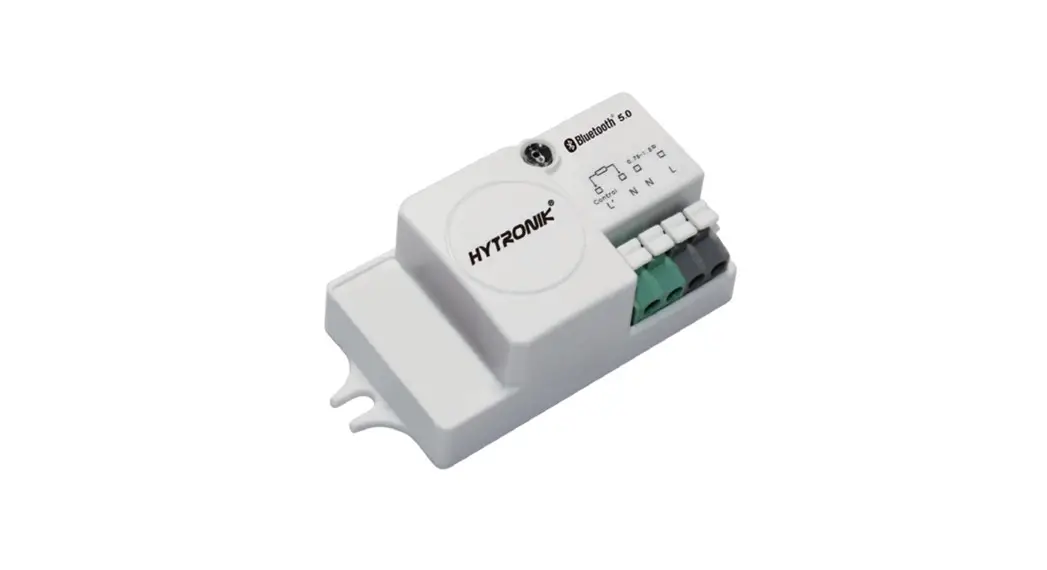
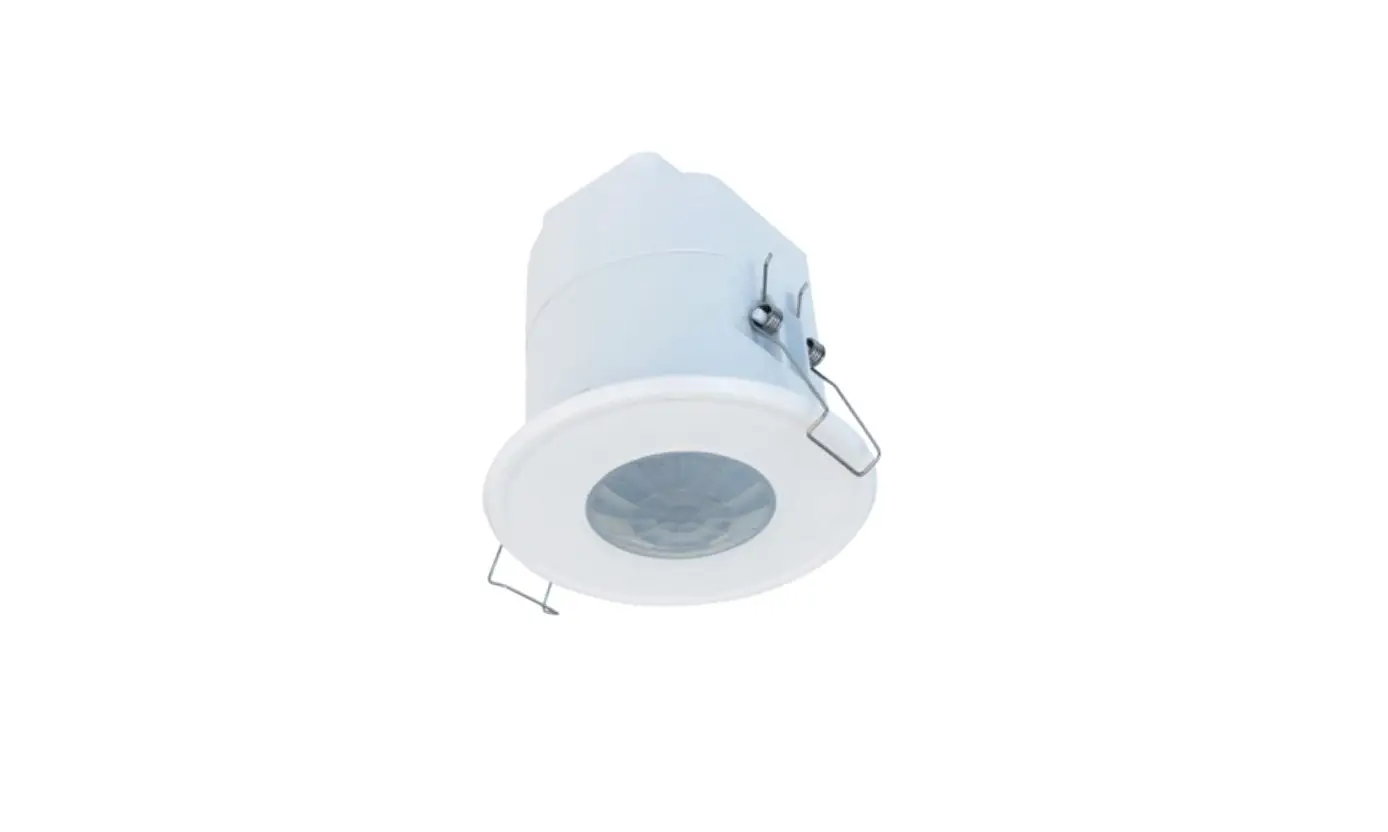
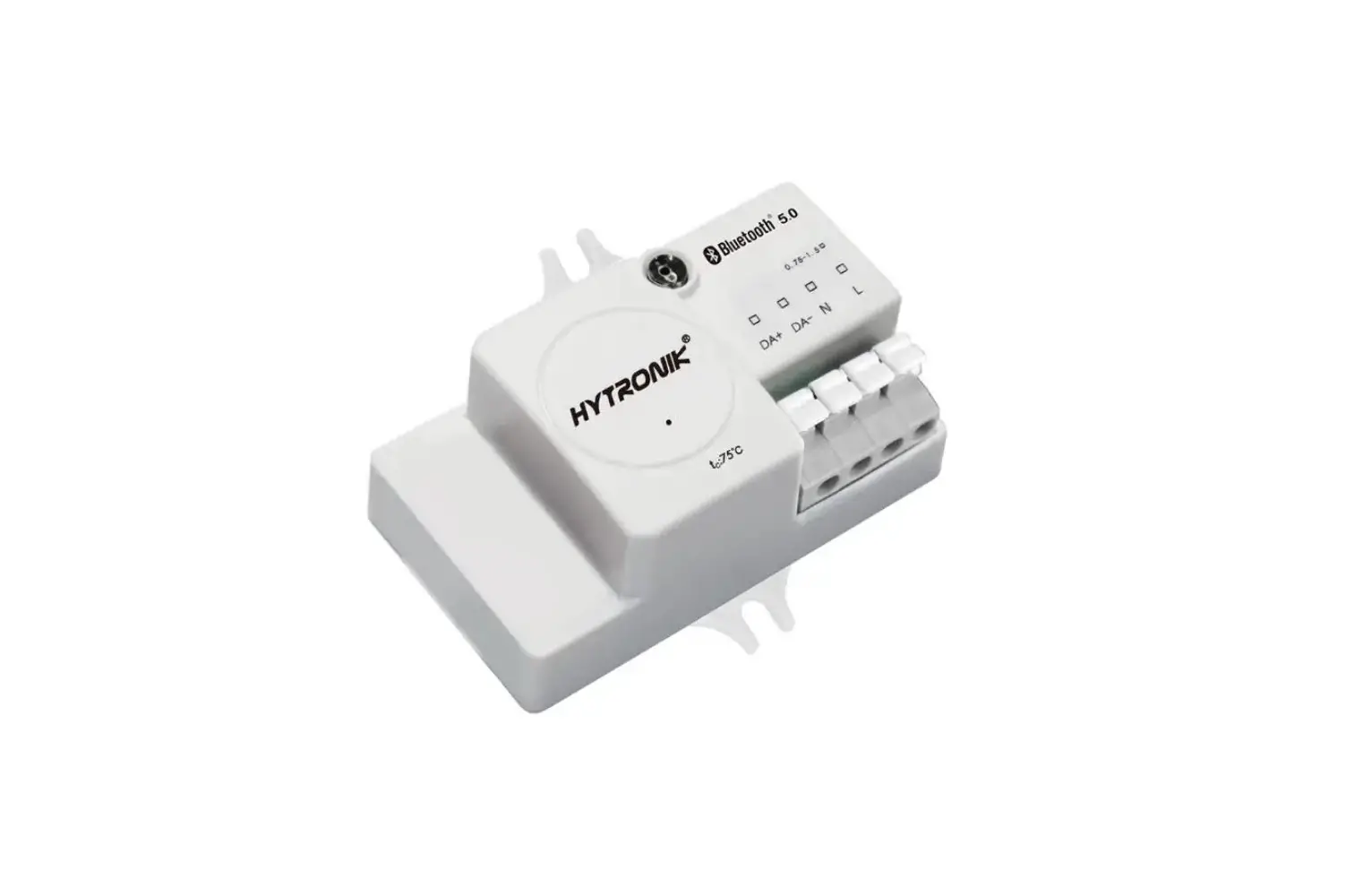
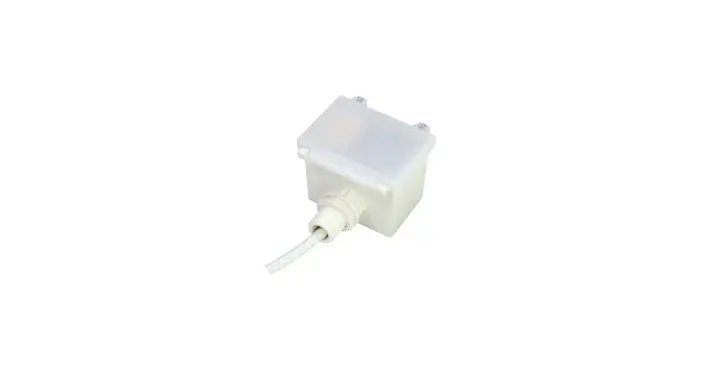
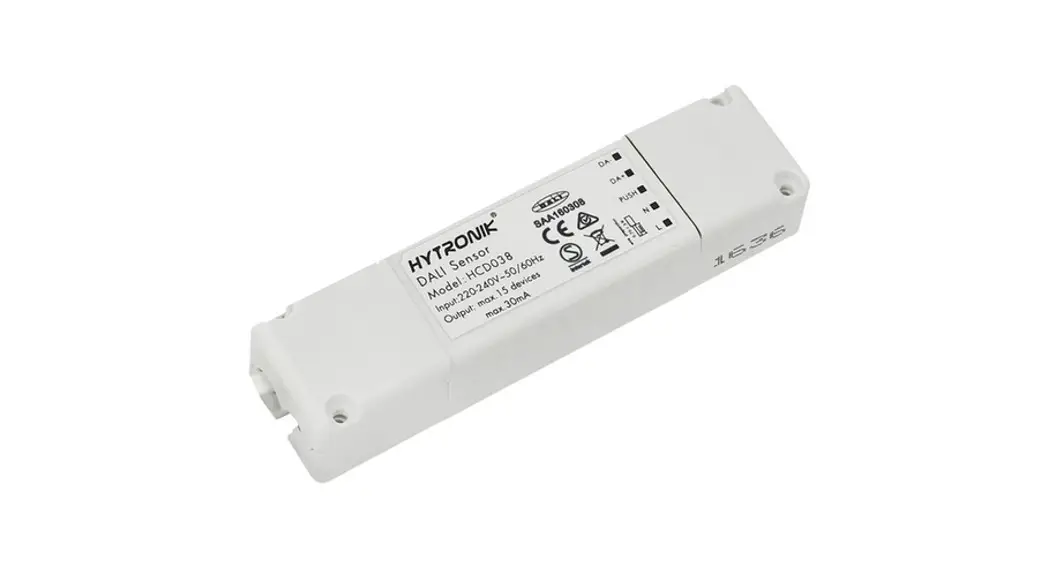
HMW98 HF Motion Sensor
Product Information
| Product Name | HMW98 IP65 HF Motion Sensor |
|---|---|
| Mesh Network | 5.0 SIG Mesh |
| Product Type | High-Bay Motion Sensor |
| Control Features | Tri-level control, Daylight harvest, 1-10V Dimmable |
| Installation Height | Up to 15m |
| Structure | IP65 (Waterproof and Dustproof) |
| Installation Methods | Ceiling mount, Conduit clamp, Floorplan feature |
| App Compatibility | iOS, Android |
| App Features | Quick setup mode, Advanced setup mode, Tri-level control, Daylight harvest, Circadian rhythm (Human centric lighting), Floorplan feature, 1-10V dimming control method, Scenes, Detailed motion sensor settings, Dusk/Dawn photocell (Twilight function), Push switch configuration, Astro timer (sunrise and sunset), Staircase function (primary & secondary), Internet-of-Things (IoT) featured, Device firmware update over-the-air (OTA), Smartphone app for both iOS & Android platform, Web app/platform for dedicated project management, Koolmesh Pro app for iPad, Bulk commissioning (copy and paste settings), Dynamic daylight harvest auto-adaptation, Power-on status (memory against power loss), Offline commissioning, Different permission levels via authority management, Network sharing via QR code or keycode, Remote control via gateway support HBGW01, Interoperability with Hytronik Bluetooth product portfolio, Fully support EnOcean self-powered switch module PTM215B (HBES01/W & HBES01/B), Compatible with EnOcean BLE switches |
| Warranty | 5 years |
| Technical Data | Mains voltage: 220-240VAC 50/60Hz |
Product Usage Instructions
To use the HMW98 IP65 HF Motion Sensor, follow these steps:
- Choose an appropriate installation method based on your
requirements. The sensor can be ceiling-mounted, attached to a
conduit clamp, or utilized with the floorplan feature. - Ensure that the mains voltage is within the specified range of
220-240VAC 50/60Hz. - Download the smartphone app compatible with your device’s
operating system (iOS or Android). - Install and open the app on your smartphone or tablet.
- Follow the app’s instructions to set up and configure the HMW98
motion sensor. The app provides both quick setup mode and advanced
setup mode options. - During setup, utilize the app’s features to customize tri-level
control, daylight harvest, and 1-10V dimming settings according to
your preferences. - If desired, take advantage of additional features such as
circadian rhythm (human centric lighting), detailed motion sensor
settings, dusk/dawn photocell (twilight function), push switch
configuration, astro timer (sunrise and sunset), staircase function
(primary & secondary), and more. - The HMW98 motion sensor can be integrated into a mesh network
using the Bluetooth wireless technology. Utilize the app’s network
management features to group luminaires and create scenes based on
time and date. - For project management and configuration, you can access the
web app/platform at www.iot.koolmesh.com. Additionally, the
Koolmesh Pro app is available for iPad users. - The motion sensor supports EnOcean self-powered switch module
PTM215B and EnOcean BLE switches for enhanced functionality. - Regularly check for firmware updates for the device
over-the-air (OTA) to ensure optimal performance. - For troubleshooting or assistance, refer to the user manual or
contact customer support.
IP65 HF Motion Sensor with
5.0 SIG Mesh
HMW98 (High Bay)
Tri-level control & Daylight harvest & 1-10V Dimmable
RED
IP65
Product Description
HMW98 is a Bluetooth 1-10V high-bay HF motion sensor, with capability
of up to 15m installation height. It is designed with robust IP65 structure,
and offers 3 different installation methods. With Bluetooth wireless mesh
networking, it makes communication much easier without any hardwiring,
which eventually adds values to luminaires and saves costs for projects.
Ceiling mount
conduit
Meanwhile, simple device setup and commissioning can be done via
app.
App Features
Hardware Features
clamp
Quick setup mode & advanced setup mode Tri-level control Daylight harvest
DCircadian rhythm (Human centric lighting) Floorplan feature to simplify project planning
1-10V dimming control method
3 Meth
3 installation methods
IP IP65 design
High-bay (up to 15m height)
Web app/platform for dedicated project management Koolmesh Pro iPad version for on-site configuration
5-year warranty
rGrouping luminaires via mesh network
Scenes
Detailed motion sensor settings
a Dusk/Dawn photocell (Twilight function)
5.0 SIG mesh
Push switch configuration Schedule to run scenes based on time and date
f Astro timer (sunrise and sunset)
iOS
Android
for iOS
for Android
Smartphone app for both iOS & Android platform
t Staircase function (primary & secondary)
Internet-of-Things (IoT) featured Device firmware update over-the-air (OTA)
for iPad Koolmesh Pro app for iPad
Device social relations check Bulk commissioning (copy and paste settings) Dynamic daylight harvest auto-adaptation
Web
for Web Web app/platform: www.iot.koolmesh.com
Power-on status (memory against power loss)
Offline commissioning
Different permission levels via authority management
Network sharing via QR code or keycode
Remote control via gateway support HBGW01 Interoperability with Hytronik Bluetooth product portfolio
Fully support EnOcean self-powered switch module PTM215B (HBES01/W & HBES01/B)
Compatible with EnOcean BLE switches
Continuous development in progress…
Subject to change without notice.
Edition: 25 Jun. 2021 Ver. Draft Page 1/4
Technical Data
Input Characteristics Model No.
Mains voltage Stand-by power Load ratings:
Capacitive Resistive Warming-up
HMW98 220_240VAC 50/60Hz
<1W
800VA 1000W
20s
Sensor Data
Model No.
HMW98
Sensor principle
High Frequency (microwave)
Operation frequency
5.8GHz +/- 75MHz
Transmission power
<0.2mW
Detection range
Max installation height15m Max detection range10m (diameter)
Detection angle
360O
Safety and EMC EMC standard (EMC) Safety standard (LVD)
EN55015, EN61000-3-2/-3-3 EN60669-1, EN60669-2-1
Radio Equipment (RED)
EN300440, EN301489-1/-17/-3, EN62479,EN300328
Certification
CB, CE , EMC, RED, RCM
Environment Operation temperature IP rating
DMechanical Structures and Installations
For more details, please refer to user manual.
rA. Ceiling mount aLED indicator f Photocell
Bluetooth module
91.5 80.7 75
4.1
Ta: -20OC ~ +70OC IP65
t
4.1 66.6 81.5
Sensor module
Cable entry
59.3 57.3 47.5 24.5
Installation rack
Subject to change without notice.
Edition: 25 Jun. 2021 Ver. Draft Page 2/4
B. Screw to the Luminaire by conduit
LED indicator
Photocell
Bluetooth module Cable entry
Sensor module
75
59.6
0.825″
64
66.6 89.9
35.2
47.5
57.3
59.3
C. Attach to the shade by clamp
LED indicator Photocell
Bluetooth module
Angle adjustment Luminaire clamp
D Sensormodule
59.6 66.6
163.2
rNote:We recommend the mounting distance between sensor to sensor should be more than 2m to prevent sensors a from false-triggering.
1
f t DetectionPattern
84.5 59.3 29
75 33.7
15
4.5
4.5 28.5
0
5
10% 30% 50%
75%
15
Ceiling mounted height(m)
Subject to change without notice.
Edition: 25 Jun. 2021 Ver. Draft Page 3/4
Wiring Diagram
L N
Brown Blue Grey Red Black
L
N LED driver
1-10V+ 1-10V-
HMW98
Placement Guide and Typical Range Smart Phone to Device Range
D r6-10m
10m
The smart device with the App installed will have a typical range of 10m, but varies from device to device. During commissioning, the installer will need to be in range of the devices when searching for devices to add to the network.
Once the devices have been added to the network via the App, the devices will start communicating within the wireless mesh. This means that once the network is complete, all devices are accessible from the smart device when in a 20m range of a single point.
a Additional Information / Documents
1. To learn more about detailed product features/functions, please refer to www.hytronik.com/download ->knowledge ->Introduction of App Scenes and Product Functions
f 2. Regarding precautions for Bluetooth product installation and operation, please kindly refer to t www.hytronik.com/download ->knowledge ->Bluetooth Products – Precautions for Product Installation and Operation
3. Regarding precautions for microwave sensor installation and operation, please kindly refer to www.hytronik.com/download ->knowledge ->Microwave Sensors – Precautions for Product Installation and Operation
4. Data sheet is subject to change without notice. Please always refer to the most recent release on www.hytronik.com/products/bluetooth technology ->Bluetooth Sensors
5. Regarding Hytronik standard guarantee policy, please refer to www.hytronik.com/download->knowledge ->Hytronik Standard Guarantee Policy
Subject to change without notice.
Edition: 25 Jun. 2021 Ver. Draft Page 4/4
 Catalogue_Hytronik
 iot.koolmesh.com