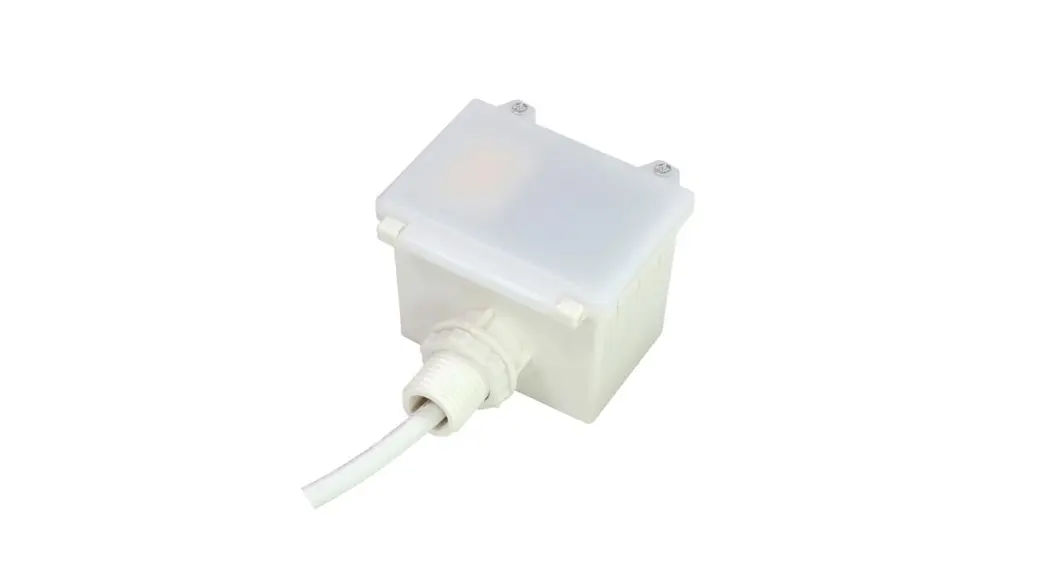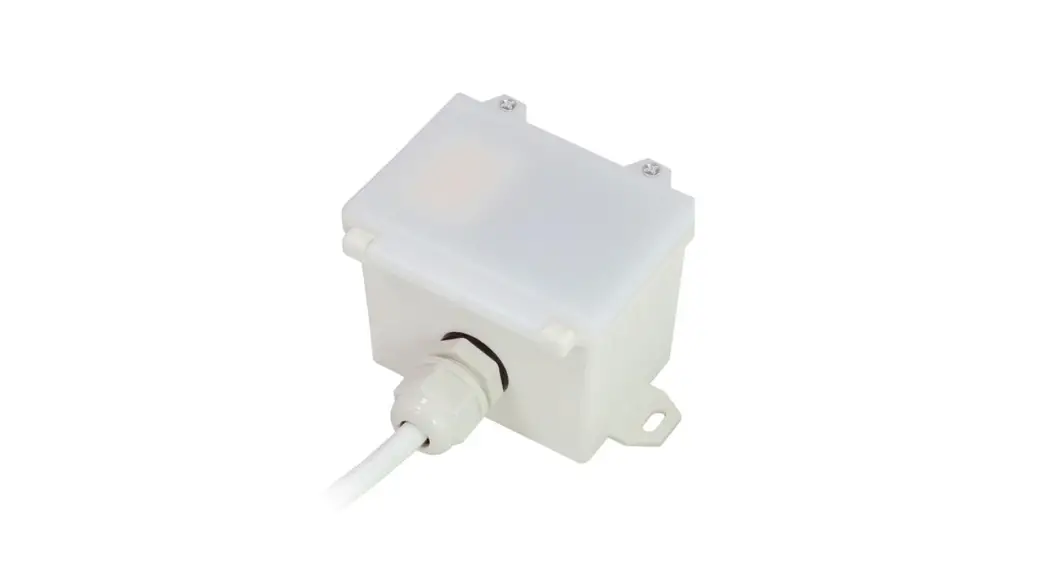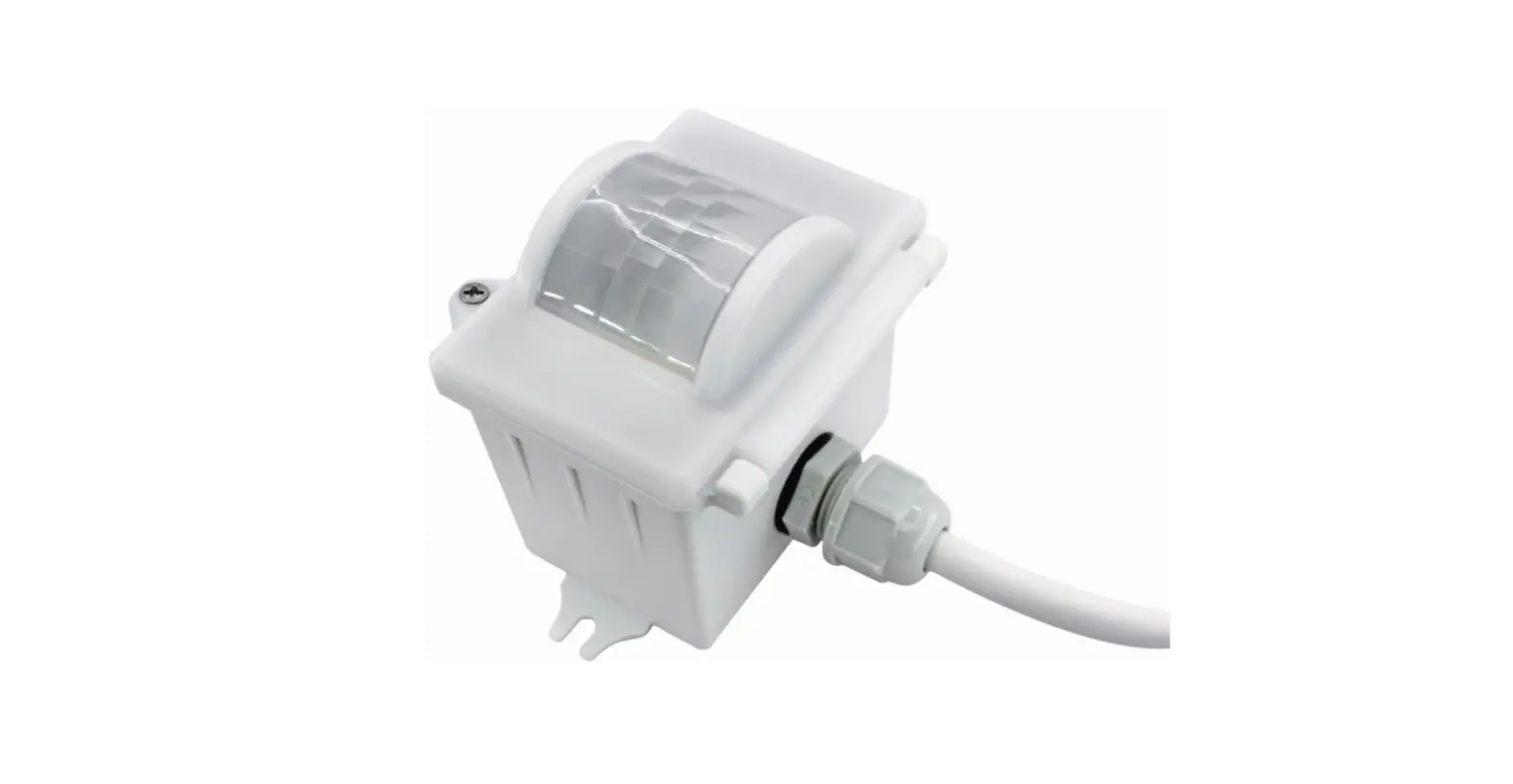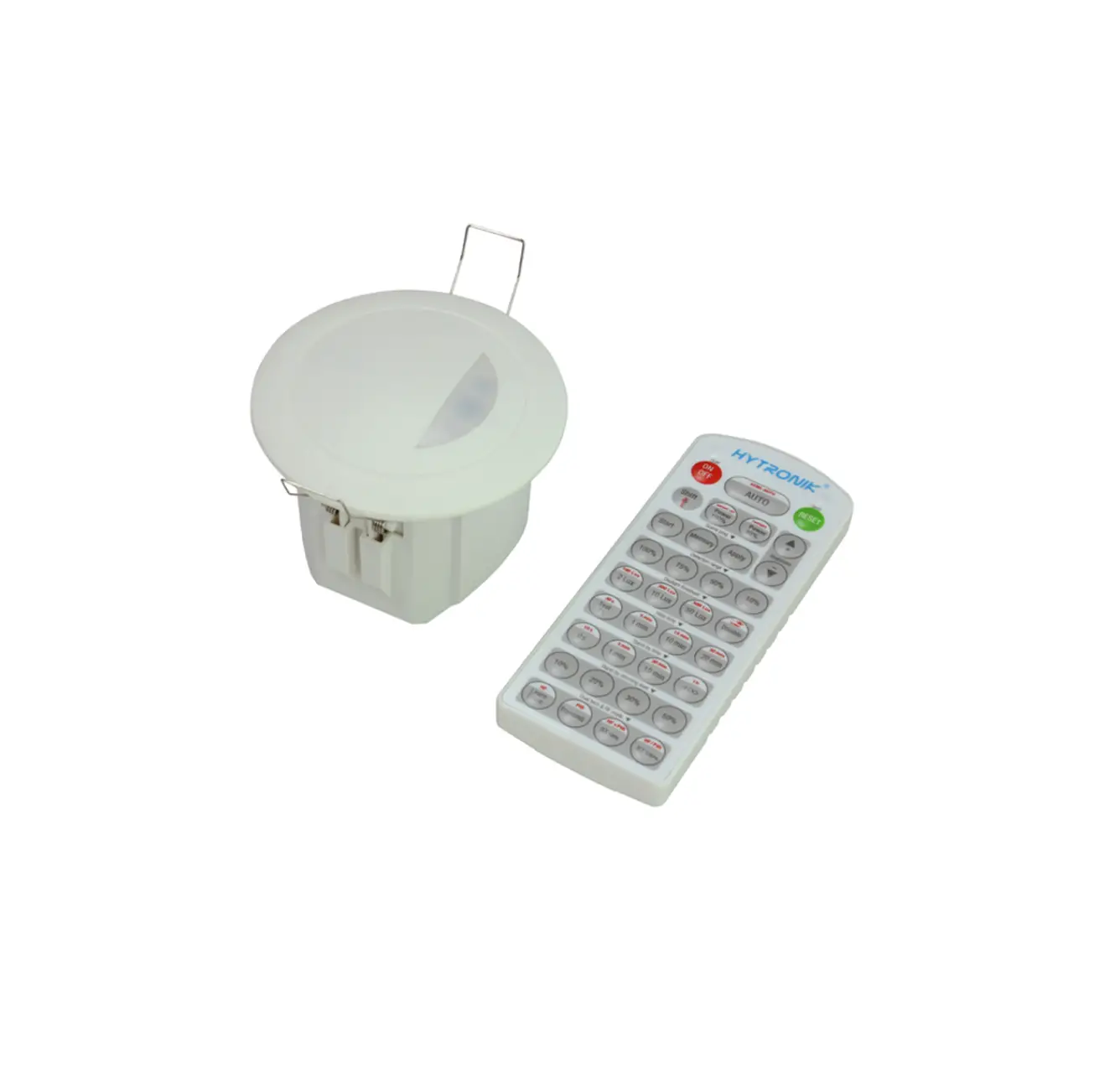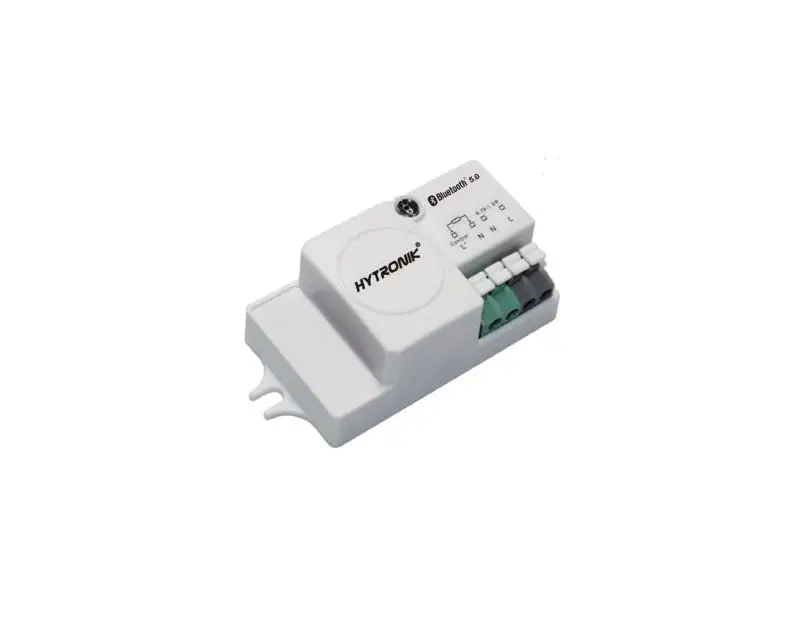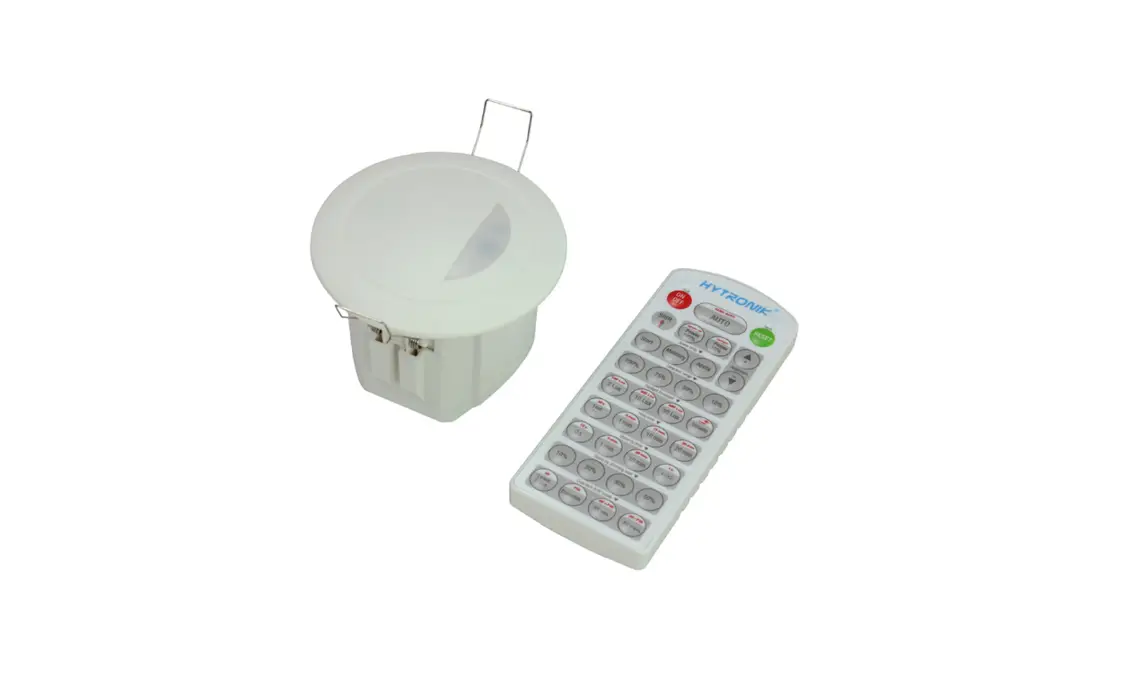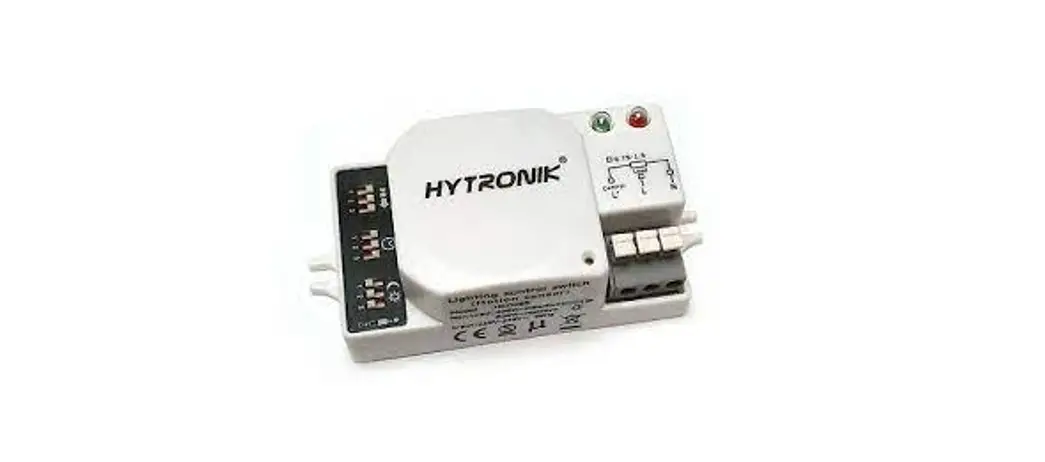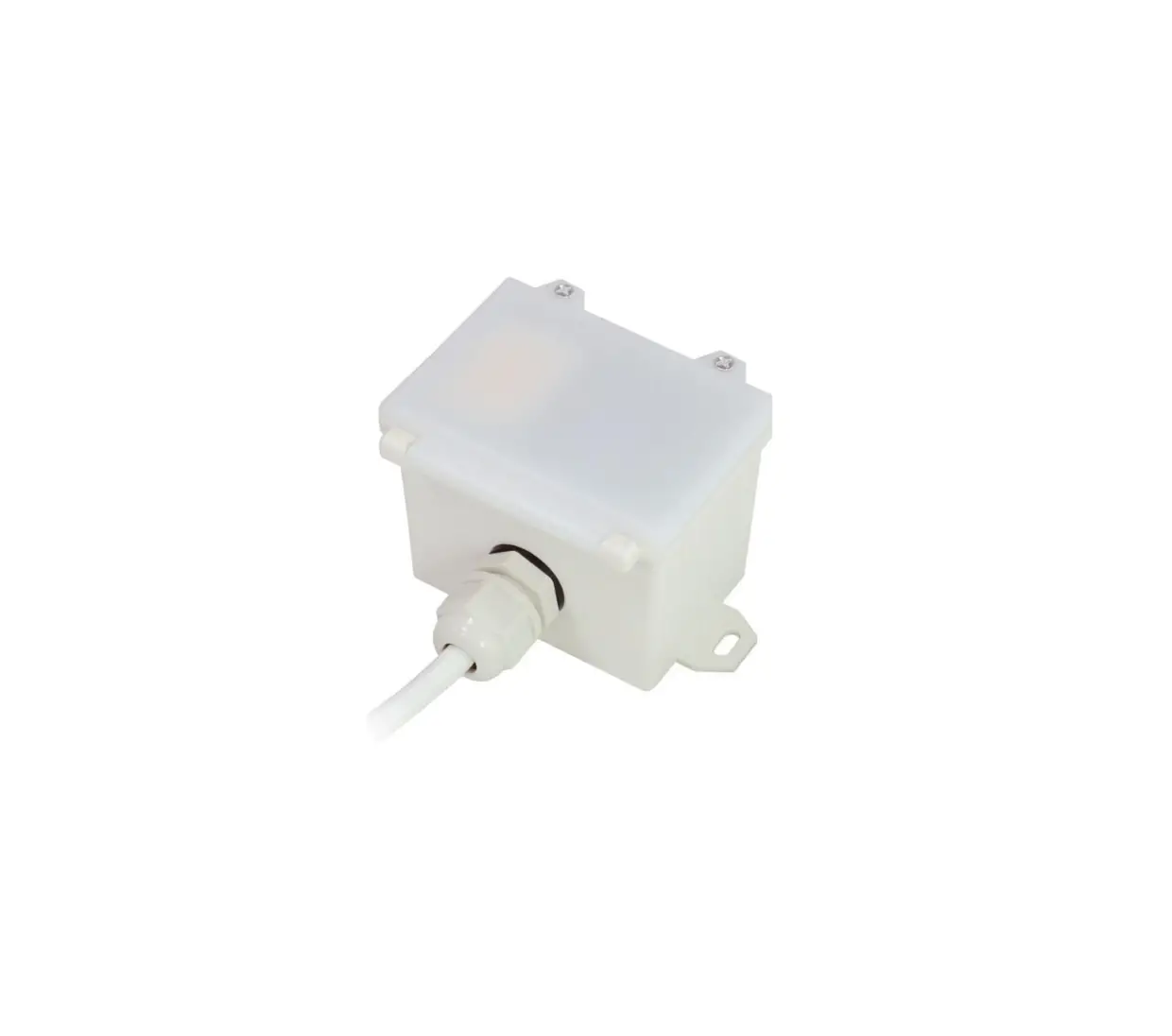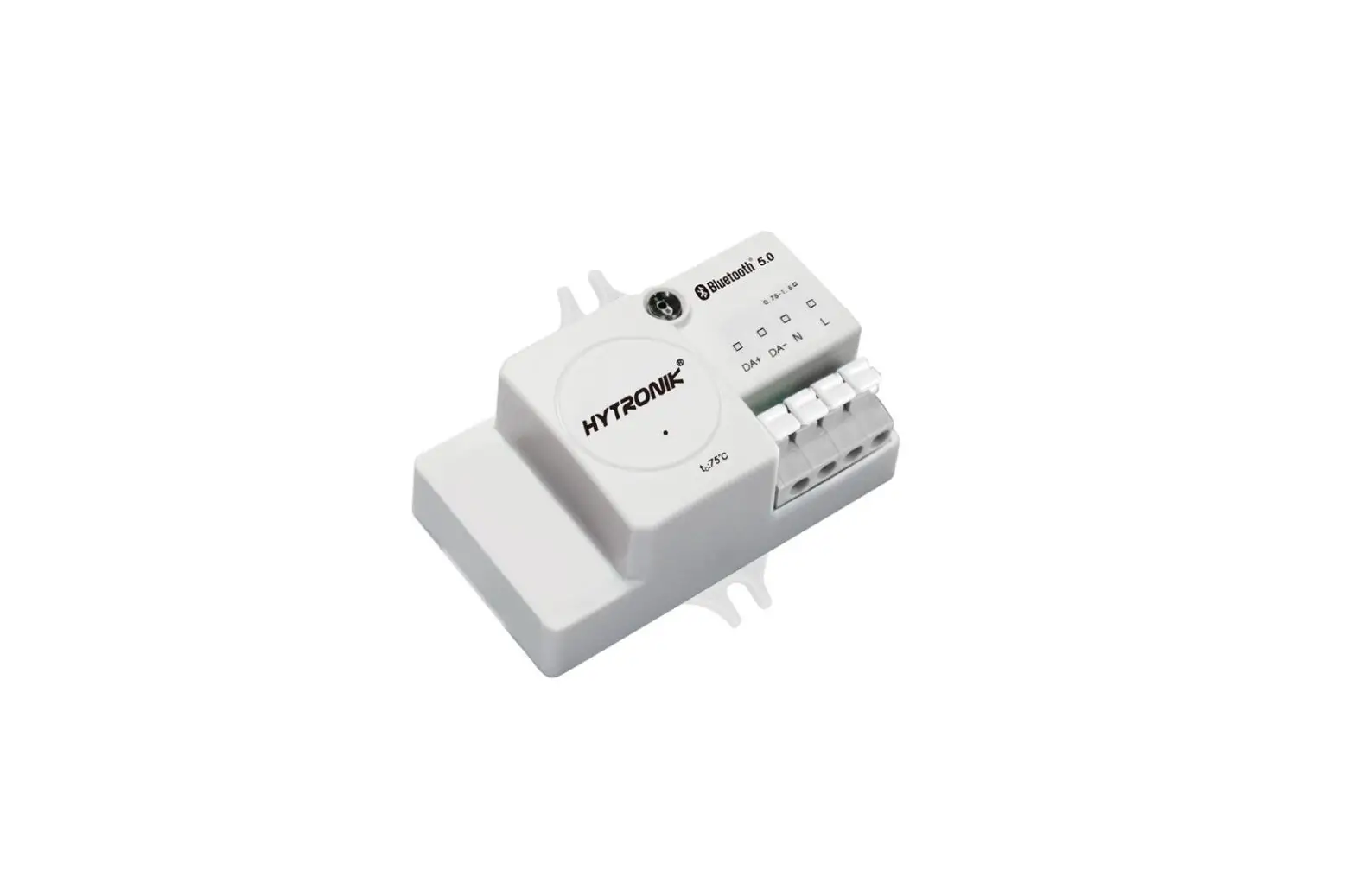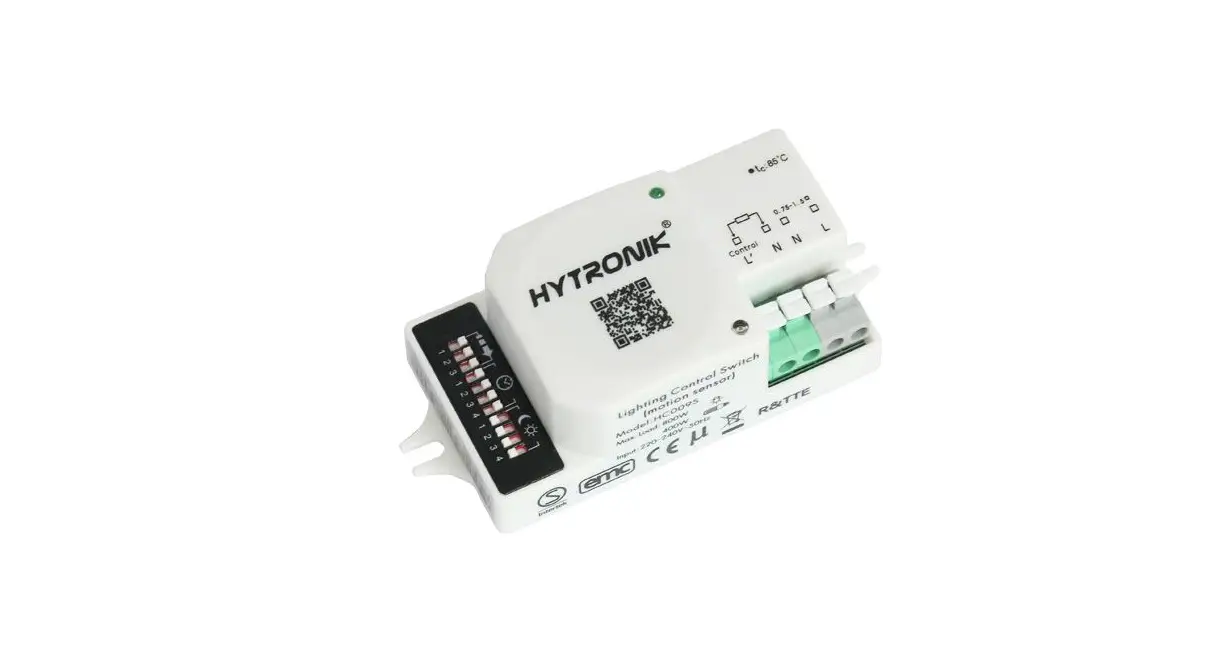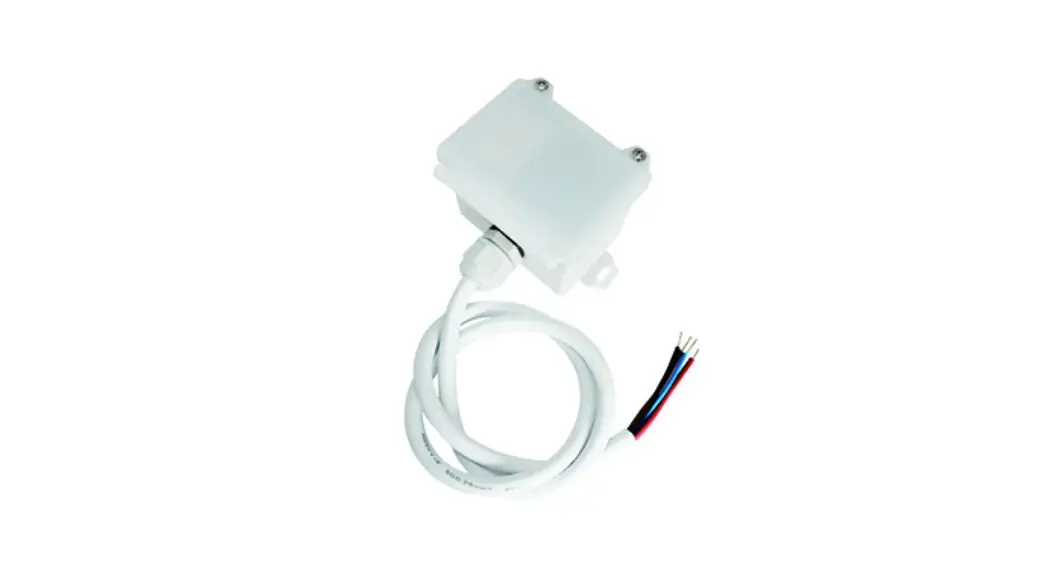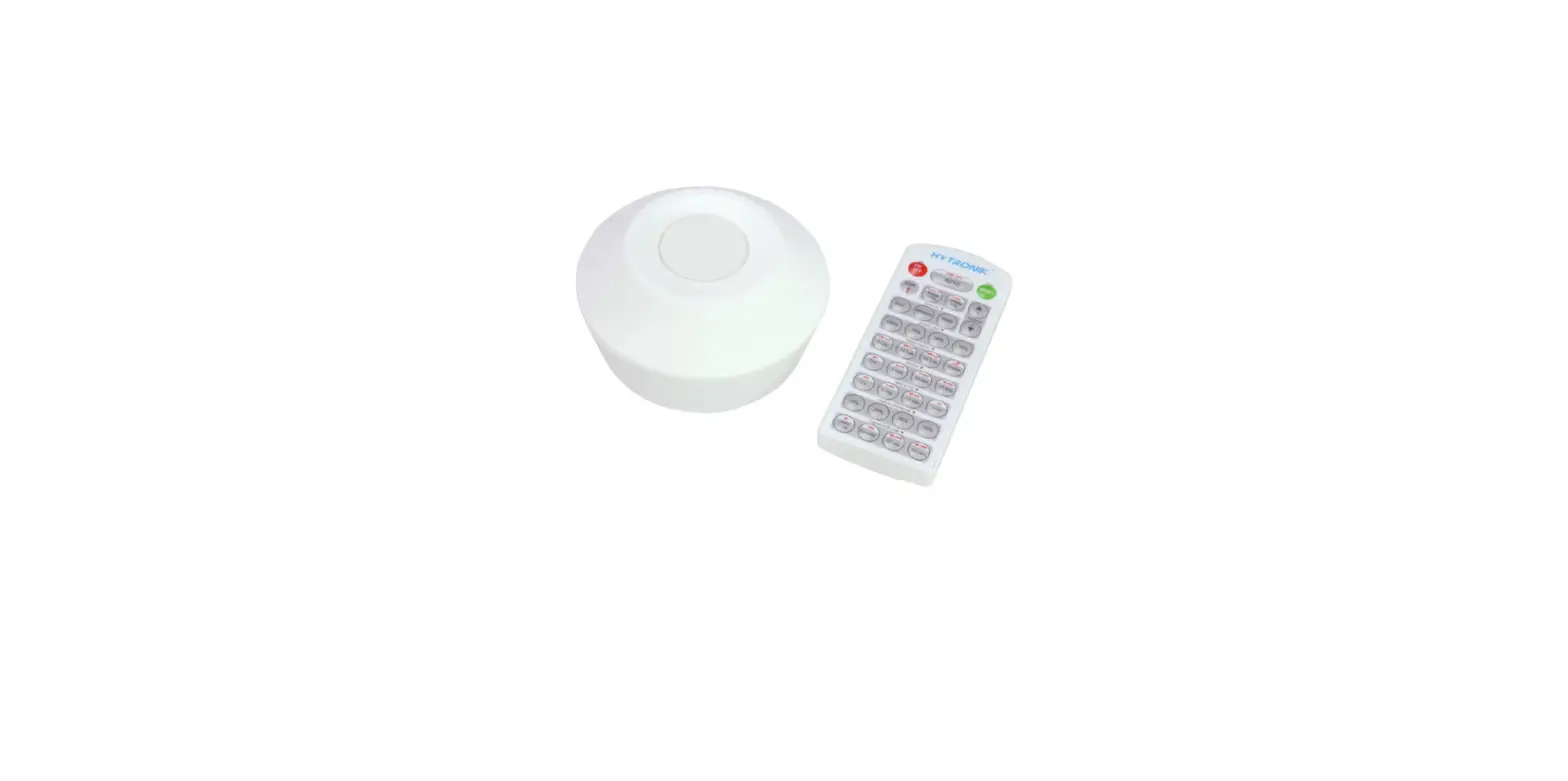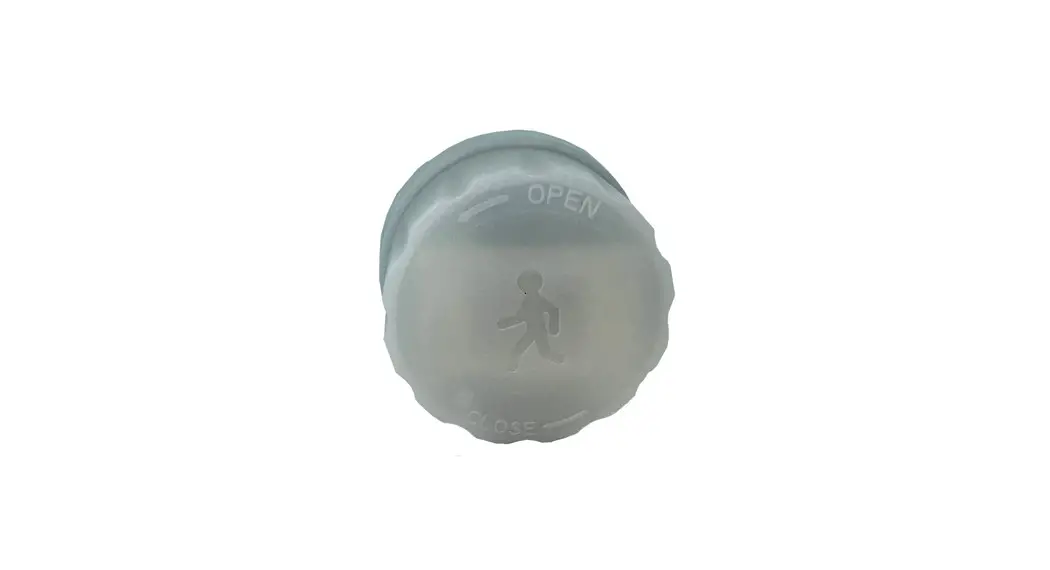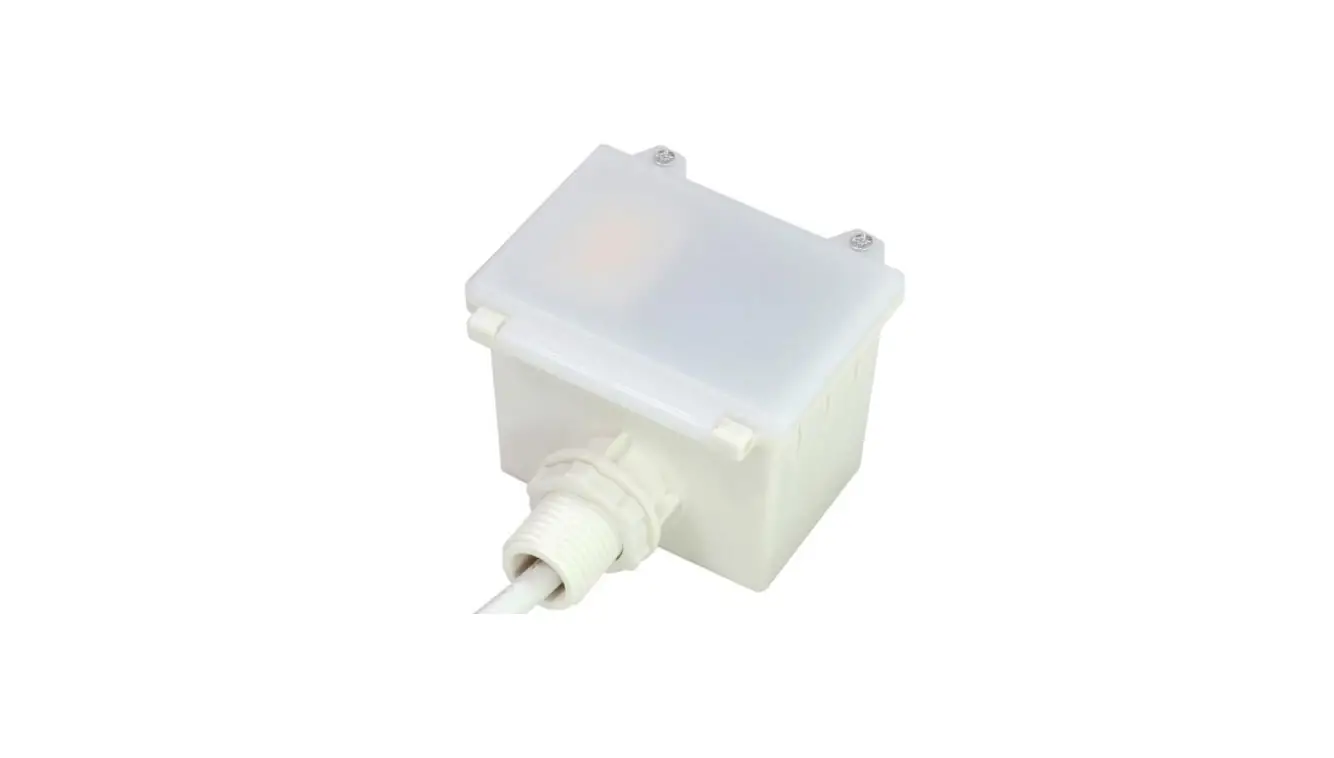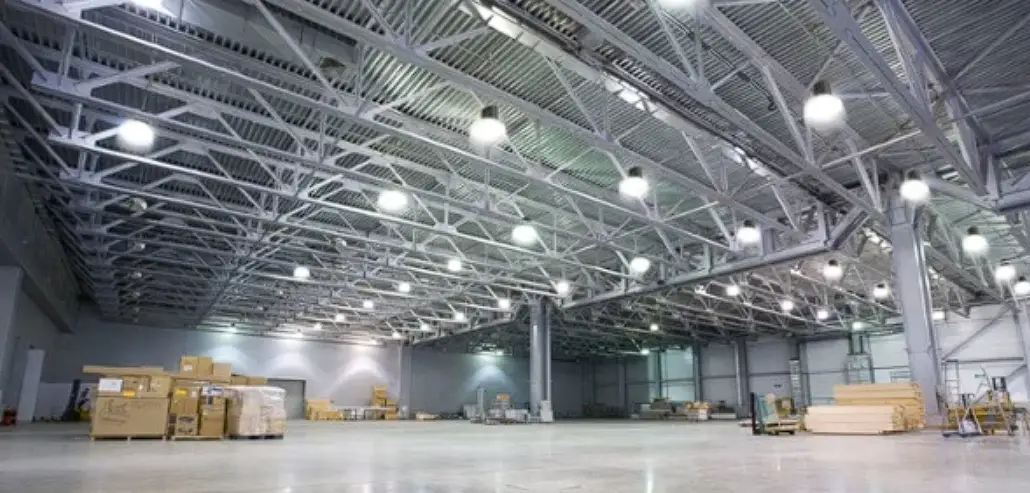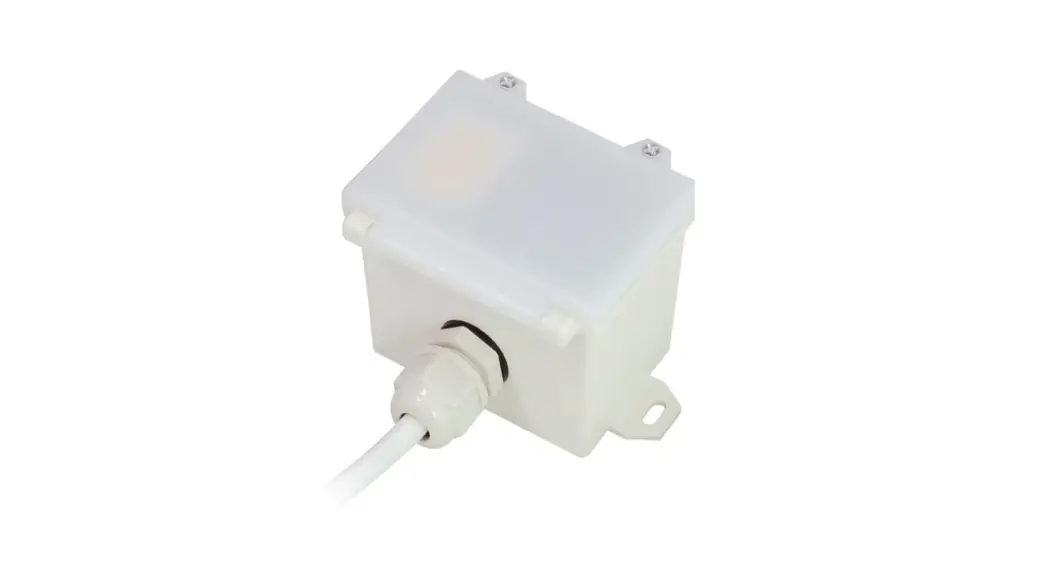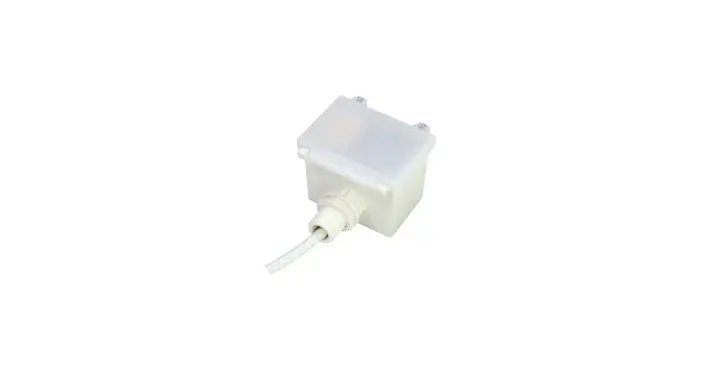
HYTRONIK HMW32 High Bay Microwave Motion Sensor Instruction Manual
Technical Specifications
| Product type | High bay microwave motion sensor (daylight harvest) |
| Operating voltage | 220~240VAC 50/60Hz |
| Rated load | 1600W (resistive); 800VA (capacitive) |
| Power consumption | < 0.5W |
| Detection angle | 360o |
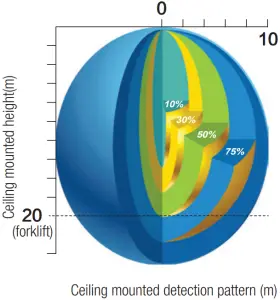
| Detection area (Max.)* | Installation Height : 20m (forklift) 15m (person) Detection Range (Ø) :20m |
| Detection range | 10% / 50% / 70% / 100% |
| Hold time | 2s / 30s / 1min / 5min / 10min / 15min / 20min / 30min |
| Stand-by time | 0s / 10s / 1min / 5min / 10min / 30min / 1h / +∞ |
| Stand-by dimming level | 10% / 20% / 30% / 50% |
| Daylight threshold | 50 ~ 500Lux, Disable |
| Warming up time | 20s |
| Operating temperature | -20o o C ~ +50o C |
| IP rating | IP65 |
Note: We recommend the mounting distance between sensor to sensor should be more than 2m to prevent sensors from false-triggering.
Installation
 Warnings
- Installation of the sensor involves connecting it to the mains supply. This work must be carried out by a specialist in accordance with electrotechnical
- Disconnect power supply before
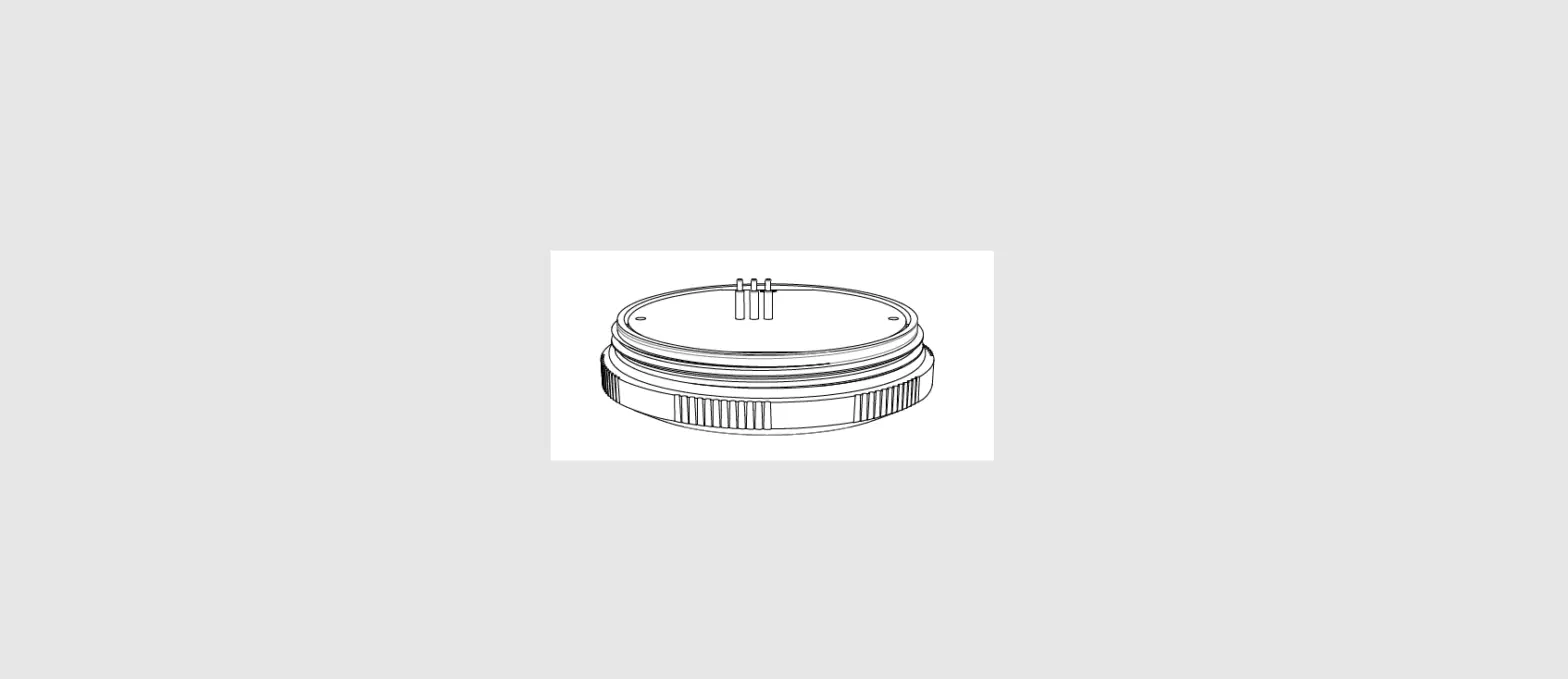
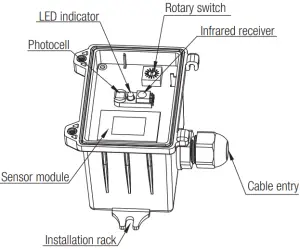
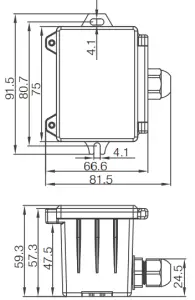
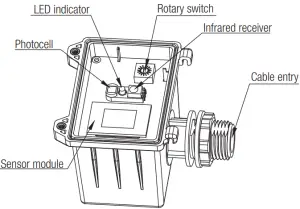
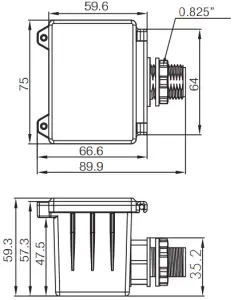
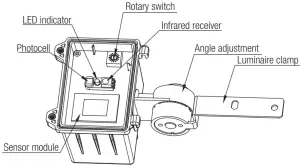
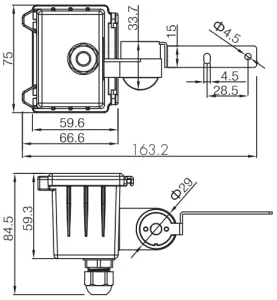
A: Ceiling mount

B. Screw to the Luminaire by conduit

C: Attach to the shade by clamp

Rotary Switch Settings
A rotary switch is built inside the sensor for scene selection / fast programming. Total of 16 channels available :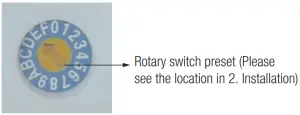
| Channel | Detection range | Hold time | Stand-by time | Stand-by dimming level | Daylight threshold |
| 0 | 100% | 5s | 10s | 10% | Disable |
| 1 | 100% | 1min | 5min | 10% | 50Lux |
| 2 | 100% | 5min | 10min | 10% | 50Lux |
| 3 | 100% | 5min | +∞ | 10% | 75Lux |
| 4 | 100% | 5min | +∞ | 10% | 100Lux |
| 5 | 100% | 5min | +∞ | 10% | 200Lux |
| 6 | 100% | 10min | 30min | 10% | 50Lux |
| 7 | 100% | 10min | +∞ | 10% | 75Lux |
| 8 | 100% | 10min | +∞ | 10% | 100Lux |
| 9 | 100% | 10min | +∞ | 10% | 200Lux |
| A | 100% | 20min | 1h | 10% | 100Lux |
| B | 100% | 20min | +∞ | 10% | 200Lux |
| C | 100% | 30min | +∞ | 10% | 100Lux |
| D | 100% | 30min | +∞ | 10% | 200Lux |
| E | 100% | 30min | +∞ | 10% | 400Lux |
| F | 100% | 5s | 10s | 10% | 100Lux |
Functions
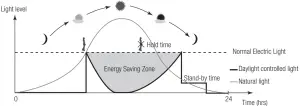
- Daylight Harvest (Daylight Regulating)
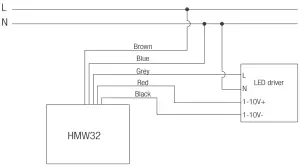
Daylight sensor measures the available natural light of the surrounding, calculates how much electrical light is needed to reach the total lux expected. The demand is given to the LED driver by 1-10V signal, so as to deliver the needed amount of electric light.
Note: by pressing the “Sensor off” button on the remote control, the sensor occupancy function is disabled. The target lux level for daylight harvest function can be adjusted by “Brightness +/-” buttons. - Lux Off Function
The built-in daylight sensor can read ambient natural light and switch off the fixture automatically whenever artificial light is unnecessary(natural light lux level exceeds daylight threshold).
Note: if the stand-by time is preset at “+∞”, the fixture never switches off even when natural light is sufficient. - Load Indication
The light will flash ONCE rapidly after receiving the command from the remote controller.
Note: There is no load indication (the light will not flash) when button ON/OFF, POWER 100% or POWER 80% is pressed.
Wiring Diagram
Detection Pattern
* For single person walking across, the detection range is reduced by 1/3.
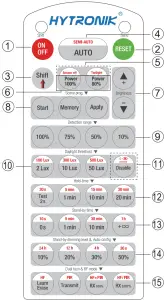
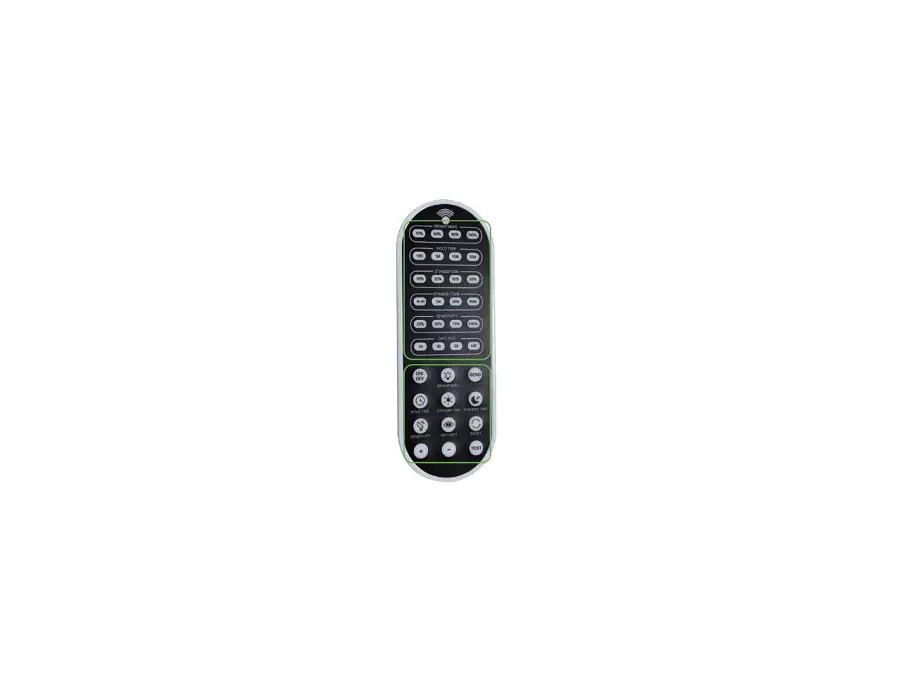
- Permanent ON/OFF [1]
Press button 1 , to select permanent ON or permanent OFF mode.
* Press button 2/4 to resume automatic operation.
The mode will change to AUTO Mode after power failure. - RESET[ button 2 ]
Press button 2, all settings go back to the rotary switch settings. - Shift [ button 3]
Press button 3, the LED on the top left corner is on for indication.
All values / settings in RED are in valid for 20 seconds. - Auto Mode [ button 4]
Press button 4 to initiate automatic mode. The sensor starts working
and all settings remain as before the light was switched ON/OFF.
Note: the function of Semi-auto is disabled - Sensor off [ button 5] (Daylight harvest without occupancy)
- Press button 5, the red LED is on for indication.
- Press button “Sensor off”, the function of movement detection is disabled.
Note: the function of “Twilight” is disabled.
- Power output [ button 6 ]
Press button 6, the light output shifts between 80% and 100%. - Brightness +/- [ button 7 ]
Press button 7 to adjust the light brightness to reset the target lux level. - Scene prog. [ zone 8 ] (One-key-commissioning)
- Press button “Start” to program.
- Select the buttons in 9“Detection range”, 10/11 “Daylight threshold”,
“Hold time”, 13 “Stand-by time”, 14 “Stand-by dimming level” to
set all parameters. - Press button “Memory” to save all the settings programmed in the remote control.
- Press button “Apply” to set the settings to each sensor unit(s).
For example, to pre-set detection range 100%, daylight threshold
Disable, hold time 5min, stand-by time +∞, stand-by dimming level 30%, the steps should be as follows:
Press button 8 Start, button 9 100%, Disable 11, 3 Shift, 12 5min, 3 Shift, +∞ 14, 30%, 8 Memory. By pointing to the sensor unit(s) and pressing 8 Apply, all settings are passed on the sensor(s).
- Detection range [ zone 9]
Press buttons in zone 9 to set detection range at 100% / 75% /
50% / 10%. - Daylight threshold [ zone 10 ]
Press buttons in zone 10 to set the daylight sensor at 50Lux / 100Lux / 300Lux / 500Lux or Disable as threshold / target Lux level.
Note: 2Lux / 10Lux are disabled.
To set daylight sensor at 100Lux / 300 Lux / 500Lux, press button Shift at first. - Ambient daylight threshold [ button 11 ]
- Press button 3 Shift, the red LED is on for indication.
- Press button 11, the ambient lux level is sampled and set as daylight threshold / target Lux level.
- Hold time [ zone 12]
Press buttons in zone 12 to set the hold time at 2s / 30s / 1min / 5min / 10min / 15min / 20min / 30min.
Note- To set hold-time at 30s / 5min / 15min / 30min, press button 3 Shift at first.
2s is for testing purpose only, stand-by period and daylight sensor settings are disabled in this mode.
*To exit from Test mode, press button 2 or any button in zone 12.
- To set hold-time at 30s / 5min / 15min / 30min, press button 3 Shift at first.
- Stand-by time [ zone 13 ]
Press buttons in zone 13 to set the stand-by period at 0s / 10s /
1min / 5min / 10min / 30min / 1h / +∞.
Note: “0s” means on/off control; “+∞” means bi-level control, 100% on when motion detected, and remains at the stand-by dimming level when no presence is detected after hold-time. - Stand-by dimming level [ zone 14 ]
Press buttons in zone 14 to set the stand-by dimming level at 10% /
20% / 30% / 50%. - Daylight harvest auto-configuration function
- Press button “Shift”, the red LED is on for indication.
- Select a time period and the sensor will do light level measurement and determine/save the lowest light level (commission line) with 100% light on, so as to set the target lux level automatically.
Note- Make sure the light level measurement covers the night time.
- The fixture will go into sensor mode after the measurement, all sensor settings remain unchanged.
- Dual tech & RF mode [ zone 15 ]
All buttons in zone 15 are disabled.
Trouble Shooting
MALFUNCTION CAUSE REMEDY | CAUSE | REMEDY |
| The fixture does not light up | Incorrect daylight threshold setting | Adjust daylight threshold setting |
| Faulty fixture | Replace fixture | |
| No power supply | Check power to sensor | |
| Detection zone not targeted | Check detection area setting | |
| The fixture is always on | Continous movement in the detection zone | Check detection area setting |
| The fixture is on when it should not | Sudden change in temperature due to weather (wind, rain, snow) or air expelled from fans, open windows | Adjust zone, change installation site |
Hytronik Industrial Ltd. | www.hytronik.com
3rd Floor, block C, complex building, 155#, Bai’gang road south, Bai’gang village, Xiao Jin Kou town, Huicheng district, Huizhou 516023 Tel: 86-752-2772020
Fax: 86-752-2777877