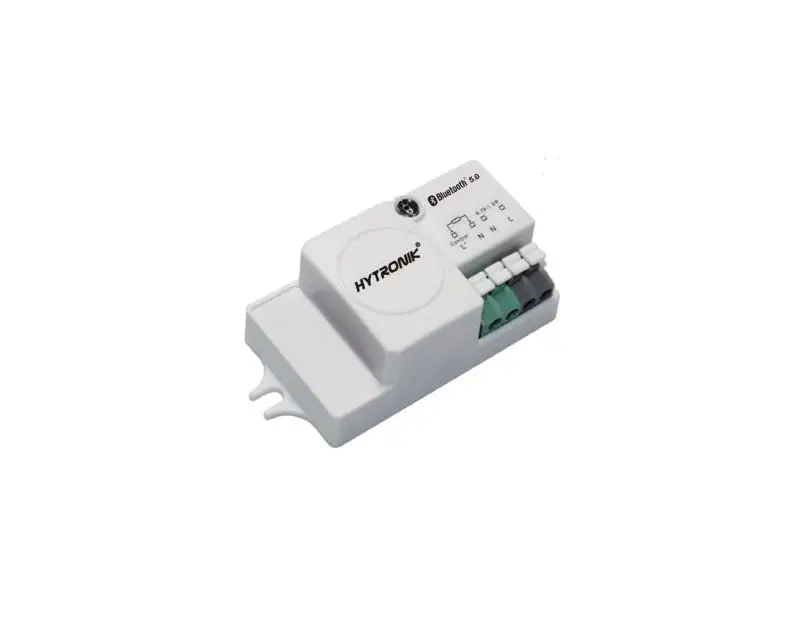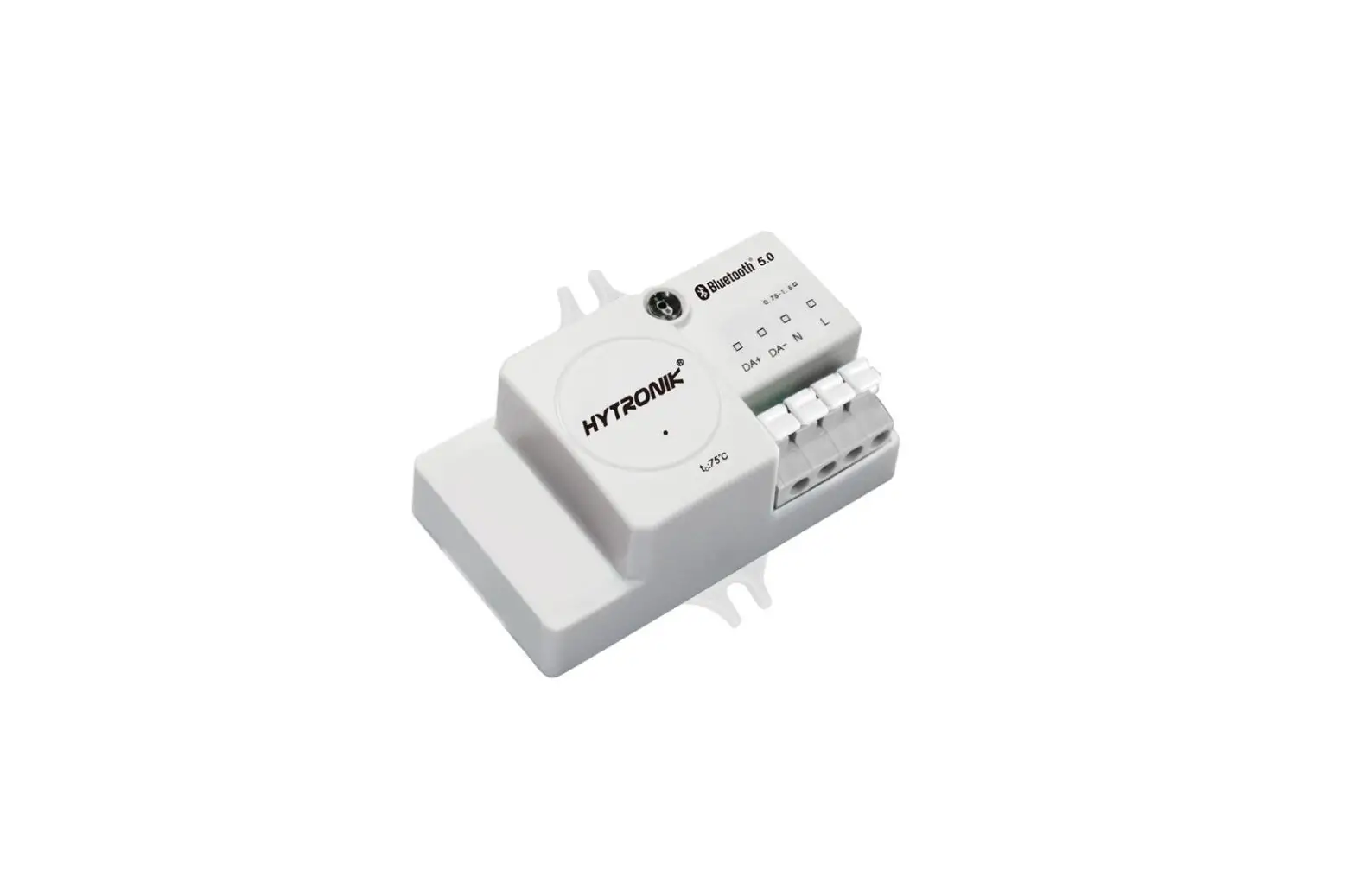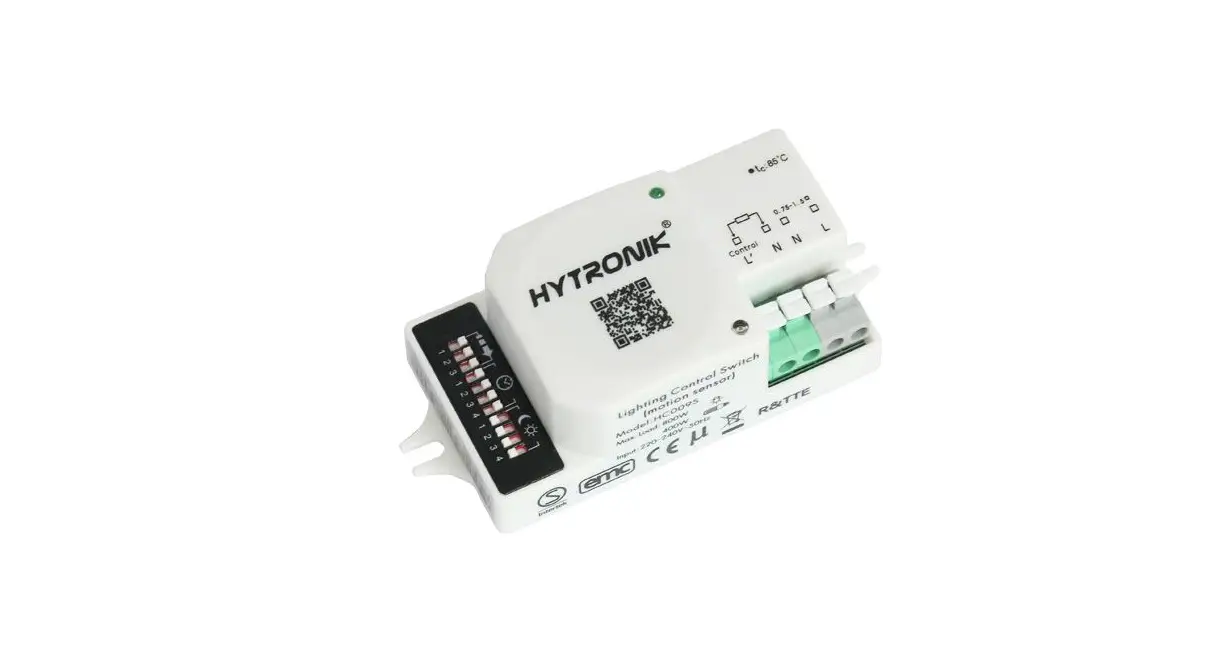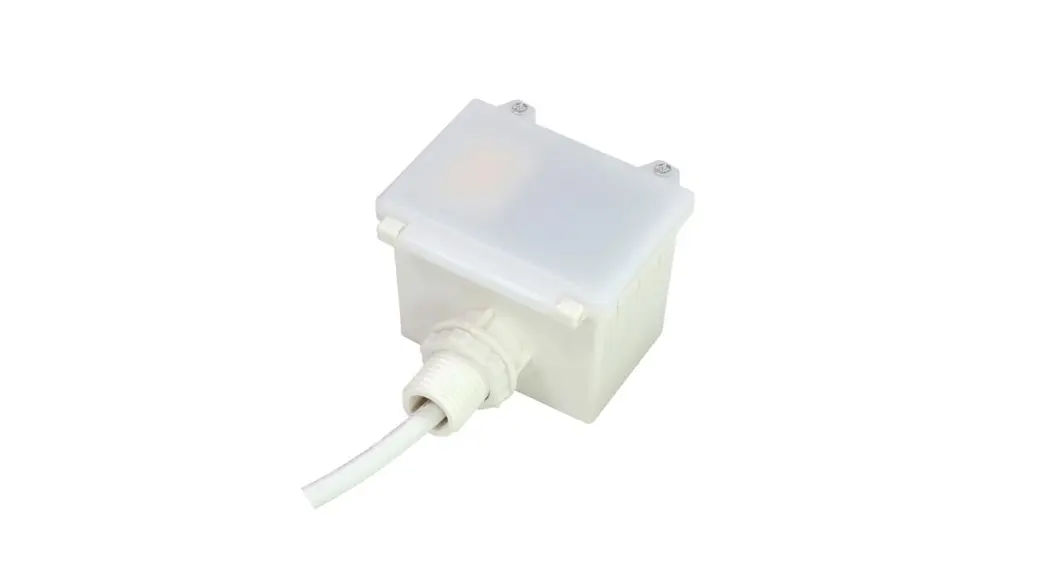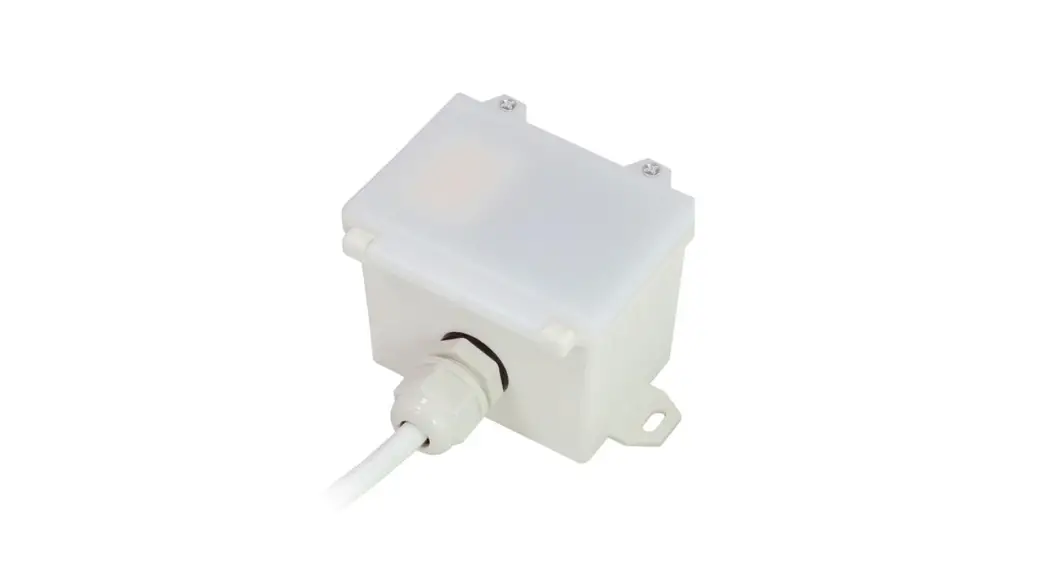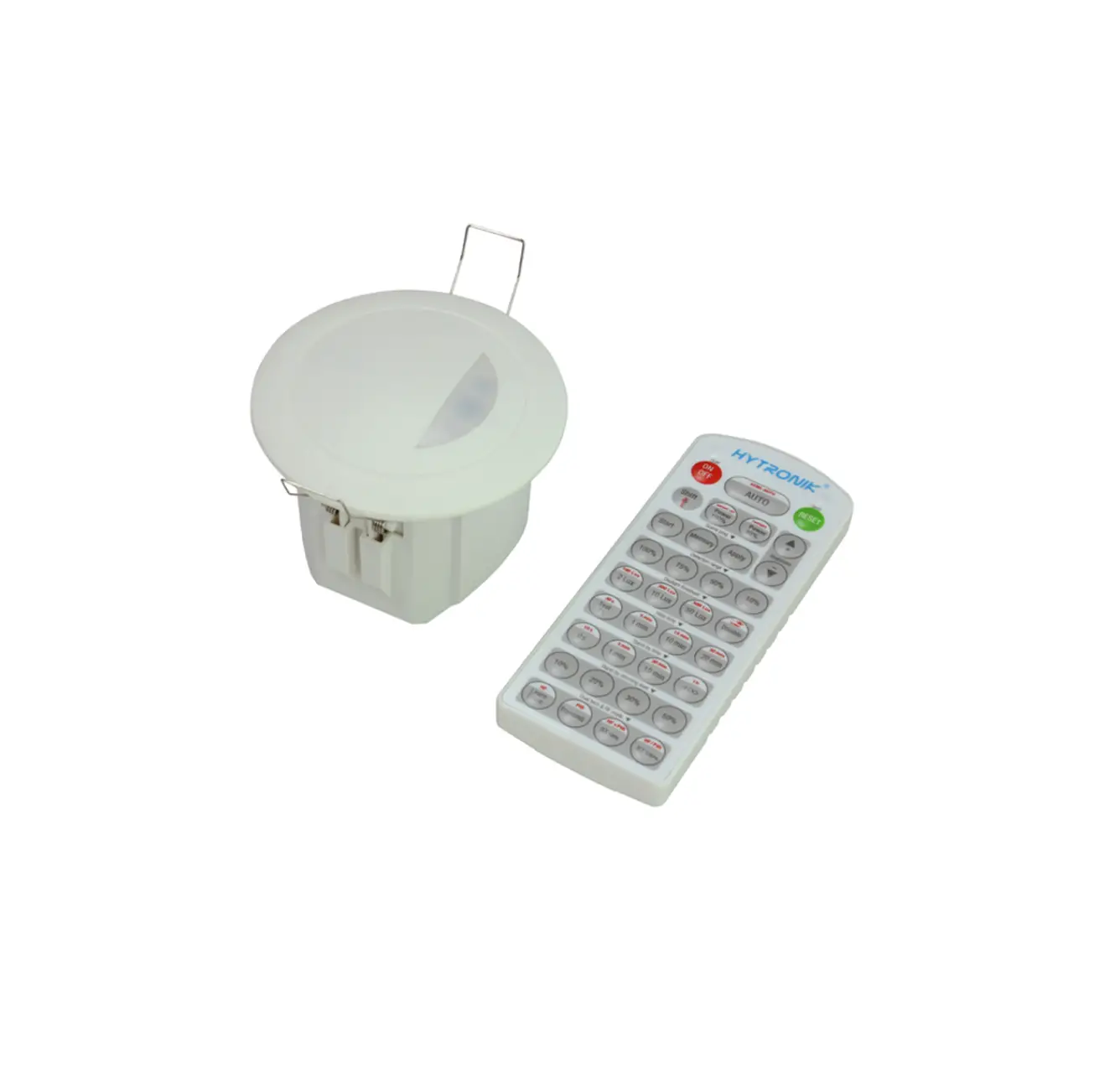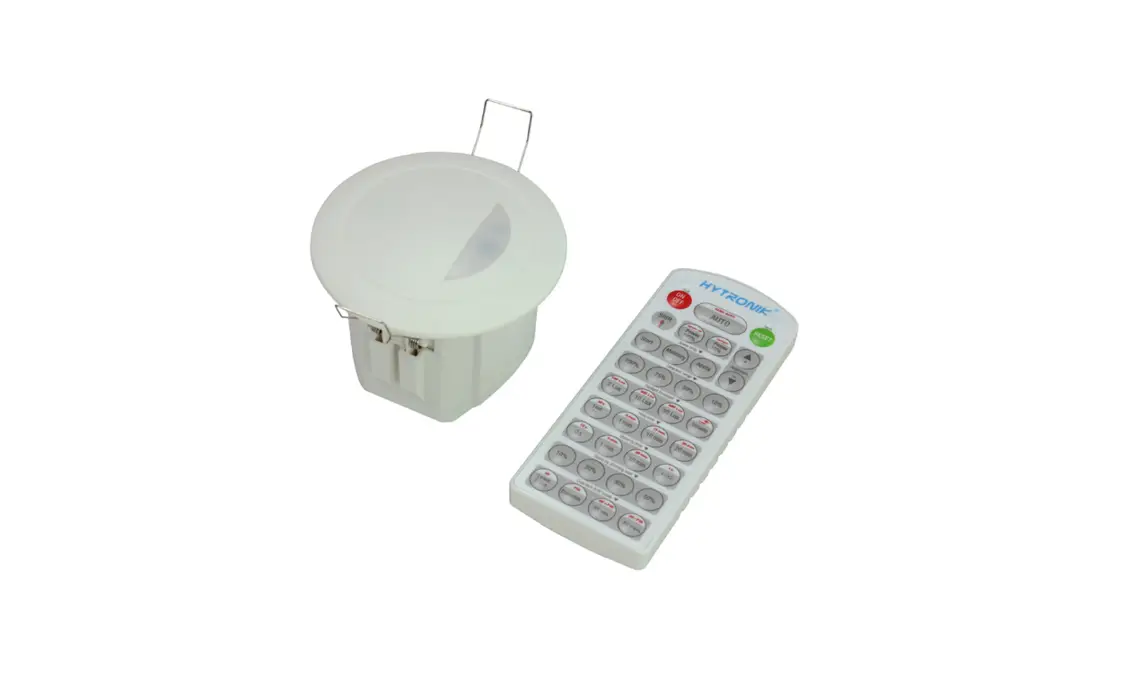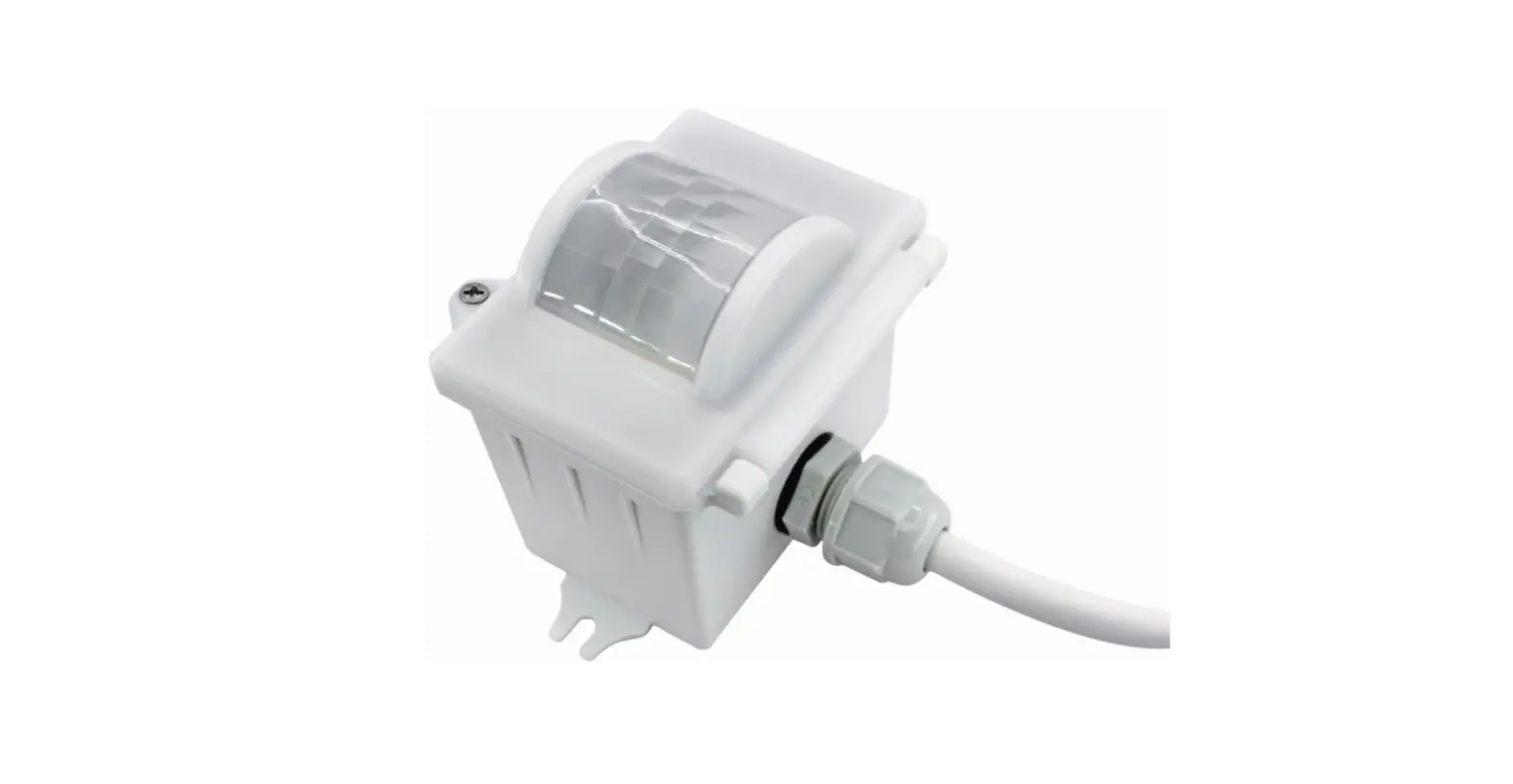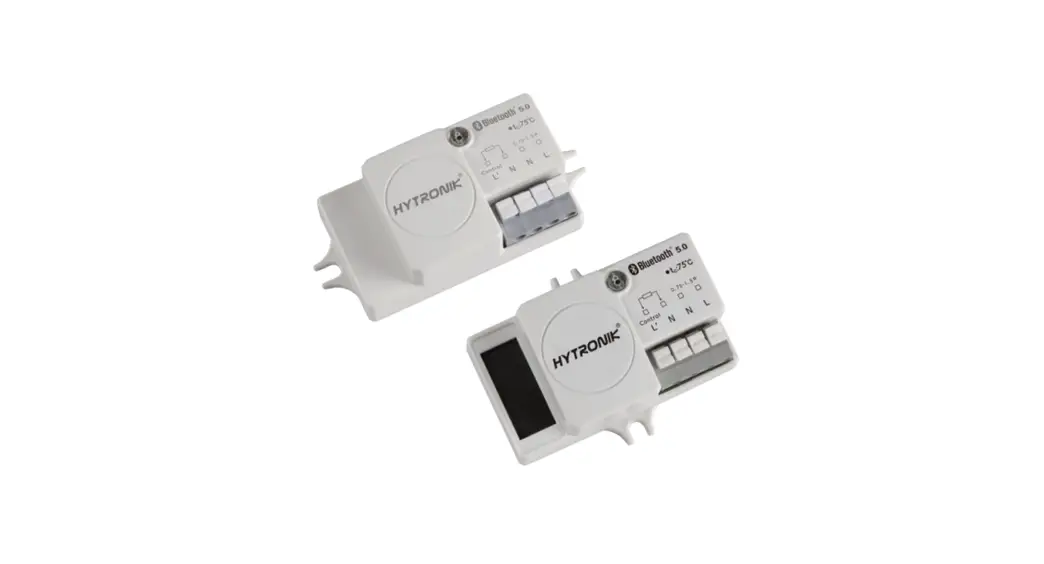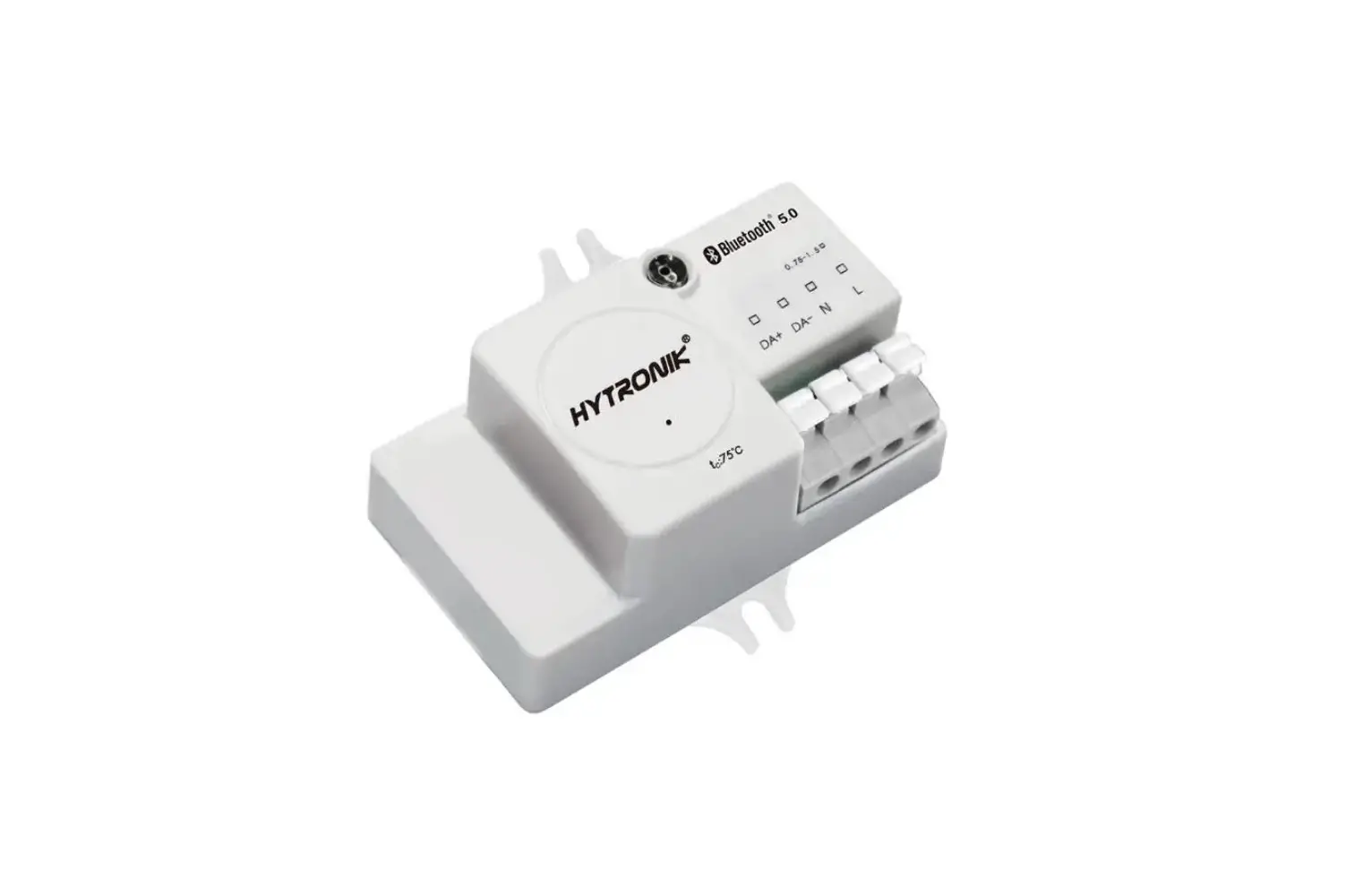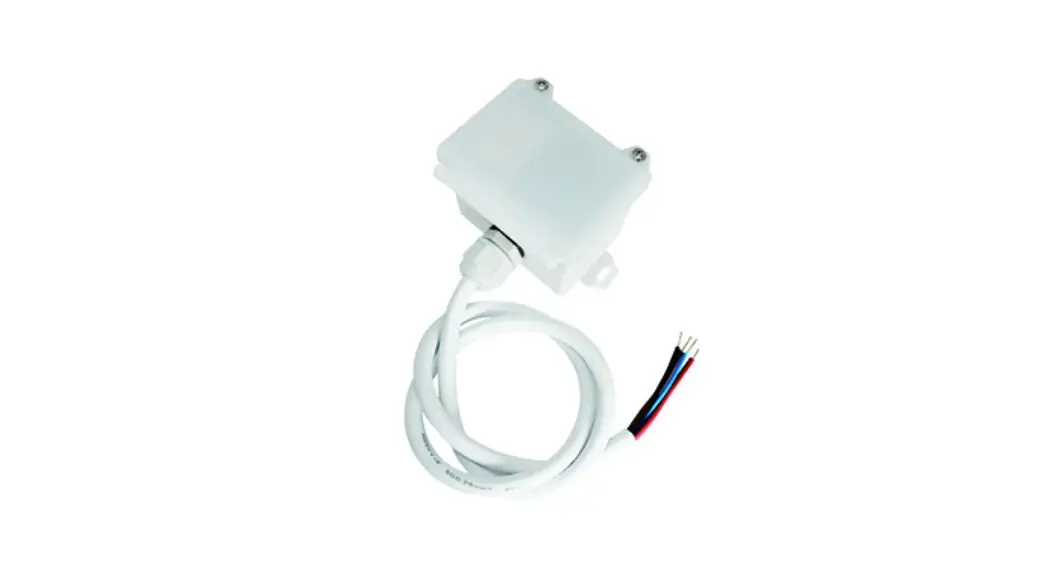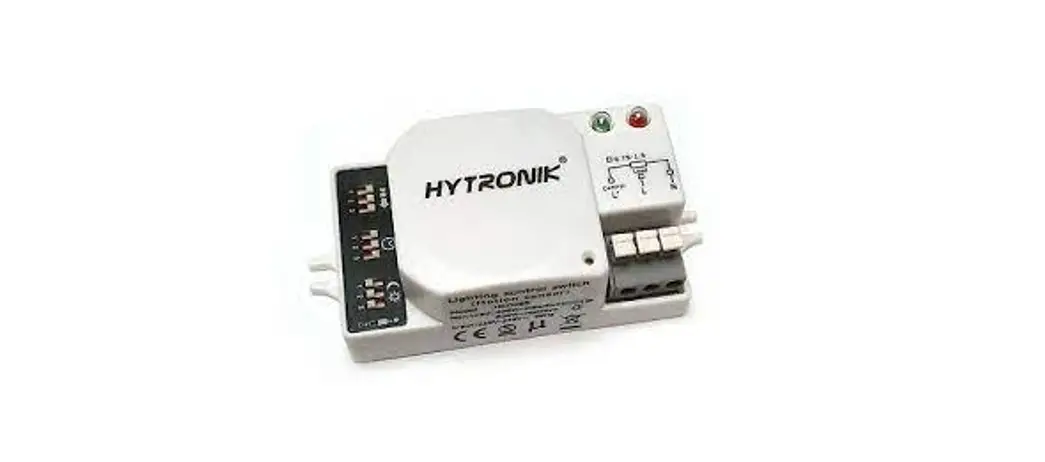

HYTRONIK HC005S Microwave Motion Sensor
Technical Specifications

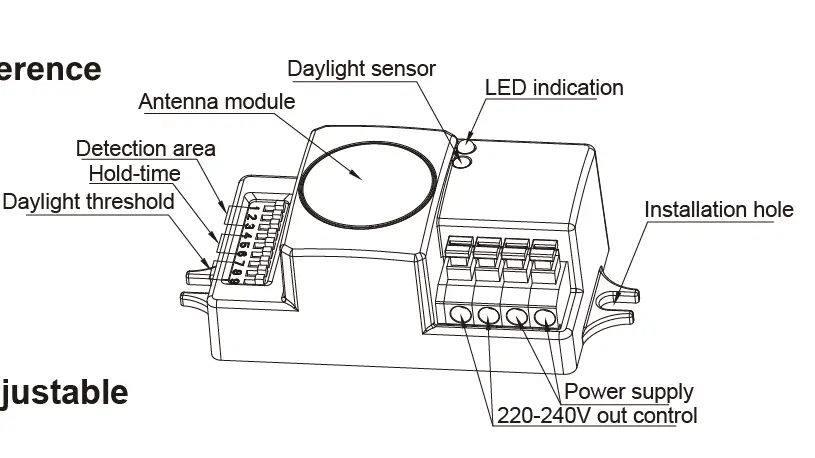
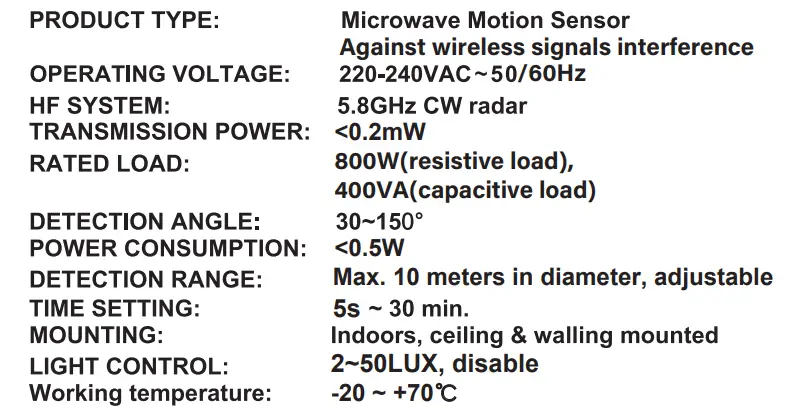
NOTE: We recommend the mounting distance between sensor to sensor should be more than 2m to prevent sensors from false-triggering.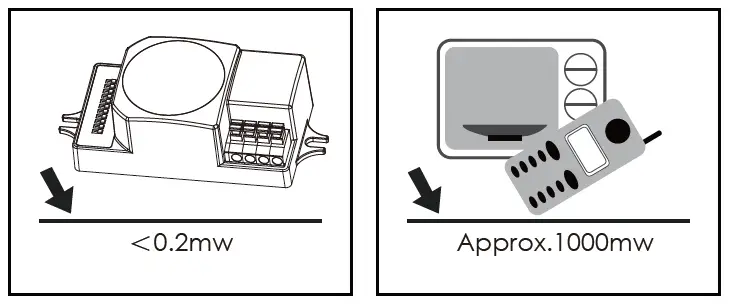
The sensor is an active motion detector; ii emits a high-frequency electromagnetic wave 5.8GHz and receives its echo. The sensor detects the change in echo from movement in its detection zone. A microprocessor then triggers the switch light ON command. Detection is possible through doors, panels of glasses thin walls.
NOTE
this sensor is <0.2mWE approximately just 1‰ of the transmission power of a mobile telephone or the output of a microwave oven.
IMPORTANT
PLEASE READ THESE INSTRUCTIONS CAREFULLY PRIOR TO INSTALLATION AND RETAIN THIS LEAFLET IN A KNOWN AND SAFE PLACE FOR FUTURE REFERENCE
INSTALLATION & WIRING
ENSURE THAT THE ELECTRICITY SUPPLY IS SWITCHED OFF COMPLETELY BEFORE INSTALLING OR SERVICING THIS PRODUCT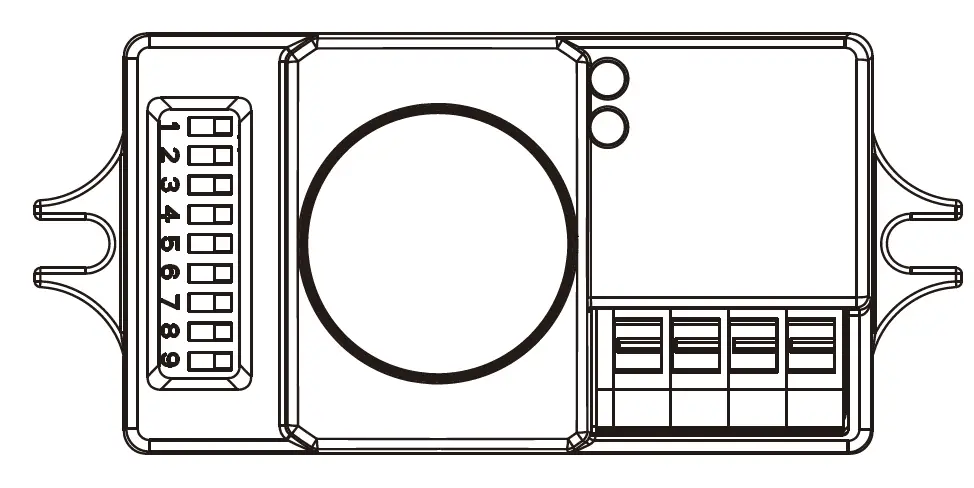
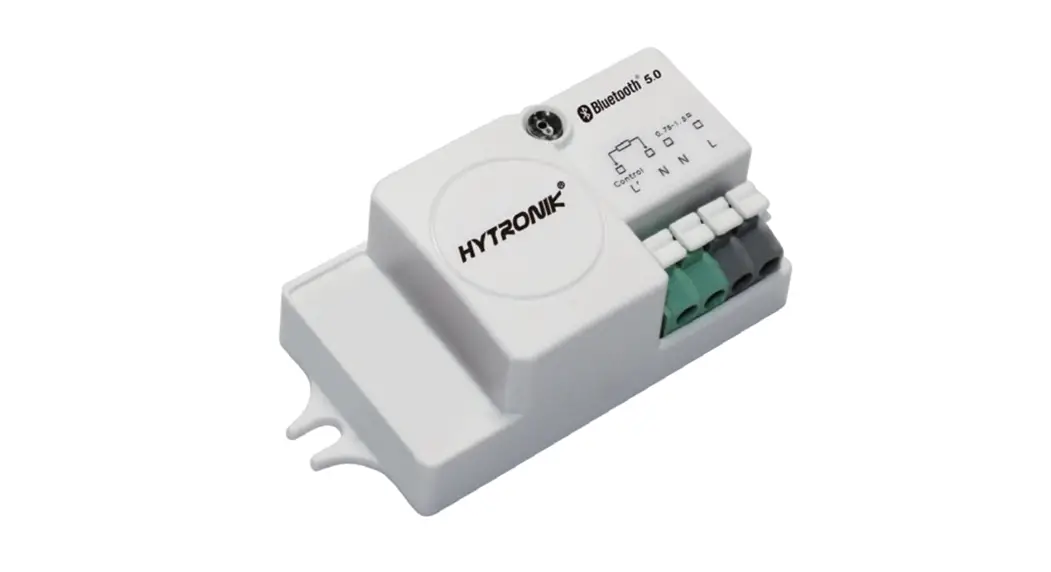
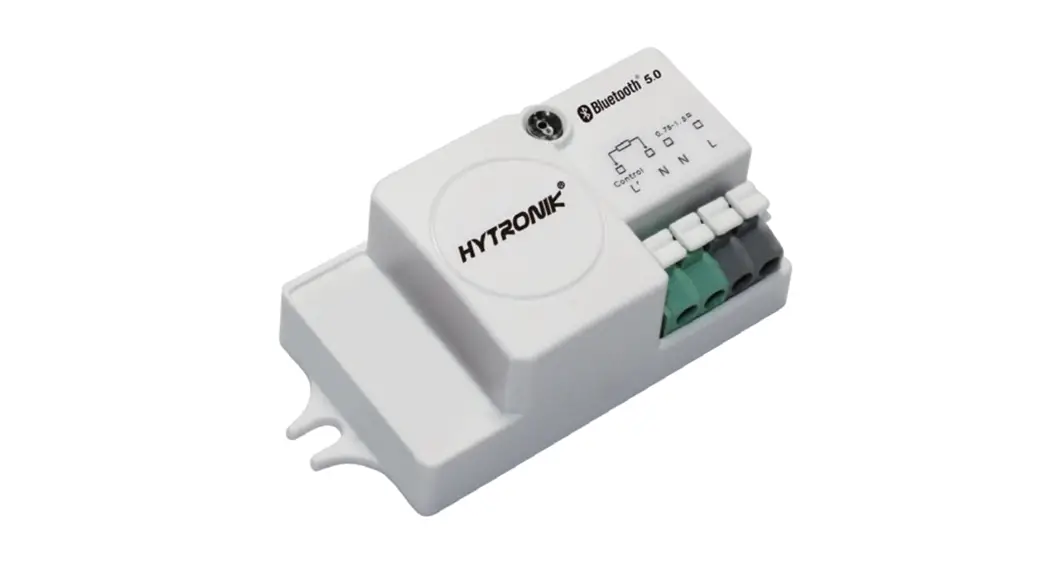
The sensor has a -wire electrical interface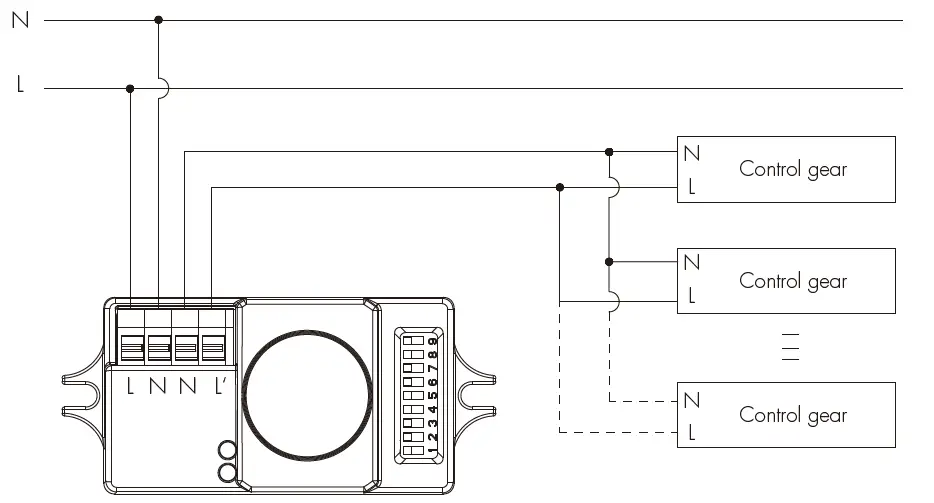
- Nx2(neutral / 220-240VAC)
- L (phase / 220-240VAC)
- L’ (switched phase / output)
To connect several standard control gear with 1 sensor(ON-OFF function), the wiring should be With Tridonic switchDIM ballast/driver ( Excel ballast/driver, corridor function), this sensor can also achieve tri-level dimming control: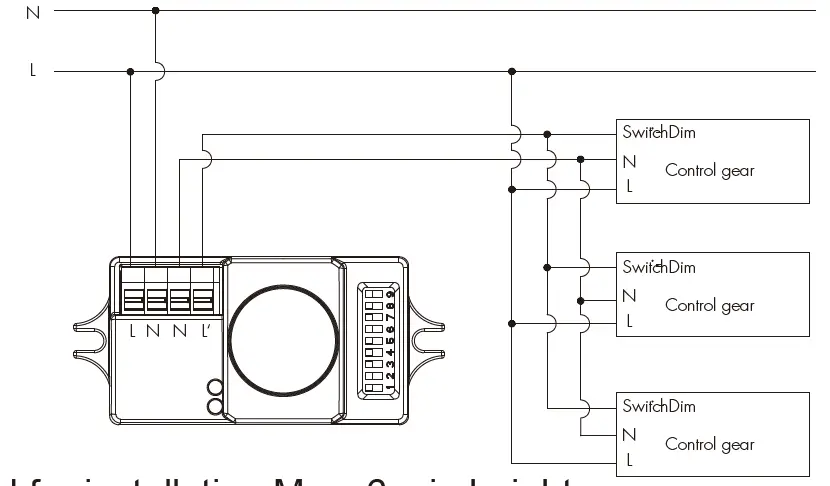
This sensor is suitable for indoor use and is also designed for installation Max. 6m in height. While sensor use with dimming ballast/driver, please keep the sensor antenna module from the ballast/driver and lamp filament by at least 80mm.
SETTINGS
Detection range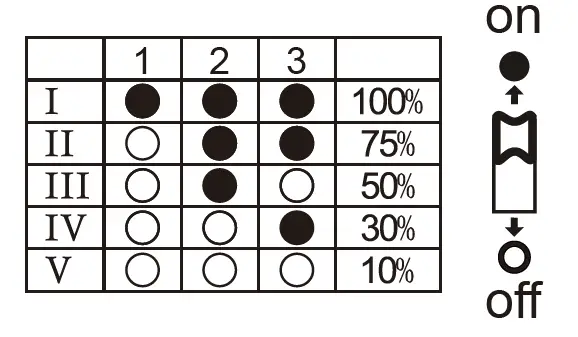
This determines the effective range of the motion detector and is set by DIP switches at the sensor itself, refer to figure. Note that reducing the sensitivity will also narrow the detection range. on The following settings are available:
- Detection range 100%
- Detection range 75%
- Detection range 50%
- Detection range 30%
- Detection range 10%
Hold time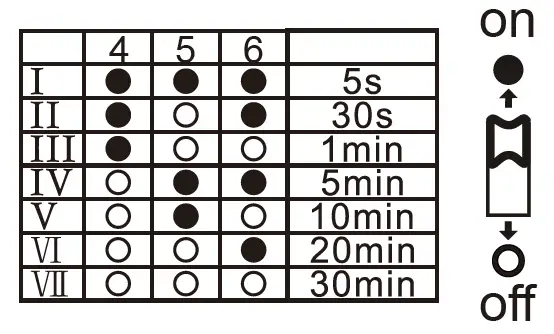
This determines the time the fitting remains at 100% level on motion detection and is set with DIP switches at the sensor itself, refer to figure. The walk test setting is useful when installing the fitting to establish correct operation and range.
The following settings are available:
- Walk test mode 5s II – 30s
- 1 minute
- 5 minutes
- 10 minutes
- 20 minutes VII– 30 minutes
Daylight sensor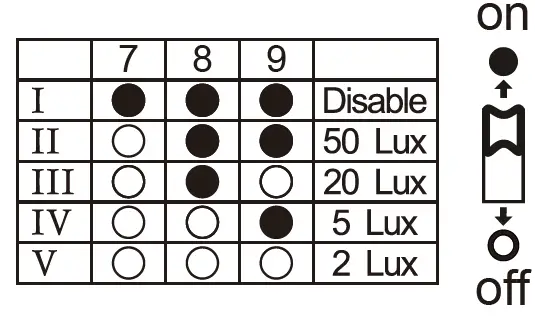
This setting holds off the 100% light output should their sufficient daylight and is set using DIP switches at the sensor, refer to figure. The following settings are available:
- disable
- 50 lux
- 20 lux
- 5 lux
- 2 lux
*In disable mode t the lamp(s) will always be on with motion detected and operate at 100% light output, even in bright daylight.
FUNCTION
Zero-cross relay operation zero-cross relay operation
Designed in the software, the sensor switches on/off the load right on the zero-cross point, to ensure the min. current passing through the relay contact point, and enable the max. load and lifetime of the relay.
TROUBLESHOOTING
| MALFUNCTION CAUSE REMEDY | CAUSE | REMEDY | |||||||||||
| The load will not work | Incorrect light-control setting selected | Adjust setting | |||||||||||
| Load faulty | Replace load | ||||||||||||
| Mains switch OFF | Switch ON | ||||||||||||
| The load is always on | Continuous movement in the detection zone | Check zone setting | |||||||||||
| The load movement | is | on | without | any | identifiable | The sensor movement | is | not | mounted | for | reliably | detecting | Securely mount enclosure |
| Movement occurred, but not identified by the sensor (movement behind wall, movement of small object in immediate lamp vicinity etc.) | Check zone setting | ||||||||||||
| The load will not work despite movement | Rapid movements are being suppressed to minimise malfunctioning or the detection radius is too small | Check zone setting | |||||||||||
 Microwave sensor_Microwave motion sensor_Hytronik Electronics Co., Ltd.